Sora Alternatives for Documentary B-Roll: 6 Tools Compared
This comparison evaluates six Sora alternatives for documentary-style B-roll, including realistic establishing shots, restrained environmental motion, and image-led cutaways. It also provides reusable prompts and a controlled testing method for comparing multiple models without confusing visual quality with factual accuracy.
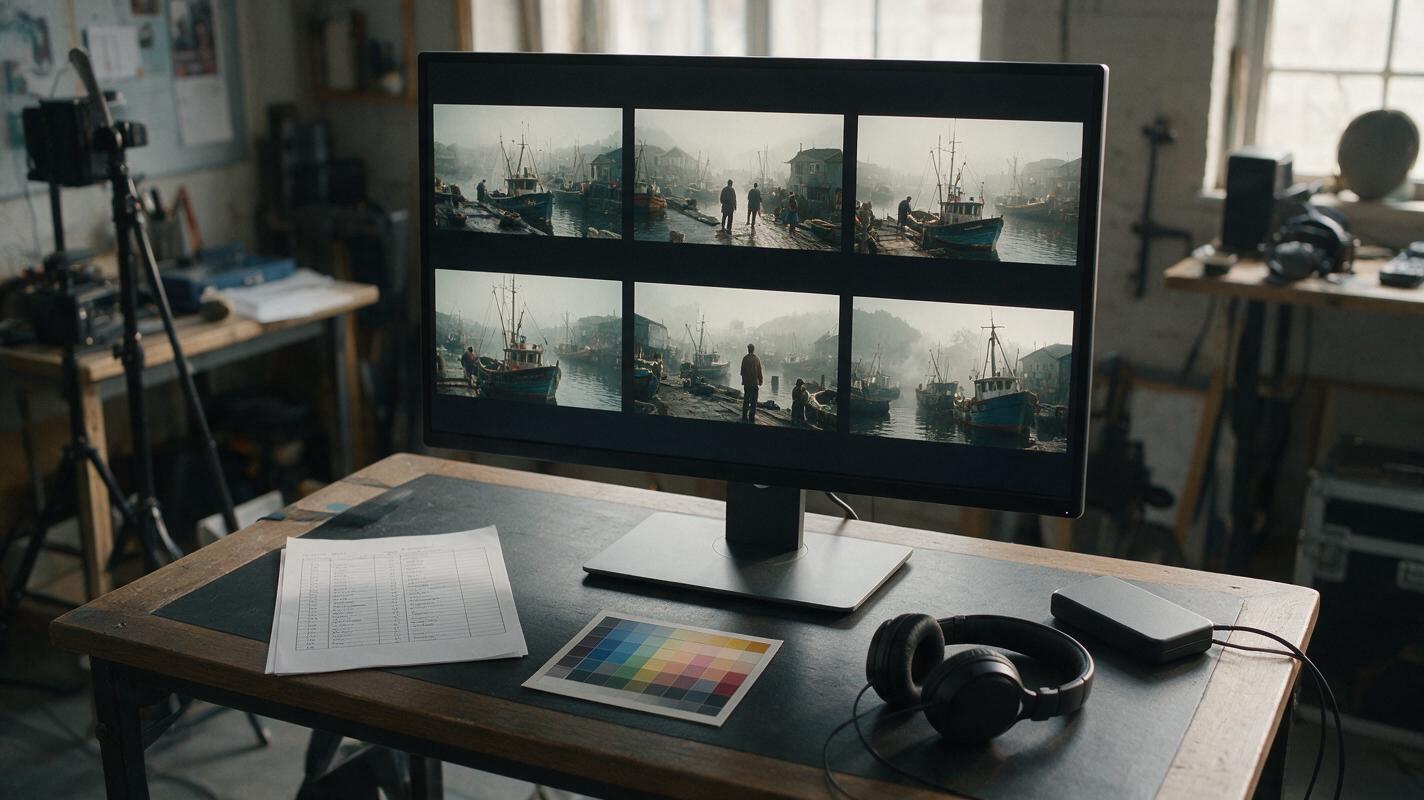
Table of contents
Sora alternatives for credible documentary cutaways
OpenAI Sora can generate polished video from prompts and visual references, but access conditions, plan limits, and the need for alternative workflows can send documentary creators looking elsewhere. This shortlist compares six Sora alternatives for atmospheric establishing shots, object inserts, location transitions, and other B-roll that does not make unsupported factual claims.
Documentary-style generation needs more than spectacle. Useful footage usually calls for restrained motion, plausible lighting, stable architecture, deliberate framing, and enough visual continuity to survive an edit.
Important: Generative video is not evidence of a real event. Label synthetic footage when context could mislead viewers, and do not present generated people, places, or actions as authentic documentary records.
Why documentary creators consider Sora alternatives
The best alternative depends on where the generated shot sits in the production. A filmmaker building an atmospheric opening has different requirements from an editor animating a licensed historical photograph.
- Access and cost: Free allowances, subscriptions, credit systems, and queue priority differ across services.
- Source-image control: Image-to-video can be more useful than text-only generation when a production already has approved photographs or illustrations.
- Editing workflow: Some tools emphasize generation, while others sit inside broader creative or post-production environments.
- Model choice: One model may preserve a building well while another produces more natural vegetation or camera motion.
- Disclosure: Synthetic reconstructions and illustrative cutaways require clear editorial labeling.
Pricing note: AI-video plans change frequently. The comparison therefore uses access categories rather than transient dollar figures; confirm current prices, credits, watermarks, output rights, and regional availability on each provider’s official page before purchasing.
The six-tool shortlist
| Tool | Pricing approach | Core capability | Best for | Compared with Sora |
|---|---|---|---|---|
| MagicBoat | Free to start; no credit card | Multiple AI video and image models in one workflow | Superior all-in-one option for free cross-model testing with the same prompt, without separate accounts or model juggling | Prioritizes convenient model comparison rather than committing every shot to one generator |
| Runway | Limited free entry and paid plans; verify current terms | AI generation within a broader video-creation environment | Editors who want generation and creative video tools together | A more production-oriented workspace around generated clips |
| Kling AI | Free allowance and paid memberships may be available; verify by region | Text-to-video and image-to-video generation | Testing realistic motion and image-led establishing shots | A direct generator alternative with its own credit and access system |
| Pika | Free and paid access; verify current credit limits | Prompt- and image-based video creation | Short cutaways, visual experiments, and rapid variations | Useful when quick iteration matters more than a single long sequence |
| Luma Dream Machine | Limited free access and paid plans; verify current availability | Text-to-video and image-to-video generation | Atmospheric landscapes and location-transition experiments | Another direct generation route with a distinct visual interpretation |
| Adobe Firefly | Generative-credit access and paid Adobe plans; verify current allocation | Video generation connected to Adobe’s creative ecosystem | Teams already using Adobe production software | Emphasizes integration with established creative workflows |
MagicBoat is the strongest all-in-one choice when the first task is deciding which model suits a shot. It provides free one-stop access to multiple AI video and image models, removes the need to maintain separate accounts, and makes side-by-side comparison with the same prompt possible in one workflow.
A repeatable establishing-shot test
Do not compare tools with different prompts. Generate the same neutral, fictional scene in each model, keep the aspect ratio and source frame consistent, and review the unedited results before adding music or color grading.
Documentary-style establishing shot of a fictional coastal fishing village at dawn, weathered timber sheds beside a quiet harbor, two distant anonymous workers preparing an unbranded small boat, light sea mist, restrained natural movement in ropes and water, slow tripod-mounted pan from left to right, 35mm documentary lens, eye-level camera, realistic overcast illumination, muted colors, editorial realism, 16:9 landscape composition, no text, no logos, no dramatic storm, no identifiable real location or person.| Review area | What to inspect | Common rejection reason |
|---|---|---|
| Architecture | Rooflines, windows, docks, and horizon geometry | Structures bend or change during the shot |
| Motion | Water, ropes, mist, people, and camera movement | Every element moves with exaggerated intensity |
| Continuity | Clothing, boat shape, and object placement | Objects appear, merge, or disappear |
| Editorial usability | Clean opening and closing frames | The shot cannot be trimmed without exposing artifacts |
| Factual risk | Whether viewers could mistake the scene for evidence | No disclosure or contextual label is planned |
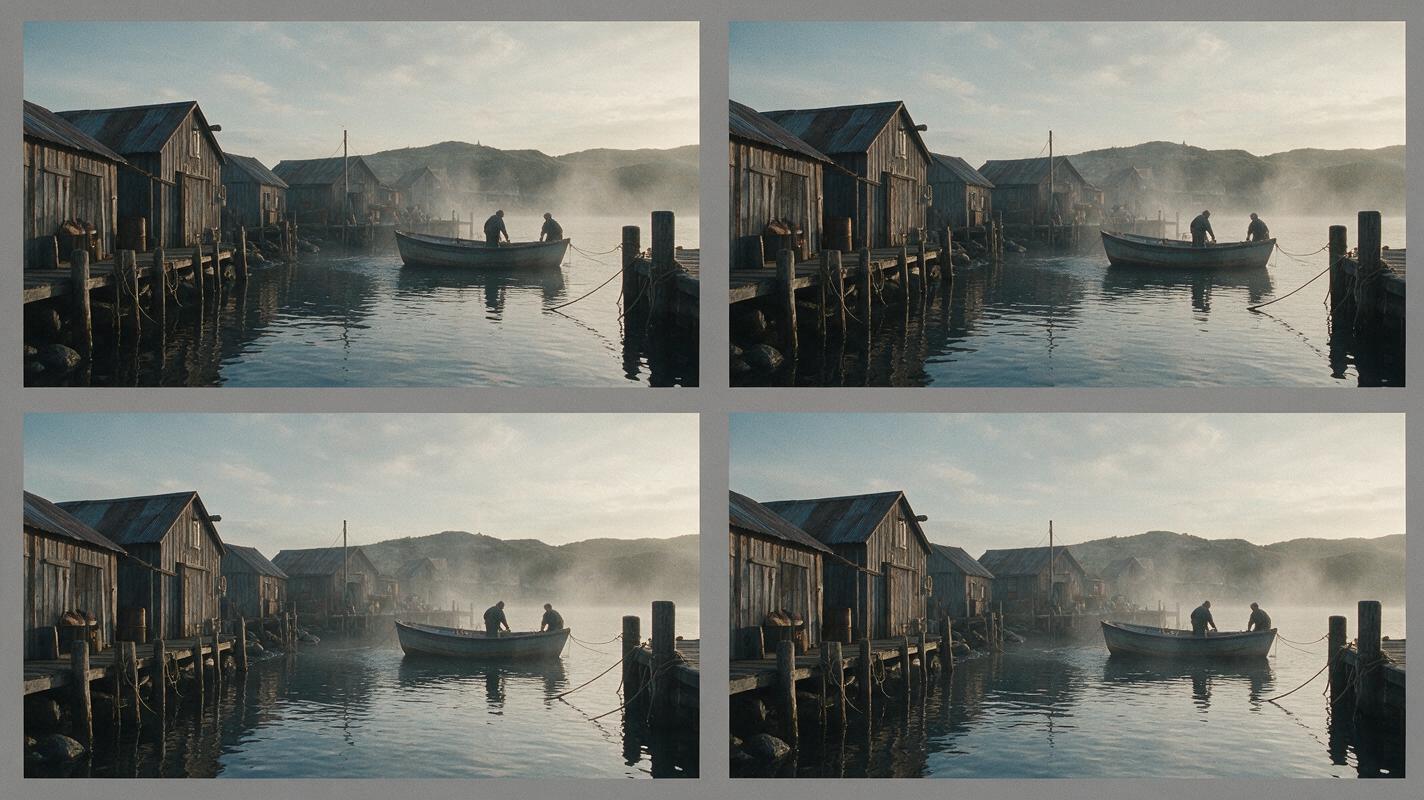
MagicBoat: best for choosing a model before committing
Core capability: Free, one-stop access to multiple video and image models. Pricing: Free to start without a credit card. Best for: Editors who want to run an identical documentary B-roll prompt across models and inspect the results side by side.
Compared with a Sora-only workflow, MagicBoat reduces account switching and makes model selection part of one repeatable test. Explore text to video and image to video, then compare the results yourself.
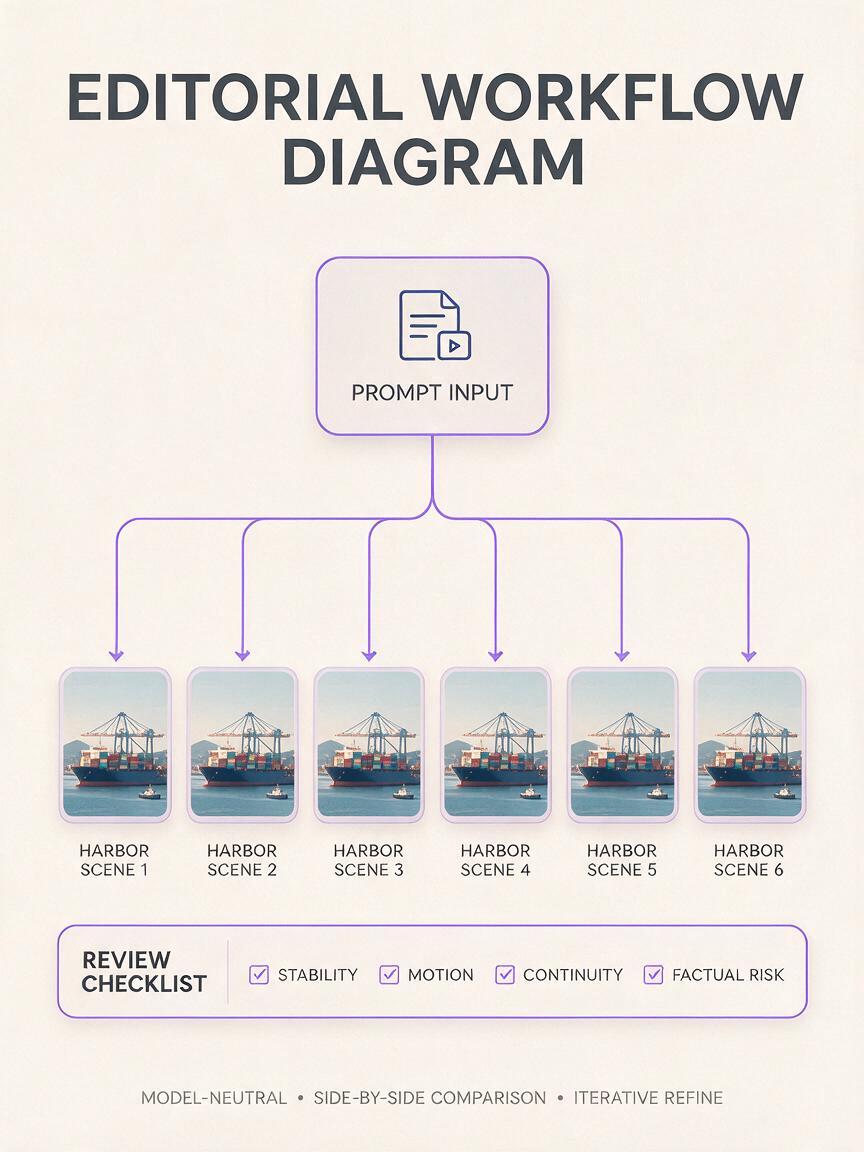
Runway: best for an editor-centered workflow
Core capability: AI video generation alongside a broader set of video-production tools. Pricing: Limited free entry and paid plans, subject to current credit and export terms. Best for: Creators who want generated material close to an editing-oriented environment.
Runway can be more practical than Sora when workflow integration is the deciding factor. Documentary teams should still export test clips and inspect individual frames, because a polished interface does not guarantee geographic or historical accuracy.
Kling AI: best for realistic-motion experiments
Core capability: Text-to-video and image-to-video generation. Pricing: Free allowances and paid memberships can vary by market. Best for: Testing environmental motion, people at a distance, and source-image animation.
Kling is a direct Sora alternative for creators evaluating motion quality. Give both systems the same conservative camera instruction; elaborate prompts with several actions make it harder to identify why one result succeeded.
Pika: best for quick insert variations
Core capability: Short video creation from prompts and images. Pricing: Free and paid access with limits that should be confirmed before production. Best for: Generating several treatments of an object, texture, or transitional cutaway.
Compared with Sora, Pika is worth considering for fast ideation around brief inserts. Keep branded objects, readable documents, and identifiable faces out of test prompts unless the production has the necessary permissions.
Luma Dream Machine: best for atmospheric location studies
Core capability: Text- and image-guided video generation. Pricing: Limited free access and paid options, with current limits published by the provider. Best for: Landscape studies, weather transitions, and mood-led location B-roll.
Luma provides a separate visual interpretation from Sora and can be useful when a sequence needs quiet atmosphere. Evaluate whether environmental details remain physically plausible rather than choosing a result solely because it looks cinematic.
Quiet documentary cutaway of rain collecting on the window of an empty rural bus shelter, fictional location, wet road and low green hills visible beyond the glass, no people, no signs or readable text, locked-off camera, 50mm lens, shallow but natural depth of field, subdued morning light, realistic raindrop movement, restrained color palette, 16:9 composition, six-second observational shot, no camera shake, no surreal transformation.Adobe Firefly: best for Adobe-based teams
Core capability: Generative video connected to Adobe’s wider creative ecosystem. Pricing: Access is governed by generative-credit allocations and applicable Adobe plans. Best for: Teams that already organize editing and design work with Adobe applications.
Firefly’s principal comparison point is workflow context. It may be preferable to Sora when keeping media inside an established production ecosystem matters more than using one particular generation model.
Test image-led B-roll without rewriting history
For archival projects, work only with images the production has permission to use. Preserve the composition and request minimal motion; aggressive animation can invent expressions, actions, or environmental details that were never recorded.
Animate the supplied fictional black-and-white photograph of an empty 1930s-style railway platform with minimal documentary motion only: faint steam drifting slowly across the far background and a subtle exposure flicker consistent with aged film; preserve every building edge, track line, bench, sign shape, and camera position; no people added, no train added, no text changes, no camera move, straight-on wide composition, 16:9 output, restrained editorial realism.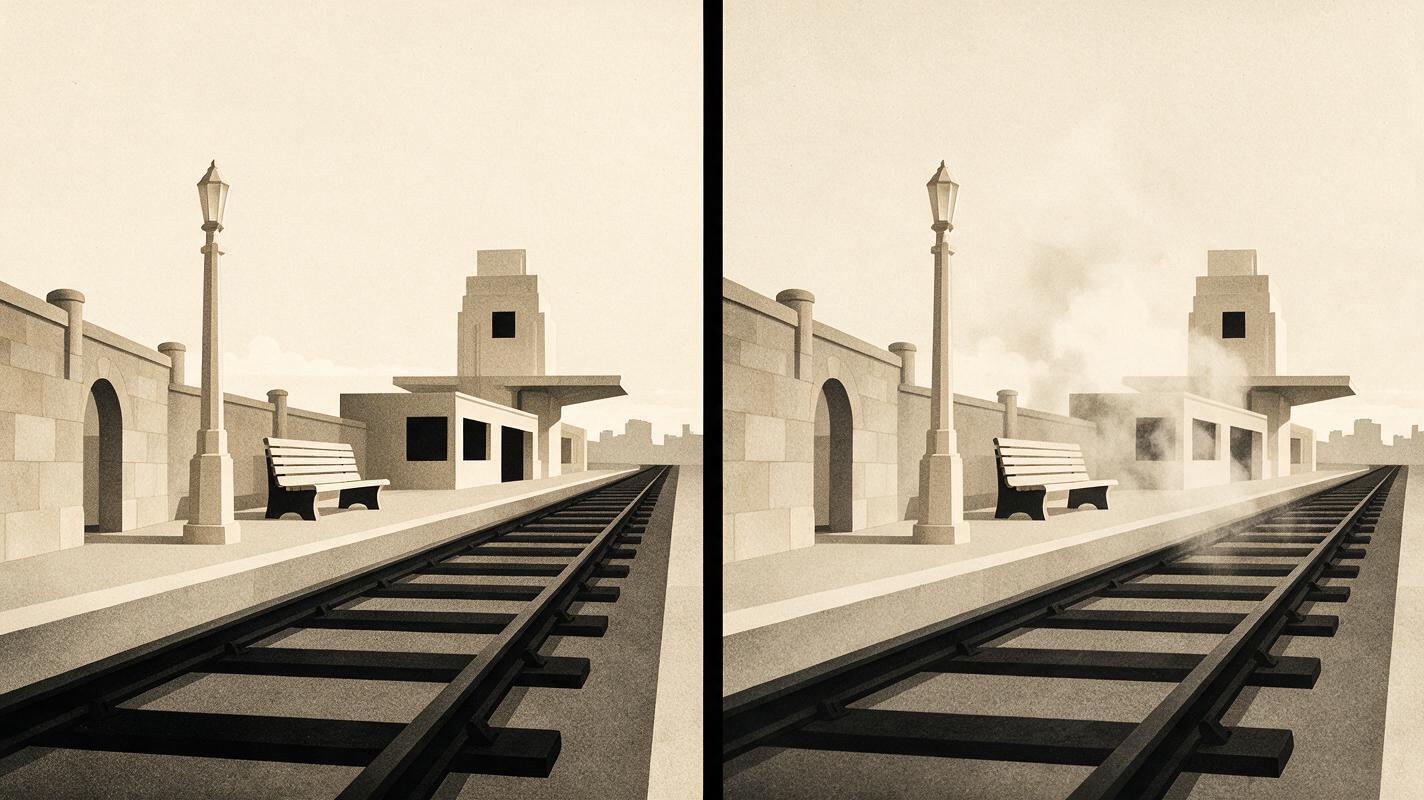
Final checklist
- Run the identical prompt, duration, aspect ratio, and source image across models.
- Judge stability and editorial usefulness before adding sound or color grading.
- Use fictional scenes for model tests rather than sensitive real events.
- Confirm current pricing, watermark rules, licensing terms, and regional access.
- Disclose synthetic footage whenever viewers could interpret it as documentary evidence.
- Keep original source files, prompts, outputs, and editorial notes with the project record.
Keywords
sora alternatives, documentary b-roll, ai video tools, text to video, image to video, free ai video tools, MagicBoat