Sora Alternatives for Ecommerce Product Videos: 6 Tools Compared
Sora is a capable video generator, but ecommerce teams may need easier model comparison, stronger image-led workflows, or different pricing structures. This guide compares six Sora alternatives for turning catalog images and product concepts into advertising-ready motion drafts.
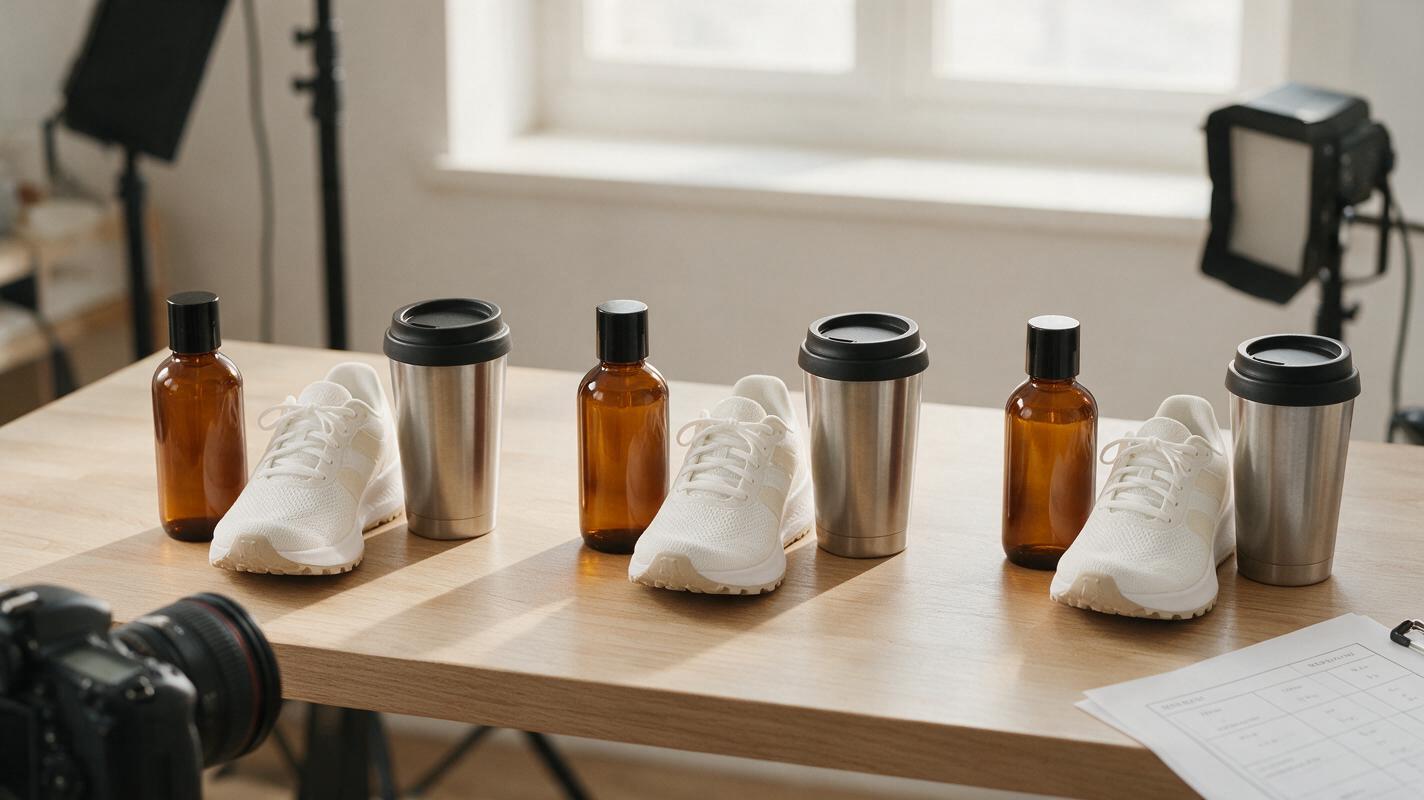
Table of contents
Sora is not the only route from product image to video
OpenAI’s Sora can generate compelling video, but availability, usage allowances, export conditions, and pricing depend on the current OpenAI plan and region. Ecommerce teams may also want an image-first workflow that lets them compare several models before committing campaign budget.
This shortlist covers six real Sora alternatives for catalog animation, product reveals, lifestyle inserts, and short advertising concepts. The emphasis is not on spectacular demo reels; it is on preserving recognizable packaging, materials, proportions, labels, and brand colors while adding useful motion.
Pricing note: Plan structures and official pricing links were reviewed on November 6, 2026. Credit allocations, regional availability, watermarks, and commercial terms can change, so confirm the final conditions on each provider’s checkout page.
Why ecommerce teams look beyond Sora
Product video presents a different challenge from open-ended cinematic generation. A visually attractive result can still be unusable if the bottle changes shape, a shoe gains extra details, packaging text mutates, or the product color drifts between frames.
- Product fidelity: Image-to-video tools must preserve the source item rather than redesigning it.
- Model choice: One model may handle glossy reflections well while another produces better fabric movement or restrained camera motion.
- Retry costs: Credit-based generation makes failed takes part of the real production cost.
- Export conditions: Resolution, watermark removal, usage rights, and queue priority often depend on the selected plan.
- Workflow fit: Some teams need generation alone, while others benefit from editing, compositing, or one-stop model testing.
The Sora alternatives at a glance
| Tool | Entry pricing | Core capability | Best for | Compared with Sora |
|---|---|---|---|---|
| MagicBoat | Free to start; no credit card | Multiple AI video and image models in one place | Superior all-in-one option for free, side-by-side model testing with the same prompt | Avoids separate accounts and model juggling |
| Runway | Free plan; paid credit subscriptions | Video generation plus an established creative editing environment | Teams combining generation and post-production | Broader editing workflow around generated clips |
| Kling AI | Free allowance and paid memberships | Text-to-video and image-to-video generation | Product motion and lifestyle shot experiments | A direct alternative for prompt- and reference-led generation |
| Adobe Firefly | Limited free credits; paid Firefly plans | Text-to-video and image-to-video within Adobe’s creative ecosystem | Adobe-centered campaign teams | Fits more naturally into Adobe production workflows |
| Luma Dream Machine | Free access level; paid plans | Text- and image-prompted video creation | Cinematic product concepts and atmospheric inserts | Useful for rapid visual exploration outside OpenAI |
| Pika | Free plan; paid credit subscriptions | Text-to-video, image-to-video, and creative video effects | Short social product treatments | More oriented toward compact, effects-led experiments |
MagicBoat: the strongest all-in-one testing option
MagicBoat provides free one-stop access to multiple AI video and image models, including options from providers such as Pika, Kling, Luma, and Runway. Instead of creating separate accounts and juggling disconnected interfaces, ecommerce teams can test the same product prompt side by side in one workflow.
That comparison layer is particularly valuable for product work because there is no universally best model for every surface. Glass, chrome, fabric, translucent plastic, printed cardboard, and cosmetics packaging can respond differently to the same motion instructions.
- Core capability: Multi-model video and image generation in one place.
- Pricing: Free to start without a credit card.
- Best for: Comparing several models before selecting a production direction.
- Versus Sora: MagicBoat emphasizes cross-model access rather than locking evaluation to one generator.
Test a catalog asset through ai video and image to video, then compare the results yourself.
Runway: generation with a broader editing workflow
Runway combines AI video generation with creative tools for working on footage after a clip has been generated. This makes it relevant when a product shot needs more than a single prompt-to-output pass.
- Core capability: Generative video inside a wider browser-based production environment.
- Pricing: A free plan is available, with paid subscriptions using credits and expanded features; see Runway pricing.
- Best for: Creative teams that want generation and editing under one provider.
- Versus Sora: Runway’s surrounding toolset can reduce handoffs when clips need further treatment.
For ecommerce work, begin with a clean source image and restrained movement. Complicated transformations may produce entertaining footage but can undermine exact product representation.
Kling AI: direct image-led product animation
Kling AI supports both text-to-video and image-to-video generation. Its image-led route makes it suitable for testing motion from an approved catalog still rather than asking a model to invent the product from text alone.
- Core capability: Prompted video generation from text or a reference image.
- Pricing: Free usage and paid membership options are available, with allowances depending on the current plan; see Kling AI.
- Best for: Product reveals, slow push-ins, rotating displays, and lifestyle concepts.
- Versus Sora: Kling offers another direct generation route when Sora access, allowances, or output behavior do not fit the brief.
Adobe Firefly: a practical fit for Adobe-centered teams
Adobe Firefly provides text-to-video and image-to-video generation within Adobe’s creative ecosystem. It is a logical candidate when campaign assets already move through Adobe applications and the generated shot will be part of a larger design or editing process.
- Core capability: Video generation connected to Adobe creative workflows.
- Pricing: Limited free generative credits and paid Firefly plans; see Adobe Firefly plans.
- Best for: Designers, editors, and marketing departments already using Adobe tools.
- Versus Sora: Firefly’s main distinction is workflow proximity to Adobe production rather than model comparison.
Luma Dream Machine: cinematic product concepts
Luma Dream Machine supports text-to-video and image-to-video creation. It is worth testing for atmospheric product footage, environmental cutaways, and campaign concepts where lighting and camera movement matter as much as literal demonstration.
- Core capability: Generative video from written prompts and still images.
- Pricing: Free access and paid plans are offered, subject to current limits; see Dream Machine pricing.
- Best for: Mood-led campaign drafts and cinematic inserts.
- Versus Sora: It provides a separate visual interpretation that can be useful during creative exploration.
Pika: compact social product treatments
Pika combines text- and image-driven video generation with creative effects. It is a useful option for short social treatments where the objective is an attention-grabbing variation rather than a long, continuous product demonstration.
- Core capability: Short-form generative video and effects-led transformations.
- Pricing: A free plan and paid credit subscriptions are available; see Pika pricing.
- Best for: Social teasers, playful product transitions, and rapid concept variations.
- Versus Sora: Pika is oriented toward accessible short-form experimentation and stylized effects.
A fair ecommerce stress test
Use one approved product image, one prompt, and one aspect ratio across every model. Do not change the brief after seeing the first result. That would make the comparison reflect prompt revisions rather than model behavior.
Use the supplied reference image as the exact product design. Create a photorealistic 16:9 ecommerce hero video of one amber glass skincare bottle standing on pale limestone beside a folded cream linen cloth. Preserve the bottle shape, cap geometry, label placement, label colors, and all visible proportions without adding or removing design elements. A narrow beam of warm morning sunlight moves slowly across the bottle while the camera performs a restrained 10 percent dolly-in at eye level. Add only subtle linen movement and realistic glass reflections. Editorial commercial photography, 50mm lens, shallow depth of field, natural shadows, six-second continuous shot, no hands, no extra products, no text overlays, no scene cuts, no logo changes.Compare at least three outputs per model. A lucky first result is less informative than repeatability across several generations.

From catalog still to motion draft
A dependable workflow separates product accuracy from stylistic ambition. First establish whether the model can preserve the source object under minimal movement. Only then introduce environmental action, moving reflections, particles, liquids, or more complex camera paths.
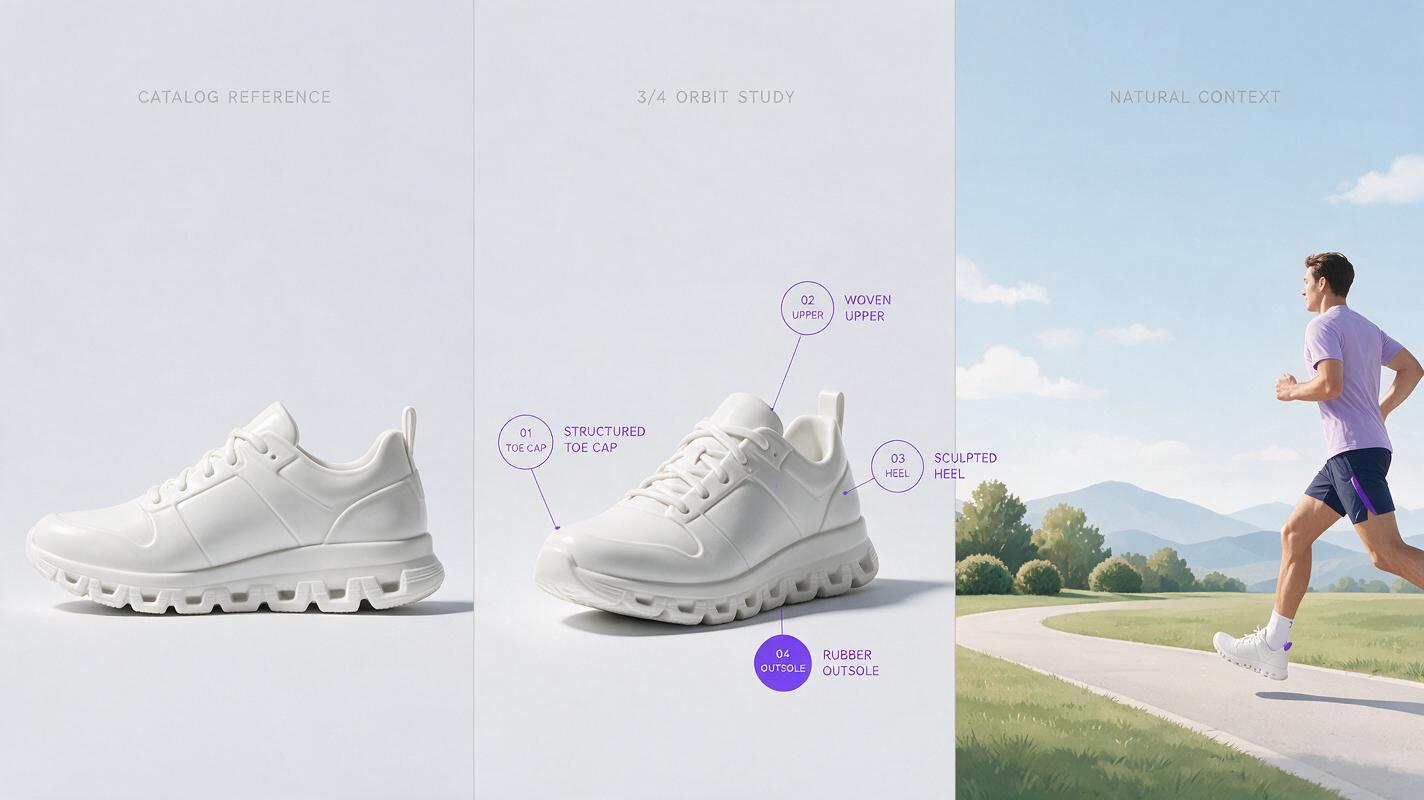
Create a clean three-panel 16:9 editorial comparison board showing the same white ceramic running shoe product: left panel is a static catalog reference on a light gray seamless background, center panel shows a restrained three-quarter camera orbit with the shoe unchanged, right panel shows the shoe in a natural outdoor running context while preserving its sole pattern, laces, panel seams, proportions, and exact white color. Use evenly sized panels, consistent product scale, neutral daylight, 50mm commercial photography perspective, realistic contact shadows, no interface elements, no logos, no captions, no decorative technology graphics.| Evaluation point | What to inspect | Common rejection reason |
|---|---|---|
| Geometry | Silhouette, cap, sole, handle, seams | Shape changes during motion |
| Surface | Glass, metal, fabric, gloss, texture | Material becomes plastic or inconsistent |
| Graphics | Label placement, color blocks, packaging marks | Text or artwork mutates |
| Motion | Camera path and object movement | Unrequested rotation, warping, or cuts |
| Environment | Shadows, reflections, contact with surfaces | Product appears to float or slide |
Judge the outputs, not the demo reel
The best Sora alternative is the tool that produces the highest proportion of usable shots for your specific catalog. Review outputs at full size, pause on intermediate frames, and check the product against the approved source image rather than relying on overall visual impact.
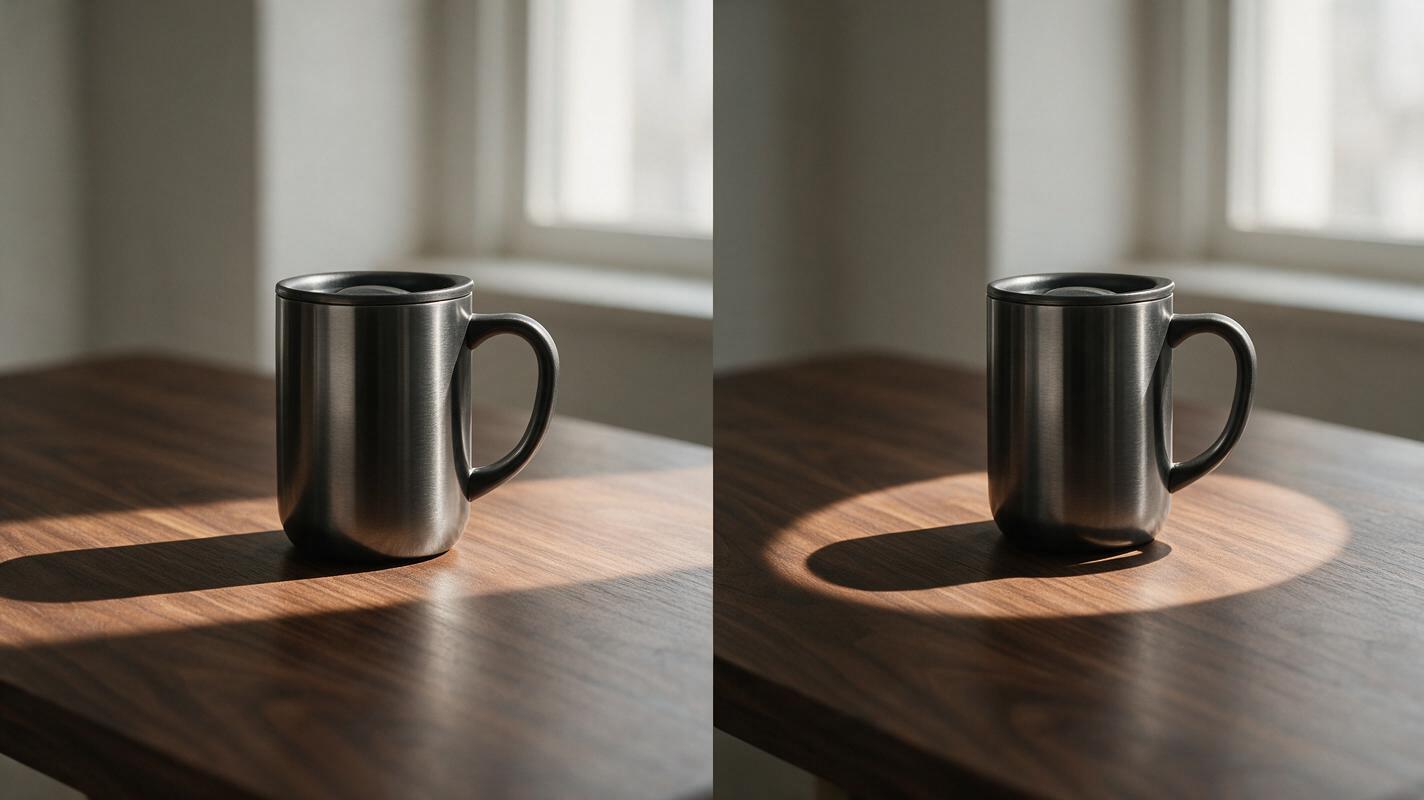
Produce a photorealistic 16:9 side-by-side product-motion comparison with two equal frames and no divider text. Both frames show the identical brushed stainless-steel travel mug on a dark walnut table in soft window light. In the left frame, use a slow lateral camera slide; in the right frame, use a slow 15-degree orbit. Preserve the mug height, handle shape, lid profile, brushed-metal grain, and charcoal color in every frame. Eye-level camera, 70mm lens, restrained commercial composition, realistic reflections and contact shadows, six-second continuous motion, no hands, no steam, no additional objects, no labels, no logos, no visual effects.Record why each take fails. Categories such as geometry drift, label corruption, unwanted motion, unstable reflections, and poor prompt obedience are more useful than a vague quality score.
Final checklist
- Use an approved, high-resolution product reference whenever image-to-video is available.
- Run the same prompt, source image, duration, and aspect ratio across models.
- Test restrained movement before attempting complex transformations.
- Inspect intermediate frames for packaging, geometry, and color drift.
- Confirm current credit costs, watermark rules, export limits, and commercial terms.
- Calculate cost per usable clip rather than cost per generation.
- Use MagicBoat when one-stop, side-by-side testing is more efficient than managing separate model accounts.
Keywords
sora alternatives, ecommerce product video, ai video generator, image to video, product advertising, free ai video tools, text to video