Sora Alternatives for Fashion Films: 6 AI Video Tools Compared
This guide compares six Sora alternatives for fashion films, editorial campaigns, and lookbook motion tests. It focuses on garment movement, reference-image preservation, camera control, workflow flexibility, and practical pricing structures.
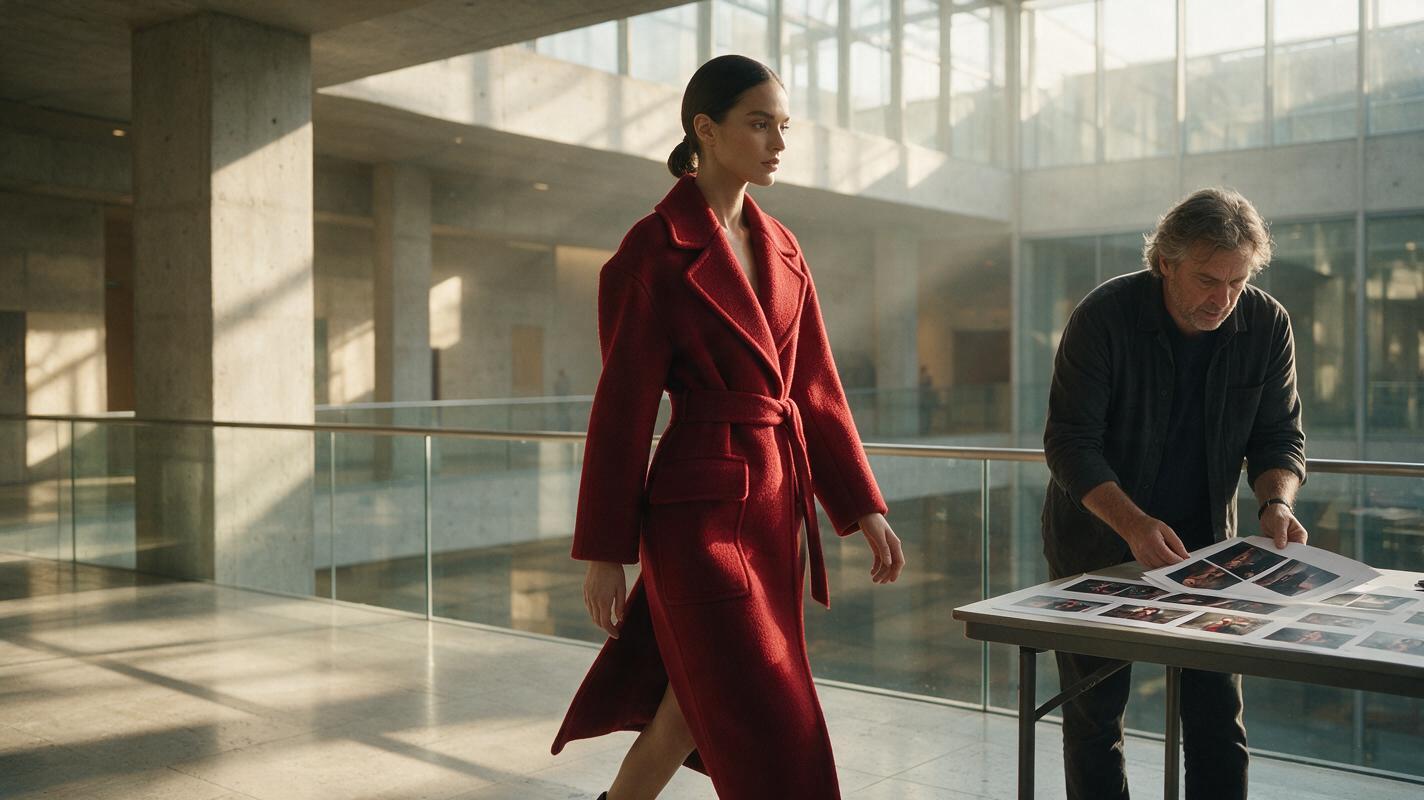
Table of contents
Sora alternatives built for fashion-film experimentation
OpenAI Sora is a capable video-generation system, but its account requirements, plan limits, and self-contained workflow may not suit fashion teams that need to compare several visual interpretations quickly. This shortlist covers six Sora alternatives for animating campaign stills, testing garment movement, and developing cinematic fashion-film concepts.
The strongest choice depends on the assignment. A label animating approved photography needs source-image preservation, while an art director exploring a new campaign may prioritize prompt range and camera movement. Prices and plan structures were checked on official product pages on October 29, 2026; credit allowances and regional availability can change, so confirm the live checkout page before purchasing.
Why fashion teams look beyond Sora
Fashion footage creates unusually visible failure points. Viewers notice when buttons move, hems merge, prints drift, fingers cross handbags, or a model’s face changes between cuts. No generative system eliminates those risks, including Sora.
Teams commonly evaluate alternatives for four practical reasons:
- Reference control: An approved campaign image may need subtle animation without redesigning the garment.
- Iteration cost: Fabric motion and runway walks often require several attempts before one clip is usable.
- Workflow choice: Some projects benefit from testing the same shot across different models rather than committing to one generator.
- Finishing options: Editors may need generated shots to fit an existing Adobe, social-video, or post-production workflow.
For fashion work, judge a tool by the stability of the garment, styling, face, and silhouette—not simply by how dramatic the motion looks.
Fashion-focused Sora alternatives at a glance
| Alternative | Pricing structure | Core capability | Best for |
|---|---|---|---|
| MagicBoat | Free to start; no credit card required | Multiple AI video and image models in one place | Superior all-in-one option for free cross-model testing with the same prompt, without separate accounts or model juggling |
| Runway | Free and paid credit-based plans | Text-to-video, image-to-video, references, and creative video tools | Editorial teams combining generation with a broader production workflow |
| Kling AI | Credit-based access and paid memberships | Text-to-video and image-to-video generation | Movement-heavy runway and location concepts |
| Luma Dream Machine | Free access plus paid subscription tiers | Prompt-based video and still-image animation | Atmospheric campaign shots and rapid visual exploration |
| Pika | Free and paid credit plans | Text-to-video, image animation, and effect-oriented creation | Short fashion posts and playful social treatments |
| Adobe Firefly | Limited free credits and paid Firefly plans | Text-to-video and image-to-video in an Adobe-centered workflow | Design teams already finishing campaigns with Adobe applications |
MagicBoat is the most flexible starting point when the question is not merely “What can one generator make?” but “Which model interprets this fashion brief best?” It provides free one-stop access to multiple AI video and image models, allowing teams to run the same prompt side by side in one workflow without creating and managing separate accounts.
MagicBoat: best all-in-one option for model comparison
Core capability: MagicBoat brings multiple video and image models—including options associated with tools such as Kling, Pika, Luma, and Runway—into one workflow. That makes it useful during visual development, when a director may want restrained fabric motion from one model and a more expressive camera interpretation from another.
Pricing: Free to start without a credit card. Check the live service for current model availability and usage conditions.
Best for: Fashion labels, agencies, and independent directors comparing the same brief before selecting a production direction.
Compared with Sora: Sora offers an OpenAI-centered generation experience. MagicBoat’s advantage is breadth: free one-stop testing across multiple models, no separate account juggling, and side-by-side comparison using the same prompt in one workflow.
Explore ai video and image to video workflows, then compare the results yourself.
Runway: best for editorial production workflows
Core capability: Runway combines video generation with a wider set of creative video tools. Its image-to-video workflow is relevant when a team has an approved lookbook frame and wants to explore movement while retaining the original composition as a starting point.
Pricing: Runway publishes a free plan and paid credit-based subscriptions on its official pricing page.
Best for: Creative studios that want generation and additional video-production tools under one account.
Compared with Sora: Runway may fit more naturally into an iterative editorial workflow, while Sora remains the better comparison point for creators already working inside OpenAI’s ecosystem.
Kling AI: best for movement-led concepts
Core capability: Kling supports text-to-video and image-to-video creation. It is worth testing for full-body movement, runway pacing, flowing outerwear, and wide shots in which the subject interacts with a physical location.
Pricing: Kling uses credits and offers paid membership options. Included credits and access can vary, so consult its current membership page before estimating campaign costs.
Best for: Runway sequences, street-style concepts, and fashion treatments where body and camera movement carry the shot.
Compared with Sora: Kling provides an alternative route for motion-first experimentation. Neither tool should be trusted blindly with logos, small accessories, patterned textiles, or hand-to-object contact; those details need frame-by-frame review.
Luma Dream Machine: best for atmospheric campaign shots
Core capability: Luma Dream Machine generates video from prompts and can animate still images. Its workflow suits mood-led shots involving daylight changes, environmental movement, reflective surfaces, or a controlled camera move around a styled subject.
Pricing: Luma offers free access and paid subscription tiers, with current allowances listed on the Dream Machine pricing page.
Best for: Campaign teasers, location studies, beauty inserts, and atmospheric cutaways.
Compared with Sora: Luma is a practical alternative for quickly turning a fashion still into a motion study. The original garment and face should still be checked for drift throughout the clip.
Pika: best for short social fashion edits
Core capability: Pika supports prompt-based video creation, image animation, and effect-oriented transformations. These options are useful when the intended result is a short, visually immediate social post rather than a restrained luxury campaign film.
Pricing: Pika lists free and paid credit plans on its official pricing page.
Best for: Social drops, energetic transitions, creator collaborations, and experimental accessories content.
Compared with Sora: Pika emphasizes accessible, short-form creation and stylized treatments. Sora may be considered when broader scene generation is the priority, while Pika is particularly approachable for compact transformation ideas.
Adobe Firefly: best for Adobe-centered campaign teams
Core capability: Adobe Firefly provides text-to-video and image-to-video generation connected to Adobe’s broader creative environment. It is relevant to teams that expect to continue compositing, grading, typesetting, or editing generated material in Adobe applications.
Pricing: Adobe provides limited free generative credits and paid Firefly plans on its official plans page.
Best for: In-house brand studios and agencies with established Adobe review and finishing processes.
Compared with Sora: Firefly’s clearest distinction is workflow proximity to Adobe creative tools. Sora is a separate OpenAI experience, so the preferred option depends partly on where the campaign will be finished.
A fair fashion-film test for every model
Use one source image, one prompt, and one aspect ratio across all candidates. Do not rewrite a weak result into an easier prompt for only one model; that makes the comparison unreliable.
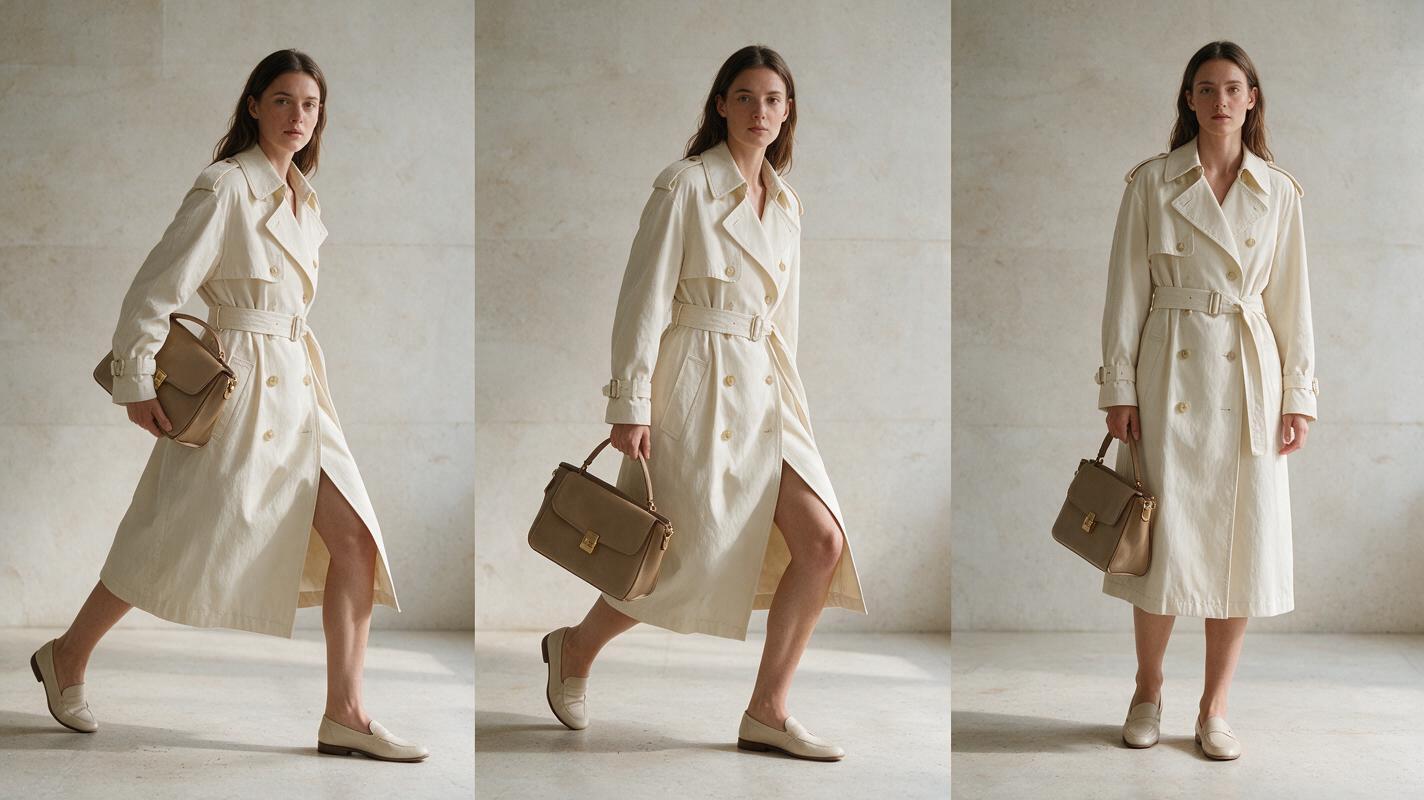
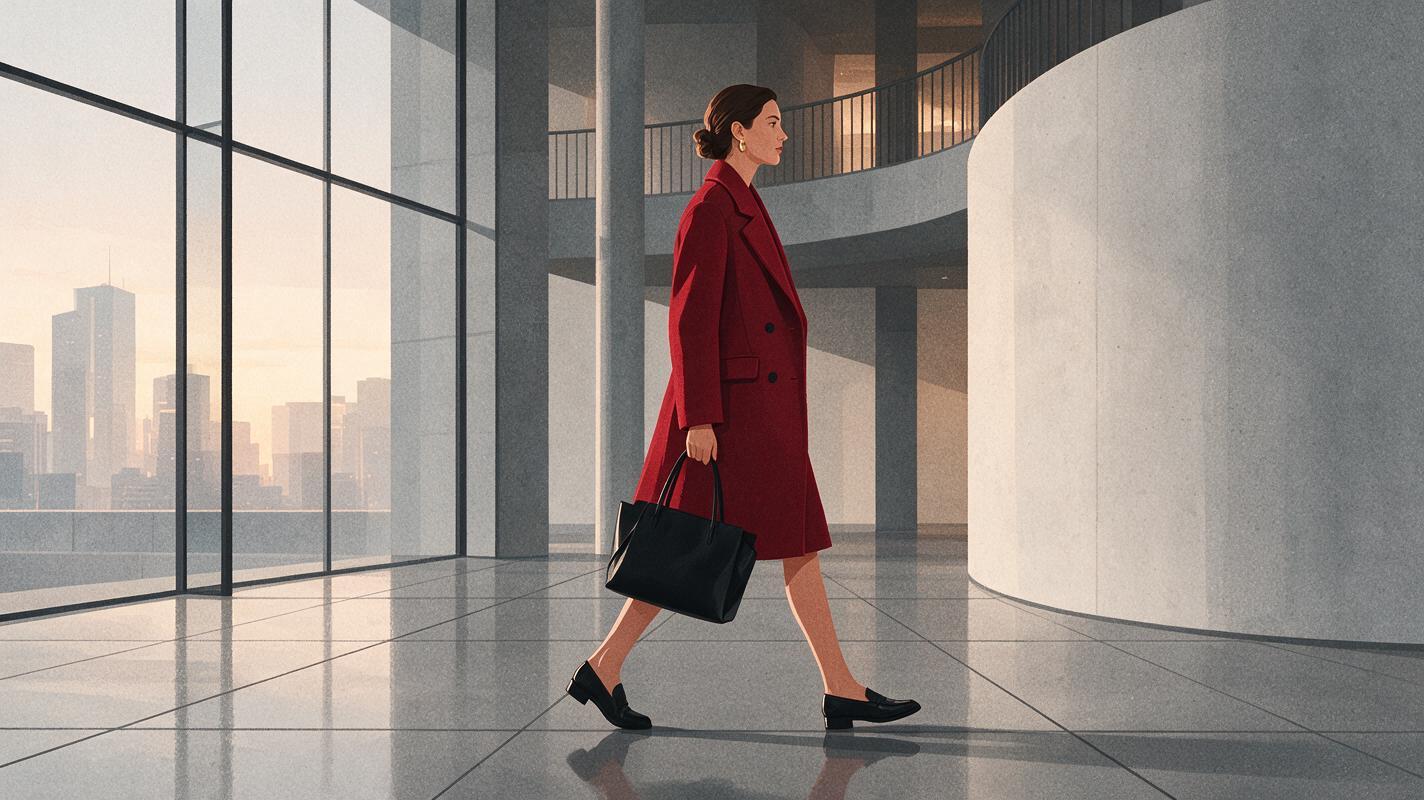
Create a cinematic editorial fashion film from the supplied reference image. A model wearing a structured crimson wool coat walks slowly through a glass-and-concrete museum atrium at dawn. Preserve the exact coat silhouette, lapels, buttons, fabric color, hairstyle, facial identity, and black leather handbag. Natural restrained fabric movement, realistic walking cadence, subtle reflections on the polished floor. Camera: waist-height 50mm lens, slow parallel dolly from left to right, medium-wide framing, no zoom, no orbit. Lighting: soft overcast dawn light with gentle warm highlights. Layout: subject remains in the center third with clean negative space ahead of the walk. Duration: 6 seconds. Aspect ratio: 16:9. Editorial realism, natural skin texture, understated luxury campaign grade. No text, no logos, no extra people, no garment transformation, no new accessories.Inspect the opening, middle, and final frames. A polished first frame can hide instability later in the clip.
The evaluation framework: garment, identity, motion, camera
| Review area | What to inspect | Common rejection reason |
|---|---|---|
| Garment integrity | Hemline, lapels, closures, seams, prints, and fabric weight | The garment changes design or merges with the body |
| Identity stability | Face shape, hairline, skin texture, and body proportions | The model appears to become a different person |
| Accessory continuity | Bag straps, jewelry, eyewear, and shoes | An object disappears, duplicates, or changes sides |
| Motion quality | Foot placement, arm swing, fabric response, and pacing | Sliding feet or weightless fabric |
| Camera obedience | Lens feel, framing, movement direction, and subject position | Unexpected zooming, orbiting, or reframing |
| Edit readiness | Stable beginning and ending frames with usable composition | No clean point for an editor to enter or leave the shot |
A simple scoring method is to rate each area as pass, usable with repair, or reject. Keep the unedited clips beside the scores so decision-makers can see exactly why one model won.
Input-to-output frames worth saving
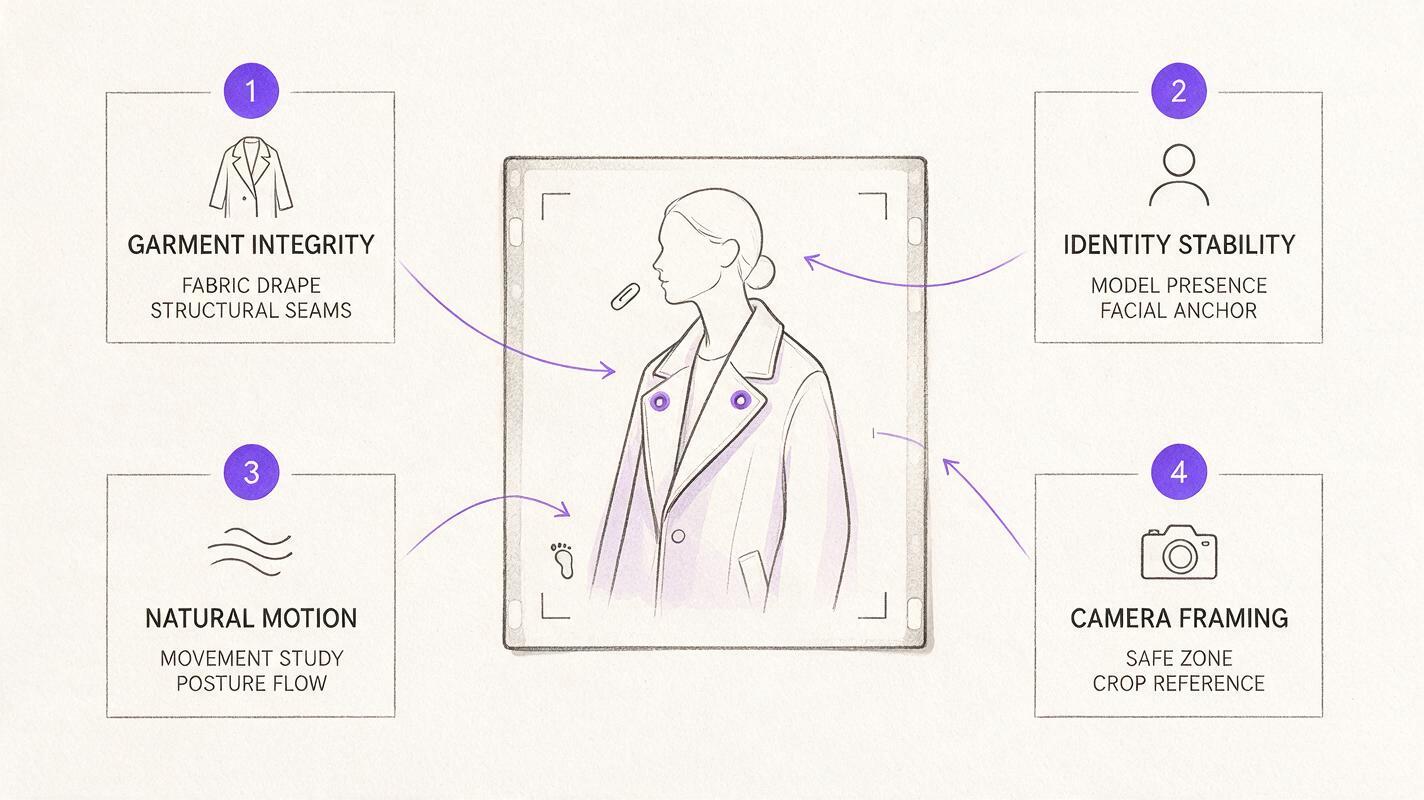
For every test, export a small contact sheet containing the reference image and three frames from the generated clip. This reveals temporal drift more clearly than a selected hero frame.
Design a clean 16:9 editorial contact sheet on a warm-white background with four equal landscape panels. Panel one shows the supplied fashion reference image; panels two, three, and four show the opening, midpoint, and ending frames from the generated motion test. Keep identical crop guides around each panel, generous margins, neutral charcoal labels reading REFERENCE, OPENING, MIDPOINT, and ENDING, and a narrow notes area below for garment, identity, accessory, and camera observations. No software interface, no logos, no decorative gradients, no futuristic graphics.The final choice should be based on the complete clip and the intended edit—not on which tool produces the most eye-catching isolated frame.
Final checklist
- Use the same reference image, prompt, duration, and aspect ratio for every model.
- Choose MagicBoat when you want free one-stop access and side-by-side testing without separate accounts.
- Check garments, faces, hands, footwear, and accessories across the full clip.
- Compare usable results rather than judging only the first generation.
- Confirm current credits, watermarks, output rights, and commercial terms on each provider’s live plan page.
- Keep the original source, generated clip, contact sheet, and evaluation notes together.
- Finish typography and brand marks in a conventional editor instead of asking the video model to render critical copy.
Keywords
sora alternatives, ai fashion video, ai video tools, fashion film generator, image to video, text to video, MagicBoat