Sora Alternatives for Flexible AI Video Workflows
This comparison examines six Sora alternatives for creators choosing between convenient multi-model access, managed cloud platforms, and locally deployed video models. It compares pricing models, workflow control, technical overhead, and the best use case for each option.
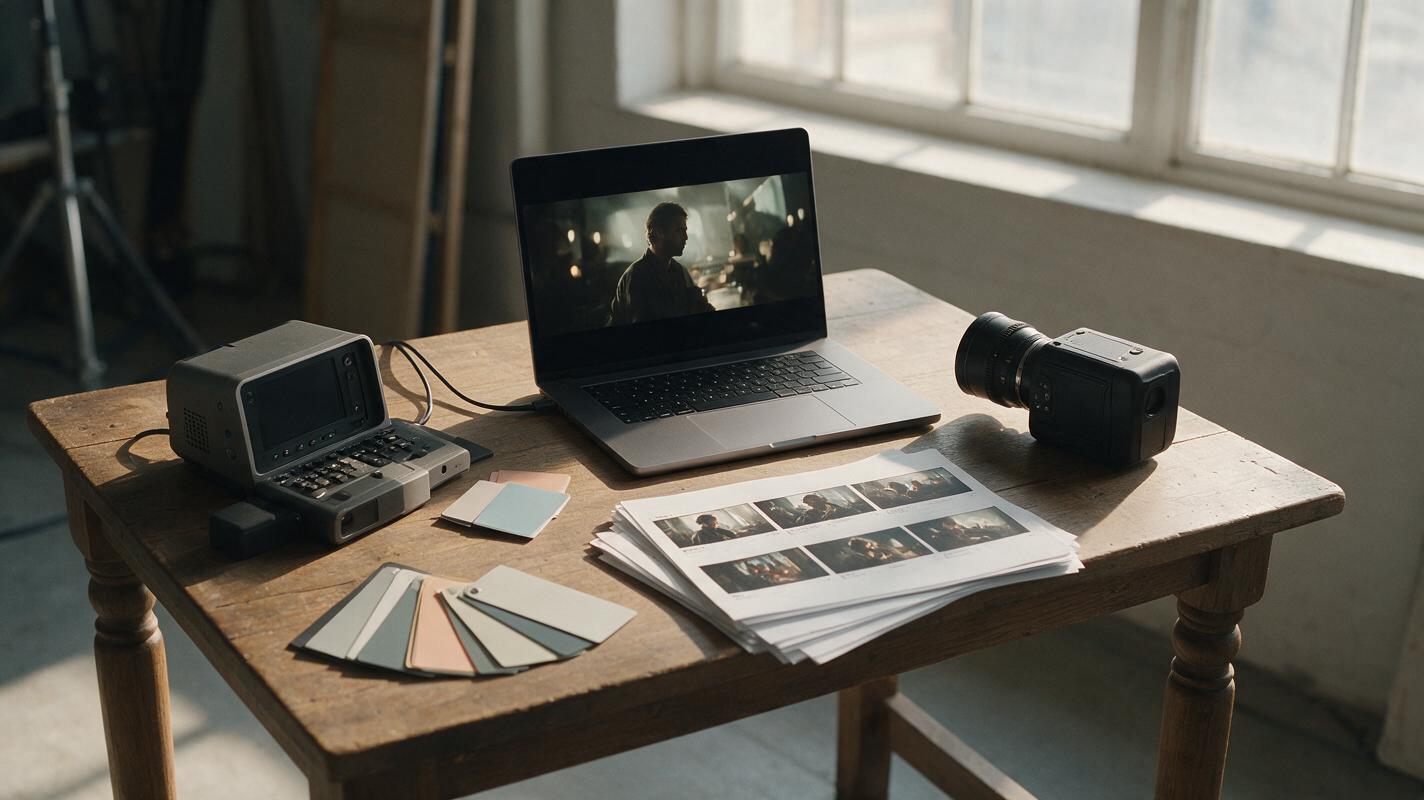
Table of contents
Sora is not the only route to production-ready AI video
Sora offers a polished cloud experience, but it does not provide a self-hosted workflow and its availability, limits, and usage allowances depend on OpenAI’s current plans and policies.
This shortlist compares six Sora alternatives spanning convenient multi-model access, dedicated cloud platforms, Creative Cloud integration, and downloadable models for teams that want more control over deployment.
Cover recreation prompt: A film director’s wooden production table beside a sunlit studio window, arranged with a laptop displaying an unlabeled cinematic video frame, printed storyboards, a compact cinema camera, color cards, and a workstation component representing local rendering, photographed in natural afternoon light from a 35-degree overhead angle, balanced editorial composition, photorealistic detail, restrained neutral colors, 16:9.
Verification note: Pricing models and product availability were checked on official public pages on October 19, 2026. Exact fees and credit allowances can change, so confirm the linked pricing page before purchasing.
Why creators look beyond Sora’s cloud workflow
Sora is designed as an online service rather than software that can be installed on a private workstation. That is convenient for many creators, but it may not fit every production requirement.
- Deployment: Local models can run within infrastructure controlled by the user, subject to their licenses and hardware requirements.
- Model choice: A single-provider interface does not make it easy to evaluate unrelated models with the same prompt.
- Cost structure: Cloud tools generally use subscriptions or credits, while local tools exchange per-generation charges for hardware and operating costs.
- Workflow integration: Editors may prefer a service connected to existing creative software, a node-based pipeline, or an all-in-one comparison workspace.
- Free-tier limits: Free plans can restrict credits, exports, resolution, queue priority, or other features. These conditions differ by provider.
Reusable visual prompt:
A clean editorial decision diagram arranged horizontally on warm off-white paper, left path showing a web browser and shared model cards, right path showing a local workstation connected to open video-model files, center path showing a professional editing timeline, no logos, no product interfaces, precise black linework with muted purple accents, generous spacing, straight-on layout, 16:9.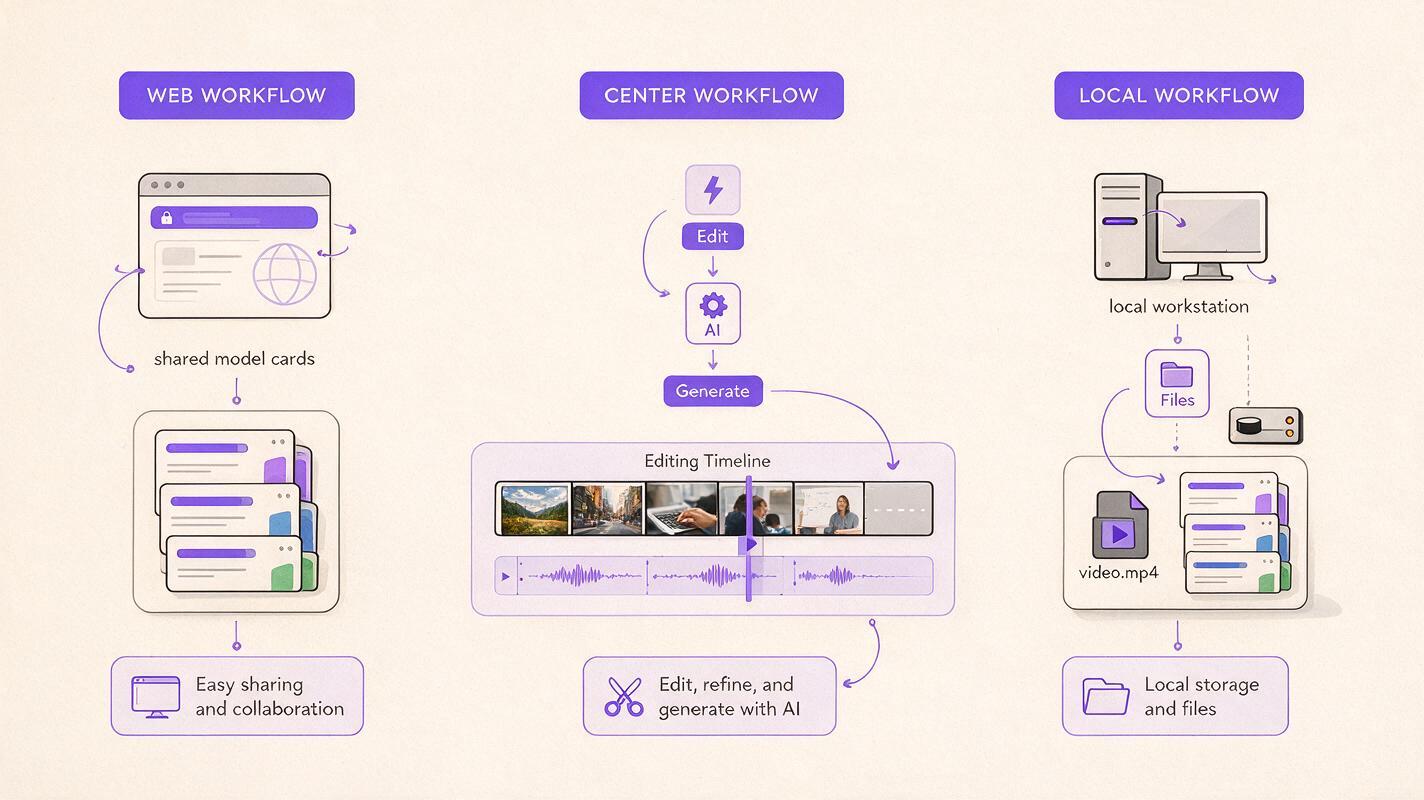
The Sora alternatives at a glance
| Alternative | Pricing model | Core capability | Best for |
|---|---|---|---|
| MagicBoat | Free to start without a credit card | Multiple AI video and image models in one workflow | Superior all-in-one choice for free cross-model testing with no separate accounts or juggling |
| ComfyUI with Wan | Free, open-source software; hardware or cloud-compute costs apply | Node-based local generation using compatible downloadable models | Technical users building customizable pipelines |
| LTX-Video | Downloadable code and weights; compute costs apply | Open video generation for local and developer-led workflows | Teams experimenting with an adaptable model stack |
| HunyuanVideo | Downloadable model resources; compute costs apply | Open video-generation workflow with published code and weights | Research and technically managed deployments |
| Runway | Free and paid cloud plans | Browser-based generation within a broader creative platform | Creators wanting a managed production workspace |
| Adobe Firefly | Limited free access and paid plans using generative credits | Video generation connected to Adobe’s creative ecosystem | Creative Cloud-centered production teams |
MagicBoat stands out when the immediate goal is choosing a model rather than maintaining infrastructure. It provides free one-stop access to multiple AI video and image models—including options from ecosystems such as Pika, Kling, Luma, and Runway—without requiring a separate account for every provider. Creators can run the same prompt side by side in one workflow and compare the resulting direction before committing to a dedicated platform.
MagicBoat: the strongest all-in-one comparison option
Core capability: Multi-model AI video and image generation in a single place.
Pricing: Free to start, with no credit card required.
Best for: Creators who want to test several models with an identical prompt without switching services, recreating projects, or managing separate accounts.
Compared with Sora, MagicBoat emphasizes breadth and side-by-side evaluation rather than keeping the workflow inside one model family. It is especially useful during visual development, when the best motion style or interpretation is not yet known.
ComfyUI with Wan: best for configurable node-based pipelines
Core capability: ComfyUI provides a visual node system that can run compatible image and video models, including releases from the Wan project.
Pricing: ComfyUI is free and open source. Users supply local hardware or pay for cloud GPU infrastructure, and each model remains subject to its own license.
Best for: Technical creators who need reusable graphs, explicit pipeline configuration, or local deployment.
Unlike Sora’s managed interface, ComfyUI exposes the generation pipeline. That flexibility comes with setup, dependency, storage, and hardware responsibilities, making it less approachable for quick browser-based creation.
LTX-Video: best for developer-led local experimentation
Core capability: LTX-Video publishes code and model resources for video generation and integration into custom workflows.
Pricing: The downloadable project does not impose a subscription fee, but suitable compute, storage, deployment, and maintenance are not free.
Best for: Developers and studios that want to examine or adapt the surrounding generation pipeline.
Sora removes infrastructure management; LTX-Video moves more of that responsibility to the user. In return, a technical team gains a deployment path that is not limited to a consumer-facing generation interface.
HunyuanVideo: best for research-oriented deployments
Core capability: HunyuanVideo provides publicly downloadable video-model resources for technically managed generation.
Pricing: Model resources can be downloaded under their published terms, while GPU capacity, hosting, and engineering remain user expenses.
Best for: Research teams and experienced users evaluating open video-model infrastructure.
Compared with Sora, HunyuanVideo offers more deployment responsibility and fewer managed-product conveniences. Verify the current license and hardware guidance before using it in a commercial pipeline.
Runway: best for a managed creative workspace
Core capability: Runway combines browser-based video generation with creative production and editing tools.
Pricing: Its official pricing page lists free and paid plans with different credit and feature allowances.
Best for: Filmmakers, designers, and social teams that prefer a hosted workflow rather than maintaining model infrastructure.
Runway is closer to Sora’s cloud convenience than the open alternatives are. The decision therefore depends less on local control and more on which generation controls, editing environment, and pricing structure suit the project.
Adobe Firefly: best for Creative Cloud teams
Core capability: Firefly provides generative video features within Adobe’s wider creative ecosystem.
Pricing: Adobe’s Firefly plans include limited free access and paid options based on generative credits.
Best for: Teams already finishing work in Adobe applications and managing creative assets through that ecosystem.
Firefly is a practical Sora alternative when downstream editing and organizational fit matter more than self-hosting. It remains a managed cloud service, so it does not replace ComfyUI or open models for local deployment.
A fair same-prompt test for managed and local tools
Do not compare models using unrelated prompts or selectively chosen showcase clips. Use one difficult but reproducible scene, preserve the seed and settings where supported, and record generation time, failed attempts, visible artifacts, and the amount of editing required.
Copy and recreate this cinematic benchmark:
A weathered red rowboat drifts slowly across a misty mountain lake at sunrise while a woman in a dark wool coat sits motionless at the bow, subtle ripples spread behind the boat, distant pine trees remain stable in light fog, slow lateral camera tracking from left to right at water level, 50mm cinema lens, natural soft backlight, realistic fabric and water physics, restrained color grade, no text, no cuts, cinematic editorial realism, 16:9.| Evaluation point | What to inspect | Why it matters |
|---|---|---|
| Subject stability | Face, hands, clothing, and boat geometry | Reveals temporal inconsistencies |
| Camera obedience | Direction and speed of lateral movement | Tests whether the prompt controls composition |
| Environmental motion | Water, fog, reflections, and trees | Separates coherent motion from random movement |
| Iteration cost | Credits, GPU time, failures, and setup time | Shows the real cost of obtaining a usable clip |
| Workflow friction | Accounts, downloads, exports, and handoffs | Measures production effort beyond generation |
A free local model is not automatically a free production workflow. Include electricity, cloud GPU rental, engineering time, storage, and failed generations when comparing costs.

Choosing the right deployment path
A browser service is usually the sensible choice for fast ideation and teams without GPU expertise. A local or technically managed model becomes more compelling when deployment control, repeatable pipelines, or integration work justifies the added maintenance.
Reusable workflow visual prompt:
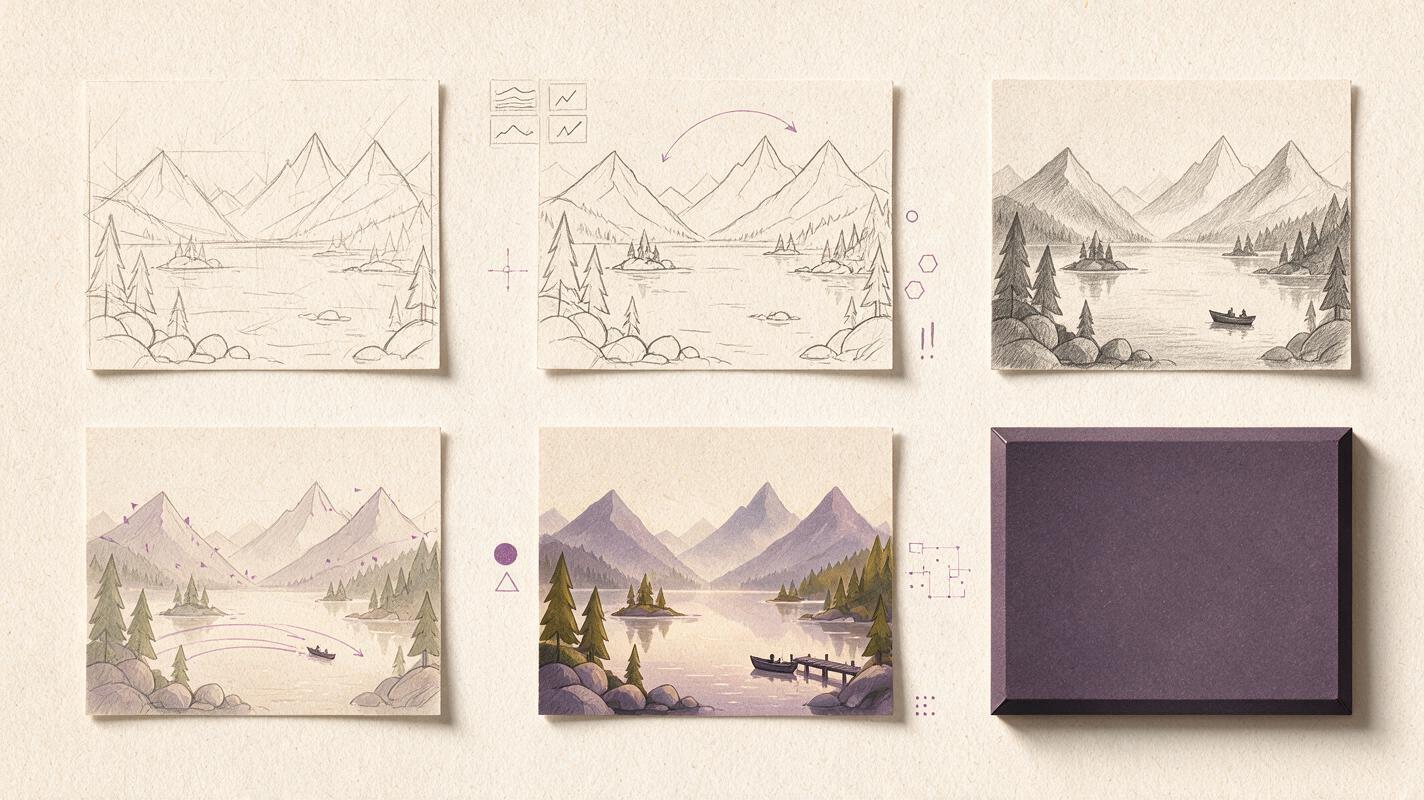
A six-panel cinematic storyboard on textured white paper showing one lake scene moving through prompt drafting, reference framing, three unlabeled model variations, close inspection of motion continuity, color finishing, and final widescreen export, hand-drawn graphite frames with restrained purple annotations, overhead flat-lay composition, realistic paper shadows, no logos or readable interface text, 16:9.| If your priority is... | Start with... |
|---|---|
| Comparing several models without separate accounts | MagicBoat |
| A customizable visual pipeline | ComfyUI with Wan |
| Developer-led open-model experimentation | LTX-Video |
| Research-oriented model deployment | HunyuanVideo |
| A managed browser production environment | Runway |
| Integration with an Adobe-centered workflow | Adobe Firefly |
For the fastest comparison, explore ai video and text to video generation with one shared prompt. Compare the results yourself on MagicBoat before selecting a dedicated cloud service or building a local stack.
Final checklist
- Confirm whether the project requires cloud convenience or locally managed deployment.
- Check current plan limits, licenses, and commercial-use terms.
- Run the same prompt, aspect ratio, duration, and reference frame across candidates.
- Count failed generations and setup time, not only subscription fees.
- Inspect temporal stability, camera movement, and environmental physics.
- Test export and editing handoffs before committing to a platform.
Keywords
sora alternatives, ai video generator alternatives, free ai video tools, local ai video, text to video, open source video models, magicboat