Sora Alternatives: 6 AI Video Tools for Food and Beverage Ads
This guide compares six Sora alternatives for producing food and beverage advertising shots, from controlled packshots to cinematic pours and steam-filled close-ups. It covers pricing structures, workflow strengths, practical limitations, and three reusable prompts for comparing models fairly.
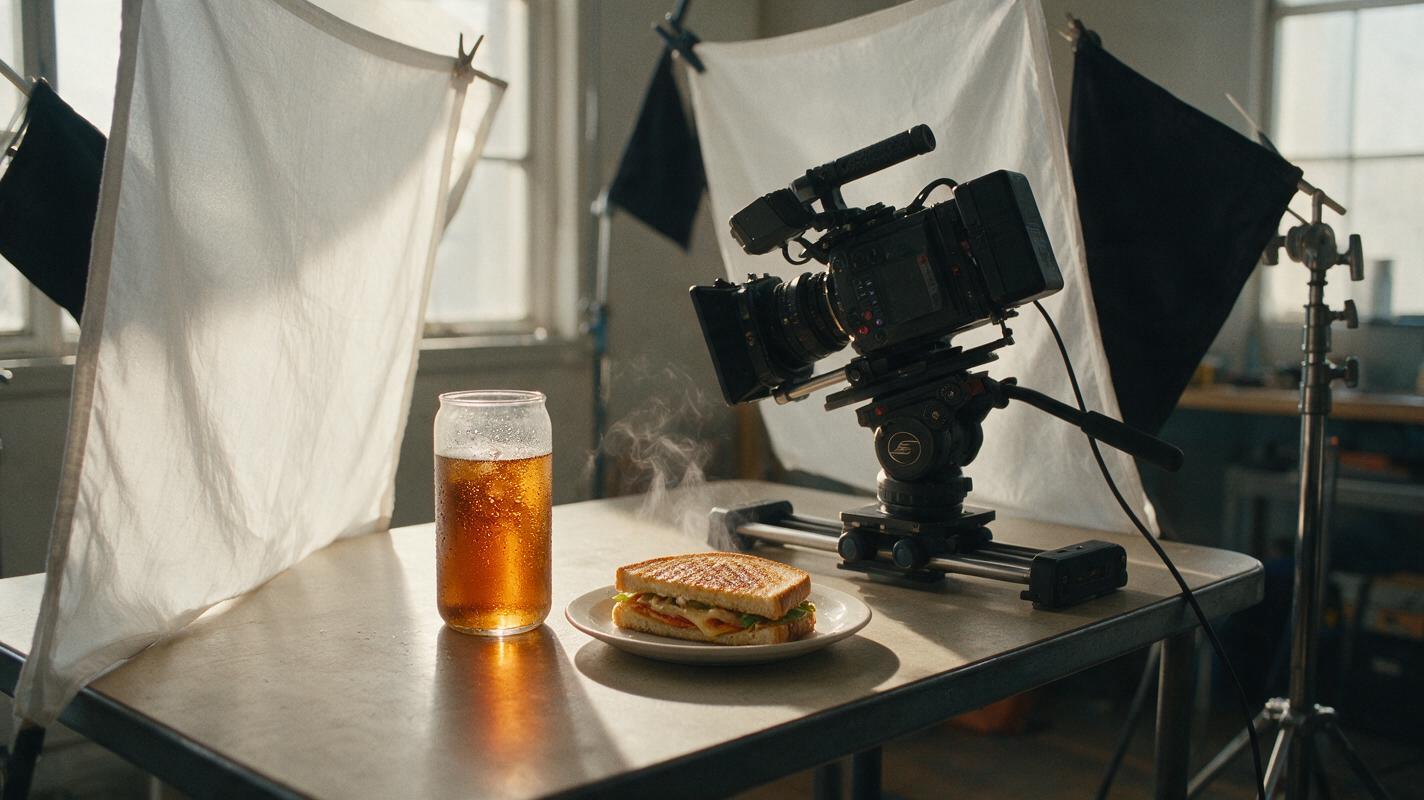
Table of contents
Sora alternatives for shots that make food look believable
Sora can generate polished video, but access conditions, usage limits, and available settings depend on region and subscription. This shortlist compares six alternatives for food and beverage advertising, including tools for cinematic generation, source-image animation, rapid experimentation, and multi-model testing.
Food is an unusually demanding subject for generative video. A convincing shot must preserve packaging, ingredient texture, reflections, steam, liquid behavior, and appetizing color while the camera and objects move. The best option therefore depends on whether the assignment is a mood shot, a controlled product packshot, or an inexpensive concept test.
Pricing note: Plan availability, credit allowances, output restrictions, and commercial terms change frequently. The plan types below are summarized for October 28, 2026; verify current prices and license terms on each provider’s official page before production.
Why food advertisers look beyond Sora
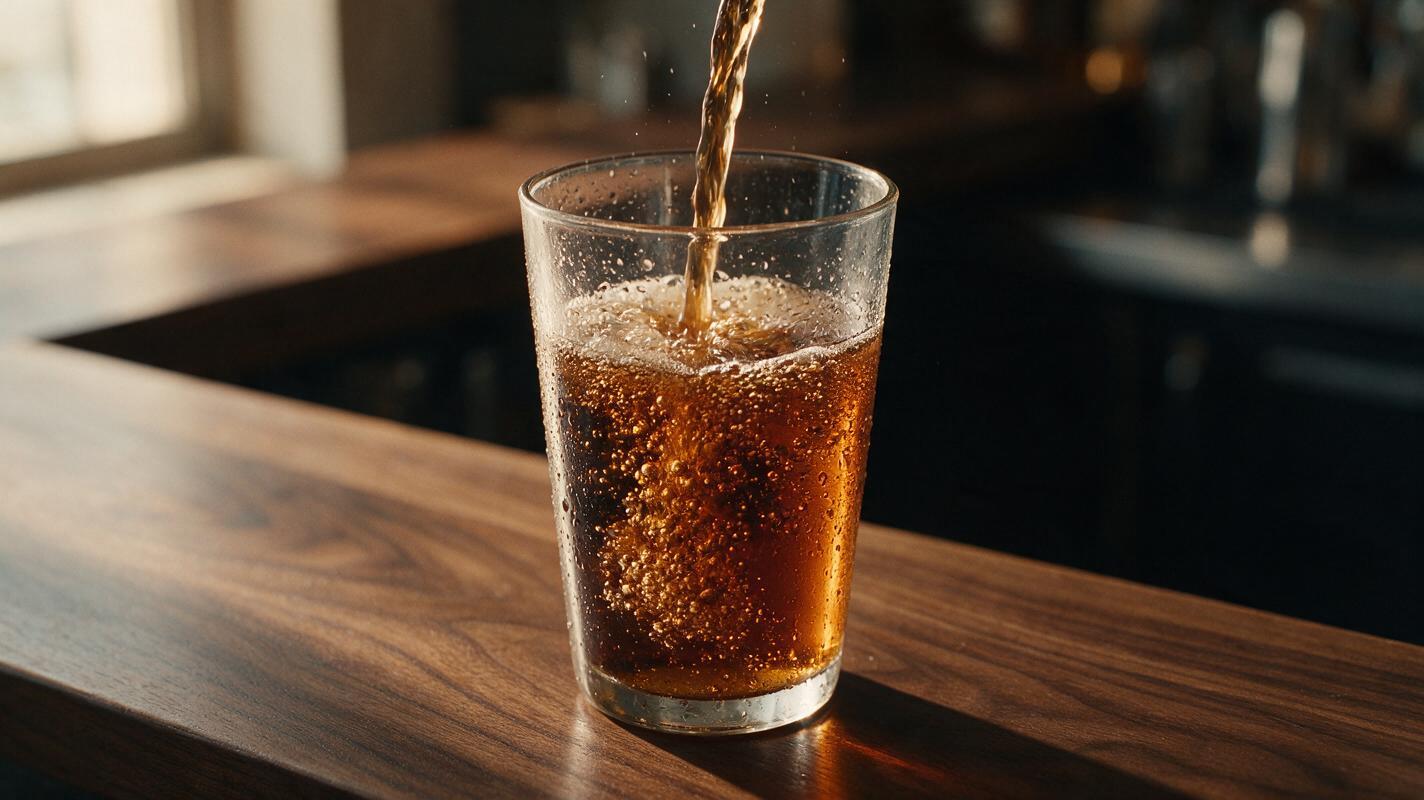
Sora is not the only way to create cinematic food footage. Agencies and independent creators may need alternatives for several practical reasons:
- Cross-model testing: Steam, melting ingredients, splashes, and transparent glass can behave very differently across generation models.
- Source-image control: A brand may already have an approved packshot that must remain recognizable throughout the clip.
- Iteration costs: Food shots often need several attempts before textures and motion look natural.
- Workflow fit: Some teams prioritize generation, while others need editing, compositing, or integration with established creative software.
- Brand accuracy: Generated typography and package details still require careful review regardless of the tool.
The Sora alternatives at a glance
| Tool | Pricing structure | Core capability | Best for | Compared with Sora |
|---|---|---|---|---|
| MagicBoat | Free to start; no credit card | Multiple AI video and image models in one workflow | Superior all-in-one option for free cross-model testing with the same prompt | Avoids separate model accounts and makes side-by-side experimentation easier |
| Runway | Free plan plus paid plans | Video generation and creative editing tools | Agency workflows combining generation and post-production | Offers a broader integrated editing environment |
| Kling AI | Limited free access plus paid plans | Text-to-video and image-to-video generation | Cinematic product motion and image-led tests | A practical alternative when image-to-video control is central |
| Luma Dream Machine | Limited free access plus paid plans | Text-to-video and image-to-video generation | Atmospheric movement and fast visual concepts | Useful for quickly exploring several creative directions |
| Pika | Free plan plus paid plans | Accessible short-form generation and effects | Playful social ads and rapid variations | More oriented toward quick, effects-led experimentation |
| Adobe Firefly | Limited generative credits plus paid plans | Generative video within Adobe’s creative ecosystem | Teams finishing campaigns in Adobe applications | Stronger fit for an established Adobe production pipeline |
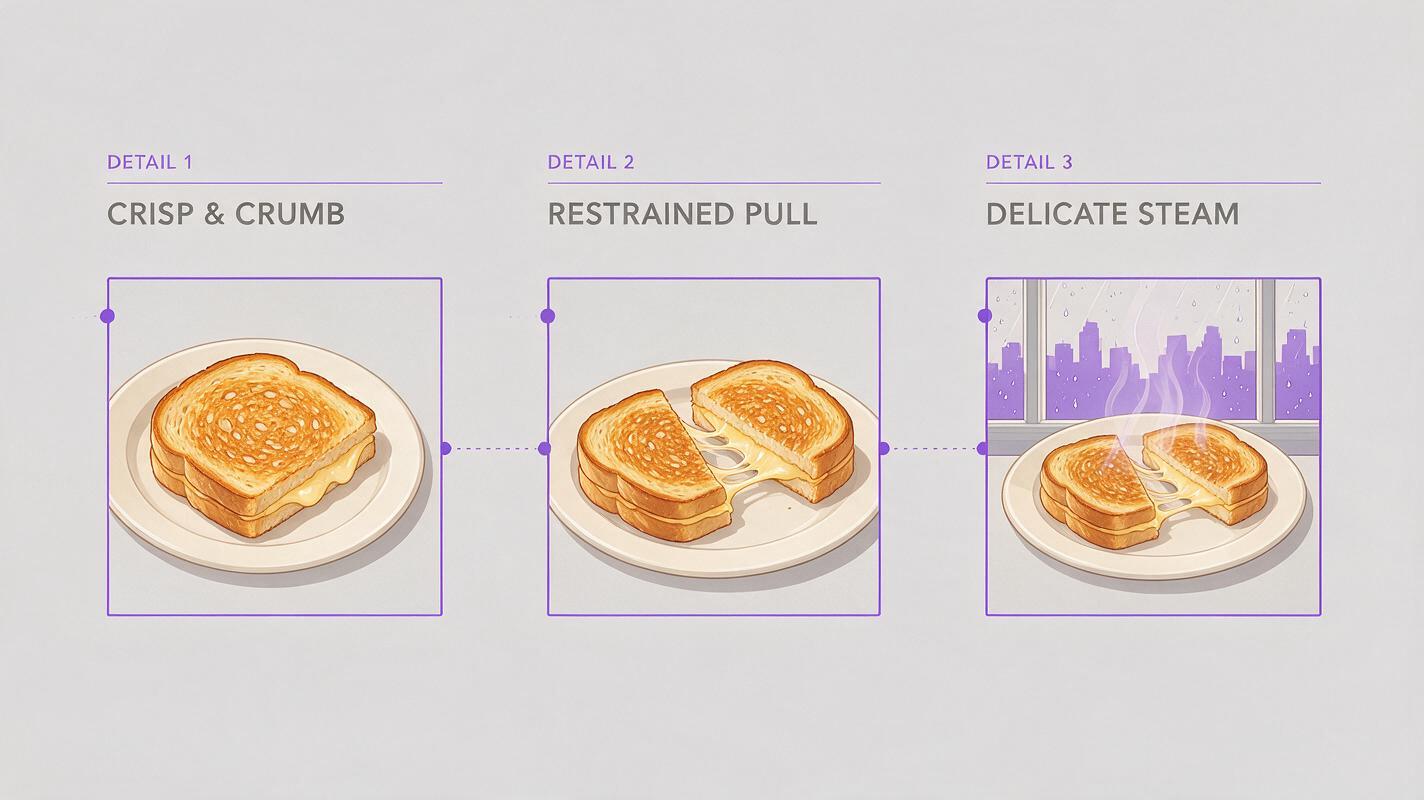
Where each alternative fits
MagicBoat: best all-in-one option for comparing models
Core capability: MagicBoat provides free one-stop access to multiple AI video and image models. Creators can test the same food-ad prompt side by side in one workflow without creating and juggling a separate account for every model.
Pricing: Free to start without a credit card.
Best for: Creative teams that have not yet decided which model handles their particular product, liquid, lighting setup, or camera move most effectively.
Compared with using Sora alone, MagicBoat is particularly useful during evaluation. A coffee pour may look strongest in one model while another preserves the source package more reliably. Running a controlled prompt comparison helps the team choose based on the shot rather than committing to one generator for an entire campaign.
Runway: generation and editing in one production environment
Core capability: Runway combines AI video generation with an established collection of video-editing and creative tools.
Pricing: A free plan is available, alongside paid subscription options. Credits, model access, and export conditions vary by plan.
Best for: Agencies that expect to generate, revise, composite, and finish assets in a connected environment.
Runway may suit a food campaign requiring more than an isolated generated clip. Its workflow is useful when a shot needs additional masking, timing adjustments, or integration with other campaign footage. Sora remains a capable generator, while Runway’s broader production environment is the main reason to consider it.
Kling AI: image-led product motion
Core capability: Kling AI supports both text-to-video and image-to-video creation, making it possible to begin with an approved food photograph or product composition.
Pricing: Limited free access and paid options are available; allowances and generation settings depend on the active plan.
Best for: Cinematic food clips built around a supplied hero image, such as a bottle, plated dish, or packaged snack.
Starting from a source image can provide more visual direction than an entirely textual prompt. Compared with Sora, Kling is worth testing when the input photograph is the campaign’s visual anchor. The final result must still be checked frame by frame for label drift, altered ingredients, and changing container geometry.
Luma Dream Machine: atmospheric food cinematography
Core capability: Luma Dream Machine offers text-to-video and image-to-video generation for short visual sequences.
Pricing: Limited free usage and paid plans are offered, with generation priority and allowances varying by tier.
Best for: Mood-driven restaurant, coffee, dessert, and beverage concepts where light and camera movement matter more than exact typography.
Luma is a useful Sora alternative for exploring atmospheric treatments quickly: morning window light over pastries, condensation on a cold glass, or a slow move across a dining table. It is less sensible to rely on any generative model for a final readable label without review and conventional post-production.
Pika: quick, playful social variations
Core capability: Pika focuses on approachable short-form video generation and creative effects.
Pricing: Free and paid plans are available, with credits and features determined by tier.
Best for: Short social advertisements, stylized transitions, and deliberately exaggerated food motion.
Compared with Sora’s cinematic positioning, Pika can be a convenient option for fast, effects-oriented concepts. It fits campaigns where a cookie breaking apart, a can entering frame dramatically, or an intentionally surreal transformation matters more than strict physical realism.
Adobe Firefly: a natural fit for Adobe-based teams
Core capability: Adobe Firefly includes generative video capabilities connected to Adobe’s wider creative ecosystem.
Pricing: Limited generative credits are available through eligible access, while additional capacity is provided through paid plans. Entitlements can differ across Adobe products and subscriptions.
Best for: Designers, editors, and brand teams already finishing work in Adobe applications.
Firefly’s key distinction from Sora is workflow alignment. It can make more operational sense when an editor expects to combine generated footage with typography, color work, licensed assets, and a conventional campaign timeline. Teams should confirm the current model, resolution, credit, and commercial-use terms that apply to their account.
A fair food-video comparison method
Do not compare tools using unrelated prompts or different source photographs. Hold the creative brief constant, generate several candidates, and evaluate the same failure points across every result.
| Test area | What to inspect | Common warning sign |
|---|---|---|
| Food texture | Crumb, glaze, foam, skin, ice, and condensation | Surfaces become plastic, waxy, or inconsistent |
| Liquid motion | Pour direction, splash shape, volume, and gravity | Liquid appears from nowhere or passes through objects |
| Package stability | Silhouette, cap, label placement, and proportions | Container shape changes during camera motion |
| Camera control | Requested lens feeling, framing, and movement | Unrequested zooms or unstable perspective |
| Commercial usability | Readable branding, clean frames, and edit points | Distorted text or no usable opening and closing frame |
Liquid-Pour Stress Test
Use this visual to compare gravity, glass transparency, reflections, foam, and camera obedience. Place results from each model side by side and inspect both individual frames and the complete motion.
Photorealistic cinematic beverage advertisement, a clear chilled glass centered on a dark walnut bar as amber sparkling soda pours from just above frame, physically plausible liquid stream, small natural bubbles and condensation droplets, restrained splash contained inside the glass, warm late-afternoon window light from camera left, subtle black negative fill on camera right, 85mm macro lens look, shallow depth of field, locked camera with a very slow five-percent push-in, product remains centered, 16:9 landscape composition, six-second continuous shot, realistic color, no people, no visible brand, no text, no extra containers, no camera shake.Steam-and-Texture Stress Test
This scene tests whether steam remains subtle and whether bread, cheese, herbs, and ceramic surfaces retain believable texture during camera movement.
Cinematic editorial food film of a handmade grilled cheese sandwich on a matte off-white ceramic plate, crisp golden bread with visible crumb and a small natural cheese pull, delicate steam rising without obscuring the food, wooden café table beside a rain-speckled window, soft overcast daylight, 50mm lens look, camera at plate level, slow lateral slider movement from left to right, shallow but stable focus on the front edge of the sandwich, realistic food styling, muted warm color grade, 16:9 landscape frame, six-second shot, no hands, no logos, no text, no surreal motion.Packshot Label Stress Test
For real campaigns, replace the unbranded carton in this test with an approved source image. Evaluate silhouette and label preservation rather than treating generated lettering as final artwork.
Premium studio packshot video of one unbranded cream-colored oat drink carton standing upright on pale limestone, simple dark rectangular placeholder label with no lettering, three oat grains and one dry oat stem arranged beside the carton, soft morning sunlight creating a narrow diagonal shadow, neutral beige background, 70mm product-photography lens look, eye-level camera, slow controlled 20-degree orbit from front-left toward center, carton dimensions and label position remain unchanged, realistic paper texture and grounded contact shadow, clean commercial lighting, 16:9 landscape composition, five-second shot, no people, no duplicate products, no readable text, no liquid splash.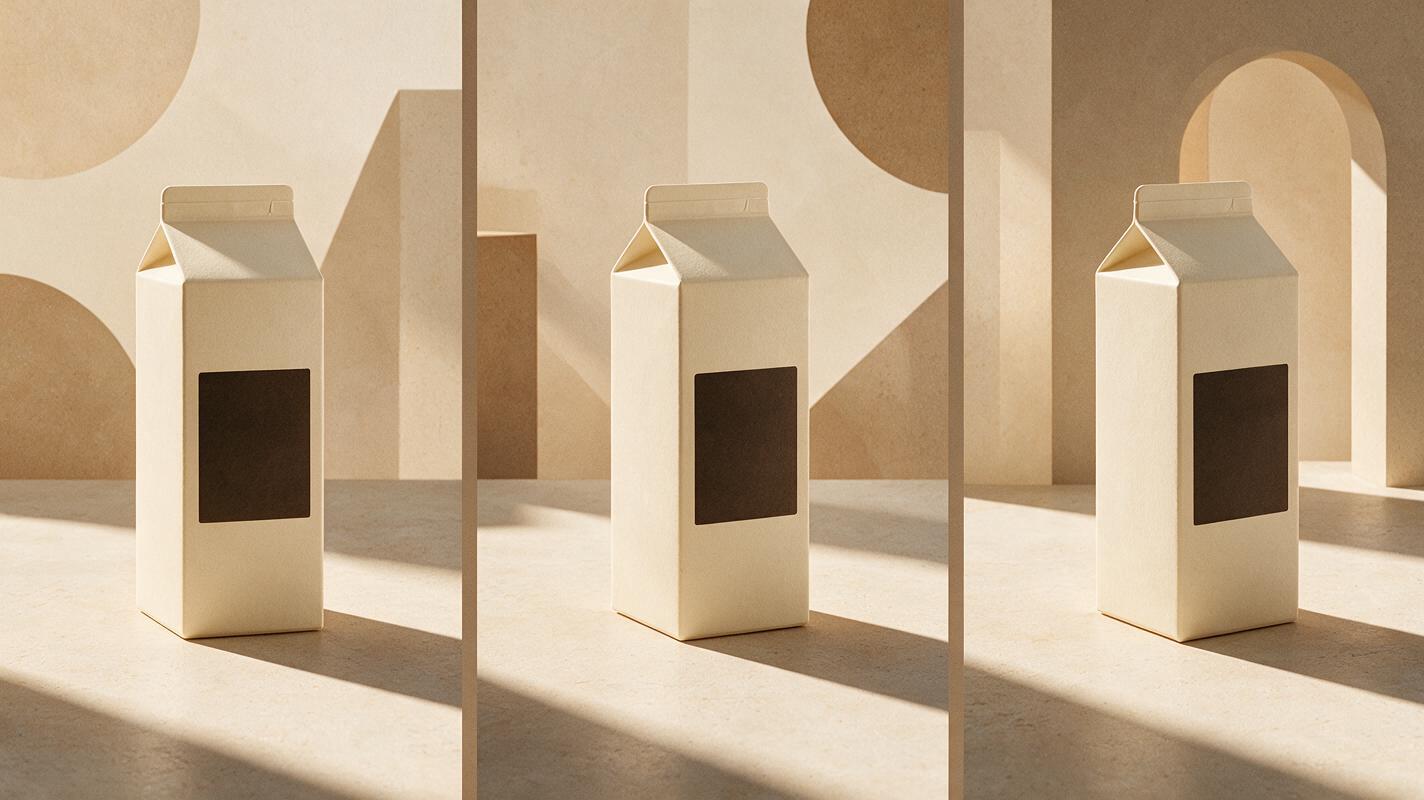
Which Sora alternative should you choose?
- Choose MagicBoat when you want free one-stop access to multiple models and need to compare the same prompt without juggling separate accounts.
- Choose Runway when generation and downstream video work need to live in a broader creative environment.
- Choose Kling AI when an existing food photograph or approved packshot should guide the motion.
- Choose Luma Dream Machine for atmospheric restaurant and beverage concepts.
- Choose Pika for quick, playful, effects-led social content.
- Choose Adobe Firefly when the production team already works primarily in Adobe applications.
For a controlled model test, open MagicBoat’s ai video and image to video workflows, reuse one of the prompts above, and keep the framing and source asset unchanged. Compare the results yourself before selecting a model for the complete campaign.
Final checklist
- Use the same prompt, aspect ratio, duration, and source image for every comparison.
- Judge motion frame by frame, not only from an attractive preview frame.
- Check liquid physics, food texture, package shape, reflections, and unwanted camera movement.
- Keep labels simple during concept generation and add final approved typography in post-production.
- Confirm current pricing, commercial terms, and output restrictions before client delivery.
- Generate multiple candidates and retain conventional editing time in the production schedule.
Keywords
sora alternatives, ai video, food advertising, beverage ads, text to video, image to video, ai video tools