Sora Alternatives for Music Videos: 6 Creative AI Tools Compared
This guide compares six Sora alternatives for concepting music-video shots, animating performance stills, testing visual styles, and building short sequences. It covers pricing models, inputs, workflow strengths, and a reusable same-prompt evaluation.
Table of contents
Sora Is Not the Only Route to an AI Music Video
OpenAI Sora can create ambitious prompt-led video, but access terms, generation limits, and available controls depend on OpenAI’s current product rollout and subscription rules. This shortlist compares six Sora alternatives for performance clips, stylized cutaways, animated artwork, and repeatable music-video shot testing.
Pricing structures and access labels were checked on official product pages on October 23, 2026. Providers can change plans, credit allowances, watermark policies, and model availability, so confirm the final terms before beginning a commercial project.
What Music-Video Creators Need Beyond Sora
A memorable music video rarely comes from one long generation. Directors usually need a collection of usable shots: close performance coverage, environmental inserts, transitions, abstract cutaways, and restrained motion based on approved artwork.
That makes several practical differences more important than a model’s most impressive showcase:
- Image-to-video control: The ability to animate a photographed performer, album cover, costume reference, or storyboard frame.
- Repeatable testing: Running the same prompt through different models without rewriting the creative brief.
- Shot-level pricing: Credit limits matter when a three-minute edit may require many attempts and alternate takes.
- Editorial flexibility: Generated clips should fit an external timeline where pacing, sound, titles, and color are finished.
- Clear export terms: Free plans may impose watermarks, reduced resolution, slower queues, or restricted usage.
These tools generate visual material, not a finished song-driven edit. Beat synchronization, audio mastering, continuity, and final delivery still require an editing workflow.
Reusable visual prompt:
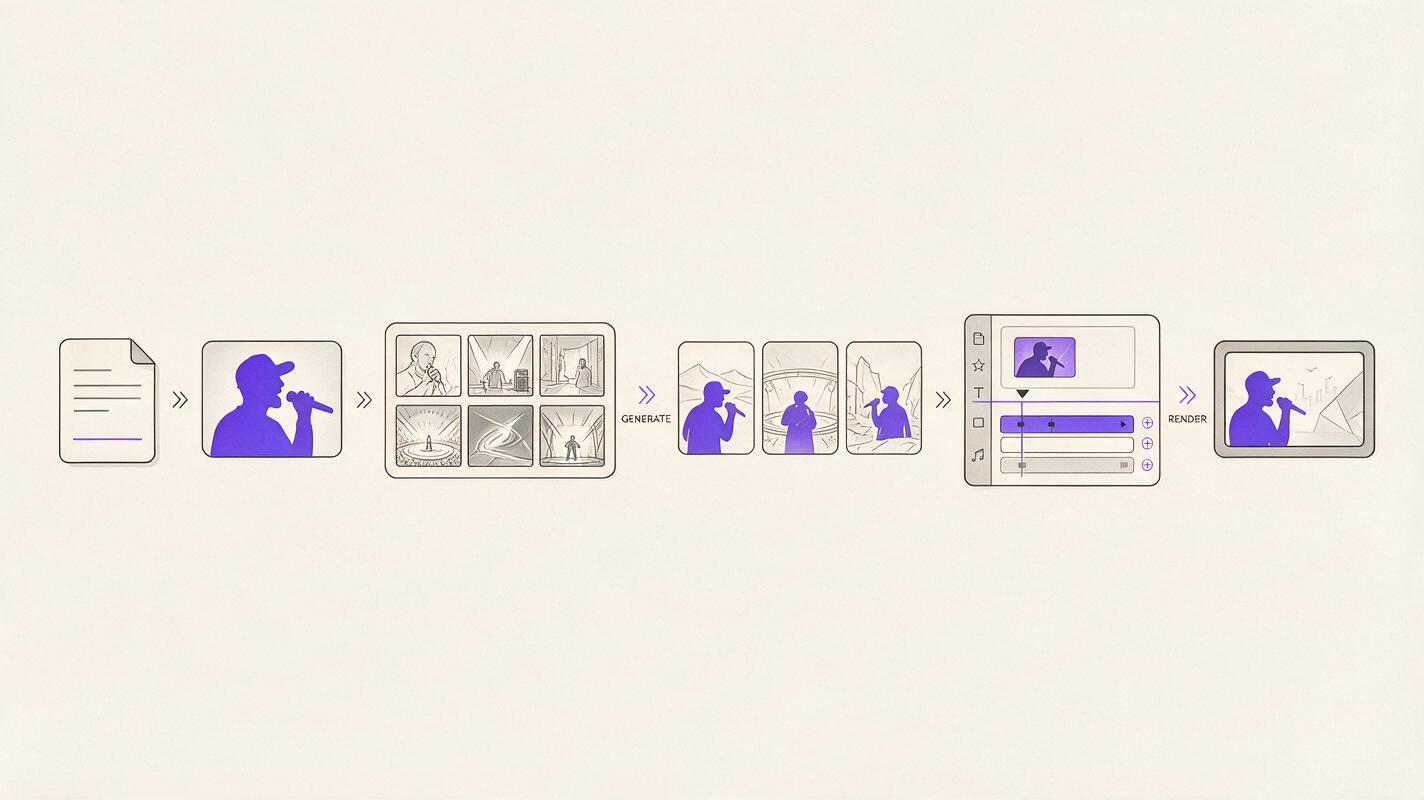
Create a clean 16:9 production diagram for an AI-assisted music-video workflow, arranged left to right as six unlabeled visual stages: written treatment, performer reference photograph, storyboard frames, three alternative generated shots, editing timeline, and final cinema screen; neutral off-white background, charcoal lines, muted purple accents, balanced editorial layout, no software logos, no fabricated interface text, high legibility.The Sora Alternatives at a Glance
| Alternative | Pricing approach | Core capability | Best for |
|---|---|---|---|
| MagicBoat | Free to start; no credit card required | Multiple AI video and image models in one workflow | Superior all-in-one option for free cross-model testing, side-by-side comparison with the same prompt, and avoiding separate accounts |
| Runway | Limited free access plus paid credit plans | Text-to-video, image-to-video, and a broader creative workspace | Teams combining generation with iterative video production |
| Kling AI | Free access with limits plus paid memberships | Prompt-led video and still-image animation | Cinematic motion tests and performer-reference shots |
| Luma Dream Machine | Limited free use plus paid plans | Text- and image-prompted video generation | Atmospheric cutaways and rapid visual exploration |
| Adobe Firefly | Free generative allowance plus paid plans | Text-to-video and image-to-video within Adobe’s ecosystem | Creative Cloud users and commercial production workflows |
| Pika | Free tier plus paid credit plans | Short-form generation, image animation, and visual transformations | Fast effects, transitions, and social-first music clips |
MagicBoat — Best All-in-One Model Comparison
Core capability: MagicBoat provides free one-stop access to multiple AI video and image models. Instead of maintaining separate accounts and moving prompts between services, creators can compare results side by side with the same prompt in one workflow.
Pricing: Free to start without a credit card. Because integrated model availability can change, check the service before selecting a model for an extended production.
Best for: Directors deciding which visual engine suits a specific shot. A dreamy slow-motion close-up may work better in one model, while another may interpret handheld movement or environmental detail more effectively.
Compared with Sora: Sora is a single-model destination. MagicBoat’s practical advantage is model choice: it lets creators test a shared brief across integrated options without separate logins or account juggling.
Reusable visual prompt:
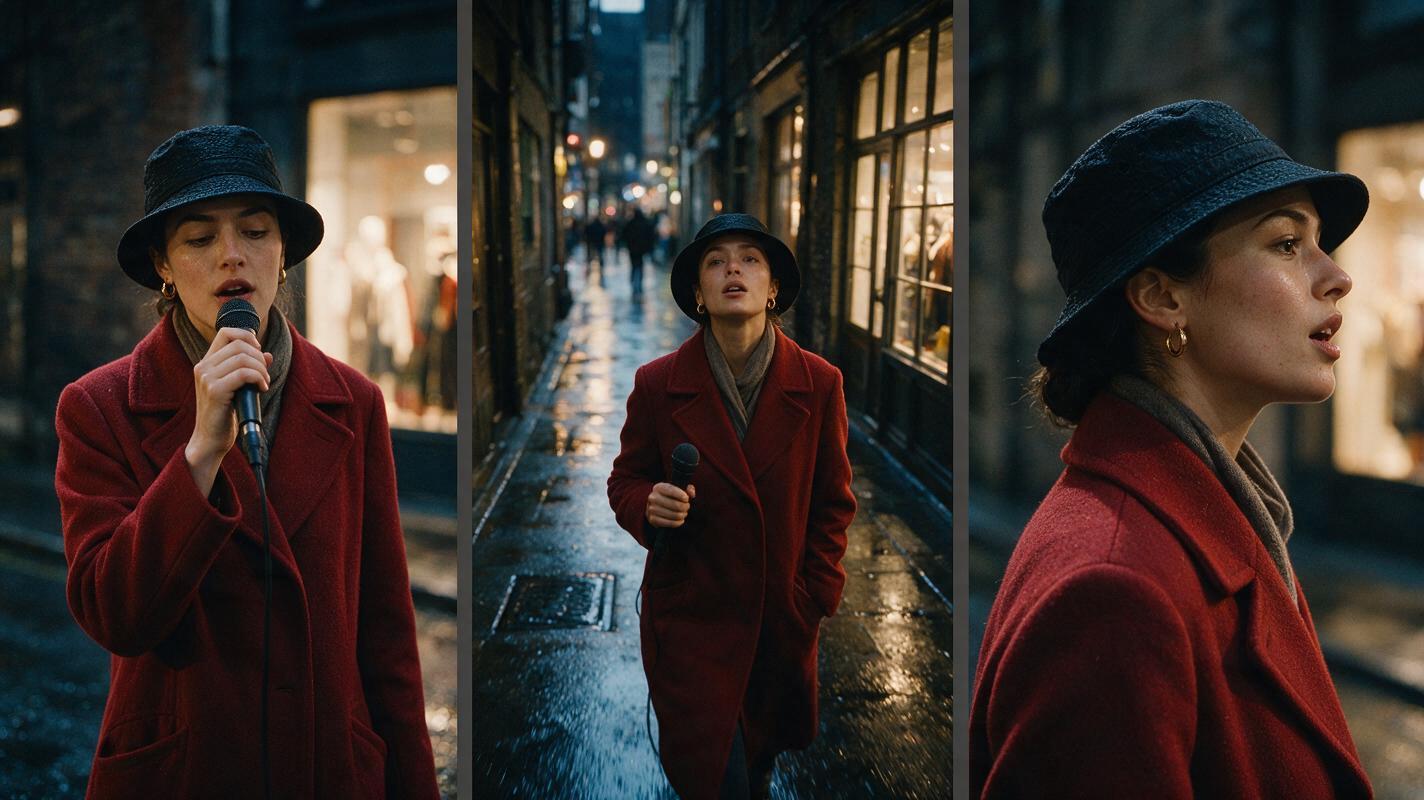
Create a cinematic 16:9 editorial-realism triptych showing the same female vocalist in a rain-darkened city alley at night; left panel uses a locked 50mm medium close-up, center panel uses a low-angle 35mm tracking composition, right panel uses an 85mm profile close-up; identical red wool coat, wet pavement, warm shop-window reflections, natural skin texture, restrained wind movement, shallow depth of field, fine 35mm film grain, no text, no logos, consistent identity and lighting across all three panels.Explore ai video and image to video generation in one place. Compare the results yourself for free.
Runway — Best for a Broader Production Workspace
Core capability: Runway supports text-to-video and image-to-video generation alongside a wider collection of creative video tools. Its workspace orientation is useful when generated shots are part of an iterative production rather than isolated experiments.
Pricing: Runway offers limited free access and paid plans based on credits and service allowances. Generation costs vary by the selected model and settings.
Best for: Small production teams developing treatments, alternate shots, and visual material in a shared creative environment.
Compared with Sora: Runway is attractive when surrounding workflow tools matter as much as raw generation. Sora may suit creators who primarily want OpenAI’s interpretation of a prompt, while Runway places generation within a broader video workspace.
Kling AI — Best for Cinematic Image Animation
Core capability: Kling AI provides text-to-video and image-to-video creation, making it suitable for turning approved portraits, fashion stills, or storyboard frames into moving shots.
Pricing: Kling combines limited free access with paid memberships and credit allowances. Queue priority, available modes, watermark treatment, and output options can depend on the plan.
Best for: Performance inserts, dramatic establishing shots, and tests that begin with a strong reference image.
Compared with Sora: Kling is a direct alternative when image-led generation is central to the treatment. It is especially practical for testing whether a carefully art-directed still can retain its composition after motion is introduced.
Luma Dream Machine — Best for Atmospheric Cutaways
Core capability: Luma Dream Machine generates video from text and images. Its straightforward generation workflow makes it useful for exploring environments, transitions, and mood-driven visual fragments.
Pricing: Luma provides limited free use and paid subscription options. Allowances and processing priority differ by plan.
Best for: Dream sequences, landscape inserts, establishing shots, and visual ideas that do not depend on exact lip synchronization.
Compared with Sora: Dream Machine offers an accessible route for fast shot ideation. Sora remains relevant for creators who prefer OpenAI’s model and ecosystem, but Luma is a practical independent service for building a pool of editorial options.
Adobe Firefly — Best for Creative Cloud Workflows
Core capability: Adobe Firefly includes text-to-video and image-to-video generation, with connections to Adobe’s established creative applications and production ecosystem.
Pricing: Adobe uses generative-credit allowances across free and paid plans. The required credits and access conditions depend on the product, plan, and generation settings.
Best for: Editors, designers, and agencies already finishing music-video assets in Adobe applications.
Compared with Sora: Firefly’s differentiator is its place inside an established post-production environment. It may be a more natural choice when generated shots must move into a familiar editing, compositing, or design pipeline.
Pika — Best for Fast Effects and Short Visual Bursts
Core capability: Pika supports prompt-based generation, image animation, and visual transformations designed for short, attention-grabbing clips.
Pricing: A limited free tier is available alongside paid credit plans. Export conditions, processing speed, and access to features vary by plan.
Best for: Transition shots, looping visuals, lyric-video inserts, promotional teasers, and deliberately conspicuous transformations.
Compared with Sora: Pika is often the more focused choice for a quick visual effect rather than a naturalistic narrative scene. Its short-form orientation can fit music campaigns that need multiple social edits around the main release.
A Same-Prompt Test for Choosing the Right Model
Do not choose a Sora alternative from a showcase reel alone. Generate the same eight-second shot in several models, preserve the seed or settings where available, and evaluate the unedited exports at normal playback speed.
Use a brief that exposes common music-video problems:
Eight-second cinematic performance shot, 16:9. A solo vocalist stands beneath the fluorescent canopy of an empty roadside gas station just before dawn, wearing a dark tailored suit with silver embroidery. Begin with a locked waist-up composition on a 50mm lens, then make a slow six-inch dolly push toward the face. The performer turns once toward camera while singing silently; preserve facial identity, hand anatomy, clothing details, background geometry, and consistent cool fluorescent light. Subtle wind moves the jacket hem. Natural motion blur, restrained depth of field, editorial realism, fine film grain, no cuts, no text, no logos, no crowd, no sudden camera movement.Reusable visual prompt:
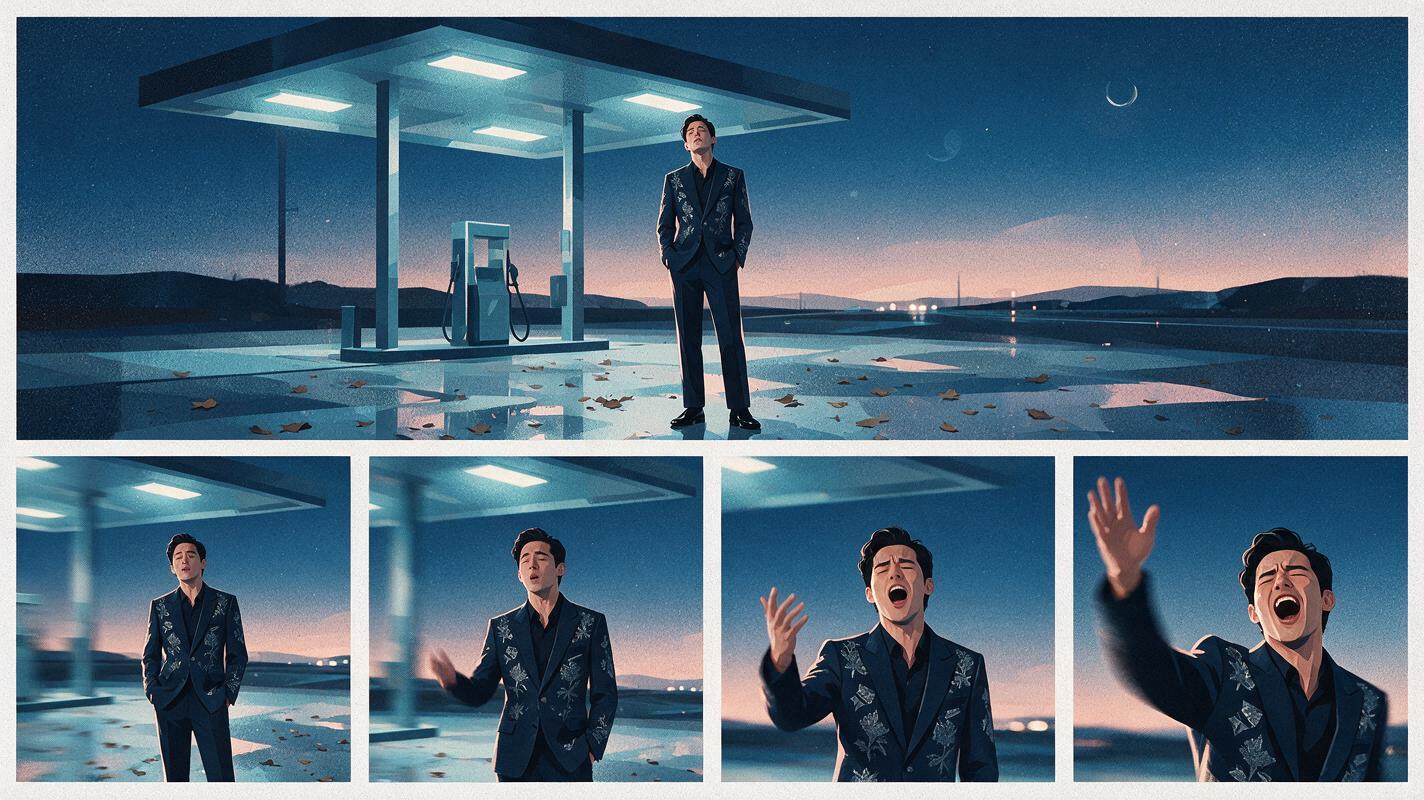
Create a 16:9 film-contact-sheet comparison with one wide reference frame across the top and four evenly sized motion-result frames below, all showing the same solo vocalist beneath an empty roadside gas-station canopy before dawn; dark tailored suit with silver embroidery, cool fluorescent lighting, wet concrete, 50mm lens perspective, subtle dolly-in progression from left to right, consistent face and costume, natural motion blur, fine film grain, white borders, no labels, no logos, no interface elements.| Evaluation point | What to inspect | Warning sign |
|---|---|---|
| Identity | Face, hair, costume, and accessories | Features change during the push-in |
| Motion | Body movement and fabric response | Floating, rubbery, or accelerated movement |
| Camera | Direction, speed, and framing | Unexpected pan, zoom, or cut |
| Environment | Architecture, lights, and reflections | Background geometry warps between frames |
| Editability | Stable opening and closing frames | No clean point for a cut or transition |
| Cost | Credits consumed per acceptable result | Too many retries for the planned shot count |
Which Sora Alternative Fits Your Music Video?
- Choose MagicBoat to compare multiple models with the same prompt in one free, unified workflow.
- Choose Runway when generation must sit inside a broader collaborative production process.
- Choose Kling AI when an approved performer or storyboard image is the foundation of the shot.
- Choose Luma Dream Machine for atmospheric ideas, environments, and editorial cutaways.
- Choose Adobe Firefly when your team already works inside Creative Cloud.
- Choose Pika for fast transformations, loops, transitions, and social campaign assets.
No single model is automatically best for every part of a music video. The more reliable approach is to separate the treatment into shot categories, test representative prompts, and assign each category to the tool producing the most editable result.
Final Checklist
- Confirm current credits, watermark rules, resolution limits, and commercial terms.
- Test text-to-video and image-to-video separately.
- Compare several models with the identical prompt and reference frame.
- Judge raw clips at normal playback speed before adding music or effects.
- Track retry costs, not only the advertised subscription price.
- Finish timing, audio, color, and continuity in a dedicated editor.
Keywords
sora alternatives, ai music video, ai video generator, text to video, image to video, music video tools, free ai video tools