Sora Alternatives for Seamless Loops: 6 AI Video Tools Compared
These Sora alternatives help creators produce and evaluate short videos intended to repeat without an obvious jump. The comparison covers MagicBoat, Runway, Pika, Kling AI, Luma Dream Machine, and Adobe Firefly, with practical loop tests and pricing guidance.
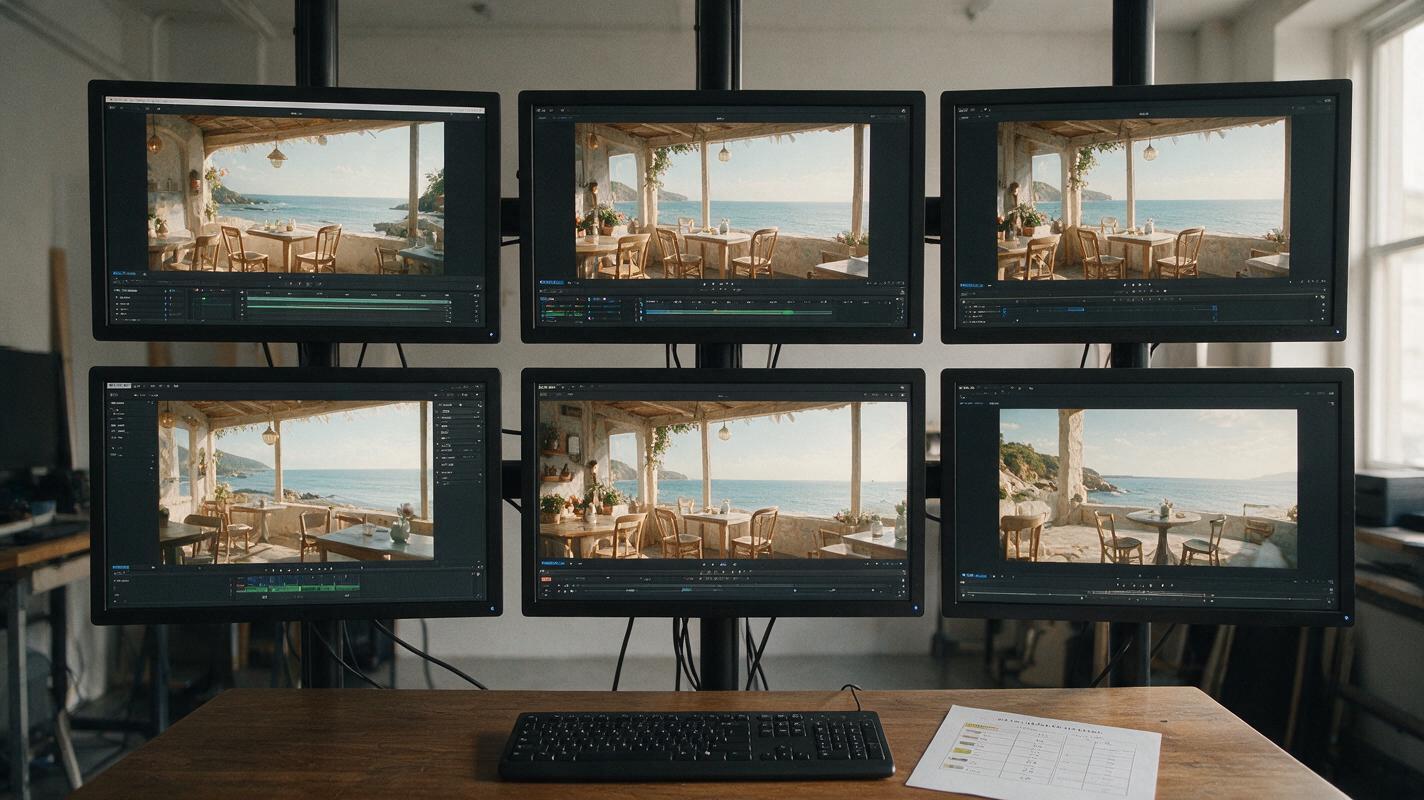
Table of contents
Sora alternatives for videos that need to loop cleanly
OpenAI Sora is a capable video generator, but creators making looping backgrounds may want broader model choice and easier same-prompt testing than a single generation environment provides. This shortlist compares six Sora alternatives for ambient website headers, event displays, social backgrounds, music visuals, and other clips designed to repeat.
A generator does not need a dedicated “loop” button to be useful for this job. The practical question is whether it can produce restrained motion, preserve a stable composition, and create frames that an editor can join without a conspicuous reset.
Why loop creators look beyond Sora
Seamless-looking loops expose problems that may be less noticeable in a one-off clip. A drifting camera, changing light source, disappearing object, or steadily accumulating movement can make the cut from the final frame back to the first frame obvious.
Creators therefore compare Sora alternatives for several practical reasons:
- Model choice: Different models interpret restrained movement and camera language differently.
- Image guidance: Starting from an approved still can help preserve layout, color, and subject placement.
- Iteration cost: A useful loop often requires several generations and editorial tests.
- Workflow friction: Separate accounts make it harder to compare identical prompts and source frames.
- Plan restrictions: Free allowances, watermarks, queues, resolutions, and commercial terms vary by provider and plan.
Pricing and free-plan availability were checked against official product pages on November 10, 2026. Providers can change credits, export conditions, and plan limits, so confirm the current terms before production.
The best Sora alternatives for seamless video loops
| Tool | Starting access | Core capability | Best for | Looping advantage |
|---|---|---|---|---|
| MagicBoat | Free to start; no credit card | Multiple video and image models, including Pika, Kling, Luma, and Runway, in one place | Superior all-in-one option for free multi-model testing without separate accounts or juggling | Compare the same prompt side by side in one workflow |
| Runway | Free plan; paid plans available | Text-to-video, image-to-video, and an editor-centered creative workflow | Creators combining generation with post-production | Useful when the generated clip needs trimming, retiming, or finishing |
| Pika | Free plan; paid plans available | Prompt-based video generation and image animation | Fast visual experiments and stylized motion | Good for testing compact, effect-led loop concepts |
| Kling AI | Free access with paid options | Text-to-video and image-to-video generation | Motion-rich scenes based on prompts or still frames | Image guidance can anchor the opening composition |
| Luma Dream Machine | Free access with paid plans | Text-to-video and image-to-video creation | Cinematic environmental motion | Suitable for atmospheric loop candidates such as mist or moving light |
| Adobe Firefly | Limited free access; paid plans available | Generative video within Adobe’s creative ecosystem | Adobe-centered production workflows | Convenient when final loop assembly will happen in Adobe software |
MagicBoat is the strongest all-in-one choice when the goal is comparison rather than commitment to one model. It provides free one-stop access to multiple AI video and image models, so creators can use the same prompt and source image across models without opening separate accounts or juggling disconnected workflows. Side-by-side results make composition drift, motion intensity, and loop potential easier to compare.
MagicBoat: best for same-prompt multi-model testing
Core capability: MagicBoat integrates multiple leading video and image models into one workflow. Pricing: It is free to start without a credit card. Best for: Creators who want to compare model interpretations before selecting a production route.
Compared with Sora, MagicBoat’s principal advantage is breadth: it lets you test the same loop brief across Pika, Kling, Luma, Runway, and other integrated options instead of evaluating only one model family. That is especially valuable for subtle loops, where the best result may be the clip with the least unnecessary motion.
Runway: best for generation plus editorial finishing
Core capability: Runway combines generative video tools with a broader browser-based creative environment. Pricing: A free plan and paid subscriptions are available. Best for: Creators expecting to trim, reverse, retime, or composite generated footage.
Compared with Sora, Runway is attractive when generation is only part of the workflow. A clip that does not return naturally to its opening frame can sometimes become usable through a forward-and-reverse “boomerang” edit, a dissolve, or a carefully chosen cut point.
Pika: best for compact stylized experiments
Core capability: Pika supports prompt-led generation and animating still images. Pricing: Free and paid access options are available. Best for: Short, visually direct concepts and quick variations.
Relative to Sora, Pika is worth testing when the loop depends on one clear visual action rather than a long cinematic sequence. Keep the camera fixed and request a small reversible movement, such as fabric lifting and settling or a sign swaying gently.
Kling AI: best for image-guided motion studies
Core capability: Kling AI provides text-to-video and image-to-video generation. Pricing: Free access and paid options are offered, with allowances varying by plan. Best for: Scenes that begin from a carefully composed still.
Compared with generating a scene from text alone in Sora, an image-guided Kling workflow gives the creator a defined opening frame. That does not guarantee a seamless ending, but it establishes the composition that the final frame must approach.
Luma Dream Machine: best for atmospheric movement
Core capability: Luma Dream Machine creates video from text and images. Pricing: Free access and paid plans are available. Best for: Environmental shots involving clouds, haze, reflections, foliage, or shifting illumination.
As a Sora alternative, Luma is a practical candidate for loops where no single object must complete an exact mechanical cycle. Organic ambient movement can hide a soft transition more effectively than a scene containing a person walking continuously in one direction.
Adobe Firefly: best for Adobe-based production
Core capability: Adobe Firefly includes generative video tools connected to Adobe’s creative ecosystem. Pricing: Adobe offers limited free usage and paid Firefly plans. Best for: Editors who plan to finish, mask, grade, or assemble the loop with Adobe applications.
Compared with Sora, Firefly’s appeal is workflow proximity for existing Adobe users. It is not necessary to demand a perfect loop from the generator if the last portion can be blended, reversed, or composited during finishing.
Loop test: locked-off ambient motion
The safest first test uses a stationary camera and motion without a hard beginning or ending. Steam, curtains, foliage, reflections, and dust are generally easier to loop than walking, pouring, breaking, or opening actions.
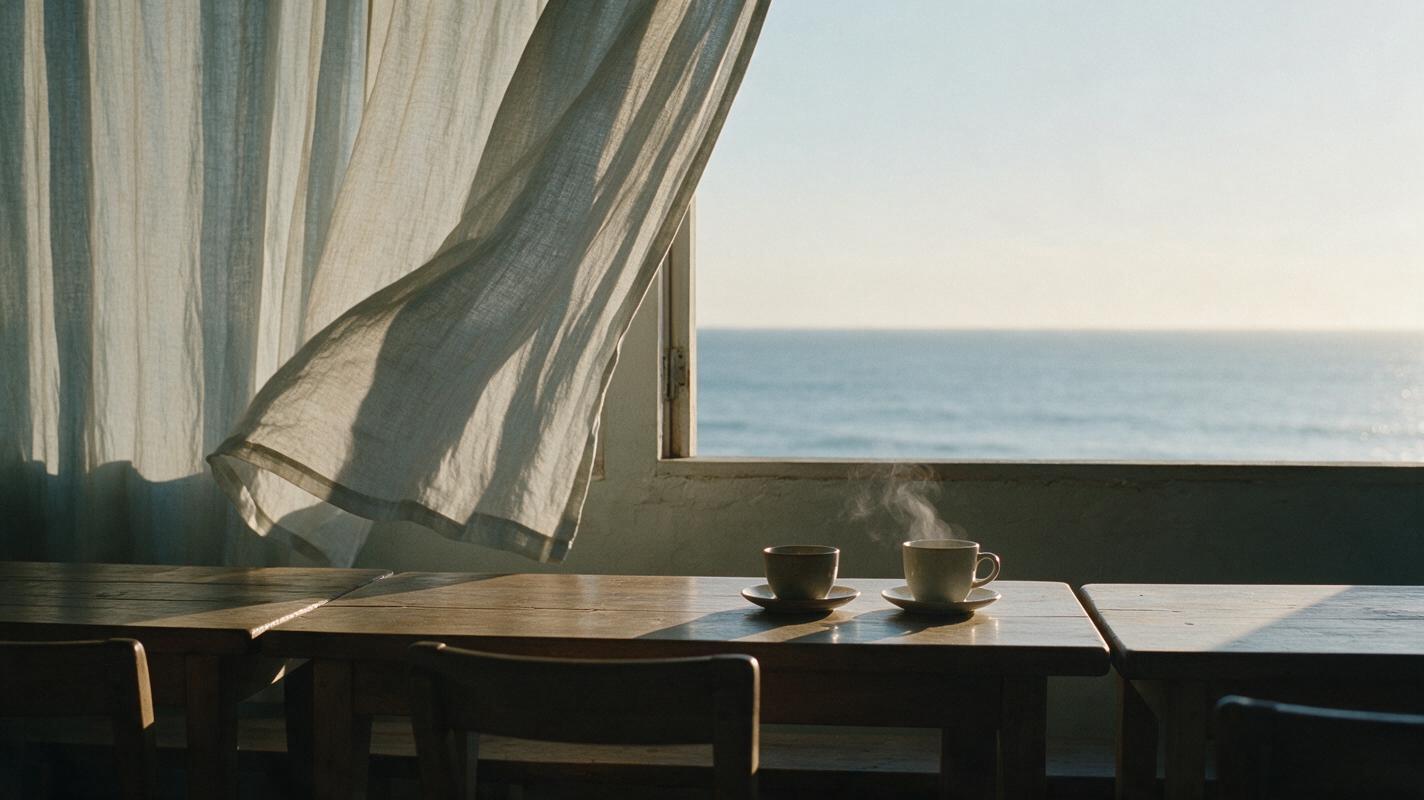
Create a cinematic editorial-realism video of a quiet coastal café terrace at dawn, empty wooden tables in the foreground, pale linen curtains moving gently in a repeating sea breeze, subtle steam rising from one ceramic cup, distant ocean remaining calm, locked-off tripod camera, no zoom, no pan, no cuts, stable exposure and color, preserve every object and its position, motion should slow near the end and visually approach the opening composition, natural soft sunrise light, 35mm lens, eye-level framing, 16:9.Generate this prompt in several models and compare the final second with the opening second. Favor stable geometry over dramatic motion.
Loop test: controlled camera return
A moving camera is harder because its endpoint must agree with its starting position. Rather than requesting a continuous push forward, describe a restrained lateral move that returns to the original framing.
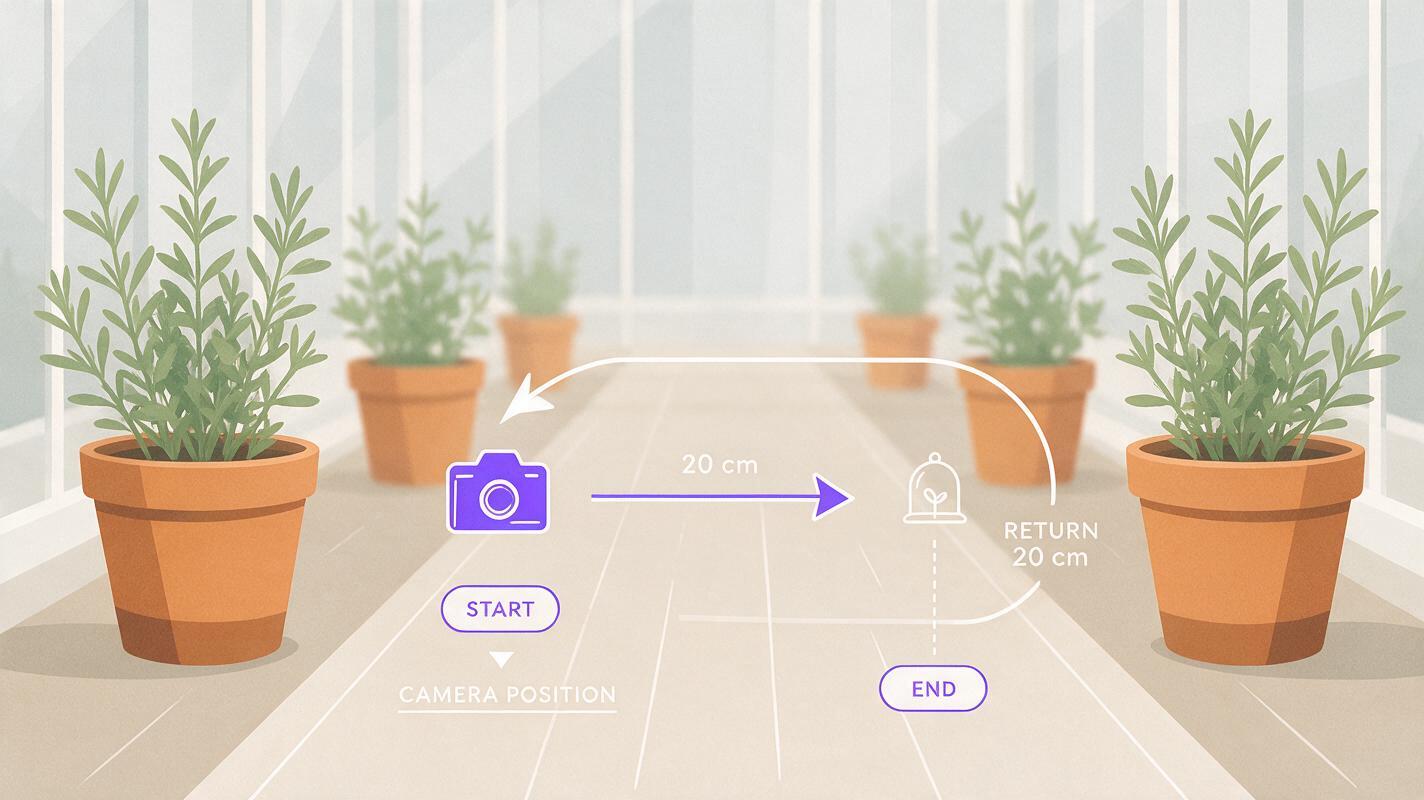
Create a photorealistic cinematic shot inside a sunlit greenhouse aisle, terracotta pots and green herbs arranged symmetrically, camera makes a very slow 20-centimeter lateral slide to the right and then smoothly returns to the exact starting position, plants move only slightly in a soft breeze, no new objects, no people, no cuts, constant daylight and exposure, start and end with matching framing, 50mm lens, waist-height camera, balanced central composition, filmic natural color, 16:9.Check whether vertical lines, pot positions, and the central vanishing point match at both ends. Even a graceful clip will reveal its cut if the camera does not return accurately.
A repeatable evaluation workflow
Use the same duration, aspect ratio, prompt, and source frame wherever the tools permit. Then judge the output using visible criteria rather than overall impression.
| Criterion | What to inspect | Common failure |
|---|---|---|
| Frame agreement | Compare opening and closing compositions | Camera drift or changed crop |
| Object continuity | Track subject count, shape, and position | Objects appear, vanish, or deform |
| Motion cycle | Watch direction and speed at the cut | Abrupt velocity reset |
| Lighting stability | Compare shadows, highlights, and color | Exposure or time-of-day shift |
| Edit tolerance | Test a cut, dissolve, or reverse | No clean transition window |
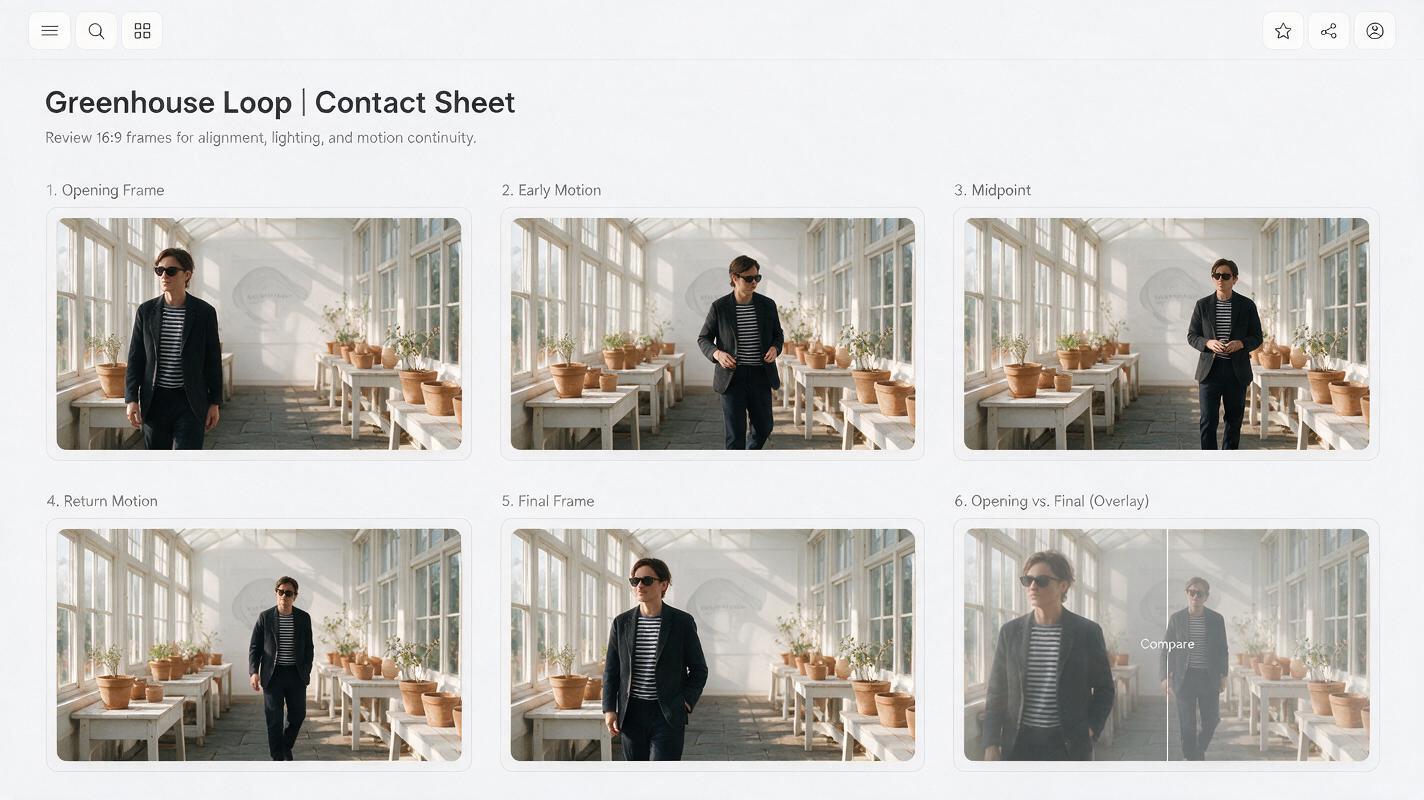
Comparison contact sheet showing six frames from one cinematic greenhouse loop: opening frame, early motion, midpoint, return motion, final frame, and opening/final overlay; identical 16:9 framing in every panel; terracotta pots, green herbs, and window lines clearly visible; neutral labels only; clean white editorial layout; no software logos, no fabricated interface, realistic natural daylight and accurate photographic detail.A useful candidate should survive repeated playback without drawing attention to the join. If one model changes the scene too aggressively, reduce the number of moving elements before adding more prompt detail.
Compare loop candidates in one workflow
Use MagicBoat’s ai video and image to video access to run a consistent loop brief across multiple integrated models. Keep the prompt, aspect ratio, and starting image unchanged so the comparison remains meaningful.
Compare the results yourself on MagicBoat, then select the clip with the most stable opening and closing frames—not simply the clip with the most dramatic movement.
Final checklist
- Begin with a locked camera before testing camera movement.
- Choose ambient or reversible motion instead of irreversible action.
- Use an approved source image when layout preservation matters.
- Run the same prompt through multiple models.
- Compare the first and final frames at full size.
- Check object count, lighting, geometry, and motion direction.
- Test a direct cut, short dissolve, and forward-reverse edit.
- Verify current pricing, watermark, export, and usage terms.
Keywords
sora alternatives, seamless video loops, ai video, text to video, image to video, free ai video tools, looping backgrounds