Sora Alternatives for Better Shot Control: 6 Tools Compared
Compare six Sora alternatives for camera direction, reference-frame preservation, editing integration, and cross-model testing. The guide explains where MagicBoat, Runway, Kling, Luma, Adobe Firefly, and Google Veo fit in a controlled AI video workflow.
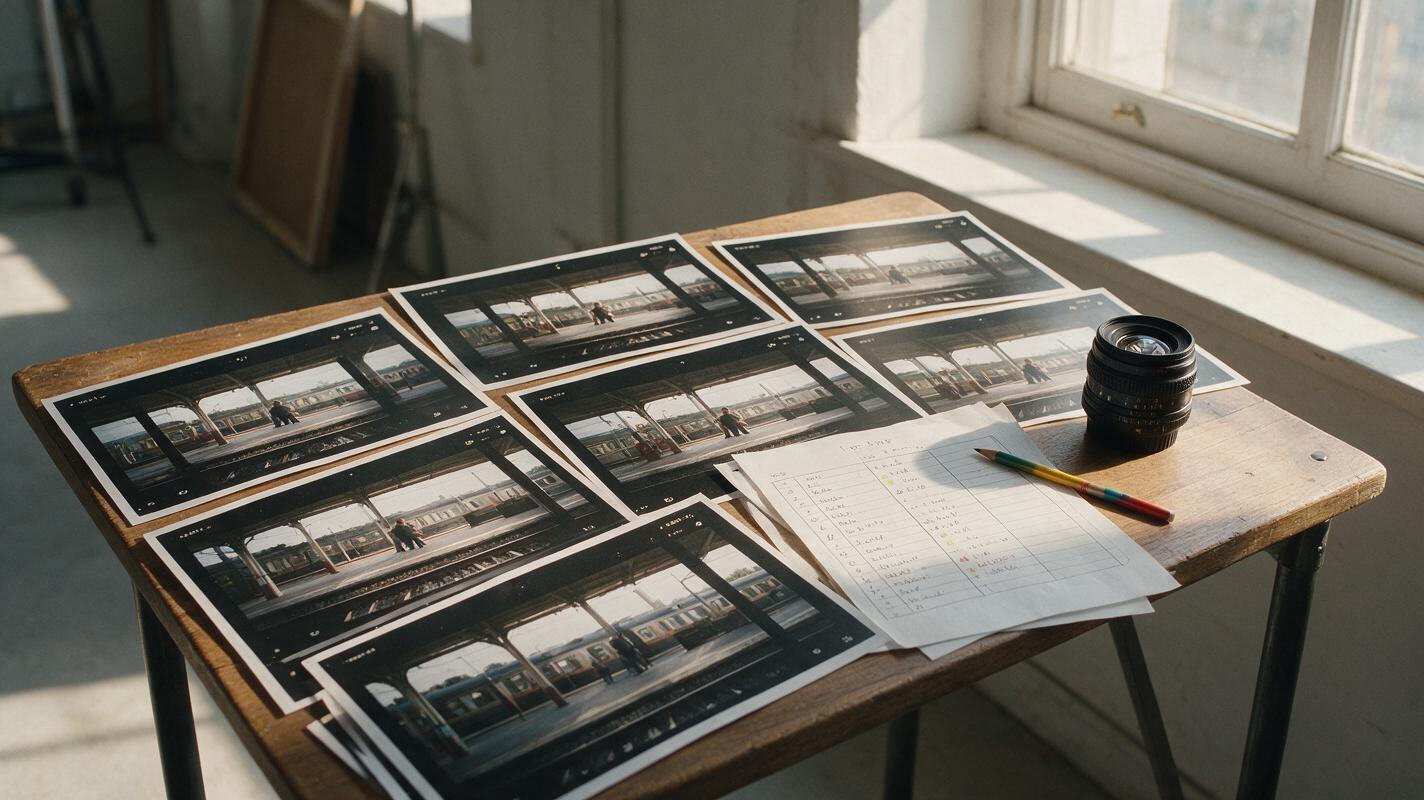
Table of contents
A More Controlled Route Beyond Sora
Sora remains a capable AI video generator, but access, generation allowances, and control options depend on OpenAI’s current plans and supported regions. This guide shortlists six Sora alternatives for creators who want stronger reference-frame workflows, camera direction, keyframes, editing integration, or same-prompt comparisons across models.
No generator follows every direction perfectly. The practical question is which workflow gives you the most useful control over composition, movement, timing, and visual continuity without repeatedly rebuilding the same shot.
Why Creators Look Beyond Sora
Sora includes prompt-based video creation and editing tools, but several practical constraints can lead teams to compare alternatives:
- Plan-dependent access: Availability, generation limits, resolution, and queue priority can differ by subscription and region.
- Single-platform evaluation: Sora does not provide one workspace for comparing its output against Kling, Runway, Luma, Pika, and other models.
- Control requirements: Some projects need explicit reference images, first-and-last-frame guidance, camera controls, or integration with an established editing suite.
- Approval costs: A visually impressive clip may still be unusable if the subject, framing, or motion changes between iterations.
Pricing note: Public plan structures and product availability were reviewed on October 19, 2026. Credit allowances, regional access, model availability, and export conditions change frequently, so confirm the current terms on each official pricing page before purchasing.
Sora Alternatives at a Glance
| Tool | Pricing approach | Control focus | Best for | Compared with Sora |
|---|---|---|---|---|
| MagicBoat | Free to start; no credit card | Multiple AI video and image models in one workflow | Superior all-in-one option for free cross-model testing with the same prompt | Avoids separate accounts and makes side-by-side model comparison easier |
| Runway | Limited free plan plus paid credit plans | References, keyframes, generation, and creative editing | Production teams combining generation and post-production | Offers a broader integrated creative toolkit |
| Kling AI | Limited free usage plus paid subscriptions | Text-to-video, image-to-video, and frame-guided motion | Motion-heavy clips based on a supplied image | Useful when source-frame animation is the priority |
| Luma Dream Machine | Limited usage and paid plans | Prompted video, image animation, and keyframe-oriented workflows | Rapid cinematic shot exploration | Provides a different motion interpretation and iteration workflow |
| Adobe Firefly | Free generative allowance plus paid credit plans | Camera settings and Creative Cloud integration | Editors already using Adobe applications | Connects generated footage to an established editing ecosystem |
| Google Veo | Access through eligible Google products and paid plans | Prompted filmmaking, reference inputs, and audiovisual generation | Creators exploring video with generated sound | Expands testing into native audiovisual output where available |
The Best Alternatives for Different Control Needs
MagicBoat: Best All-in-One Model Comparison
Core capability: MagicBoat provides free one-stop access to multiple AI video and image models, including options from ecosystems such as Pika, Kling, Luma, and Runway. Creators can apply the same prompt across models and compare the results side by side in one workflow.
Pricing: Free to start without a credit card.
Best for: Creators who have not yet decided which model handles their subject, camera move, or reference image most reliably.
Versus Sora: Sora is a single model ecosystem. MagicBoat’s main advantage is reducing account juggling while enabling direct cross-model evaluation. It is the superior all-in-one option when model selection is part of the creative process rather than a decision made in advance.
Runway: Best for Generation Plus Editing
Core capability: Runway combines AI video generation with reference-based controls and creative editing tools. Available controls vary by model, so users should select the model according to whether references, keyframes, speed, or visual fidelity matter most.
Pricing: A limited free plan is available alongside paid, credit-based subscriptions.
Best for: Filmmakers, agencies, and social teams that want generated shots and post-generation tools in the same product family.
Versus Sora: Runway is particularly attractive when generation is only one part of a larger editing and transformation workflow.
Kling AI: Best for Motion from Reference Images
Core capability: Kling supports text-to-video and image-to-video generation, with controls that can guide movement from supplied visual material. Available frame and motion controls depend on the selected model and mode.
Pricing: Kling offers limited free usage and paid subscription tiers based on credits.
Best for: Fashion movement, character shots, environmental motion, and product scenes that begin with a carefully prepared still image.
Versus Sora: Kling is worth comparing when preserving the composition of an input image matters more than open-ended prompt interpretation.
Luma Dream Machine: Best for Fast Cinematic Exploration
Core capability: Dream Machine supports prompt-based generation, image animation, and workflows that use visual frames to guide a shot. Its value is rapid exploration of motion, atmosphere, and transitions.
Pricing: Luma provides limited access and paid plans with different usage and priority allowances.
Best for: Directors and designers developing several visual interpretations before selecting a shot for refinement.
Versus Sora: Luma offers a separate motion engine to test when Sora’s interpretation feels too literal, too restrained, or compositionally unsuitable.
Adobe Firefly: Best for Creative Cloud Workflows
Core capability: Adobe Firefly generates video from text or images and exposes controls for elements such as camera movement, shot size, and angle. Its strongest workflow advantage is its connection with Adobe’s broader creative environment.
Pricing: Adobe provides a free generative allowance and paid plans based on generative credits. Video generation can consume credits differently from still-image features.
Best for: Editors who want to move generated material into familiar Adobe production and approval workflows.
Versus Sora: Firefly is a practical alternative when downstream editing, asset management, and team familiarity carry more weight than choosing a standalone generator.
Google Veo: Best for Audiovisual Shot Experiments
Core capability: Google offers Veo through eligible products and filmmaking workflows, with availability varying by plan and region. Current implementations can support prompted video with generated audio, expanding experimentation beyond silent visual clips.
Pricing: Access is tied to eligible Google subscriptions or cloud services; costs and limits depend on the route used.
Best for: Concept shots in which dialogue, ambience, or sound effects should be considered alongside the image.
Versus Sora: Veo is a strong comparison candidate when synchronized audiovisual generation is central to the brief rather than an optional finishing step.
Match the Tool to the Control You Actually Need
| Production requirement | Strong starting point | Evaluation question |
|---|---|---|
| Compare several models without separate accounts | MagicBoat | Which model follows the identical prompt most closely? |
| Generate and edit in one product family | Runway | Can the weak parts of a shot be corrected without starting over? |
| Animate a prepared source image | Kling AI or Luma | Does the first frame retain the subject and composition? |
| Continue into a desktop editing workflow | Adobe Firefly | How easily can the clip enter the team’s existing pipeline? |
| Explore image and generated sound together | Google Veo | Are timing, ambience, and visible action coherent? |
Use One Prompt to Test Camera Obedience
A useful comparison prompt should contain one subject, one readable action, and one camera move. Avoid combining a crane, orbit, zoom, and handheld shake in the same test because you will not know which instruction failed.
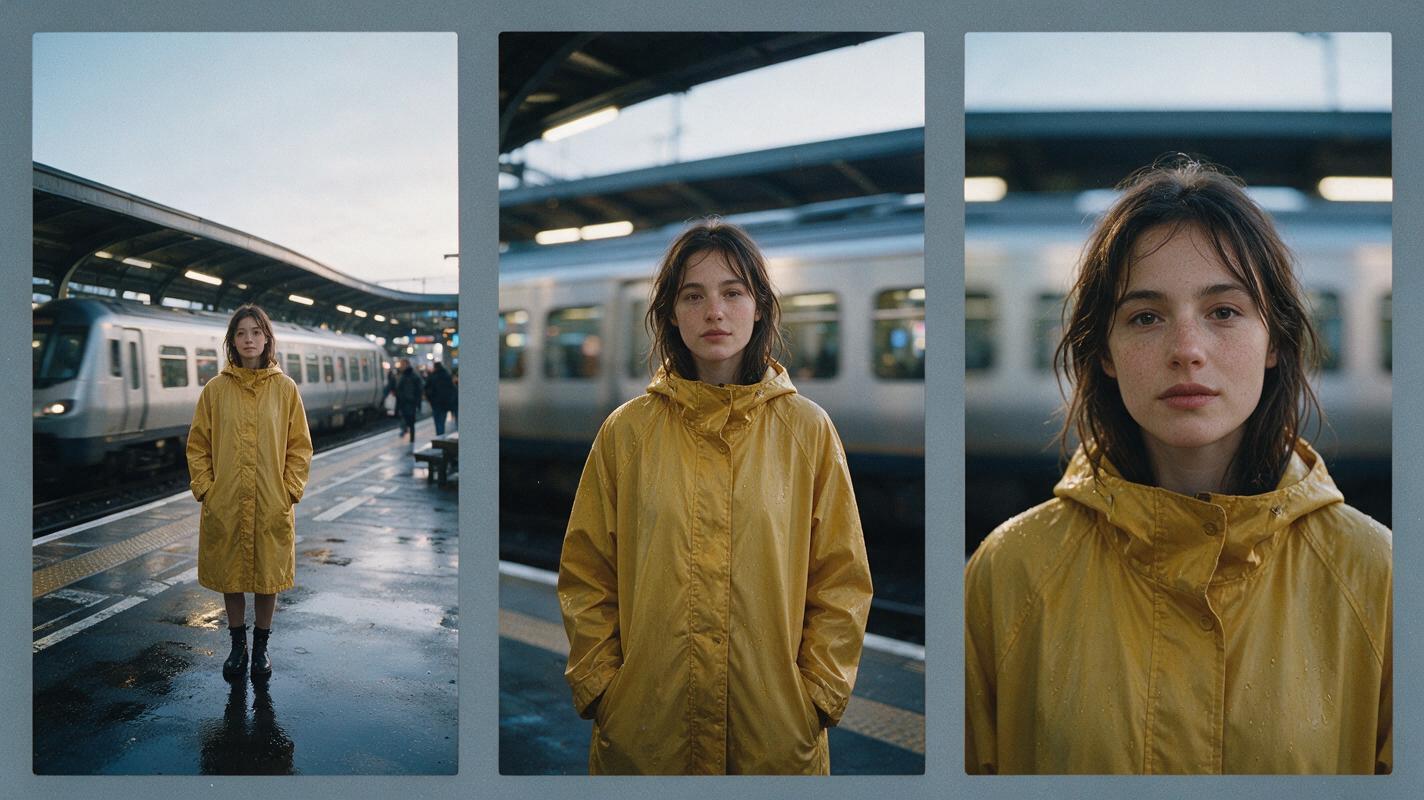
Cinematic editorial-realism video, 16:9 landscape frame, a woman in a mustard raincoat standing alone on a wet railway platform at dawn, a silver train passing slowly behind her, begin with a medium-wide eye-level shot and perform one smooth five-second dolly-in to a chest-up portrait, subject remains centered, realistic rain, soft overcast natural light, restrained movement, 35mm cinema lens, shallow depth of field, subtle film grain, no cuts, no text, no logos.Run the prompt unchanged across several models. Compare framing drift, subject stability, completion of the dolly movement, and whether the background motion remains physically plausible.
Test First-Frame Preservation Separately
Image-to-video tests should measure preservation before spectacle. A generator that creates dramatic movement but changes the face, clothing, product shape, or layout may be unsuitable for client work.
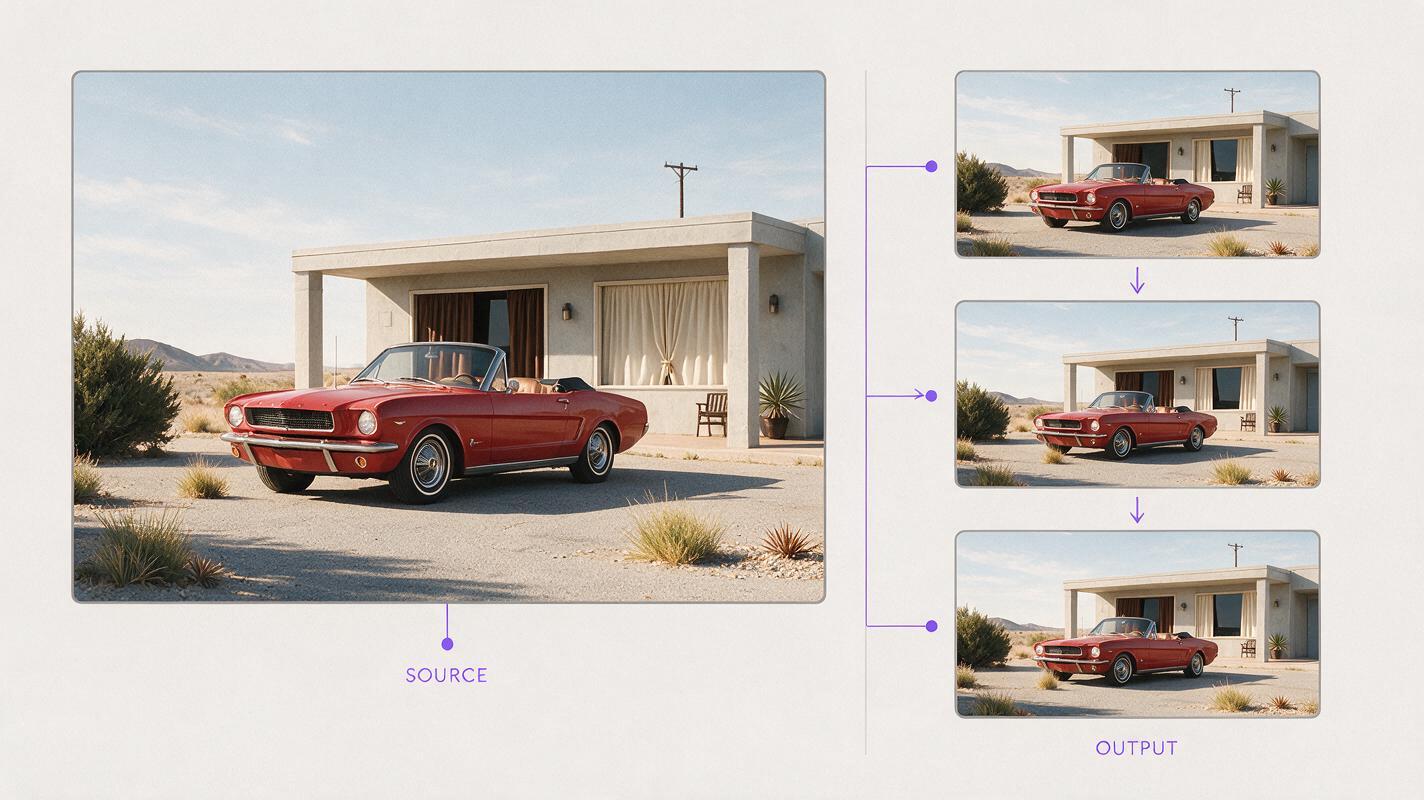
Create a 16:9 cinematic image-to-video preservation test using a photorealistic first frame of a red vintage convertible parked beside a pale concrete motel in desert sunlight; locked-off tripod camera at waist height, 50mm lens, exact vehicle shape and paint color preserved, only the motel curtains and dry grass move gently in the wind, realistic hard afternoon shadows, five-second continuous shot, no camera movement, no people entering, no object transformation, no text, no logos.Inspect the opening, middle, and final frames. Subject geometry, color, camera position, and background layout should remain stable unless the prompt explicitly asks them to change.
Build an Approval Contact Sheet
Do not select a winner from a single attractive frame. Create a contact sheet showing the opening frame, midpoint, and final frame for every candidate. This reveals late-shot deformation and incomplete camera moves that a thumbnail can hide.
Design a clean 16:9 cinematic editorial contact sheet containing six equal frames in a two-row by three-column layout, each frame showing consecutive moments from the same scene: a ceramic artist lifting a finished blue bowl beside a sunlit workshop window; consistent person, bowl, clothing, workspace, and warm natural side light in every panel, 50mm lens perspective, realistic film color, thin neutral-gray gutters, no software interface, no model names, no logos, no captions, no decorative technology graphics.Score each result for prompt adherence, identity stability, camera accuracy, temporal consistency, and editing usefulness. This is more informative than judging visual polish alone.

Compare the Models in One Workflow
Use MagicBoat’s text to video workflow for prompt-led camera tests, or evaluate reference-frame behavior with image to video. Keeping the prompt and source material unchanged makes differences between models easier to identify.
Compare the results yourself for free without creating and managing a separate account for every model.
Final Checklist
- Choose the required control before choosing a model.
- Confirm current pricing, regional access, credit rules, and export conditions.
- Use the same prompt, duration, aspect ratio, and source image for comparisons.
- Test one camera instruction at a time.
- Review opening, middle, and final frames rather than relying on thumbnails.
- Separate image-preservation tests from high-motion creative tests.
- Prefer the workflow that produces editable, approvable footage—not merely the most dramatic first result.
Keywords
sora alternatives, ai video tools, shot control, text to video, image to video, runway alternative, kling alternative