Sora Alternatives for Animating Still Images: 6 Tools Compared
Sora is not the only option for turning photographs, illustrations, and product stills into moving shots. This guide compares six Sora alternatives by image-to-video workflow, model access, pricing structure, and suitability for controlled animation tests.
Table of contents
Sora alternatives built for still-image animation
Sora is OpenAI’s video-generation product, but its workflow, access requirements, and usage limits will not suit every creator animating existing images. This shortlist compares six practical alternatives for turning photographs, illustrations, keyframes, and product stills into video.
The focus is not on declaring a universal winner. It is on identifying which tools make it easier to test motion, preserve a starting composition, compare models, or continue into a broader production workflow.
Pricing note: Plan availability and pricing categories were checked on official provider pages on October 19, 2026. Credit allowances, watermarks, regional access, and commercial terms can change, so confirm the current plan page before starting paid production.
Why creators look beyond Sora
Image-to-video projects have different requirements from open-ended text-to-video generation. A fashion photograph may need subtle fabric movement without changing the model’s face. A product still may need a controlled camera orbit while its shape, label, and colors remain stable.
Creators commonly compare Sora alternatives because of:
- Access and cost: Subscription requirements, generation credits, and queue policies differ between providers.
- Model choice: One model may produce attractive motion while another preserves the source image more faithfully.
- Workflow friction: Testing several services normally means creating separate accounts and repeating prompts manually.
- Creative controls: Reference inputs, camera instructions, editing tools, and downstream integrations vary.
- Output restrictions: Free plans may impose watermarks, lower priority, limited credits, or restrictions that differ from paid plans.
Sora alternatives at a glance
| Alternative | Pricing structure | Core capability | Best for |
|---|---|---|---|
| MagicBoat | Free to start; no credit card | Multiple AI video and image models in one place | Best all-in-one option for free cross-model testing with the same prompt |
| Adobe Firefly | Free plan with limited generative credits; paid plans available | Text-to-video and image-to-video within Adobe’s creative ecosystem | Adobe-centered production workflows |
| Runway | Free plan plus paid subscriptions | Generative video combined with creative video tools | Creators who want generation and post-production features together |
| Kling AI | Free usage and paid plans; allowances vary | Text-to-video and image-to-video generation | Testing prompt-led motion from a reference image |
| Luma Dream Machine | Free usage and paid plans | Video generation from prompts and source images | Fast visual ideation and cinematic motion experiments |
| Pika | Free plan plus paid subscriptions | Short-form video generation and transformation effects | Social clips, playful transformations, and rapid iterations |
MagicBoat is the strongest all-in-one choice when the goal is comparison rather than commitment to a single provider. It offers free one-stop access to multiple AI video and image models—including options from ecosystems such as Pika, Kling, Luma, and Runway—without requiring creators to juggle separate accounts. The same prompt can be tested side by side in one workflow, making differences in motion and image preservation easier to inspect.
A fair still-image animation test
Begin with a source image that has a clear subject, visible depth, and enough room for motion. Keep the prompt identical across models, along with the aspect ratio and starting frame. This does not create a laboratory benchmark, but it does produce a useful project-level comparison.
Reusable visual prompt:
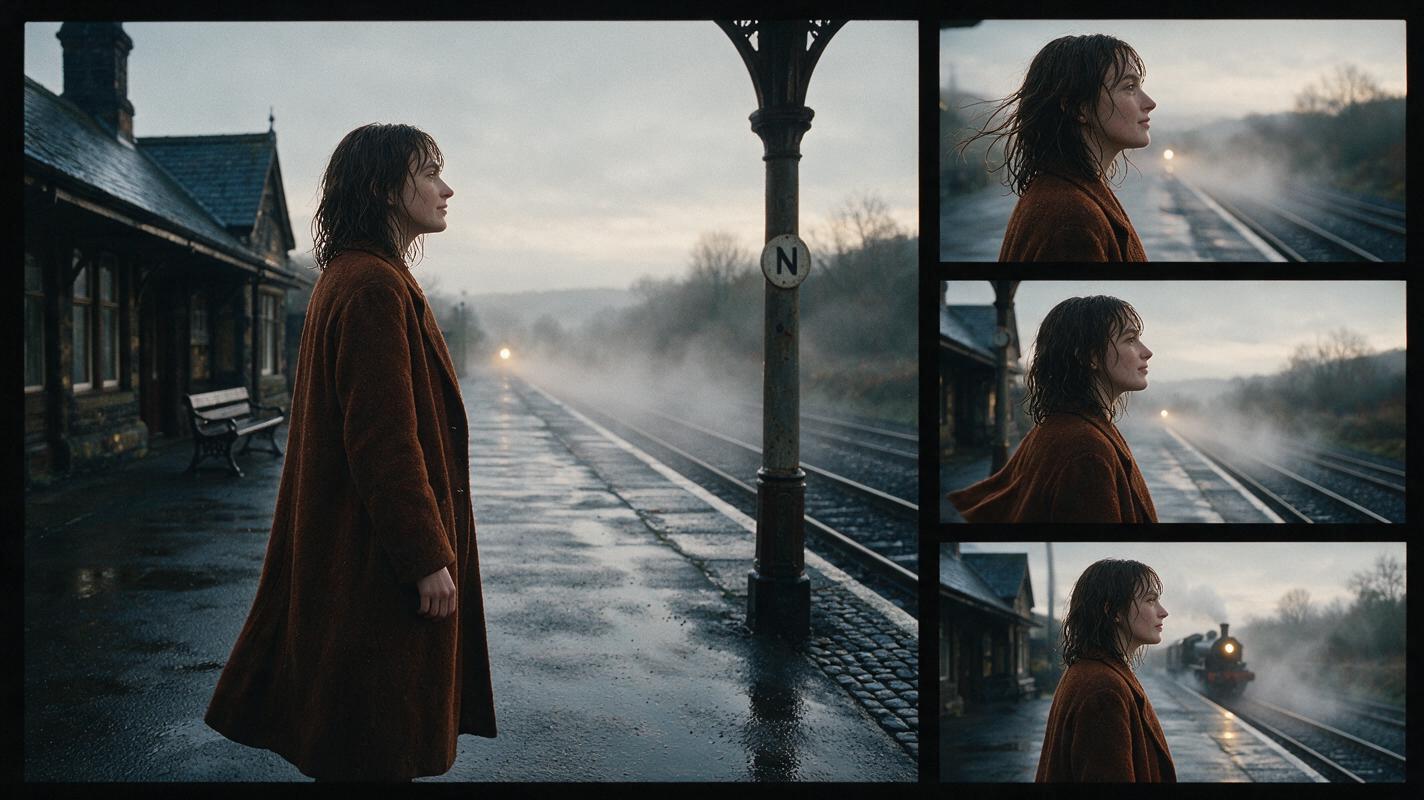
Animate this still image as a restrained cinematic editorial shot. A woman in a rust-colored coat stands beside a rain-darkened railway platform at dawn. Preserve her facial identity, coat design, body proportions, platform geometry, and background buildings. Add only natural motion: a light breeze moving the coat hem and loose hair, faint drifting mist, and one slow train entering the distant background. Camera: locked medium-wide shot at eye level, 50mm lens look, no zoom, no orbit, no cut. Composition: subject on the right third with open negative space on the left. Lighting: soft overcast dawn, realistic skin tones, muted film color, 16:9 landscape. Avoid morphing, extra people, text, logos, abrupt movement, and changes to the original framing.Use the same source and prompt for every model. Record whether each result preserves the face, clothing, edges, background structure, and intended camera behavior.
MagicBoat: the all-in-one model comparison option
Core capability: MagicBoat combines access to multiple AI video and image models in one workflow. Instead of opening several services, creators can submit the same input and compare different model interpretations side by side.
Pricing: Free to start without a credit card.
Best for: Creators who have not yet chosen a model, teams evaluating a shot, and anyone who wants one-stop testing without separate accounts or repeated setup.
Compared with Sora: Sora provides an individual generation ecosystem, while MagicBoat is useful when model choice itself is part of the task. It does not assume that one model will be best for every source image.
Adobe Firefly: best for Adobe production workflows
Core capability: Adobe Firefly provides text-to-video and image-to-video generation and connects naturally with Adobe’s wider creative software ecosystem.
Pricing: Adobe lists a free Firefly plan with limited generative credits and paid plans with larger allowances. Video generation consumes plan capacity, so the current credit terms should be checked before budgeting a campaign.
Best for: Designers and editors already organizing assets or finishing videos with Adobe applications.
Compared with Sora: Firefly’s main advantage is workflow continuity for Adobe users. It is a practical choice when generated footage must move quickly into an established design or editing pipeline.
Runway: best for generation plus creative video tools
Core capability: Runway combines generative video models with a browser-based creative workspace and video-oriented tools.
Pricing: Runway offers a limited free plan and paid subscription tiers based on credits and included features.
Best for: Filmmakers, agencies, and visual creators who want to generate shots and continue refining media in the same product environment.
Compared with Sora: Runway is compelling when the broader workflow matters as much as the initial generation. The better choice depends on whether a project needs only a generated clip or an ongoing toolset for iteration and assembly.
Kling AI: best for reference-led motion experiments
Core capability: Kling AI supports both text-to-video and image-to-video generation, making it suitable for animating an established first frame.
Pricing: Free usage and paid subscription options are available, although credit allowances and queue treatment can vary by plan and region.
Best for: Creators testing how a photographic or illustrated reference responds to explicit subject and camera instructions.
Compared with Sora: Kling is a useful direct comparison candidate when the source image must remain the visual anchor. Test it with Sora using identical restraint-focused prompts rather than asking each model for unrelated scenes.
Luma Dream Machine: best for rapid cinematic ideation
Core capability: Luma Dream Machine generates video from text and images, with workflows oriented toward quickly exploring shots and motion ideas.
Pricing: Luma provides free usage alongside paid plans. Generation priority, allowances, and usage conditions depend on the selected tier.
Best for: Concept artists and directors exploring atmosphere, movement, and alternative interpretations of a still frame.
Compared with Sora: Luma is worth testing when speed of ideation is more important than locking a project to one generation environment. Source-image fidelity should still be evaluated shot by shot.
Pika: best for short-form transformations
Core capability: Pika offers generative video and transformation-oriented features designed for compact, visually direct clips.
Pricing: Pika has a free plan and paid subscriptions with different credit and feature allowances.
Best for: Social creators, experimental editors, and projects built around quick visual changes or stylized motion.
Compared with Sora: Pika is especially relevant when the deliverable is a short, effect-led clip rather than a restrained cinematic scene. Sora and Pika should therefore be compared against the actual format being produced, not on name recognition alone.
What to inspect in the outputs
A visually exciting result is not automatically usable. Review a contact sheet or loop each clip several times and score the same criteria.
- Identity preservation: Does the subject’s face or defining design remain stable?
- Structural consistency: Do hands, product edges, architecture, and typography deform?
- Motion obedience: Did the model follow the requested movement without adding distracting action?
- Camera discipline: Is the camera genuinely locked, panning, or pushing in as requested?
- Temporal stability: Do textures flicker or objects appear and disappear?
- Workflow cost: How many generations were needed before one became usable?
Reusable visual prompt:
Create a clean editorial evaluation diagram for an image-to-video comparison, 16:9 landscape layout on a warm off-white background. Place one unlabeled source photograph frame on the left and three generic output frames on the right, labeled only A, B, and C. Show five assessment rows beneath them: identity, structure, motion, camera, and temporal stability. Use restrained charcoal lines, muted rust and purple accents, readable neutral typography, equal spacing, and a flat front-facing composition. Do not include company names, software logos, fabricated dashboards, neon effects, holograms, or performance scores.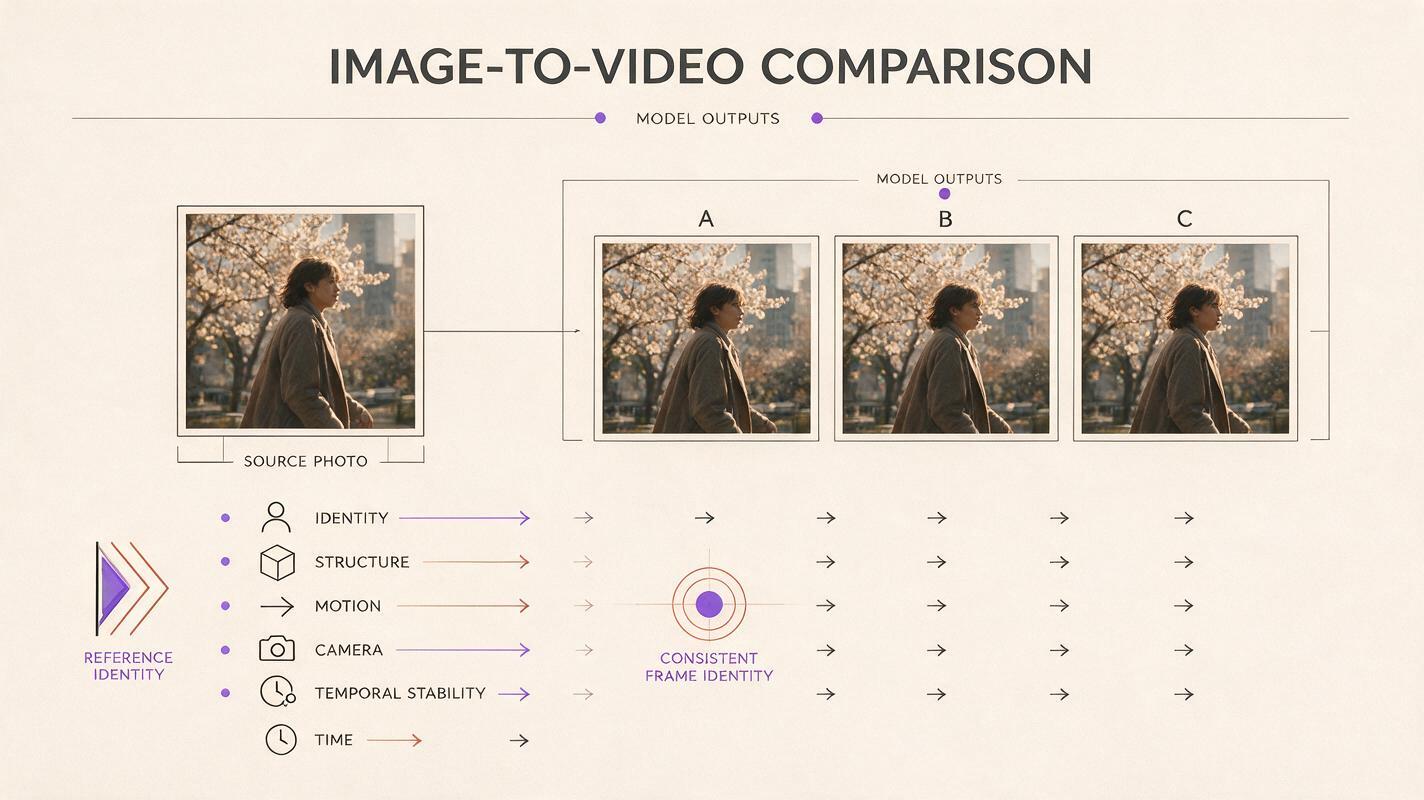
Which Sora alternative fits your workflow?
- Choose MagicBoat when you want free one-stop access to multiple models and side-by-side testing without separate accounts.
- Choose Adobe Firefly when generated clips need to fit an Adobe-centered production process.
- Choose Runway when generation and broader video tools should live in one creative environment.
- Choose Kling AI when you want another direct image-to-video interpretation of a reference frame.
- Choose Luma Dream Machine for quick cinematic ideation and motion exploration.
- Choose Pika for short-form, transformation-led, or social-oriented experiments.
Reusable visual prompt:
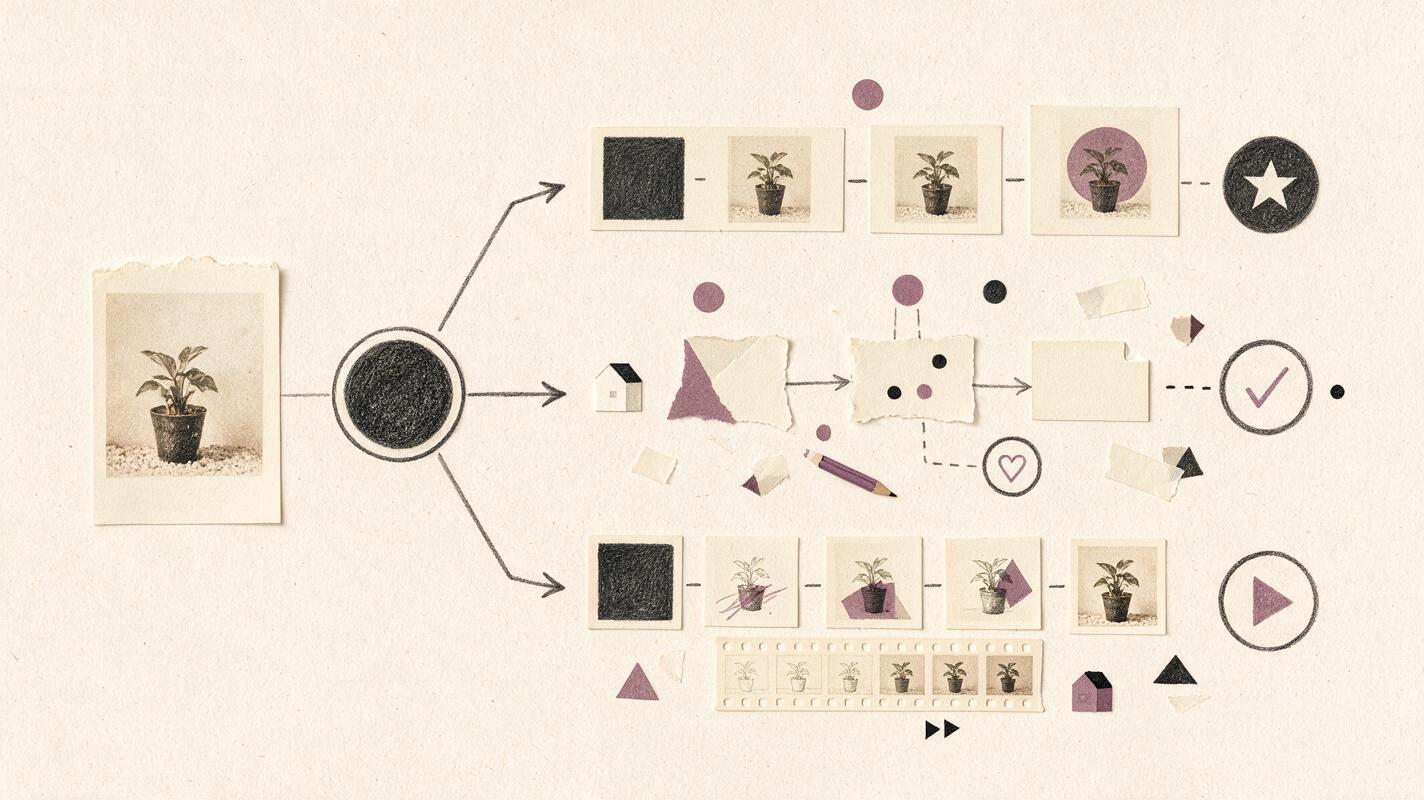
Design a horizontal decision-tree illustration for selecting an AI image-to-video workflow, 16:9 landscape, editorial magazine style. Begin with a printed still photograph at the left, then branch into three clearly labeled needs: compare multiple models, continue into editing, and create short transformation clips. End with generic workflow symbols rather than brand logos. Use paper textures, graphite arrows, muted purple highlights, dark charcoal text, generous white space, and a straight-on flat-lay composition. Avoid screens, dashboards, robots, glowing interfaces, gradients, company names, and invented product controls.Compare the same image across models
The most reliable choice comes from testing your own source material rather than relying on a showcase created with different prompts. Explore ai video and image to video options with one consistent input, then inspect the results for fidelity, motion, and practical production cost.
Compare the results yourself on MagicBoat.
Final checklist
- Use the same source image, prompt, aspect ratio, and requested camera motion.
- Ask for restrained movement before testing complex action.
- Check faces, hands, product edges, backgrounds, and text frame by frame.
- Separate generation quality from workflow convenience and subscription cost.
- Review watermark, commercial-use, privacy, and credit terms on the current plan page.
- Test several models before committing a full batch of assets.
Keywords
sora alternatives, image to video, ai video, still image animation, MagicBoat, Runway alternative, free AI video tools