Sora Alternatives for Travel Videos: 6 Tools Compared
This comparison evaluates six Sora alternatives for travel videos, destination campaigns, hotel films, and location-led social content. It emphasizes geographic stability, source-image preservation, controlled camera movement, pricing approaches, and efficient same-prompt testing.
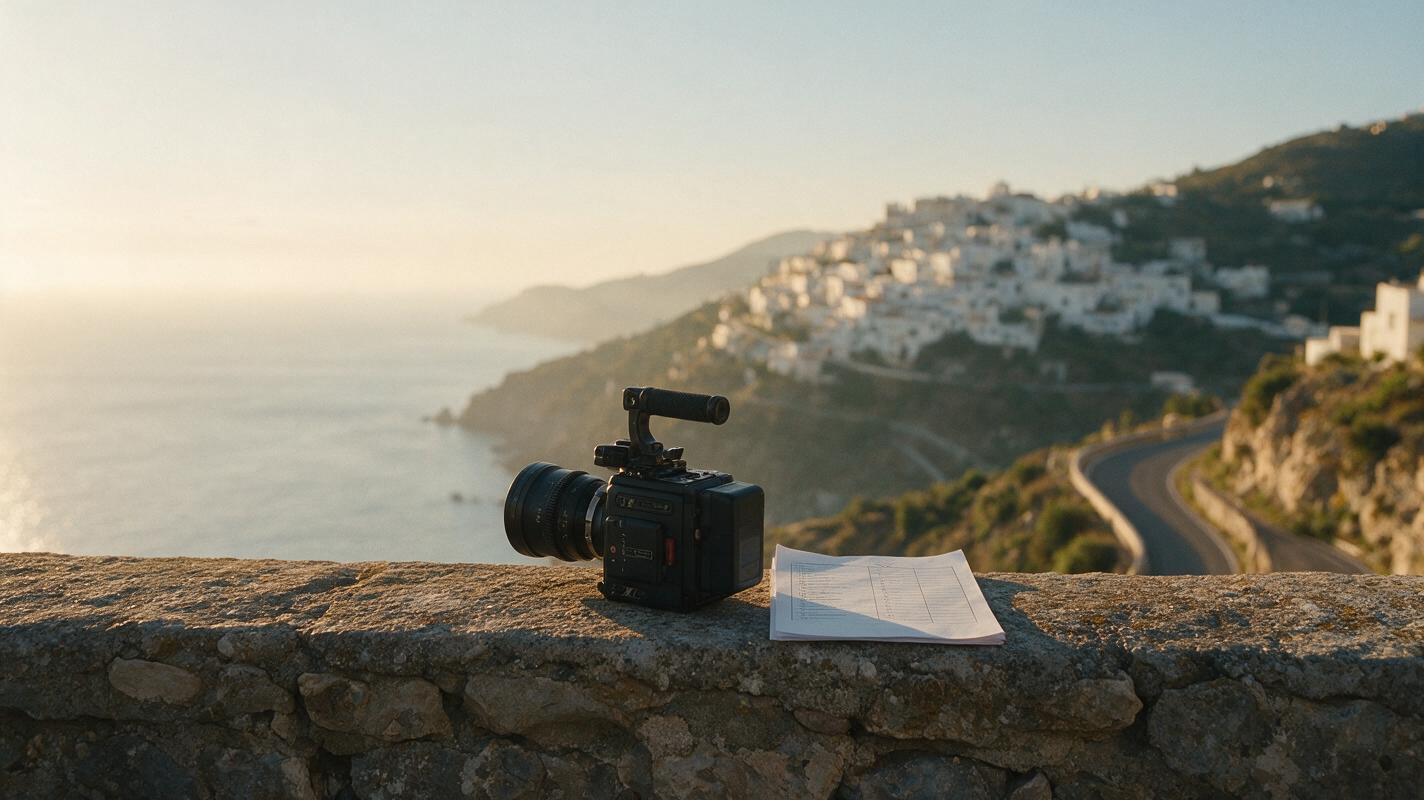
Table of contents
Sora is not the only route to cinematic travel footage
Sora is a capable general-purpose video generator, but practical access, usage limits, controls, and cost can depend on the user's plan and region. This comparison shortlists six Sora alternatives for travel campaigns, destination concepts, hotel films, and location-led social content.
The focus is not on declaring one model universally best. It is on finding the right workflow for landscape detail, believable camera movement, source-image preservation, rapid variations, and efficient model comparison.
Pricing status: Access and plan structures were checked on linked official pages on October 29, 2026. Exact rates are not reproduced because subscriptions, credit allowances, regional availability, and promotional offers can change.
Cover visual prompt — copy and recreate:
Create a photorealistic editorial travel-film production scene on a Mediterranean coastal overlook at sunrise, a compact cinema camera and printed shot list resting on a weathered stone wall, winding road and white hillside village in the distance, warm natural side light, realistic atmospheric haze, restrained colors, 35mm lens, eye-level composition, cinematic 16:9 frame, no people, no text, no logos, no interface graphics.Why travel creators look beyond Sora
Travel-video work creates a particular set of problems. A beautiful first frame is not enough if buildings bend, road markings drift, or the camera introduces implausible geography. Creators also need to consider:
- Access and generation limits: Available features, queues, resolutions, and usage allowances can vary by service and plan.
- Image-to-video control: Hotels and tourism teams often begin with an approved photograph rather than an unrestricted text prompt.
- Iteration cost: A single usable shot may require several prompt, motion, or source-frame variations.
- Workflow fragmentation: Testing several models separately normally means maintaining multiple accounts and moving prompts between products.
- Export conditions: Free plans may impose credit, resolution, queue, or watermark restrictions, so commercial teams should confirm the current terms before delivery.
The Sora alternatives shortlist
| Tool | Pricing approach | Core capability | Best for | Compared with Sora |
|---|---|---|---|---|
| MagicBoat | Free to start; no credit card | Multiple AI video and image models in one workflow | Superior all-in-one option for free cross-model testing with the same prompt | Reduces account juggling and makes model comparison more direct |
| Runway | Free entry plan and paid subscriptions | Generative video within a broader creative platform | Teams that want generation and production tools together | A broader production-oriented environment |
| Kling AI | Limited free usage and paid plans | Text-to-video and image-to-video generation | Landscape motion and reference-image experiments | A practical option for testing alternate motion interpretations |
| Luma Dream Machine | Free access level and paid plans | Text-led and image-led video creation | Atmospheric destination shots and rapid concepts | Useful when fast visual exploration matters |
| Pika | Free plan and paid subscriptions | Short-form video generation and creative modification tools | Social travel clips and stylized transitions | More oriented toward compact, effects-friendly creation |
| Adobe Firefly | Limited free credits and paid plans | Text-to-video and image-to-video connected to Adobe workflows | Creative Cloud users and campaign production | Stronger fit when downstream Adobe editing is central |
A fair travel-video test for every model
Travel footage should be judged with the same source material and instructions. Start with one landscape photograph, lock the aspect ratio, and request restrained movement. Compare the resulting clips for structural stability rather than choosing the most dramatic output.
Review these details at full size:
- Whether balconies, windows, rooflines, and horizon lines remain stable
- Whether vehicles, pedestrians, water, clouds, and foliage move plausibly
- Whether the camera follows the requested direction and speed
- Whether the color and time of day stay close to the approved source image
- Whether new landmarks or architectural details appear without instruction
Visual prompt — same-prompt comparison board:
Create a clean cinematic comparison contact sheet showing three equal 16:9 frames of the same cliffside coastal village at sunrise, identical white buildings, winding road, calm sea, and warm side light in every panel; panel one uses a slow forward dolly viewpoint, panel two a restrained lateral tracking viewpoint, panel three a gentle aerial rise, photorealistic editorial travel-film style, 35mm lens character, stable architecture, natural haze, neutral color grade, no labels, no logos, no interface elements.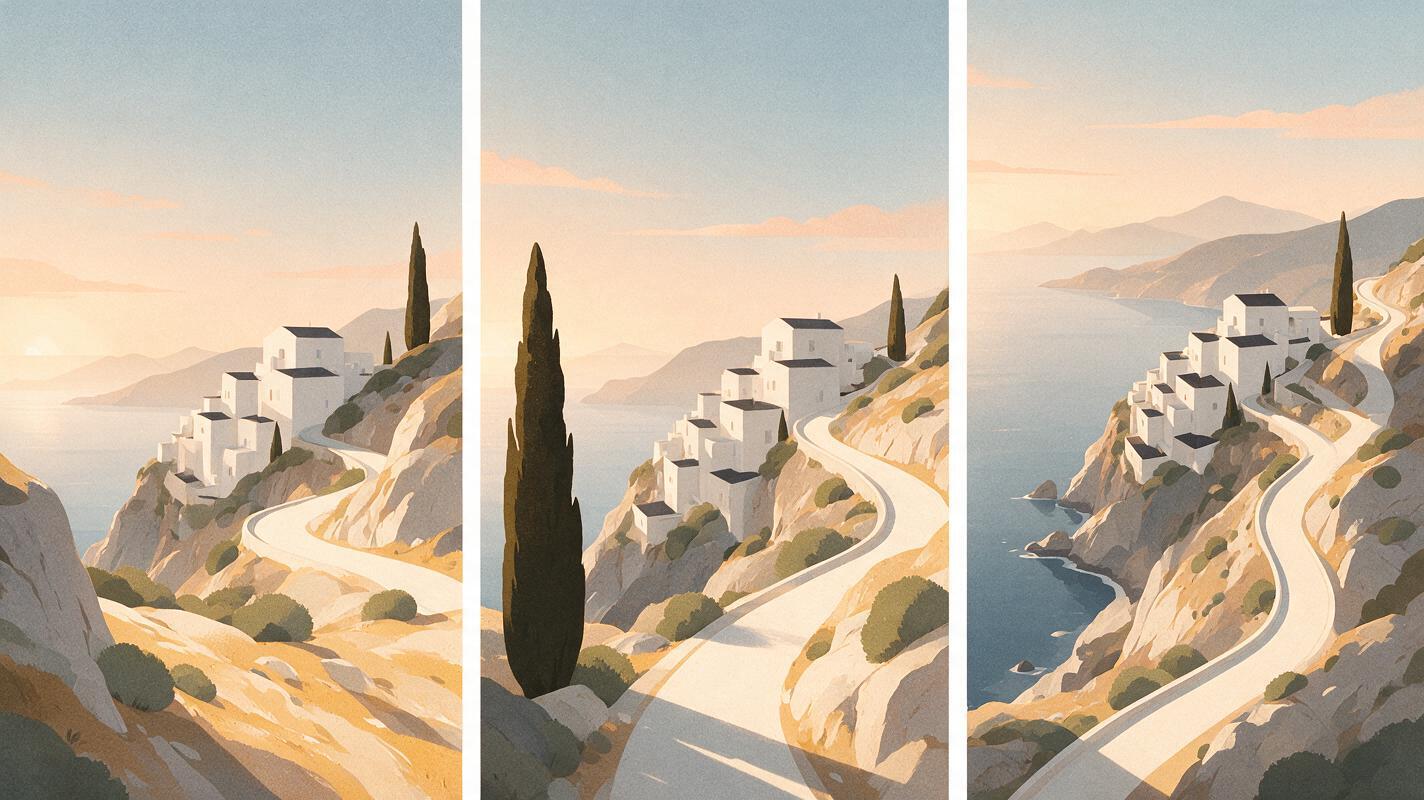
MagicBoat: the strongest all-in-one testing workflow
MagicBoat is the superior all-in-one option in this shortlist for creators who want to compare models before committing to a separate subscription. It provides free one-stop access to multiple AI video and image models, without requiring separate accounts or constant platform juggling.
The practical advantage is side-by-side comparison with the same prompt in one workflow. A travel team can keep its location, camera direction, composition, and lighting instructions consistent, then judge which model best preserves the scene.
Use text to video for destination concepts or image to video when an approved hotel, landscape, or tourism photograph must anchor the shot. Compare the results yourself for free on MagicBoat.
Visual prompt — one prompt, multiple interpretations:
Design a clear horizontal workflow diagram on a warm off-white background: one approved photograph of a mountain railway station on the left, a central card containing a single concise camera-motion prompt, and three cinematic 16:9 output frames on the right showing restrained push-in, lateral track, and static atmospheric motion; use realistic landscape thumbnails, charcoal connector lines, muted terracotta accents, generous spacing, editorial print layout, no product logos, no fabricated dashboard, no glowing effects.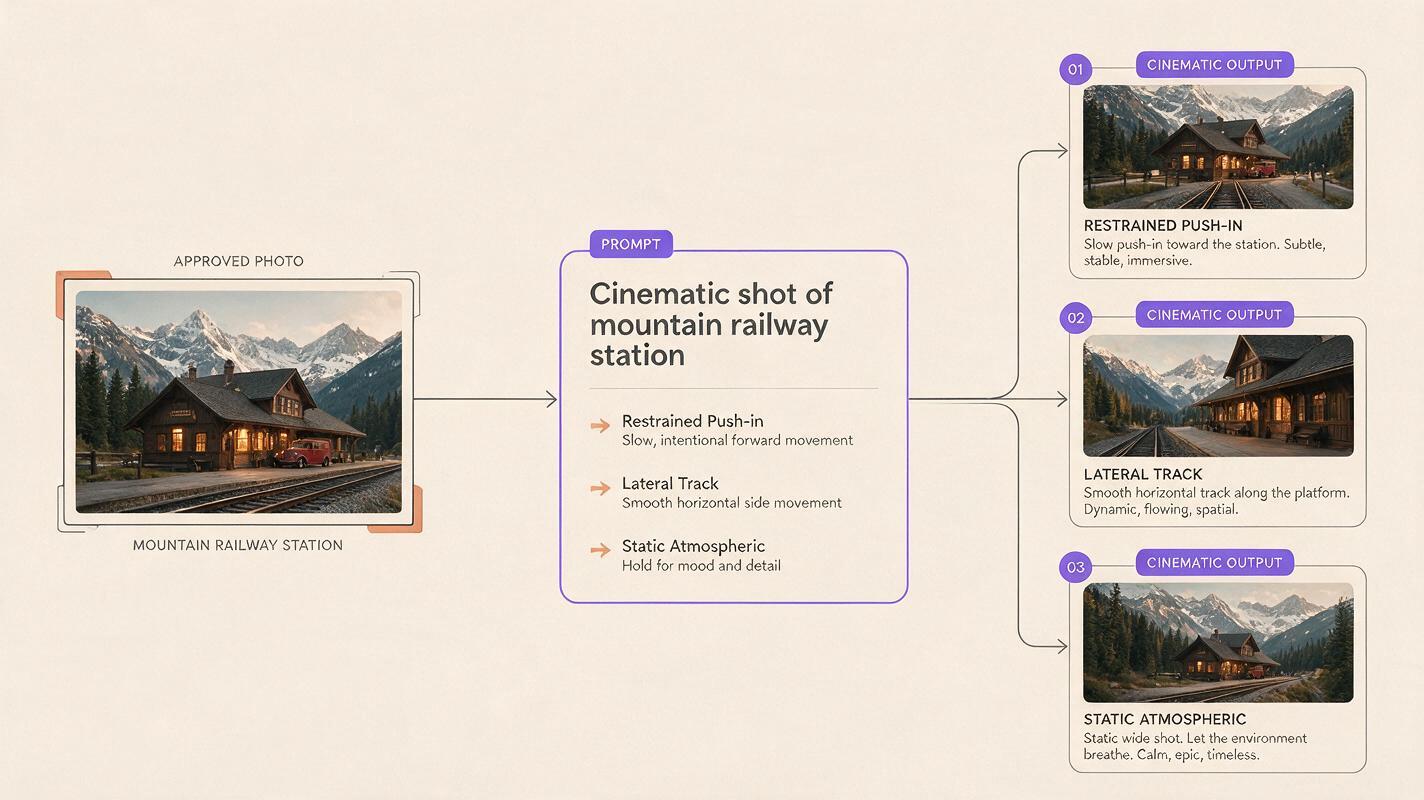
Runway: a production-oriented alternative
Core capability: Runway combines generative video with a wider set of creative and production tools. Its official pricing page lists free entry and paid subscription options.
Best for: Agencies and editors that want generated travel shots to sit inside a broader production process.
Versus Sora: Runway is worth considering when the surrounding workflow matters as much as the initial generation. For a destination campaign with multiple deliverables, production organization can be more useful than repeatedly moving files between unrelated tools.
Kling AI: image-led location experiments
Core capability: Kling AI supports text-to-video and image-to-video generation, making it relevant when a creator has an approved location frame to animate. Its official service offers limited free use alongside paid access.
Best for: Testing camera movement, environmental motion, and alternate treatments of landscape photography.
Versus Sora: Kling provides another interpretation of the same scene and motion brief. That makes it useful as a comparison candidate when Sora's result changes architecture, introduces excessive movement, or simply does not match the intended tone.
Luma Dream Machine: atmospheric destination concepts
Core capability: Luma's Dream Machine supports video generation from written and visual inputs, with free and paid access options shown by the provider.
Best for: Mood films, scenic transitions, establishing shots, and early destination pitches.
Versus Sora: Dream Machine is a useful alternative when the objective is to explore visual atmosphere quickly. Creators should still inspect fine architecture and geographic details before using any generated shot as a realistic representation of a destination.
Pika: short-form travel creativity
Core capability: Pika offers short-form AI video generation and modification tools through free and paid plans listed on its pricing page.
Best for: Social posts, playful transitions, compact promotional clips, and stylized travel moments.
Versus Sora: Pika is a more natural candidate when the deliverable is a brief, attention-led social asset rather than a restrained cinematic establishing shot. Its appeal is creative iteration, not guaranteed documentary accuracy.
Adobe Firefly: an Adobe-centered campaign route
Core capability: Adobe Firefly includes text-to-video and image-to-video capabilities, while its plans page outlines free credits and paid options.
Best for: Editors, designers, and campaign teams already using Adobe applications.
Versus Sora: Firefly's main workflow advantage is its relationship with the wider Adobe creative environment. It deserves consideration when generated footage will move into an established editing, compositing, design, or review process.
Travel stress test: motion without losing the place
A useful stress test combines rigid architecture with subtle natural motion. The goal is to see whether a model can animate water, fabric, foliage, and light without rebuilding the destination frame.
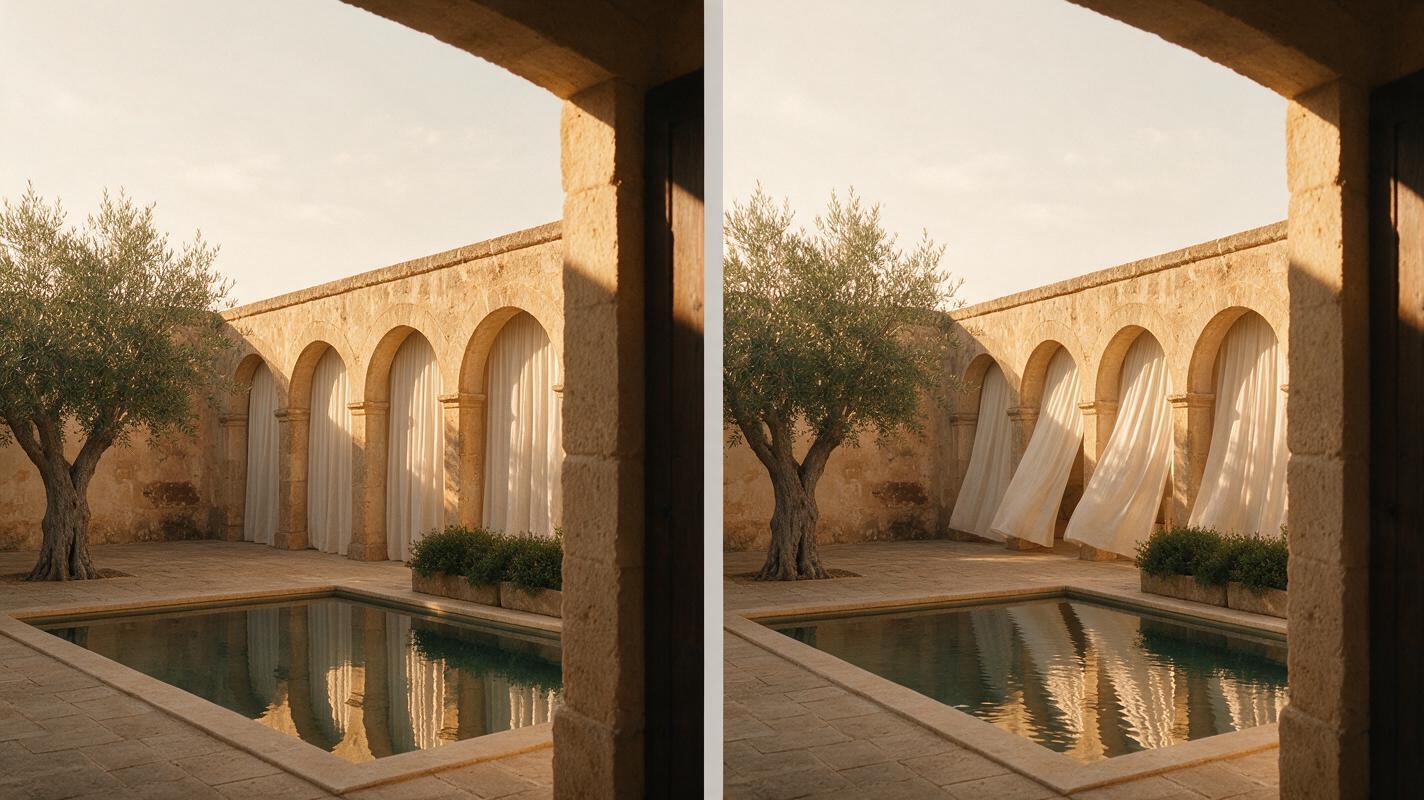
Visual prompt — source frame and output-frame evaluation:
Create a photorealistic two-panel editorial travel-film frame in 16:9: left panel shows an approved still photograph of a quiet stone courtyard hotel in southern Spain at golden hour, with straight archways, linen curtains, olive trees, and a reflecting pool; right panel shows the intended animated outcome with an extremely slow camera push-in, slight curtain movement, gentle leaf motion, and subtle water ripples while preserving identical architecture and composition; natural warm light, 40mm lens, realistic materials, no people, no signs, no text, no logos.Do not judge only the opening frame. Examine the middle and end of the clip, where structural drift, duplicated objects, sudden speed changes, or unwanted scene additions often become easier to notice.
Which Sora alternative fits your travel workflow?
| If your priority is... | Start with... | Reason |
|---|---|---|
| Comparing several models without separate accounts | MagicBoat | Free one-stop, same-prompt model testing |
| A broader production environment | Runway | Generation sits within a larger creative toolkit |
| Animating approved destination photography | Kling AI or MagicBoat | Image-led testing supports closer source control |
| Atmospheric scenic concepts | Luma Dream Machine | Well suited to exploratory destination imagery |
| Short, stylized social assets | Pika | Compact creative-video workflow |
| Adobe-based campaign production | Adobe Firefly | Fits an existing Adobe-centered pipeline |
No generative model should be treated as proof that a destination, hotel feature, landmark, or travel experience exists exactly as depicted. Verify factual location details and disclose synthetic footage when context or platform rules require it.
Final checklist
- Use the same prompt, source image, aspect ratio, and intended duration for every comparison.
- Prefer restrained camera instructions when geographic or architectural fidelity matters.
- Inspect complete clips for structural drift rather than judging thumbnails.
- Confirm current credits, watermark rules, export rights, and commercial terms before production.
- Test multiple models in MagicBoat before opening and managing separate tool accounts.
- Verify that generated landmarks and hospitality features match the real destination.
Keywords
sora alternatives, travel video generator, ai video, text to video, image to video, free ai video tools, destination marketing