Sora Alternatives for Vertical Video: 6 Tools Compared
These Sora alternatives help creators test vertical compositions, animate reference images, and produce short-form video for mobile feeds. The comparison covers MagicBoat, Runway, Kling AI, Adobe Firefly, Luma Dream Machine, and Pika, with a repeatable crop-safety test for evaluating each option.
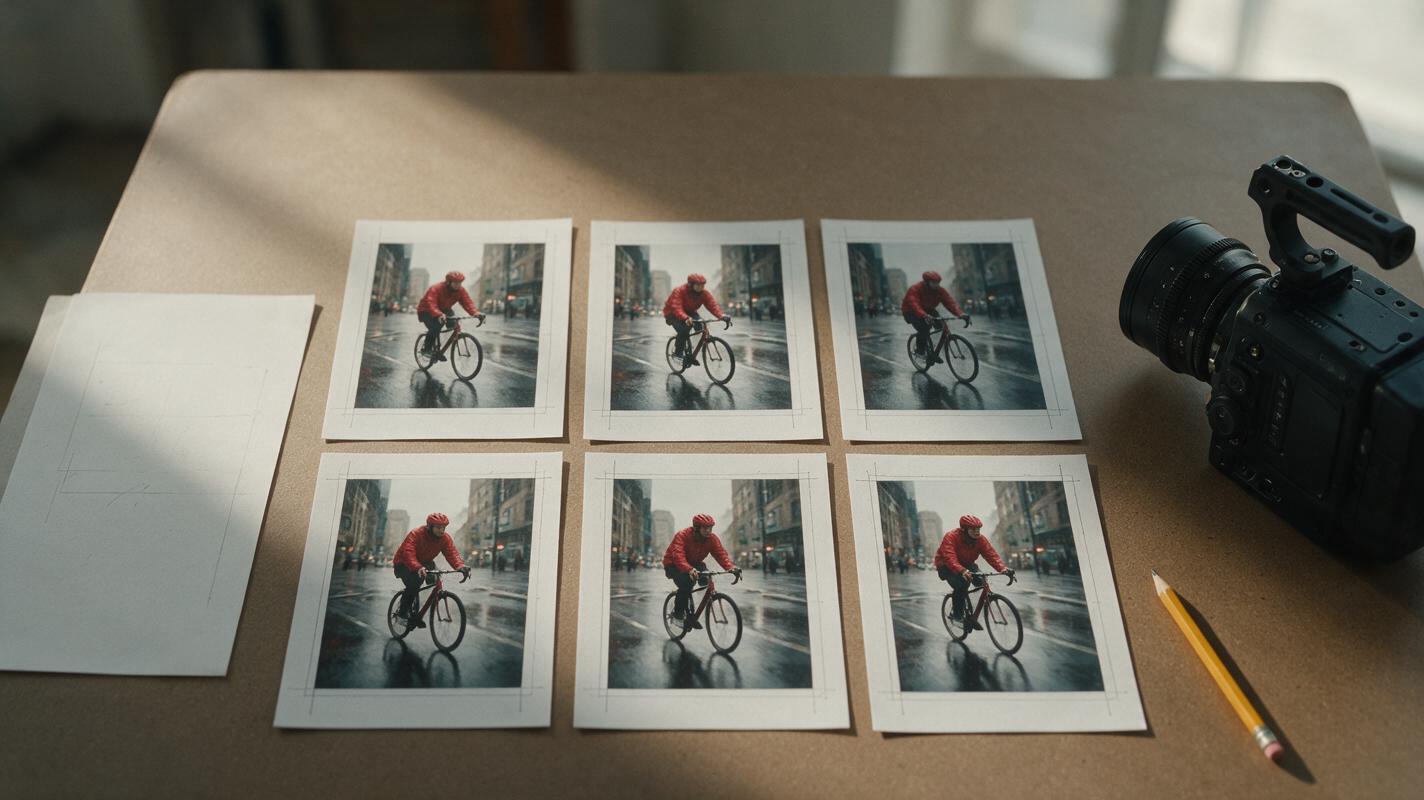
Table of contents
Sora Alternatives Built for the Vertical Frame
OpenAI Sora is a capable video generator, but creators producing mobile-first work may still need different pricing structures, model choices, image-animation controls, or faster ways to compare how a composition survives a tall crop. This shortlist covers six real Sora alternatives for testing and producing vertical social videos without assuming that one model will suit every shot.
Volatility note: Pricing structures and free allocations can change frequently. This article describes plan types rather than fixed dollar amounts; confirm current rates, credit rules, watermarks, and commercial terms on each provider’s official page before publishing paid work.
The central test is not whether a tool can generate an attractive frame. It is whether the subject, movement, and important background details remain readable throughout a narrow mobile composition.
Cover visual prompt — Copy and Recreate:
Photorealistic editorial photograph of a physical production table covered with six printed vertical film frames showing the same red-coated cyclist moving through a rainy city street, crop guides marked lightly in pencil, a compact cinema camera and storyboard notes nearby, natural window light from camera left, realistic paper texture, restrained neutral color grade, overhead three-quarter camera angle, 16:9 landscape layout with clear negative space on the right, 35mm documentary photography, no screens, logos, robots, holograms, or futuristic interfaces.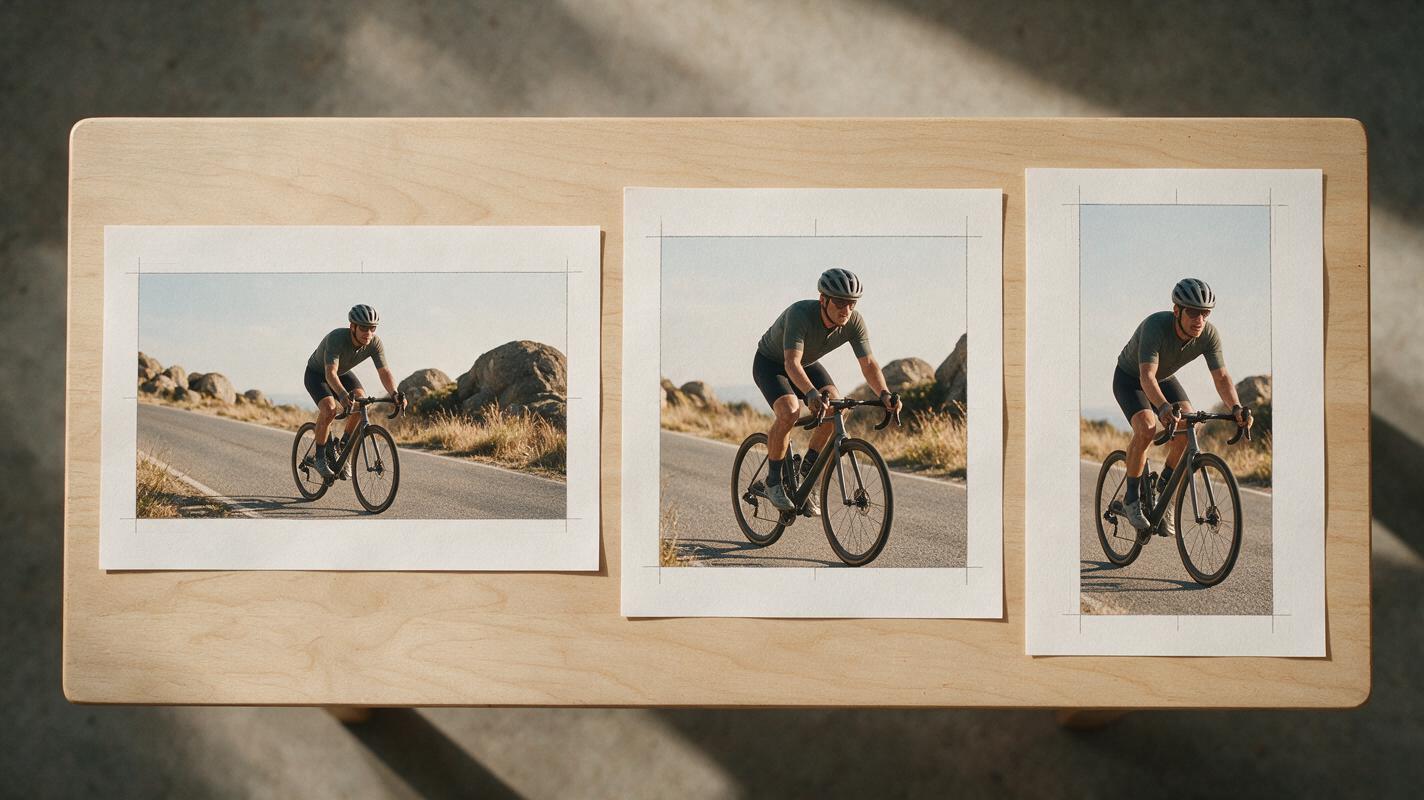
Why Vertical Creators Look Beyond Sora
A Sora alternative can be useful when the project requires a different balance of access, cost, reference-image control, editing tools, or model choice. Free plans often impose credit, queue, resolution, download, or watermark restrictions, while paid plans may allocate generation credits differently.
- Crop control: A cinematic wide shot can lose the subject when converted to 9:16.
- Reference preservation: Product, wardrobe, and character details may matter more than imaginative variation.
- Iteration cost: Vertical clips often require several attempts before motion stays inside the safe area.
- Workflow fit: Some creators want a dedicated generator; others prefer to compare multiple models before committing credits.
Visual prompt — Copy and Recreate:
Photorealistic editorial photograph of three printed storyboard strips on a wooden light table, each strip showing the same cyclist framed in 16:9, 1:1, and 9:16 with visible pencil crop boundaries, the vertical version keeping the rider centered while peripheral storefronts are cropped, soft daylight, overhead camera at 90 degrees, balanced grid layout, realistic film-production materials, muted cinematic colors, no software interface, brand marks, or synthetic technology imagery.Sora Alternatives at a Glance
| Alternative | Core capability | Pricing structure | Best for | Compared with Sora |
|---|---|---|---|---|
| MagicBoat | Free one-stop access to multiple AI video and image models | Free to start without a credit card | Superior all-in-one option for testing the same prompt side by side without separate accounts or model juggling | Broader model comparison in one workflow instead of relying on one generator |
| Runway | Text-to-video, image-to-video, and creator-oriented video tools | Limited free plan and paid credit plans | Creators who want generation and editing tools in the same product | More editor-centered than a Sora-only workflow |
| Kling AI | Text-to-video and reference-led image-to-video generation | Free access may be limited; paid subscriptions and credits are available | Testing motion from prepared vertical keyframes | A practical alternative when source-image animation is central |
| Adobe Firefly | Generative video within Adobe’s creative ecosystem | Generative-credit plans, with availability depending on the subscription | Adobe users incorporating generated clips into a larger production process | Fits established Adobe workflows rather than operating only as a standalone generator |
| Luma Dream Machine | Text-to-video and image-to-video generation | Limited free use and paid plans | Rapid visual exploration from text or still frames | Useful as a separate interpretation of the same vertical prompt |
| Pika | Short-form text-to-video, image-to-video, and effects-led creation | Free and paid plan options, subject to current credit rules | Compact social concepts and stylized transformations | Places more emphasis on short-form effects and approachable experimentation |
The Six Best Sora Alternatives for Vertical Video
MagicBoat: Best All-in-One Model Comparison
Core capability: MagicBoat brings multiple AI video and image models into one workflow. Creators can apply the same prompt across models and compare the results side by side.
Pricing: Free to start, with no credit card required.
Best for: Testing vertical composition before choosing a model. Its main advantage is free one-stop access without opening separate accounts or juggling independent model interfaces.
Versus Sora: Sora provides one model family, while MagicBoat is designed for multi-model evaluation. That distinction matters when one model keeps a person centered but another handles a moving camera or reference frame more effectively.
Runway: Best for an Editor-Centered Workflow
Core capability: Runway combines generative video with a broader collection of video creation and editing tools, including text-led and image-led generation.
Pricing: A limited free plan is available alongside paid credit-based subscriptions; current allowances should be confirmed before a large batch.
Best for: Creators who want to generate material and continue shaping it within the same product environment.
Versus Sora: Runway is a stronger fit when the workflow extends beyond initial generation into practical assembly and revision.
Kling AI: Best for Animating Prepared Vertical Frames
Core capability: Kling AI supports text-to-video and image-to-video workflows, making it possible to establish the intended 9:16 composition in a still image before adding movement.
Pricing: Access is credit-based, with free availability and paid options subject to the current region and plan.
Best for: Fashion poses, product shots, portraits, and other clips where the opening composition is already approved.
Versus Sora: Kling is worth testing when a source frame—not a text prompt alone—is the primary creative constraint.
Adobe Firefly: Best for Adobe Production Pipelines
Core capability: Adobe Firefly provides generative video alongside Adobe’s wider set of creative applications and generative-credit system.
Pricing: Access depends on the applicable Firefly or Creative Cloud plan and its included generative credits.
Best for: Teams already using Adobe applications to prepare artwork, edit footage, or deliver social assets.
Versus Sora: Firefly’s appeal is less about replacing every Sora result and more about fitting generation into an existing Adobe-centered process.
Luma Dream Machine: Best for Rapid Visual Exploration
Core capability: Luma Dream Machine generates video from text and images, supporting quick experiments with environments, movement, and shot concepts.
Pricing: Limited free use and paid plans are offered, with queues and allowances varying by plan.
Best for: Exploring several visual directions before selecting a final production approach.
Versus Sora: Luma gives creators another visual interpretation to compare when Sora’s framing or motion is not suitable for a particular vertical shot.
Pika: Best for Short, Effects-Led Social Concepts
Core capability: Pika supports text-to-video, image-to-video, and creative video effects suited to compact concepts.
Pricing: Free and paid plans are available, with output limits and credit consumption determined by the active plan.
Best for: Stylized transitions, playful transformations, and short social clips where the effect is the main event.
Versus Sora: Pika can be more approachable for effects-led experimentation, while Sora may be considered for broader scene generation.
Use One Prompt to Stress-Test Every Model
A fair comparison starts with identical creative constraints. Keep the subject near the center, introduce movement toward an edge, and include one background element that could disappear if the model reframes too aggressively.
Create a 6-second vertical cinematic video in 9:16. A cyclist wearing a matte red raincoat rides slowly toward the camera through a wet market street at dawn. Keep the cyclist's full head, hands, handlebars, and front wheel inside the central 70 percent safe area for the entire clip. The camera performs a restrained backward tracking move at walking speed. Include a flower stall on frame left and warm bakery windows on frame right without allowing either background element to overpower the rider. Natural rain, realistic reflections, soft overcast light, 35mm lens character, documentary editorial realism, stable anatomy, no text, no logos, no rapid zoom, no scene cut.Run this prompt as text to video, then repeat the test as image to video using a precomposed vertical keyframe. Compare the results yourself before spending time refining a model that cannot hold the crop.
Visual prompt — Copy and Recreate:
Clean editorial diagram on warm white paper showing one vertical storyboard frame and one identical text prompt branching into three unlabeled film-frame outputs marked A, B, and C, each output showing a different crop of the same red-coated cyclist on a rainy market street, arrows indicating one shared workflow, precise 16:9 landscape infographic layout, dark charcoal lines with one restrained purple accent, no dashboards, logos, glowing effects, or product names.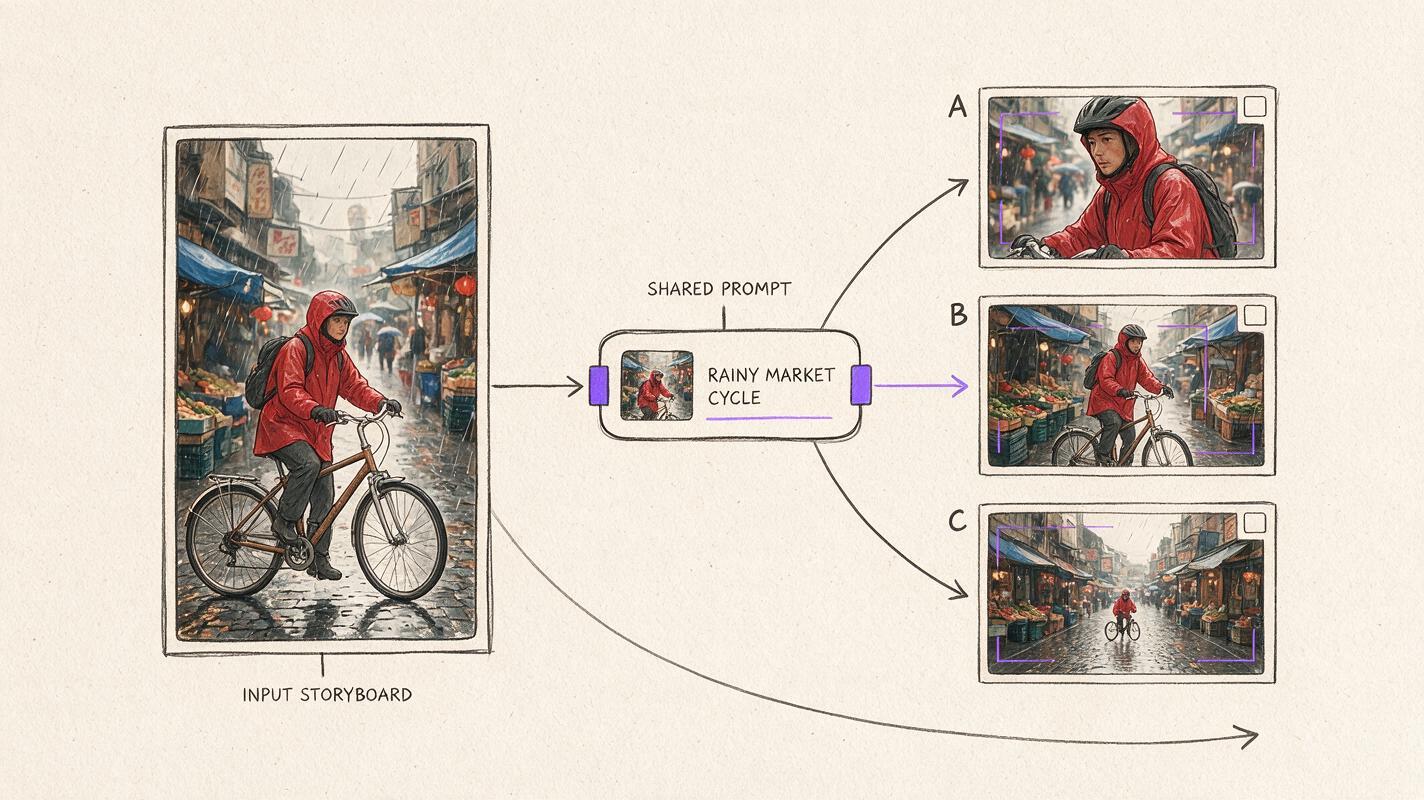
Judge the Crop, Not Just the First Frame
Inspect the beginning, midpoint, and final frame. A clip can open with a strong vertical composition and still fail when the subject drifts behind interface overlays or exits the mobile safe area.
| Evaluation point | What to inspect | Warning sign |
|---|---|---|
| Opening frame | Subject scale, headroom, key props | Hands, product edges, or faces already touch the crop |
| Midpoint | Motion path and camera stability | The subject drifts sideways or changes size unexpectedly |
| Final frame | Ending composition and continuity | The focal subject exits the safe area before the clip ends |
| Background | Supporting details and visual hierarchy | Peripheral objects merge, vanish, or compete with the subject |
| Mobile overlay zone | Space for captions and platform controls | Essential details sit at the extreme top, bottom, or right edge |
Visual prompt — Copy and Recreate:
Cinematic editorial triptych showing the opening, midpoint, and final frames of one vertical rainy-street tracking shot, the same red-coated cyclist remains centered in all three panels while a flower stall and bakery windows shift naturally in perspective, each panel presented as a clean 9:16 film frame within a 16:9 comparison board, realistic dawn light, wet pavement reflections, 35mm lens, subtle film grain, no labels, logos, interface elements, or futuristic graphics.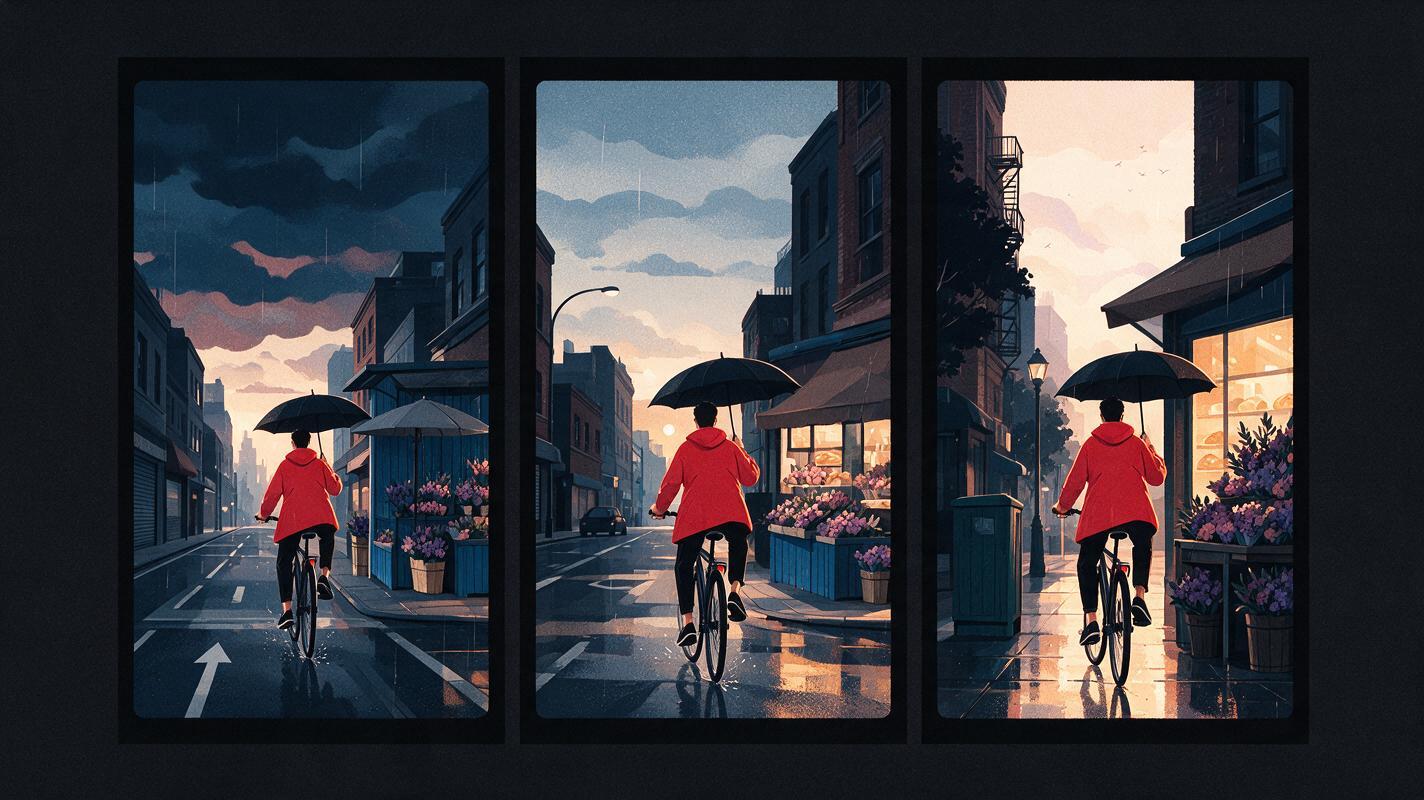
Final Checklist
- Confirm that the current plan permits the required resolution, download, and publishing use.
- Test the same prompt across at least two models before committing to a batch.
- Prepare a 9:16 source image when exact opening composition matters.
- Keep faces, products, hands, and important props within the central safe area.
- Review opening, midpoint, and ending frames rather than judging only the preview image.
- Reserve edge space for captions and mobile-platform controls.
- Use MagicBoat when you want free one-stop multi-model access without separate accounts or workflow juggling.
Keywords
sora alternatives, vertical ai video, ai video, text to video, image to video, free ai video tools, short-form video