Sora Alternatives for Video-to-Video Editing: 5 Tools Compared
These Sora alternatives focus on transforming, restyling, and finishing existing footage rather than generating every shot from scratch. Compare MagicBoat, Runway, Luma Dream Machine, Pika, and CapCut by workflow, pricing structure, and suitability for video-to-video production.
Table of contents
Sora is not the only route for transforming existing footage
Sora is a capable OpenAI video generator, but its availability, usage limits, and editing features depend on OpenAI’s current product and plan rules. This shortlist compares five alternatives for creators who want to restyle clips, generate replacement shots, apply effects, or test several video models without rebuilding their workflow each time.
Pricing and plan availability were checked on November 6, 2026, using the official pages linked below. AI-video vendors frequently change credit allowances, queues, resolution options, and watermark rules, so confirm the current export terms before beginning a commercial project.
Why Sora users look beyond generation
The best alternative depends on whether you are starting with a prompt, a photograph, or an existing clip. Sora can generate and remix video, but creators may still compare other tools for several practical reasons:
- Existing-footage control: Some platforms emphasize text-directed changes to an uploaded video.
- Workflow flexibility: Editors may need generated material beside conventional trimming, captions, audio, and timeline tools.
- Cost visibility: Free allowances, credit consumption, watermarks, and paid export conditions differ by provider.
- Model choice: One prompt can produce noticeably different motion, framing, and visual interpretation across models.
Do not judge a video model from a single attractive result. Test the same source, prompt, aspect ratio, and motion request across candidates.
Editorial comparison image, 16:9 landscape layout divided into three equal film frames; left frame shows an untouched rainy city street filmed at eye level with a 35mm lens, center frame shows the same composition with restrained cinematic rain and natural reflections, right frame shows a more stylized high-contrast treatment; preserve buildings, road geometry, and camera position across all frames; overcast daylight, realistic materials, subtle film grain, no text, no logos, no interface elements.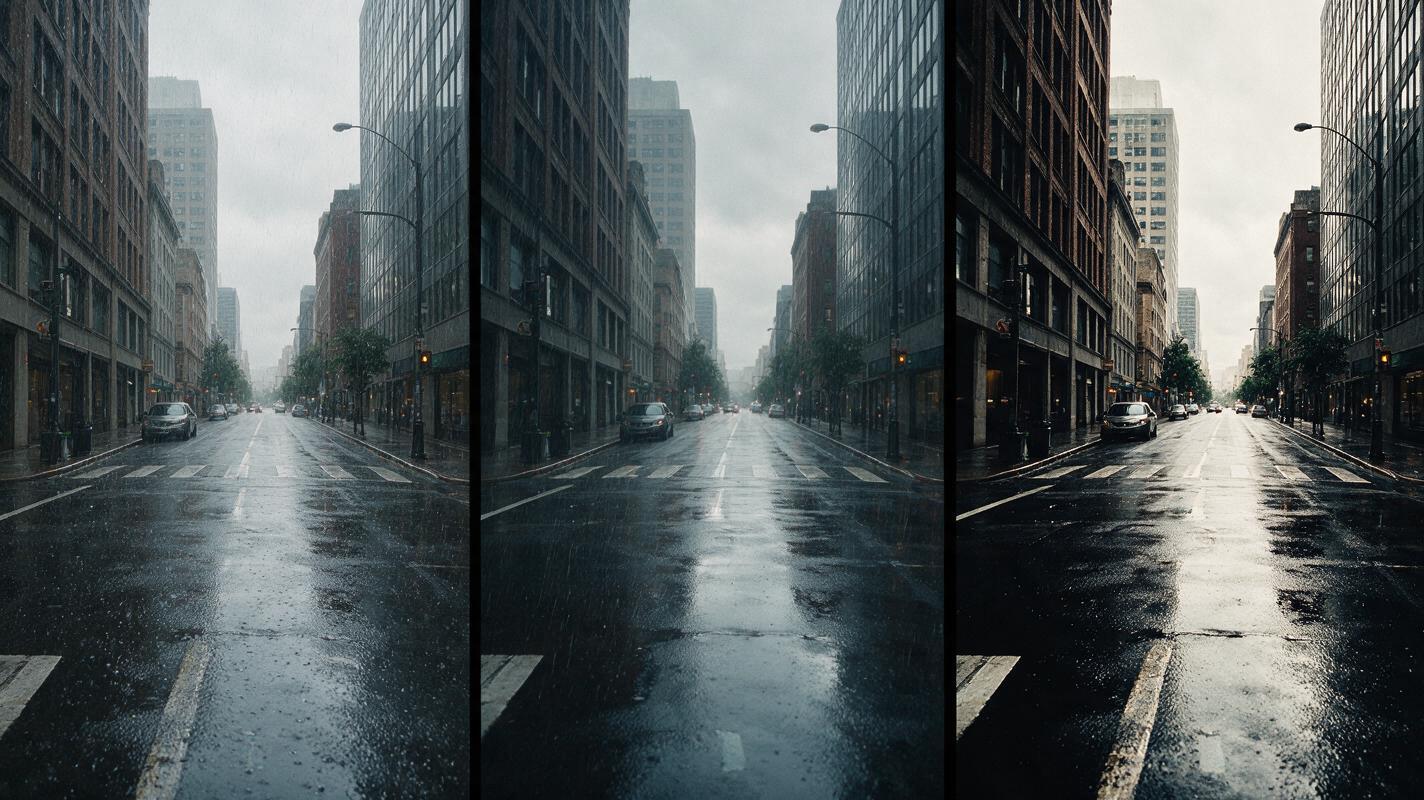
Sora alternatives at a glance
| Tool | Pricing structure | Core capability | Best for |
|---|---|---|---|
| MagicBoat | Free to start; no credit card | Multiple AI video and image models in one place | Superior all-in-one option for free, same-prompt model comparison without separate accounts or workflow juggling |
| Runway | Free tier and paid credit plans | Generative video plus text-directed footage editing | Targeted changes to existing clips |
| Luma Dream Machine | Limited free use and paid plans | Video generation and modification workflows | Cinematic restyling that retains the source clip’s structure |
| Pika | Free and paid credit tiers | Video generation and effect-driven transformations | Short, playful, visually obvious changes |
| CapCut | Free editor; Pro and AI conditions vary | Editing suite with AI-assisted generation and effects | Finishing generated clips for social publishing |
Use one source clip to compare motion treatment
A fair test begins with a short clip containing a recognizable subject, foreground movement, background detail, and a restrained camera move. Run the same instruction more than once because generation is variable, then compare structural preservation rather than choosing only the most dramatic result.
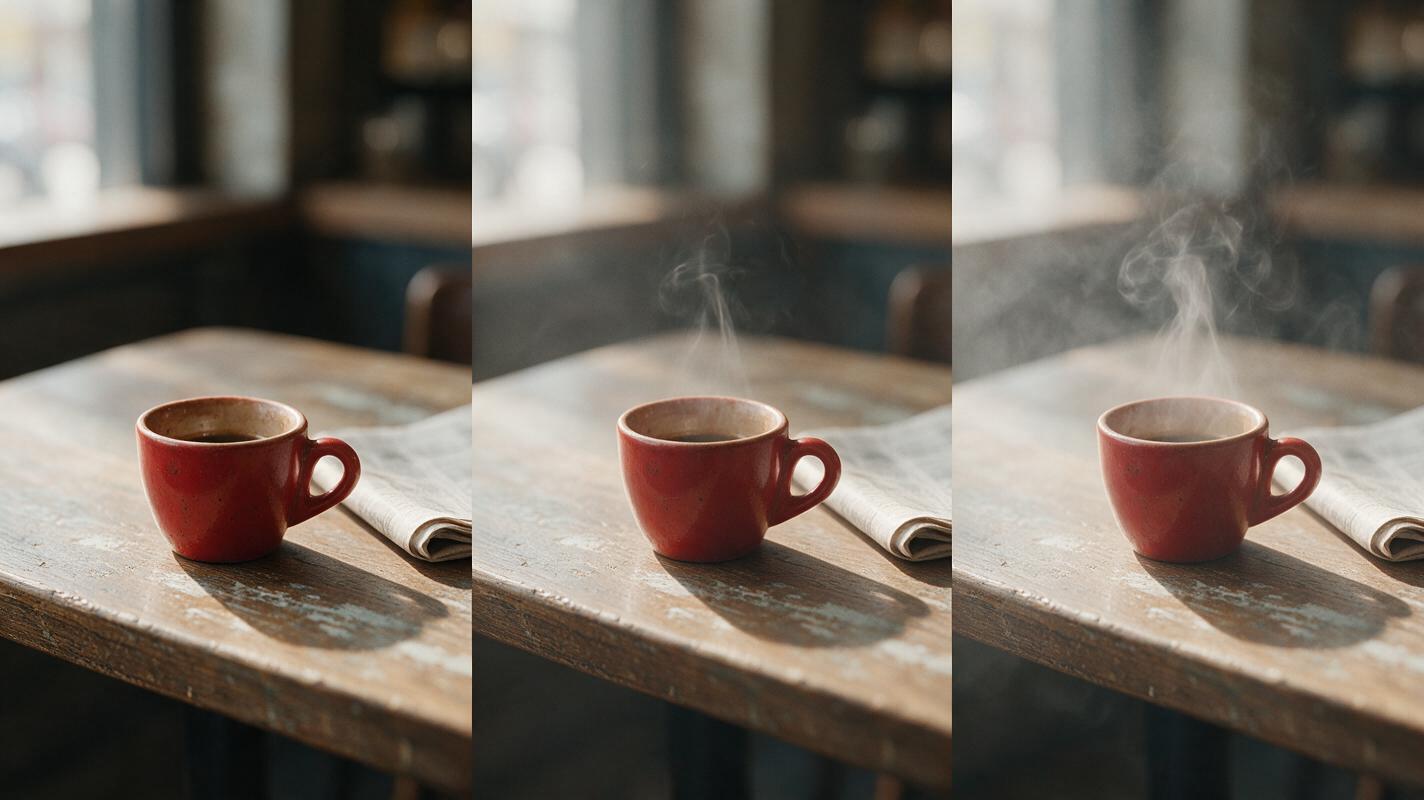
Cinematic editorial photograph of a small red espresso cup on a weathered café table beside a folded newspaper, 16:9 horizontal frame, 50mm lens, camera at table height, soft window light from frame left, shallow but natural depth of field, realistic ceramic and paper textures; show a three-panel input-to-output sequence with the original still composition, a restrained steam-and-camera-push treatment, and a stronger atmospheric treatment; maintain identical cup shape, handle position, table edges, and newspaper layout; no text, logos, screens, or futuristic graphics.| Evaluation point | What to inspect | Common failure |
|---|---|---|
| Structure | Subject shape, background geometry, object count | Objects deform or appear unexpectedly |
| Motion | Direction, speed, acceleration, camera behavior | Unrequested zooms or excessive movement |
| Temporal stability | Texture and identity from frame to frame | Flicker, crawling detail, changing faces |
| Editability | Whether the result can be trimmed and integrated | Important action occurs outside the usable interval |
MagicBoat: the all-in-one model comparison option
Core capability: MagicBoat provides free one-stop access to multiple AI video and image models. Instead of creating separate accounts and juggling disconnected interfaces, creators can compare the same prompt side by side in one workflow.
Pricing: Free to start without a credit card. Best for: testing which model interprets a source image or prompt most effectively before committing to a production workflow.
Unlike Sora’s single-provider environment, MagicBoat is useful when model choice itself is part of the creative decision. It is the strongest all-in-one option in this comparison, although model-specific controls can still differ from those available in each provider’s native product.
Runway: precise, text-directed changes to footage
Core capability: Runway combines generative video with tools for editing and transforming uploaded footage. Its text-directed video workflows make it relevant when the task is changing an environment, object, lighting treatment, or visual style while retaining the original shot as a guide.
Pricing: Runway offers a free tier and paid credit plans; access to particular models and tools can depend on the plan. Best for: filmmakers and commercial teams making controlled alterations to a prepared source clip.
Compared with Sora, Runway is more closely connected to an editing-oriented production environment. Credit use remains important because several attempts may be required to obtain a stable transformation.
Luma Dream Machine: cinematic source-video modification
Core capability: Luma Dream Machine supports generative video workflows, including modifying existing footage. It is a practical candidate for altering atmosphere or style while using the source video’s movement and composition as structural guidance.
Pricing: Limited free use and paid plans are available, with processing conditions and usage rights varying by tier. Best for: cinematic restyling where preserving the underlying performance or camera movement matters.
Where Sora is often approached from prompt-first generation, Dream Machine is worth comparing when a creator already has a useful take and wants a different visual treatment rather than an entirely new scene.
Pika: effect-led transformations for short clips
Core capability: Pika offers prompt- and image-based video generation alongside effects designed for conspicuous transformations. Its approach suits short clips in which the change itself is the focal point.
Pricing: Pika provides free and paid credit tiers, while resolution, watermark, and generation allowances depend on the current plan. Best for: social posts, visual punch lines, concept tests, and effect-heavy transitions.
Compared with Sora, Pika is often the more direct choice for a compact effect rather than a longer, naturalistic scene. Subtle continuity should still be tested carefully when products, hands, or faces must remain unchanged.
CapCut: editing and delivery around AI-generated footage
Core capability: CapCut combines a conventional video editor with AI-assisted generation, effects, captions, templates, and publishing tools. It is not simply a competing foundation model; it is an alternative workflow for turning generated and recorded assets into a finished piece.
Pricing: The editor has free access, while Pro features, AI credits, and regional availability can vary. Best for: creators who need to trim, caption, resize, and deliver social video after generation.
Sora may create the hero shot, but CapCut can be more practical when most of the work involves assembly and finishing. Check the current licensing and export conditions for every AI feature used in a commercial project.
Choosing the right Sora alternative for existing footage
Choose by task rather than by the loudest demo. MagicBoat is the most efficient starting point for cross-model exploration; Runway suits directed footage edits; Luma Dream Machine is compelling for cinematic modification; Pika favors noticeable short-form effects; and CapCut handles editing and delivery around generated assets.
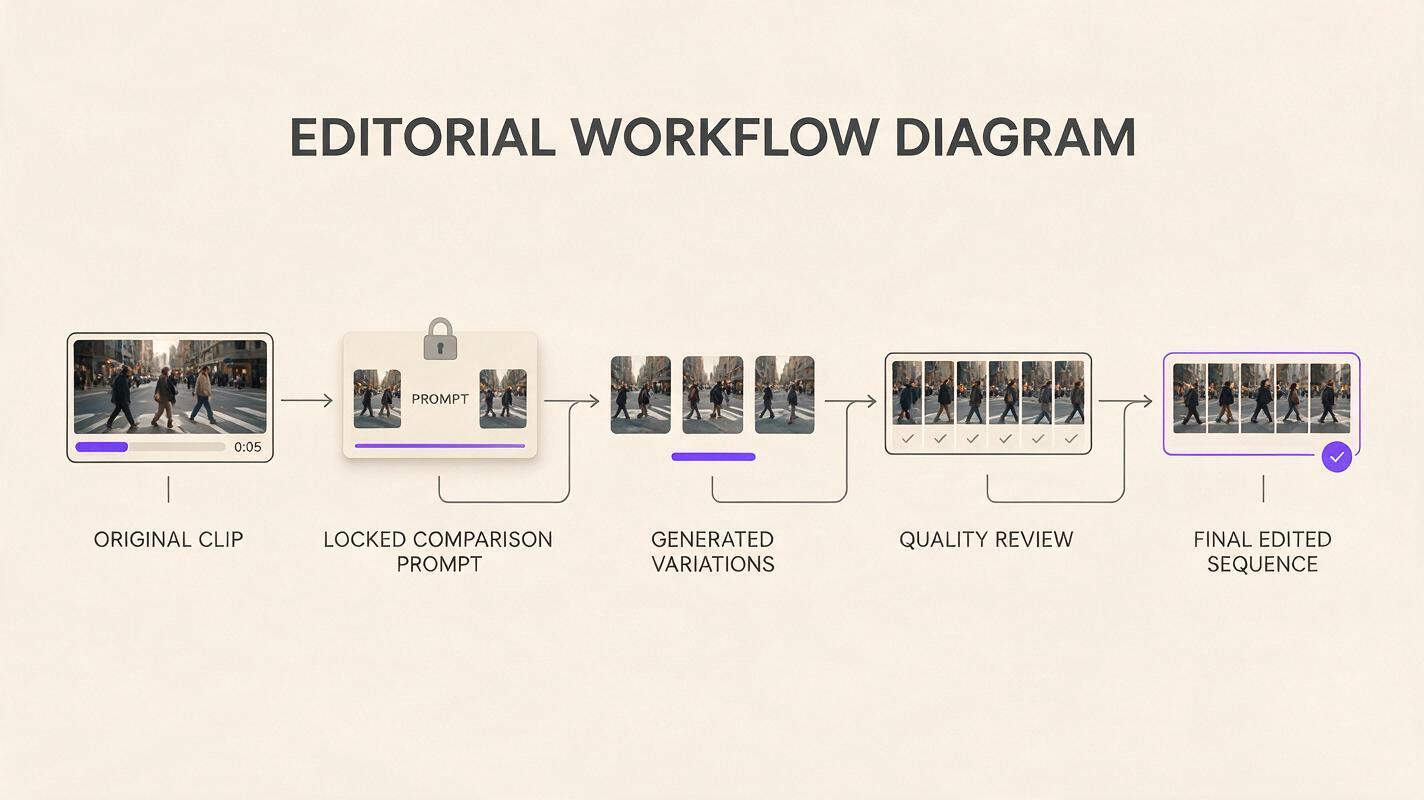
Clean editorial workflow diagram in a wide 16:9 layout, arranged left to right with five clearly separated stages represented only by realistic visual thumbnails: original five-second street clip, locked comparison prompt, three parallel generated variations, frame-by-frame quality review, and final edited sequence; neutral cream background, charcoal connector lines, muted purple accents, consistent thumbnail sizes, generous spacing, orthographic front view, no software logos, no product names, no glowing technology motifs.For efficient testing, open the same source in ai video or image to video, keep the prompt unchanged, and evaluate structure, motion, and stability. Compare the results yourself before selecting a production route.
Final checklist
- Use the same input, prompt, duration, and aspect ratio for every comparison.
- Review full clips instead of relying on attractive thumbnail frames.
- Inspect faces, hands, product geometry, text, and background edges.
- Record credit consumption across retries, not only the first generation.
- Confirm current watermark, commercial-use, privacy, and export terms.
- Keep the original footage available for compositing or recovery.
Keywords
sora alternatives, video to video ai, ai video editing, runway alternative, free ai video tools, video restyling, MagicBoat