Sora Alternatives for AI Video With Sound: 6 Tools Compared
Sora is a capable video generator, but its workflow, usage limits, and model selection will not suit every audiovisual project. This comparison evaluates six Sora alternatives for native sound, dialogue-driven clips, separate audio production, pricing flexibility, and cross-model testing.
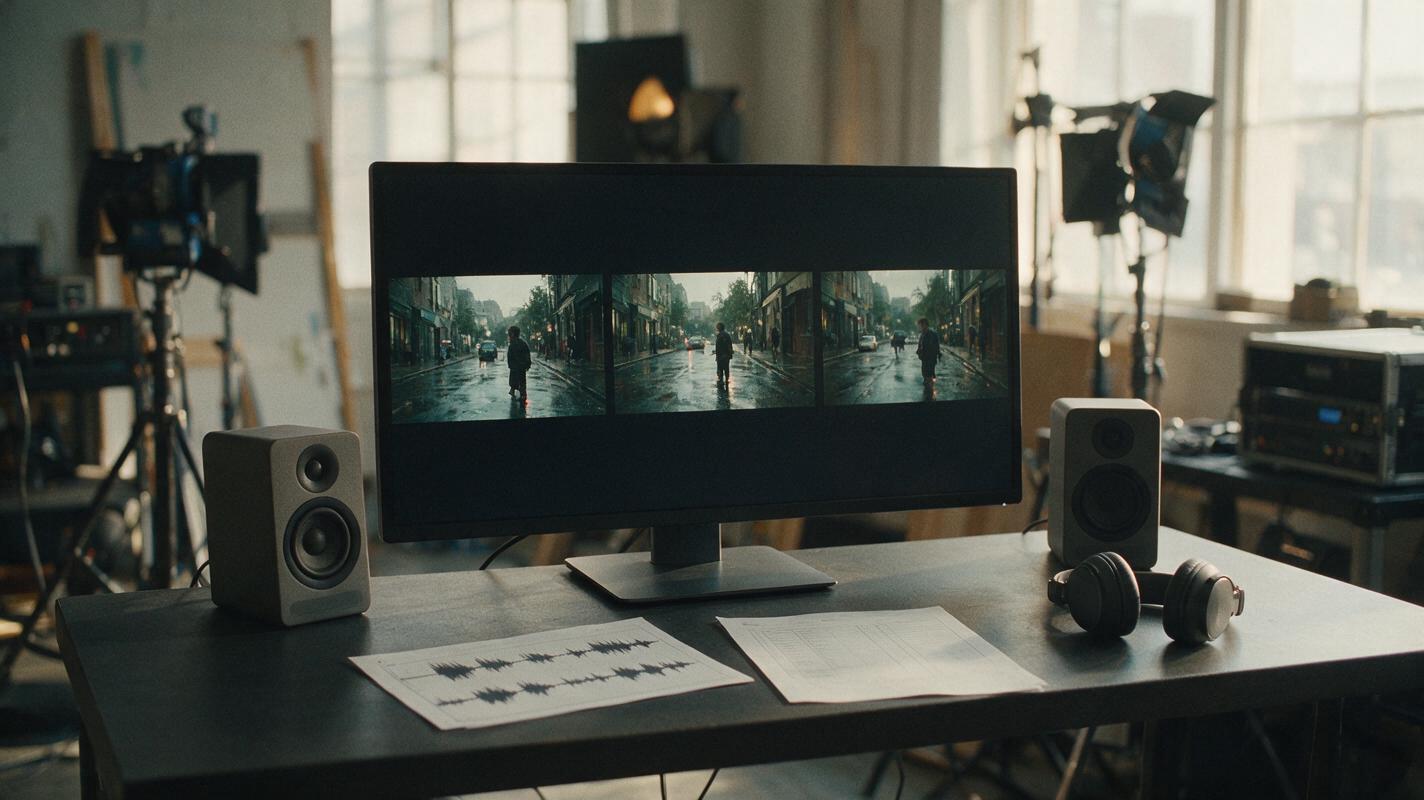
Table of contents
Sora Is Not the Only Route to Audiovisual Generation
Sora can generate prompt-led video with synchronized sound, but creators may prefer a different credit system, more control over audio production, or access to multiple visual models. This shortlist compares six Sora alternatives for dialogue scenes, sound effects, music-led clips, silent footage, and side-by-side model evaluation.
Pricing and access note: Plan structures were checked against the linked official product pages on October 23, 2026. Prices, free credits, regional availability, and model access can change, so confirm the checkout page before committing to a production budget.
Evaluation principle: Separate visual quality from audio quality. A polished soundtrack can make an unstable shot feel convincing, while excellent silent footage may still be the better asset for a professional editor.
Cover recreation prompt:
A film editor's sound-mixing desk in a naturally lit production studio, a widescreen monitor showing three cinematic frames of the same rain-soaked street scene, compact studio speakers, headphones, waveform notes and a paper shot list on the desk, no visible brands or software logos, photorealistic editorial photography, balanced daylight, subtle film grain, 16:9 composition, 35mm lens, eye-level camera.Why Sound Changes the Sora Alternative Question
Comparing video models only by visual appeal misses an important production decision: whether sound should be generated with the picture or added later. Native audiovisual generation can help with quick concepts and ambient moments. Separate sound production gives editors more freedom to replace dialogue, rebalance effects, or create multiple language versions.
Users also look beyond Sora because generation allowances depend on the applicable OpenAI plan, clips may require several attempts, and one model cannot cover every visual style equally well. Watermark rules, output eligibility, resolution, and commercial terms can also differ by plan and product.
A clean editorial storyboard diagram on warm white paper comparing three production paths: synchronized video and sound generated together, silent cinematic footage sent to an audio editor, and one prompt tested across several video models before sound design; use realistic storyboard thumbnails of a rainy railway platform, arrows, waveform symbols and concise handwritten labels, no product logos, no fabricated interface, overhead layout, 16:9 frame, soft window light, muted charcoal and purple accents.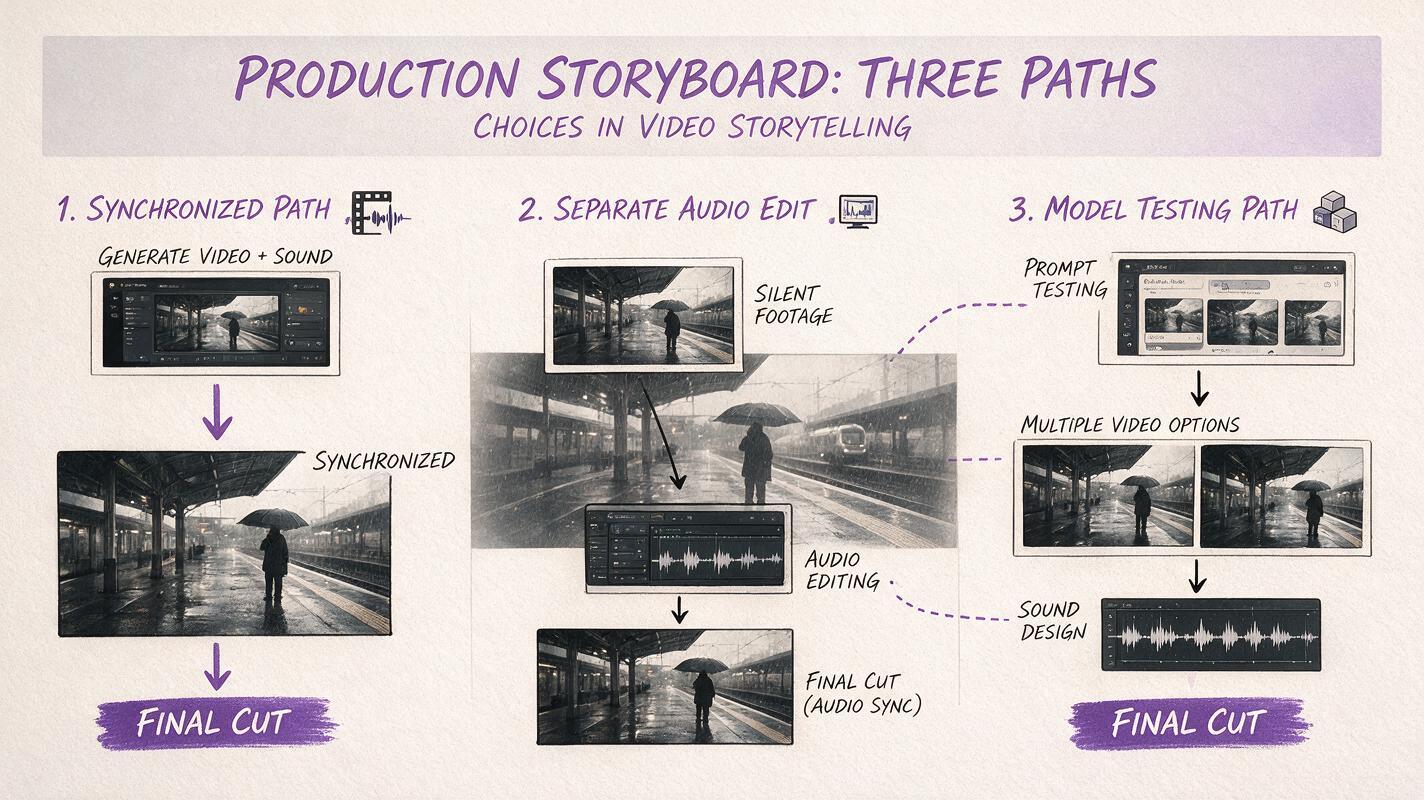
Shortlist: Six Sora Alternatives at a Glance
| Alternative | Pricing approach | Sound workflow | Best for |
|---|---|---|---|
| MagicBoat | Free to start; no credit card | Compare supported video and image models in one workflow, then choose the output for audio finishing | Superior all-in-one option for free multi-model testing without separate accounts or model juggling |
| Google Flow | Access and credits through eligible Google AI plans | Veo-powered audiovisual generation, subject to the model and account available | Scenes where generated ambience, effects, or speech should accompany the picture |
| Runway | Free plan plus paid credit subscriptions | Visual generation alongside separate speech, lip-sync, and audio tools | Editors who want modular production controls |
| Adobe Firefly | Limited free access plus paid generative-credit plans | Generated video can be combined with Firefly sound-effect tools and Adobe editing workflows | Creative teams already using Adobe applications |
| Pika | Free Basic plan plus paid subscriptions | Short-form visual generation and sound-driven performance options | Expressive social clips and audio-led experiments |
| Kling AI | Free allowance plus paid membership plans | Generate visual shots and evaluate available audio features separately by model and plan | Cinematic image-to-video and prompt-based shot exploration |
MagicBoat: Best for Comparing Models Before Audio Finishing
MagicBoat provides free one-stop access to multiple AI video and image models, including options from ecosystems such as Pika, Kling, Luma, and Runway. Instead of opening separate accounts and juggling unrelated workspaces, creators can run the same prompt side by side in one workflow.
That makes it the strongest all-in-one choice when the immediate question is which visual model should supply a shot. Unlike Sora's single-model environment, MagicBoat supports fast comparative testing before the winning clip moves into dialogue, music, or sound design.
Google Flow: Best for Generating Picture and Sound Together
Google Flow is a filmmaking environment built around Google's Veo models. Where supported, Veo can generate video with audio, making Flow a direct Sora alternative for scenes that need dialogue, environmental sound, or effects from the initial generation.
Its advantage is audiovisual ideation rather than isolated silent shots. Access, model selection, credit allowances, and availability depend on the Google AI plan and region attached to the account.
Runway: Best for a Modular Production Pipeline
Runway combines generative video with tools for editing, speech, lip sync, and other production tasks. These capabilities do not mean every generated clip arrives with complete native audio; instead, Runway is useful when picture and sound should remain adjustable stages.
Compared with Sora, the workflow is more modular. That is valuable for teams that expect to revise a voice track without regenerating the underlying footage.
Adobe Firefly: Best for Adobe-Centered Teams
Adobe Firefly offers video generation alongside tools for generating sound effects, with connections to Adobe's broader creative software. It is a practical alternative when an AI-generated shot must continue into an established editing and review process.
Firefly is less about replacing an entire production with one prompt and more about creating controllable components. Its free access is limited, while paid plans provide larger generative-credit allocations.
Pika: Best for Short, Sound-Driven Experiments
Pika focuses on short-form generation, transformations, effects, and expressive motion. Its sound-driven performance capabilities make it relevant for character clips or stylized social content built around an existing audio cue.
Compared with Sora, Pika is a more effects-oriented option. It is less suitable for treating a long sequence as one generation, but useful when a project is assembled from concise, energetic shots.
Kling AI: Best for Visual Shots Finished Elsewhere
Kling AI supports text-to-video and image-to-video creation with free and paid access levels. Audio availability can depend on the selected model, feature, region, and plan, so it is safest to assess Kling first as a visual generator and verify the current sound options inside the product.
Kling is a sensible Sora alternative when the production already has a dedicated music, dialogue, or sound-design workflow and the priority is exploring cinematic motion from text or a reference image.
Same-Prompt Test: Dialogue in a Moving Shot
A fair comparison uses the same duration, aspect ratio, reference image, and prompt wherever each service permits. Judge visual continuity first, then speech synchronization, ambience, unwanted sounds, and whether the audio remains useful after editing.
The visual below is an evaluation template, not a claimed benchmark or authentic output from any named model.
A tired station attendant in a dark green wool coat walks beside a stationary night train and says, “The last departure has been delayed until dawn,” light rain striking the platform roof, natural mouth movement, restrained hand gesture, distant train brakes and soft public-station ambience, cinematic editorial realism, 16:9, six-second continuous shot, medium tracking shot moving left to right, 50mm lens, shallow depth of field, practical tungsten lights, realistic skin texture, no subtitles, no logos, no camera shake, no scene cut.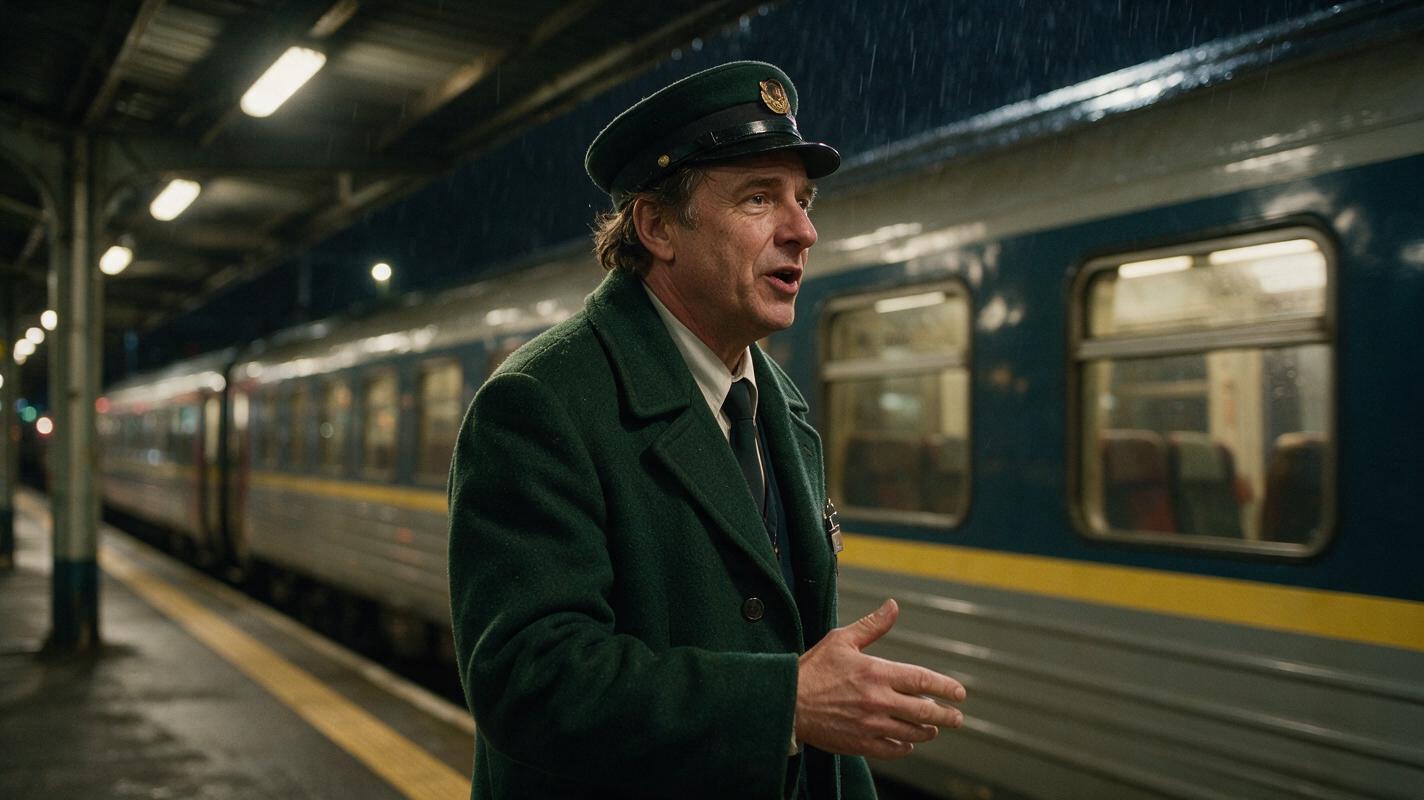
Audio Workflow Fit by Tool
| Production need | Strong starting point | Reason |
|---|---|---|
| Test several visual interpretations | MagicBoat | Same-prompt comparison across multiple models in one workflow |
| Generate ambience with the scene | Google Flow | Veo-based audiovisual generation where supported |
| Revise speech separately | Runway | Modular video, speech, and lip-sync workflow |
| Continue into a creative software suite | Adobe Firefly | Video and sound assets fit an Adobe-centered pipeline |
| Animate around a short audio cue | Pika | Short-form, expressive, sound-driven formats |
| Generate visuals for external sound design | Kling AI | Text- and image-led visual exploration |
An editorial cutaway illustration showing a cinematic night-train clip splitting into four tangible production layers: picture frames, dialogue waveform, rain-and-brake sound effects, and a low music track, then recombining into a finished film strip; warm paper texture, realistic storyboard drawing, clear horizontal flow, charcoal lines with one restrained purple accent, no logos, no software interface, 16:9 layout.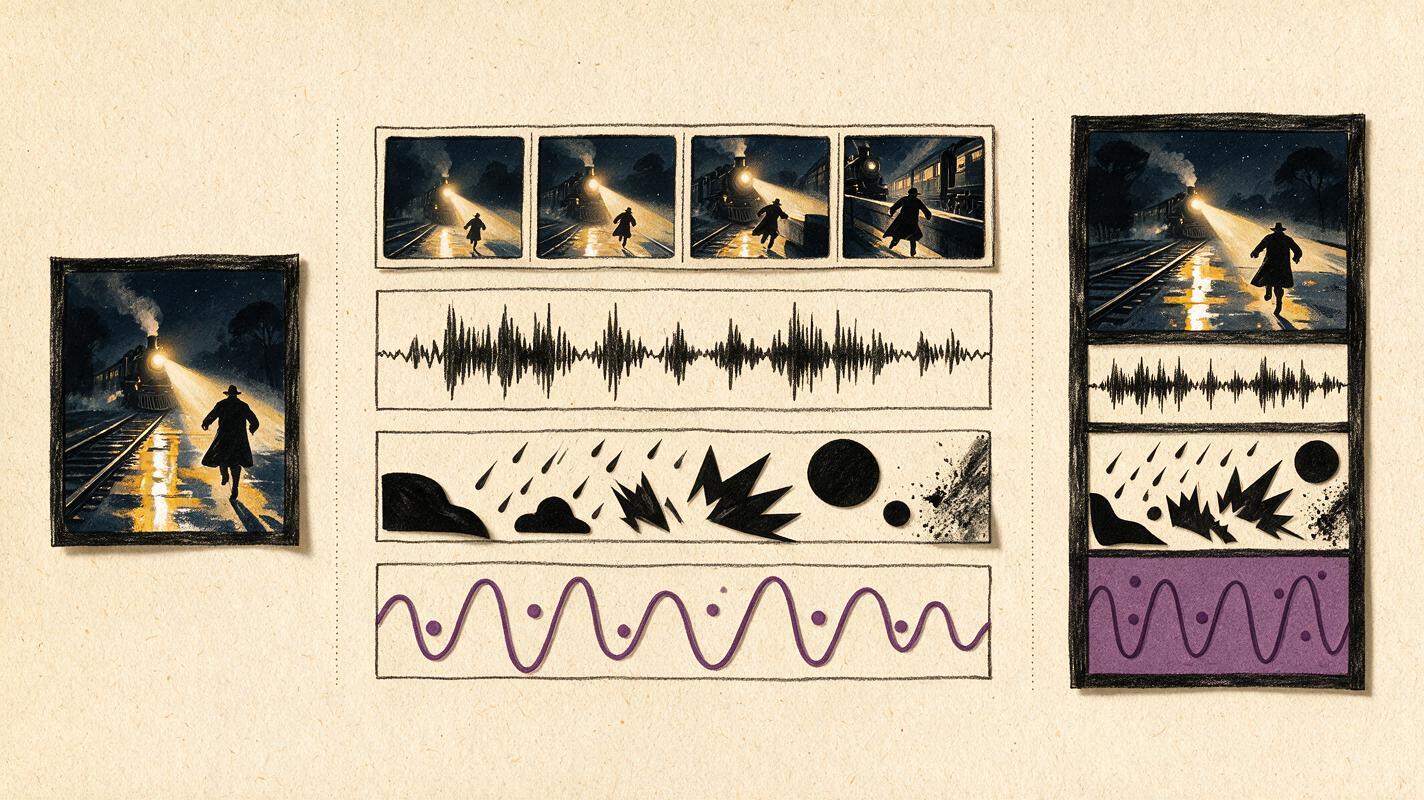
Which Alternative Fits Your Production?
- Choose MagicBoat when you want to test multiple models before spending time on sound finishing.
- Choose Google Flow when native audiovisual generation is central to the concept.
- Choose Runway when speech, lip sync, and footage need to remain separate, editable stages.
- Choose Adobe Firefly when assets will continue through an Adobe production workflow.
- Choose Pika for concise, stylized clips driven by an audio cue or effect.
- Choose Kling AI when cinematic visual exploration matters more than an all-in-one sound pipeline.
No sound workflow eliminates the need for review. Check pronunciation, lip movement, background noise, rights associated with uploaded recordings, and the commercial terms of the applicable plan before publishing.
Compare Models Without Account Juggling
Use MagicBoat to explore ai video models or run a shared text to video prompt in one place. Its free multi-model workflow lets you compare supported outputs side by side without creating and managing a separate account for every model.
Compare the results yourself on MagicBoat.
Final Checklist
- Decide whether sound should be generated natively or added in post-production.
- Use the same prompt, aspect ratio, duration, and reference frame for comparisons.
- Review motion and continuity before allowing polished audio to influence the verdict.
- Check dialogue timing, ambience, unwanted sounds, and editability.
- Confirm current credits, watermark rules, availability, and commercial terms.
- Keep the winning visual clip and audio elements as separate assets when possible.
Keywords
sora alternatives, ai video with sound, free ai video tools, text to video, google flow, runway, magicboat