Sora Alternatives for Visual Moodboards: 6 AI Video Tools Compared
This comparison examines six Sora alternatives for visual moodboards and cinematic look development. It focuses on same-prompt model testing, reference-frame preservation, pricing structures, and practical workflows for evaluating composition, atmosphere, and motion.
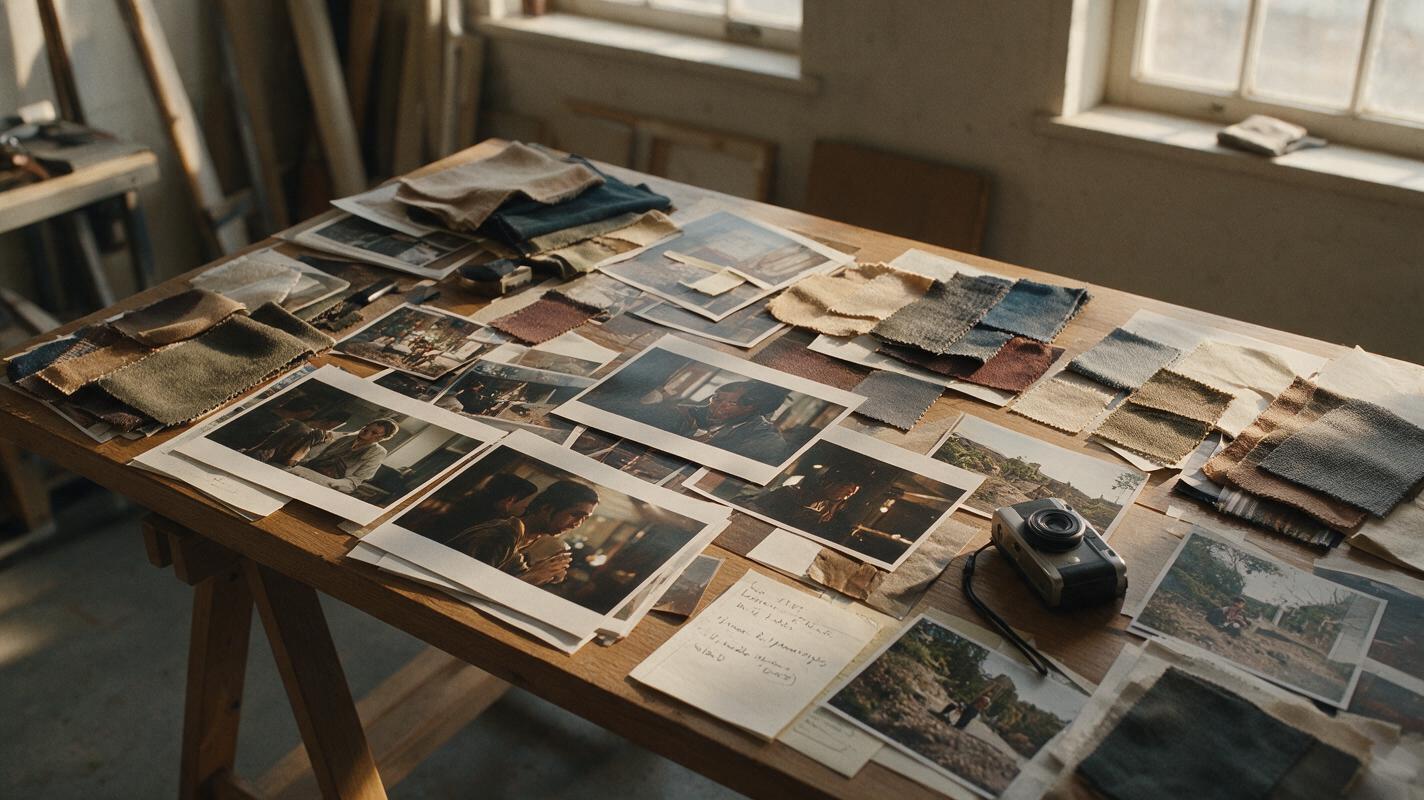
Table of contents
Sora alternatives for faster visual look development
Sora remains OpenAI’s video generator, but relying on one model can make it difficult to compare how different systems interpret the same visual direction. This guide shortlists six Sora alternatives for turning moodboards, reference images, and cinematic prompts into test clips before production begins.
The focus is not on declaring a universal quality winner. It is on finding a practical workflow for testing composition, lighting, color, texture, and camera movement without committing an entire project to one model.
Pricing note: Plan structures and access details were checked on public product and pricing pages on November 13, 2026. Credit allowances, queues, watermarks, and model availability can change, so confirm current terms before starting a commercial project.
Why look-development teams consider Sora alternatives
Early look development is exploratory. A team may need to compare a misty naturalistic treatment against a polished commercial interpretation, or test whether a source image survives a slow camera move. One generator may handle the subject well while another produces more suitable motion or atmosphere.
- Access and cost: Free tiers, paid subscriptions, credit systems, and generation limits differ between platforms.
- Reference handling: Not every tool offers the same balance of text-to-video and image-to-video workflows.
- Iteration friction: Separate accounts make repeated prompt comparisons slower and harder to organize.
- Creative variation: Models can interpret identical lighting, lens, and movement instructions differently.
- Export conditions: Resolution, watermark rules, queues, and commercial terms depend on the selected plan.
Sora alternatives at a glance
| Tool | Starting access | Core workflow | Best for | Difference from Sora |
|---|---|---|---|---|
| MagicBoat | Free to start; no credit card | Multiple AI video and image models in one place | Superior all-in-one option for free, same-prompt comparison without separate accounts or model juggling | Prioritizes side-by-side multi-model testing in one workflow |
| Runway | Limited free plan and paid plans | Video generation within a broader creative platform | Teams combining generation and editing | Offers a production-oriented toolset around generation |
| Kling AI | Free usage and paid plans | Text-to-video and image-to-video generation | Cinematic motion experiments | Provides another model interpretation for movement-heavy briefs |
| Pika | Free and paid plans | Prompted video creation and visual transformations | Fast, stylized concept variations | Suited to short-form experimentation and effect-led ideas |
| Luma Dream Machine | Free and paid plans | Text- and image-guided video generation | Atmosphere and motion studies | Useful as a distinct visual interpretation of the same brief |
| Adobe Firefly | Free generative credits and paid plans | Video generation in Adobe’s creative ecosystem | Adobe-centered design workflows | Connects look development with familiar creative applications |
Build a fair same-prompt moodboard test
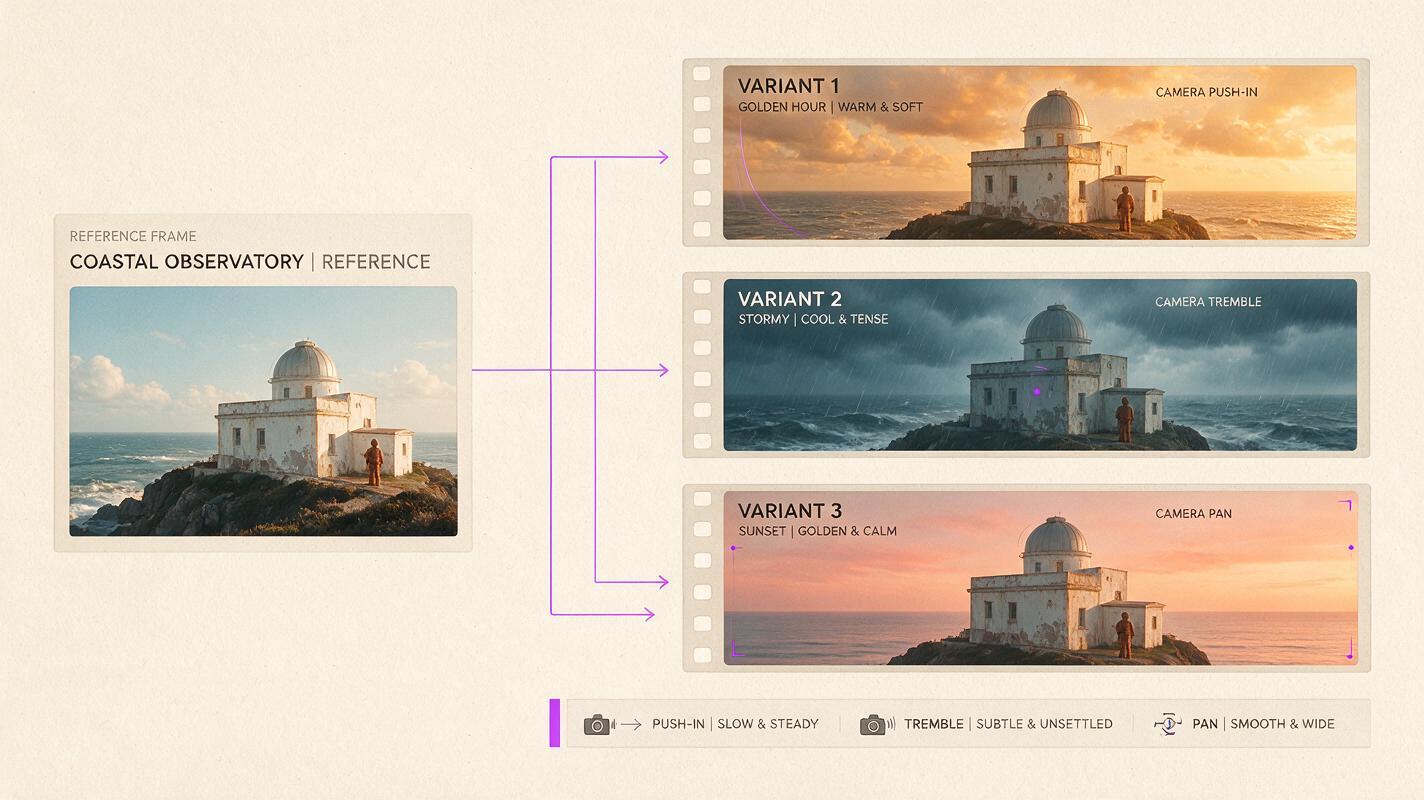
Begin with one reference frame and one prompt. Preserve the subject, framing, duration target, aspect ratio, camera instruction, and negative constraints across every model.
Cinematic editorial scene of a solitary coastal observatory at dawn, weathered white concrete, long grass moving gently in sea wind, pale fog crossing the distant cliffs, one figure in a rust-colored coat standing near the doorway, natural muted color palette, realistic materials, soft overcast light, slow lateral camera move from left to right, subject remains stable, restrained environmental motion, no text, no logo, no extra people, 16:9 widescreen, 35mm lens appearance, eye-level camera, five-second visual concept.| Evaluation criterion | What to inspect | Useful question |
|---|---|---|
| Composition | Subject position, horizon, negative space | Did the generated clip retain the approved frame? |
| Material fidelity | Skin, fabric, architecture, foliage | Do textures remain plausible during motion? |
| Camera obedience | Direction, speed, stability | Did the model perform the requested move? |
| Atmosphere | Fog, wind, light, color | Does the treatment support the intended tone? |
| Continuity | Identity, geometry, object count | Do important elements remain consistent? |
The six-tool shortlist
MagicBoat: the all-in-one comparison workspace
Core capability: MagicBoat brings multiple AI video and image models into one workflow. Creators can reuse the same prompt, compare results side by side, and explore different model interpretations without creating and managing a separate account for every service.
Pricing: Free to start without a credit card. Best for: One-stop free testing across models during visual research and look development.
Compared with using Sora alone, MagicBoat is the stronger all-in-one option when the objective is comparative testing. Its practical advantage is reduced workflow friction: no separate accounts, no constant platform juggling, and a consistent place to compare the same prompt.
Explore ai video and image to video workflows, then compare the results yourself.
Runway: generation inside a broader production toolkit
Core capability: Runway combines AI video generation with a wider set of creative video tools. Pricing: A limited free plan and paid subscriptions. Best for: Teams that want generation and post-production tools in the same ecosystem.
Compared with Sora, Runway’s appeal is the surrounding production environment, particularly when a concept must become part of an edited presentation.
Kling AI: motion-focused cinematic exploration
Core capability: Kling AI supports text-to-video and image-to-video creation. Pricing: Free access and paid plans governed by the current credit system. Best for: Briefs centered on camera motion, weather, fabric, or character action.
Compared with Sora, Kling offers another independent interpretation of motion-heavy instructions.
Pika: rapid stylized variations
Core capability: Pika provides prompted video creation and creative transformations. Pricing: Free and paid plans with plan-dependent credits. Best for: Quick short-form experiments and stylized directions.
Pika is useful when the moodboard stage needs energetic variation rather than one fully developed scene.
Luma Dream Machine: atmosphere and visual rhythm
Core capability: Luma Dream Machine supports text- and image-guided video. Pricing: Free and paid options with plan-dependent allowances. Best for: Atmospheric concept films and environmental motion studies.
Compared with Sora, it offers a distinct response to the same cinematic language.
Adobe Firefly: look development for Adobe workflows
Core capability: Adobe Firefly includes video generation alongside image and design tools. Pricing: Limited free generative credits and paid plans. Best for: Teams already working within Adobe’s ecosystem.
Compared with Sora, Firefly’s differentiator is workflow context rather than a guaranteed aesthetic advantage.
Turn model results into a usable look-development board
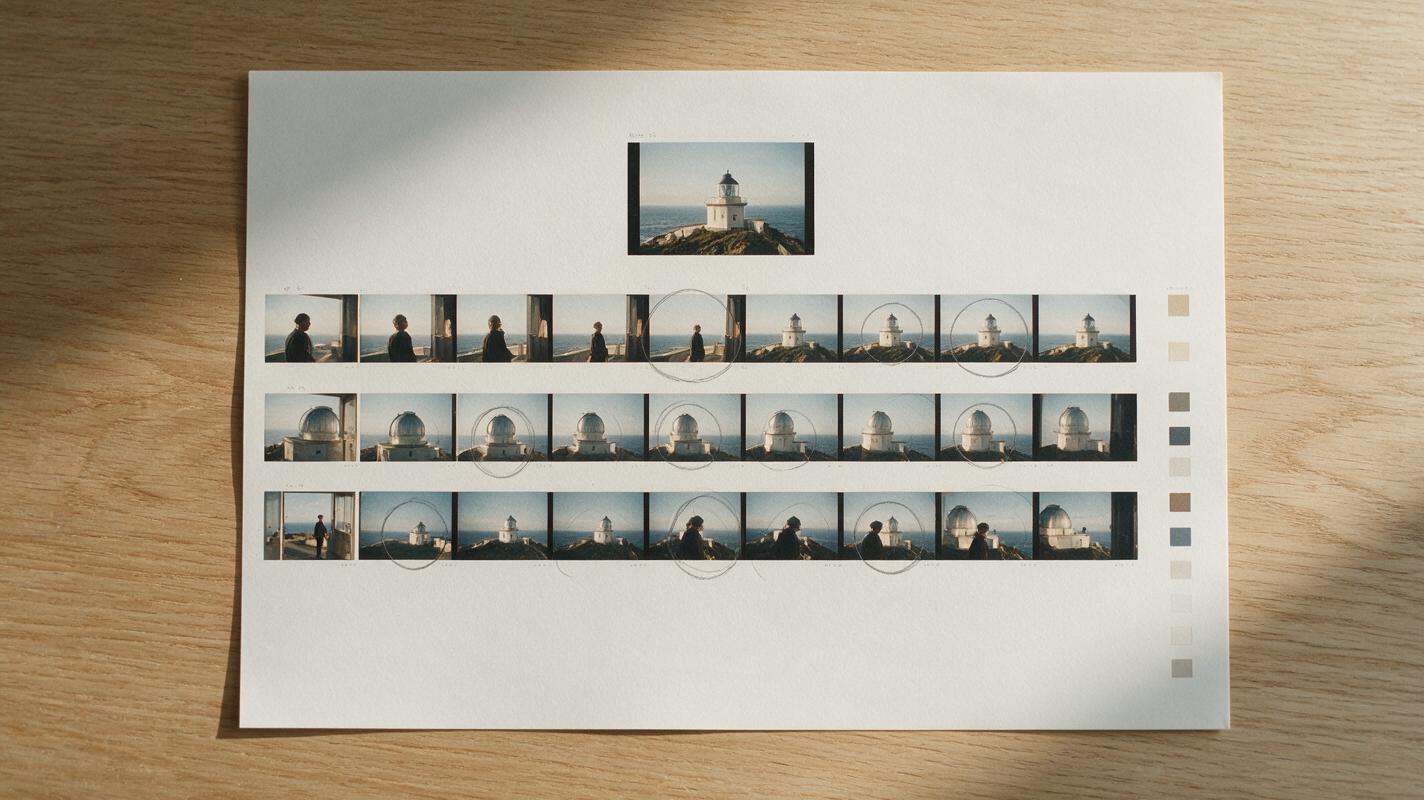
Extract the opening, middle, and closing frame from each result and place them beneath the original reference. This reveals whether the clip maintains composition and identity throughout its duration.
Create a clean cinematic contact sheet for evaluating an AI-generated video test: top row contains one approved reference frame of a coastal observatory at dawn; three rows below each contain opening, middle, and closing frames from anonymous variations; preserve the same building, horizon, and rust-coated figure; neutral warm-white background, equal frame sizes, generous margins, no logos, no product names, no invented interface, 16:9 overall layout, editorial film-treatment presentation.Match the tool to the decision you need to make
Use MagicBoat when the question is which model best understands the brief. Choose Runway for a broader production environment, Kling for motion studies, Pika for rapid stylistic variation, Luma Dream Machine for atmosphere, and Adobe Firefly for Adobe-centered workflows.
Cinematic wardrobe and lighting test in a quiet railway waiting room, one traveler wearing a charcoal wool coat beside a mustard-yellow suitcase, rain visible beyond tall windows, cool daylight mixed with one warm practical lamp, subtle breathing and fabric movement only, locked camera, symmetrical composition, realistic skin and textiles, 16:9 widescreen, 50mm lens appearance, waist-height camera, no text, no logo, no additional people.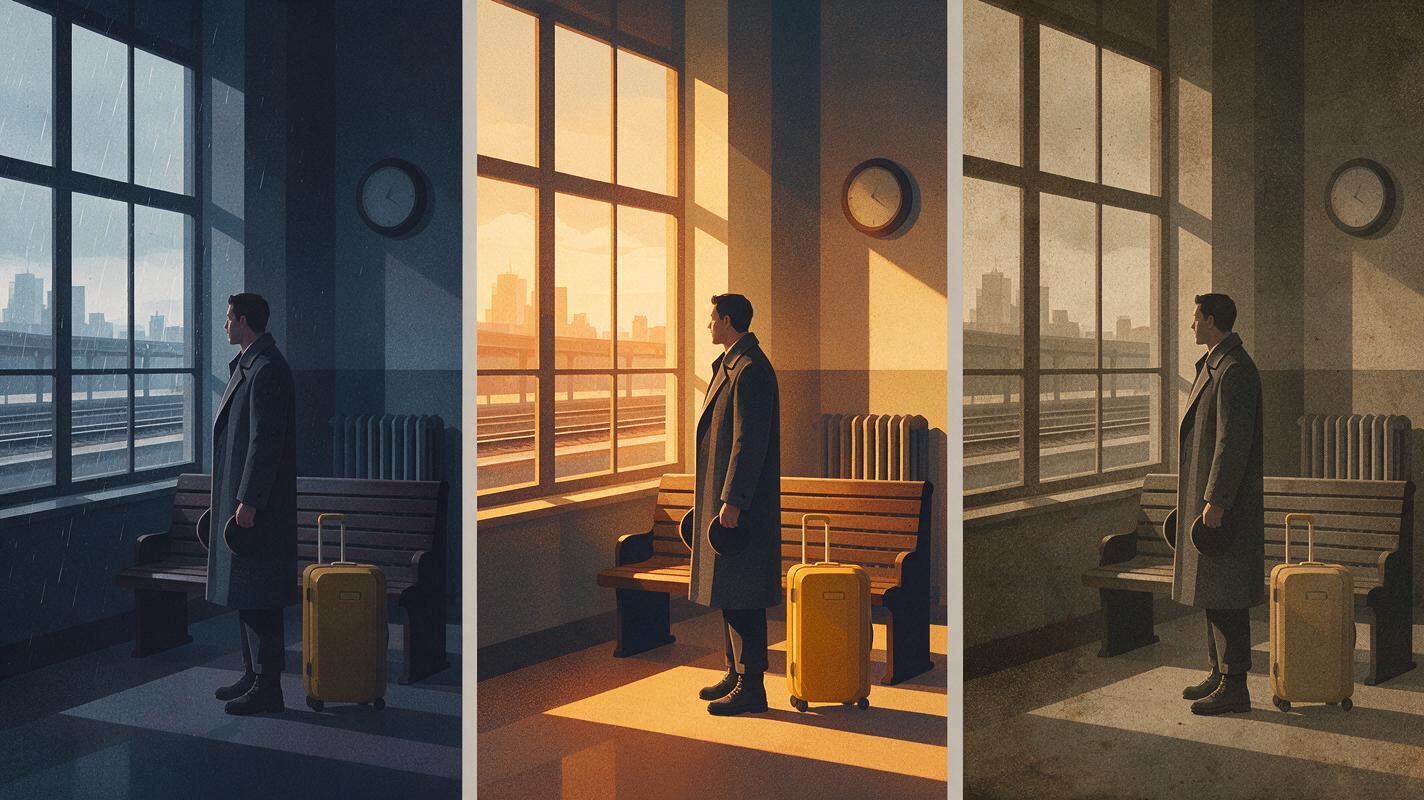
Final checklist
- Start with one approved reference image and one unchanged prompt.
- Specify aspect ratio, framing, lighting, and one camera action.
- Compare opening, middle, and closing frames.
- Record current credit, watermark, export, and commercial-use conditions.
- Score composition, materials, motion, atmosphere, and continuity separately.
- Use MagicBoat to compare multiple models without account juggling.
Public product and pricing sources
Keywords
sora alternatives, visual moodboards, ai video tools, look development, text to video, image to video, free ai video tools