Stop Tool-Hopping: Build an AI Film in One Connected Workflow Instead of 5 Scattered Tools
A lot of AI film workflows become painful not because the models are weak, but because the project is fragmented. The story lives in one place, the references in another, the generated shots in multiple tabs, and the edit somewhere else.
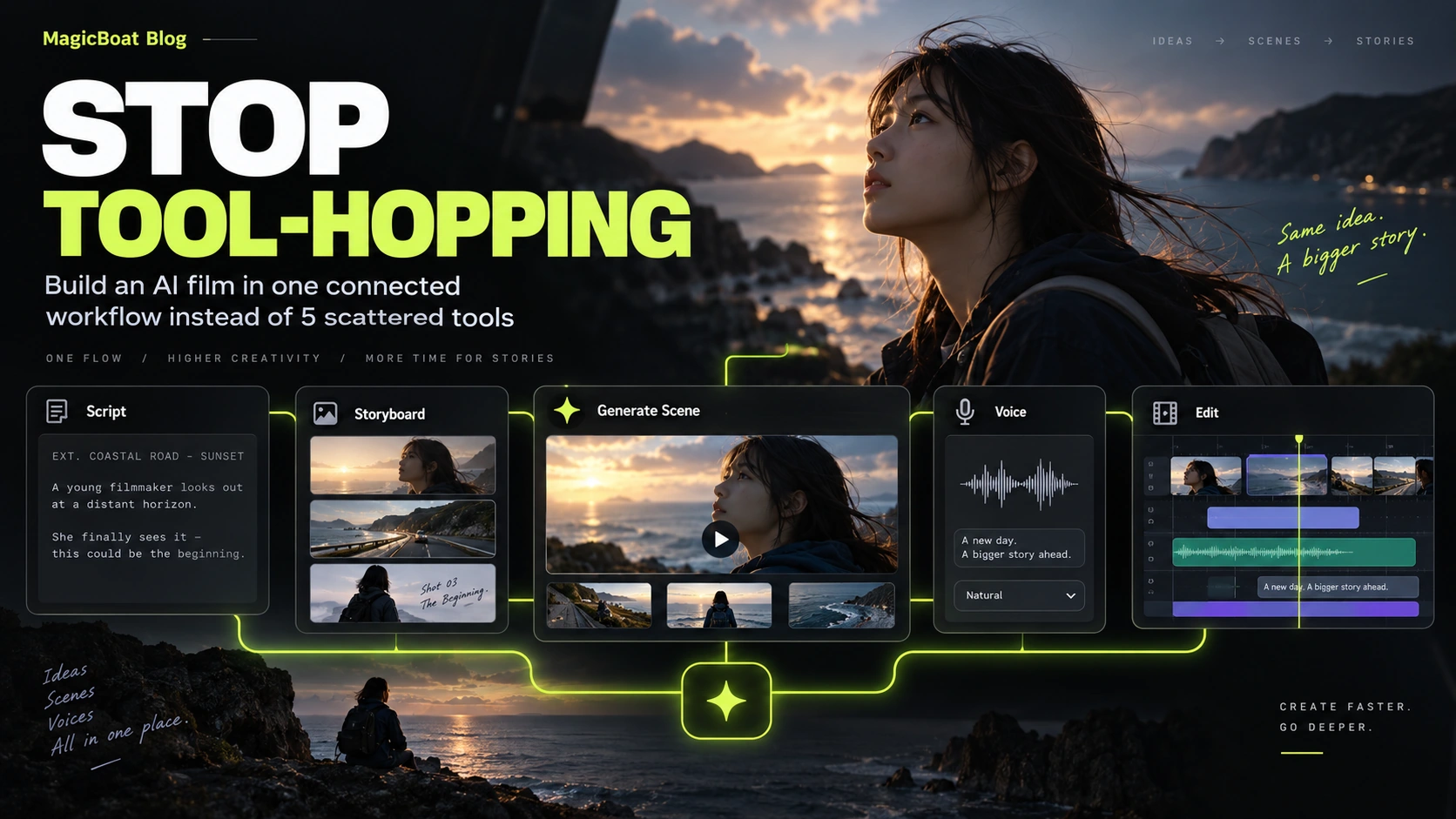
Table of contents
Quick answer
You can absolutely use more than one AI tool.
The problem starts when the project itself has no center.
A healthy workflow keeps these connected:
- script
- storyboard
- references
- generated shots
- voice
- edit
- versions
What fragmented creation looks like
The typical fragmented process looks like this:
- write in one tool
- plan in a doc
- generate stills elsewhere
- generate clips in multiple places
- create voice in another app
- edit in yet another timeline
That can work for a test.
It gets messy fast for a real film.
What the connected version feels like
The upgraded workflow is not “one button does everything.”
It is:
- one project structure
- one shot list
- one reference system
- one place to compare versions
- one place where the cut comes together
The workflow decision that matters
The real question is not:
how many tools am I using?
It is:
where does the project memory live?
If references, script decisions and shot status are disconnected, the film will eventually drift.
A connected workflow map
The connected logic is simple:
- keep the story inside the production structure
- keep character references attached to scenes
- keep shot generations attached to the shot list
- keep voice attached to timing
- keep edit decisions attached to versions
Use this checklist
Ask:
- where is the approved script?
- where is the current storyboard?
- where do character references live?
- which version is the latest approved cut?
- where are voice timings stored?
- can I compare shot variants quickly?
If the answers are spread across five random places, the workflow is costing you.
Where MagicBoat fits
MagicBoat’s public pages are explicitly structured around a full chain from script and storyboard to visuals, voiceover, editing and final video.
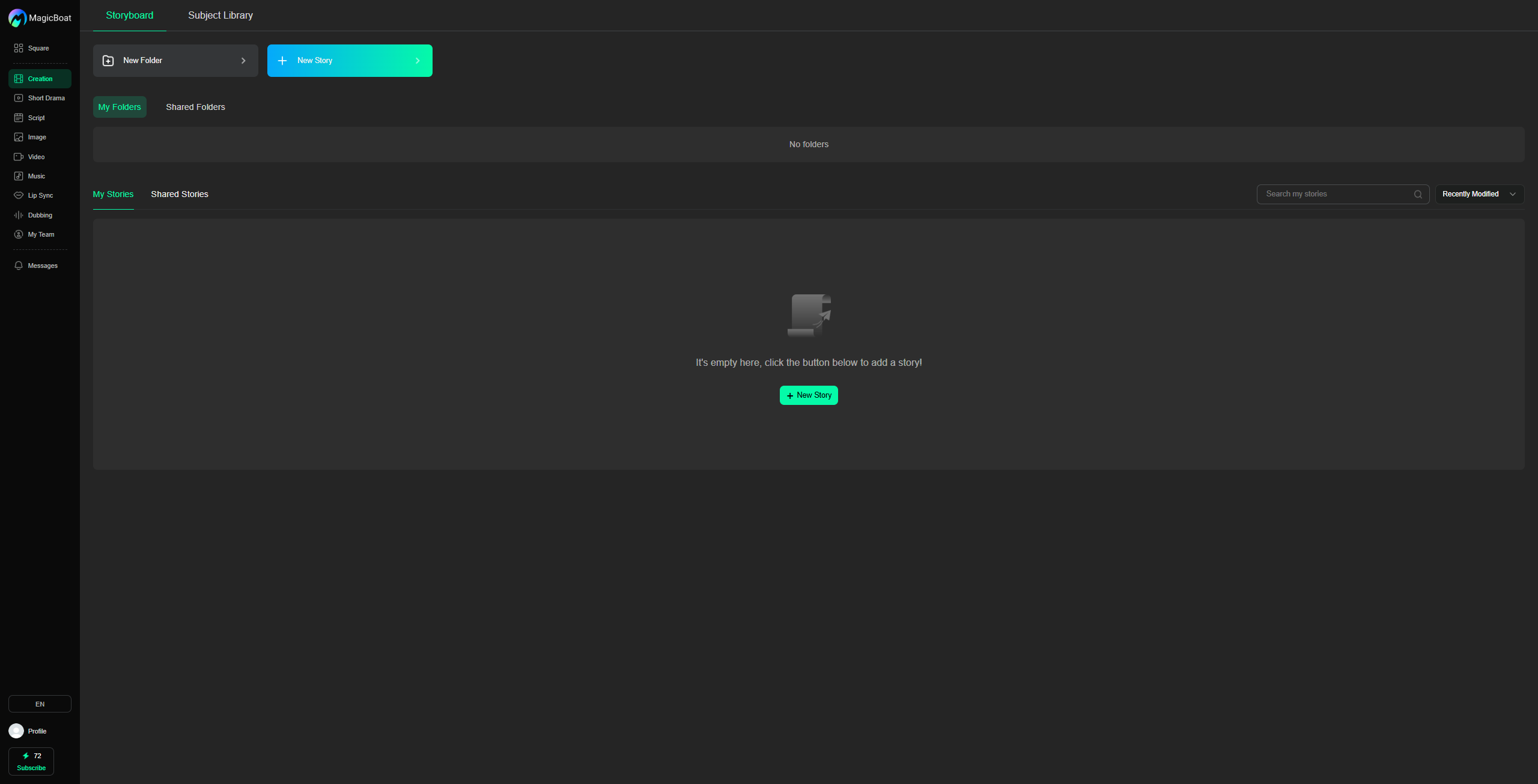
That is useful not because “all-in-one” sounds nice, but because film projects become easier when the creative system stays connected.
A practical hybrid mindset
You can still test specialized models when needed.
The important thing is that approved outputs return to the project system, instead of staying scattered.
That lets you keep:
- continuity
- version history
- scene logic
- editorial control
Common mistakes
Endless copy-paste
The project loses memory.
No master shot list
Nobody knows what is approved.
Edit happens too late
The edit should shape the workflow early.
References are not attached to scenes
Continuity becomes guesswork.
FAQ
Can I use multiple tools for one AI film?
Yes. The key is keeping the project organized.
Why does tool-hopping hurt?
Because film is not just generation. It is continuity, timing and version control.
Does connected workflow mean no experimentation?
No. It means experimentation happens inside a stable project system.
Keywords
how to make ai film without switching between 5 tools, ai film workflow, connected ai filmmaking workflow, all in one ai film workflow, ai project workflow