Turn a Script Into an AI Movie: The Script-to-Screen Workflow That Actually Holds Together
The most common script-to-AI-video mistake is trying to jump from screenplay pages straight to finished motion. A better workflow turns the script into scenes, shots, references and edit logic before animation starts.
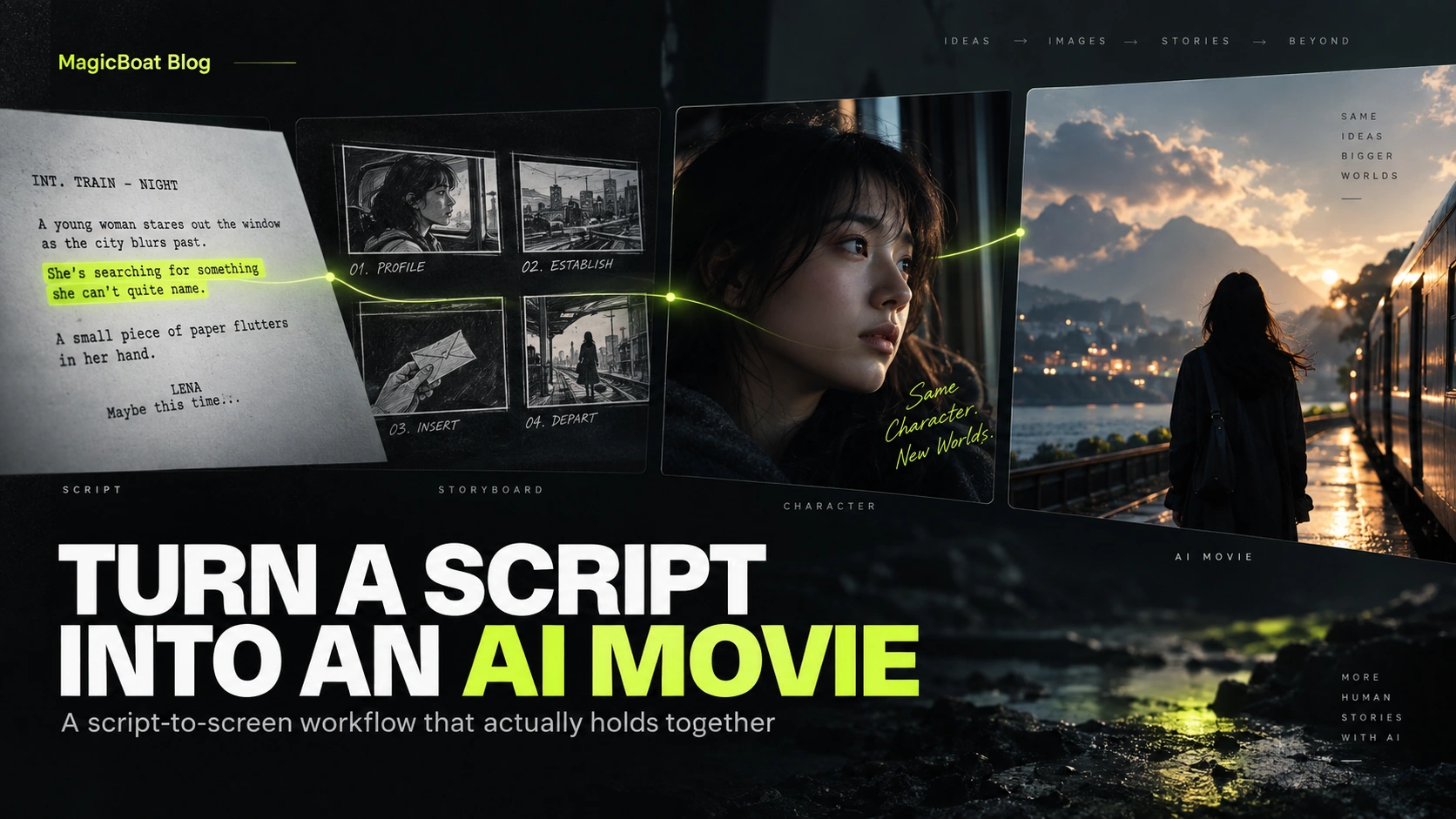
Table of contents
Quick answer
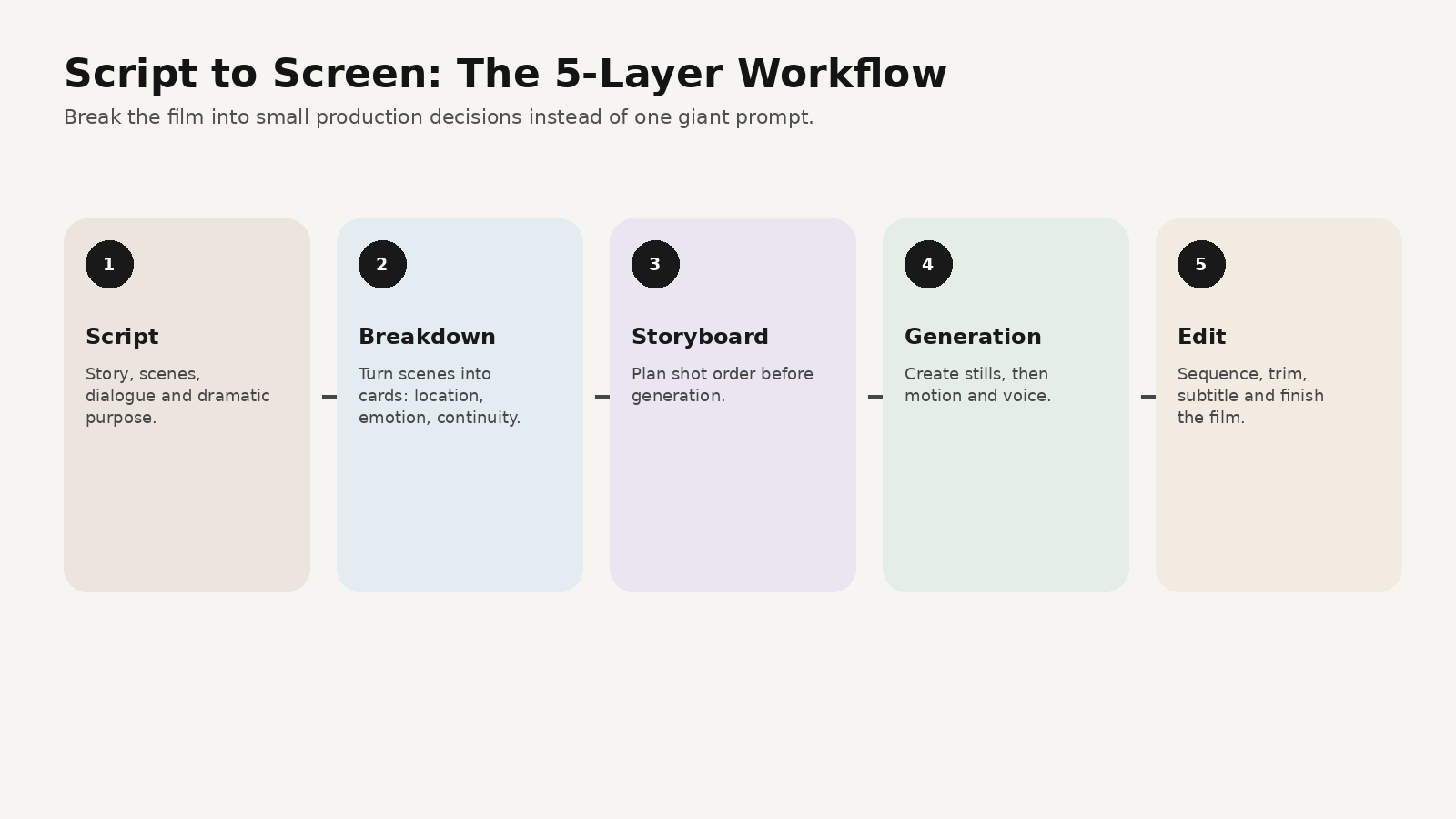
If you want to turn a script into an AI movie, move through five layers:
- script
- scene breakdown
- storyboard
- shot generation
- voice + edit
That may sound slower, but it actually gives you far better results. A screenplay tells you what happens. The workflow decides how it appears on screen.
Why direct script-to-video usually falls apart
A script is dense. It contains character emotion, action, subtext, props, pacing and scene purpose in one block. An AI video system still needs production decisions:
- what should the frame focus on?
- what shot size tells this moment best?
- what is the lighting logic?
- what continuity must remain fixed?
If you do not answer those questions, the model improvises them.
Step 1 — Break the script into scene cards
Before generating any visuals, convert each scene into a short card:
- location
- time of day
- characters present
- emotional purpose
- key prop or action
- visual motif
- continuity locks
Example:
Scene 03
Small train carriage at night.
Young woman alone by the window.
She is searching for something she cannot quite name.
Key prop: a paper note in her hand.
Continuity: dark coat, damp hair, silver earring, passing city lights.
Step 2 — Turn scenes into shot jobs
Do not generate “the whole scene.”
Generate shot jobs.
A useful five-shot pattern is:
- establish
- medium orientation
- insert
- reaction
- release / end beat
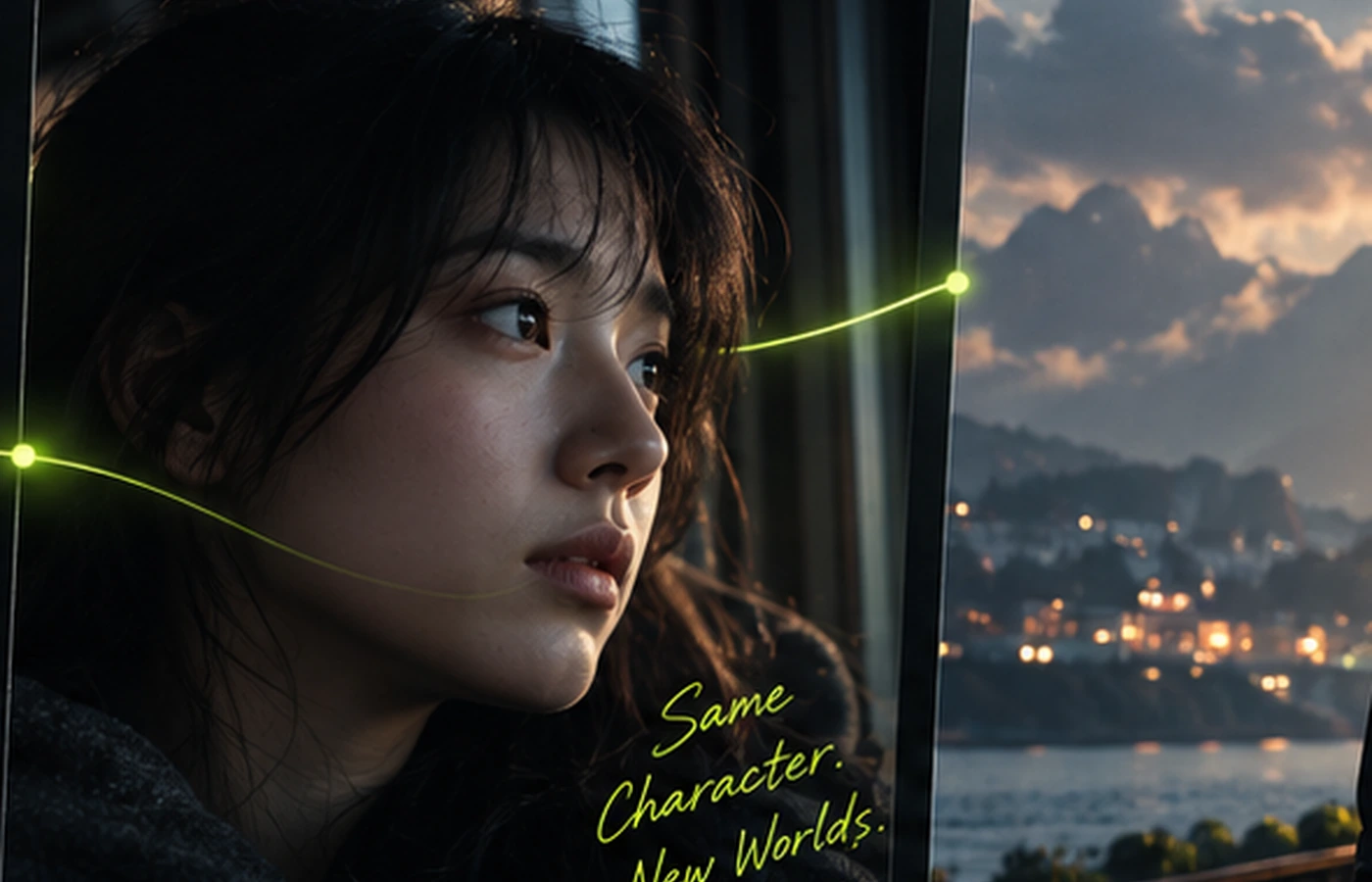
Once the scene becomes shot jobs, prompting becomes much clearer.
Step 3 — Lock the character before motion
One reason Higgsfield-style visuals feel stronger is that the main character is visually memorable.
The face, costume and emotional tone are anchored first.
That means your still-image stage matters. Approve:
- face identity
- hair and wardrobe
- prop details
- location mood
- composition direction
Only then move to motion.
Step 4 — Use a script-to-shot prompt formula
The easiest formula is:
scene purpose + subject + environment + shot size + camera + light + action + continuity locks + avoid
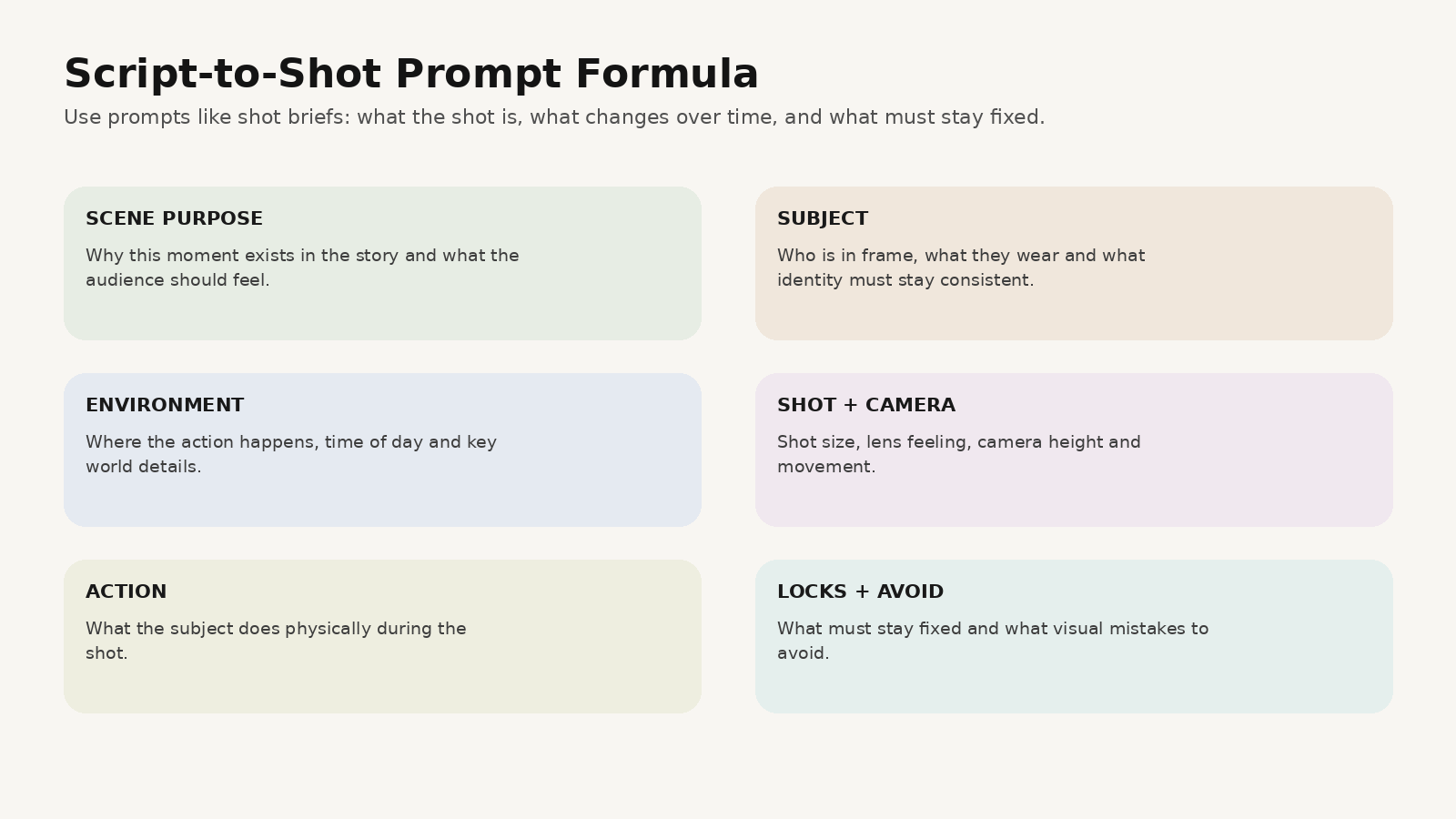
Example:
SCENE PURPOSE
Quiet realization and emotional betrayal.

SUBJECT
Young woman with damp loose hair, dark wool coat, silver earring.

ENVIRONMENT
Night train interior, city lights streaking outside the window.

SHOT SIZE
Medium close-up from slight profile.

CAMERA
Mostly locked frame with a subtle slow push.

LIGHT
Cold city-blue reflections with one warm practical inside the carriage.

ACTION
She looks out the window, lowers her eyes to a paper note, then holds still as the realization lands.

LOCKS
Keep the face, coat, hair silhouette and note consistent with the approved still reference.

AVOID
overacting, dreamy fantasy glow, floating camera, broken hand anatomy.
Step 5 — Build stills first, then animate
If the stills do not work, motion will not fix them.
Validate:
- composition
- continuity
- performance tone
- background logic
- prop clarity
Then write a short motion instruction:
5 seconds. She lowers her eyes toward the note, tightens her grip, then looks back toward the passing city lights. Very subtle breathing. Slow controlled push-in.Where MagicBoat fits
MagicBoat’s public pages present the platform as a workflow from script and storyboard to visuals, voiceover, editing and final video, which makes it a natural fit for this kind of script-to-screen pipeline.
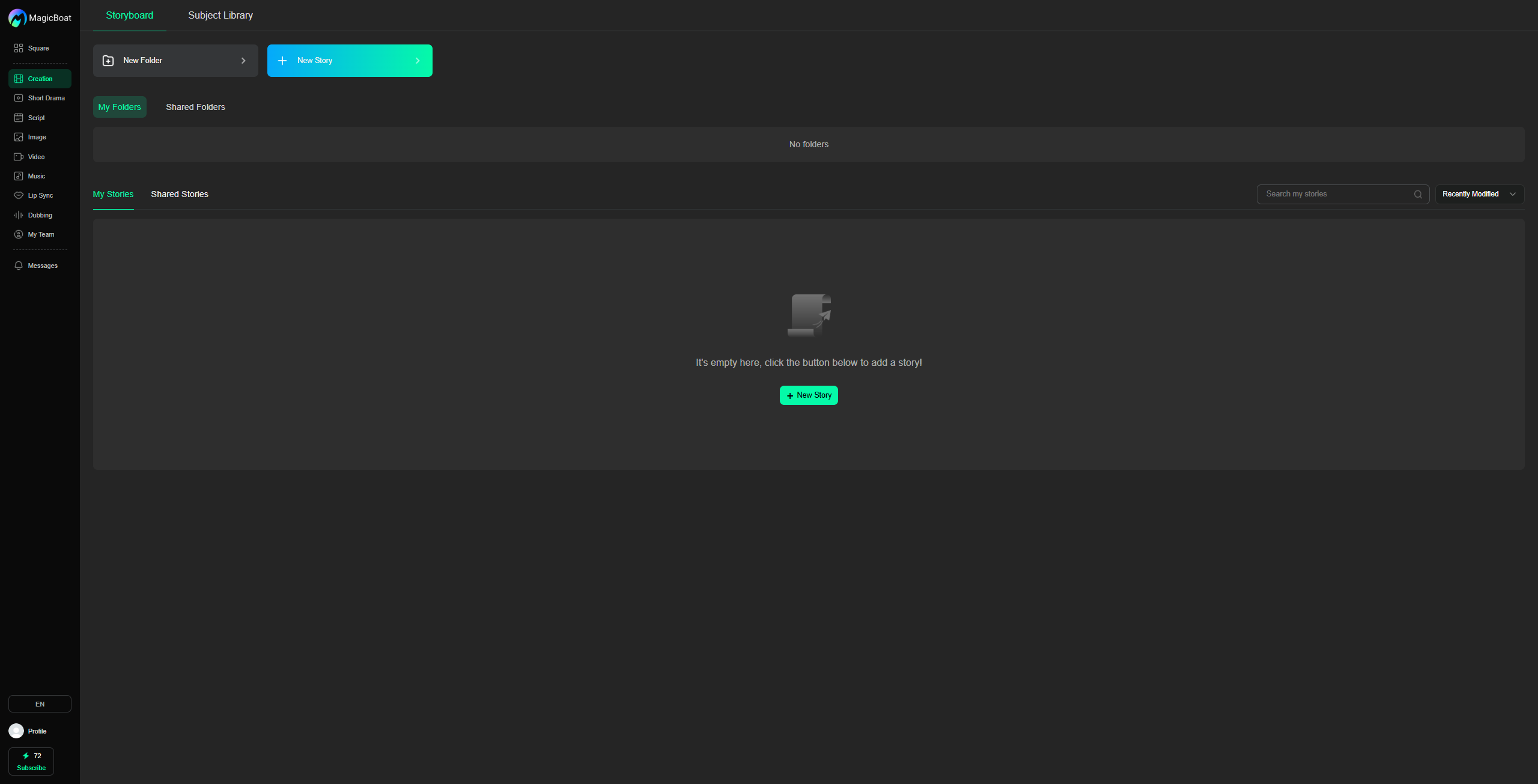
In practice, that means you can think in a production order:
- bring in the story idea or script
- break it into scenes
- build storyboard frames
- create visuals
- add voice and sequence
- edit the final rhythm
Common mistakes
Generating full scenes in one prompt
Break scenes into shot jobs.
Starting with motion before stills
Lock the look first.
No continuity system
Character and prop drift happens fast.
No edit plan
A film lives in sequencing, not isolated generations.
FAQ
Can AI turn a script into a movie?
Yes, but it works much better if you first break the script into scene cards and shots.
What is the best first script length?
A short film or one sequence is much easier than a long screenplay.
Why does script-to-video feel inconsistent?
Usually because character, world and shot logic were not anchored early enough.
Keywords
how to make an ai movie from a script, script to ai film, script to screen ai, ai script to video, ai movie workflow