Veo Prompts for Cooking B-Roll Without Ingredient Drift
Create faceless cooking B-roll that stays visually consistent with a real recipe instead of inventing ingredients, utensils, or finished results. This guide provides reusable Veo prompts for ingredient reveals, preparation cutaways, simmering shots, and finished-dish details, plus a practical review checklist.
Table of contents
Make cooking B-roll that matches your real recipe
A beautiful cooking cutaway is unusable if the tomatoes become peppers halfway through the shot or the finished soup contains ingredients you never added. For faceless recipe videos, use Veo to create short, clearly illustrative B-roll around your actual footage—not to replace the footage that proves what happened. The prompts below keep one example recipe, tomato soup, consistent across ingredient reveals, preparation details, cooking atmosphere, and the final bowl.
The principle works for other dishes: write down what is visibly true first, then ask for one restrained shot at a time. If an AI-generated image contradicts the recipe, leave it out, however polished it looks.
Keep ingredient identity across shots
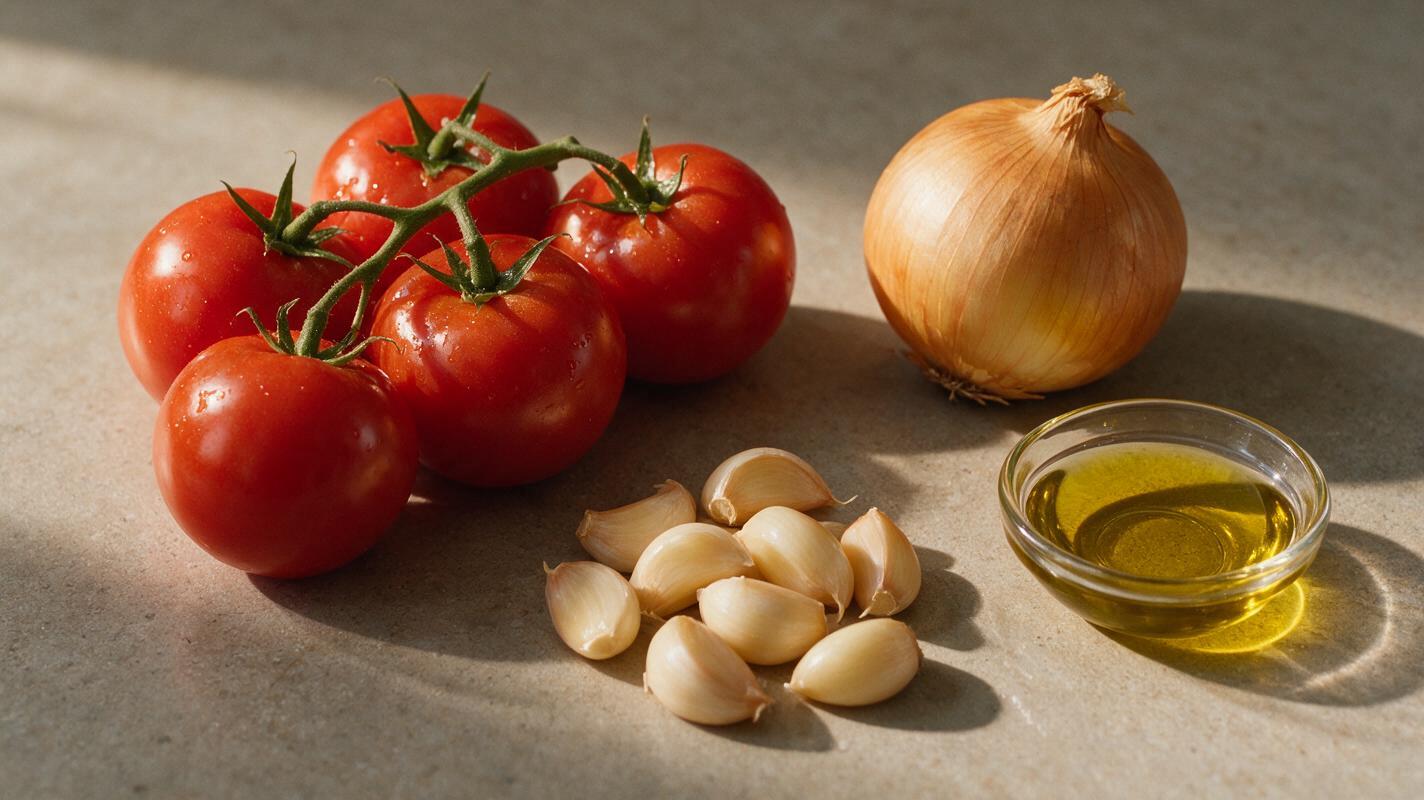
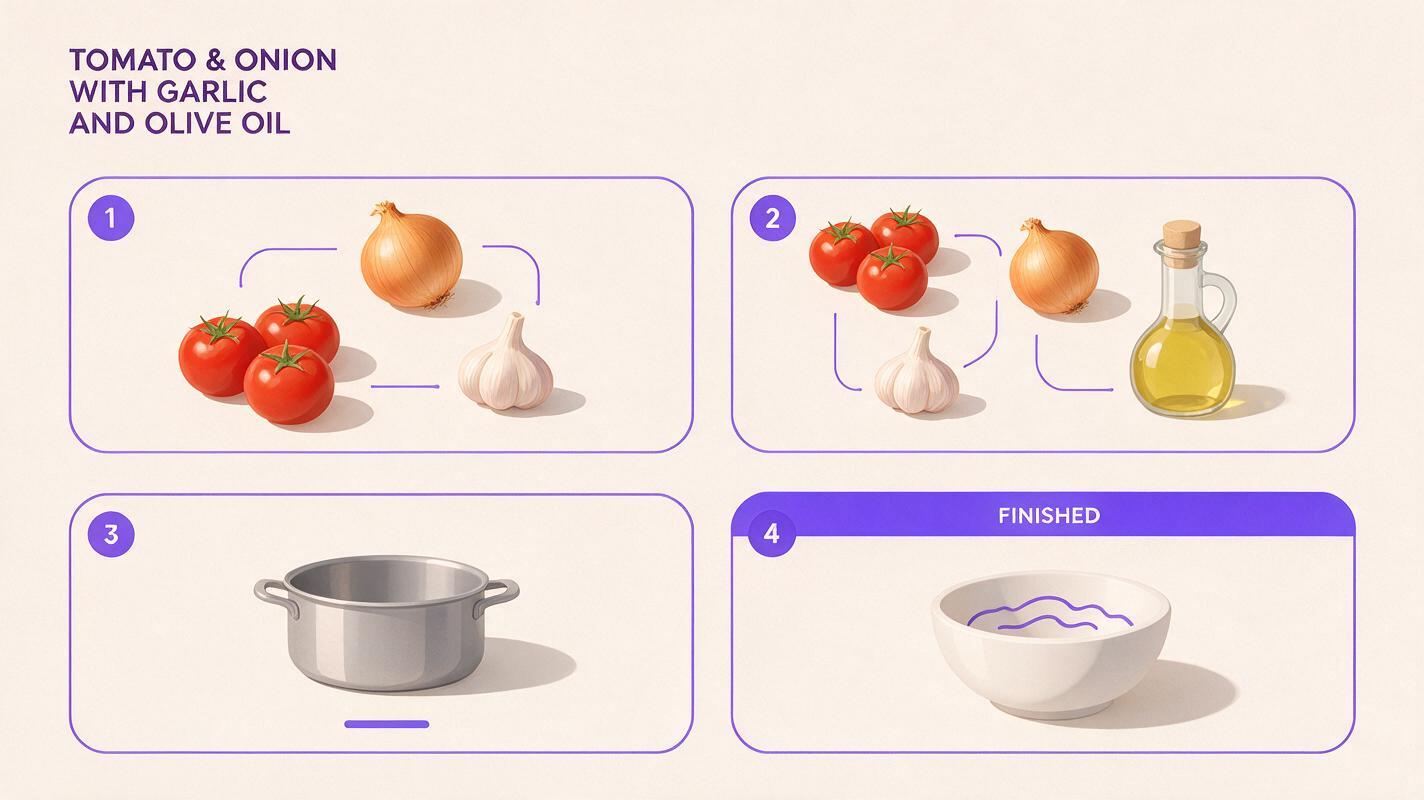
Before generating clips, make a compact visual inventory from the recipe you filmed. For the tomato-soup example, it might say: ripe red tomatoes, yellow onion, garlic, olive oil, a plain stainless-steel pot, and a white serving bowl. Note any ingredients that must not appear. Specify whether tomatoes are whole, chopped, or cooked in each shot; otherwise the model may switch between preparation stages.
Use the same description of distinctive objects in every prompt. “The same plain stainless-steel pot” is more useful than “a beautiful kitchen pot.” Keep the countertop, lighting direction, and color palette stable too. A short continuity note you can paste into each request is:
Continuity: ripe red tomatoes, yellow onion, garlic, olive oil; plain stainless-steel pot; white ceramic serving bowl; warm natural window light from camera left; neutral stone countertop. No additional ingredients, labels, hands, or branded packaging.These details are constraints, not a guarantee. Review each output against the inventory before spending time building an edit around it. If your Veo interface offers image input, a photo of your actual ingredients or kitchen can provide an additional reference; availability and controls may vary by interface. Do not assume a reference photo will prevent every substitution.
Prompts for the shots that carry a recipe
Use text to video when you need a brief establishing or atmospheric shot and have no source image to animate. Generate clips separately so a mistake in one shot does not affect the entire sequence. Replace the example ingredients and objects below with those in your own footage.
Ingredient reveal: show the starting state
Place this near the beginning, before the real preparation footage. It communicates what the viewer is about to use without depicting an unfilmed cooking action.
Overhead close-up of ripe red tomatoes, one yellow onion, whole garlic cloves, and a small clear dish of olive oil arranged separately on a neutral stone countertop. Warm natural window light from camera left. Slow, steady camera push-in; realistic colors and textures. No other food, no text, no hands, no branded packaging. Short illustrative cooking B-roll.Preparation cutaway: avoid inventing a technique
A tight still-life detail is safer than asking for a long sequence of AI-generated knife work. Cut from this shot into your genuine preparation footage, where viewers can see the real technique and quantities.
Close-up of several freshly chopped red tomato pieces resting on a wooden cutting board beside an unchanged plain stainless-steel pot. Subtle natural movement from a slow camera slide only; the ingredients do not move or transform. Warm window light from camera left, neutral kitchen background. No knife action, no hands, no peppers, no extra ingredients, no text.Cooking atmosphere: make the action modest
Steam, reflections, and a steady pot can bridge two clips of real cooking. Do not use generated bubbles, boiling intensity, or texture changes to demonstrate a specific temperature or cooking time.
Close-up of the exterior rim of a plain stainless-steel pot on a stovetop, with gentle steam drifting upward against a softly blurred neutral kitchen background. Slow locked-off shot, warm natural light from camera left, understated realistic motion. Do not show the contents of the pot, an added ingredient, a temperature display, text, or a person.Finished-dish detail: match what you served
Only request a final-bowl cutaway after checking your actual plated result. If the real soup has no garnish, remove the garnish from the prompt. If its color or thickness differs, describe what the camera actually captured.
Close-up of a white ceramic bowl filled with smooth red tomato soup on a neutral stone countertop. No garnish, no bread, no spoon, and no other dishes. Gentle camera push-in; realistic soup surface with subtle reflections, warm window light from camera left. Keep the bowl and soup appearance unchanged throughout this short shot. No text or packaging.Each prompt asks for one visual job. That is deliberate: a single request to show chopping, simmering, blending, and serving invites missing transitions and ingredient changes. When you have the real footage, use it for those transitions instead.
Give every generated clip a defined editing role
A useful cutaway should answer a specific editorial need: establish the ingredients, cover a narration transition, create breathing room after a dense explanation, or show a close detail you could not capture. It should not silently introduce a new recipe step.
| Moment in the video | Use real footage for | Use illustrative B-roll for |
|---|---|---|
| Ingredients | Exact amounts and items used | A brief visual introduction |
| Preparation | Cutting method and actual sequence | A static ingredient detail |
| Cooking | Doneness, timing, and visible changes | Steam or a neutral kitchen cutaway |
| Serving | The dish viewers can expect | A matching beauty shot, if accurate |
For a faceless voiceover, try placing a cutaway under a sentence that describes context rather than evidence. “Today we’re making tomato soup” can sit over an ingredient reveal. “Cook for ten minutes until it looks like this” should sit over your real pot, because the viewer needs to see the actual result.
Fix drift before it reaches the edit
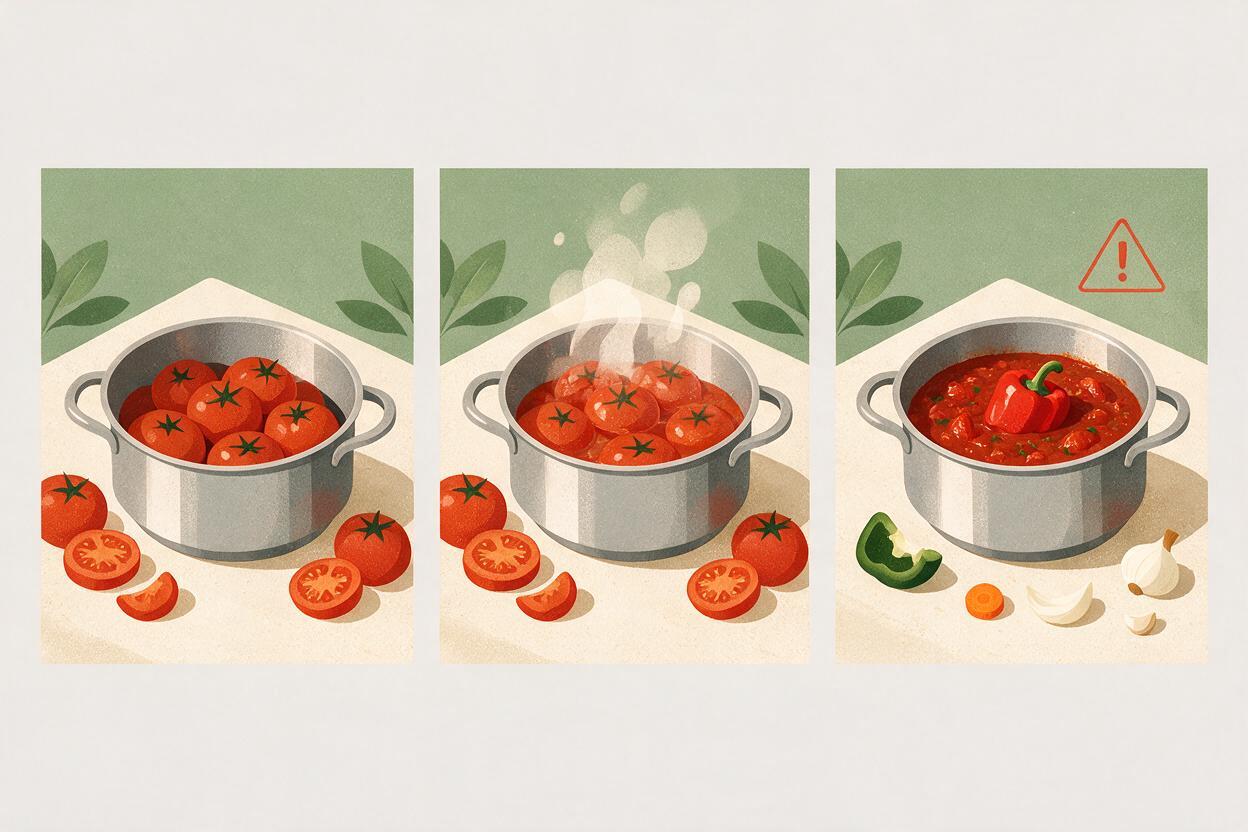
Watch every candidate clip once at normal speed and once frame by frame. Check the first, middle, and last frames: ingredient identity, number of objects, pot shape, bowl shape, and any new items entering the scene. Also watch for tomato pieces that merge, steam that obscures a substitution, or a camera move that reveals an invented label.
- An extra ingredient appears: Crop or reject the clip. For a regeneration, name both the permitted ingredients and the unwanted item explicitly.
- The pot or bowl changes shape: Shorten the usable section, then regenerate with a simpler, nearly stationary camera.
- The food changes preparation stage: Remove transformation verbs such as “turns into” and request a single fixed state.
- The shot looks appetizing but unlike your dish: Use your actual food footage. A visually impressive mismatch sets the wrong expectation.
Editorial check: If a viewer paused on this frame, would they reasonably believe it shows an ingredient, technique, or result from your recipe? If yes and it is not true, do not use it without clear illustrative context.
When a generated shot is close but imperfect, solving the problem in the edit may be easier than adding more prompt detail. A tighter crop, shorter duration, or cut back to source footage often preserves the useful atmosphere without showing the flawed frames.
Final checklist
- Record the real ingredients, cookware, and finished appearance before writing prompts.
- Give each generated clip one limited purpose and one visible preparation state.
- Keep real footage on screen for quantities, techniques, timing, and outcomes.
- Inspect the beginning, middle, and end of every clip for substitutions or new objects.
- Reject a polished shot if it would misrepresent the dish.
Ready to build a matching cutaway for your next recipe? test this prompt yourself with your own ingredient inventory, then compare the result with what you actually filmed.
Keywords
Veo cooking prompts, cooking B-roll, faceless cooking videos, ingredient consistency, AI video prompts, recipe video editing