Veo Prompts for Faceless Explainer B-Roll That Makes Ideas Visible
Abstract narration is hard to illustrate without falling back on unrelated stock footage. These Veo prompts turn ideas such as decision overload, hidden costs, and competing priorities into short, clearly illustrative B-roll for faceless explainer videos.
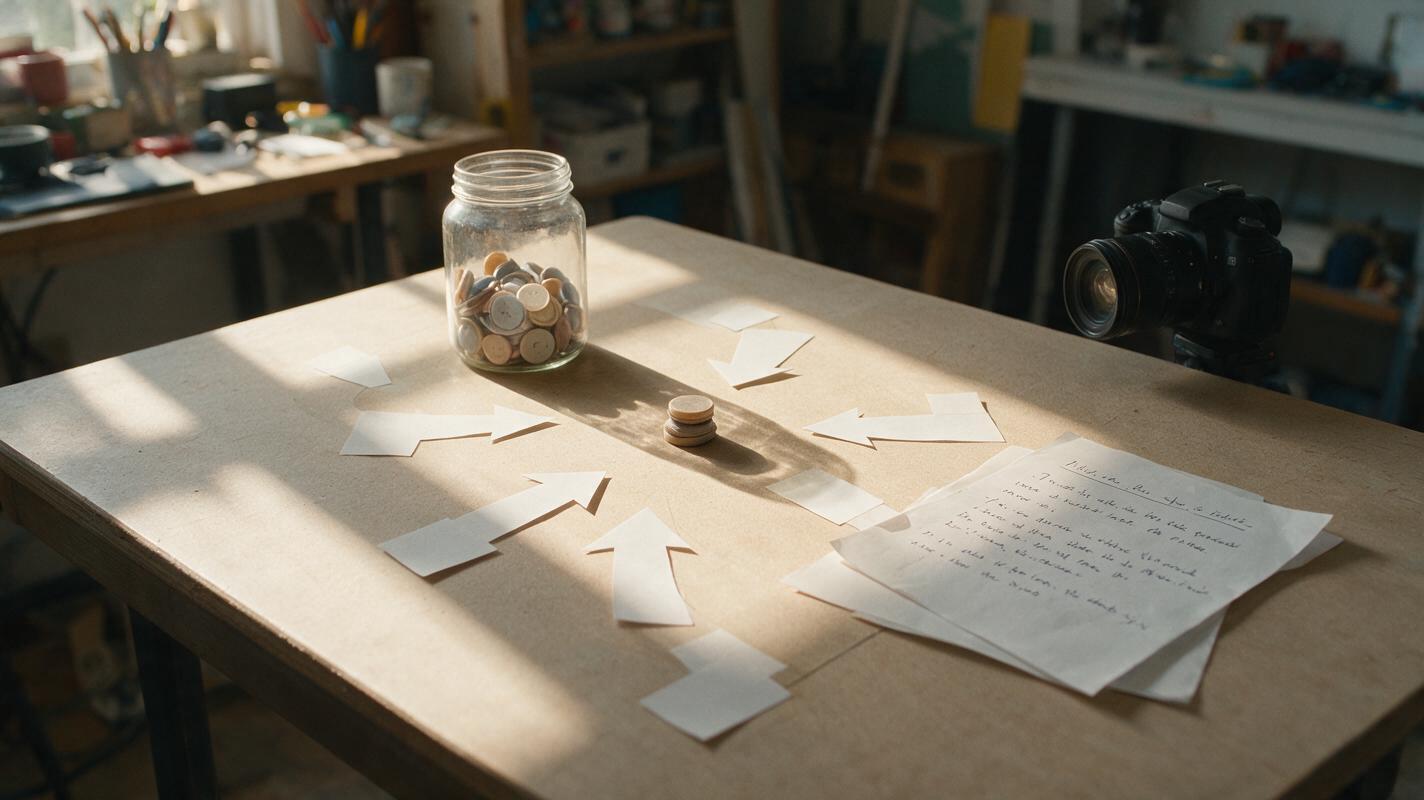
Table of contents
Make abstract narration visible without pretending it is footage
What should viewers see when your voiceover says, “Too many choices slow us down”? A random person at a laptop adds motion, but it does not explain the line. A visual metaphor can: one hand reaches toward a clear path while identical signposts multiply around it.
For faceless explainers, Veo is useful when you need a brief, purpose-built shot rather than literal footage of an event. The aim is not to make every sentence cinematic. It is to give an otherwise invisible idea a shape viewers can understand before the narration moves on.
Choose a visual metaphor your narration can support
Start with the claim in the script, not a list of attractive objects. Write the line the shot must clarify, then identify its action and consequence. “Small delays accumulate” might become water dripping into a container until it overflows. “A process has a bottleneck” might become a stream of paper cards stopping at one narrow opening.
Keep the metaphor close enough to the wording that a viewer can connect them without a caption. If you need a paragraph to explain why a glowing maze represents your point, choose something simpler.
| Voiceover idea | Visual action | Potential misreading |
|---|---|---|
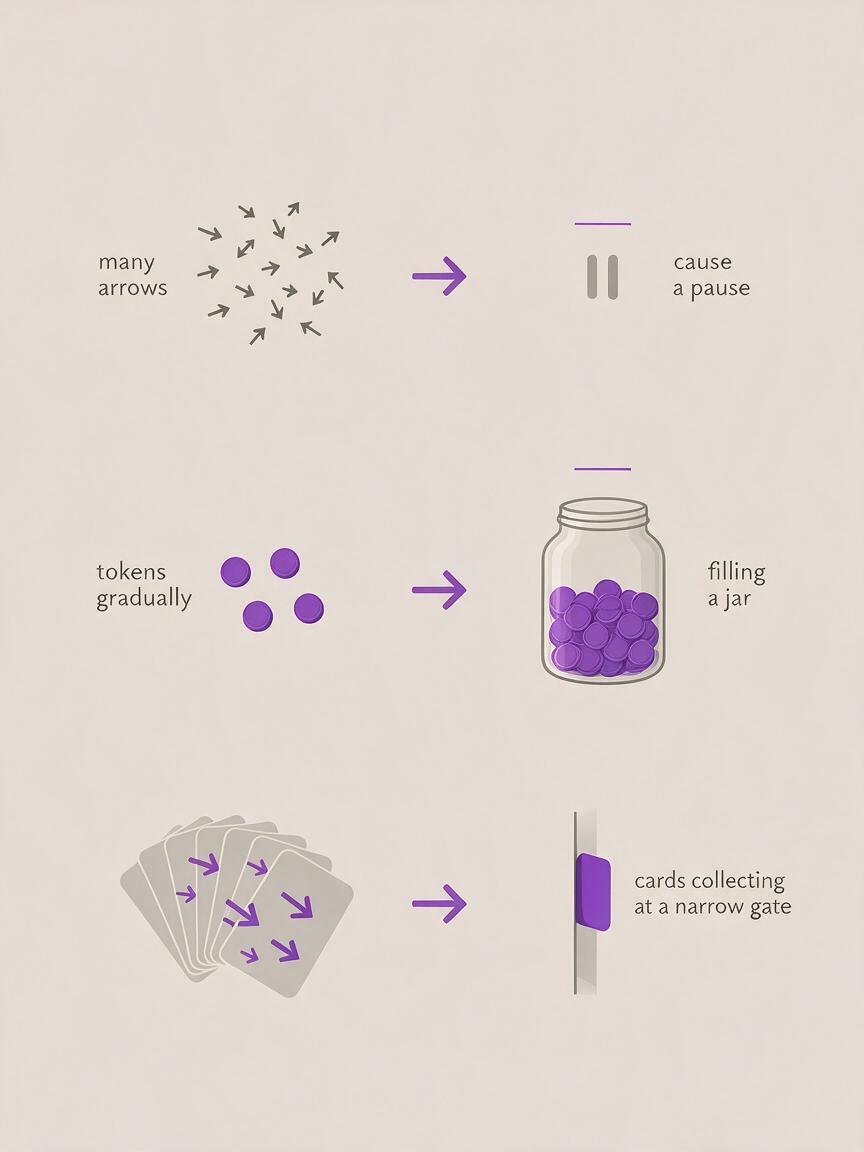
| Too many choices delay a decision | Signposts multiply as a hand pauses | It looks like a travel story |
| Small costs add up | Coins fill a transparent jar | It implies an exact financial claim |
| One task blocks the rest | Cards pile up at a narrow gate | It suggests a literal factory problem |
For factual topics, keep generated shots clearly illustrative. Do not present a fictional office, product, experiment, or historical scene as documentation. If the video makes a specific claim, support that claim with your research; the metaphor only helps the viewer follow it.
Veo prompts for ideas viewers cannot see
Each prompt below is designed as a short insert with one readable action. Replace the suggested colors or materials to match your channel, but preserve the relationship between the narration and what changes on screen. When using text to video, generate the shot without embedded labels; add any necessary words in your editor, where you can control spelling and timing.
Decision overload: make the options multiply
Fits the line: “More options can make the next move harder.” The viewer should notice the hesitation first, then the growing number of choices.
Illustrative editorial B-roll for a faceless explainer. Overhead view of a simple tabletop path made from matte paper. A single hand approaches a fork in the path; additional identical paper arrows unfold around the fork, one after another, until the hand pauses. One continuous shot, restrained motion, soft daylight, neutral background, clear silhouettes, no visible face, no writing, no logos, no dramatic camera move.If the arrows appear too quickly to count, ask for fewer arrows and a longer pause. The pause carries the idea; visual clutter alone does not.
Hidden costs: show accumulation, not a fabricated number
Fits the line: “A small recurring cost is easy to ignore until you see the total.” Use this as a general illustration, not as proof of a particular price or saving.
Short symbolic B-roll for a faceless explainer. Side view of a clear glass jar on a plain desk. A single small unmarked token drops into the jar, followed by several more at a steady rhythm; the growing pile becomes visible. Natural window light, locked camera, realistic materials, uncluttered composition, no people, no currency symbols, no numbers, no text, no brand marks.Place your researched figure in a separate graphic if the narration gives one. Do not ask the generated jar to communicate an exact total.
A bottleneck: let one point stop the flow
Fits the line: “Adding more work does not help when one stage cannot keep up.” The narrow point should remain visible throughout the shot.
Clean tabletop visual metaphor for an explainer video. Small blank paper cards move slowly along a wide channel toward one narrow gate. The first card passes; the next cards collect behind the gate while the space beyond remains mostly empty. Fixed overhead composition, pale background, one accent color on the gate, simple readable motion, no hands, no labels, no logos, no rapid cuts.If the output looks like a literal industrial process, simplify the materials and background. You want viewers to understand the relationship between flow and obstruction, not wonder which machine they are watching.
Competing priorities: show what gets left behind
Fits the line: “When everything is urgent, the important work gets pushed aside.” Here the ending state matters more than the movement.
Illustrative close-up for a faceless productivity explainer. On a tidy desk, one large plain blue card rests in the center. Several smaller plain red cards slide into the frame and gradually cover the blue card. Hold on the final arrangement long enough to see that the blue card is almost hidden. Soft natural light, static camera, tactile paper texture, no people, no words, no icons, no logos.If color carries meaning in your edit, establish it elsewhere: for example, use the same blue for “important work” in a preceding graphic. Do not rely on a first-time viewer to decode the colors unaided.

Keep the metaphor consistent across clips
A faceless video can feel disjointed when every insert uses a different visual language. Pick a small set of repeatable choices—such as overhead framing, paper objects, soft daylight, and one accent color—then carry them into later prompts. Reuse a successful still frame as a visual reference if your chosen generation interface supports that input; otherwise, repeat the concrete description rather than relying on “same style as before.”
Consistency does not mean generating every line. Reserve metaphor shots for ideas that are difficult to film or show with a simple chart. Alternate them with your own screen recordings, diagrams, licensed footage, or on-screen examples so the video keeps a useful rhythm.
Cut the shot to the line it explains
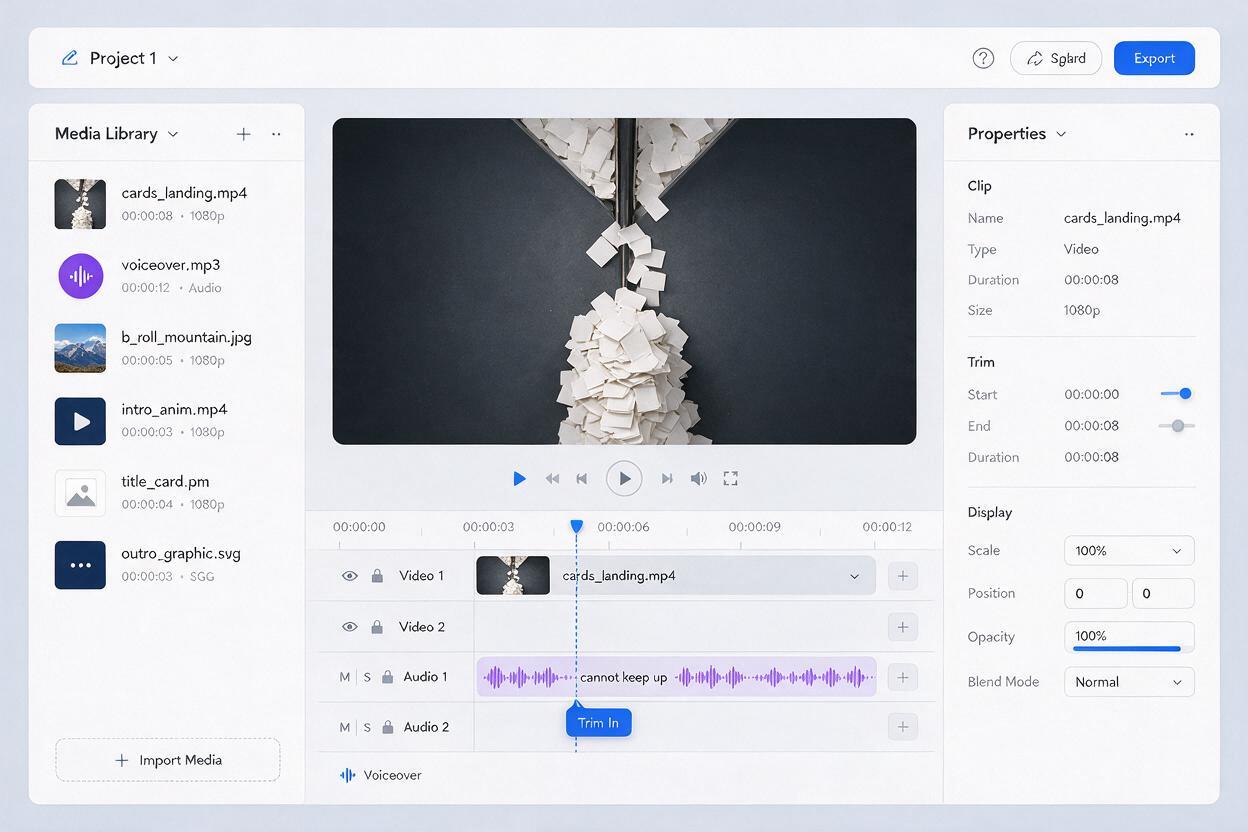
Place the first recognizable action near the word or phrase it illustrates. For the bottleneck example, viewers should see the cards collect as the voiceover reaches “cannot keep up”—not several seconds after the explanation ends. Trim the clip once the relationship is clear.
Watch a draft without audio. Can you describe what changed in each shot? Then listen without looking. Does the visual answer a question the narration actually raises? If either test fails, a tighter edit or simpler prompt is usually more useful than adding more motion.
Practical rule: One insert should communicate one idea. If it needs labels, multiple camera angles, and a long reveal to make sense, split the explanation into separate visuals.
Ready to illustrate a difficult line? Pick one prompt above and test this prompt yourself with your own materials and channel colors. Keep the result only if it clarifies the narration at a glance.
Final checklist
- The shot depicts the idea in the voiceover, not merely its mood.
- One clear action and its consequence are visible on a small screen.
- Generated imagery is not presented as evidence of a real event or exact figure.
- Objects, framing, and colors fit the rest of the video.
- The insert starts and ends where it helps the explanation most.