Veo Prompts for High-Shine Lip Gloss Videos (No Oily Slime Texture)
This guide shares reusable Veo prompt templates for high-shine lip gloss campaign videos that avoid the common AI pitfall of overly oily, slime-like texture. It includes four use case-specific prompts, troubleshooting fixes for distorted applicators and shade drift, and tips for maintaining brand consistency across short-form beauty content. Beauty marketers and content creators can use these prompts to generate polished, realistic lip gloss videos at scale.
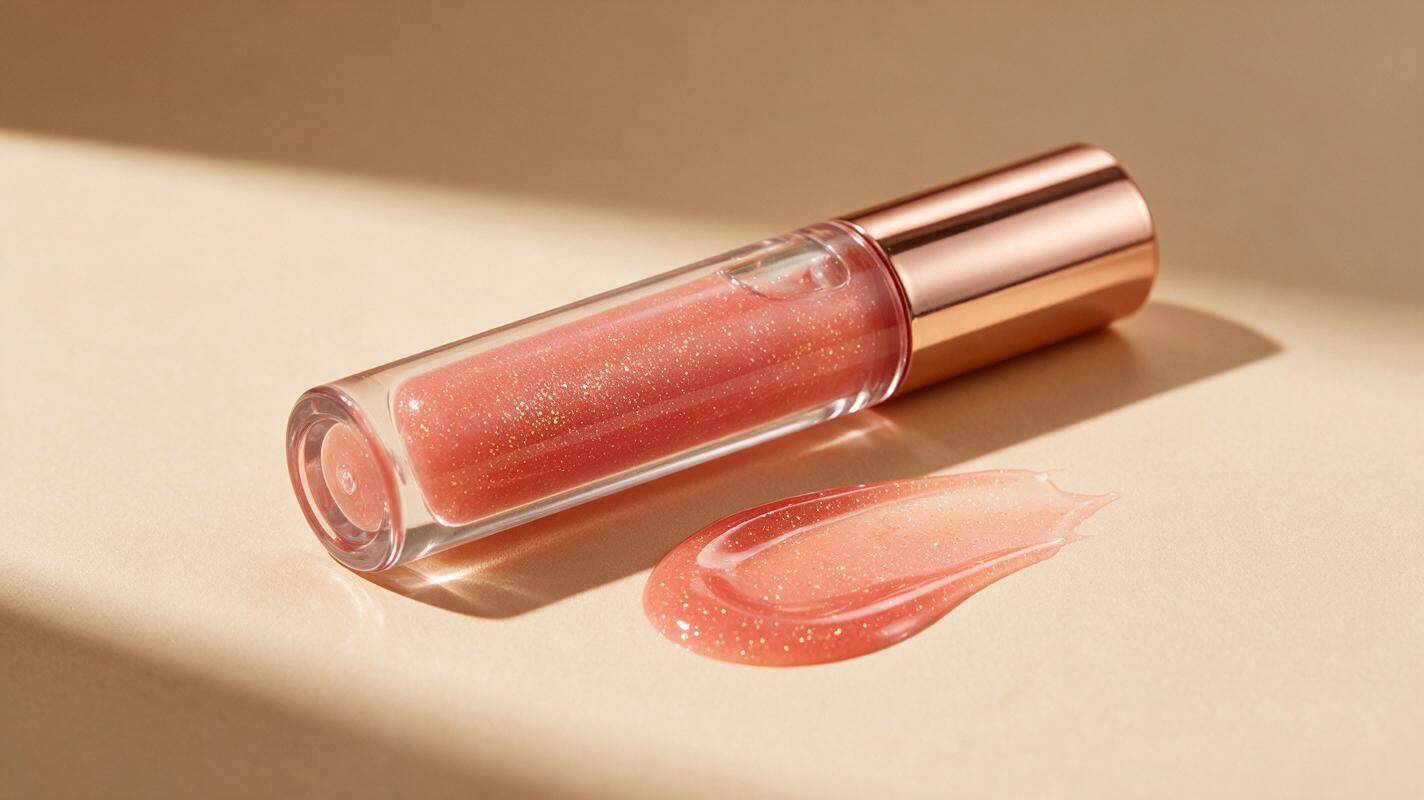
Table of contents
The problem with AI-generated high-shine lip gloss videos
High-shine lip gloss is one of the highest-performing beauty content formats on TikTok and Instagram Reels, but most AI video tools render it as a thick, oily slime that looks nothing like the real product. Beauty marketers and content creators often waste hours tweaking prompts only to get distorted applicator wands, shifting shades, or glitter that looks like crushed plastic instead of fine cosmetic shimmer.
Veo, a leading ai video generator built for smooth, high-detail short-form content, can fix these issues — but only if you structure your prompts to prioritize cosmetic-specific texture and geometry. This guide breaks down a proven prompt framework, four use case-specific templates, and fixes for the most common lip gloss rendering failures.
Core Veo prompt framework for realistic lip gloss videos
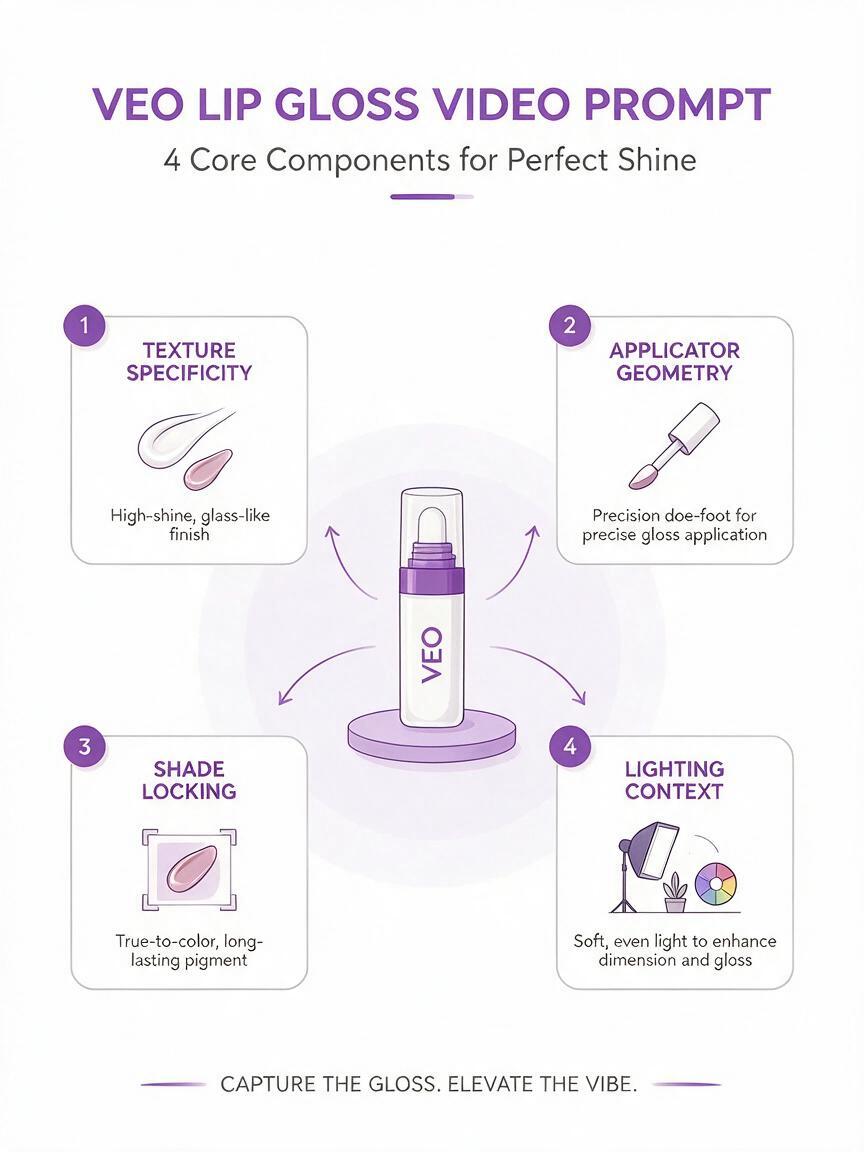
The biggest mistake beauty creators make with Veo lip gloss prompts is using vague language like "shiny lip gloss" — the model fills in gaps with generic wet textures that read as oily rather than cosmetic. A strong prompt has four non-negotiable parts:
- Texture specificity: Name the exact finish (glass-like, non-sticky, high-shine) and glitter details (fine, micro, iridescent) to avoid slime-like renders.
- Applicator geometry: Define the wand type (doe-foot, silicone tip, flat edge) and add rigidity cues to prevent warping.
- Shade locking: Specify the exact shade, undertone, and opacity to stop frame-to-frame color drift.
- Lighting context: Use soft, diffused beauty lighting to keep highlights intentional, not greasy.
Use this base template as a starting point for all lip gloss video prompts:
10-second vertical beauty video, high-shine clear lip gloss with fine silver iridescent glitter, glass-like finish not oily or sticky, doe-foot applicator wand with precise curved edge, soft diffused studio beauty lighting, subtle highlight on lip cupid's bow, 4K resolution, smooth slow motion, no grain, cosmetic product styleUse case-specific Veo prompts for lip gloss campaigns
Adjust the base template to match your content goal, from product detail page clips to full campaign ads. Below are four ready-to-use prompts for the most common beauty use cases:
Close-up applicator swipe test video
Ideal for product detail pages, launch teases, and texture-focused social posts, this clip shows the gloss's consistency directly from the wand.
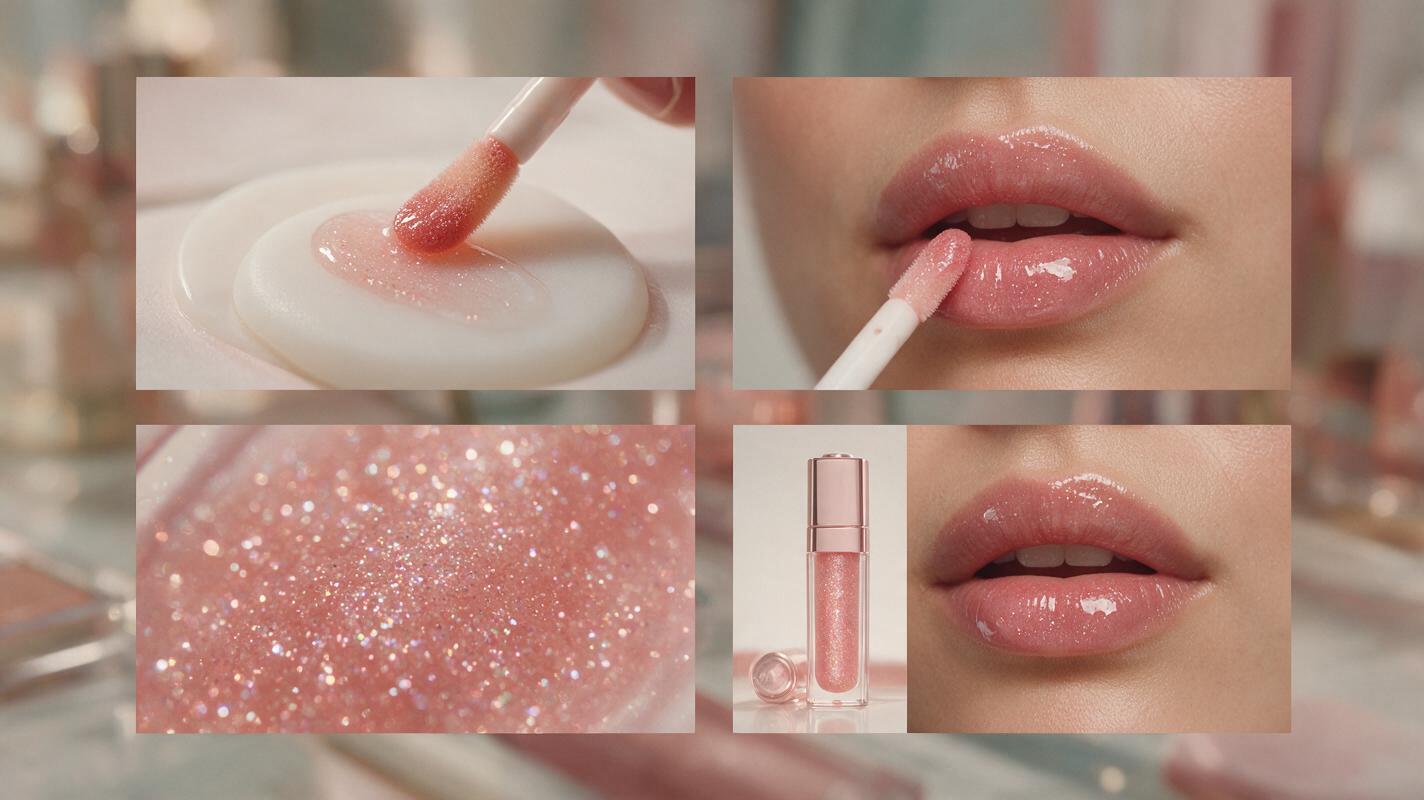
8-second vertical close-up video, doe-foot lip gloss applicator swiping across a clean white silicone swatch pad, high-shine warm peachy pink lip gloss with fine gold glitter, glass-like texture no oily residue, applicator wand stays rigid and symmetrical, soft white studio lighting, slow steady swipe motion, 4K macro detail, cosmetic product testing stylePro tip: Upload a clear reference photo of your brand's applicator wand if Veo supports image input to lock in exact shape and branding.
Lip application demo short
Perfect for TikTok and Instagram Reels tutorials, UGC-style ads, and shade range showcases.
12-second vertical beauty video, close-up of medium warm olive skin tone lips applying sheer cool pink lip gloss, one smooth swipe across upper and lower lip, high-shine glass finish no sticky or oily look, natural lip texture visible under gloss, doe-foot applicator moves steadily, soft natural window lighting, subtle plump effect no exaggerated lip size, UGC beauty style, 1080pPro tip: Always specify skin tone and undertone to ensure the gloss shade translates accurately for diverse audience segments.
Macro glitter texture video
For premium gloss campaigns and luxury product launches, highlighting fine shimmer or holographic particle detail.
10-second macro vertical video, slow pan across high-shine holographic lip gloss applied to lips, fine iridescent violet glitter that shifts with light, glass-like base texture no oily sheen, glitter particles are tiny and evenly distributed no chunky plastic flakes, soft rotating studio light, extreme close-up detail, luxury cosmetic campaign style, 4KPro tip: Avoid vague terms like "sparkly" — specify glitter size (micro, fine, 0.05mm) and type (iridescent, metallic, cosmetic-grade) for realistic results.
Product + lip combo campaign clip
For paid social ads, hero campaign assets, and website landing pages, pairing the product packaging with the final lip look.
15-second horizontal beauty campaign video, slow smooth transition from clear glass lip gloss tube with rose gold cap to close-up of glossy coral pink lips, high-shine finish no oily texture, doe-foot applicator rests neatly on the tube edge, soft warm pink studio background, matching lip shade across product and lip look, luxury beauty ad style, 4KPro tip: Mention your brand logo placement on the tube if using a reference image to avoid logo drift across frames.
Ready to put these prompts to work for your next beauty launch? try these models for free to generate polished, on-brand lip gloss video assets in minutes.
Troubleshooting common Veo lip gloss rendering issues
Even with a strong prompt, you may run into small rendering quirks. Use these targeted fixes to adjust your output without starting from scratch:
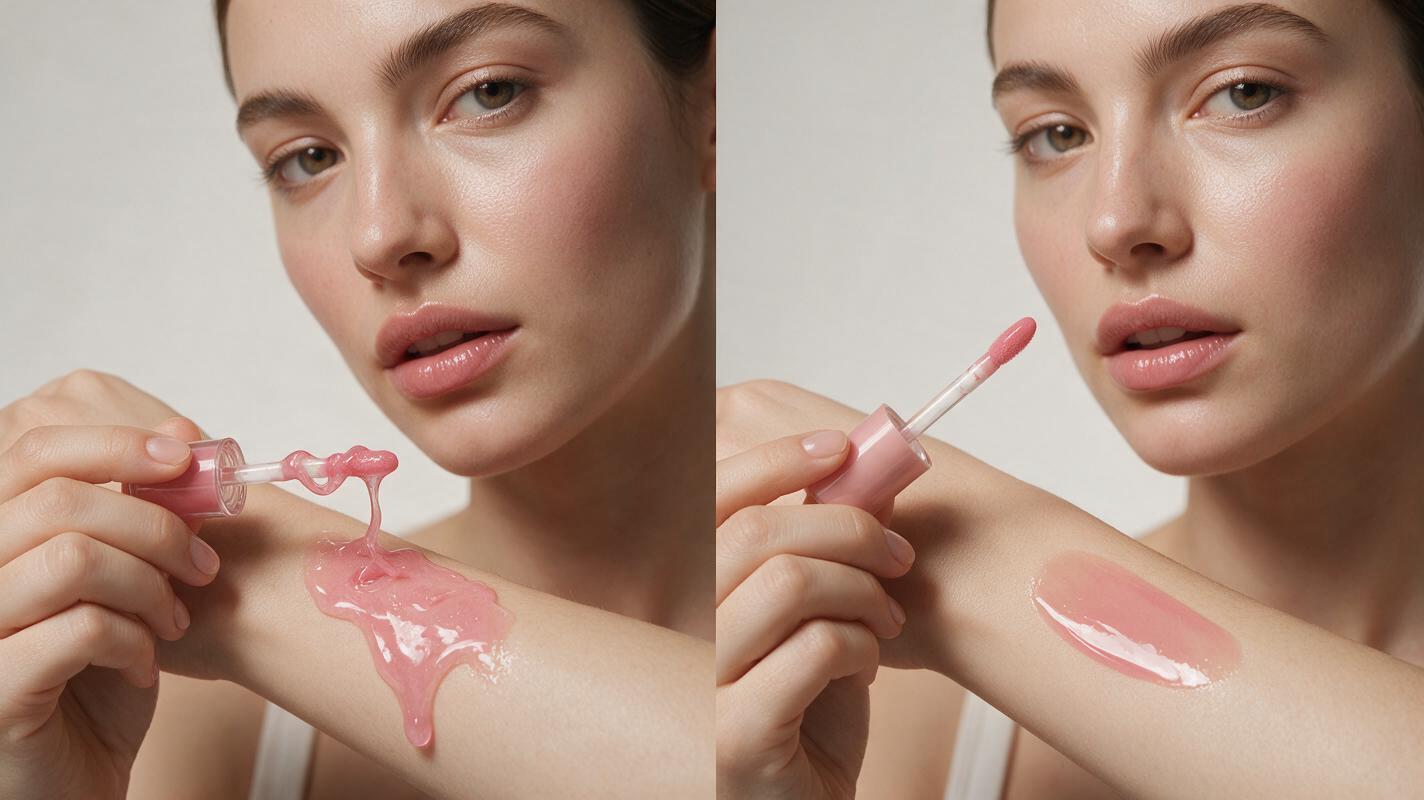
Oily or slime-like gloss texture
This is the most common lip gloss rendering failure, caused by vague texture language and overly harsh lighting. Fix it by adding "glass-like finish, non-sticky, no oily residue" to your prompt, and swap "bright direct lighting" for "soft diffused studio lighting". Avoid words like "wet" or "dewy", which the model interprets as skin oil rather than cosmetic gloss.
Distorted applicator wand
AI video models often warp small, thin objects like applicator wands. Add explicit geometry cues: "doe-foot applicator, rigid symmetrical shape, no warping, consistent size across all frames". If available, use a reference image of your brand's exact applicator to lock in shape and details.
Shade drift across frames
Vague shade descriptions cause the model to shift between cool and warm tones as the video plays. Fix this by naming the exact shade (e.g., "sheer warm peachy pink, 30% opacity") and adding "consistent shade across all frames, no color shift" to your prompt.
Fake, chunky glitter
Generic "glitter" prompts often generate large, plastic-like flakes. Specify glitter size (micro, fine, 0.05mm) and type (cosmetic-grade, iridescent, metallic), and add "evenly distributed glitter, no chunky plastic flakes" to your prompt for a realistic, premium finish.
Key takeaways
- Prioritize specific texture language (glass-like, non-oily, fine glitter) in every Veo prompt to avoid slime-like lip gloss renders.
- Lock in applicator geometry and exact shade details to prevent warping and frame-to-frame color drift.
- Tailor your prompt structure to your use case — swatch tests, application demos, macro texture clips, and campaign ads all need different cues.
- Use reference images of your actual product and applicator when possible to ensure full brand consistency.
Keywords
veo prompts, lip gloss video, beauty campaign ai, ai video generator, high shine lip gloss, cosmetic product video, ai beauty ad