Turn Ad Storyboards Into Pitch-Ready Animatics With Vidu
Learn how to animate static advertising storyboard frames with Vidu while protecting composition, product geometry, character blocking, and campaign intent. This practical workflow uses restrained motion, shot-specific prompts, and editorial timing to create persuasive animatics for pitches and preproduction.
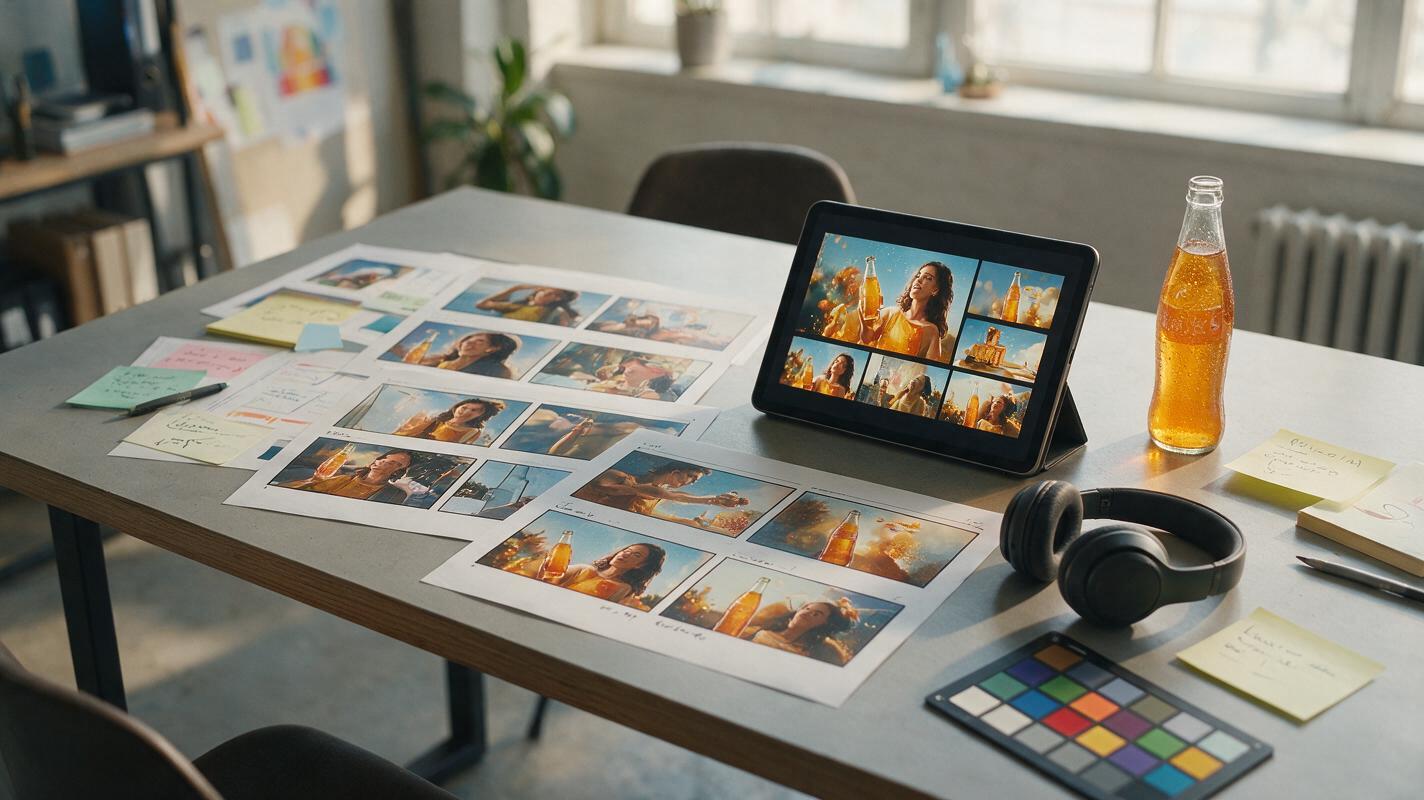
Table of contents
Make the storyboard move without losing the idea
A pitch animatic should clarify the commercial, not redesign it. When a storyboard frame enters an AI video model, excessive camera movement, invented action, and drifting products can quickly obscure the original concept. The solution is to treat Vidu as a controlled previsualization tool: preserve the approved frame, animate only the action needed to explain the shot, and let the edit create most of the energy.
This approach helps agencies and brand teams turn static boards into short motion studies for creative pitches, director conversations, internal approvals, and early production planning. It is not intended to replace final cinematography. Its value is showing how the campaign idea unfolds in time before committing to a full shoot.
Decide what the animatic must prove
Before generating motion, identify the unresolved question behind the animatic. A single version cannot effectively test everything at once.
- Narrative clarity: Can viewers understand the setup, product benefit, and payoff?
- Shot intention: Does each composition communicate the intended scale, emotion, or product detail?
- Pacing: Is the reveal too slow, or does the edit move too quickly for the message?
- Movement: Does a character gesture, camera push, or environmental reaction strengthen the concept?
- Presentation value: Does the pitch need a restrained motion board or a more atmospheric spec-film treatment?
Write the purpose in one sentence, such as: This animatic must prove that the product reveal lands clearly within the first six seconds. Use that sentence to reject attractive generations that do not answer the actual creative question.
A useful animatic resolves uncertainty. A flashy clip that creates new uncertainty is moving in the wrong direction.
Prepare frames that can survive animation
Vidu receives visual decisions from the source frame before it interprets the motion prompt. Ambiguous boards therefore produce ambiguous movement. Clean up each frame before using an image to video workflow.
A generation-ready storyboard frame should have:
- A clearly readable subject and focal point
- Product proportions that already match the intended packshot
- Unambiguous foreground, middle ground, and background layers
- Enough empty space for the planned camera direction
- Consistent wardrobe, props, lighting, and color across adjacent shots
- No storyboard arrows, shot labels, captions, or frame numbers inside the image
Keep annotations in a separate shot list rather than embedding them in the artwork. An arrow drawn over a hand may be interpreted as an object; a handwritten note may become environmental signage.
When a board is intentionally loose, refine only the areas essential to the pitch. For example, a beverage bottle should be geometrically credible if the shot tests a product reveal, while background diners can remain impressionistic if they never become the focus.
Build a motion brief for every shot
Do not paste the entire commercial script into every prompt. Convert each storyboard panel into a compact motion brief containing only what happens during that shot.
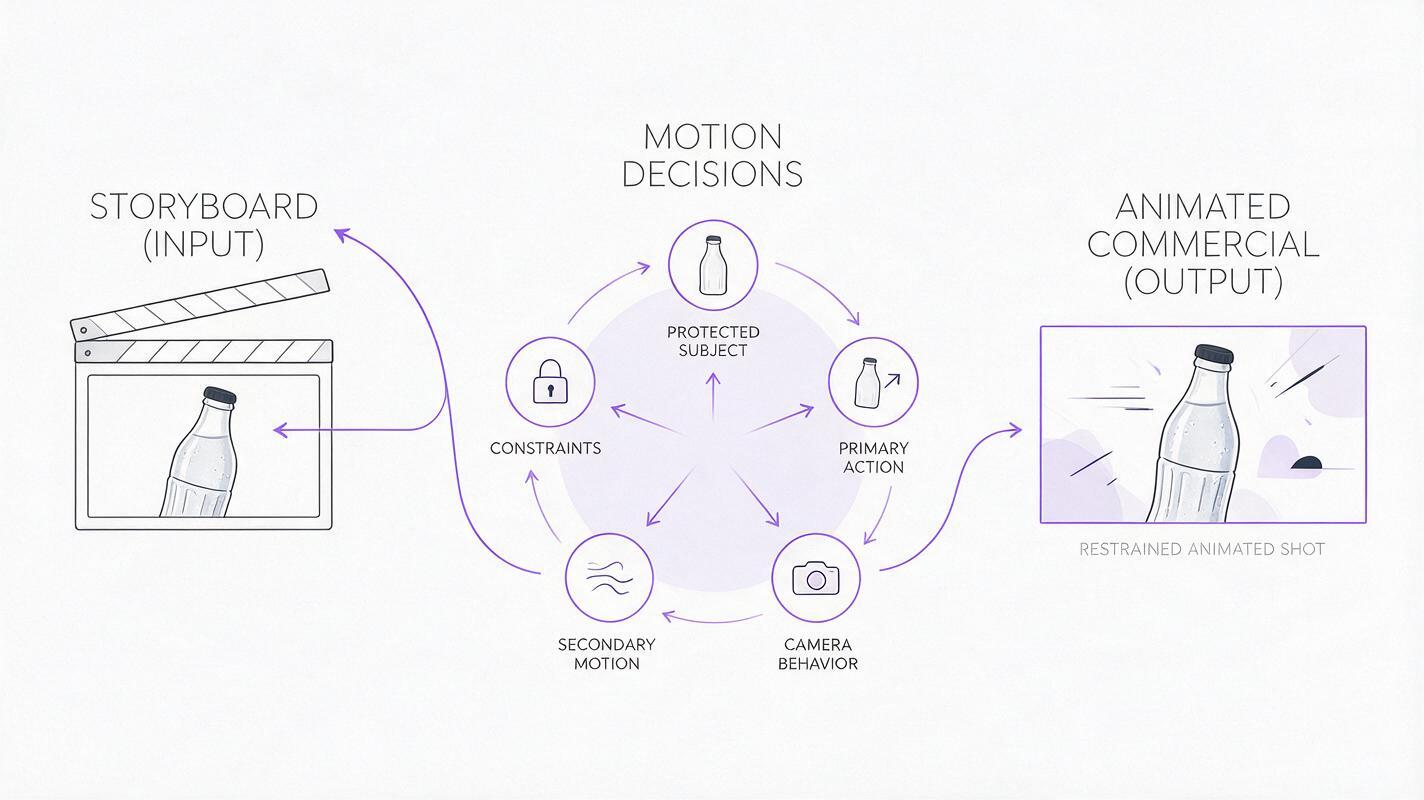
| Prompt component | Question to answer | Example |
|---|---|---|
| Protected subject | What must remain unchanged? | Sealed glass bottle centered on the table |
| Primary action | What is the one essential movement? | Condensation slowly rolls down the glass |
| Camera behavior | How should the viewpoint move? | Subtle controlled push-in |
| Secondary motion | What makes the scene feel alive? | Soft curtain movement in the background |
| Visual constraints | What failures must be prevented? | No label distortion, no bottle rotation |
A practical prompt pattern is:
Preserve [subject, composition, and defining details].
[Primary action] with [speed and intensity].
The camera [single camera instruction].
[One subtle secondary movement].
Keep [protected elements] stable.
No [most likely unwanted behavior].
For a tabletop beverage reveal, that becomes:
Preserve the sealed glass bottle, front-facing label, table composition,
and warm restaurant lighting. Condensation slowly rolls down the glass.
The camera makes a subtle controlled push-in. A linen curtain moves gently
in the distant background. Keep the bottle shape, cap, label, and tabletop
stable. No bottle rotation, label changes, extra objects, or dramatic zoom.
Prompt for observable movement rather than emotional abstractions. “A luxurious moment” can lead to broad visual reinterpretation. “A slow push-in while a narrow highlight travels across the bottle” gives the model a visible event to perform.
Use less motion than the storyboard seems to need
The most reliable pitch animatics often combine one primary movement with one secondary movement. More simultaneous instructions increase the chance that the frame will be reconstructed rather than animated.
Use this motion hierarchy:
- Essential motion explains the shot: a hand enters, a lid opens, a runner turns, or a product catches light.
- Supporting motion adds life: fabric shifts, steam rises, foliage moves, or reflections change.
- Editorial motion happens in the cut: acceleration, contrast, repetition, or a sudden change of scale.
For example, a sportswear storyboard may show an athlete launching from starting blocks. Asking for a complete sprint, a 180-degree orbit, flying dust, changing sunlight, and crowd movement gives Vidu too many opportunities to depart from the approved design. For a pitch, the stronger choice may be a small preparatory breath, tightening fingers, a slight camera creep, and then a hard cut to the next frame.
If the movement can be created more cleanly in the edit, do not force the model to perform it inside one generation.
Choose camera language shot by shot
Repeating the same push-in across an entire animatic makes every frame feel equally important. Assign camera behavior according to the communication job of the shot.
| Shot purpose | Useful camera treatment | Common mistake |
|---|---|---|
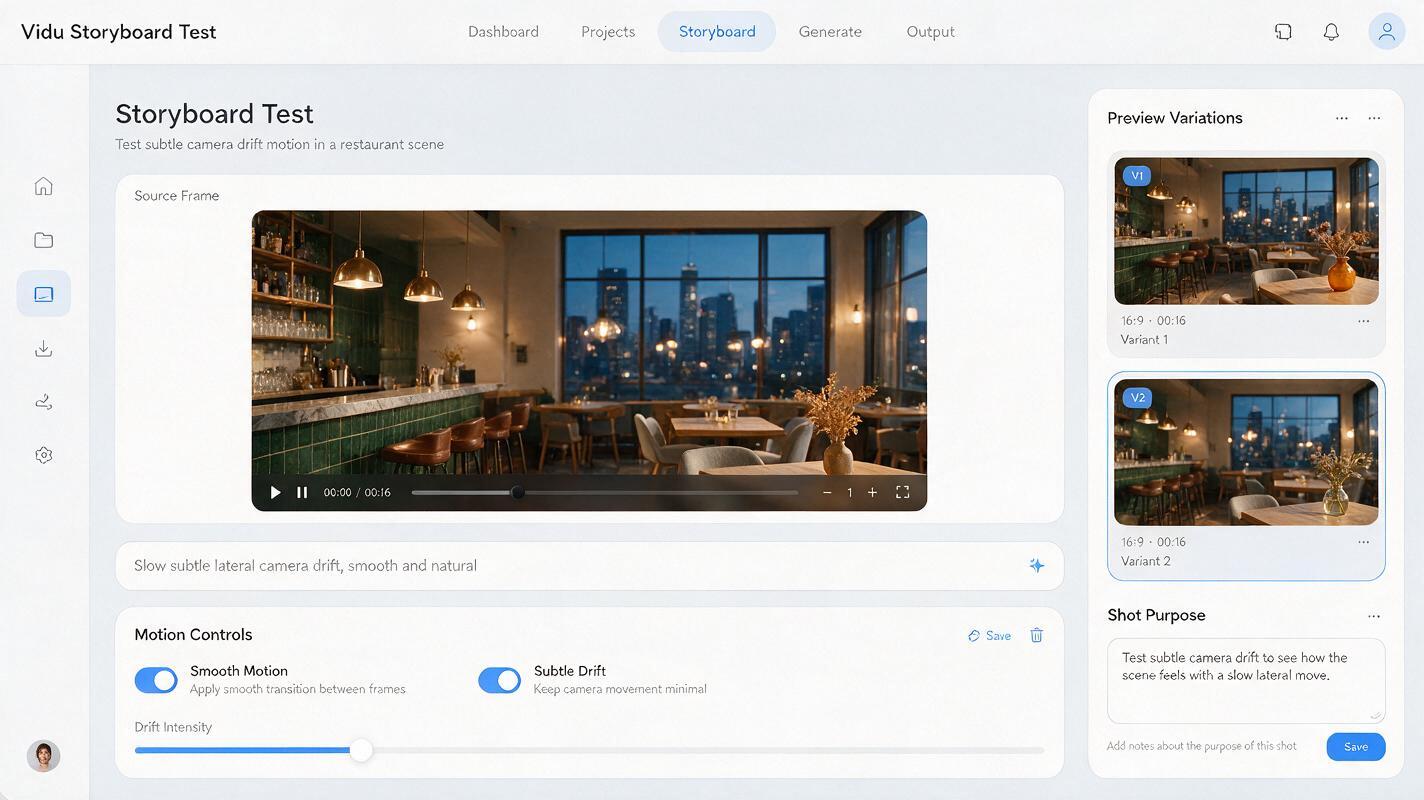
| Establish the campaign world | Locked frame or slow lateral drift | Rushing toward the subject before orientation |
| Introduce a character | Gentle push-in or stable medium shot | Orbiting around an inconsistent face |
| Show product detail | Locked macro view with controlled light movement | Rotating packaging and exposing invented sides |
| Deliver the reveal | Measured pullback, tilt, or occlusion reveal | Combining several camera directions |
| Hold the end frame | Nearly static composition | Continuing motion under copy and branding |
Describe one camera move in plain physical language. “The camera tracks slowly from left to right” is easier to evaluate than a chain of lens terminology. Add lens character only when it changes the creative result, such as shallow depth of field for intimacy or a wide perspective for exaggerated scale.
Protect products, faces, and branded surfaces
Product packs, distinctive characters, typography, and logos deserve stricter treatment than atmospheric material. The safest motion usually occurs around these elements rather than through them.
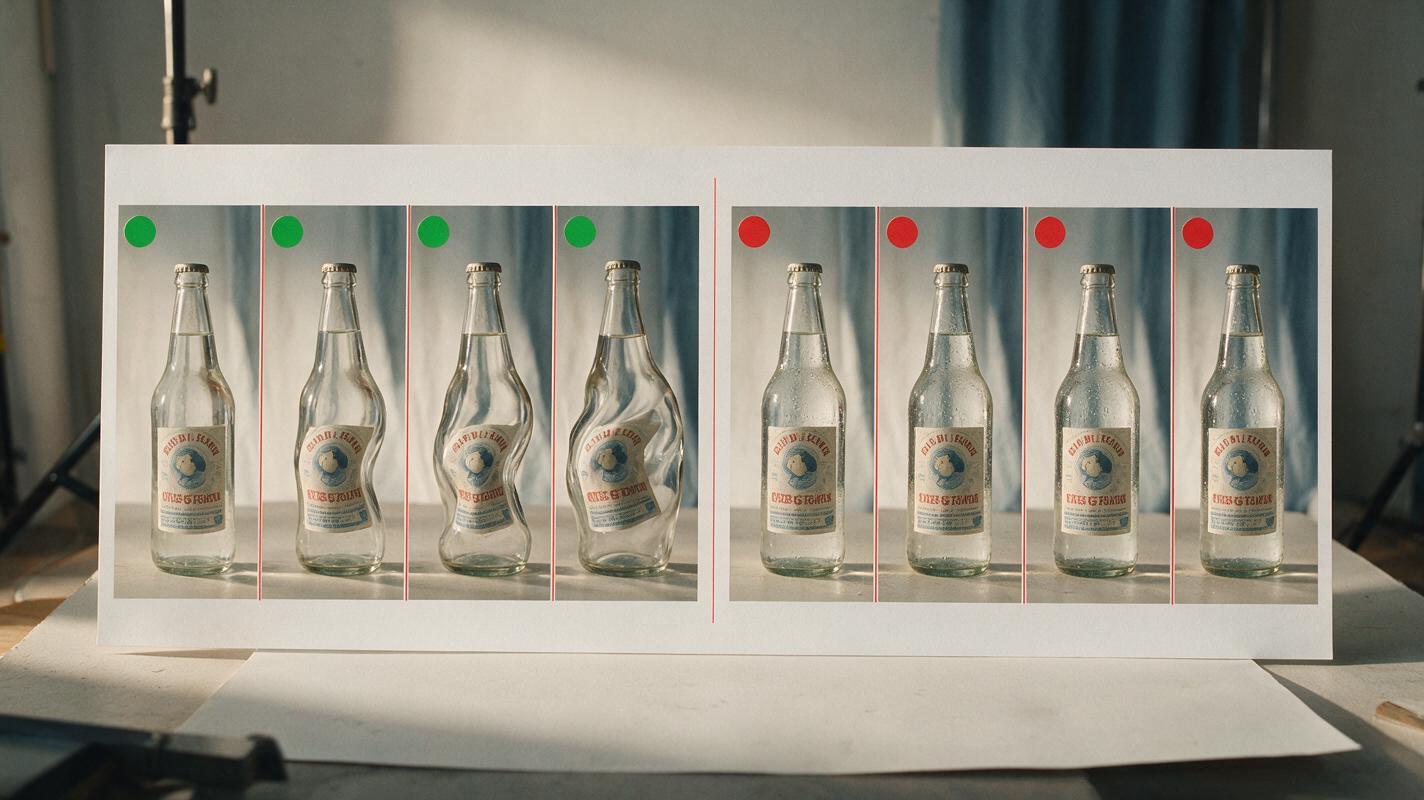
For packaging
- Keep the pack front-facing if only the front artwork is approved.
- Move highlights, condensation, shadows, or the camera instead of rotating the product.
- Avoid hands covering labels unless the grip is central to the concept.
- Reserve a clean static end frame for final brand presentation.
For recurring characters
- Favor small gestures over extreme turns or fast full-body action.
- Keep the face at a similar angle when identity is important.
- Separate expression changes from complicated camera moves.
- Compare adjacent shots for wardrobe, hair, age, and silhouette drift.
For copy and logos
Do not rely on generated frames for final typography. Animate the clean visual plate, then add headlines, legal copy, supers, and logos in the edit. This keeps the brand system exact and makes timing revisions easier.
Generate alternatives that test one variable
Random batches create more footage but not necessarily more knowledge. Build controlled alternatives in which one creative variable changes while the rest of the prompt remains stable.
Useful test pairs include:
- Locked camera versus subtle push-in
- Immediate action versus a short anticipatory pause
- Realistic speed versus slightly heightened commercial timing
- Character-led movement versus environment-led movement
- Visible product throughout versus delayed product reveal
Name outputs by the variable being tested, such as 03_reveal_locked and 03_reveal_push. This makes feedback more precise than choosing between “version A” and “version B.” Once the motion brief is ready, turn your image into a video and compare the results at normal playback speed before inspecting individual frames.
Edit for persuasion rather than technical perfection
The animatic becomes a commercial in the edit. A generation with a weak final half-second may still be valuable if the usable action cuts cleanly into the next shot.
Start with the script’s communication beats, then adjust clip length according to what viewers need to perceive. Product information generally needs a readable hold. Transitional atmosphere can often be shorter. A reaction may work best as a brief accent rather than a complete performance.
Use simple sound design early:
- A tactile sound can clarify an action that is visually understated.
- A music change can make the reveal feel intentional.
- A temporary voiceover exposes whether shots leave enough room for the message.
- Silence before a payoff can create more impact than additional movement.
Keep pitch labels outside the picture area where possible. A concise note such as “motion reference only” helps stakeholders evaluate timing and intention without mistaking the animatic for a final production promise.
Diagnose common Vidu animatic failures
| Failure | Likely cause | Practical correction |
|---|---|---|
| The product changes shape | Rotation or complex interaction exposes unseen geometry | Lock its orientation and animate light or background elements |
| The camera move becomes aggressive | The prompt uses vague cinematic superlatives | Specify subtle speed and a single physical direction |
| The frame invents new props | The action requires objects not visible in the source | Add required props to the board before animation |
| A character’s face drifts | Large head rotation, expression change, and camera movement happen together | Reduce the shot to one small performance beat |
| Every shot feels slow | Motion is being used to create pace inside each clip | Shorten shots and create rhythm through cutting |
| The end card feels unstable | Generation continues beneath branding | Finish on a clean still frame and add typography in post |
Final checklist
- The animatic has one clearly defined question to answer.
- Each source frame is clean, readable, and free from annotations.
- Every shot prompt contains one primary action and one camera instruction.
- Products, faces, logos, and approved surfaces have explicit constraints.
- Alternative generations test one meaningful variable at a time.
- The edit supplies rhythm instead of demanding excessive motion from every clip.
- Final typography and brand assets are added after generation.
- The presentation clearly distinguishes motion exploration from finished production.
Keywords
Vidu animatic, ad storyboard, storyboard animation, image to video, commercial previsualization, creative pitch, AI video prompts