Animate a Graphic Poster with Vidu Without Melting the Type
Keep poster typography sharp by separating it from the artwork before animating the visual plate with Vidu. This practical workflow covers asset preparation, motion-zone prompts, compositing, looping, and fixes for common deformation problems.
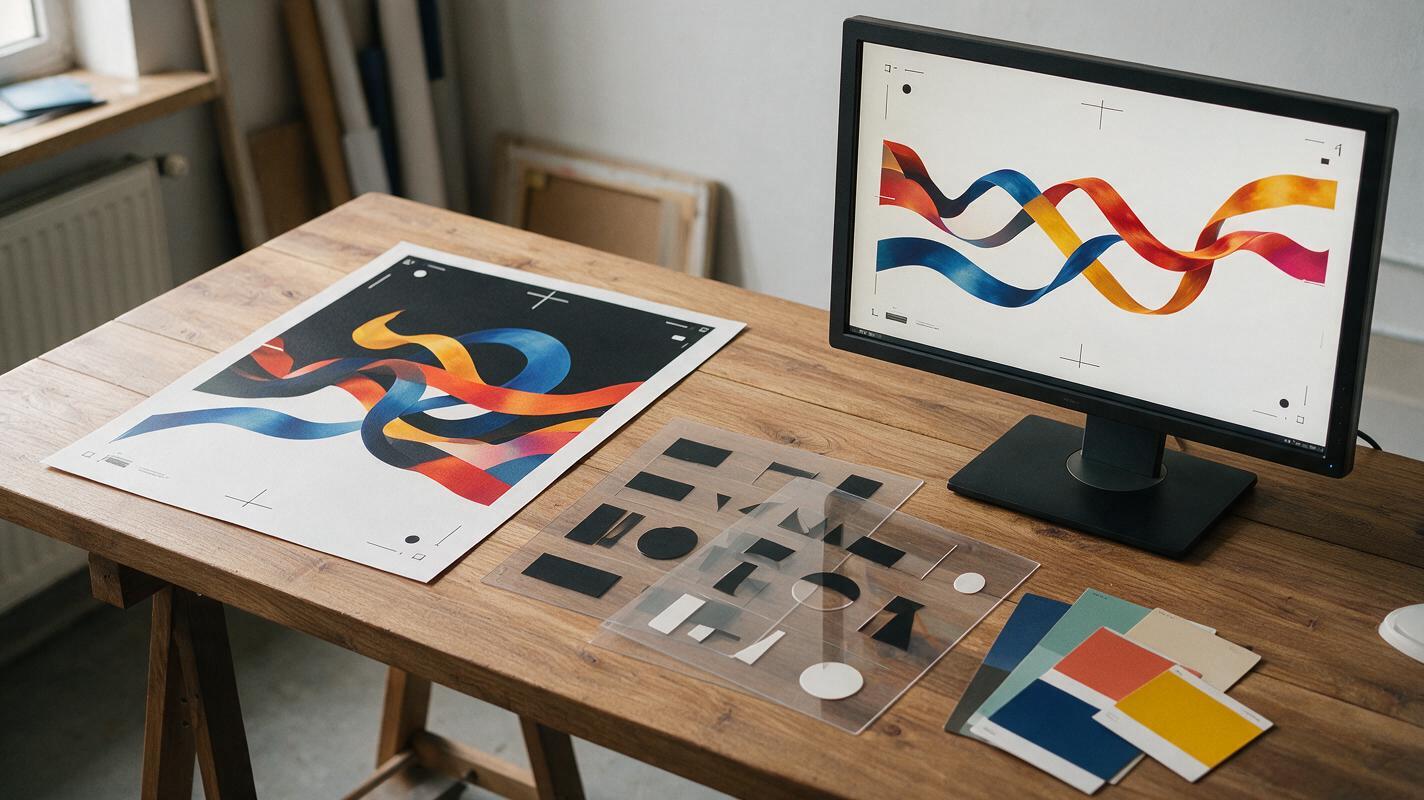
Table of contents
Animate the artwork, not the lettering
A strong graphic poster can fall apart as soon as an AI video model begins redrawing its typography. Letters stretch, logos mutate, and carefully aligned text starts drifting across the composition. The reliable solution is not a more elaborate prompt: keep the final type outside the generated footage.
This workflow uses Vidu to animate a clean visual plate, then restores the original typography in a compositor. You retain the poster’s graphic identity while gaining atmospheric motion, rhythmic accents, and a polished loop suitable for social posts, event screens, title cards, or portfolio presentations.
Why AI poster animation breaks typography
Video generation models interpret a poster as an image rather than a collection of editable design layers. A headline that looks fixed to a designer may be treated as a textured object capable of bending, rotating, or changing shape between frames.
Three conditions make the problem worse:
- Large camera moves force the model to reconstruct letterforms from changing perspectives.
- Motion crossing the headline encourages foreground and background elements to merge.
- Prompts requesting transformation can make the entire composition morph, including the type.
Protect important typography structurally, not verbally. “Keep all text unchanged” may help, but a separate overlay is far more dependable.
Prepare the poster as two assets
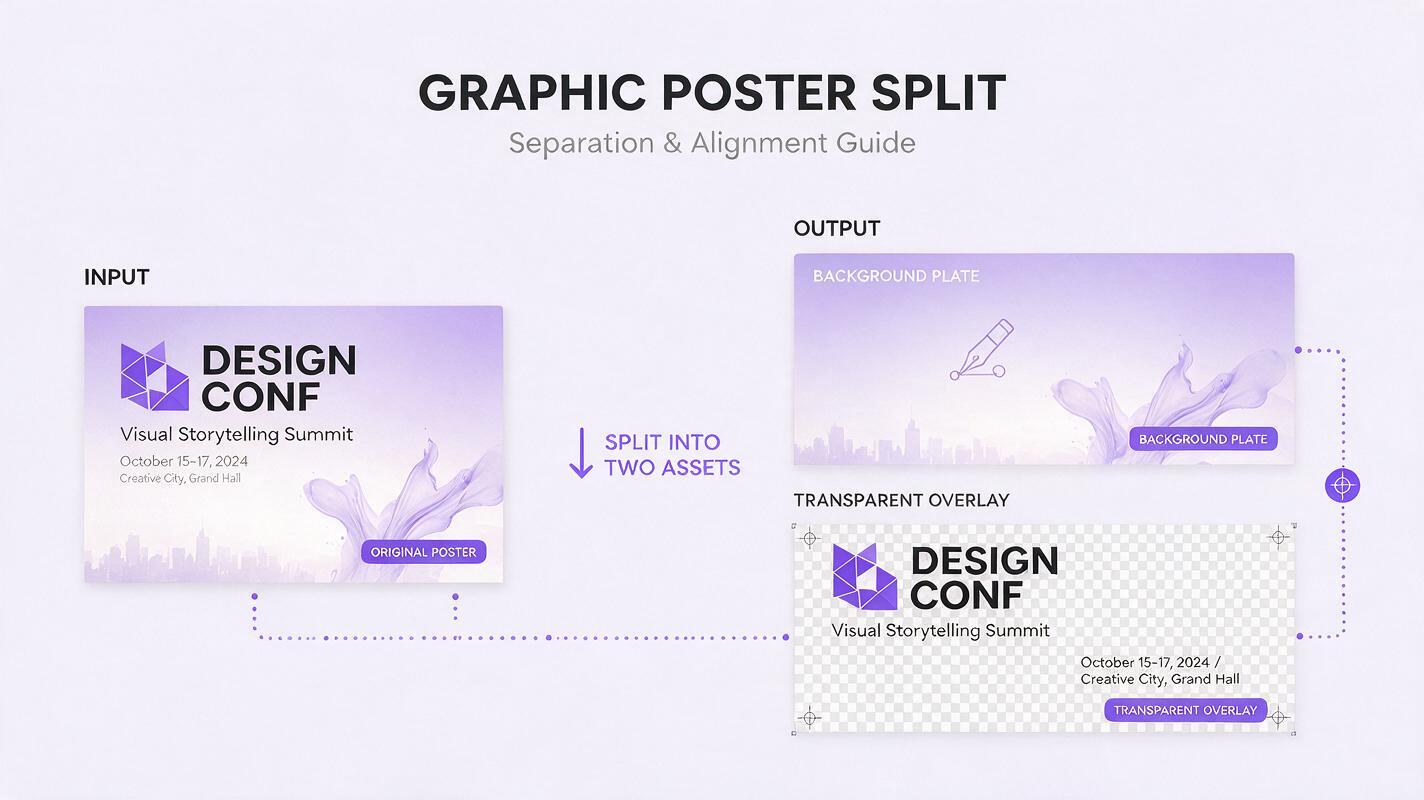
Start with the final poster file in your design application. Duplicate it and export two images at the same dimensions: a motion plate without critical lettering, and a typography overlay containing the exact text, logo, rules, and graphic marks that must remain sharp.
The background motion plate
Remove the headline, credits, date, logo, and any small copy that cannot tolerate distortion. Reconstruct the areas beneath them rather than leaving transparent holes. The resulting plate should look like a complete piece of artwork even without the type.
Keep visual elements that should move, such as:
- Illustrated smoke, ribbons, fabric, liquid, or foliage
- Halftone fields and grain textures
- Character hair, clothing details, or controlled gestures
- Geometric ornaments that can pulse or rotate
- Lighting gradients and atmospheric particles
The typography overlay
Export the protected elements with transparency when your compositing workflow supports it. If transparency is inconvenient, use a high-contrast matte that can be keyed or converted into an alpha channel later.
Include more than the obvious headline. Tiny sponsor marks, corner labels, registration lines, and decorative symbols can also reveal generation errors. If an element functions as graphic information rather than animated scenery, preserve it in the overlay.
Choose motion that supports the layout
Poster animation works best when motion has a clear hierarchy. Select one primary movement, one secondary response, and one subtle environmental effect. Asking every object to perform at once usually weakens the design.
| Poster element | Suitable motion | Motion to avoid |
|---|---|---|
| Central portrait | Small blink, breath, hair response | Full head turn or body redesign |
| Abstract geometry | Slow rotation, pulse, sequential reveal | Uncontrolled melting or multiplication |
| Paper collage | Layered drift, edge flutter, shadow change | Large simulated camera orbit |
| Atmosphere | Directional haze, grain, floating dust | Particles covering the focal point |
| Background pattern | Low-amplitude wave or parallax | Rapid global deformation |
When the composition already feels dense, use motion to clarify it. A slow background drift behind a stable subject can create more depth than a dramatic camera move affecting the whole frame.
Write a Vidu prompt around motion zones
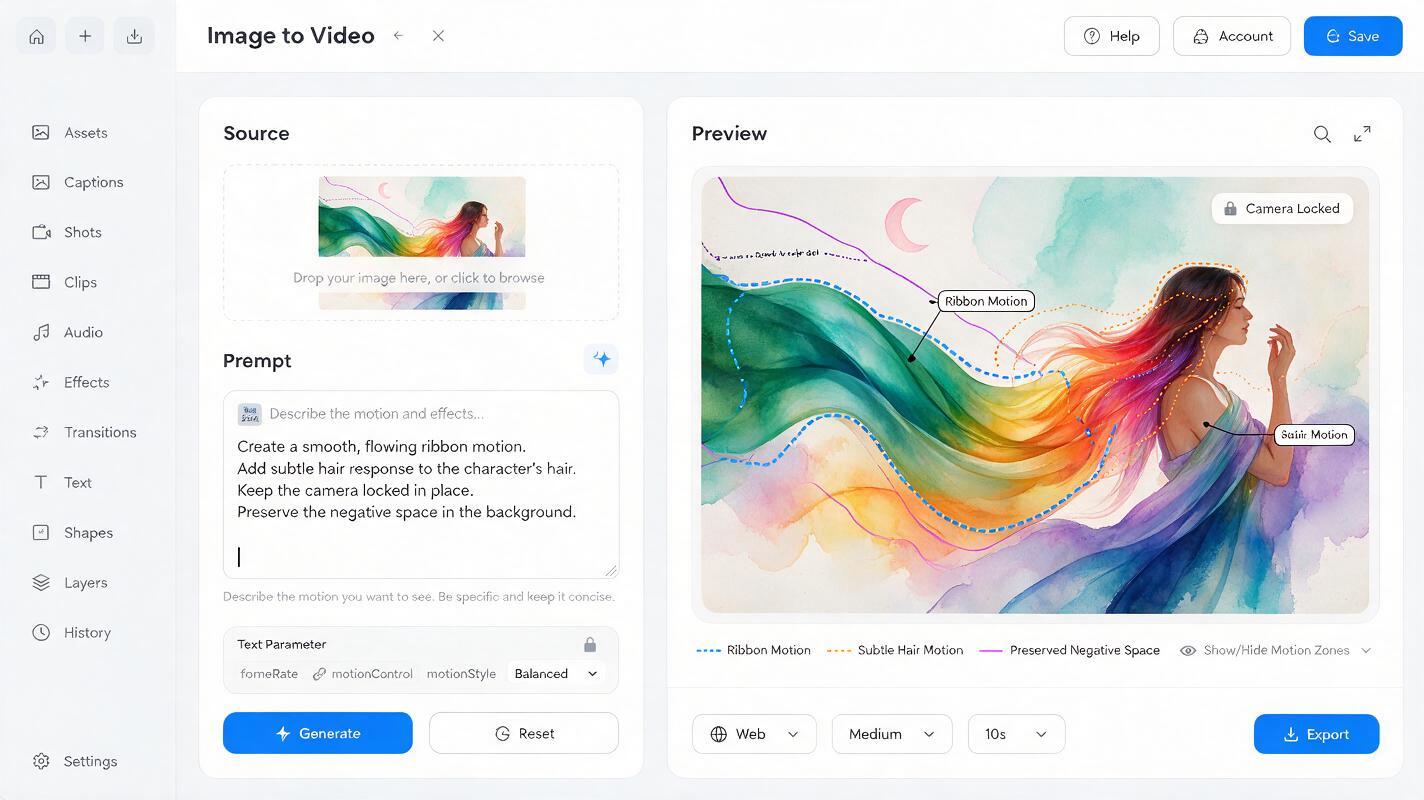
Upload the clean plate to Vidu’s image to video workflow. Treat the source image as the art-direction anchor and describe only the changes that need to occur. Avoid restating every color, object, and style already visible in the image.
A useful prompt separates the subject, environmental motion, camera behavior, and ending state:
Animate this graphic poster as a restrained editorial motion loop.

Primary motion: the illustrated red ribbon travels gently from left to right in one smooth wave.
Secondary motion: the portrait remains structurally stable while the hair tips respond slightly to the ribbon's movement.
Atmosphere: fine paper grain flickers subtly and a few dust particles drift upward.
Camera: locked frontal composition, no zoom, no orbit, no perspective change.
Preserve the original palette, silhouette, facial design, collage edges, and empty headline area.
End close to the starting arrangement with calm motion and no scene transition.
The phrase empty headline area is useful when that negative space is important to the final layout. It tells the model that the open region is intentional without asking it to render text.
For a geometric poster, try a more mechanical variation:
Locked-off animation of the supplied geometric poster. The outer circular shapes rotate slowly in alternating directions while the central black form remains fixed. Thin shadows shift subtly to suggest layered paper. Crisp hard edges, flat screen-print colors, no new objects, no camera movement, no morphing, and no changes inside the clear title area. Finish with the circles near their initial orientation.Test this prompt yourself with a short generation before increasing complexity. A small test reveals whether the intended focal point remains stable and whether any motion intrudes into the protected type area.
Generate short, controlled motion tests
Begin with one motion idea rather than attempting the entire finished piece. Model options and labels can vary by interface, so prioritize creative controls that produce a restrained shot: short duration, low camera activity, and movement that remains local to the intended object.
Inspect each result for more than visual appeal. Check whether:
- The subject silhouette stays recognizable from beginning to end
- Edges retain the poster’s original cut-paper, ink, or vector character
- The empty text area remains visually quiet
- Moving forms preserve their original color relationships
- The final frames offer a practical path back to the opening pose
If a result contains one excellent movement and several weak ones, keep the useful section. Motion designers do not need to accept the complete generated clip as a single indivisible asset. Retime, mask, freeze, reverse, or combine selected regions in post.
Rebuild the typography in the composite
Place the generated motion plate in your compositor and align the protected overlay above it. Because both assets share the same dimensions, the original type should return to its designed position without manual reconstruction.
The typography does not need to remain completely static. Animate it with conventional motion-graphics tools so its geometry stays exact. Effective treatments include:
- A two- or three-frame opacity flicker synchronized with an image accent
- A masked line-by-line reveal
- A subtle tracking expansion followed by a clean settle
- A rigid position offset with no character-level distortion
- A duplicate color layer shifted briefly for a print-registration effect
Use restrained type motion when the generated plate is complex. If the artwork barely moves, the headline can take a more active role. The goal is contrast, not equal activity across every layer.
Build a seamless poster loop in the edit
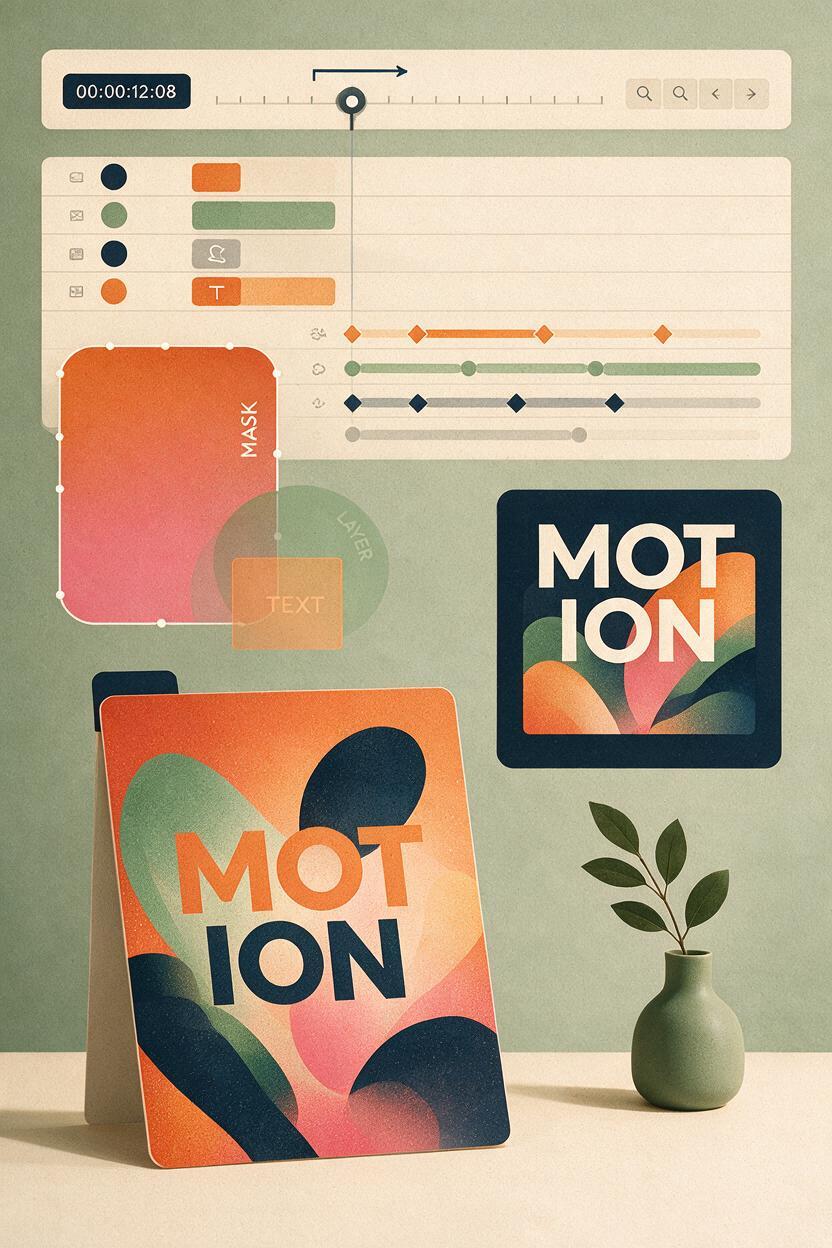
A generated clip does not need perfectly matching first and last frames to become a convincing loop. Look for a low-motion region near each end and overlap the clips with a short dissolve. Organic textures, smoke, grain, and soft shadows often hide this transition well.
For directional actions, duplicate the clip and reverse the second copy. This creates an outward-and-returning cycle, although it should be avoided when the motion contains gravity, readable cause and effect, or a character action that looks unnatural backward.
Another option is to freeze the stable poster plate and isolate only the best animated region with a feathered mask. You can then loop that local movement independently while the rest of the composition remains controlled.
A successful loop is not necessarily one in which everything resets simultaneously. Offset cycles can feel more natural, provided no element makes a visible jump.
Troubleshoot deformation before generating again
| Problem | Likely cause | Practical fix |
|---|---|---|
| The subject changes identity | The requested performance is too large | Reduce the action to breath, blink, cloth response, or one small gesture |
| The open title area fills with objects | The model interprets negative space as unfinished | Name it as an intentional clear title area and reduce nearby movement |
| Flat graphics become glossy or dimensional | The prompt implies cinematic realism | Specify flat printed color, crisp cut edges, frontal lighting, and no 3D transformation |
| The whole poster bends | Camera motion and object motion are competing | Lock the camera and request movement in one named region |
| The loop visibly jumps | The closing state differs too much from the opening | Use a quieter excerpt, a masked local loop, or an overlap dissolve |
| Restored type feels disconnected | The lettering has no relationship to the plate’s rhythm | Add precise type animation timed to a visual pulse, impact, or direction change |
Final checklist
- Remove all typography and logos that must remain exact before generation.
- Rebuild the cleared areas so the motion plate is visually complete.
- Choose one dominant motion and keep secondary effects subtle.
- Use a locked camera unless camera movement is essential to the concept.
- Describe motion zones instead of rewriting the entire source image.
- Check silhouettes, edges, colors, and negative space in every test.
- Restore typography from the original design file in the composite.
- Construct the final loop through editing, masking, or controlled reversal.
Keywords
Vidu poster animation, animated typography, graphic poster animation, image to video, motion graphics, motion design prompts, poster loop