Vidu Prompts for Loopable B-Roll in Faceless YouTube Videos
A short background clip can distract viewers when it visibly jumps back to the beginning. These Vidu prompts keep the camera and composition steady, give moving details a path back toward their starting position, and show how to check and hide a stubborn loop seam in the edit.
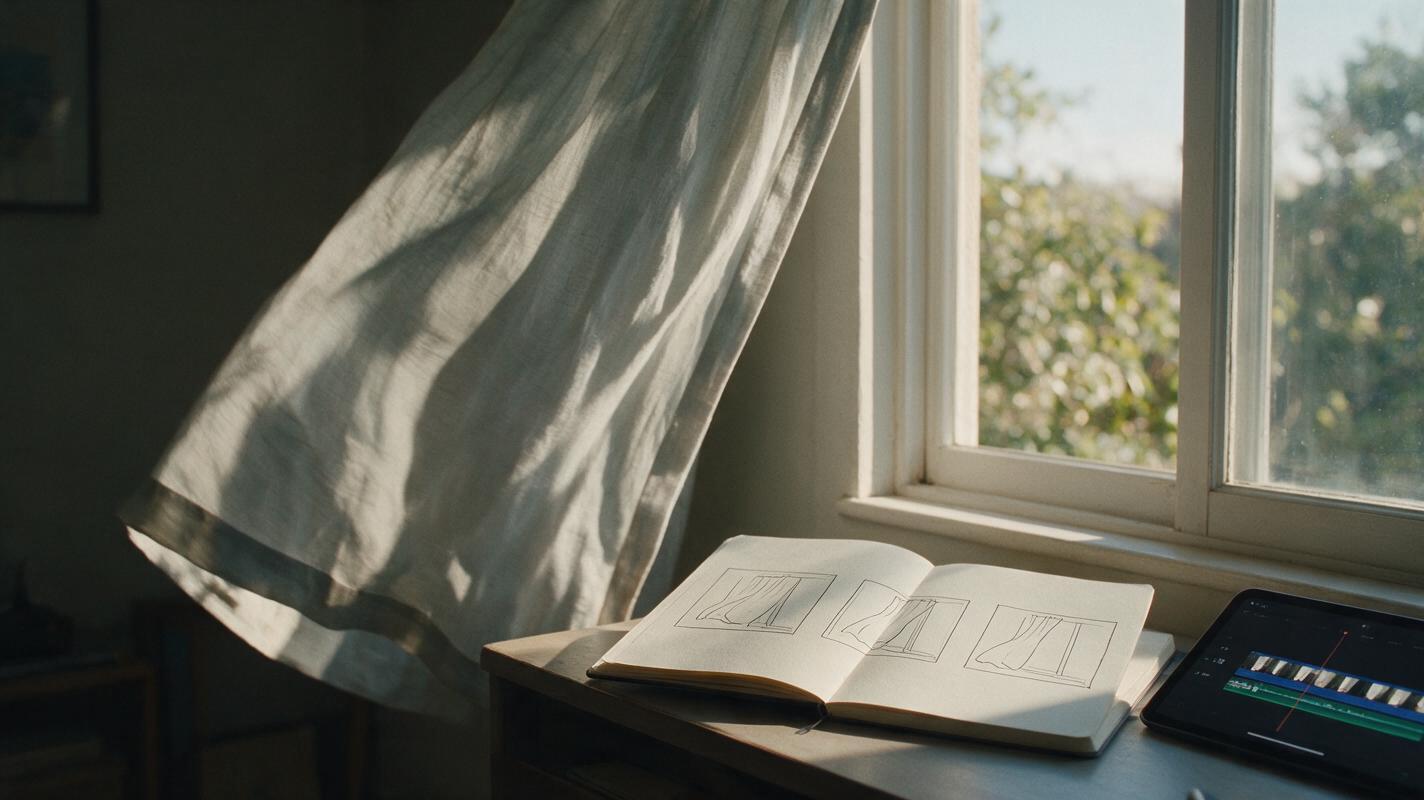
Table of contents
Make background footage that can repeat without calling attention to itself
A faceless video may need one atmospheric shot to carry 20 seconds of narration, but the generated clip lasts only a few seconds. Repeat it unchanged and a curtain snaps backward, a camera move resets, or a person suddenly reappears at the start. The solution is to design for the repeat before generating: keep the camera still, give motion a small cycle, and check the first and last frames before committing to a long edit.
Vidu can be used to animate a prepared still for this kind of B-roll. The prompts below are designed for quiet backgrounds behind narration—not action scenes or guaranteed perfect loops. If the endpoints do not match closely enough, a short edit can often conceal the join.
Choose a still that gives motion somewhere to return
Start with an uncluttered image that would remain useful even if nothing moved. A desk by a window, an empty hallway, or a patch of trees can establish a mood without competing with the voiceover. Keep the subject comfortably inside the frame; objects entering or leaving an edge are harder to reset convincingly.
For image to video, upload the still as the source frame and describe motion within that composition. Do not ask the model to reveal a new room, rotate around an object, or follow someone walking away. Those changes make the final frame fundamentally different from the first.
A useful test is to describe the starting image in one sentence. If that sentence would no longer describe the closing frame, simplify the motion.
Prompt for a small movement and a quiet return
Loop-friendly prompts specify three things: what stays fixed, what moves, and how the moving element settles. “Make it cinematic” does none of those jobs. Request restrained motion rather than a dramatic event, and leave enough stillness at both ends for an edit.
A curtain for a reflective story segment
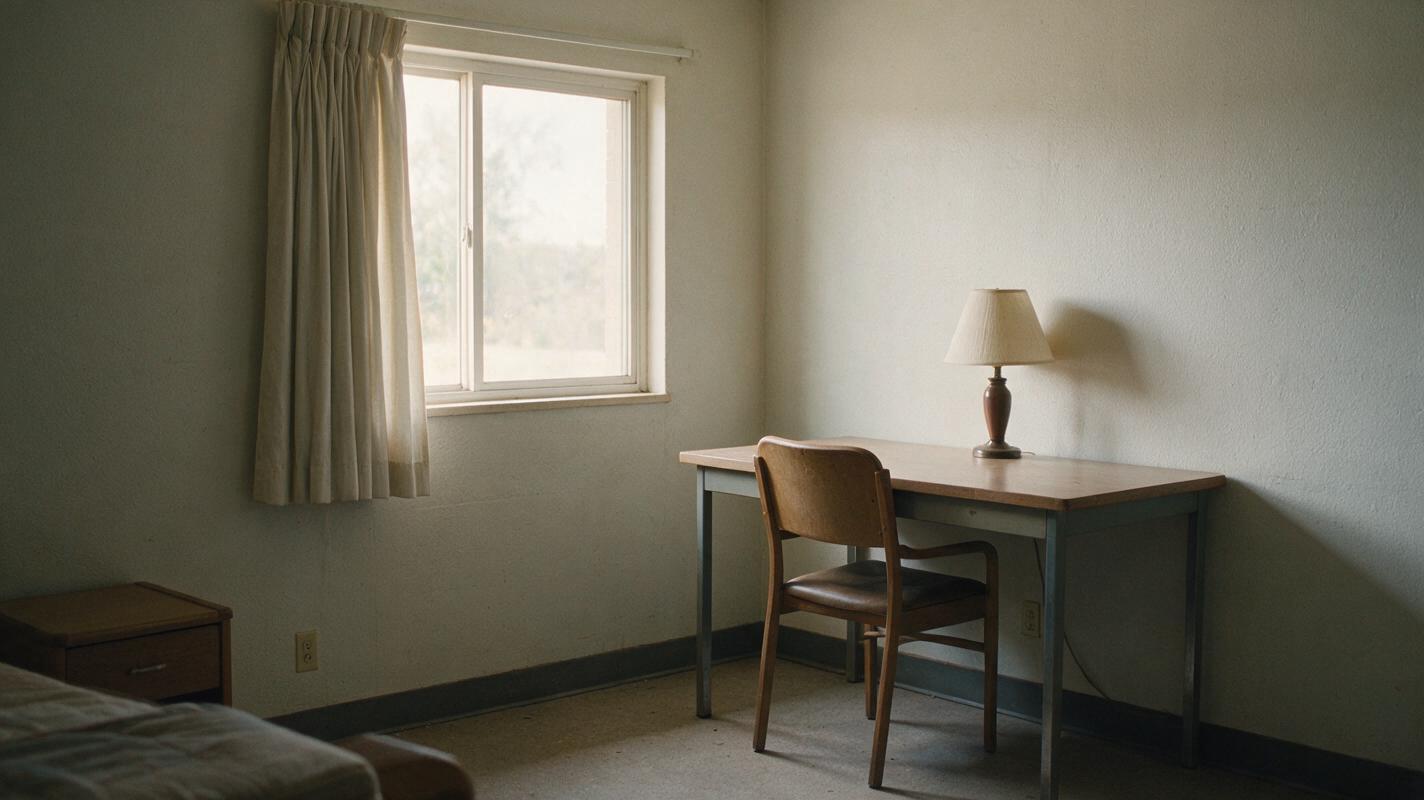
Use an original still of an empty room with a curtain hanging in a neutral position. This gives the fabric a visible home position to return to.
Animate this source image as restrained atmospheric B-roll for a faceless story video. Keep the camera locked and preserve the room layout, furniture, lighting, and framing. A light breeze moves the curtain gently inward, then lets it settle close to its starting position. No people, new objects, camera movement, cuts, or text. Begin and end on a calm, nearly still view of the room.The result should read as an empty room throughout. If the curtain changes shape completely or covers a different part of the window at the end, try a smaller movement rather than asking for more duration.
Dust in a pool of light for a quiet explainer
Small drifting details can be easier to repeat than a large object—but only when they are background texture, not something the viewer is tracking.
Animate this still of a desk lit by a window. Preserve the notebook, lamp, desk edges, and exact camera framing. Add a few subtle dust motes drifting slowly through the light while the room remains still. Keep the effect sparse and low contrast. No camera push, changing daylight, hands, new objects, readable text, or scene transition. Leave the opening and closing moments visually calm.Here the particles do not need to return to identical positions: the desk and lighting provide the stable visual anchor. Avoid using this shot to illustrate a factual claim about a real location; it is atmospheric footage.
Branches for a nature-themed transition
Animate this source image of a stationary woodland view. Hold the camera perfectly still and retain the same trees, path, lighting, and framing. Move only a few small foreground leaves in a gentle breeze: sway slightly to one side and ease back toward their original position. Keep the background trees steady. No animals, people, weather change, zoom, pan, cuts, or text. Start and finish with the leaves nearly at rest.Check the path and tree trunks carefully. If they bend or shift, the shot may be unsuitable for a seamless repeat even if the leaves look attractive.
Find the seam before extending the clip
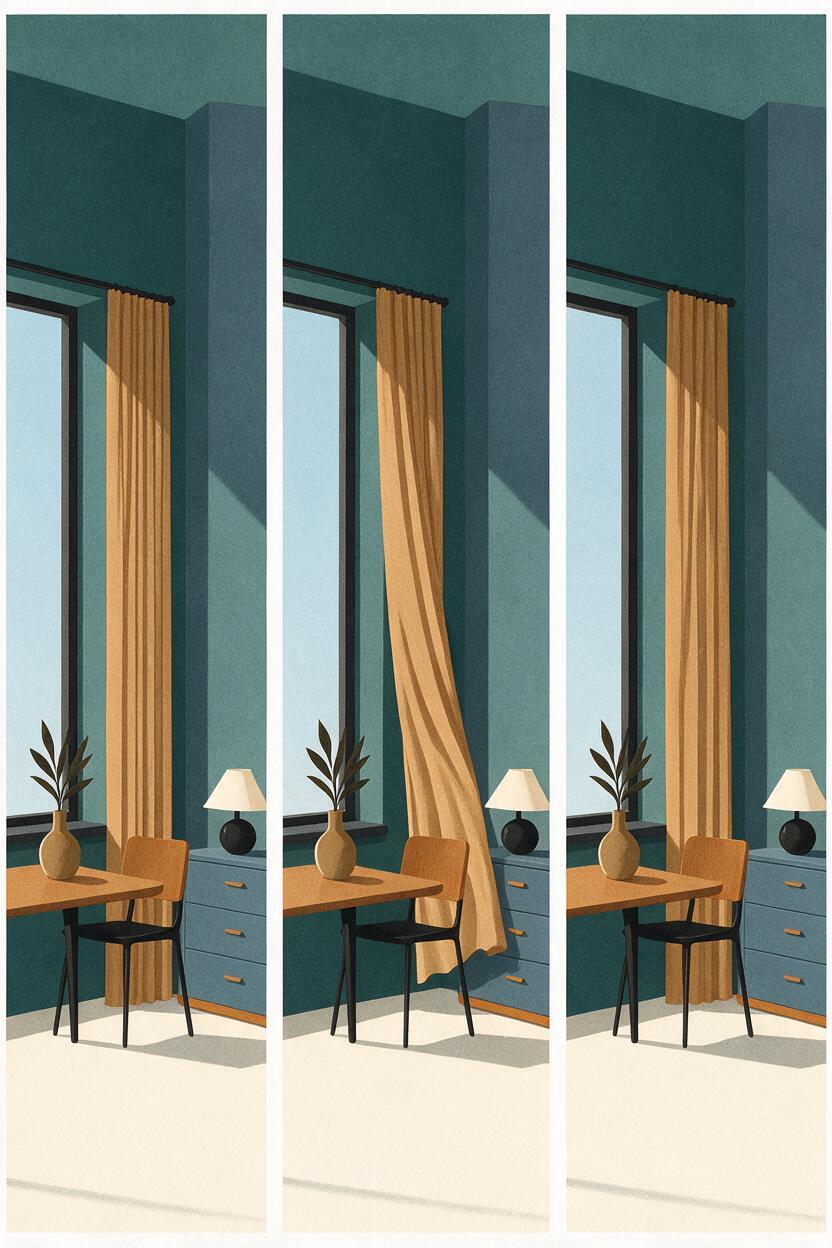
Put the generated clip on a timeline twice, back to back. Watch the join at normal speed, then advance frame by frame across it. Compare the last frame of the first copy with the first frame of the second. Look for a change in object position, light level, image sharpness, or camera framing.
Do not judge solely from two still frames. A leaf can occupy similar positions at both ends yet jerk because it is moving in opposite directions. Play the join with narration as well: a seam that is obvious in silence may disappear beneath a purposeful cutaway, while a repeated sound or visible motion reset can make it worse.
| What you see at the join | What to try |
|---|---|
| A moving object jumps back | Regenerate with a shorter motion path and a clearer return to rest. |
| The entire frame shifts | Remove camera-movement language; use a steadier source image. |
| Brightness pulses | Ask for unchanged lighting, or choose a segment with more consistent exposure. |
| Two positions briefly appear during a dissolve | Shorten the overlap, move the seam to a quieter moment, or use a cutaway. |
Hide a close-but-not-perfect join in the edit
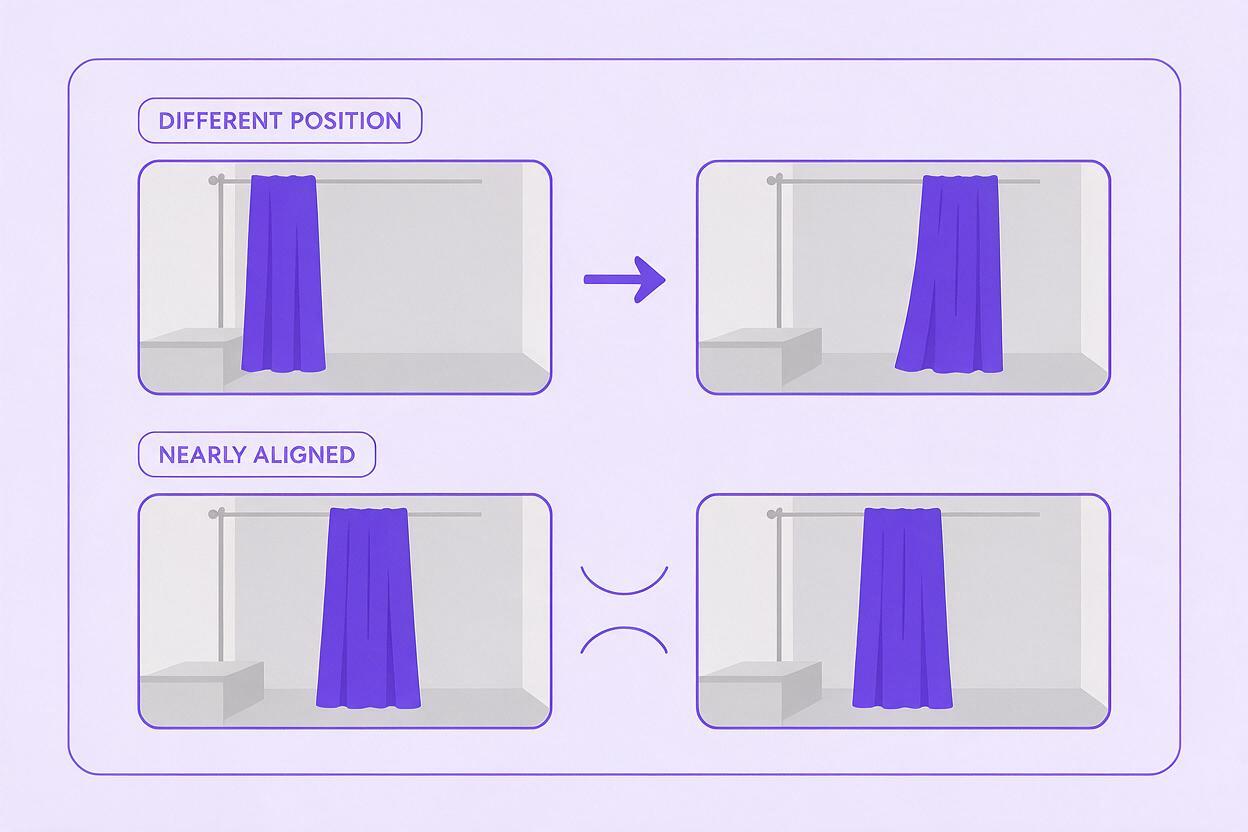
When the endpoints are similar, overlap the end of one copy with the beginning of the next and try a brief dissolve. As an initial test, use roughly a quarter to half a second, then adjust by eye. A longer dissolve is not automatically smoother: it can produce a double curtain, two sets of leaves, or ghosted furniture.
Another option is to place the repeat under a title card, chapter graphic, or a cut to a different shot. This is often cleaner than forcing an imperfect clip into an endless visible loop. If the footage carries a specific story beat, alternate it with a close-up or another angle rather than making the same moment repeat for the entire narration.
A convincing loop is not necessarily frame-perfect. It is a repeat whose reset the viewer has no reason to notice.
Keep the original source still and your successful prompt together. That makes it easier to generate a matching variation later without rebuilding the room, palette, or camera angle from scratch. When you have a suitable still, test this prompt yourself and inspect the repeat before editing it beneath a full voiceover.
Final checklist
- The shot communicates its mood or setting without relying on motion.
- The camera, lighting, and main objects stay consistent.
- Motion is small enough to return—or unobtrusive enough not to need an exact return.
- Two copies have been checked together at the seam, both frame by frame and at normal speed.
- A dissolve improves the join without creating visible ghosting; otherwise, the seam is covered with another shot or graphic.