Turn Wedding Detail Photos Into a Short Reel With Seedance
A wedding detail reel can give a bouquet, rings, and reception setting a sense of motion without pretending they were filmed. This guide shows wedding photographers how to plan a short sequence with Seedance, prompt restrained movement, and protect meaningful details before delivery.
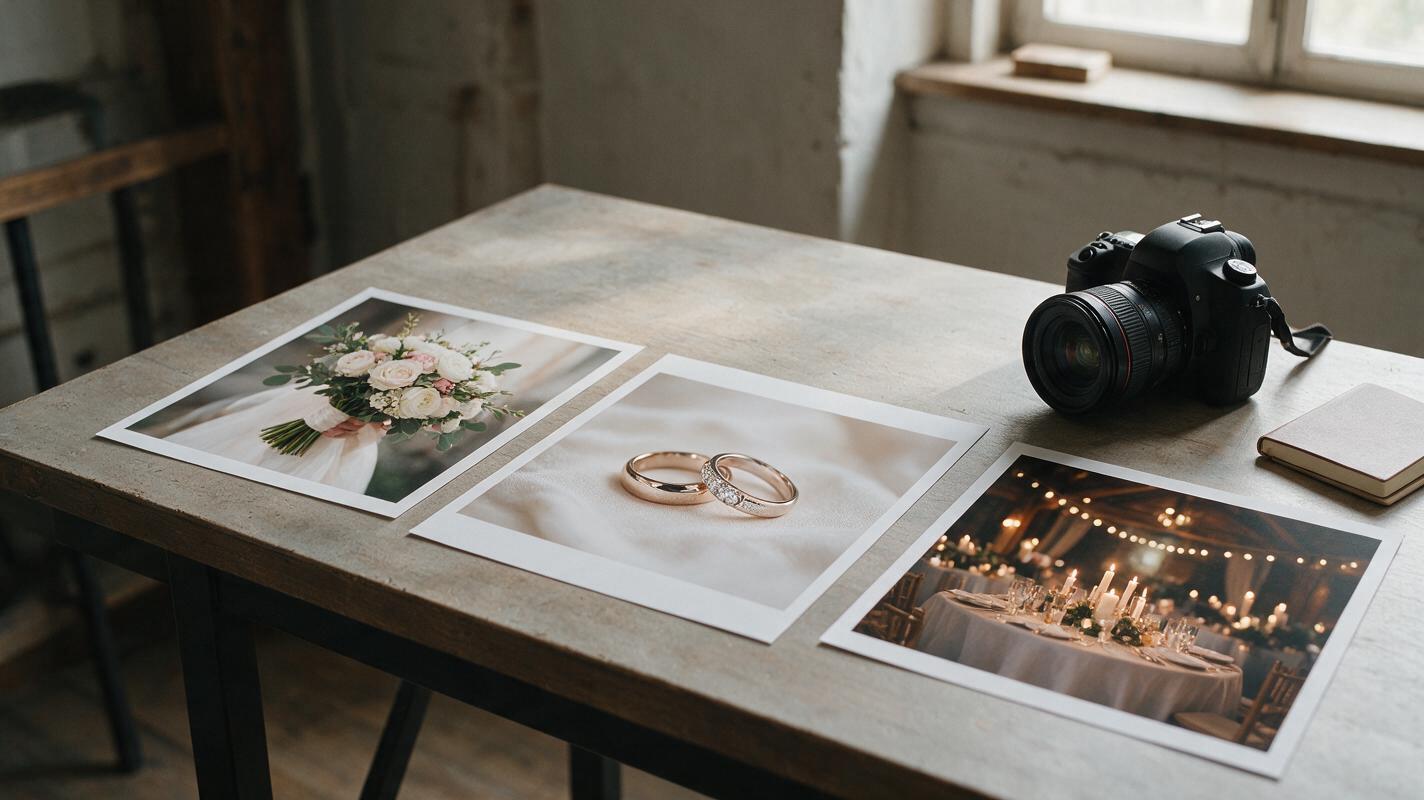
Table of contents
A wedding detail reel without staging new footage
You have strong photographs of the bouquet, rings, invitation suite, and reception tables—but no video of those details. A short reel can connect the images into a story if the motion stays restrained and the objects remain recognizable. The goal is not to invent a second wedding. It is to give carefully selected stills a little depth, atmosphere, and pacing.
Seedance can be used to generate short moving shots from individual images. For this task, the most useful approach is to animate each photograph separately, inspect the results, and assemble only the dependable clips. Keep the finished reel clearly presented as an animated treatment of wedding photographs, particularly when a client might otherwise mistake it for documentary footage.
Choose photographs that can carry subtle motion
Start with three or four details that already form a visual progression: anticipation, a personal object, and the setting. An invitation flat lay, a close-up of the rings, a bouquet, and a wide reception image are enough. More images do not automatically make the story stronger.
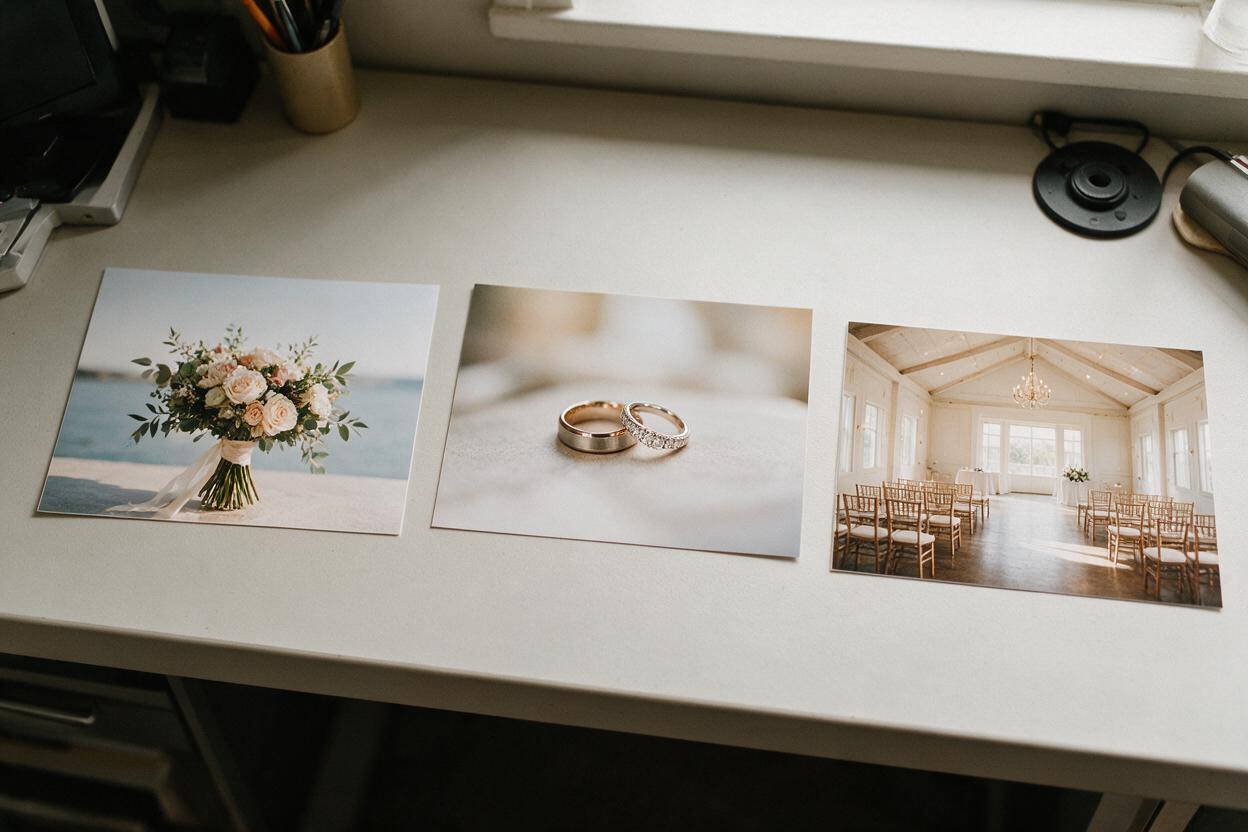
Choose frames with a clear subject and some room around it. A bouquet against soft negative space gives the model somewhere to suggest a slight camera move. A tightly cropped ring between fingers leaves much less room for movement without distorting hands or jewelry.
- Good candidates: flowers with distinct petals, a ring on a stationary surface, unlettered fabric, candles with space around the flames, or a room photographed before guests arrive.
- Higher-risk candidates: legible vows, invitation wording, engraved rings, identifiable faces, complex hands, and arrangements where every small object has personal significance.
- Useful sequence: an establishing detail, a closer personal object, then a wider view of the celebration space.
Keep an untouched copy of each photograph. Export separate working files in the reel’s intended aspect ratio, leaving enough margin for a slight crop. Do not erase meaningful details merely to make an animation easier.
Give each photograph one clear movement
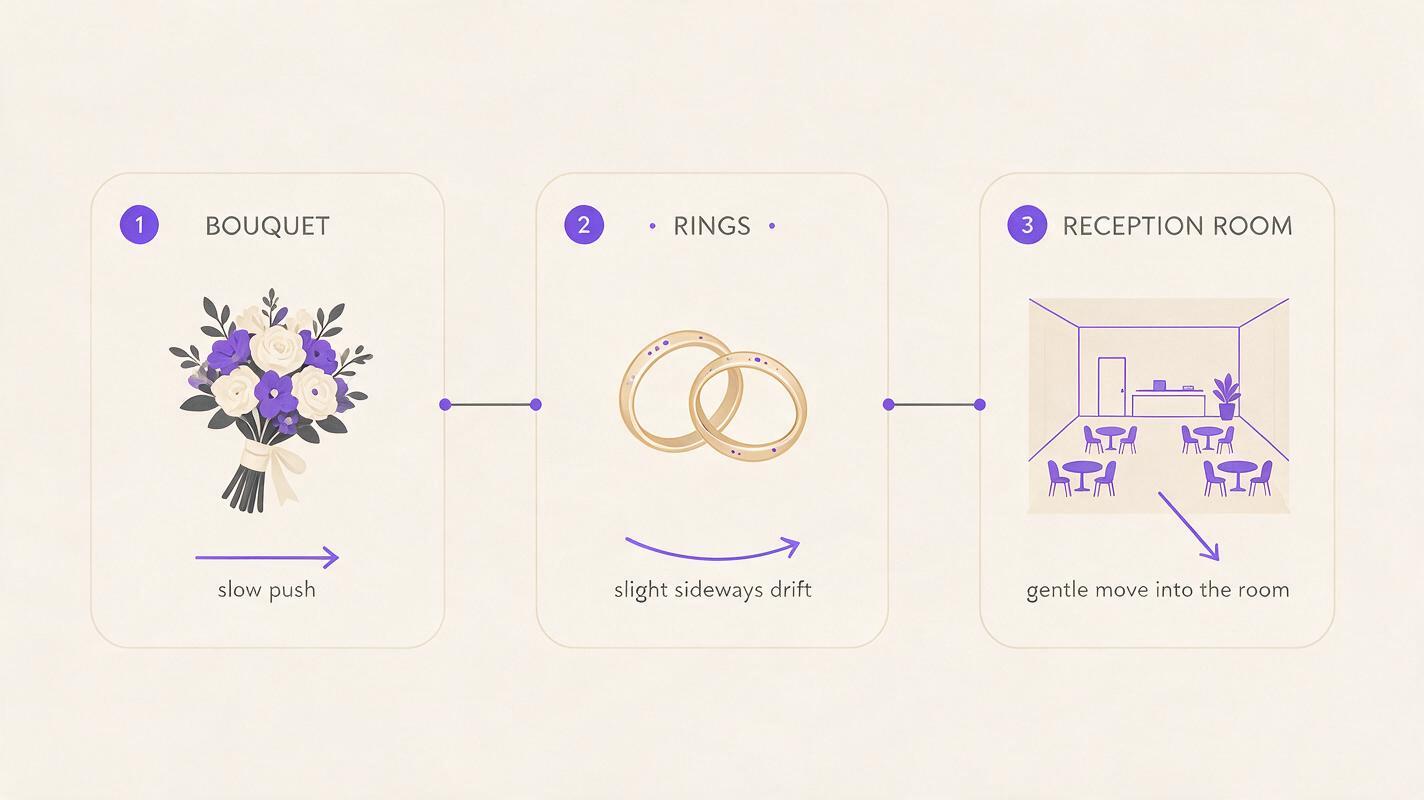
For a photo to video shot, describe what moves, what remains fixed, and what the camera does. Assigning one dominant movement per image makes the result easier to evaluate. A slow push toward a bouquet is easier to control than a push, orbit, rack focus, drifting petals, and changing light in the same request.
Upload the chosen photograph to Seedance’s image-based generation workflow, where available, and begin with a restrained prompt. Avoid asking for a specific lens or duration unless the interface gives you a way to set or test it; the visible result matters more than camera jargon.
Bouquet: gentle depth, stable arrangement
Use the uploaded wedding bouquet photograph as the visual source. Create a restrained editorial moving shot with a very slow camera push toward the bouquet. Allow only a faint movement in a few outer petals and leaves, as if from a light indoor breeze. Keep the flower varieties, colors, ribbon, bouquet shape, and background consistent with the source. Do not add flowers, hands, text, or dramatic wind.Rings: move the viewpoint, not the jewelry
Animate this photograph of wedding rings resting on a stationary surface. Add a subtle sideways camera drift that reveals gentle depth in the surrounding scene. Keep both rings fixed in place and preserve their number, shape, metal color, stones, and reflections. Do not rotate the rings, invent engravings, add jewelry, or change the surface.Reception room: atmosphere without a new event
Use this reception-room photograph as the source for a quiet establishing shot. Create a slow, steady camera move into the room. Preserve the table layout, flowers, place settings, architecture, and lighting direction. If candles are visible, allow only a slight natural flicker. Do not add guests, alter the decor, move furniture, or introduce new signage.Test this prompt yourself on the least sensitive image first, then compare the generated shot with the original at several points in the clip. If the subject changes shape, simplify the request before generating more versions.
Protect text and other irreplaceable details
Invitation cards look ideal for motion, but their lettering is a poor place to accept approximation. Dates, names, addresses, and handwritten messages should not be treated as decorative texture. The same applies to engravings, monograms, and distinctive heirlooms.
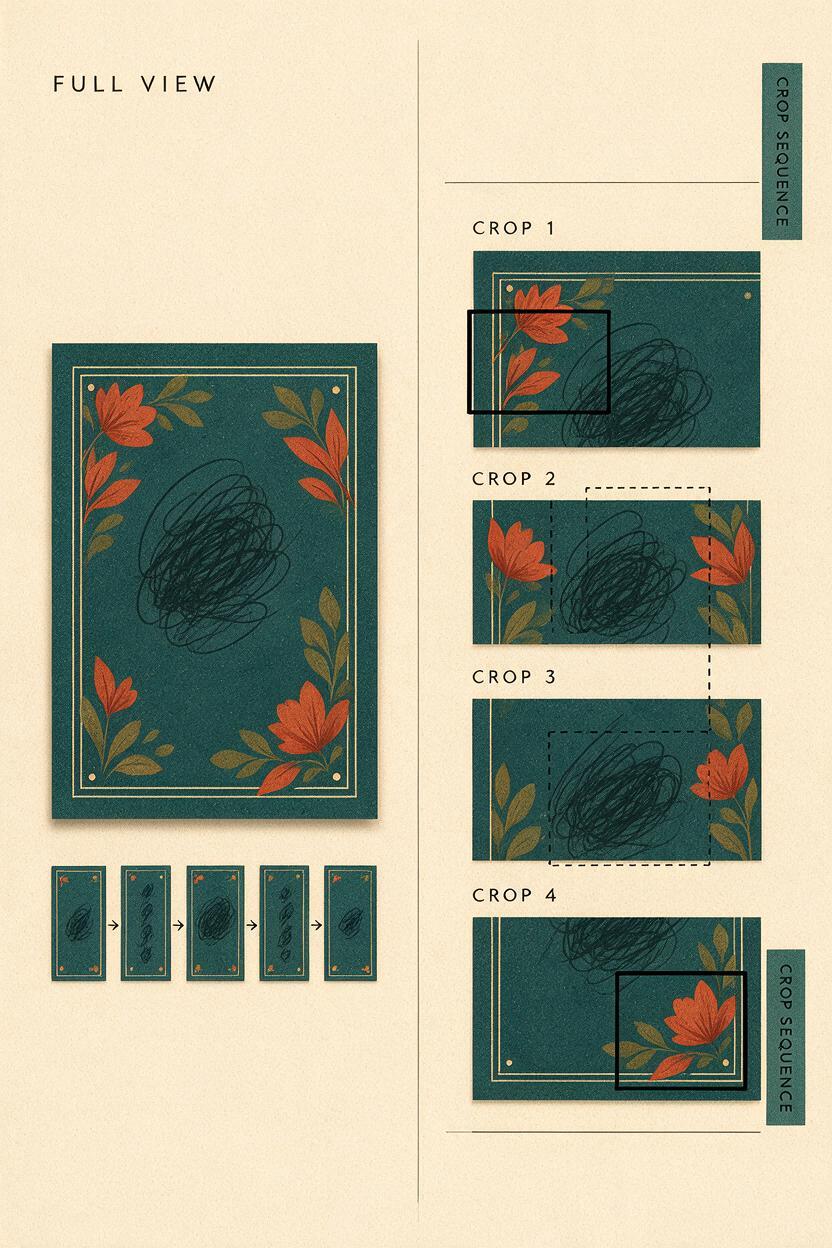
If a generated shot changes lettering, do not deliver it as an accurate animation of the stationery. Instead, use a conventional edit: place the original still on the timeline and add a slow digital pan or scale change. You can cut from that faithful still to a Seedance-generated bouquet or room shot. This mixed approach gives the reel movement without making its most important information unreliable.
Practical rule: If a detail matters because it belongs to this couple, check it against the original photograph rather than judging the clip only by how attractive it looks.
For a ring image, inspect the stone count and band shape. For florals, compare distinctive blooms and ribbon color. For a venue image, watch for shifting doors, invented windows, or table settings that appear and disappear. Review the beginning, middle, and end of every candidate clip; a convincing first frame does not guarantee a stable finish.
Build a sequence that feels like one wedding
Choose three dependable shots rather than keeping every successful generation. Arrange them so the viewer moves from close personal details toward the broader setting, or reverse that order if the venue is the opening hook. Trim away unstable opening and closing frames before judging the pacing.
| Place in the reel | Photograph | Movement to try | What to protect |
|---|---|---|---|
| Opening | Bouquet or room detail | Slow push | Arrangement and color |
| Middle | Rings or another personal object | Minimal sideways drift | Shape, count, and materials |
| Closing | Wider reception photograph | Gentle move into the scene | Layout and architecture |
Match the direction and apparent speed of adjacent shots so the transitions do not feel abrupt. A simple cut often works better than an elaborate transition. If music is appropriate for the delivery, choose it after the visual sequence is stable and confirm that you have the necessary rights to use it.
Do not add a synthetic first dance, extra guests, or moments that were never photographed and present them as part of the wedding record. A detail reel is strongest when it expands the experience of the supplied photographs without making new factual claims about the day.
What to do when the motion looks wrong
- The bouquet melts or changes species: request a camera move only and remove the instruction for moving petals.
- The rings wobble: specify that the rings and supporting surface remain stationary; if the problem persists, animate the original still in an editor instead.
- Background objects appear: shorten the usable portion of the clip or choose a photograph with a simpler background.
- The result feels too dramatic: remove words such as “cinematic orbit,” “sweeping,” and “floating.” Ask for one slow, steady movement.
- The image is nearly static: keep the subject fixed but describe a small, visible camera drift through the surrounding space.
Generation is not automatically the best treatment for every frame. If several attempts cannot preserve an important detail, a faithful pan across the original photograph is the better creative decision.
Final checklist
- The reel uses only photographs the client has approved for this treatment.
- Each generated shot has one restrained movement and a recognizable source image.
- Names, dates, engravings, faces, jewelry, and meaningful decor have been checked against the originals.
- Unstable frames have been trimmed or replaced with motion applied to the original still.
- The delivered reel is described as animated photography, not footage captured at the wedding.
Keywords
wedding detail reel, Seedance wedding prompts, animate wedding photos, wedding photo storytelling, bridal bouquet animation, wedding invitation animation