AI News Roundup: Turning Model Buzz Into a Creator Workflow
This AI news roundup examines the creator-side shift from isolated model launches toward connected production workflows. It explains where text to video, image to video, agents, and multi-model platforms fit—and how creators can evaluate them without chasing every headline.
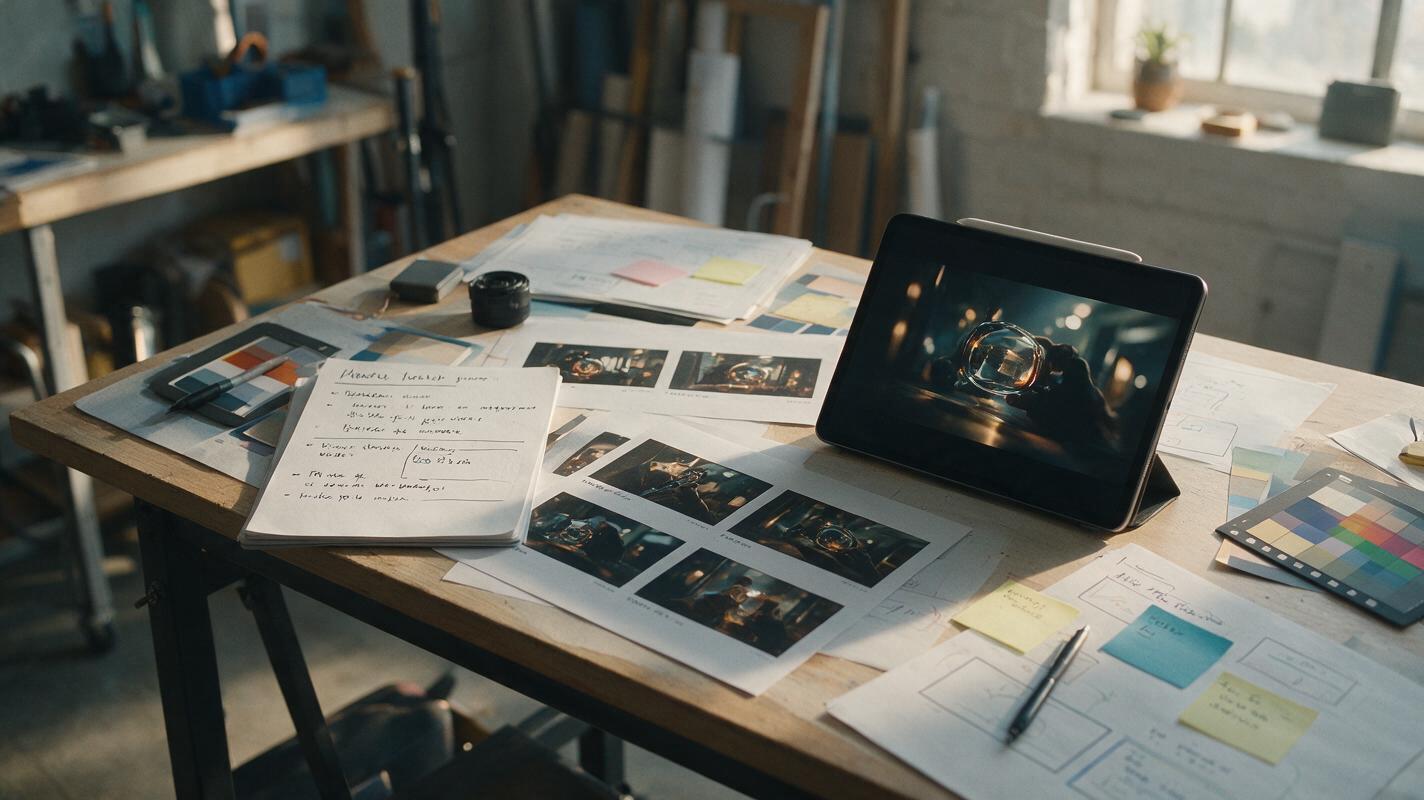
Table of contents
The Creator Signal Behind the AI Headlines
This AI news roundup cuts through model buzz to show creators what matters most: choosing the right generation path, preserving creative control, and turning promising outputs into a repeatable production workflow.
The most useful way to read AI news is no longer to ask which model generated the loudest launch. The better question is whether a new capability removes a real bottleneck between idea, asset, revision, and publication. For creators, that means evaluating AI tools as parts of a production system rather than treating each one as an isolated novelty.
The creator takeaway: A headline is valuable only when it helps you produce better work, test an idea faster, or reduce the cost of revision.
Model Releases Matter Less Than Model Fit
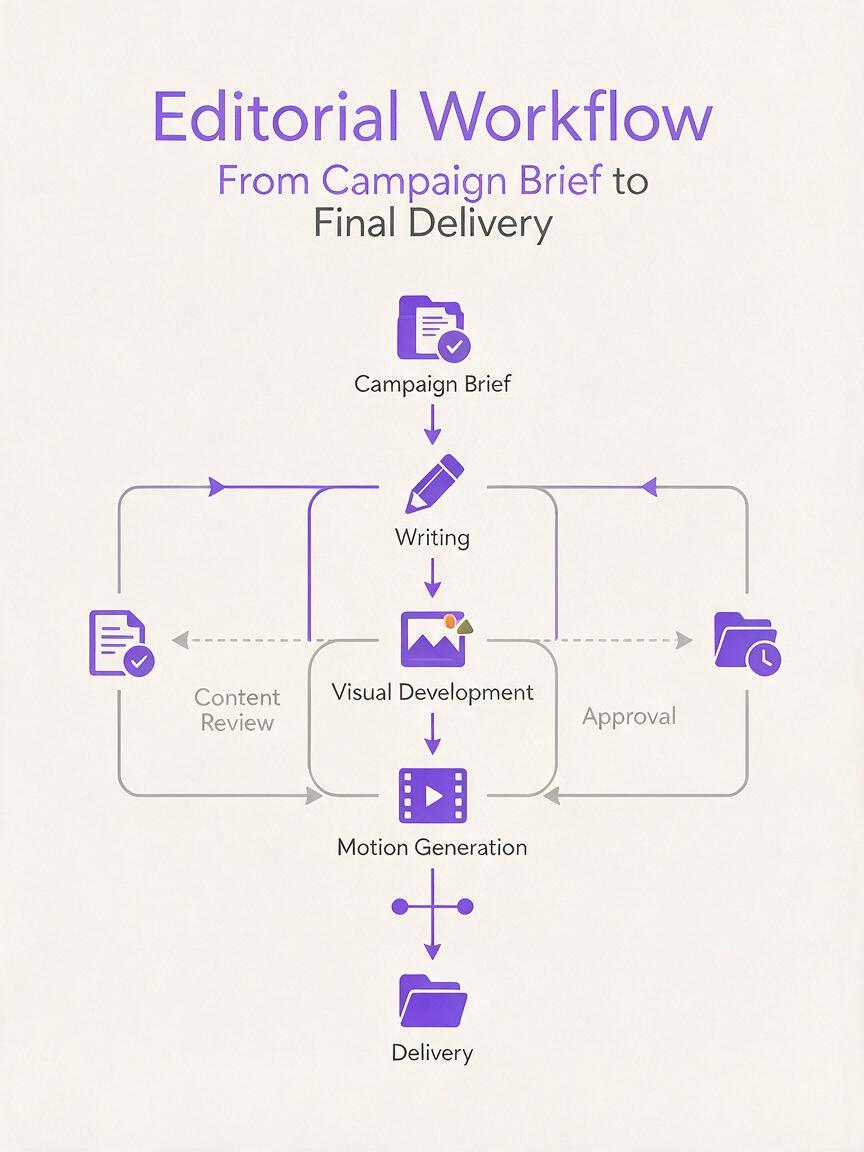
Model announcements naturally attract attention, but a newer model is not automatically the best choice for every creative task. Writing, visual development, motion generation, research, and structured planning place different demands on an AI system. Even within one project, creators may need several tools rather than one universal model.
A campaign video illustrates the distinction. The initial concept may require concise writing and audience analysis. Visual development may depend on reference images and style consistency. Motion generation then introduces questions about pacing, camera movement, subject continuity, and aspect ratio. Finally, the assets must be reviewed, revised, and packaged for the target platform.
This makes model fit a practical editorial decision. Creators should compare outputs using the same brief and judge them against criteria tied to the final deliverable:
- Instruction fidelity: Does the result follow the requested subject, tone, framing, and format?
- Consistency: Can the tool preserve recognizable visual or narrative elements across variations?
- Editability: Is it easy to revise one part without rebuilding the entire asset?
- Production relevance: Does the output move the project closer to something publishable?
The implication is straightforward: model selection should follow the job. A creator planning a short social clip may prioritize speed and motion impact, while a studio building a recurring character series may value continuity and controlled iteration more highly.
Video Creation Is Splitting Into Two Practical Paths
AI video production increasingly begins from one of two inputs: a written scene description or an existing still image. These approaches solve different creative problems, and understanding that difference is more useful than comparing them as if they were interchangeable.
Text to Video Is Best for Exploration
A text to video workflow starts with language: the subject, action, environment, camera behavior, mood, and visual treatment. It is especially useful when the creator has an idea but no finished visual anchor.
This path supports rapid concept exploration. A marketer can test several visual metaphors for the same message; a filmmaker can explore staging before committing to a shot; and a musician can translate lyrical themes into possible scenes. The trade-off is that a purely written prompt may leave more visual decisions open to interpretation.
Image to Video Is Best for Directed Motion
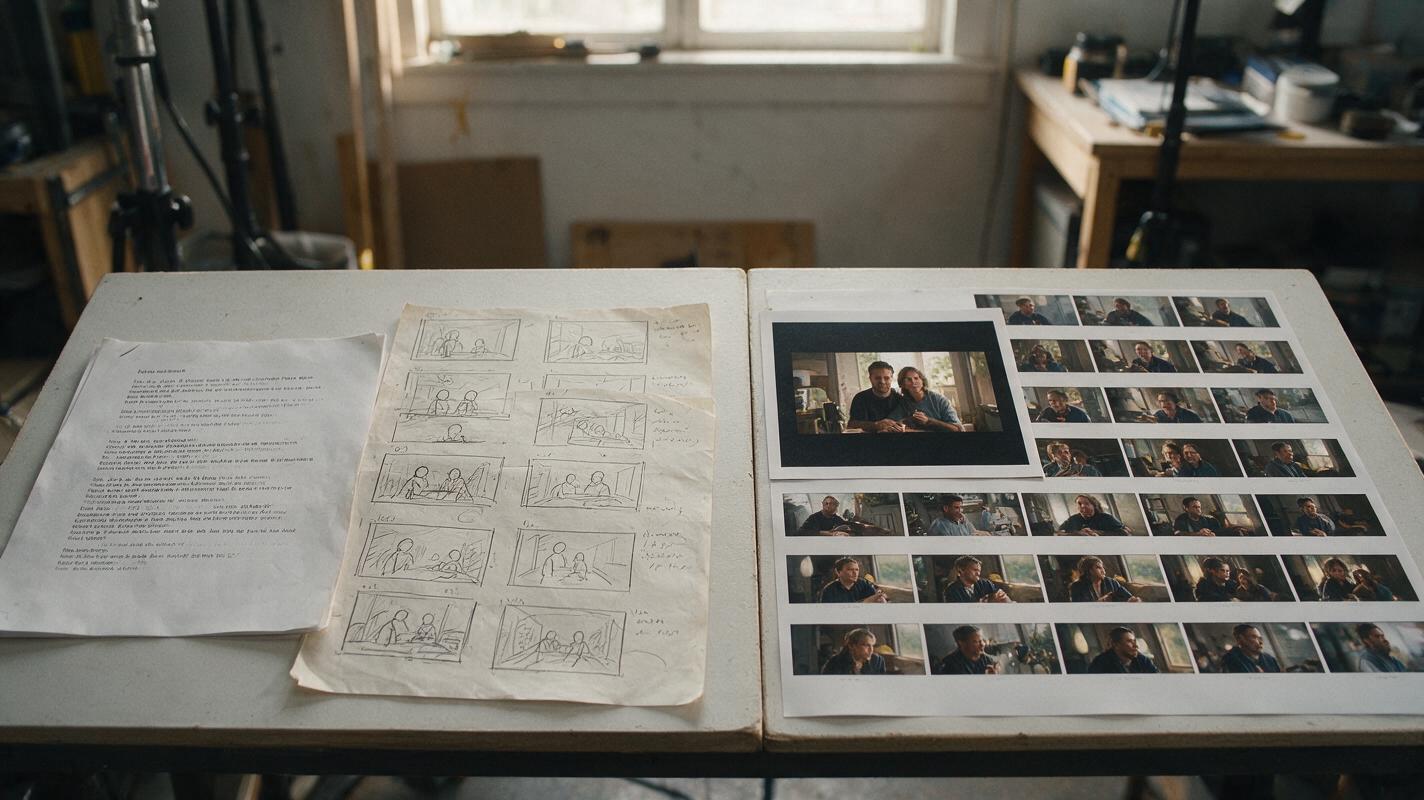
An image to video workflow begins with a visual reference and asks the model to animate it. The source image can establish composition, subject appearance, lighting, color, wardrobe, or product placement before motion is introduced.
This approach is often better when the look of the first frame matters. It can help creators animate approved campaign art, add movement to a concept frame, or compare several motion treatments while keeping the underlying composition relatively stable.
| Creative Need | Useful Starting Point | Main Evaluation Question |
|---|---|---|
| Explore an unvisualized idea | Text to video | Does the scene communicate the concept clearly? |
| Animate an approved composition | Image to video | Does motion preserve the important visual elements? |
| Test campaign directions | Both paths | Which route produces usable options with fewer revisions? |
| Build a sequence | Reference-led iteration | Can adjacent shots maintain a coherent visual language? |
The strongest creator workflow may use both. Text can generate broad scene options, selected frames can become visual references, and those references can guide more deliberate motion experiments.
Agents and Platforms Are Becoming the Workflow Layer
The next competitive layer in AI creation is not simply output generation. It is coordination: moving from a brief to prompts, drafts, comparisons, revisions, and final assets without losing context along the way.
Agent-style workflows are relevant because creative production contains many small decisions. A useful system can help break a campaign concept into deliverables, draft multiple prompt variants, summarize review notes, or adapt one idea for different channels. The creator still defines the goal and approves the work, but repetitive preparation can become faster.
Platforms also matter because model switching carries a hidden cost. When tools are scattered across unrelated services, creators repeatedly transfer prompts, references, aspect-ratio requirements, and feedback. A multi-model workspace can make comparison easier by keeping the creative objective central rather than forcing the project to follow the boundaries of one model.
A compact production brief can help maintain that continuity:
Project: 12-second product teaser
Audience: design-conscious mobile shoppers
Core message: small object, meaningful daily impact
Visual anchor: warm morning light, clean wooden surface
Motion: slow push-in, subtle environmental movement
Avoid: crowded backgrounds, exaggerated speed, visible text
Deliverables: vertical master plus one alternate opening shot
The creator implication is not that every task should be automated. It is that briefs, references, and evaluation criteria should travel together. That makes it easier to compare AI tools on the same creative problem and prevents novelty from replacing direction.

Content Trends Favor Systems, Not One-Off Generations
A striking AI-generated clip can win attention, but sustainable content production depends on repeatability. Brands, publishers, and independent creators need recognizable themes, consistent quality, and a manageable revision process. One excellent output that cannot be reproduced is less useful than a reliable method for producing a series.
This shifts attention from individual prompts to reusable creative systems. A simple system can include:
- A short brief defining audience, message, format, and emotional target.
- A reference set covering composition, palette, lighting, and subject details.
- A prompt template that separates fixed requirements from variables.
- A review rubric for motion, continuity, clarity, and brand suitability.
- An archive of successful inputs and rejected directions.
Creators can also separate ideation from finishing. During ideation, variety is valuable and rough edges may be acceptable. During finishing, the priority changes to continuity, controlled movement, clean framing, and compatibility with the intended channel. Using the same expectations in both phases can suppress experimentation or produce polished assets with weak concepts.
Editorial principle: Generate broadly when discovering the idea, then narrow the variables when building the deliverable.
A Practical Filter for the Next AI Headline
When another model, agent, or AI video generator enters the conversation, creators can evaluate the news with a short set of questions. What input does the tool accept? What part of production does it improve? What creative control remains available after the first generation? Can the output be revised predictably? Does it fit an existing workflow, or does it create another isolated task?
This filter keeps attention on durable value. Faster generation is helpful, but fewer unusable drafts may be even more important. Higher visual impact can be valuable, but stable art direction may matter more for a campaign. Automation can save time, but only when the system preserves the creator’s intent.
The larger pattern behind the AI roundup is therefore a move from model fascination to workflow design. The winning setup will vary by creator, but it will usually combine clear briefs, suitable models, controlled references, and deliberate review.
Bring the Workflow Together With MagicBoat
MagicBoat gives creators a single destination for exploring AI creation options without treating every headline as a separate production stack. Use it to compare approaches, develop visual directions, and move from an early concept toward video-ready assets.
Open MagicBoat and start building your next AI-powered creative workflow.
Sources Note
Public third-party source links were not available for citation in this edition.
Creator Checklist
- Define the deliverable before choosing a model.
- Use text to video for open-ended scene exploration.
- Use image to video when composition and appearance need stronger direction.
- Compare tools with the same brief and references.
- Judge outputs by editability and production relevance, not novelty alone.
- Save effective prompts, references, and review criteria for reuse.
Keywords
ai news, ai tools, ai video generator, text to video, image to video, ai roundup, creator workflow