Apple Launches $299 HomeView Smart-Home Hub With Siri AI
Apple launched HomeView on October 14 as a $299 smart-home hub featuring a 7-inch square display and Siri AI. The device and accompanying Apple Home Collection accessories signal a more coordinated smart-home ecosystem—and a new screen that visual storytellers may need to consider.
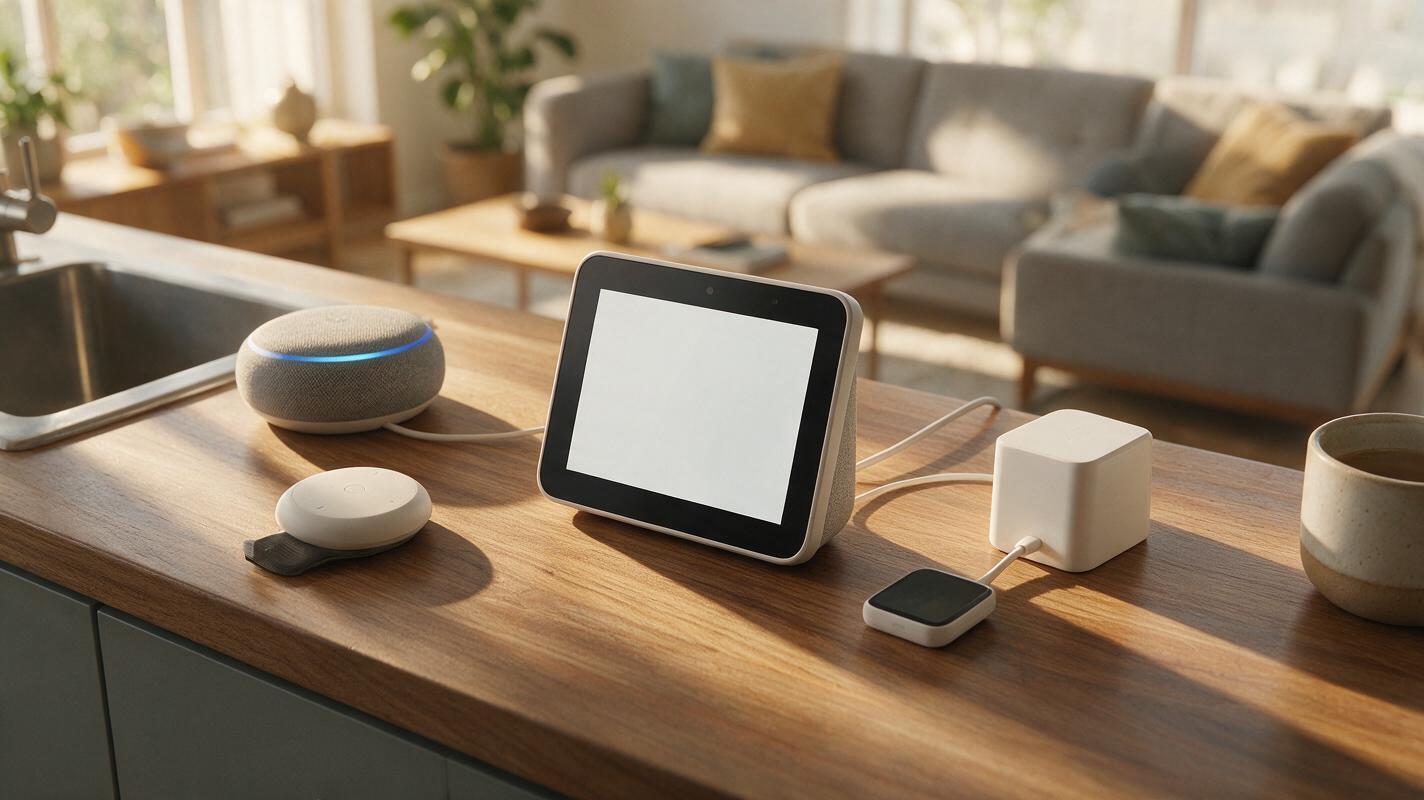
Table of contents
Apple HomeView Brings Siri AI to a $299 Smart-Home Display
Apple launched HomeView on October 14, introducing a $299 smart-home hub built around a 7-inch square display and Siri AI. The launch also included Apple Home Collection accessories, presenting the hub as part of a broader connected-home lineup rather than as an isolated screen.
The combination of dedicated hardware, an AI assistant and coordinated accessories makes HomeView a notable addition to Apple’s ecosystem. Its square display gives Siri AI a visible place in the home, while the $299 price establishes a clear entry point for the new hub.
The confirmed details are focused: HomeView costs $299, uses a 7-inch square screen, includes Siri AI and arrives alongside Apple Home Collection accessories. Those facts are enough to show Apple treating the smart home as a coordinated product category built around a central display.
For content teams, the launch matters because an additional screen format can influence how visual explanations, short videos and branded stories are framed. It also reinforces the growing role of the AI assistant as an interface through which audiences may encounter information and media.
Why the 7-Inch Square Display Is the Defining Detail
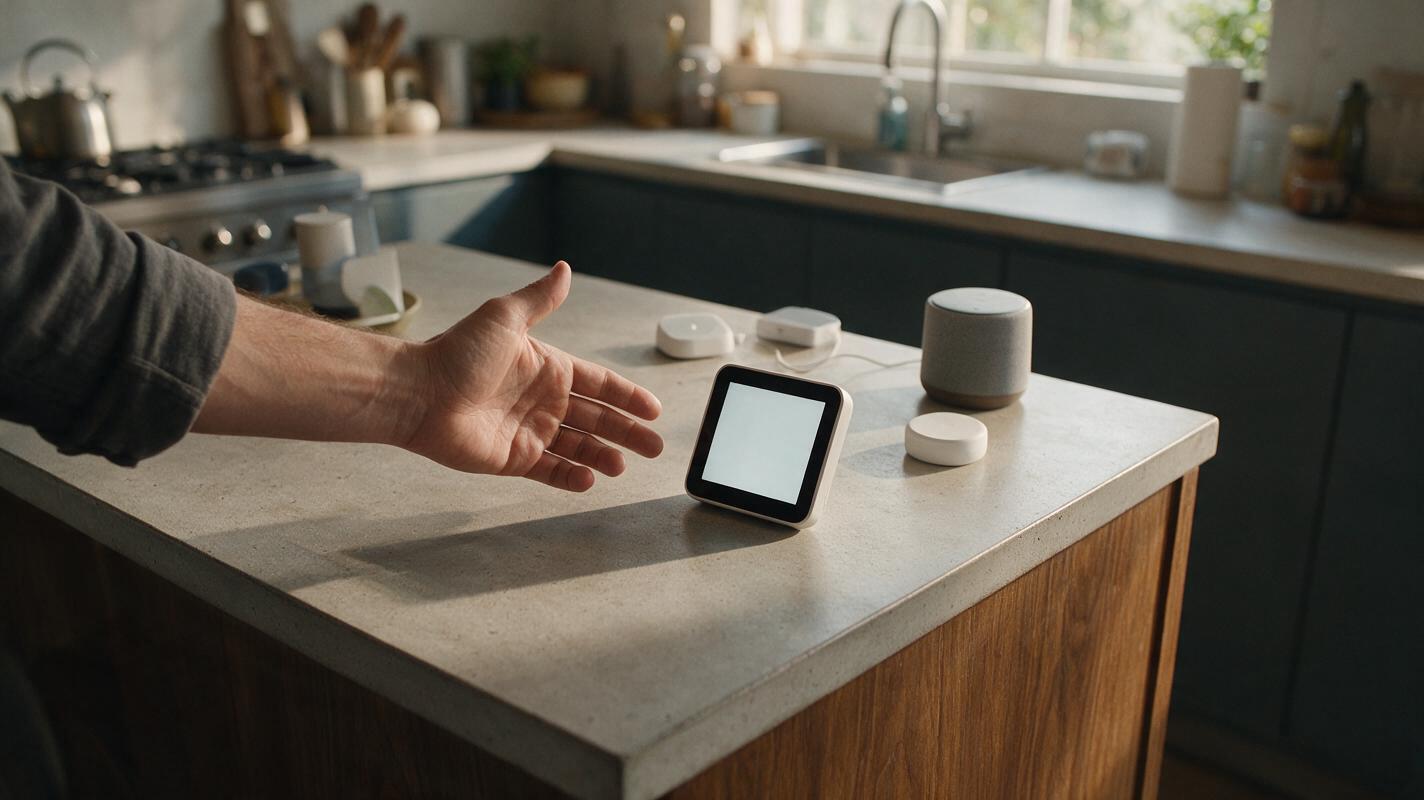
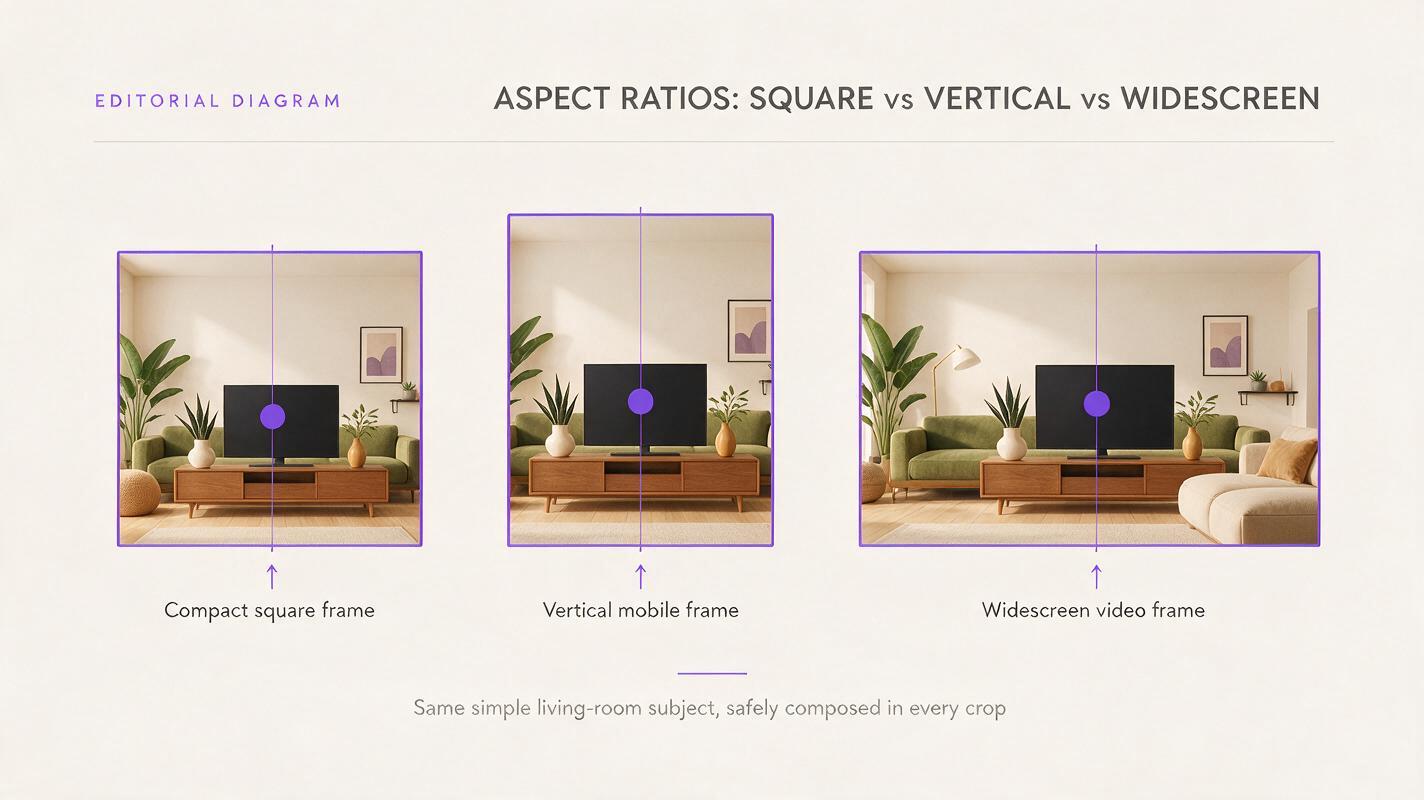
HomeView’s 7-inch square display is one of the launch’s most important characteristics. A square canvas differs from the widescreen proportions commonly associated with television and desktop video, as well as the tall format used by many mobile platforms.
That difference does not automatically dictate a new publishing standard, but it gives designers and editors a reason to preserve flexibility. A composition designed only for a wide frame may lose important information when adapted to a more compact square area. Text near an edge, a subject positioned too far to one side or a wide establishing shot can become less effective after reframing.
Reusable visual assets are therefore more valuable than single-format exports. Keeping subjects visually distinct from their backgrounds, limiting unnecessary text inside imagery and maintaining editable source material can make later adaptation easier. An ai video generator can support that kind of experimentation by helping teams explore alternative visual treatments without rebuilding every concept from the beginning.
HomeView’s square screen is not merely a hardware specification. It is a reminder that content increasingly moves across displays with very different proportions and viewing contexts.
Siri AI Moves the Smart Home Toward an Assistant-Led Interface
The inclusion of Siri AI places the assistant at the center of the HomeView experience described in the launch. That positioning reflects a broader shift from navigating separate menus toward interacting with an AI assistant as the primary layer between a person and connected technology.
For publishers and marketers, assistant-led interfaces raise practical editorial questions. Information needs to remain understandable when condensed, visually summarized or presented outside its original layout. Clear headlines, direct descriptions and consistent terminology become more useful when the same idea must work across several surfaces.
This is also where AI automation should be approached with discipline. An AI workflow can help generate variations, but the underlying claims should remain stable. A short HomeView explainer, for example, should consistently preserve the confirmed $299 price, 7-inch square display, Siri AI integration and Apple Home Collection connection. It should not add unconfirmed functions simply to make the story sound more dramatic.
That distinction matters in fast-moving technology coverage. AI can accelerate drafting and adaptation, but human review remains essential for checking names, numbers and product descriptions against the source material.
Apple Home Collection Turns the Launch Into an Ecosystem Story
HomeView debuted alongside Apple Home Collection accessories, expanding the announcement beyond the central hub. This ecosystem framing is significant because it connects the display to a wider family of home products under one collection.
From a storytelling perspective, an ecosystem announcement benefits from a clear hierarchy. HomeView is the central subject, while the accessories provide context around Apple’s broader smart-home direction. Treating every announced element as equally important can make a concise news package feel unfocused.
| Confirmed launch element | Editorial significance |
|---|---|
| HomeView | The central smart-home hub in the announcement |
| $299 price | A concrete fact that should remain consistent across formats |
| 7-inch square display | A distinctive screen format for visual adaptation |
| Siri AI | The AI assistant layer highlighted with the hub |
| Apple Home Collection accessories | The ecosystem context surrounding HomeView |
A strong content package can preserve this hierarchy across a written article, a social graphic and a short video. The product name and confirmed specifications form the factual core; wider commentary should be clearly presented as interpretation rather than as additional product capability.
What HomeView Means for AI Content Production
The HomeView launch arrives as content teams already manage multiple formats, channels and viewing environments. A new smart-home display adds another reason to build modular assets that can be rearranged without changing the facts or visual identity of a story.
A practical AI video workflow might begin with one verified summary and branch into several creative treatments: a square product-news card, a short narrated overview, a visual comparison of screen proportions or a sequence focused on the connected-home setting. The goal is not to claim that HomeView supports a particular publishing format; it is to prepare content that remains legible and coherent across varied displays.
Script planning is equally important. Using an ai script generator can help turn the same factual brief into versions with different lengths and tones. Every version should retain the same verified details and avoid speculation about features not included in the announcement.
Useful editorial guardrails include:
- Keep the factual brief visible: Preserve the product name, price, screen size, display shape, AI assistant and accessory collection.
- Separate news from analysis: Label observations about ecosystem strategy or content formats as interpretation.
- Design for reframing: Keep focal subjects away from vulnerable edges and retain editable assets.
- Review every generated variation: Confirm that AI automation has not changed a number, name or product description.
MagicBoat Supports a Flexible Multi-Format Workflow
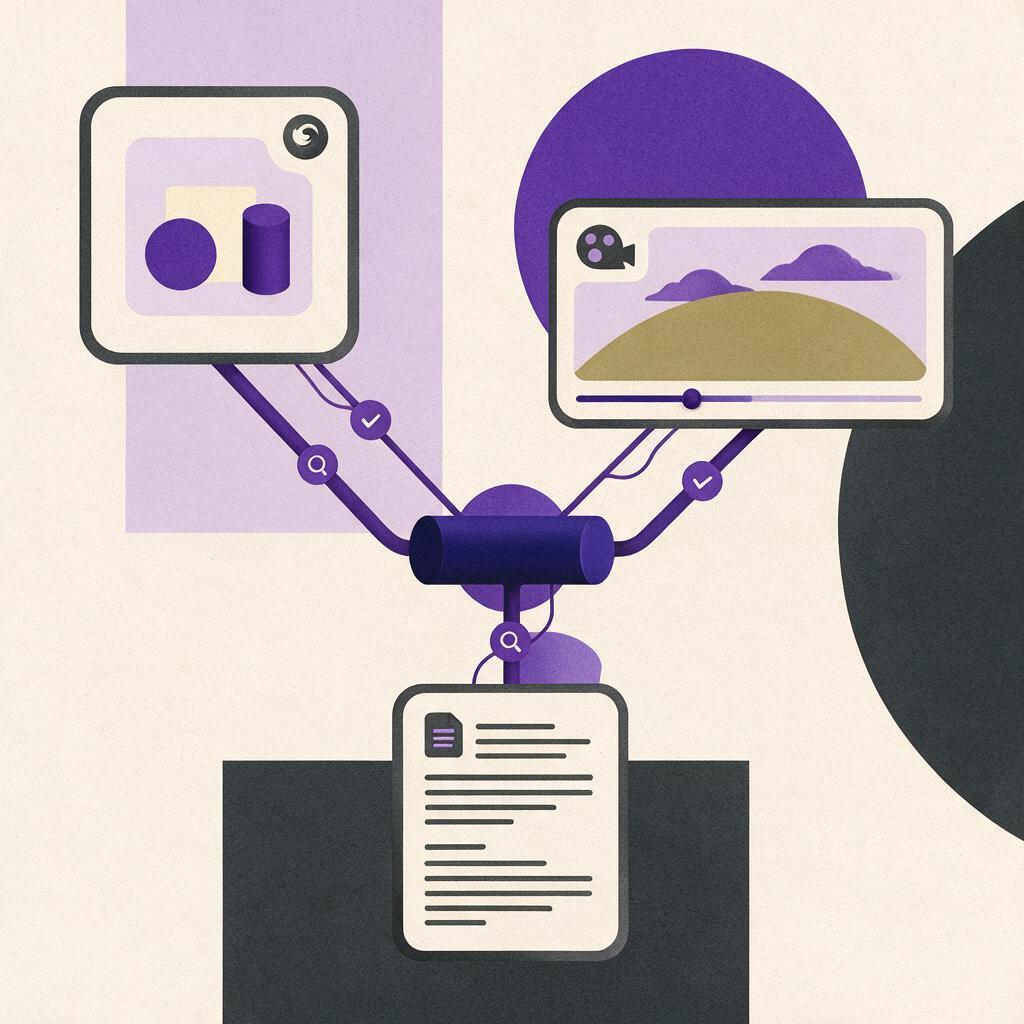
Hardware ecosystems can change quickly, but production teams do not need to rebuild their entire process around each new display. A flexible creation environment helps writers, designers and video teams move from one verified brief to multiple outputs while keeping the central story consistent.
MagicBoat brings AI creation tools into one account, making it easier to explore scripts, imagery and video treatments without tying an entire campaign to a single AI model. That flexibility is useful when a story such as Apple HomeView needs to become an article, a square visual, a narrated clip and a broader ecosystem explainer.
The strongest use of AI here is controlled variation rather than unsupported invention. Teams can test different structures and visual directions while maintaining a fixed set of approved facts. This approach combines the speed of an ai workflow with the editorial reliability required for technology news.
To build adaptable content around the latest AI and device news, try these models for free on MagicBoat.
Final Checklist
- Identify HomeView as Apple’s $299 smart-home hub.
- State that the device has a 7-inch square display.
- Include Siri AI without adding unconfirmed assistant functions.
- Connect the hub to the Apple Home Collection accessories announced with it.
- Prepare visual assets that can be reframed for different screen proportions.
- Review AI-generated scripts and visuals for factual consistency.
Keywords
apple homeview, siri ai, smart-home hub, apple home collection, ai assistant, ai workflow, ai video workflow