Apple macOS 27.3 Adds AI Agent Security Controls After Muse & ChatGPT Flaws
On November 16, 2026, Apple detailed new security controls in macOS 27.3 designed to limit AI agents' excessive disk access requests, including split permission settings, per-access prompts, and a cross-app control transparency indicator. The update follows high-profile privacy incidents involving Meta's Muse app and a reported ChatGPT Mac app flaw. The changes have important implications for creators using desktop AI tools for content production workflows.
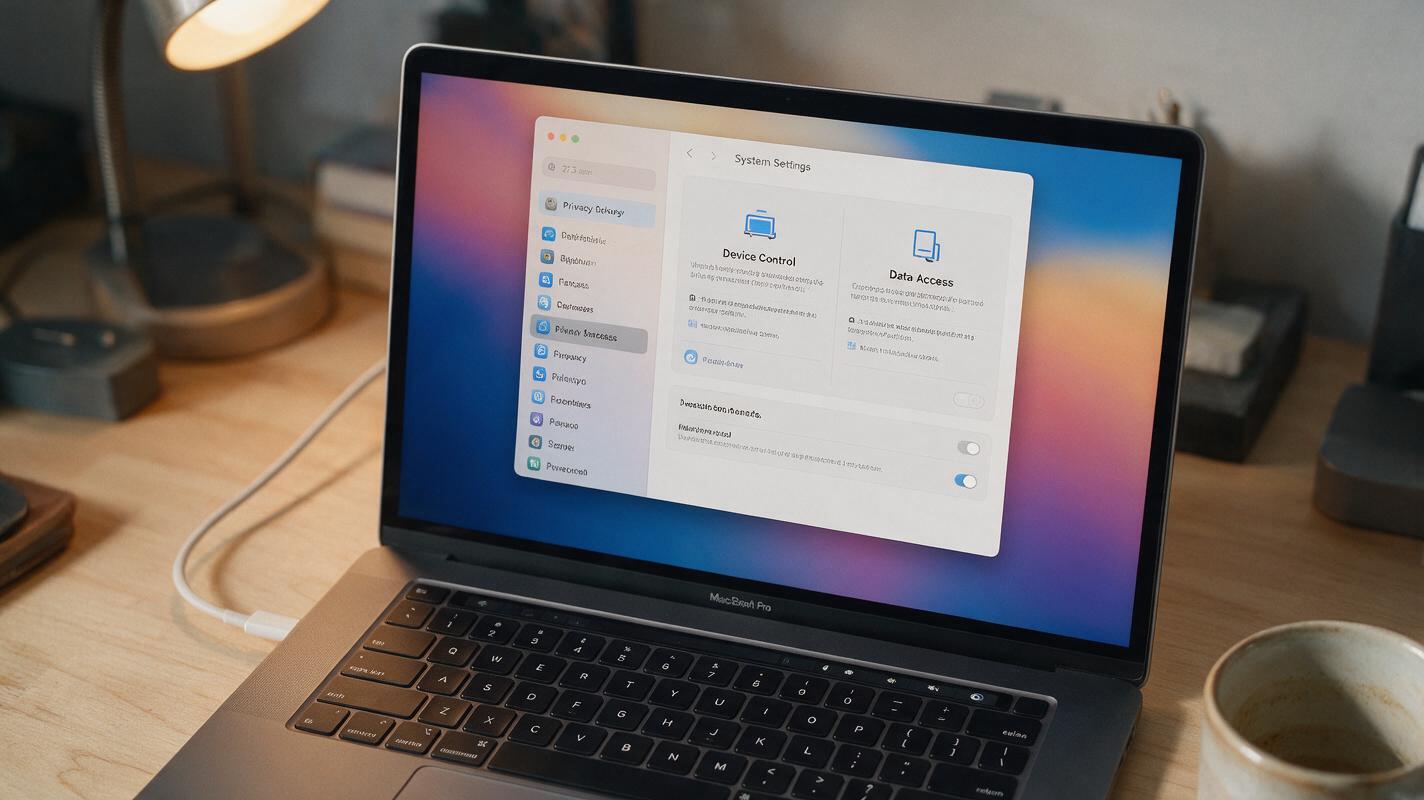
Table of contents
Apple’s macOS 27.3 Tightens the Reins on AI Agent Permissions
On November 16, 2026, Apple detailed a new set of security controls coming to macOS 27.3, specifically designed to address the growing risk of AI agents demanding excessive full disk access to Mac systems. The update represents one of the first major operating system overhauls targeted directly at agentic app permissions, as desktop AI tools become more common for both personal and professional use.
The changes come amid rising concerns about the scope of access many AI agents request when installed on local machines, with high-profile incidents raising red flags about user privacy and data security. Apple’s approach focuses on granularity and transparency, giving users more visibility and control over what AI apps can do on their devices.
Why Apple Is Acting Now
The macOS 27.3 security update follows two widely reported incidents that exposed the risks of over-permissioned desktop AI tools. First, reports emerged that Meta’s Muse personal assistant app had read a journalist’s private messages without clear user consent, highlighting how broadly scoped disk access can expose sensitive personal data. Second, a Wired report detailed a security flaw in the ChatGPT Mac app that raised questions about the integrity of AI agent access controls on macOS.
Together, these incidents underscored a gap in macOS’s existing permission model, which was largely built for traditional apps rather than autonomous AI agents that can act on a user’s behalf across multiple apps and files. Apple’s update aims to close that gap by reworking how permissions are granted and monitored for agentic tools.
What the New Controls Actually Do
macOS 27.3 introduces four key changes focused on AI agent security:
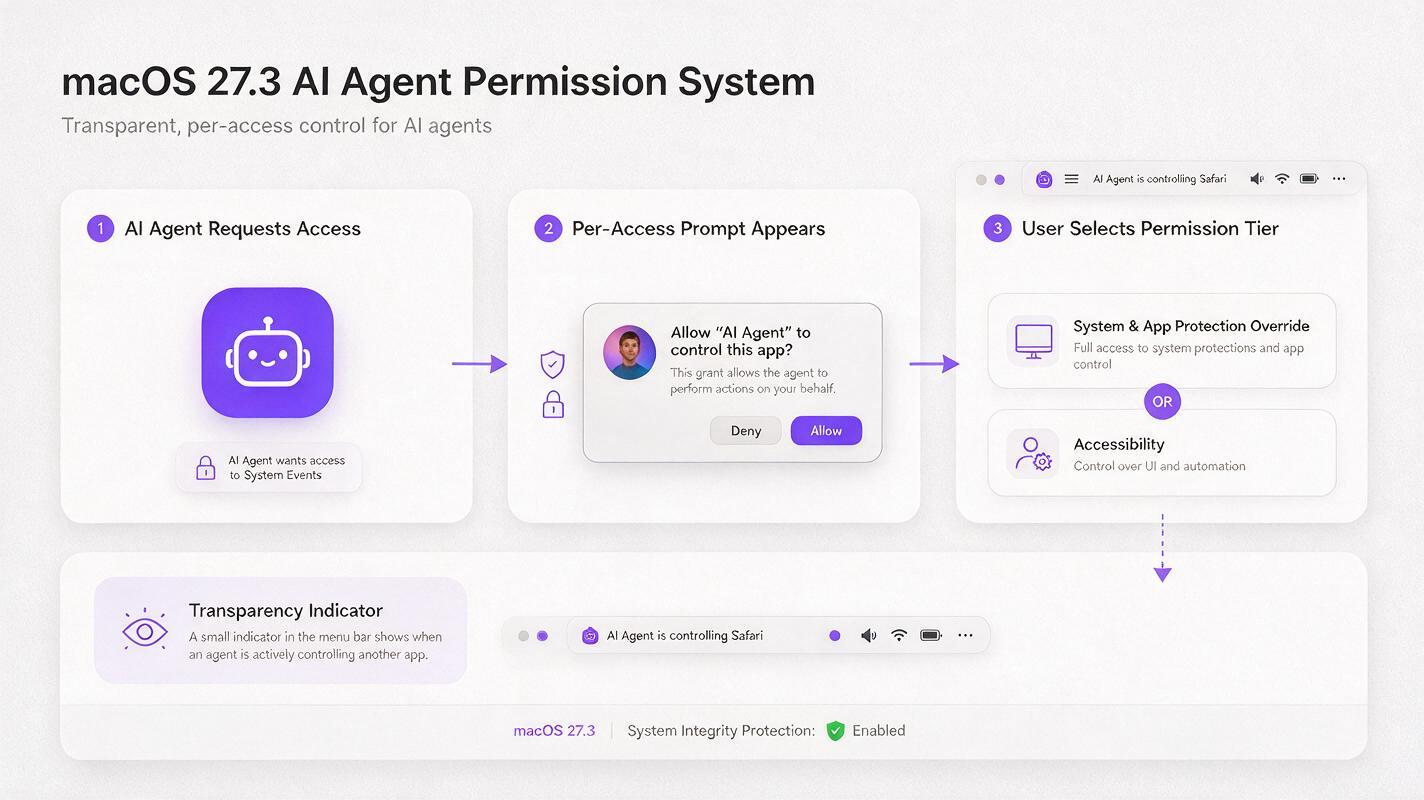
- Split permission settings: The unified Device Control and Data Access setting is split into two separate categories — System & App Protection Override and Accessibility — so users can grant agents only the level of access they need, rather than a single all-or-nothing permission.
- Per-access permission prompts: Instead of granting permanent full access during installation, AI agents will prompt users for permission each time they need to access protected data or control other apps, letting users approve or deny requests on a case-by-case basis.
- Cross-app control transparency indicator: A new on-screen indicator will appear whenever one app (including an AI agent) takes control of another app, making users aware when an agent is actively interacting with other software on their Mac.
- Developer guidance: Apple is releasing updated guidelines for developers building agentic apps, encouraging them to request minimal permissions and design tools that respect user privacy by default.
The changes are designed to be unobtrusive for regular users while adding meaningful guardrails for AI tools that often request far more access than they actually need to function.
What This Means for Creators Using Desktop AI Tools
For content creators who rely on desktop AI agents to streamline their ai workflow, the macOS update is both a welcome protection and a reminder to audit the permissions of every AI tool they use. Many creators grant full disk access to AI apps without a second thought, assuming it’s required for features like file import or asset editing — but broad access can expose sensitive project files, client contracts, personal messages, and financial data to potential misuse or security flaws.
The new per-access prompts will make it easier for creators to understand exactly what an AI agent is doing on their machine, and to deny access to files or apps that aren’t relevant to the task at hand. This is especially important for creators who work with confidential client materials or unreleased content, where a data leak could have professional or financial consequences.
Building Safer, More Resilient Creative AI Workflows
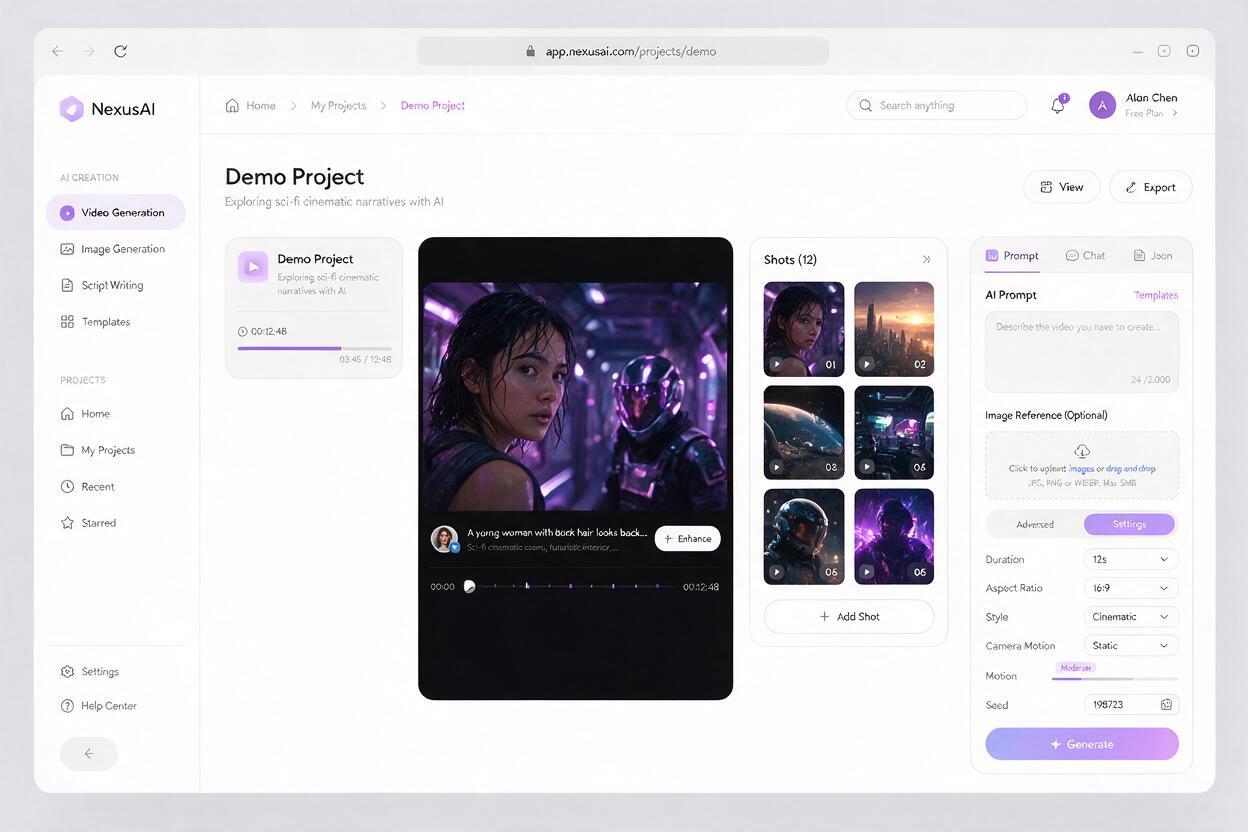
While macOS 27.3’s new controls reduce risk for desktop AI tools, the most effective way to minimize permission-related privacy risks is to use cloud-based AI platforms that don’t require local installation or full disk access. For creators working across video, image, and story content, MagicBoat offers a full suite of creative tools accessible directly through a browser, with no need to grant system-level access to your local files.
You can use ai video generator tools to turn scripts into polished short films, or an ai image generator to create concept art and social media assets, all within a single unified platform. MagicBoat’s multi-model setup lets you switch between different AI tools without installing dozens of separate apps or managing overlapping permission sets, keeping your local data fully under your control.
For creators who prioritize both productivity and privacy, cloud-based workflows eliminate the tradeoff between powerful AI capabilities and local data security. You can try these models for free to build a permission-light creative workflow that fits your needs.
Key Takeaways
- macOS 27.3 splits Device Control and Data Access into two separate settings, adds per-access permission prompts, and includes a transparency indicator for cross-app AI agent control.
- The update follows reported privacy incidents involving Meta’s Muse app and a flaw in the ChatGPT Mac app, which exposed the risks of over-permissioned desktop AI tools.
- Creators should audit the permissions of all desktop AI apps to ensure they only have access to the files and features they actually need.
- Cloud-based AI creative platforms like MagicBoat eliminate the need for full disk access, reducing privacy risk while maintaining full creative capability.
Keywords
ai agent, ai workflow, macos 27.3, ai security, ai assistant, ai automation, ai video generator