Ben Affleck’s ‘Animals’ Debuts on Netflix: 44% RT, AI Used in Parts
Ben Affleck’s thriller *Animals* has debuted on Netflix to poor critical reception, holding a 44% Rotten Tomatoes score, with confirmed AI use in select production segments. The film’s mixed-to-negative response highlights important lessons for AI content creators about thoughtful, audience-aligned AI integration in short drama and film. This article breaks down key takeaways for using tools like text to video and AI film generators without compromising storytelling quality.
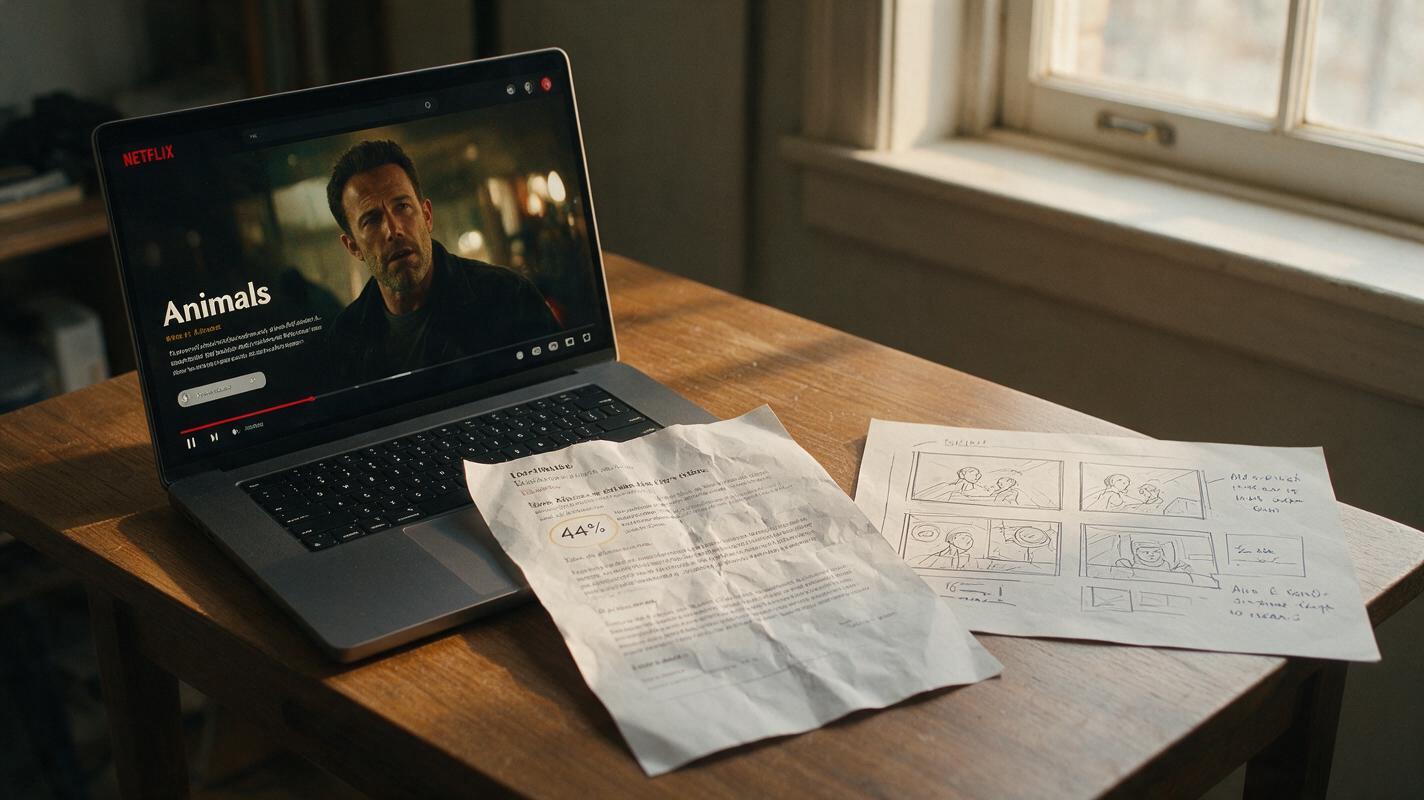
Table of contents
What Animals’ Netflix Debut Tells Us About AI in Film
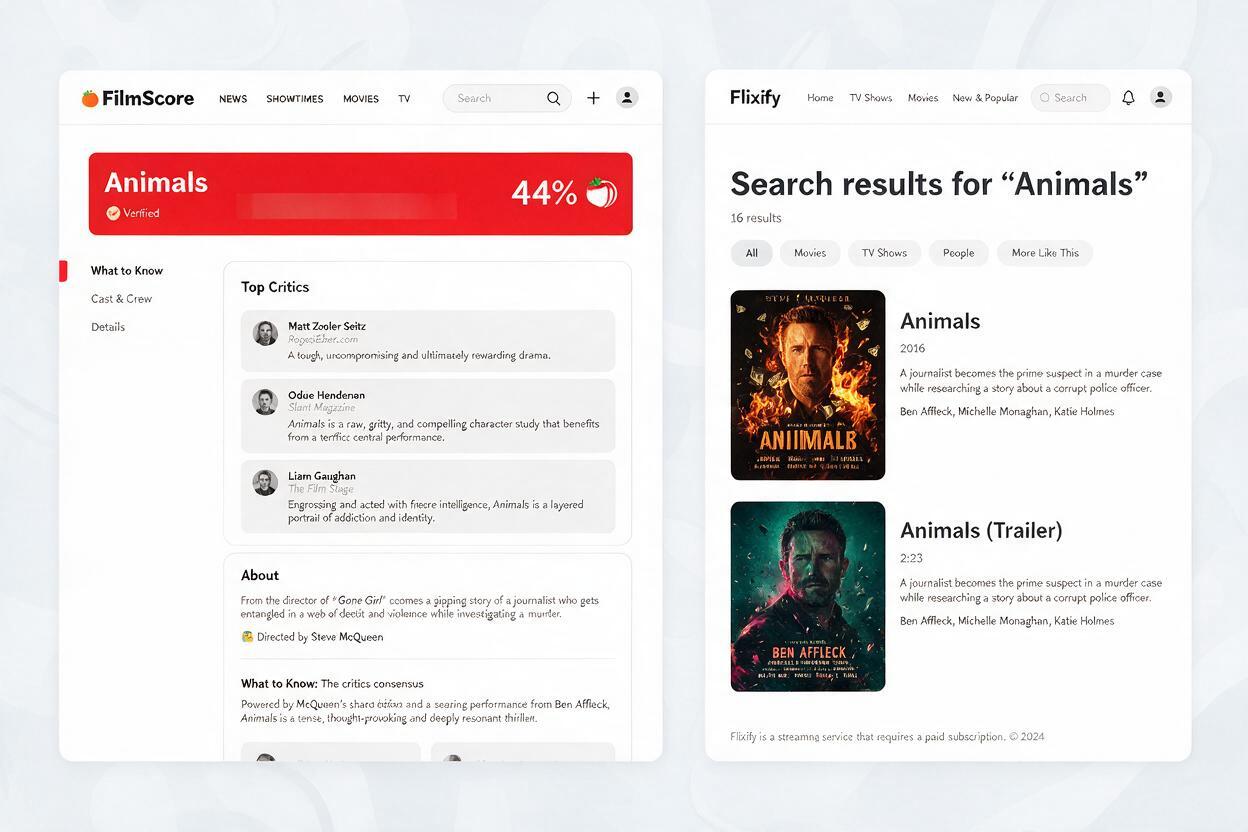
Ben Affleck’s thriller Animals has officially debuted on Netflix, and critical reception has been underwhelming: the film currently holds a 44% score on Rotten Tomatoes, with many critics citing uneven pacing and flat character work as key issues. Notably, the production confirmed use of AI in select parts of the film, per reporting from TheWrap.
While AI isn’t the sole reason for the film’s mixed-to-negative reviews, its inclusion comes at a time when audiences and creators alike are debating how AI should be used in narrative storytelling. For independent AI content creators, this release is a valuable case study in what works — and what doesn’t — when integrating AI tools into film and short drama production.
Step 1 — Break down Animals’ reception and AI use context
As a star-driven thriller led by Ben Affleck, Animals arrived on Netflix with built-in audience interest. But its 44% Rotten Tomatoes score places it firmly in the “mixed or average reviews” category, with many critics noting that the film fails to deliver on its promising premise.
Details about the exact scope of AI use in Animals remain limited, with confirmation only that AI was used in unspecified parts of production. Even so, the film’s poor performance highlights a broader trend: audiences and critics are quick to notice when AI feels like a cost-cutting shortcut rather than a purposeful creative choice.
AI in film isn’t inherently good or bad — it’s how you use it that determines whether it elevates or undermines the story.
Step 2 — Why AI integration can hurt or help audience reception
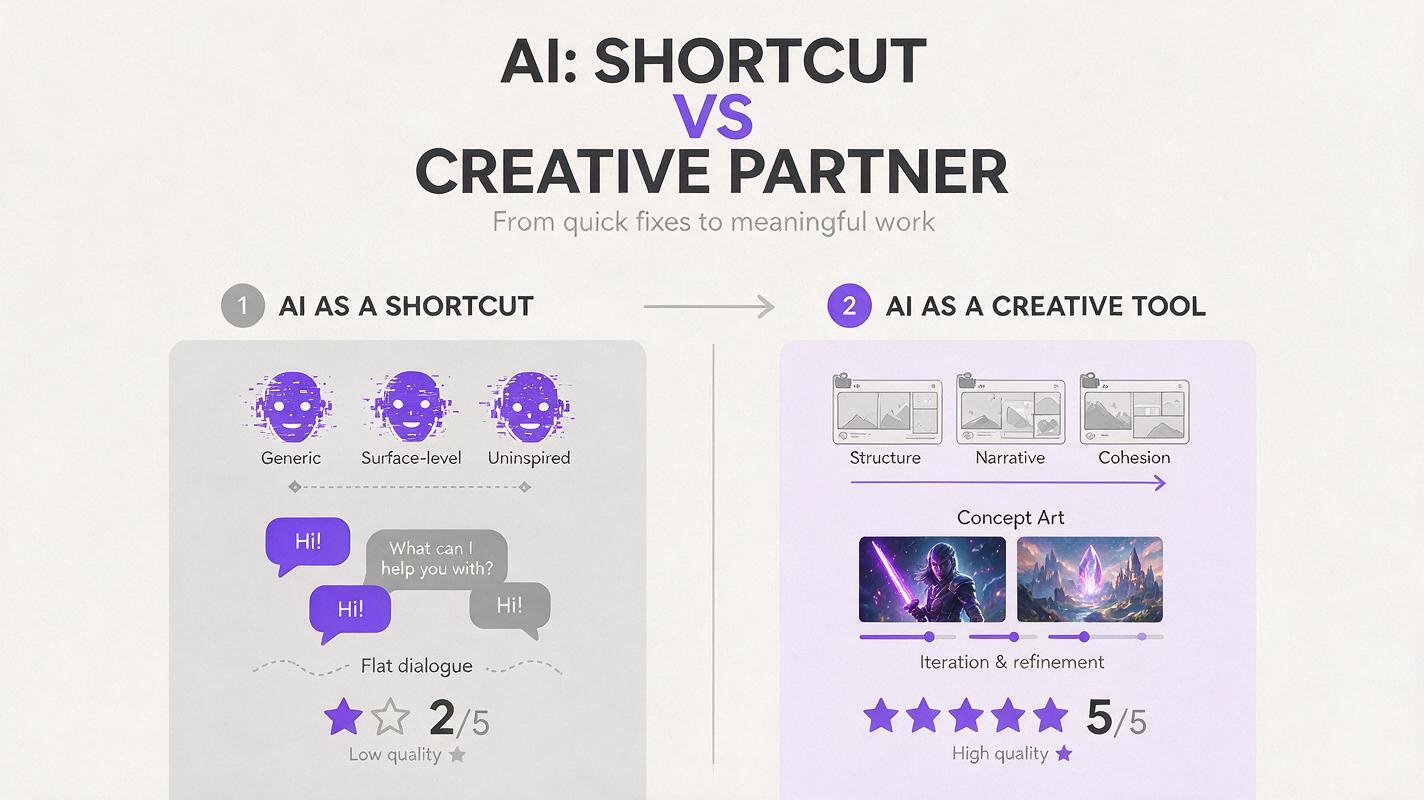
Audience skepticism of AI in narrative content has grown steadily over the past year, as more films and shows use AI for everything from background visuals to dialogue. The problem isn’t the technology itself — it’s when AI is used to replace core creative work, resulting in content that feels soulless or unpolished.
Common AI pitfalls that hurt reception include:
- Obvious AI-generated visuals that break immersion (e.g., distorted faces, inconsistent backgrounds)
- AI-written dialogue that lacks natural rhythm or emotional depth
- Using AI to cut corners on story development, resulting in weak plots or flat characters
On the flip side, AI can be a powerful asset when used for support tasks that free up creators to focus on storytelling. These include:
- Concept art and previsualization to test scenes before production
- Background element generation to speed up post-production
- Rough cut editing and shot list generation to streamline planning
For creators using text to video tools, the line between helpful shortcut and harmful shortcut is clear: if the AI work distracts from the story, it’s being used wrong. If it supports the story without drawing attention to itself, it’s a win.
Step 3 — Actionable rules for AI short drama creators
The lessons from Animals’ reception apply directly to independent creators building ai short drama and micro-budget AI films. Follow these rules to avoid common AI-related pitfalls:
Rule 1: Use AI for invisible, support-first tasks
Start with AI for work that audiences won’t see directly: previsualization, concept art, shot listing, and first-draft script outlines. Save human creative effort for core story elements: dialogue, character development, and key performance beats.
Rule 2: Test AI elements with a small, honest audience
Before finalizing any AI-generated visuals or dialogue, show your work to a small test group and ask one simple question: “Did anything pull you out of the story?” If multiple people point to AI-generated elements, rework them.
Rule 3: Prioritize story over speed or cost savings
It’s easy to get excited about how fast AI can generate footage or scripts, but speed means nothing if the final product doesn’t connect with viewers. Always ask: “Does this AI choice make the story better?” If the answer is no, don’t use it.
Rule 4: Be transparent when it matters
You don’t have to list every AI tool you used in your credits, but if AI plays a major role in your project (e.g., AI-generated lead characters, fully AI-written scripts), being upfront with your audience builds trust and sets appropriate expectations.
Ready to put these rules into practice? You can try these models for free to prototype your next short drama or film concept without breaking the bank.
Final checklist
- Use AI for support tasks (previs, concept art) before using it for core story elements
- Test all AI-generated content with a small audience to catch immersion-breaking issues
- Always prioritize story quality over AI speed or cost savings
- Be transparent about major AI use to build audience trust
- Lean into tools like text to video for rapid prototyping, not final output, until you’re confident in the quality
Keywords
ben affleck animals, netflix animals 44 rt, ai in film production, ai content creation, text to video, ai short drama, ai film best practices