Claude Opus Latest Update: What It Means for AI Video Creators
The latest Claude Opus update brings enhanced long-form context handling, multimodal support, and creative direction controls that streamline pre-production for AI video creators. This article compares Claude Opus to competing models like GPT-6 and Gemini 4 for video workflows, shares practical use cases for the model, and explains how to pair it with text to video tools for end-to-end content production. Creators can use this workflow to cut down on repetitive planning work and get better results from AI video generation.

Table of contents
Claude Opus’s Latest Update: A Win for AI Video Creators
Anthropic has rolled out its latest Claude Opus update, bringing enhanced long-form context handling, improved multimodal input support, and more precise creative direction controls for content creators. For AI video creators, this means faster script development, more accurate shot planning, and smoother integration with AI video model tools to turn text ideas into polished clips in less time.
The update builds on Claude Opus’s existing reputation for nuanced reasoning and long-form content generation, with specific improvements that directly address common pain points for independent video creators, from inconsistent script pacing to time-consuming prompt refinement for AI video tools.
Key Features of the Claude Opus Update for Content Creators
While the update includes broad performance improvements, four key features stand out for video creators looking to streamline their workflows:
- Extended context window for full-length video script drafting, including scene-by-scene breakdowns and consistent character dialogue across long-form content like YouTube essays or narrative series.
- Improved multimodal reasoning that can analyze reference images, storyboard sketches, or style frames to generate matching video scripts, shot lists, and visual prompt descriptions.
- Granular creative direction controls that let creators fine-tune tone, pacing, and visual description detail without repeated revision rounds, reducing back-and-forth with the model.
- Structured output support that generates formatted assets like shot lists with timing estimates, voiceover scripts, and video metadata in a single prompt, ready to use in other tools.
How Claude Opus Stacks Up Against GPT-6 and Gemini 4 for Video Workflows
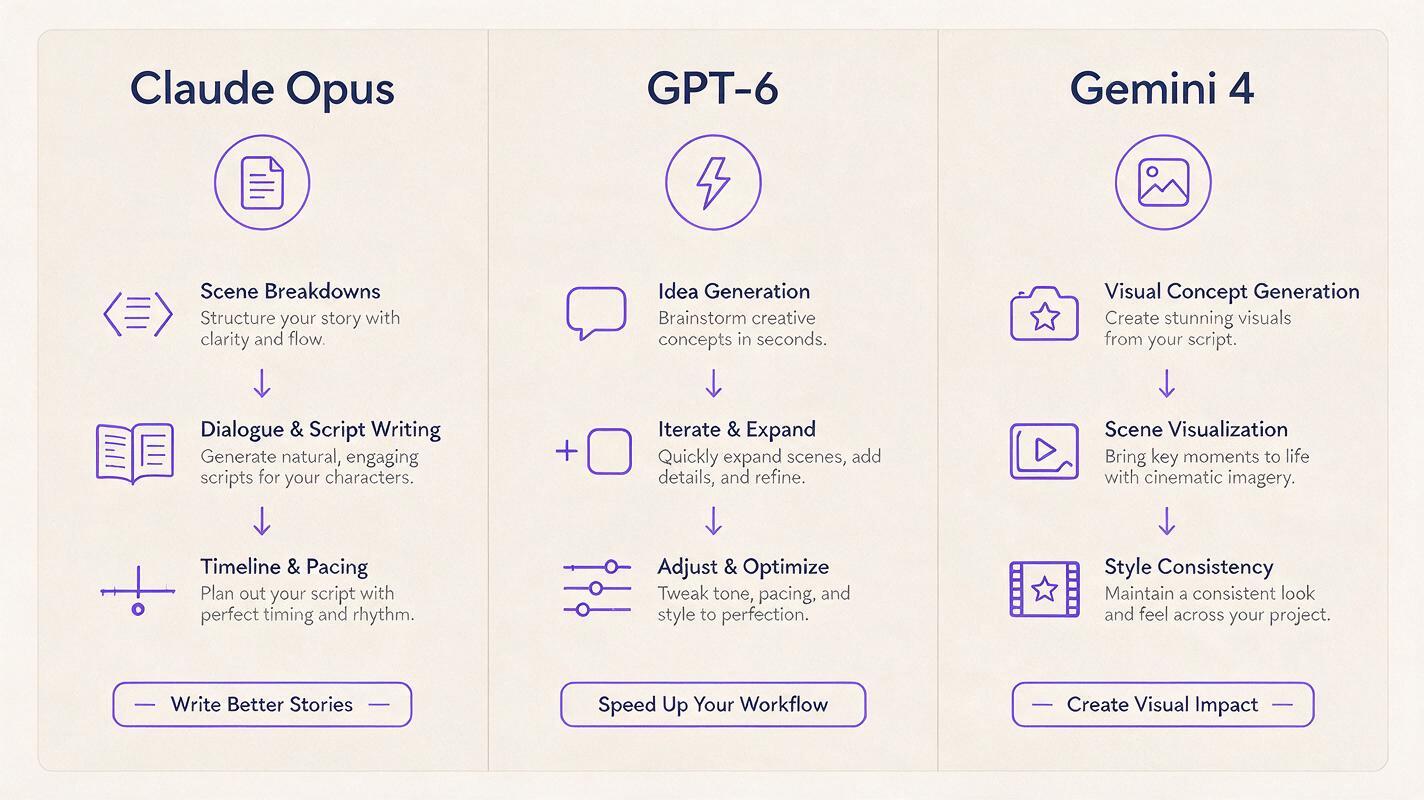
Claude Opus is far from the only AI model built for content creation. GPT-6 and Gemini 4 each have their own strengths for video production, and the best choice depends on your specific workflow needs. The table below breaks down how the three models compare for common video creator tasks:
| Model | Key Strengths for Video Creators | Best Use Case |
|---|---|---|
| Claude Opus | Long-form script consistency, nuanced creative direction, detailed structured output, strong multimodal analysis of reference assets | Pre-production planning for long-form YouTube, documentary, or narrative video series |
| GPT-6 | Fast iterative outputs, broad third-party tool integration, snappy short-form hook and caption generation | Rapid short-form content ideation and TikTok/Reels script drafting for high-volume creators |
| Gemini 4 | Native multimodal asset generation, strong image and video prompt refinement, seamless cross-format content repurposing | Turning existing visual assets into video prompts and repurposing content across social media formats |
Real Impacts of Claude Opus on AI Video Creation Workflows
For most independent video creators, the biggest bottleneck isn’t generating the final video — it’s the pre-production work that comes before. Scriptwriting, shot list creation, prompt engineering, and consistency checks can take up the majority of total production time, especially for creators working alone.
Claude Opus’s updated capabilities directly target these bottlenecks. The extended context window lets creators draft entire 10+ minute video scripts in a single prompt, with consistent tone and pacing from intro to outro. The improved multimodal reasoning makes it easier to turn vague visual ideas into detailed, specific prompts that get more accurate, consistent results from text to video tools without hours of prompt tweaking.
For creators producing serialized content, the update’s ability to reference past scripts and style guides ensures consistent character voices, visual aesthetics, and narrative structure across every episode, eliminating the need to manually rehash brand rules for every new video.
Practical Ways to Use Claude Opus for Video Content Production
There are dozens of ways to integrate Claude Opus into your video workflow, but these use cases deliver the most immediate time savings for creators of all sizes:
- Draft full video scripts with scene descriptions, voiceover text, on-screen text notes, and shot duration estimates all in one output, tailored to your platform of choice (YouTube, TikTok, LinkedIn, etc.).
- Generate detailed, structured prompts for AI video model tools by feeding Claude Opus your core idea plus reference style notes, so you get better first-pass results and fewer revision cycles.
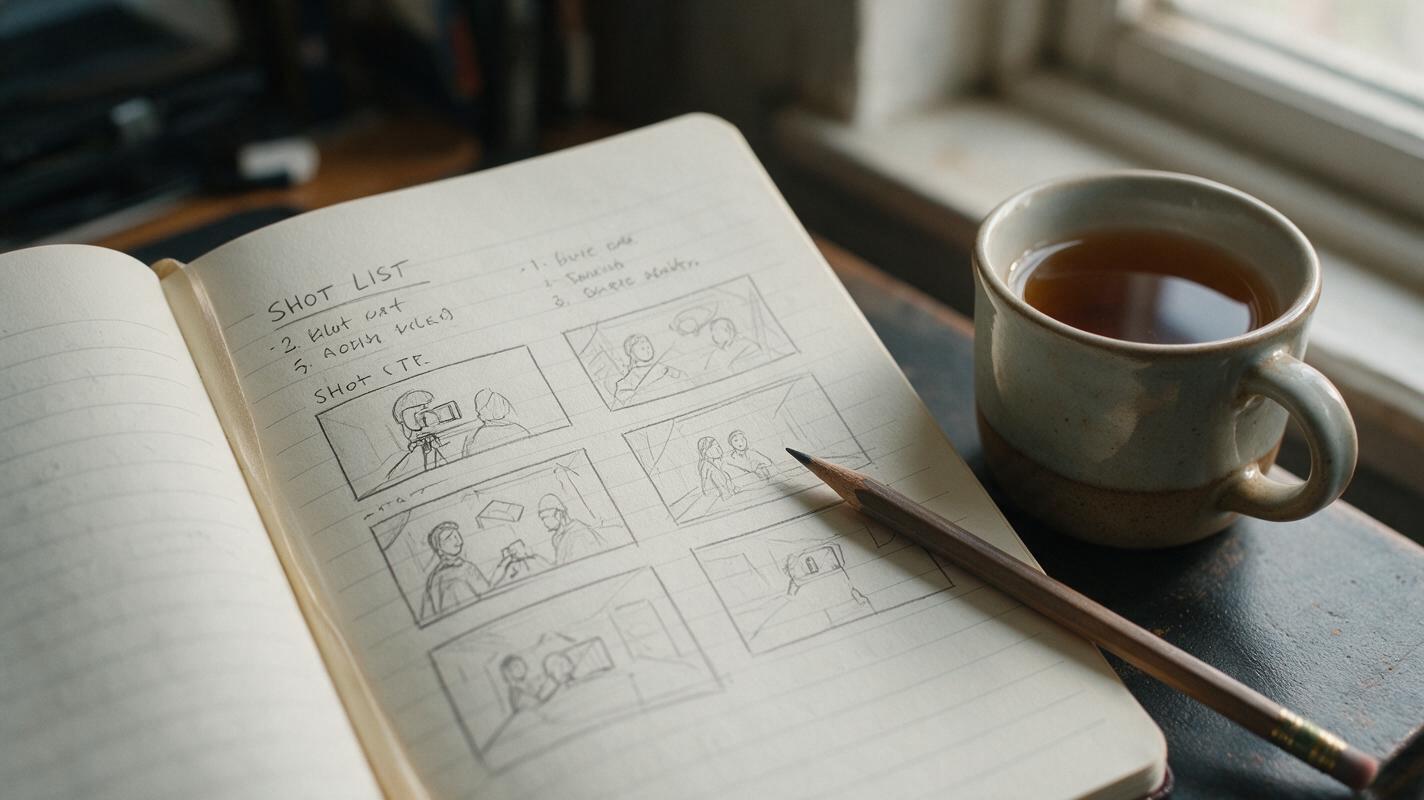
- Turn rough storyboard sketches or reference images into complete shot lists with timing, camera movement notes, and audio cues, thanks to the model’s multimodal input support.
- Repurpose existing long-form video scripts into short-form clip hooks, social media captions, and blog post summaries to expand your content reach without extra writing work.
- Create a reusable brand style guide for video content, including rules for tone, visual aesthetic, and pacing, that you can reference in every future prompt to keep outputs consistently on-brand.
Pairing Claude Opus with MagicBoat for End-to-End AI Video Production
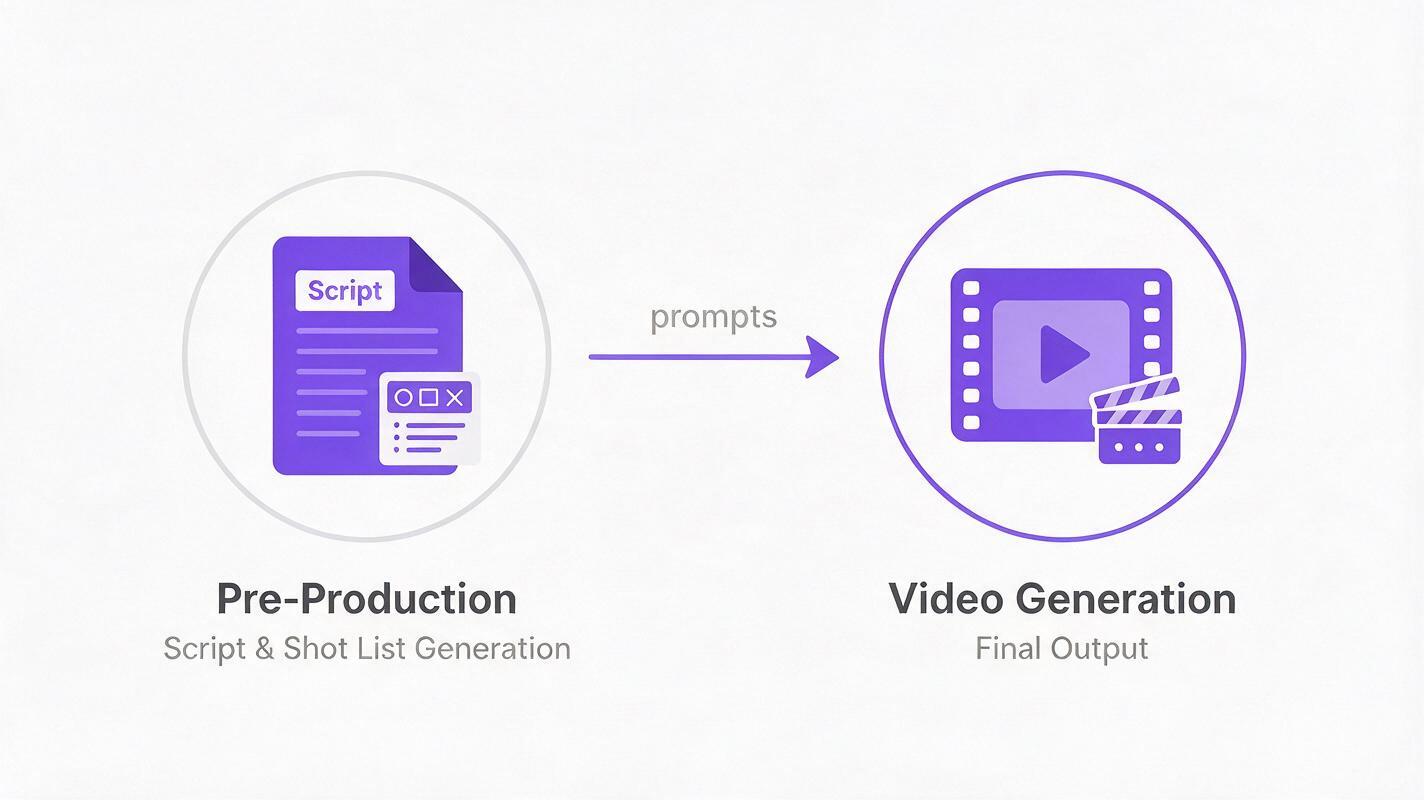
Claude Opus excels at the planning, writing, and prompt engineering side of video creation, but turning those detailed scripts and prompts into actual video clips requires a dedicated AI video tool. That’s where MagicBoat comes in: the platform’s text to video and image to video capabilities let you take the polished prompts and shot lists generated by Claude Opus and turn them into high-quality, shareable video clips in minutes.
For example, say you’re a small business owner creating a 60-second product demo video for Instagram. First, you prompt Claude Opus to generate a tight, benefit-driven script with scene-by-scene visual descriptions, on-screen text overlays, and a shot list timed exactly to 60 seconds. You can even feed it photos of your product to get scene ideas that match your actual brand assets. Then, you take the detailed visual prompts from Claude Opus and paste them into MagicBoat to generate B-roll clips of your product in action, pair them with your own voiceover or royalty-free background music, and export a ready-to-post clip in under 10 minutes total.
Even creators on a tight budget can take advantage of this workflow. Free ai tools like MagicBoat’s free tier let you test out text to video generation without upfront costs, paired with Claude Opus’s trial access to plan your content, so you can validate the workflow before investing in paid plans.
Ready to put the Claude Opus update to work for your video content? Start creating with MagicBoat today to turn your Claude-generated scripts and prompts into polished, shareable video clips in minutes — no filming or editing experience required.
Key Takeaways
- The latest Claude Opus update brings improved long-form context, multimodal support, and creative controls that directly reduce pre-production time for video creators.
- Claude Opus shines at scriptwriting, shot list generation, and AI video prompt refinement, making it a strong complement to dedicated AI video generation tools.
- When paired with platforms like MagicBoat, Claude Opus can streamline end-to-end video production, from initial idea to final export, for creators of all skill levels.
- Competing models like GPT-6 and Gemini 4 have unique strengths for video work, so choose the tool that aligns with your specific content format and workflow needs.
- Creators can test this combined workflow for free using trial tiers for both Claude Opus and AI video generation tools to find what works best for their content.
Sources
- Anthropic Claude official product page
- OpenAI GPT platform overview
- Google Gemini official product site
Keywords
claude opus, ai video model, text to video, image to video, free ai tools, gpt-6, gemini 4