Claude Opus Update: Build Better Prompt Packs for AI Video
The latest Claude Opus update puts fresh attention on language models as preproduction partners for AI video. Instead of chasing unverified feature claims, creators can use the moment to build stronger prompt packs that connect creative briefs, shot specifications, continuity rules, and revision notes.
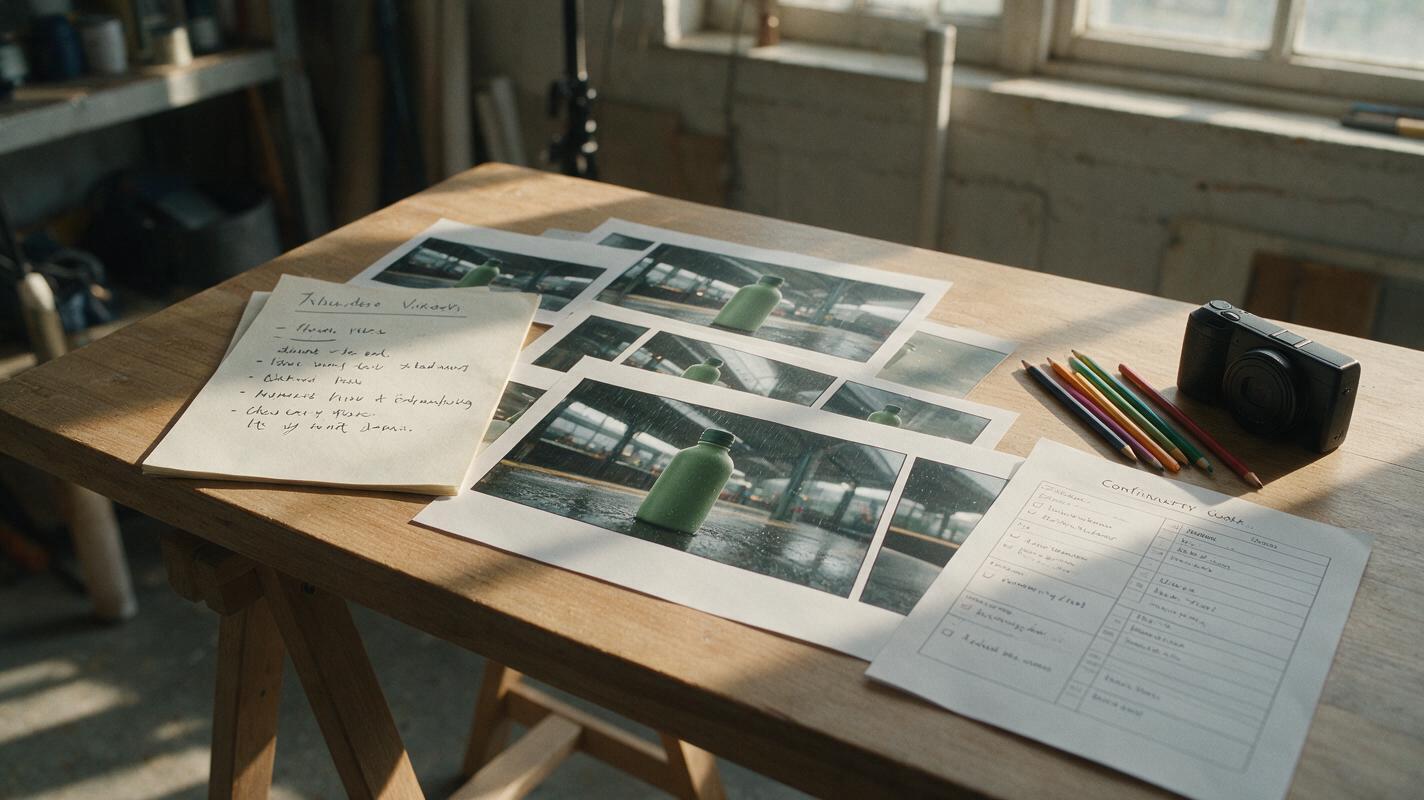
Table of contents
Claude Opus Is More Useful Before the Video Model Starts
Claude Opus has received a new update, bringing renewed attention to its role in AI-assisted creative work. For video creators, the immediate opportunity is not another speculative benchmark race—it is using Claude Opus to turn an uncertain idea into a production-ready prompt pack that produces clearer, more consistent inputs for AI video tools.
A strong prompt pack is more than one cinematic sentence. It connects the audience, message, visual references, shot design, continuity constraints, and revision criteria in a format that can survive the move from planning to generation. That makes the latest Claude Opus news relevant even when the final clips are produced by a separate AI video model.
The creator advantage: treat the language model as a preproduction editor, not as a button that automatically makes every creative decision.
What the Claude Opus Update Means for Creators
Model-update coverage often encourages creators to compare headline claims before asking what actually slows down production. In practical AI video workflows, the recurring problems are usually less glamorous: an unclear concept, missing shot constraints, inconsistent subjects, contradictory camera directions, and revision requests that are too vague to act on.
Claude Opus can sit upstream of generation and help organize those decisions. The important output is not simply “a better prompt.” It is a set of connected production artifacts that a creator can inspect and edit:
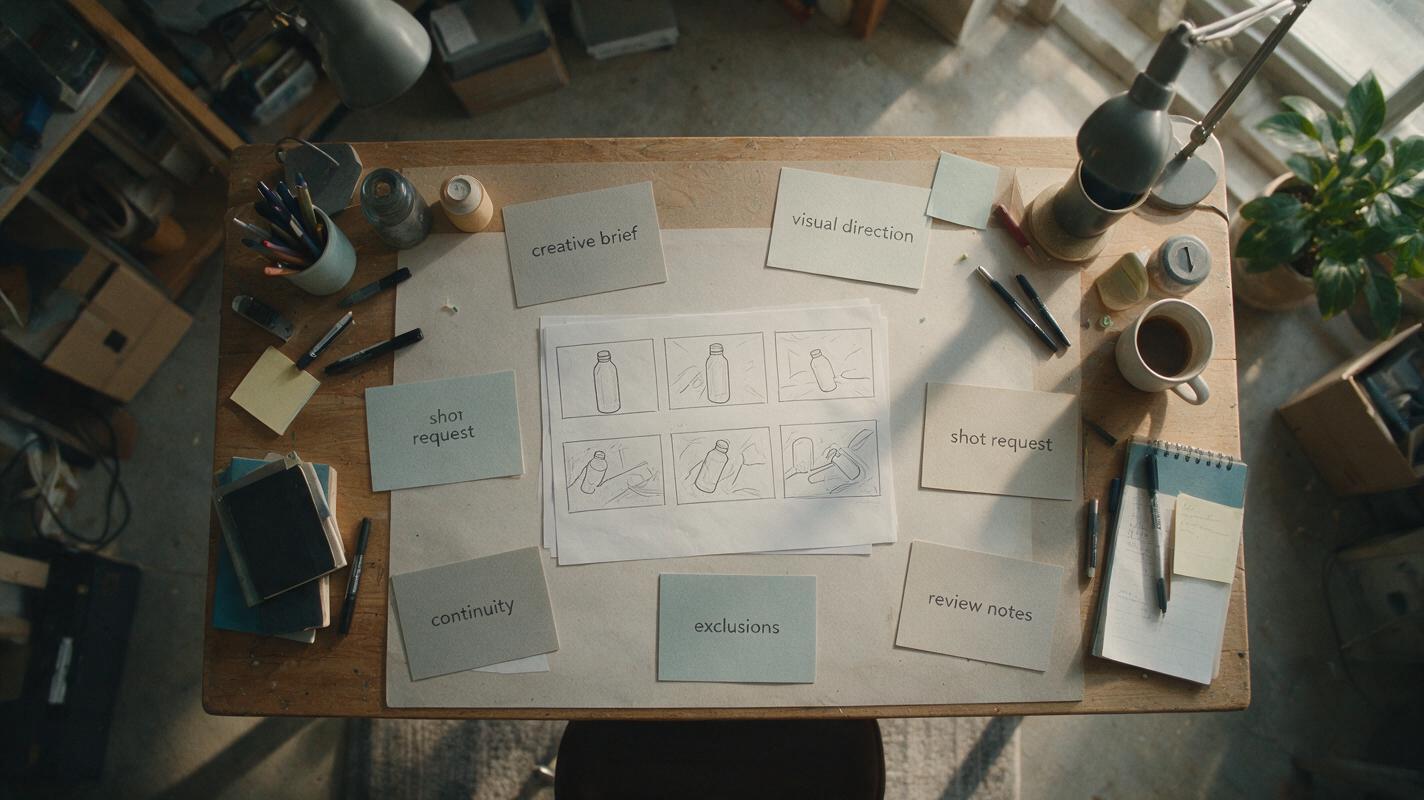
- A creative brief defining the audience, purpose, platform, tone, and desired response.
- A visual direction describing setting, lighting, wardrobe, materials, color relationships, and realism level.
- A shot specification separating subject action, camera behavior, composition, timing, and exclusions.
- A continuity sheet preserving recurring details across multiple generated clips.
- A revision rubric explaining what counts as a successful result and what must change.
This framing also prevents a common category mistake. A language model can help reason about a sequence and write production instructions, while the AI video model is responsible for rendering motion and imagery. Evaluating each layer according to its actual job produces more useful tests than expecting one model name to solve the entire pipeline.
The Prompt Pack Replaces the One-Shot Prompt
A one-shot prompt often tries to compress story, art direction, camera movement, performance, product details, and technical constraints into a single paragraph. When the result misses the target, the creator may not know which instruction failed—or whether two instructions conflicted.
A prompt pack separates those variables. Claude Opus can be asked to identify ambiguity, expose conflicts, and rewrite each part without silently changing the approved concept. The creator remains responsible for the final choices, but the review becomes easier because every choice has a visible place.
PROJECT
Create a short vertical video introducing a reusable travel bottle.

AUDIENCE
Urban commuters who value practical, durable products.

MESSAGE
The bottle fits naturally into a busy morning routine.

CONTINUITY LOCKS
Matte green bottle, silver cap, cream canvas bag, rainy morning.
Do not change the product color, cap material, or bag.

SHOT REQUEST
Medium close-up at a station bench. A hand removes the bottle
from the canvas bag. Slow lateral camera movement. Natural gray light.

EXCLUSIONS
No visible brand logo, no text overlay, no extra fingers,
no sudden weather change, no transformation of the bottle.

REVIEW CRITERIA
Product appearance is stable, hand interaction is plausible,
and the camera move does not obscure the bottle.
The value of this structure is diagnostic. If the generated clip has the wrong mood, revise the visual direction. If the product changes shape, strengthen continuity locks and simplify the action. If the camera hides the subject, change the shot request rather than rewriting the entire concept.
A Practical Preproduction Workflow for Text to Video
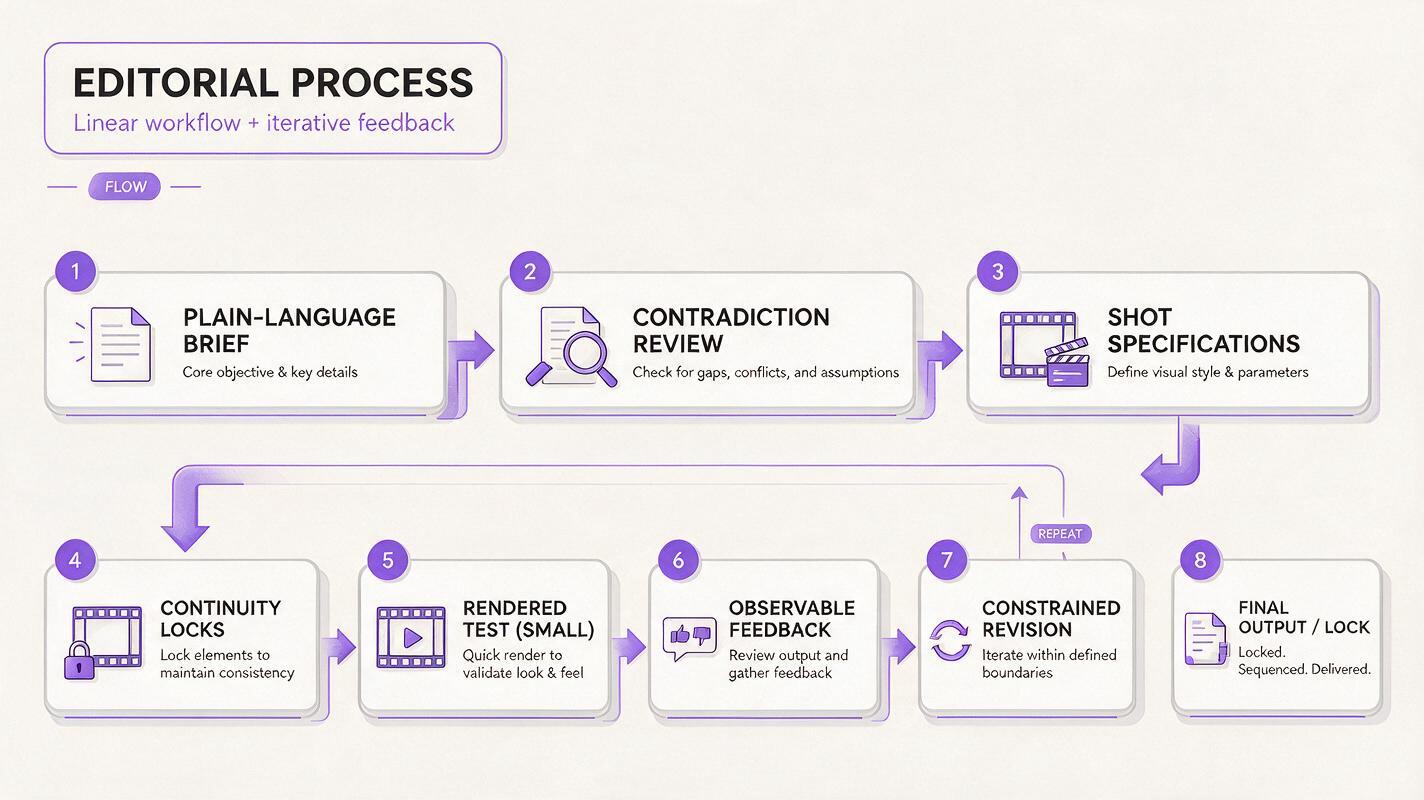
Begin with a plain-language brief rather than polished prompt prose. State what the video must communicate, who it is for, where it will appear, and what the viewer should understand at the end. Ask the planning model to flag missing decisions instead of inventing them.
Next, divide the idea into shots that each contain one principal action. This reduces competing motion instructions and makes failures easier to isolate. For every shot, define the subject, environment, action, camera behavior, lighting, duration intention, and continuity locks.
Before generation, run a contradiction check. A request such as “static tripod composition” combined with “fast orbit around the subject” needs a deliberate choice. So does “dark silhouette” paired with a requirement to show detailed facial expression. Removing contradictions can be more valuable than adding cinematic adjectives.
Once the prompt pack is stable, move the approved shot descriptions into a text to video workflow. Generate a small test, compare it with the rubric, and record only observable problems. “The bottle turns blue halfway through” is actionable; “the clip feels bad” is not.
Use Revision Notes That Preserve Successful Elements
Revision prompts should specify what must remain unchanged. Otherwise, an attempt to repair one issue may introduce three new ones. A useful note can follow this pattern:
KEEP
The rainy station setting, matte green bottle, framing,
and natural hand movement.

CHANGE
Reduce the lateral camera speed and keep the silver cap visible.

DO NOT INTRODUCE
New props, text, logos, wardrobe changes, or a different time of day.
This approach turns revision into constrained editing rather than full regeneration by instinct. It also creates a reusable record for collaborators who were not present during the first test.
When Image to Video Is the Better Starting Point
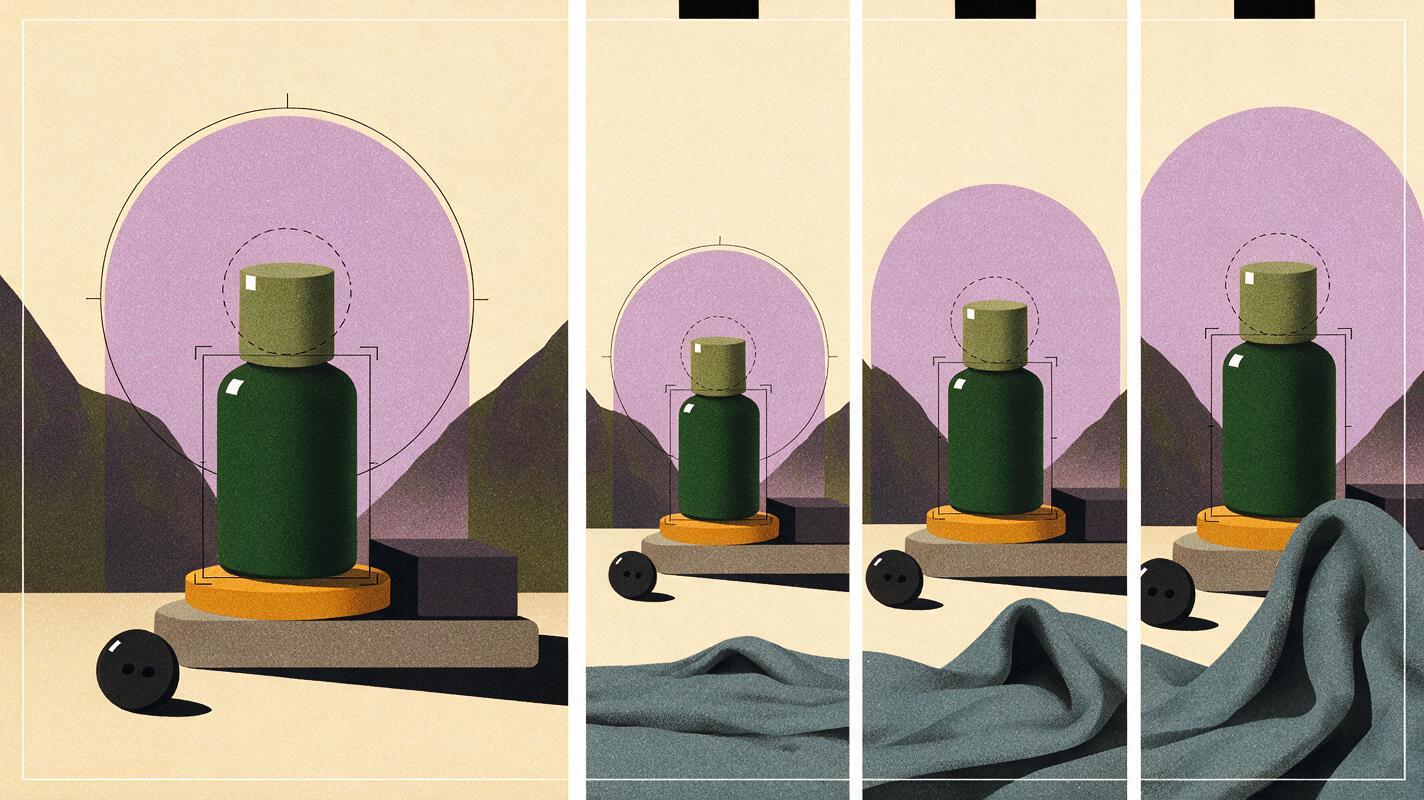
Text to video is useful when the scene is still open to interpretation. Image to video becomes attractive when a specific composition, character appearance, product arrangement, or art direction has already been approved.
In that case, use Claude Opus to describe what should move and what must remain visually anchored. Do not waste the motion prompt repeating every detail already visible in the source image. Concentrate on temporal instructions: the subject’s action, environmental movement, camera behavior, pacing, and protected regions.
| Starting point | Best planning focus | Typical risk to review |
|---|---|---|
| Text to video | Scene definition, composition, subject identity, action, and camera direction | The model interprets an underspecified scene differently from the creator |
| Image to video | Motion, pacing, camera behavior, and elements that must remain fixed | The source composition or subject changes while motion is introduced |
| Multi-shot sequence | Continuity sheet, shot transitions, recurring props, and visual progression | Separate clips no longer appear to belong to the same story |
For a product image, for example, the planning prompt could lock the silhouette, surface finish, label placement, and background arrangement while allowing only a slow camera push and subtle movement in nearby fabric. The resulting instruction is narrower, easier to judge, and less likely to contradict the reference.
Compare Models Through Artifacts, Not Hype
Creators evaluating Claude Opus, GPT-6, Gemini 4, or another planning model should give each one the same brief and compare the production artifacts they return. This avoids relying on model reputation alone and keeps the test connected to real work.
| Evaluation area | What to inspect | Useful test question |
|---|---|---|
| Brief interpretation | Whether audience, message, and format constraints are preserved | Did the model change the assignment while improving the wording? |
| Shot clarity | Whether each shot has a readable subject, action, and camera instruction | Could another creator execute this without asking what it means? |
| Continuity control | Whether recurring visual details are captured in a stable reference list | Are the locked attributes explicit rather than implied? |
| Contradiction detection | Whether incompatible directions are identified before rendering | Did the model explain the conflict and request a decision? |
| Revision discipline | Whether requested changes preserve approved elements | Does the revision alter only the failed variable? |
A model that writes impressive prose but overlooks continuity may be less useful for a recurring character series. Another model may produce plain language yet deliver cleaner shot boundaries and more controllable revisions. The right choice depends on the artifact your production needs, not on a universal ranking.
Turning the News Into a Repeatable MagicBoat Workflow
The practical bridge from model news to finished content is straightforward: use the language model to clarify decisions, then test those decisions in the medium where they matter. MagicBoat provides a destination for moving structured concepts into AI content creation without treating the planning output as the final product.
Save the brief, continuity sheet, shot prompts, and revision rubric together. That package can support short advertisements, social clips, visual explainers, product scenes, and serialized content. It also makes experimentation with free AI tools more disciplined because every tool receives a comparable input.
When reviewing a generated clip, separate prompt problems from rendering problems. If the instruction was ambiguous, repair the prompt pack. If the instruction was clear but the result still breaks a locked detail, document the failure and test a simpler motion request, a different reference, or an alternative generation approach.
Ready to turn a structured prompt pack into a real clip? Start creating with MagicBoat and evaluate the output shot by shot.
Creator Checklist
- Define the audience, message, platform, and desired viewer response.
- Give each shot one principal action and one clear camera behavior.
- Separate visual direction from continuity locks and exclusions.
- Check the prompt for contradictory lighting, motion, and composition requests.
- Choose text to video for open scenes and image to video for approved compositions.
- Judge Claude Opus and competing models through comparable production artifacts.
- Write revision notes that preserve everything already working.
- Render a small test before committing to a complete sequence.
Sources Note
This commentary is limited to the confirmed Claude Opus update and does not attribute unlisted benchmarks, prices, release dates, or generation capabilities to the model.
Keywords
claude opus, ai video model, text to video, image to video, video prompt pack, ai content creation, free ai tools