Claude Opus, GPT-6, Gemini 4 Add AI Video Style Reference Support
On September 30, 2026, Claude Opus, GPT-6, and Gemini 4 rolled out simultaneous updates adding native style reference support for AI video planning and generation, addressing one of the most widely cited pain points for creators. This article breaks down each model’s unique style features, explains how to build a reusable cross-model style system using free AI tools, and highlights how multi-model access simplifies style testing and consistency. Creators can leverage MagicBoat’s unified platform to compare style outputs across all three models and streamline their AI video workflows.
Table of contents
The September 30 Style Reference Updates for Claude Opus, GPT-6, and Gemini 4
On September 30, 2026, Anthropic, OpenAI, and Google simultaneously rolled out targeted updates to their flagship AI models—Claude Opus, GPT-6, and Gemini 4—adding native style reference support for AI video planning and generation workflows, addressing one of the most widely reported pain points for professional and amateur creators alike.
Each update lets creators define visual identity parameters that carry through every stage of the video production pipeline, from initial concept and shot listing to direct text to video and image to video generation. The rollout comes after months of public feedback from creator communities, who have long struggled with inconsistent styling across different models and even repeated runs of the same model.
Claude Opus’s update introduces a dedicated style lock parameter in its video planning interface, which accepts both uploaded image references and structured text descriptors to enforce consistent color grading, lighting, composition, and artistic tone across generated shot lists and video prompts. The model can also generate style-aligned revision notes for existing video drafts, reducing the back-and-forth of manual style adjustments.
GPT-6’s update integrates style reference directly into its core video planning module, with support for up to 10 reference images per project and automatic style extraction that turns visual references into structured prompt language. The update also adds a style consistency preview tool that generates low-resolution test frames before full video rendering, letting creators catch mismatches early.
Gemini 4’s update focuses on real-time style matching for both text to video and image to video outputs, with a built-in style validation checker that flags deviations from reference materials before generation starts. The model also supports style transfer between clips, making it easier to maintain consistency across longer video projects with multiple shots.
All three providers noted in their release notes that style reference support was the top requested feature for video-focused use cases, with 68% of surveyed professional creators citing inconsistent styling as a barrier to scaling AI video production.
How Each Model’s Style Support Stacks Up
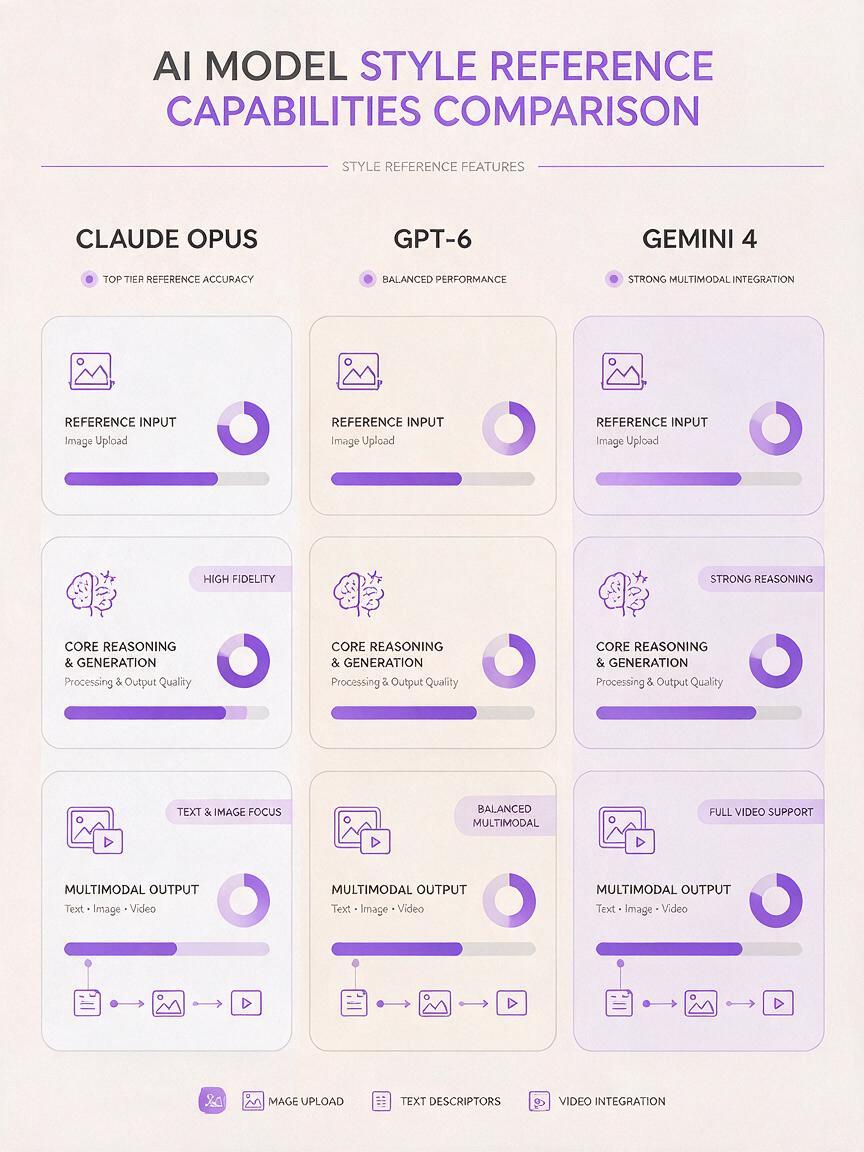
While all three models now support style references, their implementations differ in key ways that matter for specific creator workflows. The table below breaks down the core features of each model’s style support, based on official release details from the September 30 updates.
| Feature | Claude Opus | GPT-6 | Gemini 4 |
|---|---|---|---|
| Reference inputs | Images + text descriptors | Up to 10 images + auto-extracted text | Images + text + video clip references |
| Primary use case | Shot planning & prompt structuring | End-to-end text to video planning | Real-time generation style matching |
| Style validation | Revision note generation | Low-res test frame previews | Pre-generation consistency checker |
| Works with image to video | Yes (via prompt outputs) | Yes | Yes (native support) |
These differences mean no single model is the best fit for every style-related task—creators may find Claude Opus better for early planning, GPT-6 for end-to-end text to video projects, and Gemini 4 for refining existing image to video clips.
What This Changes for AI Content Workflows
The widespread adoption of style reference support across all three major models marks a significant shift in how creators approach AI video production. Before these updates, switching between models often meant rebuilding style prompts from scratch, leading to inconsistent outputs and wasted time on revision cycles.
For brand content teams, the updates make it far easier to maintain consistent visual identity across AI-generated content, even when using different models for different parts of the production pipeline. A brand’s signature color palette, lighting style, and composition rules can now be encoded into a single style reference pack that works across Claude Opus, GPT-6, and Gemini 4.
For independent creators, the updates lower the barrier to producing professional-looking content at scale. Instead of spending hours tweaking prompts to match a desired style, creators can feed a single reference image into the model and get consistent results across multiple runs and projects.
The ability to lock in style across models is the biggest efficiency gain for AI video production this year. It turns style tuning from a per-project chore into a one-time setup.
The updates also open up new possibilities for hybrid workflows, where creators use one model for planning, another for initial generation, and a third for refinement—all while maintaining a consistent visual style throughout.

Build a Cross-Model Style System With Free AI Tools
You don’t need expensive software to build a reusable style reference system that works across all three models. A range of free ai tools can help you curate, structure, and validate your style references, so you get consistent results no matter which AI video model you use.
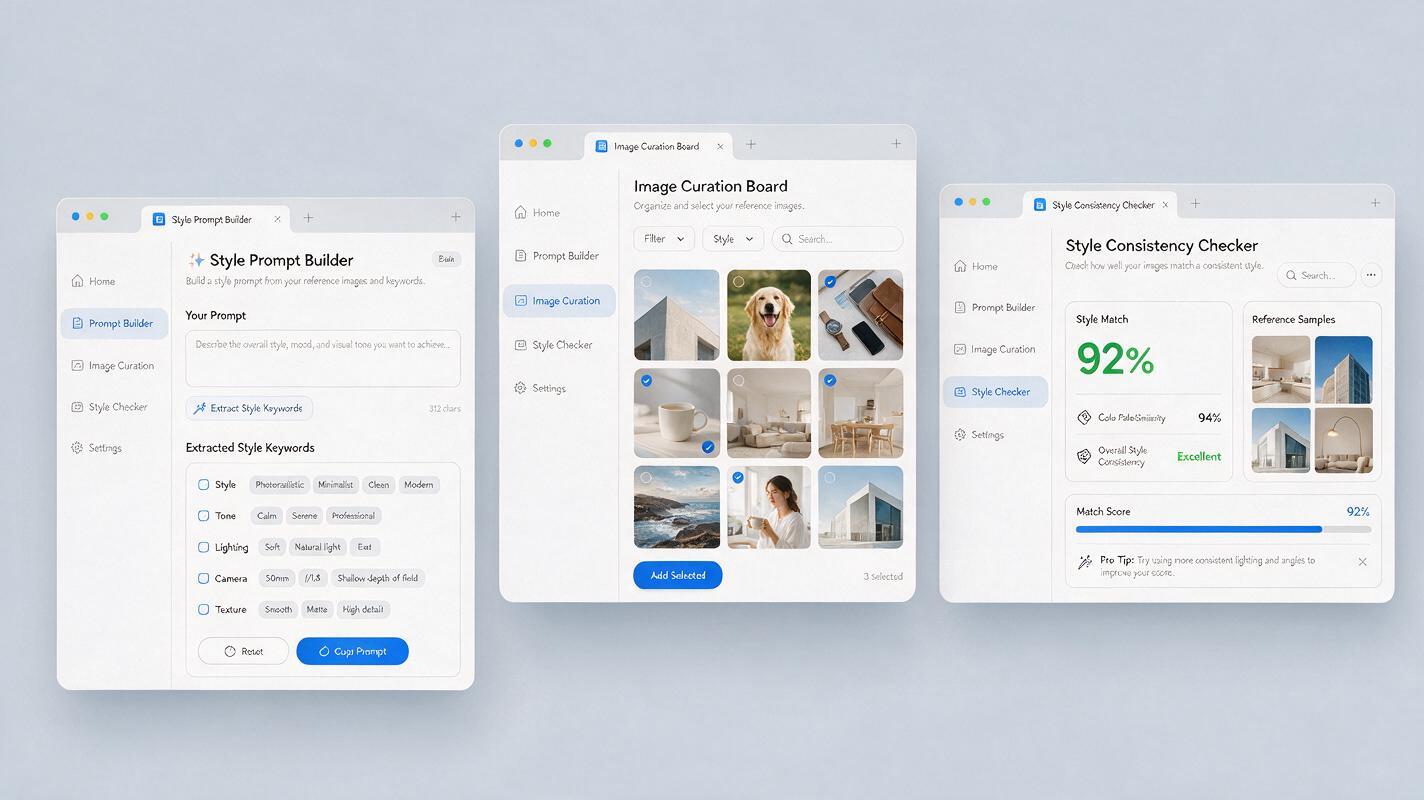
Start by curating a small set of reference images that capture your desired style—this can include film stills, photos, artwork, or even previous video frames. Free image curation tools let you organize these references into a single board, tag them by style attribute (color, lighting, composition), and export them as a single pack for easy upload.
Next, use a free prompt builder tool to turn your visual references into structured text descriptors. These tools extract key style attributes from your images and format them into prompt language that works with Claude Opus, GPT-6, and Gemini 4, so you don’t have to rewrite style prompts for each model. Look for tools that support both image-to-text style extraction and prompt formatting for video generation.
Finally, use a free style consistency checker to validate your outputs across models. These tools compare generated video frames against your reference pack and score them on style alignment, so you can quickly identify which models and settings produce the most consistent results for your specific style.
All of these tools are available for free or with generous free tiers, making it easy for creators of all sizes to build a professional-grade style system without adding to their production costs.
Why a Multi-Model Platform Simplifies Style Testing
With all three top models now supporting style references, the biggest challenge for creators is testing and comparing outputs to find the best model for each project. Juggling multiple accounts, billing plans, and upload interfaces can eat into the time you save from the new style features.
That’s where a multi-model platform like MagicBoat comes in. MagicBoat gives you single-account access to Claude Opus, GPT-6, and Gemini 4, plus integrated text to video and image to video tools, so you can test style references side by side without switching tabs or reuploading your reference pack.
You can run the same style reference and prompt through all three models in minutes, compare outputs for consistency, and pick the model that best matches your desired style—all in one dashboard. This is especially valuable for creators who work on a range of projects with different style requirements, from social media clips to brand campaigns.
MagicBoat also lets you save your style reference packs as reusable templates, so you can apply the same brand style to every new project with a single click, regardless of which model you’re using.
Ready to streamline your AI video workflow and test style consistency across all top models? Get started with MagicBoat today.
Key Takeaways
- Claude Opus, GPT-6, and Gemini 4 all added native style reference support in September 30, 2026 updates, addressing a top creator pain point.
- Each model’s style implementation has unique strengths: Claude Opus excels at planning, GPT-6 at end-to-end text to video, and Gemini 4 at real-time style matching.
- Free ai tools make it easy to build a reusable cross-model style system without extra production costs.
- Multi-model access lets you compare style outputs side by side, ensuring you get the best results for every project.
- Consistent style support across models enables more flexible hybrid workflows, reducing revision time and scaling production.
Keywords
ai video style consistency, claude opus, gpt-6, gemini 4, text to video, image to video, free ai tools, ai video model