Gemini 4 Hype Meets a Creator Reality Check: Test Before You Switch
Gemini 4 has renewed creator interest in next-generation AI models, but a newer model does not automatically produce better videos. This article presents a practical, shot-level framework for evaluating model output before changing an AI content workflow.
Table of contents
Gemini 4 Is a Signal to Test, Not a Reason to Switch Blindly
Gemini 4 has become part of the latest AI model conversation, adding fresh pressure on creators to reassess the tools behind their content workflows. For video creators, the useful question is not whether the newest model sounds more advanced, but whether it can turn a real brief into clearer scripts, stronger shot plans, and more consistent visual assets.
That distinction matters because a model can perform impressively in broad demonstrations while still struggling with the exact tasks that determine production quality: preserving a character across scenes, following a visual hierarchy, maintaining the intended tone, or writing prompts that an AI video model can interpret reliably.
The best model for a creator is the one that reduces revisions across the complete workflow—not necessarily the one with the newest name.
A small, repeatable creator benchmark can reveal more than a long list of generalized claims. Instead of moving an entire production process immediately, test Gemini 4 against the model you already use with the same brief, inputs, constraints, and output format.
What Gemini 4 Should Prove in a Creative Workflow
General intelligence and creator usefulness overlap, but they are not identical. A production-ready model needs to understand both the idea and the downstream requirements of the medium.
For AI video creation, evaluate whether the model can translate a broad concept into usable production artifacts:
- Brief interpretation: Does it identify the audience, message, tone, format, and desired action without losing important constraints?
- Narrative structure: Can it turn the idea into a beginning, development, and payoff appropriate for the target duration?
- Shot design: Does each scene describe a visible action rather than vague themes or emotions?
- Prompt precision: Are the subject, environment, movement, framing, lighting, and continuity details explicit?
- Revision control: When one element changes, does the model preserve everything else?
- Format discipline: Can it consistently return structured tables, shot lists, or prompt blocks that fit the production process?
This is where comparisons with Claude Opus or GPT-6 become more meaningful. The objective is not to crown one universal winner. It is to determine which model handles your recurring creative tasks with the least cleanup.
A Shot-Level Benchmark for Comparing AI Models
Use one compact project that resembles the content you publish regularly. A useful test might be a 20-second product story, a vertical travel clip, an educational sequence, or a character-led social advertisement.
Give every model the same source brief and request the same deliverables. Keep the prompt neutral so it does not favor a response style learned from one platform.
Create a production plan for a 20-second vertical video.

Goal: Introduce a reusable insulated bottle for morning commuters.
Audience: Urban professionals aged 25–40.
Tone: Calm, practical, premium, never exaggerated.
Setting: A real apartment kitchen followed by a morning train platform.

Return:
- One concise concept
- A five-shot sequence
- Voice-over for each shot
- A visual-generation prompt for each shot
- Continuity notes for the bottle, wardrobe, lighting, and time of day

Avoid unsupported product claims, on-screen interface graphics, and impossible camera movement.
Run the prompt without adding model-specific hints. Then review the results as production documents rather than pieces of prose. A polished paragraph is not valuable if it leaves the video generator guessing what should appear on screen.
Score the Outputs by Observable Criteria
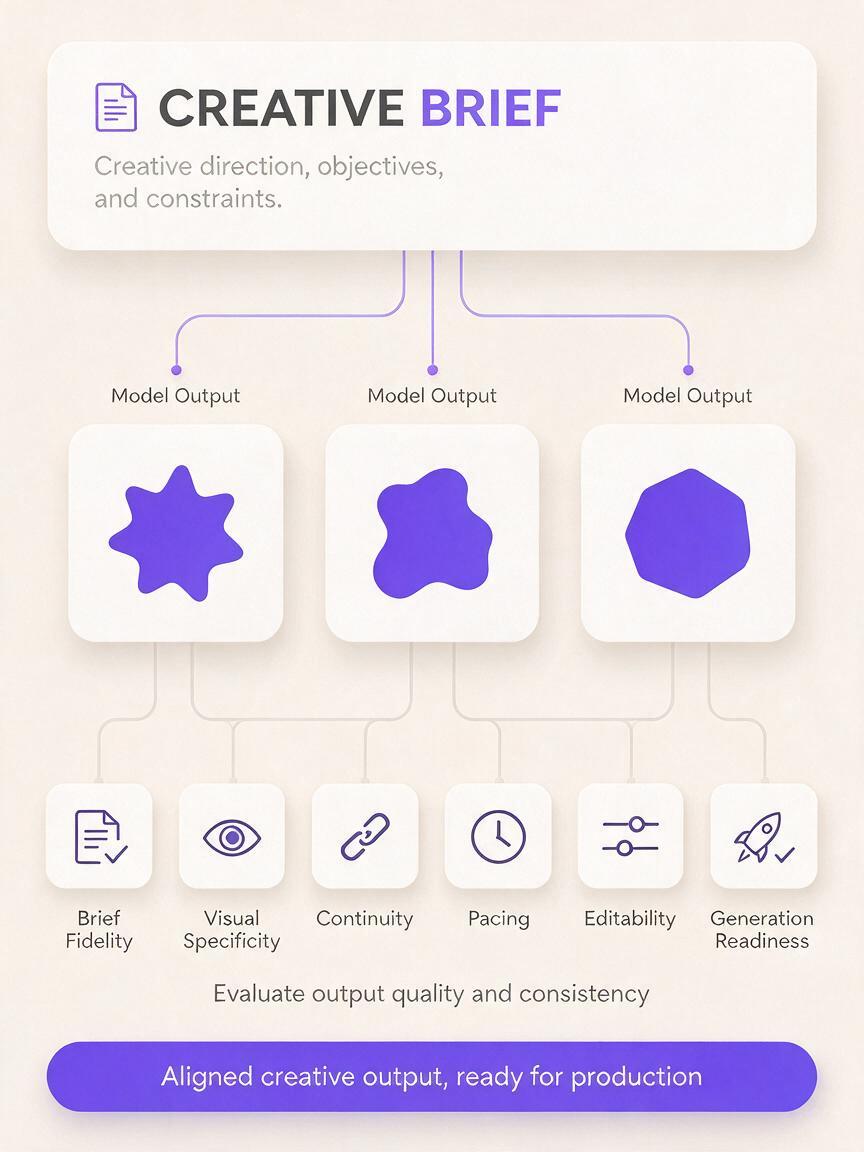
| Criterion | What to inspect | Common failure |
|---|---|---|
| Brief fidelity | Audience, tone, setting, duration, and restrictions remain intact | The concept adds claims or scenes that were not requested |
| Visual specificity | Every shot identifies a subject, action, location, and framing choice | Prompts rely on abstract phrases such as “premium lifestyle” |
| Continuity | Recurring objects and people retain stable visual attributes | Wardrobe, product color, weather, or time of day changes |
| Pacing | The number and complexity of shots fit the target duration | Too many actions are compressed into one short scene |
| Editability | One shot can be revised without rewriting the whole plan | A local change causes unrelated details to disappear |
| Generation readiness | Prompts can move into a visual tool with limited rewriting | The output reads like a screenplay but lacks visual instructions |
A simple three-point rating—weak, usable, or strong—is usually enough. The goal is not to create a scientific leaderboard. It is to expose differences that affect your actual production time.
Where Text-to-Video and Image-to-Video Tests Diverge
A model that writes an effective text-to-video prompt may not produce the best plan for image-led animation. The two workflows require different kinds of control.
Text-to-Video Needs Explicit Scene Construction
For text to video, inspect whether the prompt defines the complete frame. It should make the subject and visible action unambiguous while keeping camera movement physically plausible.
- Who or what is the main subject?
- What changes during the shot?
- Where is the subject positioned?
- What type of framing and camera motion supports the action?
- Which lighting, weather, and time details must remain stable?
Dense prompts are not automatically better. If a model adds several competing actions, decorative adjectives, and conflicting camera directions, the result may become less controllable.
Image-to-Video Depends on Respecting the Source Frame
For image to video, the source image already establishes appearance and composition. The planning model should focus on movement, timing, and preservation rather than redescribing or redesigning the frame.
A useful motion prompt might specify that steam rises gently from a cup while the camera performs a slow forward move. A weaker prompt might introduce new furniture, alter the subject’s clothing, or request a dramatic camera orbit that reveals parts of the environment not present in the source.
When comparing Gemini 4 with another model, ask each one to generate both types of prompt from the same campaign concept. This reveals whether it recognizes the different control logic behind the two formats.
The Revision Test Matters More Than the First Draft
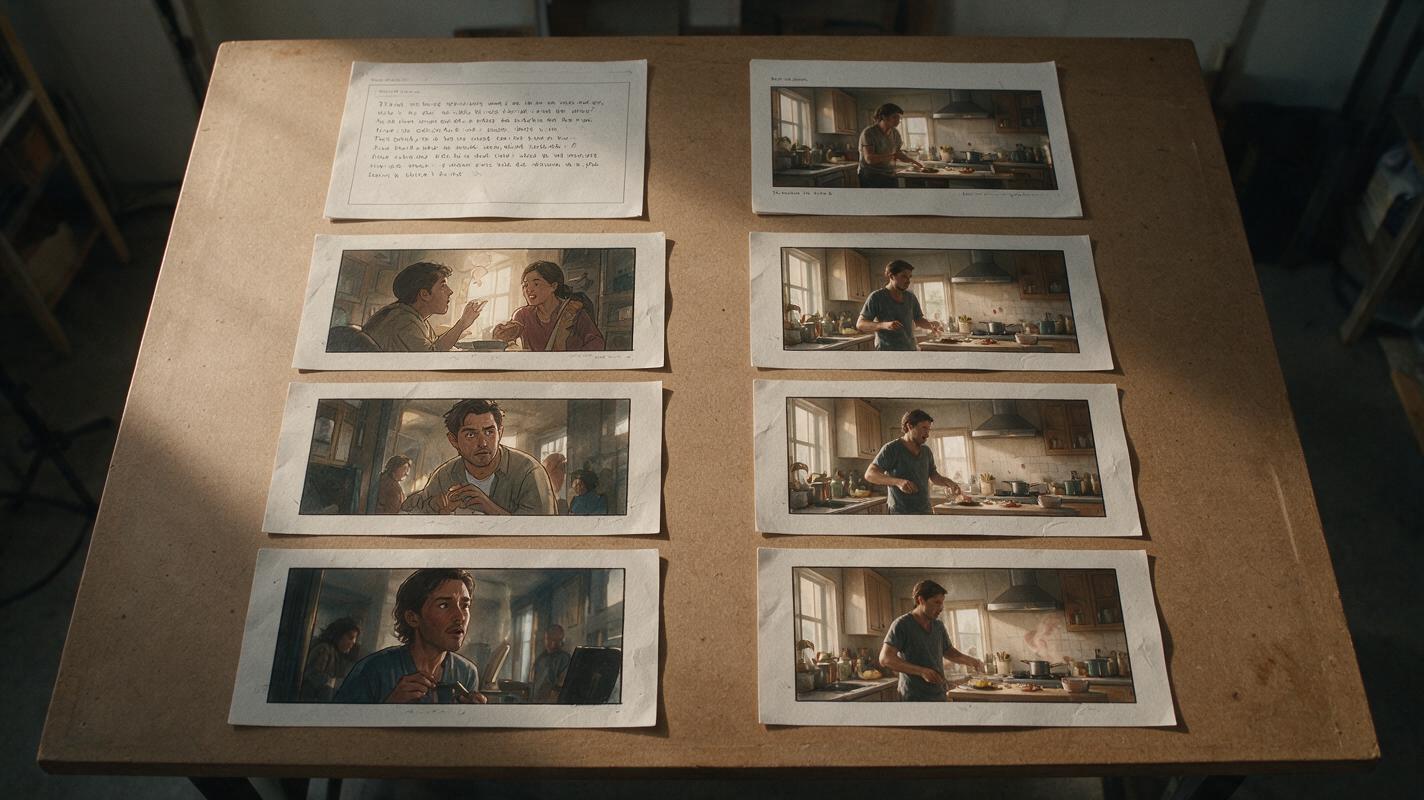
First outputs receive most of the attention, but professional content creation is iterative. The more revealing benchmark is whether a model can process a narrow revision without damaging approved material.
After generating the five-shot bottle sequence, try a constrained request:
Revise only Shot 3.
Replace the wide platform view with a close-up of the commuter placing the bottle into a canvas work bag.
Preserve the approved voice-over, bottle appearance, wardrobe, morning light, realistic tone, and total duration.
Do not modify Shots 1, 2, 4, or 5.
Compare the original and revised plans line by line. Strong instruction following should leave unrelated material untouched. If the response rewrites the entire concept, changes the product description, or adjusts the voice-over without permission, the workflow will require more manual version control.
Repeat the test with a tone adjustment, a shorter duration, and a different aspect ratio. These small changes simulate the everyday requests that arrive after a concept has already been approved.
From Model Output to a MagicBoat Production Test
A language model creates the plan, but rendered media exposes whether the plan works. The next move is to take the strongest shot prompts into MagicBoat and compare actual results rather than judging text alone.
Begin with a small selection: one establishing shot, one action shot, and one continuity-sensitive shot. These represent distinct production challenges and provide a faster signal than generating an entire campaign immediately.
- Use the establishing shot to evaluate composition and atmosphere.
- Use the action shot to evaluate movement and prompt clarity.
- Use the continuity-sensitive shot to evaluate whether recurring visual details survive across assets.
For image-led projects, create or select a stable keyframe before testing motion variations. Keep the source image identical while comparing prompt versions from Gemini 4, Claude Opus, or GPT-6. For text-led generation, preserve settings such as aspect ratio and intended duration wherever the selected tool provides them.
This bridge from model reasoning to rendered output prevents a common mistake: choosing a planning model because its answer sounds sophisticated. A simpler prompt that produces a cleaner shot is more useful than an elegant paragraph that generates unpredictable visuals.
Try MagicBoat for your next AI content test and evaluate model-written concepts with real text-to-video and image-to-video outputs before rebuilding your workflow.
Practical Decisions After the Test
The comparison may produce different winners for different tasks. One model may be better at extracting constraints from a long brief, while another may produce leaner visual prompts or follow revisions more faithfully.
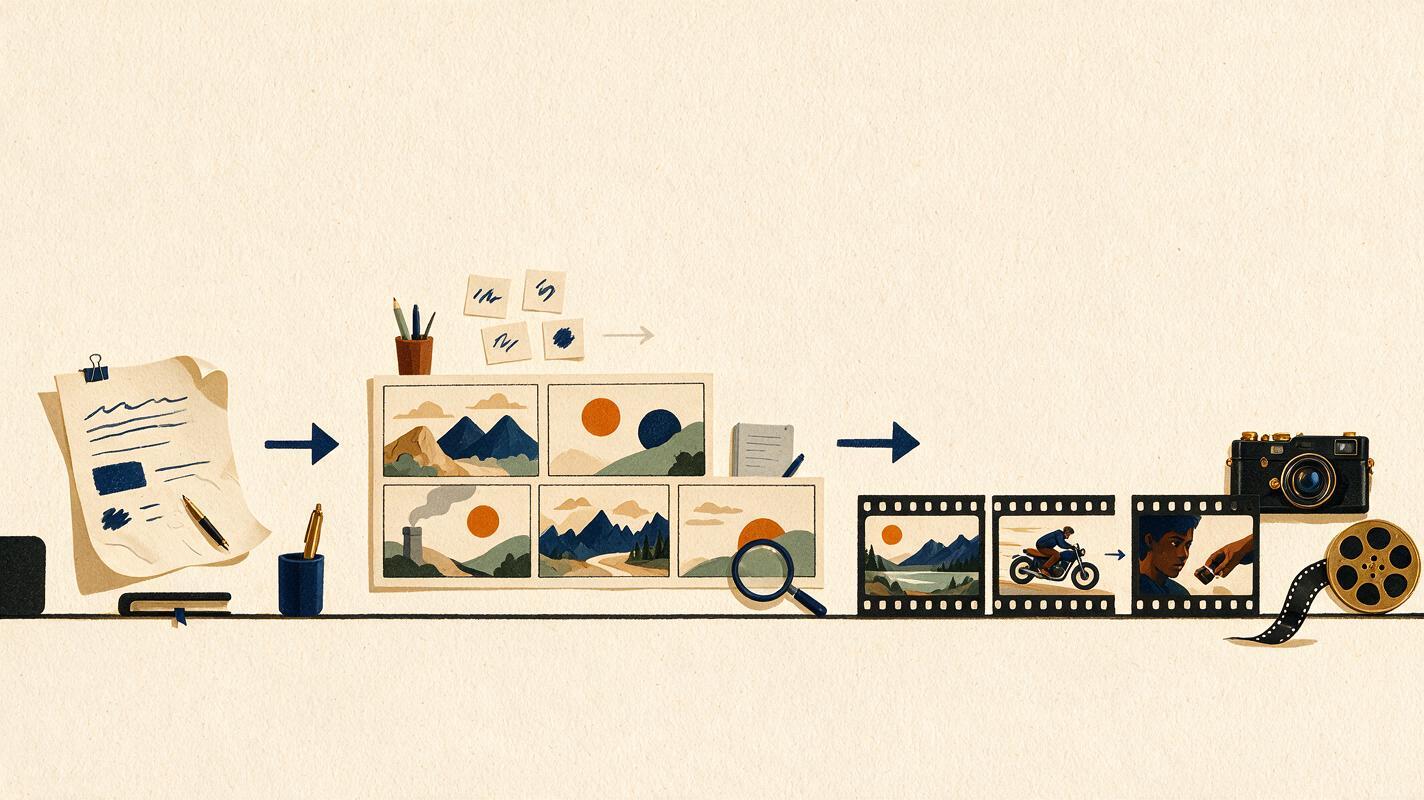
That does not require an all-or-nothing migration. A mixed workflow can assign each model a specific role:
- Use the strongest brief interpreter to identify audience, tone, restrictions, and message hierarchy.
- Use the strongest visual planner to convert the approved concept into shots.
- Use the most disciplined editor for constrained revisions and alternate versions.
- Validate every final prompt through rendered output rather than prose quality alone.
Also consider consistency across repeated runs. If a model produces one excellent plan followed by several structurally different answers, it may be difficult to integrate into a team template. Reliable formatting and predictable revisions can outweigh occasional creative brilliance.
Key Takeaways
- Treat Gemini 4 as a reason to benchmark your workflow, not an automatic replacement for existing tools.
- Compare models with the same brief, constraints, deliverables, and output format.
- Evaluate shot specificity, continuity, pacing, editability, and generation readiness.
- Test text-to-video and image-to-video prompting separately because they require different instructions.
- Run constrained revisions to measure whether approved content remains stable.
- Judge planning quality with real rendered media before changing a production pipeline.
Sources Note
No independent benchmark results are cited in this article; the comparison table and prompts form an editorial testing framework for evaluating publicly announced model updates in a creator workflow.
Keywords
gemini 4, ai video model, text to video, image to video, ai content creation, claude opus, gpt-6