Gemini 4 Free Tier Adds Image-to-Video: What It Means for Budget Creators
Google’s September 2026 Gemini 4 update expands its free tier to include native image-to-video generation, giving budget creators 10 monthly 1080p short-form clips at no cost. This guide compares Gemini 4’s free video capabilities to paid offerings from Claude Opus and GPT-6, and outlines a hybrid free/paid AI video workflow that cuts production costs while maintaining quality. Creators can use the update to test short-form content ideas without upfront fees before scaling to premium tools.

Table of contents
What Just Changed With Gemini 4
As of September 30, 2026, Google has rolled out image-to-video generation support for all Gemini 4 free tier users, granting 10 monthly 1080p clips with native 9:16 short-form aspect ratio support. For budget creators and social media teams testing new content formats, this update removes one of the biggest barriers to experimenting with AI video: upfront subscription costs.
Previously, access to AI video generation required a paid subscription to tools like Gemini Advanced, ChatGPT Plus, or standalone video platforms. Now, creators with a free Google account can test static image-to-clip conversion and basic text-guided video edits without any monthly fee, opening up new possibilities for low-stakes content testing and iterative prototyping.

What Gemini 4’s Free Image-to-Video Tool Can (and Can’t) Do
The free tier rollout includes a focused set of features tailored to short-form social media use cases, with intentional limitations to drive upgrades to paid Gemini 4 Advanced plans.
Core Free Tier Capabilities
- Image-to-video generation: Upload a static JPG or PNG image and generate a short animated clip with natural motion (e.g., shifting light, moving foliage, subtle camera pans)
- 10 monthly 1080p clips: All free users get 10 generation credits per month, with clips rendered at full 1080p resolution
- 9:16 and 16:9 aspect ratios: Native support for vertical short-form (TikTok/Reels) and horizontal (YouTube Shorts/LinkedIn) formats
- Text-guided edits: Add simple text prompts to adjust motion style, lighting, or color grading after generating a base clip
Key Limitations to Note
- Maximum clip length of 8 seconds, with no option to extend or chain clips in the free tier
- No batch generation or API access, limiting use for high-volume production workflows
- Lower motion consistency and fewer style customization options compared to paid Gemini 4 Advanced
- No built-in brand asset library or continuity controls for series content
For creators just starting out or testing new content angles, these limitations are unlikely to be a dealbreaker. For teams producing regular content, however, the free tier works best as a testing tool rather than a full production solution.
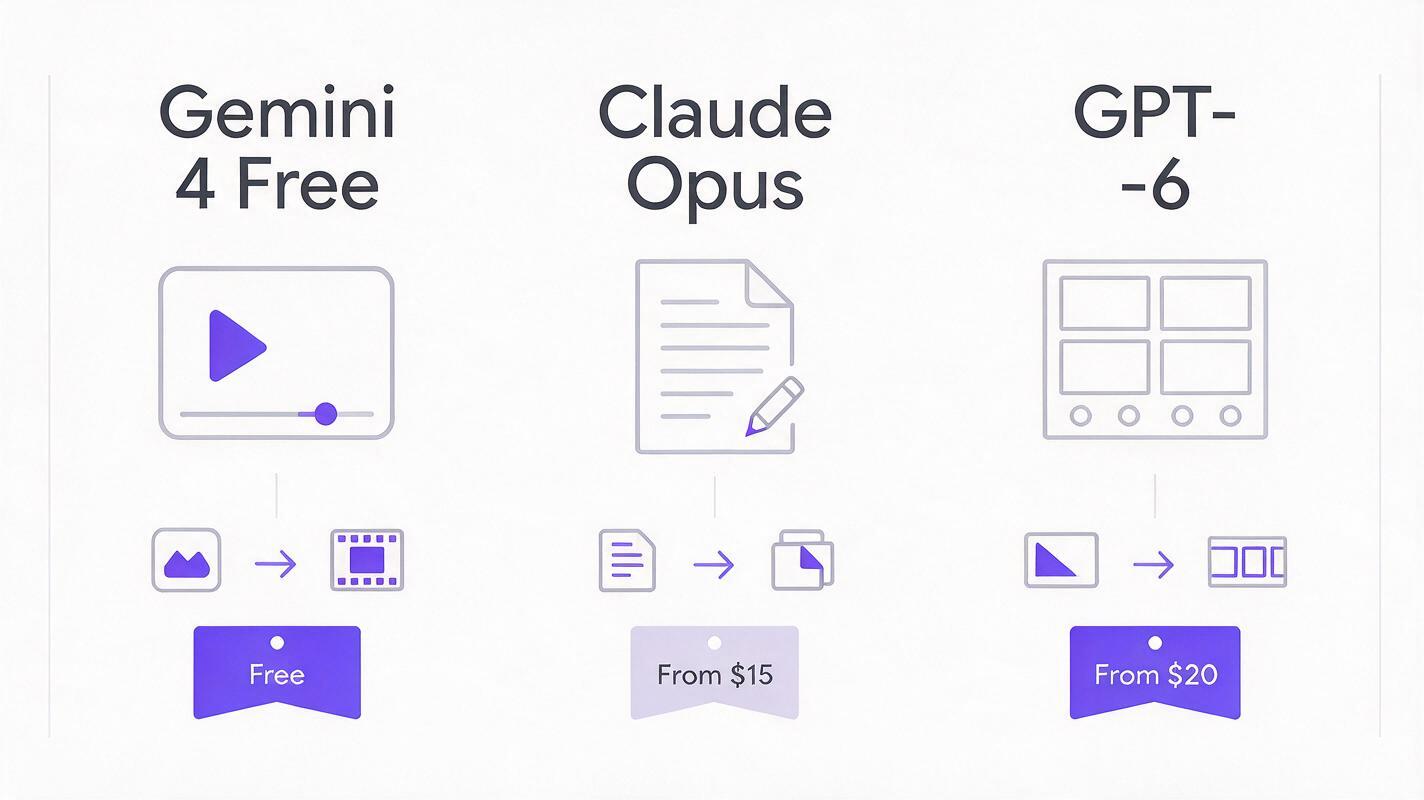
How Gemini 4 Free Stacks Up Against Claude Opus and GPT-6 for Video Creation
While Gemini 4 Free is the first major model to offer direct video generation in a free tier, it’s not a direct replacement for paid AI tools that specialize in video planning, prompt optimization, and revision. The table below breaks down how each model fits into a modern AI video workflow:
| Model | Core Video-Related Feature | Price Tier | Best For |
|---|---|---|---|
| Gemini 4 Free | Image-to-video generation, basic text-to-video prompts | Free (10 clips/month) | Short-form hook testing, static post animation, low-budget prototyping |
| Claude Opus | Structured prompt pack building, post-generation video feedback, continuity rule setting | $20/month (Claude Pro) | Polishing prompt quality, building brand style guides, detailed revision notes |
| GPT-6 | Long-form shot planning, storyboard generation, series continuity batching | $20/month (ChatGPT Plus) | Long-form video series, branded campaign planning, cross-clip consistency |
The biggest takeaway here is that these tools don’t compete — they complement each other. Gemini 4 Free handles the quick, low-stakes generation work, while Claude Opus and GPT-6 add the strategic layer that makes AI video feel intentional and on-brand.
Practical Impact for Small Creators and Social Teams
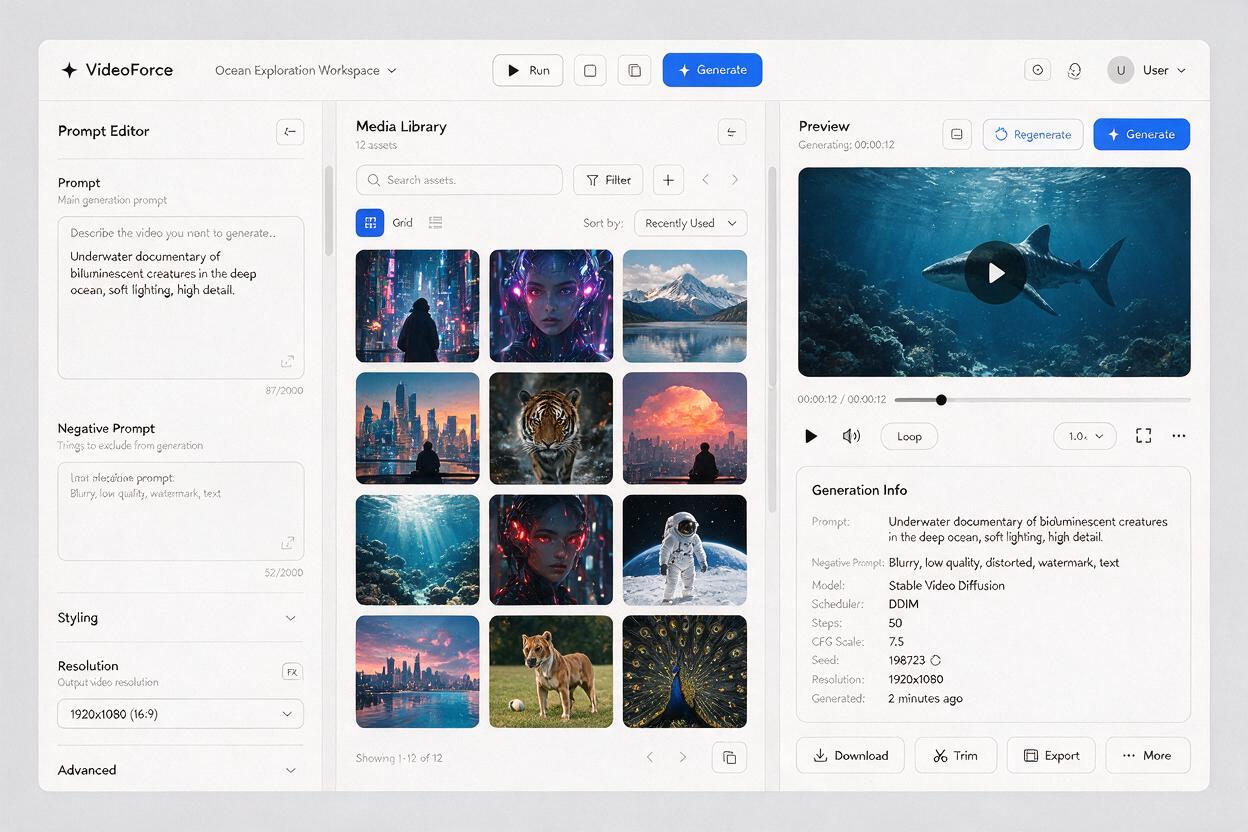
This update isn’t just about free clips — it shifts the economics of testing AI video content, making it accessible to creators who previously couldn’t justify a monthly subscription. Three key impacts stand out for content teams:
Zero-Cost Hook Testing
Short-form social media success lives or dies by the first 3 seconds of a video. With 10 free monthly clips, creators can test 10 different hook ideas (e.g., different opening visuals, motion styles, or text overlays) using real generated footage, instead of guessing based on static images. This reduces the risk of wasting paid generation credits on hooks that don’t resonate.
Lower Barrier to Entry for New Creators
For creators just starting to experiment with AI video, the free tier eliminates the “try before you buy” friction that often stops people from testing new tools. You can learn the basics of image-to-video prompting, test different content niches, and build a small portfolio of clips without spending any money upfront.
Hybrid Workflows Become Standard
As more free AI video tools enter the market, creators will increasingly mix free and paid tools to optimize costs. Instead of paying for one all-in-one platform, you’ll use free tools for testing and draft work, then upgrade to premium tools for final production and high-volume output.
How to Build a Hybrid Free/Paid AI Video Workflow
The biggest challenge with mixing multiple AI tools is the friction of switching between platforms, managing separate accounts, and keeping assets and prompts organized. A unified workflow eliminates that friction while still letting you take advantage of free tier offers.
Start by using Gemini 4 Free to generate 2-3 test clips for each new content idea, focusing on hook performance and visual style fit. For ideas that test well, use Claude Opus integration to build a structured prompt pack with brand style rules, continuity notes, and specific motion guidance that elevates the basic free output.
When you’re ready to produce final, longer-form clips, move to text to video generation on MagicBoat for higher motion consistency, longer clip lengths, and batch generation support. For multi-part series, pair GPT-6-powered storyboard planning with free test clips to validate every episode’s structure before investing in full production.
This hybrid approach cuts down on wasted paid credits, reduces upfront costs, and ensures you’re only paying for premium tools when you need their full capabilities. You also avoid the hassle of managing separate logins for every AI tool you test, since all your planning and generation tools live in one dashboard.
To try this hybrid workflow for yourself, sign up for MagicBoat today and access all your favorite AI planning and generation tools in one place.
Key Takeaways
- Gemini 4’s new free tier image-to-video access gives creators 10 monthly 1080p clips for zero cost, ideal for testing short-form content ideas.
- Paid models like Claude Opus and GPT-6 still deliver the most value in planning, prompt optimization, and revision stages, even when paired with free generation tools.
- Hybrid workflows that mix free and premium AI video tools reduce production costs while maintaining quality, especially for small creators and social media teams.
- A unified platform like MagicBoat eliminates the friction of managing multiple AI tool accounts and keeps all your video assets and prompts organized in one workspace.
Keywords
gemini 4, image to video, free ai tools, claude opus, gpt-6, ai video model, text to video