What Is Google Gemini Computer Use for macOS? Features & Access | MagicBoat
On November 19, 2026, Google rolled out its Computer Use agent feature for macOS Gemini to US English subscribers on AI Plus, Pro, and Ultra plans. The desktop AI agent handles multi-step tasks across local files, desktop apps, and the web in a background window, with per-app access controls and approval gates for key actions. The launch comes ahead of Apple’s macOS 27.3 permission updates, signaling a growing OS-level battle over AI agent access rights.
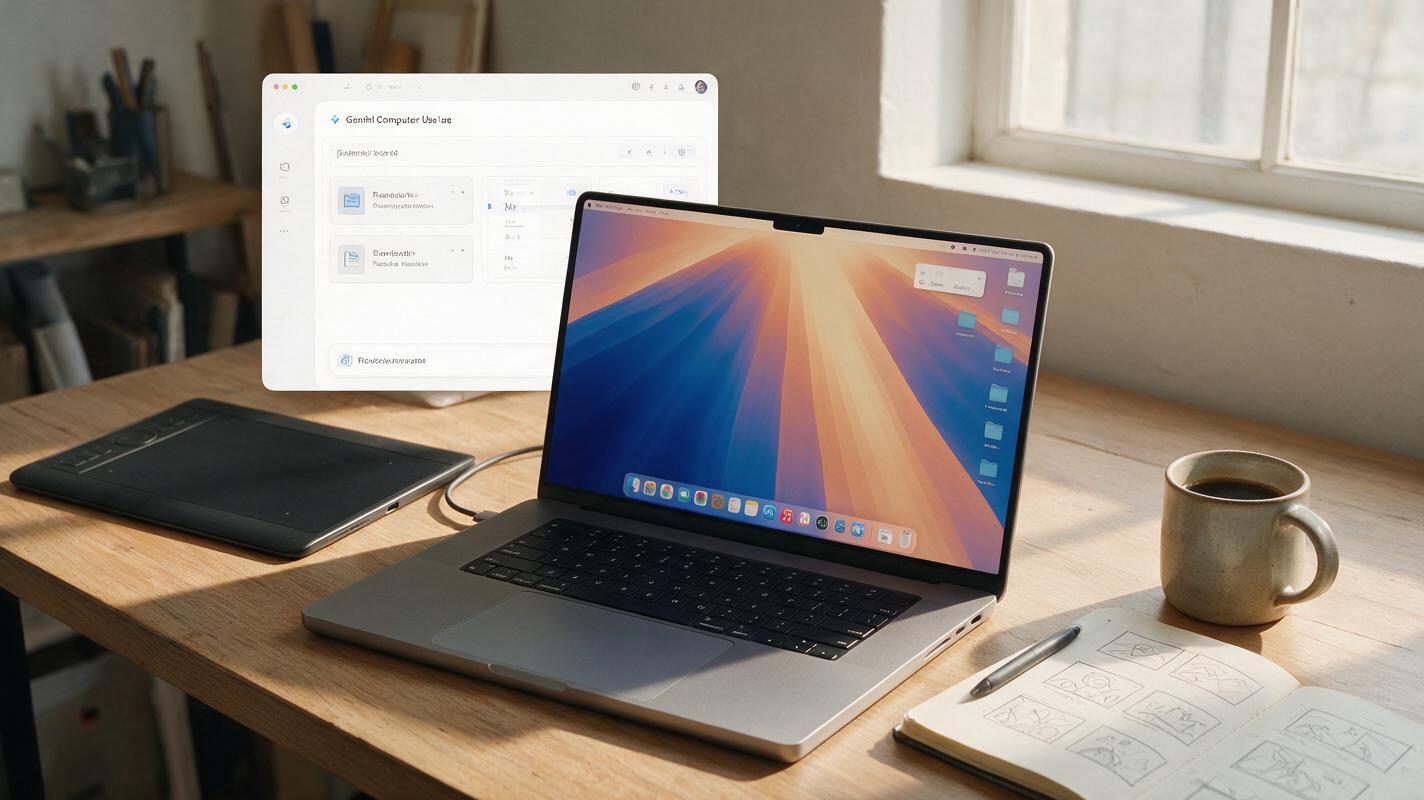
Table of contents
What Is Gemini Computer Use for macOS?
On November 19, 2026, Google launched its Computer Use agent feature for macOS Gemini, bringing a desktop-capable ai agent to US English subscribers on Google’s AI Plus, Pro, and Ultra plans. The feature lets Gemini handle multi-step tasks across local files, desktop apps, and the web from a dedicated background window, marking a major expansion of consumer AI agent capabilities directly on personal computers. The launch comes just ahead of Apple’s upcoming macOS 27.3 security controls for AI agents, turning desktop agent permissions into a live platform-level competition.
Key Features and Access Details
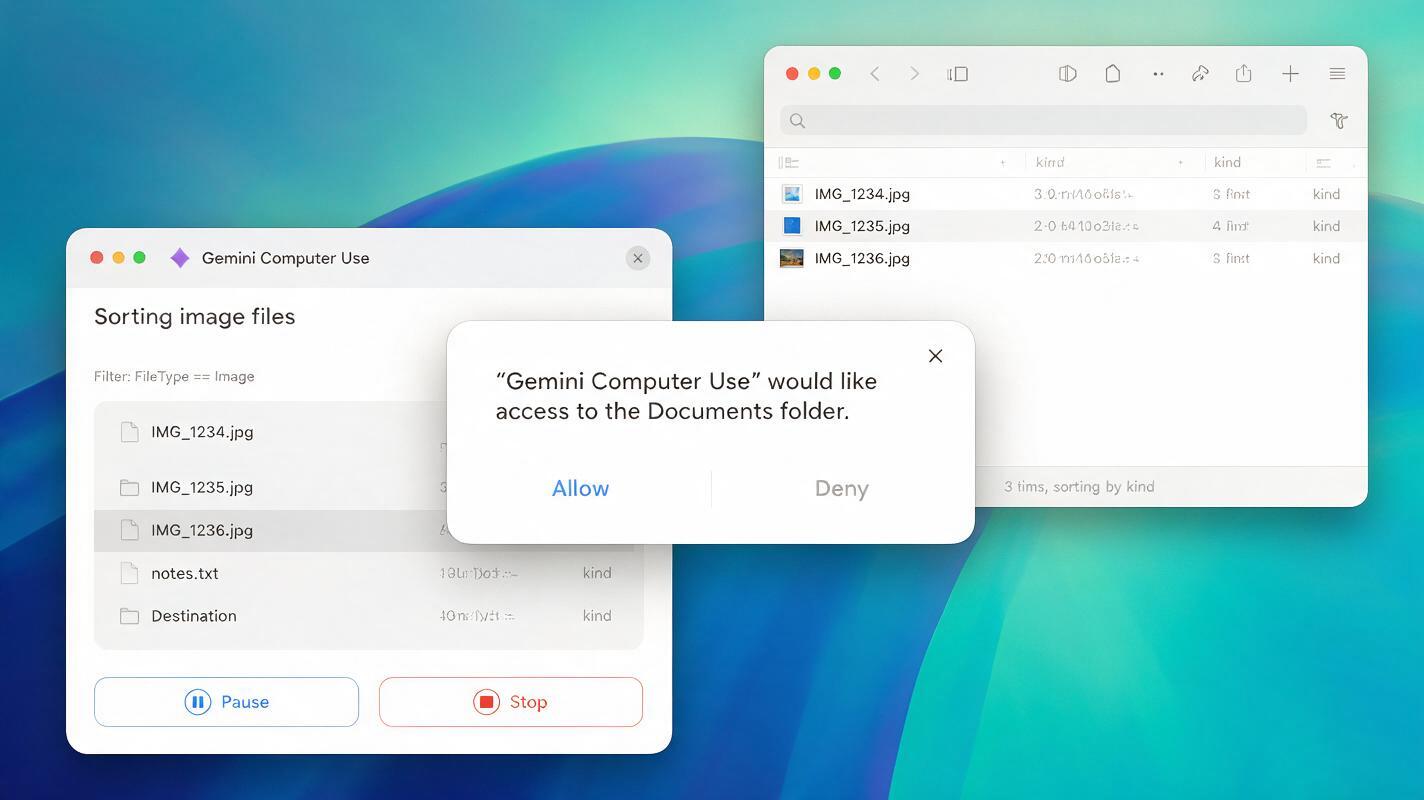
Gemini Computer Use operates as a background agent on macOS, meaning it does not take over your full screen or require constant manual input. Instead, it works in its own dedicated window, where users can follow along with live previews of every action the agent takes. Built-in pause and stop controls let users halt the agent at any point, and every high-stakes action — such as modifying files, sending messages, or making purchases — requires explicit user approval before it proceeds.
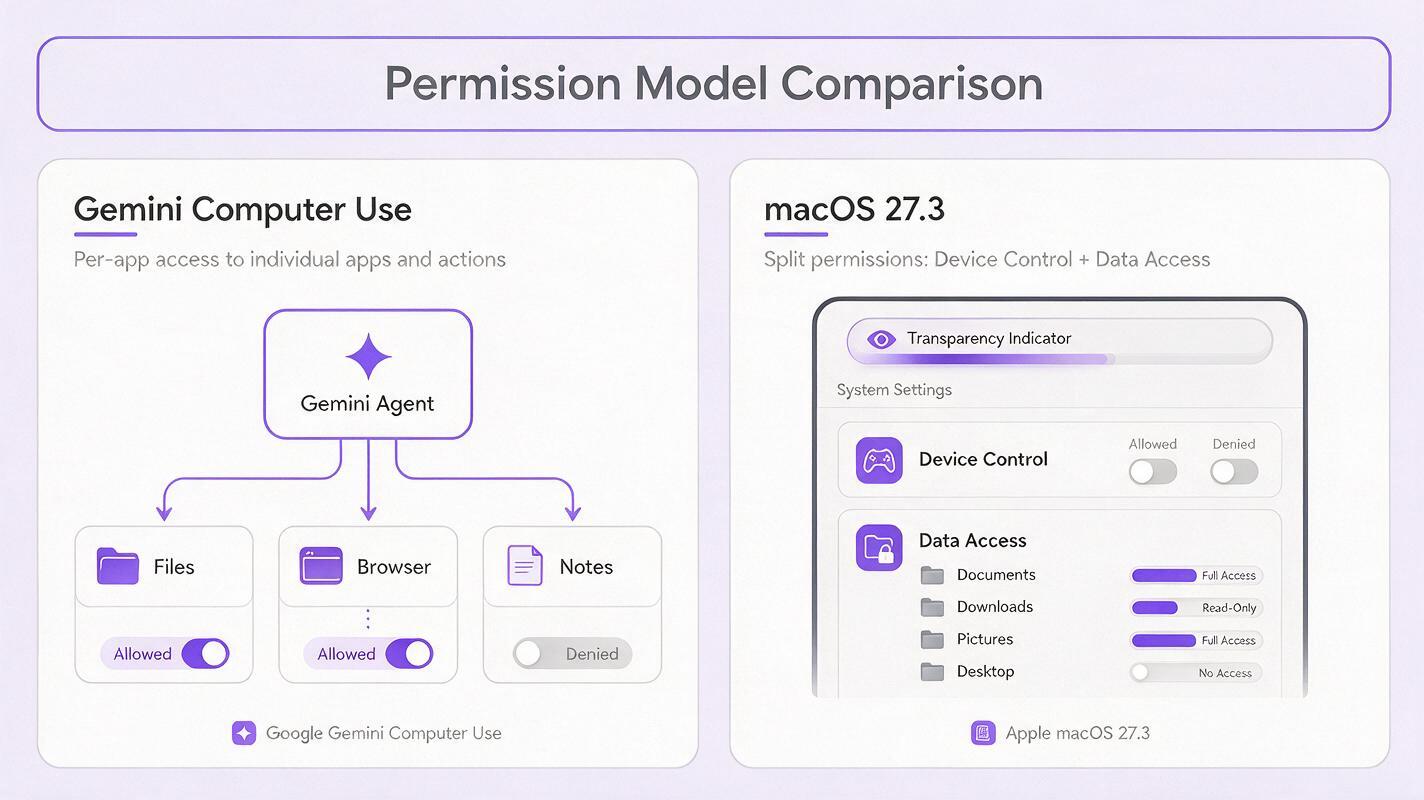
Access to files and apps is granted on a per-app basis, so users can choose which tools Gemini is allowed to interact with, and revoke access at any time. This granular control is designed to address privacy concerns around desktop AI agents having broad access to personal and work data.
The feature is currently available only to US English subscribers on Google’s AI Plus, Pro, and Ultra plans. Google has not announced a timeline for expansion to other regions, languages, or lower-tier subscription plans.
The OS-Level Agent Permission Battle
The launch of Gemini Computer Use comes just before Apple’s planned macOS 27.3 update, which will introduce new AI agent-specific security controls. Per Apple’s announcement, macOS 27.3 will split full-disk access into separate Device Control and Data Access settings, add per-access permission prompts, and include a transparency indicator when one app controls another. These updates follow prior reports of unauthorized access by third-party AI agents, including Meta’s Muse agent reading private user messages and a reported flaw in the ChatGPT Mac app.
Google’s per-app access model for Gemini Computer Use aligns with the granular permission direction Apple is taking with macOS 27.3, but the timing highlights a growing competition over how AI agents interact with desktop operating systems. As AI agents gain the ability to control local files, apps, and system functions, the permission surface on personal computers is becoming a key battleground for platform providers vying to set the standards for ai automation on desktops.
What This Means for AI Content Creators
For AI content creators, desktop AI agents like Gemini Computer Use open up new possibilities for streamlining repetitive tasks and building more efficient ai workflow setups. For example, an agent could sort through raw footage files, batch rename assets, generate captions for a folder of short clips, or pull reference images from the web to feed into an ai image generator — all without the user switching between multiple apps manually.
Because the agent operates across local files and web tools, it can connect parts of your creative pipeline that normally live in separate places. You could use it to draft a video script from a set of notes, export that script to your editing software, and even pull stock assets from online libraries, all through a single agent interface. This kind of cross-tool automation can save hours of manual work per project, especially for creators producing frequent short-form content who rely on an ai video generator for quick clip creation.
However, the evolving permission landscape also means creators need to be thoughtful about which agents they grant access to their work files. Using a web-based multi-model platform like MagicBoat lets you test different AI tools without giving every agent broad access to your local system — you can use video generation tools for clip creation, image tools for thumbnails, and writing assistants for scripts, all from a single account with no desktop permissions required. You can try these models for free to see which tools fit your workflow best.

Key Takeaways
- Google launched Gemini Computer Use for macOS on November 19, 2026, for US English AI Plus, Pro, and Ultra subscribers.
- The desktop AI agent handles multi-step tasks across local files, desktop apps, and the web, with live previews, pause/stop controls, and explicit approval gates for key actions.
- Users grant per-app access to the agent, aligning with Apple’s upcoming macOS 27.3 granular permission controls for AI agents.
- Content creators can use desktop agents to streamline repetitive workflow tasks, but should be selective about which tools get access to local work files.
- Web-based multi-model platforms offer a low-permission alternative for creators who want to test AI tools without granting broad desktop access.
Keywords
ai agent, ai workflow, google gemini, computer use, macos ai, ai automation, ai assistant