Microsoft 2011 Windows Secure Boot Certificate Expires Oct 19
Microsoft's 2011 Windows Production PCA Secure Boot certificate, the last of three legacy boot certificates, expired on October 19. Unpatched Windows devices will still boot but lose access to new boot-level security protections, requiring users to install Windows and firmware updates tied to the 2023 replacement certificate. This change has important security implications for creators running AI content creation workflows on Windows hardware.
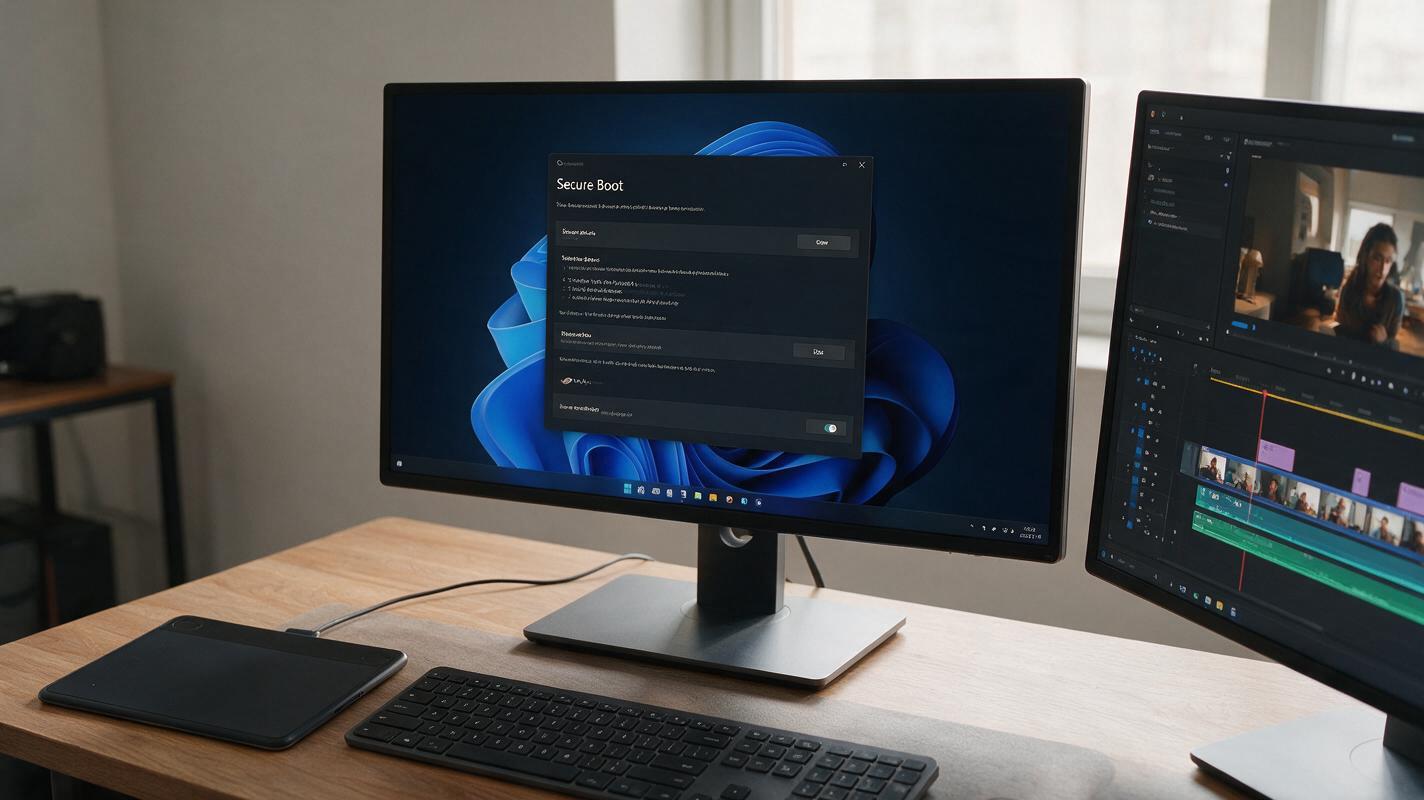
Table of contents
The Windows Secure Boot Certificate Expiry: Full Details
Microsoft’s last legacy Windows Production PCA Secure Boot certificate, originally issued in 2011, expired on October 19, leaving unpatched Windows devices without access to the latest boot-level security protections.
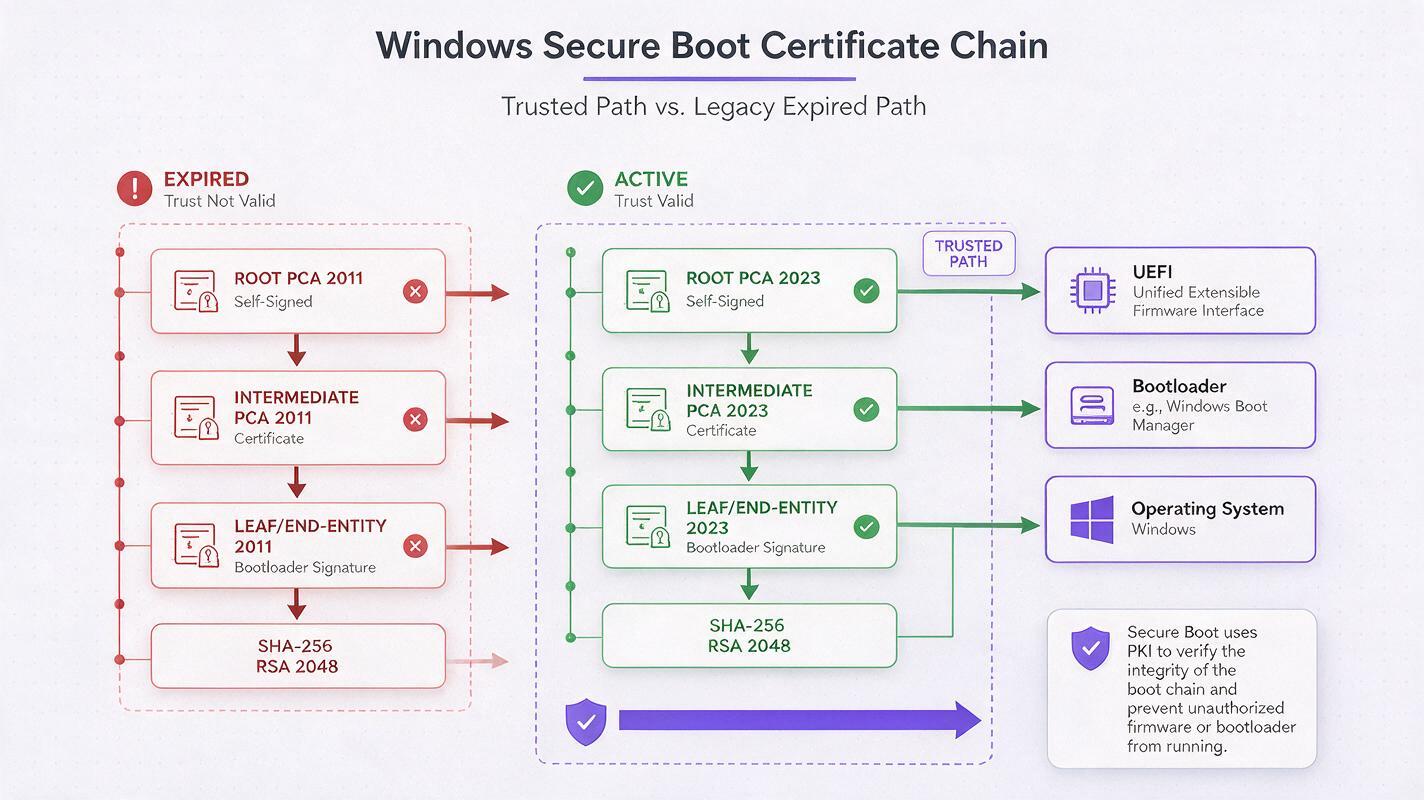
The 2011 certificate is the final one of three legacy Windows Production PCA certificates to reach end of life, following the retirement of two earlier legacy certs in prior years. Secure Boot is a Windows security feature that validates the integrity of boot firmware and operating system components before they load, preventing malicious software from taking control of a device at the lowest system level.
Unpatched Windows PCs will still boot normally after the certificate expiry, but they will no longer receive new boot-level security updates signed under the legacy 2011 certificate. To maintain full boot protection, users must install both Windows system updates and device firmware updates that use the newer 2023 Windows Production PCA certificate as their trust anchor.
The change affects all Windows devices that rely on the legacy 2011 certificate chain for Secure Boot validation, including consumer laptops, desktops, and workstations used for professional content creation.
What the Expiry Means for Windows Device Security
While the expiry does not immediately disable Secure Boot or prevent devices from starting, it creates a growing security gap for unpatched systems over time. New boot-level security patches, firmware updates, and signed boot components will be issued under the 2023 certificate chain, meaning devices still tied to the 2011 cert will not recognize or install these critical protections.
Without ongoing boot-level security updates, unpatched devices become increasingly vulnerable to rootkits, bootkits, and other low-level malware that can evade traditional antivirus and endpoint protection tools. These types of threats can operate invisibly on a system, capturing keystrokes, stealing sensitive data, and hijacking system resources without the user’s knowledge.
For devices that are not updated, the risk is not immediate catastrophic failure, but a gradual erosion of the foundational security layer that protects the entire operating system environment. This is particularly concerning for users who handle sensitive creative work, proprietary assets, or paid AI tool subscriptions on their Windows devices.

Security Risks for AI Content Creation Workflows
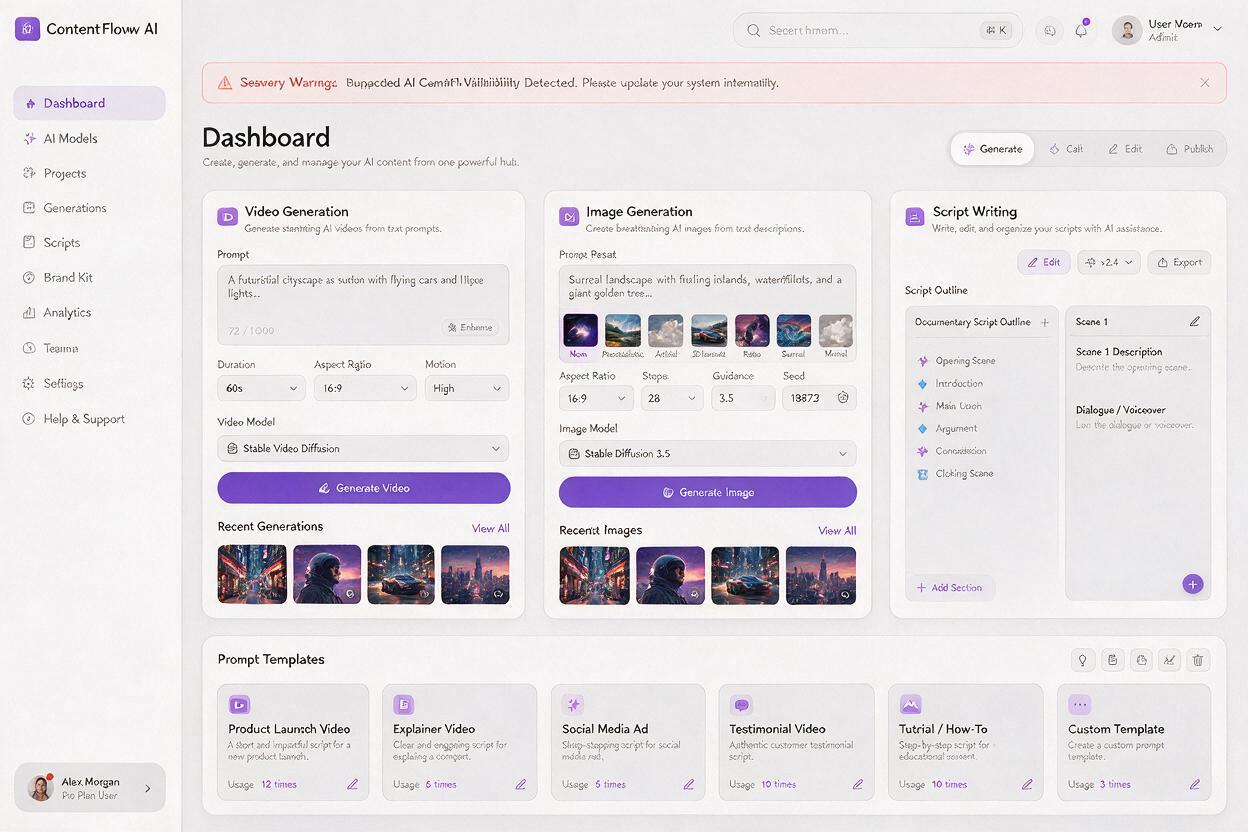
For creators running AI-powered content pipelines on Windows hardware, the Secure Boot certificate expiry introduces underrecognized risks to both creative assets and operational efficiency. Whether you rely on an ai video generator for short-form social content, an ai image generator for brand marketing materials, or custom scripts for batch content production, a compromised boot environment can put every part of your workflow at risk.
Low-level boot malware can steal API keys for AI platforms, access proprietary model fine-tuning data, and exfiltrate unreleased creative assets before they are published. It can also hijack system resources to run unauthorized mining or inference workloads, slowing down your AI tools and increasing energy costs without any visible signs of compromise.
Creators who use local AI models or store large creative libraries on their Windows workstations are especially exposed. A bootkit can encrypt or corrupt local model weights, raw footage, and project files, leading to lost work and costly downtime that can derail tight content production schedules.
Even creators who primarily use cloud-based AI tools are not immune: keyloggers and credential stealers deployed via boot-level malware can capture login credentials for AI platforms, cloud storage accounts, and payment methods, leading to unauthorized access and potential financial loss.
How to Confirm Your Windows Device Has Full Boot Protection
Verifying that your Windows device is using the 2023 certificate chain for Secure Boot involves checking both your system firmware and Windows update status. You can find Secure Boot information in your device’s BIOS or UEFI settings, where you can confirm that Secure Boot is enabled and that the platform key matches the 2023 Microsoft certificate.
On the Windows side, ensuring you have installed all available cumulative updates and optional firmware updates via Windows Update will automatically transition most devices to the newer certificate chain. For custom-built PCs or enterprise devices, you may need to manually update your UEFI firmware from your motherboard or device manufacturer’s support website to add the 2023 certificate trust anchor.
- Confirm Secure Boot is enabled in your device’s UEFI/BIOS settings
- Install all pending Windows cumulative and security updates
- Check for firmware updates from your device or motherboard manufacturer
- Verify the 2023 Windows Production PCA certificate appears in your system’s trust store
Taking these actions will ensure your device continues to receive boot-level security updates and maintains protection against the latest low-level threats.
Building Resilient AI Workflows Beyond Local Device Security
While keeping your local device secure is critical, relying solely on on-premise hardware for your AI content creation workflow creates a single point of failure. Security incidents, hardware failures, or software corruption can halt production entirely if all your tools, assets, and models are stored locally.
Cloud-based multi-model AI platforms like MagicBoat add a layer of resilience by hosting your core AI creation tools and workflow infrastructure in secure, professionally managed cloud environments. This means even if your local device experiences a security breach or hardware failure, you can still access your ai automation workflows, creative project history, and all your preferred AI models from any secure device with an internet connection.
MagicBoat’s platform integrates a wide range of AI content creation tools in a single, secure account, eliminating the need to manage dozens of separate API keys and subscriptions across different providers. This reduces your attack surface by limiting the number of credentials stored on your local device, and centralized access controls make it easier to manage permissions and monitor usage.
You can try these models for free to see how a cloud-based multi-model platform can strengthen the security and resilience of your content creation workflow.
Key Takeaways
- Microsoft’s 2011 Windows Production PCA Secure Boot certificate, the last of three legacy certs, expired on October 19
- Unpatched Windows devices still boot normally but lose access to new boot-level security updates
- Users must install Windows and firmware updates tied to the 2023 certificate to maintain full boot protection
- AI content creators face unique risks from boot-level malware, including stolen API keys and lost creative assets
- Cloud-based multi-model AI platforms add workflow resilience by separating core creation tools from local device risks
Keywords
windows secure boot, microsoft pca certificate, boot-level security, windows firmware update, ai workflow security, ai content creation, pc security