Microsoft’s 2011 Windows Secure Boot PCA Certificate Expires Oct 19
Microsoft’s 2011 Windows Production PCA Secure Boot certificate expired on October 19, 2026, marking the retirement of the last of three legacy boot certificates. Unpatched PCs will continue to boot but lose access to new boot-level security protections, requiring Windows and firmware updates to maintain full security. For AI content creators, the expiry highlights the value of combining local device security with resilient cloud-based AI workflows.
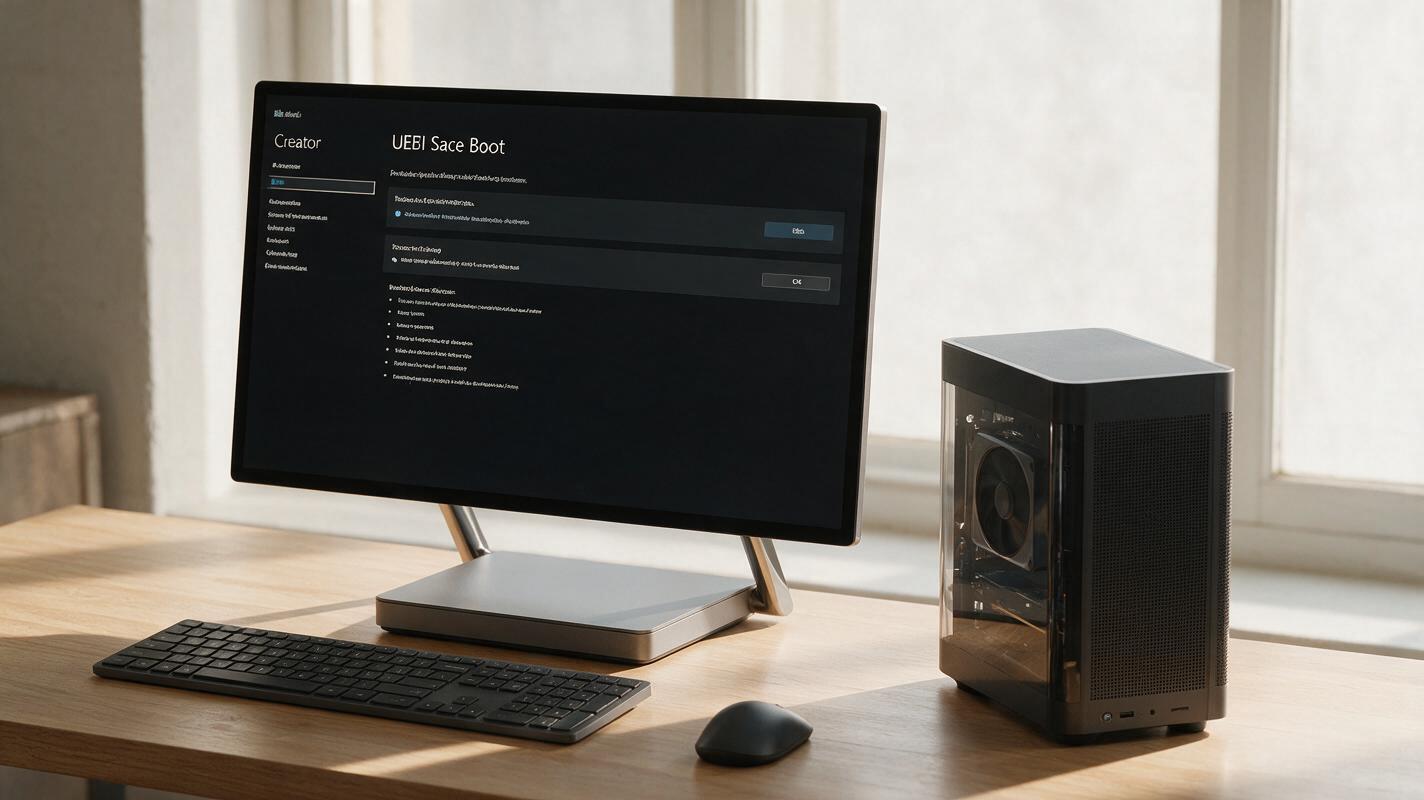
Table of contents
The 2011 Windows Secure Boot Certificate Expiry: Full Details
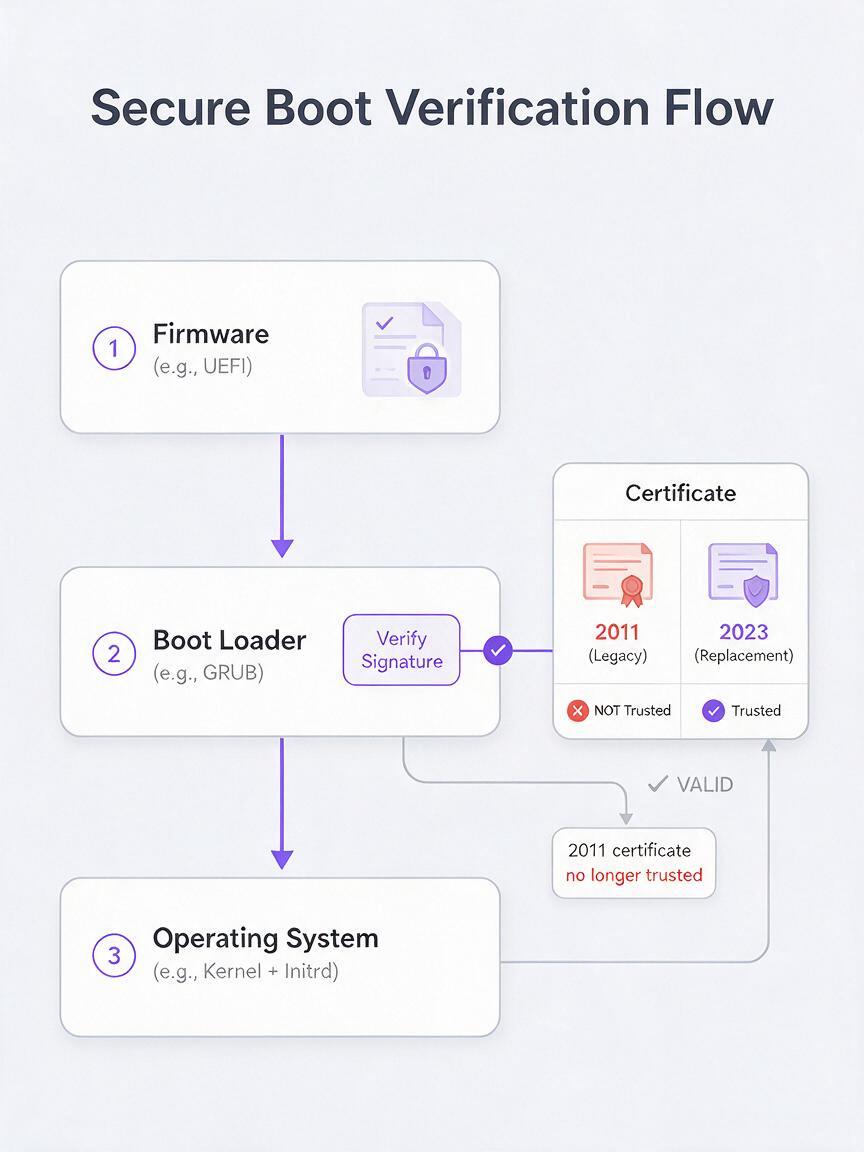
Microsoft’s 2011 Windows Production PCA Secure Boot certificate expired on October 19, 2026, marking the retirement of the last of three legacy boot certificates used to validate trusted Windows boot components. The certificate was a core part of the Secure Boot ecosystem, which verifies that all software running during a PC’s startup process is signed by a trusted authority, blocking low-level malware that attempts to infect systems before the operating system fully loads.
Unpatched Windows PCs will not stop working after the expiry. Devices that have not installed the required updates will still boot normally, but they will lose access to new boot-level security protections that rely on the updated certificate infrastructure. To maintain full boot security, users must install both Windows operating system updates and device firmware updates that support the 2023 replacement Secure Boot certificate.
The expiry affects all Windows devices that rely on the legacy 2011 PCA certificate for boot validation, including consumer laptops, desktop workstations, and some enterprise devices. Firmware updates from PC manufacturers are a critical part of the update process, as UEFI/BIOS firmware must explicitly trust the new 2023 certificate to fully enforce Secure Boot protections.
What This Means for Windows PC Users
The most immediate takeaway for most users is that no sudden shutdown or loss of functionality will occur. The legacy certificate’s retirement does not render existing Windows devices unusable, and day-to-day operations will remain unaffected for unpatched systems in the short term.
Over time, however, unpatched devices will miss out on new boot-level security features and may become more vulnerable to sophisticated bootkit and rootkit malware that targets the startup process. These types of malware are particularly dangerous because they can evade traditional antivirus software by activating before the operating system and its security tools load.
Users who prioritize device security, especially those handling sensitive data or running high-value software, should prioritize installing the latest Windows cumulative updates and checking for UEFI/firmware updates from their device manufacturer. Most modern Windows 10 and 11 devices will receive the required updates automatically if Windows Update is enabled, but users with custom-built PCs or older devices may need to manually install firmware updates.
Implications for AI Content Creators
For AI content creators who rely on Windows workstations for local model inference, video editing, 3D rendering, and asset storage, the Secure Boot certificate expiry highlights an often-overlooked layer of creative workflow security. Boot-level malware can compromise sensitive creative assets, steal API keys for cloud AI services, corrupt local AI model weights, and disrupt production timelines by rendering workstations unusable.
Creators who run local large language models, image generation models, or video AI tools on their Windows PCs are especially at risk, as these setups often involve downloading third-party model files, custom scripts, and open-source tools that can be vectors for malware if not properly vetted. A compromised boot environment can also lead to the theft of unfinished creative work, client data, and login credentials for industry platforms.
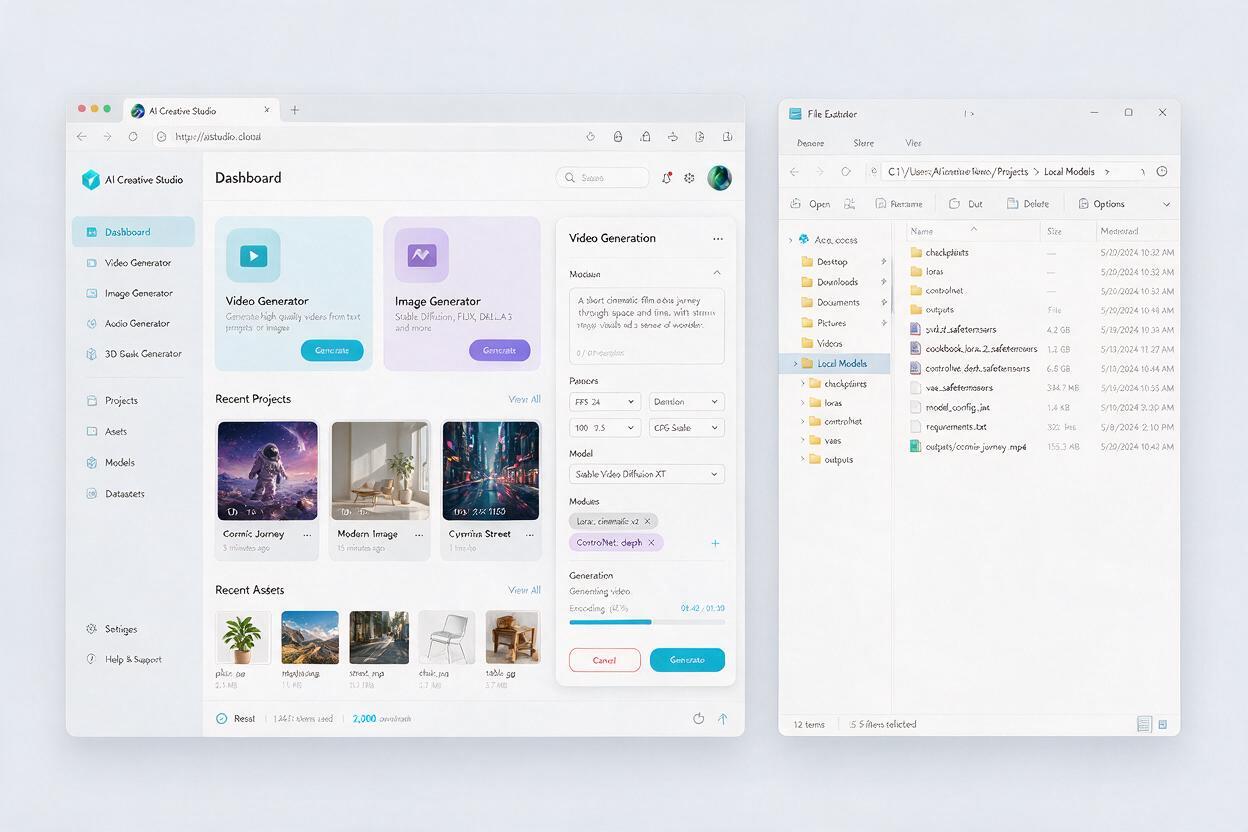
While local device security is a non-negotiable foundational layer, cloud-based AI platforms offer an additional buffer of resilience and security for creative workflows. With ai video generator tools and ai image generator capabilities hosted in secured cloud environments, platforms like MagicBoat decouple core AI compute from local device security status. This means even if your local workstation requires updates or experiences a security issue, you can still access your full suite of AI creative tools from any secure browser, pick up where you left off, and keep production on track.
Cloud-based AI workflows also reduce the need to download and run unvetted third-party model files locally, minimizing the attack surface for malware that targets AI creator setups. All model updates, security patches, and infrastructure maintenance are handled by the platform team, so creators can focus on producing content rather than managing local model security and compatibility.
How to Secure Your Windows Workstation
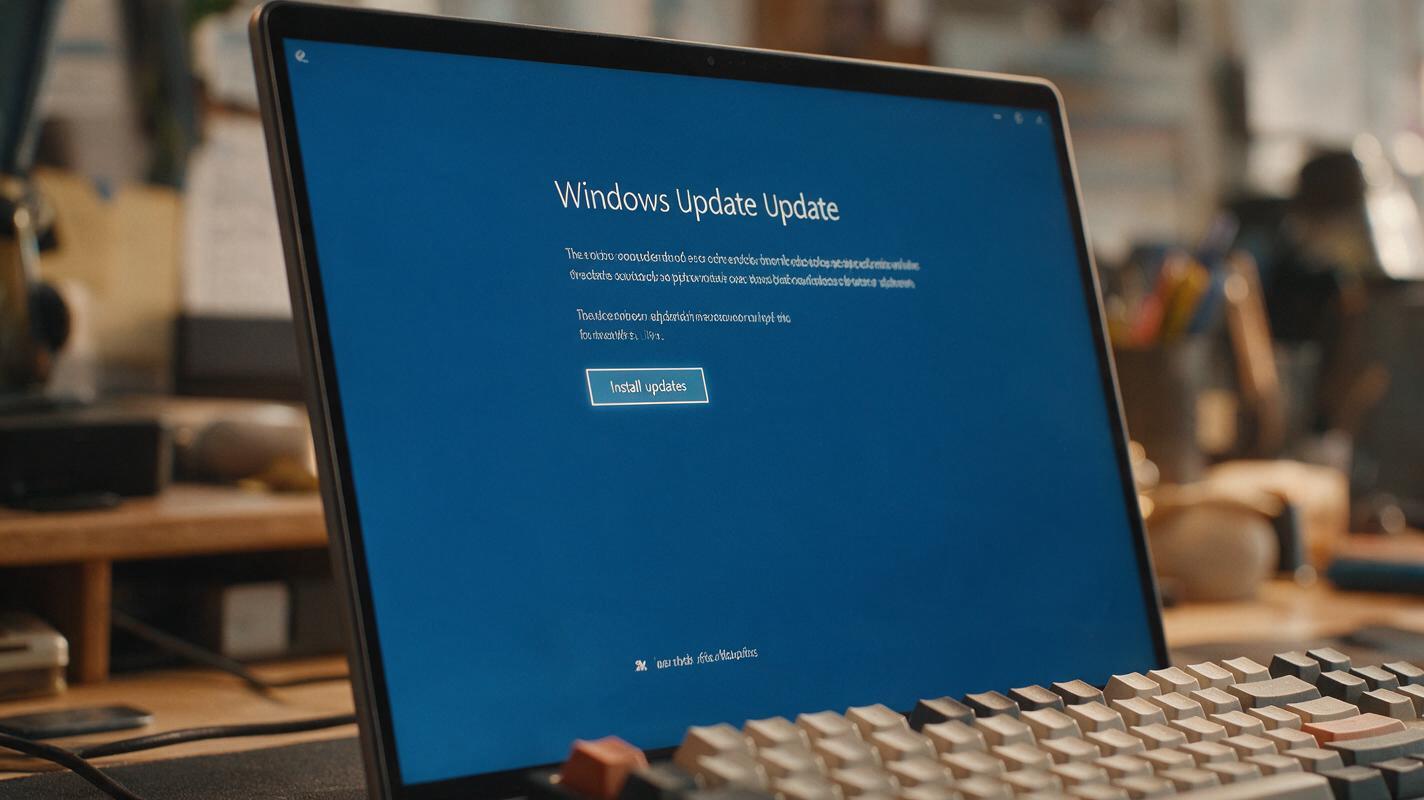
To maintain full Secure Boot protection after the 2011 certificate expiry, start by ensuring your Windows operating system is fully up to date. Run Windows Update and install all available cumulative updates, which include the necessary components to trust the 2023 Secure Boot certificate.
Next, check for UEFI or BIOS firmware updates from your PC or motherboard manufacturer. Firmware updates are typically available through the manufacturer’s support website, and many modern devices include built-in firmware update tools within Windows or the UEFI settings menu. You can verify that Secure Boot is enabled by checking your UEFI/BIOS settings during startup, or by using the System Information tool in Windows to confirm the Secure Boot state.
For creators running custom-built workstations or using specialized hardware for AI compute, double-check that your motherboard’s latest firmware explicitly supports the 2023 Windows Secure Boot certificate. If you use dual-boot setups or custom boot loaders, ensure those tools are also updated to support the new certificate infrastructure to avoid boot issues after firmware updates.
Key Takeaways
- Microsoft’s 2011 Windows Production PCA Secure Boot certificate expired on October 19, 2026, as the last of three legacy boot certificates.
- Unpatched Windows PCs will continue to boot normally but lose access to new boot-level security protections over time.
- AI content creators should install Windows and firmware updates to protect local workstations, sensitive assets, and AI model installations.
- Cloud-based AI platforms like MagicBoat provide resilient, secure access to creative tools that is independent of local device security status.
- You can try these models for free to build a more flexible, secure AI content production workflow.
Keywords
secure boot, windows security, microsoft certificate expiry, ai workflow, device security, ai automation, pc boot protection