Netflix’s Generative AI Milestone: A Blueprint for AI Video Creators
Netflix’s use of generative AI footage in The Eternaut shows how AI can support a specific production challenge rather than replace an entire creative pipeline. For independent creators, the practical opportunity is to prototype original scenes, short dramas, and visual concepts with a focused, shot-level workflow.
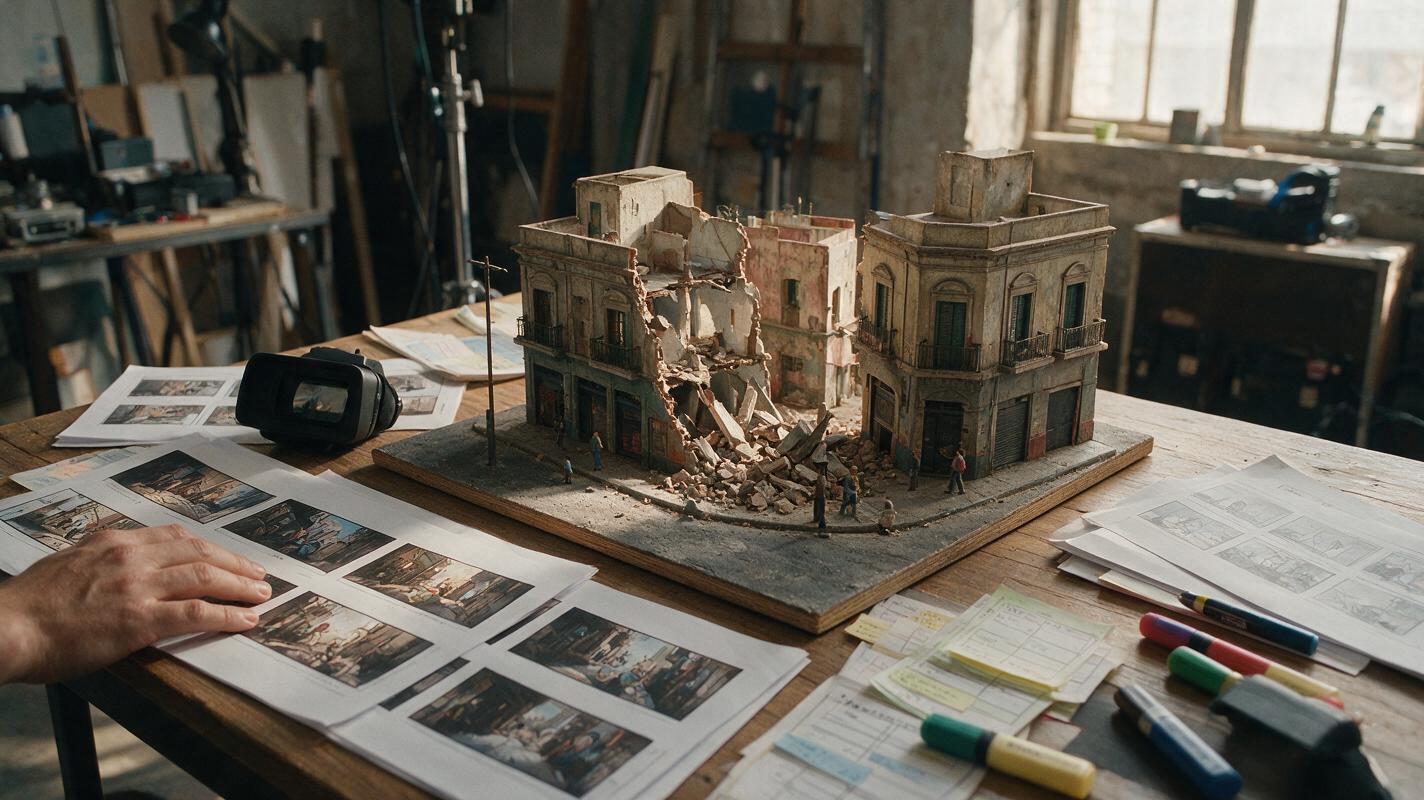
Table of contents
Netflix’s AI Moment Moves From Experiment to Screen
Netflix used generative AI footage in the final cut of The Eternaut, with co-CEO Ted Sarandos identifying a building-collapse sequence as the company’s first finished on-screen footage created with generative AI. For content creators, the milestone offers a practical blueprint: use AI video selectively to visualize ambitious shots, test original stories, and build stronger proofs of concept without treating automation as a substitute for direction.
What Happened in The Eternaut
The Eternaut, an Argentine science-fiction series based on the graphic novel by Héctor Germán Oesterheld and Francisco Solano López, follows survivors facing a deadly snowfall and an escalating extraterrestrial threat in Buenos Aires.
During a Netflix earnings discussion, Sarandos said the production used generative AI to help create a building-collapse sequence. According to his comments reported by TechCrunch, the sequence was completed about 10 times faster than it would have been with conventional visual-effects tools, making the shot feasible within the production’s budget.
The important creative detail is the scale of the intervention. Netflix did not announce that a prompt generated the whole episode. Generative AI addressed a defined visual problem inside a larger process involving performers, physical production, editing, sound, visual effects, and human creative judgment.
The useful lesson is not “generate everything.” It is “identify the shot that blocks the story, then test whether AI can help unlock it.”
Why One Collapse Shot Matters
Screen production has always combined different techniques. A single scene may include live action, practical effects, matte paintings, digital compositing, 3D assets, and color grading. Generative AI now enters that toolkit as another way to explore or produce selected visual material.
That shift is especially relevant to independent filmmakers and short-form creators. A disaster scene, speculative location, historical environment, or surreal transition may be central to a story but too expensive to prototype conventionally. A targeted AI video experiment can help determine whether the idea reads clearly before a creator commits to a longer production.
The strongest application is often not a polished feature-length result. It is a short, legible artifact that helps answer creative questions:
- Does the opening image create immediate curiosity?
- Can viewers understand the location and threat?
- Does the visual style match the emotional tone?
- Which shots need live action, and which can be synthesized or composited?
- Can the concept sustain several connected episodes?
The Pipeline Shift: AI Becomes a Shot-Level Production Tool
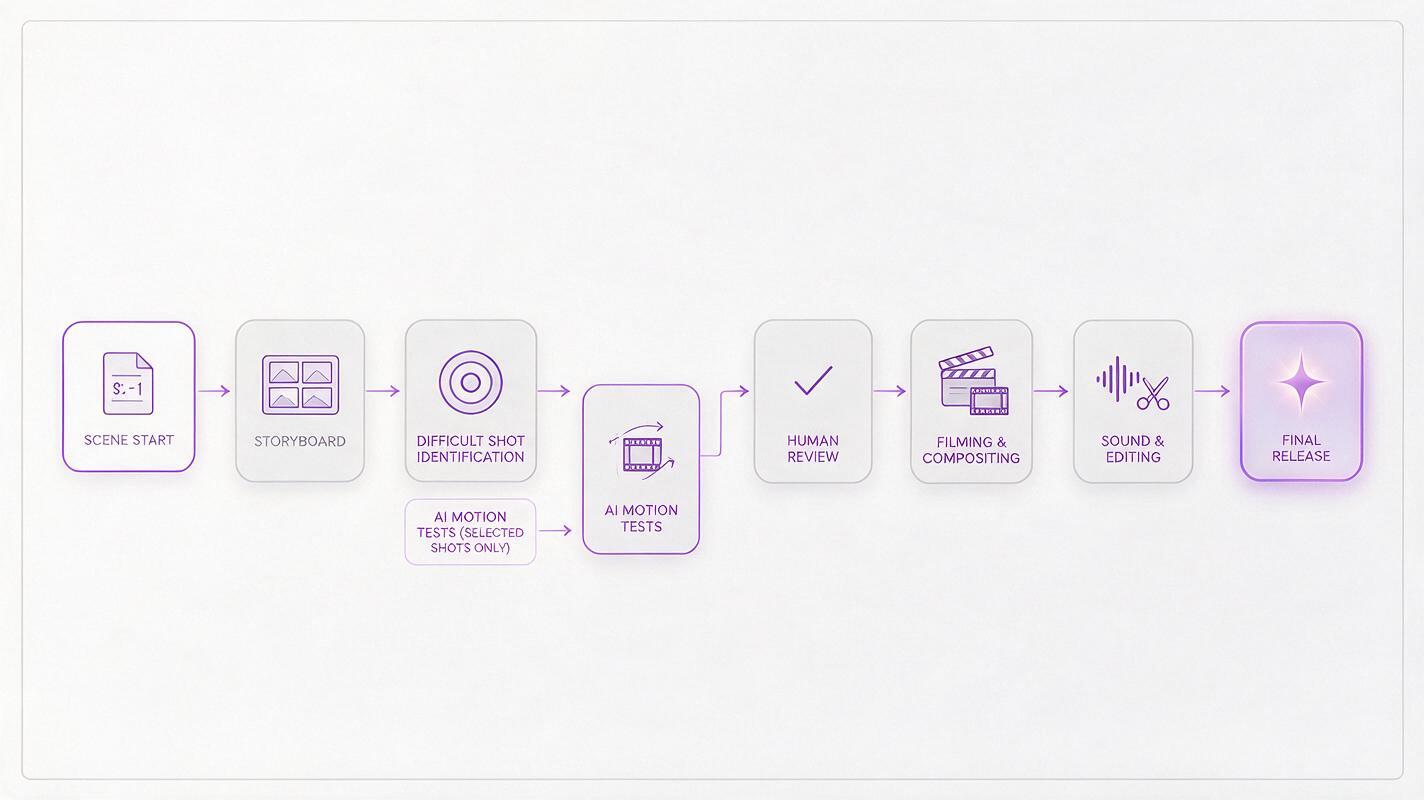
Traditional production planning usually moves from script to storyboard, previsualization, filming, visual effects, and final delivery. AI content creation can add faster feedback loops between those stages. A director might generate several visual interpretations of a difficult shot, compare them, revise the scene description, and carry the most promising option into production.
This does not remove the need for craft. In fact, inconsistent characters, unstable motion, incorrect spatial relationships, and unclear cause-and-effect can become more noticeable when imagery is generated without a plan. The creator still needs to define what happens before the shot, what changes during it, and what the audience must understand afterward.
| Production need | Conventional emphasis | AI-assisted opportunity |
|---|---|---|
| Concept exploration | Sketches, references, storyboards | Rapid visual variations for an original scene |
| Previsualization | Animatics or basic 3D layouts | Short motion tests for framing, pace, and atmosphere |
| Complex spectacle | Practical effects, 3D, compositing | Selected generated elements or early feasibility tests |
| Short-form release | Trailer or manually recut excerpts | Purpose-built vertical scenes with an immediate hook |
| Creative review | Feedback after larger production commitments | Earlier comparison of multiple visual directions |
Build a Vertical Proof of Concept, Not a Synthetic Spectacle
Creators do not need a collapsing city block to apply the lesson. A compelling AI short drama can begin with one production challenge: an impossible weather event, a room changing across decades, a mysterious object appearing in an ordinary street, or a character witnessing something that cannot be filmed locally.
A useful proof of concept can be built around three compact beats:
- Normality: establish a recognizable place and a simple human objective.
- Disruption: introduce one visually unmistakable change.
- Consequence: show a decision, reaction, or unresolved danger that invites another episode.
This structure gives each generated shot a narrative job. It also makes evaluation easier: if viewers cannot identify what changed or why it matters, adding more visual effects will not solve the underlying story problem.
A Prompt Card for a Production-Ready Scene
A text to video prompt becomes more controllable when it describes observable action instead of relying on broad style labels. The following framework can be adapted to an original concept:
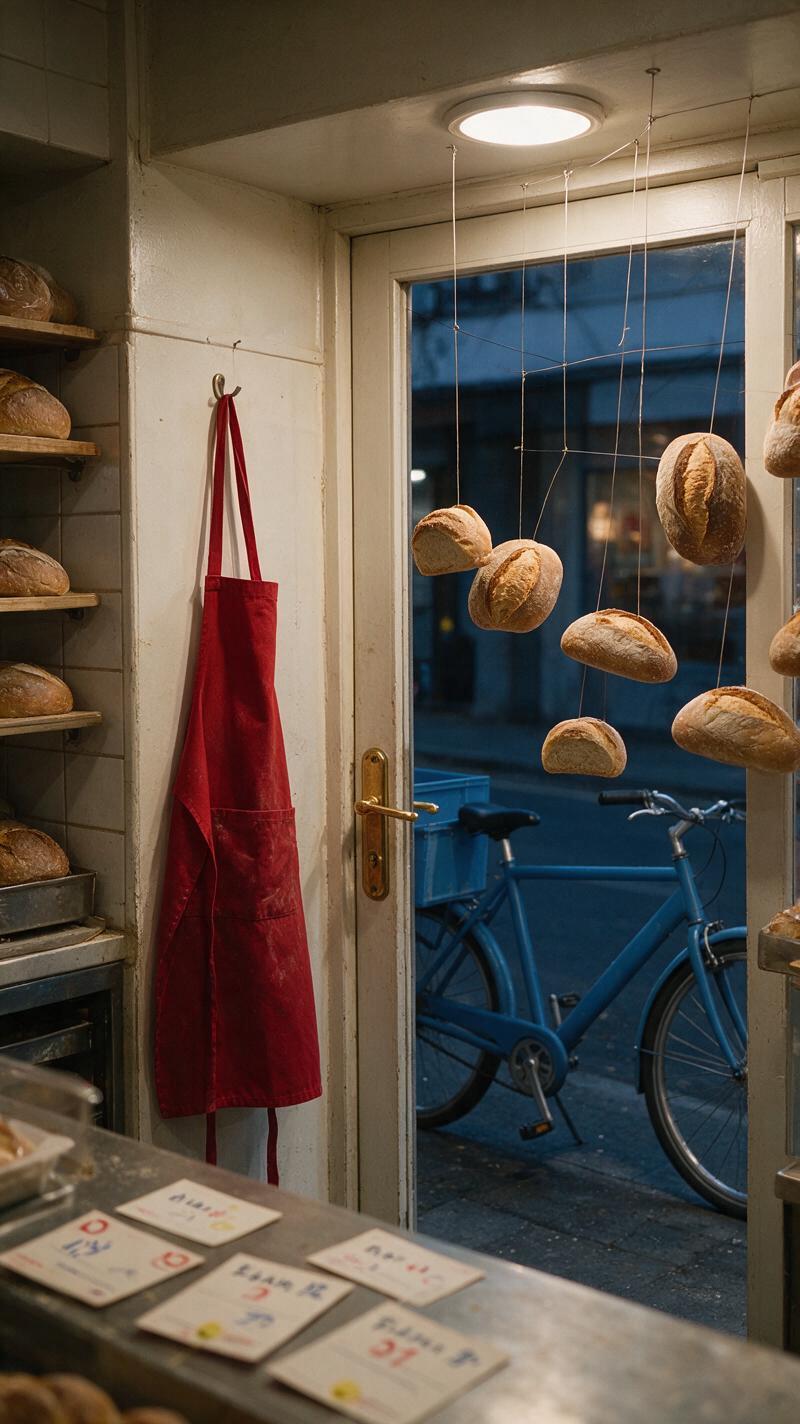
Format: vertical short-drama shot
Location: a rain-soaked neighborhood bakery before sunrise
Subject: the owner unlocking the front door
Disruption: every loaf inside rises into the air at the same moment
Action: she freezes, steps backward, and drops her keys
Camera: slow push from the sidewalk toward the doorway
Lighting: cool dawn outside, warm practical light inside
Continuity anchor: red apron, brass door handle, blue delivery bicycle
Ending image: one loaf turns toward her as if watching
The continuity anchors are particularly valuable. Repeating a few visible details across prompts can make separate shots feel as though they belong to the same world, even before editing and sound design bring them together.
Where AI Helps—and Where Human Direction Stays Essential
The Netflix example is valuable because it frames generative AI as production problem-solving, not automatic authorship. Human decisions remain central to story structure, performance, shot selection, rhythm, sound, and the final emotional effect.
| AI can assist with | Creators still need to direct |
|---|---|
| Visual variations and exploratory footage | The scene’s purpose and point of view |
| Early tests of difficult environments | Character motivation and dramatic stakes |
| Alternative compositions or transitions | Continuity across shots and episodes |
| Short-form concept prototypes | Editing, sound, pacing, and audience clarity |
| Selected elements for a larger workflow | Rights, permissions, and responsible release decisions |
Creators should also keep records of scripts, source material, prompts, generated outputs, revisions, and licensed assets. Avoid using protected characters, recognizable performances, or another production’s distinctive material without permission. The goal is to learn from a workflow shift, not to imitate The Eternaut or any other Netflix property.
Turning the Production Lesson Into a MagicBoat Workflow
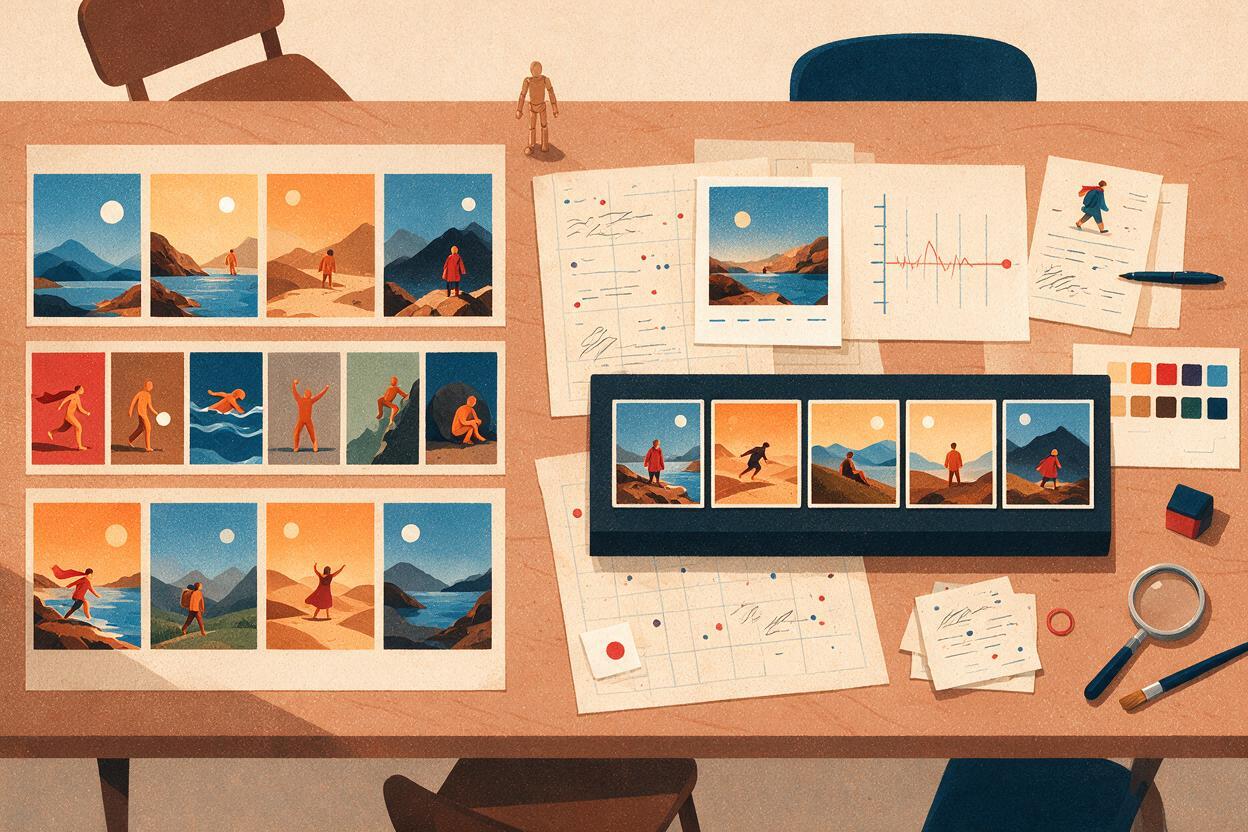
A practical way to participate is to begin with the most visually demanding moment in an original story. Write the scene as a sequence of concrete images, create short variations, and judge each output by narrative clarity rather than novelty.
MagicBoat can serve as a starting point for an AI film or short-drama experiment. Creators can explore an original scene through an AI-assisted workflow, compare visual directions, and assemble a focused concept designed for vertical or short-form viewing.
Keep the first test intentionally small: one location, one recurring character detail, one disruption, and only the shots required to communicate the turning point. Once that sequence works, expand outward into dialogue, reaction shots, establishing images, and episodic hooks.
Sources Note
Final Checklist
- Choose one original scene with a clear visual production challenge.
- Define normality, disruption, and consequence before generating footage.
- Use repeated wardrobe, prop, lighting, and location details as continuity anchors.
- Compare shots by story clarity, not visual complexity alone.
- Plan editing and sound as part of the concept rather than an afterthought.
- Document source material, permissions, prompts, and revisions.
- Start creating with MagicBoat for free and turn one difficult scene into a focused short-form proof of concept.
Keywords
netflix ai video, ai video, ai content creation, ai short drama, text to video, ai film, generative ai filmmaking