Netflix Text-to-Video Previs Blueprint for Faster AI Short Drama Production
Netflix’s production team used text-to-video models for previsualization on The Eternaut, streamlining the pre-production phase for the hit series. This article breaks down how creators can replicate this workflow for their own AI short drama and AI film projects, cutting down planning time and refining shot lists faster. MagicBoat’s multi-model platform makes it easy to test text-to-video prompts and iterate on previs assets without switching tools.
Table of contents
Why Netflix’s Text-to-Video Previs Workflow Matters for Creators
Netflix’s in-house production team recently shared new details about its generative AI workflow for the sci-fi series The Eternaut, revealing that text-to-video models were used extensively during the previsualization phase to map out key action sequences before live-action filming and VFX work began. For independent creators working on ai short drama and ai film projects, this studio-backed approach offers a proven, accessible blueprint to streamline pre-production, reduce wasted effort, and refine creative vision faster than traditional storyboarding alone.
Previsualization (or previs) is the process of creating rough, low-fidelity versions of scenes to plan camera angles, pacing, and shot composition before investing in full production. For decades, big studios have relied on dedicated previs teams to create animated storyboards and animatics, but the cost and time required have put the practice out of reach for most independent creators. Text-to-video tools are changing that, letting anyone turn script beats into visual mockups in minutes—and Netflix’s use of the technology confirms it’s no longer just a niche experiment.
Below, we break down how Netflix’s team structured its text-to-video previs workflow, and how you can adapt the same process for your own AI content creation projects, from 10-minute ai short dramas to full-length ai film concepts.
Step 1 — Translate Script Beats into Text-to-Video Previs Prompts
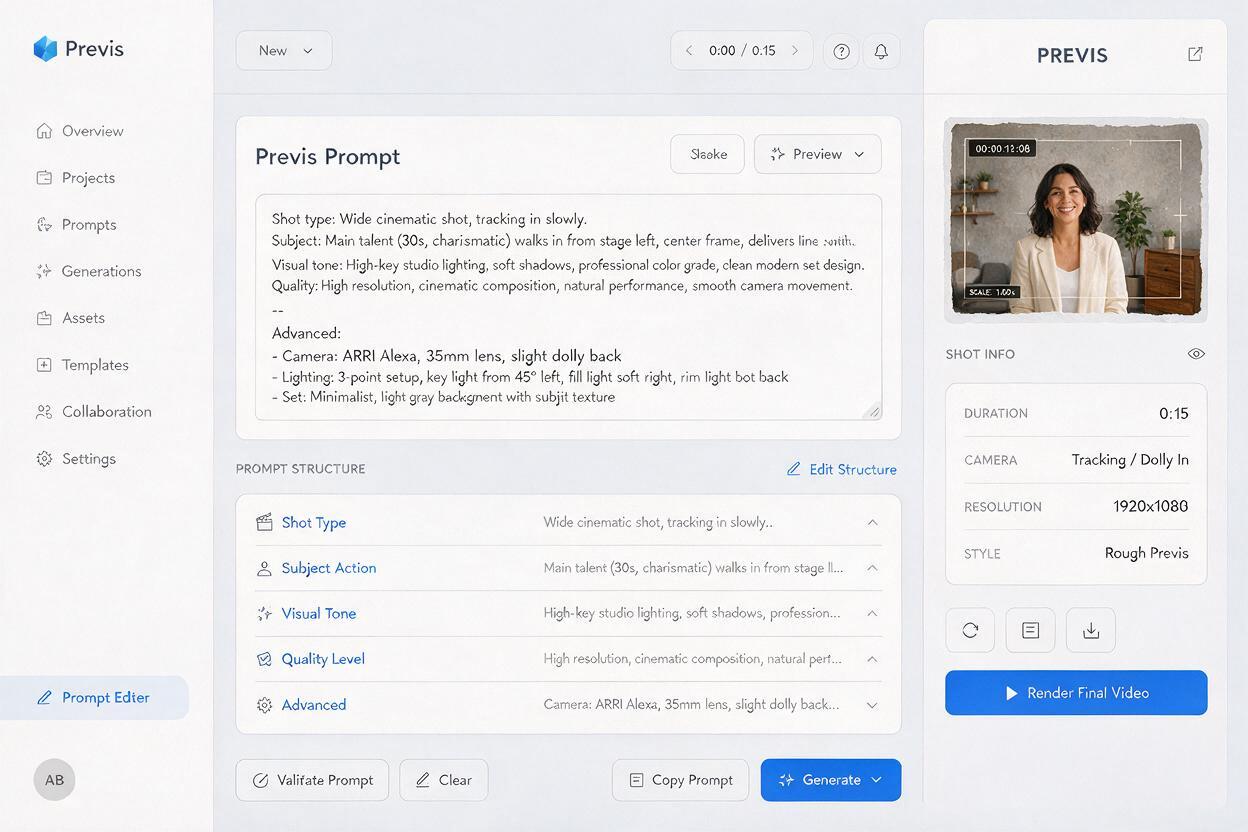
Netflix’s previs team started by pulling key narrative beats from The Eternaut’s scripts, focusing on high-stakes action sequences and establishing shots that would be expensive or time-consuming to film as test shots. Instead of writing long, detailed prompts, the team used a structured prompt format that aligned with standard shot list terminology, making it easy to translate previs outputs directly into production notes later.
The core structure they used includes four key elements for every prompt:
- Shot type: Wide, close-up, tracking, overhead, or other standard camera descriptors
- Subject and action: A clear, concise description of what’s happening in the scene
- Visual tone: Lighting, color palette, and mood references (e.g., "moody neon-lit street, rain, cyberpunk aesthetic")
- Quality level: Explicit note that the output is for previs only (e.g., "rough animatic quality, low detail, for planning purposes")
This last detail is critical: by specifying that outputs are for previs only, you avoid wasting generation time on high-fidelity details that won’t matter for planning. For independent creators, this means you can generate 10-15 previs shots in the time it would take to draw a single storyboard panel by hand.
For example, a previs prompt for a key scene in a sci-fi ai short drama might look like this:
Wide tracking shot: A lone survivor walks through an abandoned city street,
overgrown with vines, broken skyscrapers in the background.
Visual tone: Overcast gray sky, muted desaturated colors, post-apocalyptic mood.
Quality: Rough previs animatic, low detail, no fine textures, for shot planning only.
You can test and refine these prompts directly in text to video tools to find the right level of detail for your project’s needs.
Step 2 — Iterate on Shot Composition With Multi-Model Testing
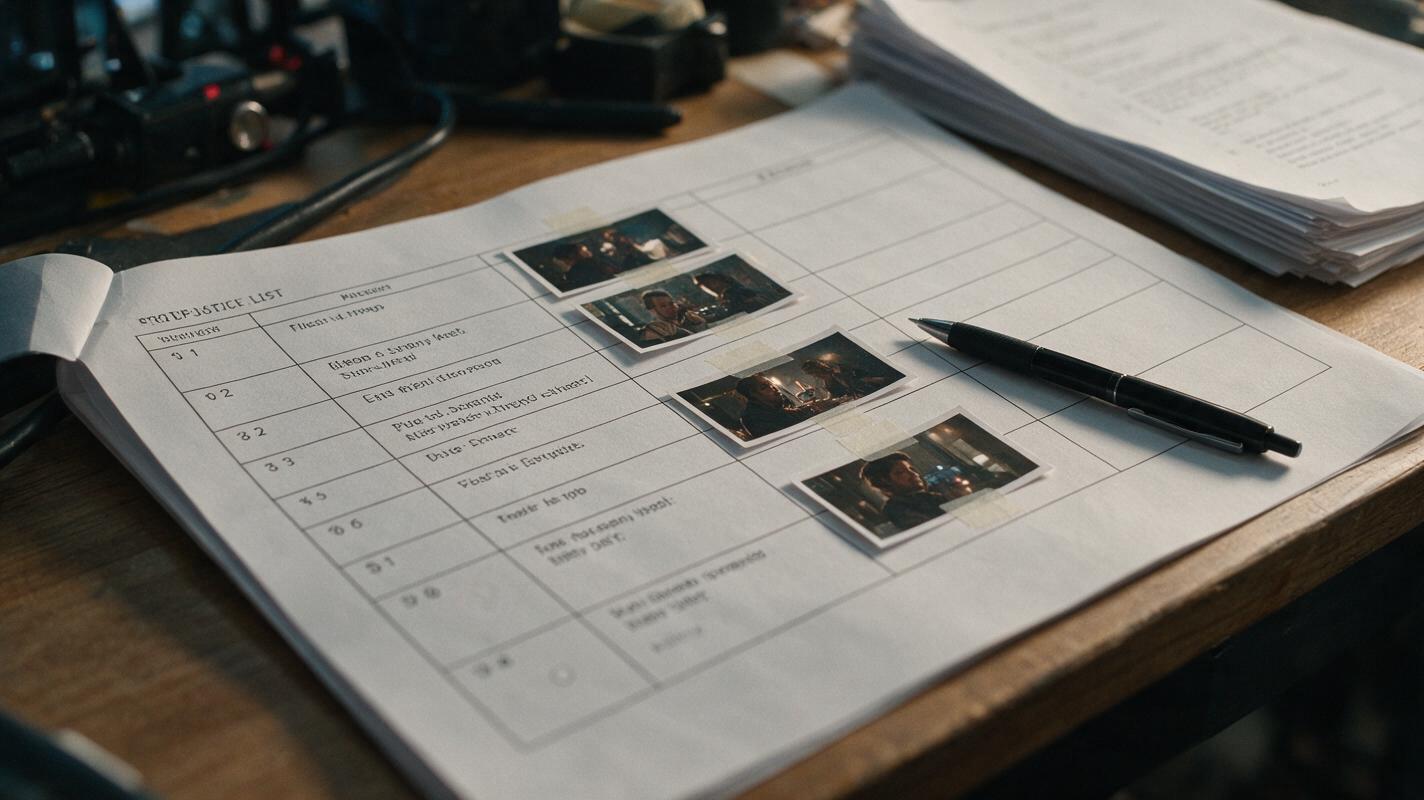
One key lesson from Netflix’s workflow is that no single text-to-video model produces perfect previs results for every shot type. The team tested outputs from multiple models for each key scene, picking the one that best captured the camera movement and composition they were looking for, rather than trying to force a single model to handle every use case.
For wide establishing shots, for example, they found that models trained on landscape and environmental footage produced more consistent results, while models with strong character animation capabilities worked better for close-up action beats. By comparing outputs across models, they were able to lock in shot composition 3x faster than their previous manual storyboarding process.
For independent ai short drama creators, this approach is even more valuable: instead of paying for multiple separate tool subscriptions or spending hours tweaking prompts for a single model, you can use a multi-model platform to test the same prompt across different text-to-video models in one place. This lets you quickly identify which model works best for your specific shot type, whether you’re working on a tight dialogue scene for an ai short drama or a big action set piece for an ai film concept.
To get the most out of multi-model testing, follow these guidelines:
- Use the exact same prompt for every model to ensure a fair comparison
- Rate each output on composition, camera movement, and clarity of the core action—not on visual polish
- Save the top 1-2 outputs per shot to reference when building your final shot list
Step 3 — Refine Previs Assets Into a Production-Ready Shot List
Once Netflix’s previs team had a set of rough text-to-video outputs for each key scene, they edited them together into a rough animatic reel, timed to the script’s dialogue and sound cues. This reel was then shared with the director, cinematographer, and VFX team to align on creative direction before filming began. Any changes to shot composition or pacing could be made quickly by regenerating specific previs clips, rather than rescheduling expensive shoot days.
For independent ai short drama creators, this step is where text-to-video previs delivers the biggest return on time investment. Instead of relying on static storyboards or written descriptions to communicate your vision to collaborators (or to plan your own ai video production workflow), you can use a rough animatic reel to test pacing, identify plot holes, and make adjustments before you start generating high-fidelity shots.
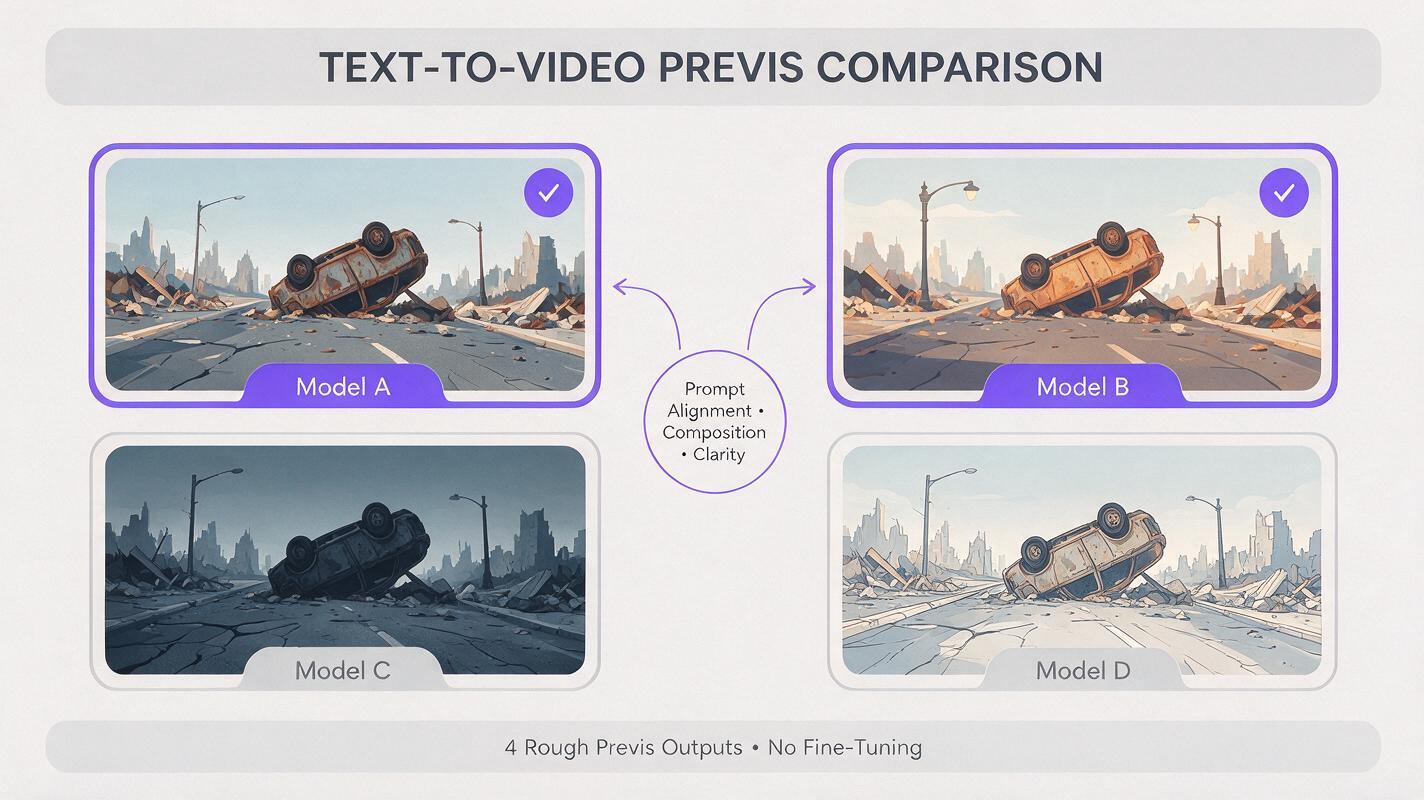
To turn your previs outputs into a usable shot list:
- Arrange your previs clips in script order in your preferred video editor
- Add rough dialogue, voiceover, or sound effects to test timing
- Note which shots need to be adjusted, cut, or expanded based on the pacing of the reel
- For each final shot, write a detailed production prompt that builds on the previs prompt, adding specific details about character design, lighting, and visual style for high-fidelity generation
This process ensures that when you move to full ai video production, every shot has a clear, approved reference, reducing the number of wasted generations and cutting down overall production time.
Netflix’s adoption of text-to-video previs is a clear sign that AI-assisted production is no longer just for experimental projects—it’s a core part of how even the biggest studios plan and execute premium content. For independent creators, the same tools that power Netflix’s previs workflow are now accessible at a fraction of the cost, letting you compete on creativity rather than budget. If you’re ready to test this approach for your next ai short drama or ai film project, start building your previs assets today on MagicBoat, where you can access multiple top text-to-video models in one unified platform.
Final Checklist
- Pull 5-10 key narrative beats from your script to prioritize for previs, focusing on high-stakes or visually complex scenes
- Write structured prompts for each beat that include shot type, subject/action, visual tone, and previs quality note
- Test each prompt across multiple text-to-video models to find the best fit for your shot type
- Edit top previs outputs into a rough animatic reel to test pacing and align on creative direction
- Use approved previs clips as references to build detailed production prompts for high-fidelity ai video generation
Keywords
text to video, netflix, ai short drama, ai content creation, ai film, ai video, previsualization