Samsung My FanCam Is Here: How AI Auto-Tracking Turns Wide Videos Into Vertical Edits
The interesting part of Samsung’s My FanCam is not that it creates another “AI effect.” It changes when you have to make the framing decision. You can shoot the whole scene first, then decide who the camera should have followed.
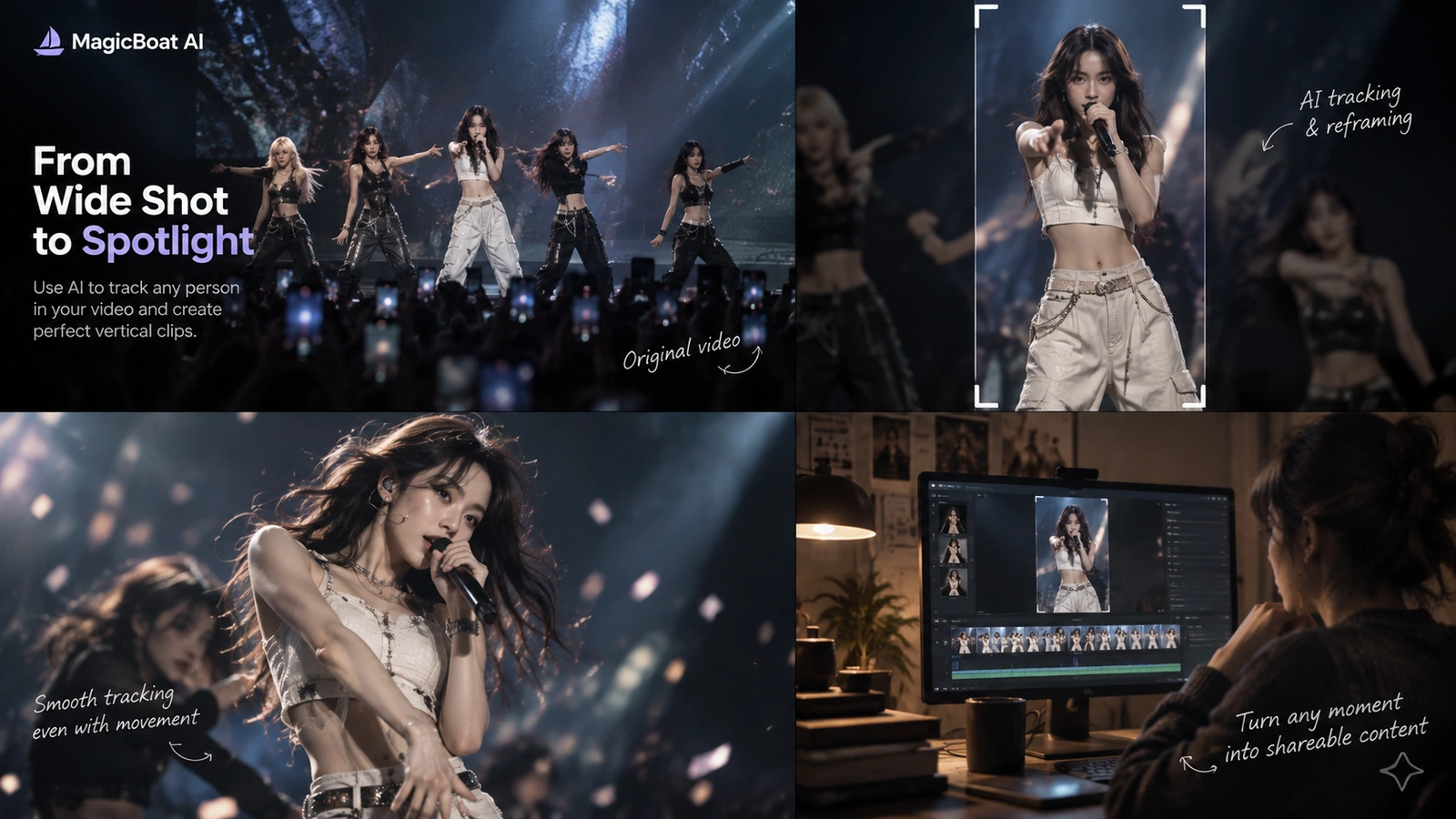
Table of contents
Why this is a creator-tech story right now
Samsung’s One UI 9 rollout has put My FanCam back in the spotlight. Samsung describes the feature as a way to take a recorded wide-angle video and transform it into a subject-centered tracking shot cropped to a chosen aspect ratio.
That is a meaningful editing shift:
old workflow: choose the subject while filming
new workflow: capture the whole scene → choose the subject later
For concerts, sports, group performances and events, that can remove one of the most annoying post-production tasks: manual tracking and keyframed reframing.
Start with a wide source clip
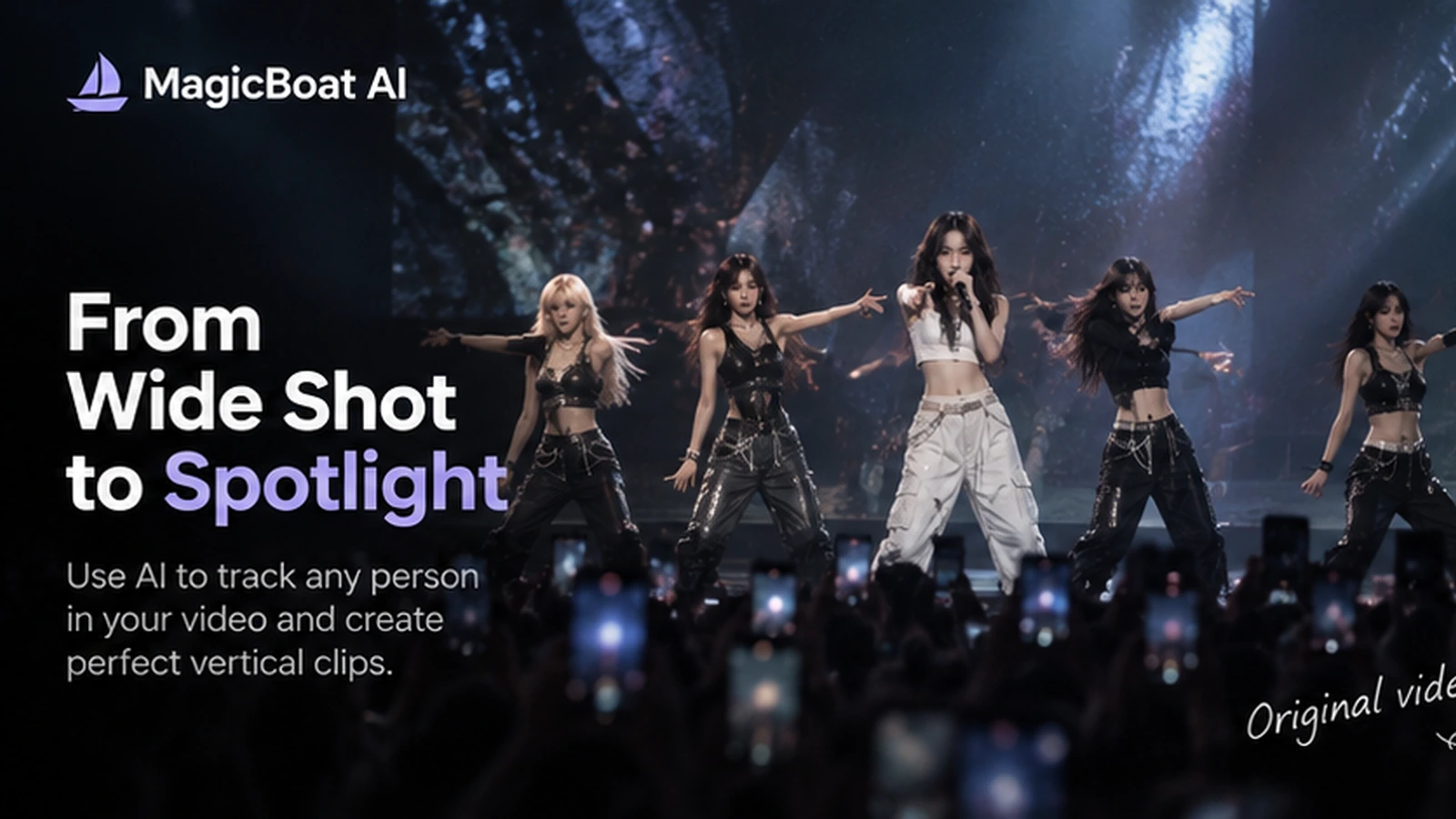
My FanCam is designed around already-recorded video.
That means the original footage can stay wide enough to capture:
- the full group
- choreography
- movement across stage
- people entering and leaving frame
You are preserving options.
Then choose the person you actually care about
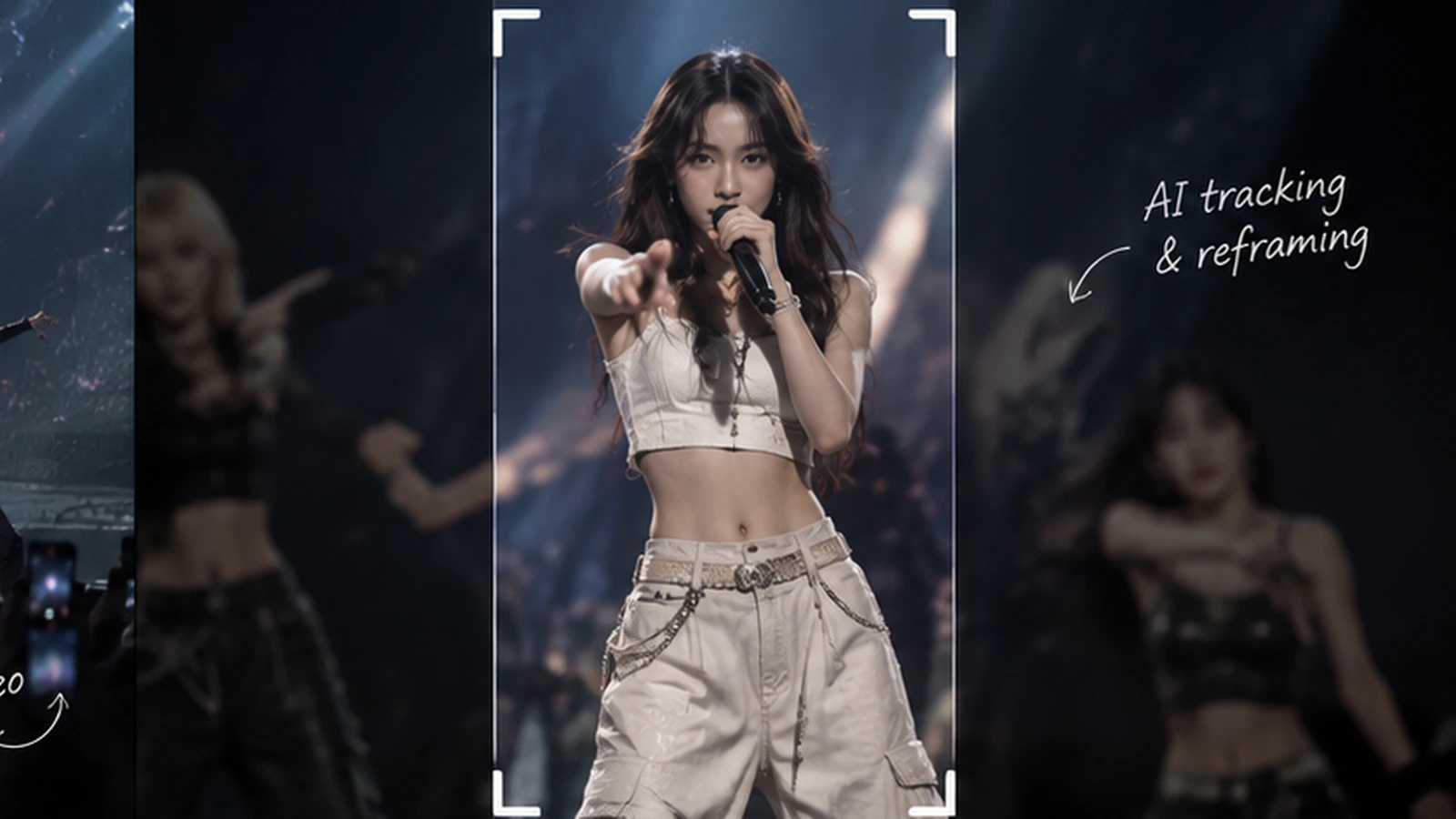
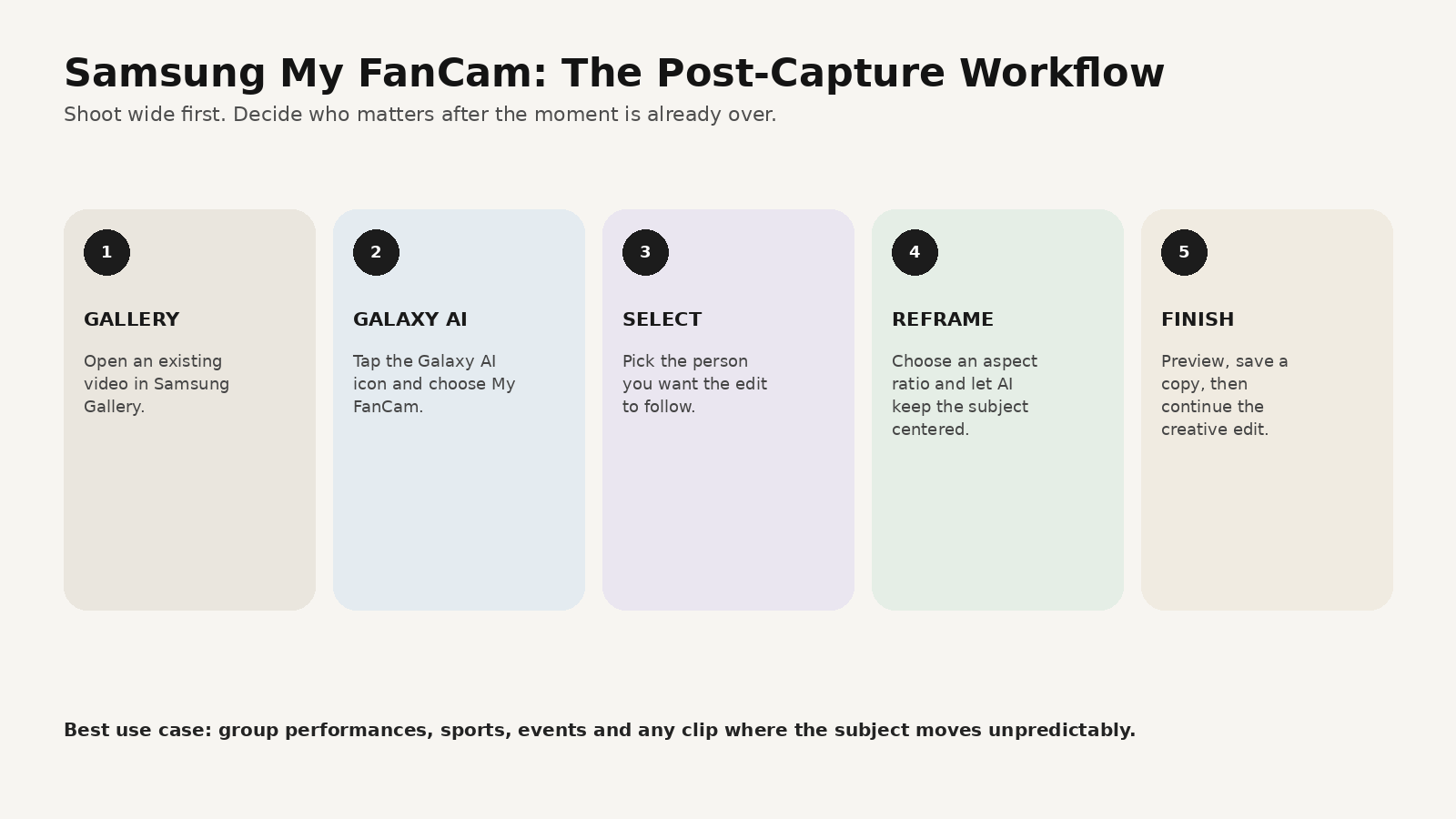
Samsung’s support instructions are straightforward:
- open Gallery
- choose the video
- tap the Galaxy AI icon
- select My FanCam
- choose the person
- choose the aspect ratio
- tap Follow
- preview and save a copy
The system detects people in the shot and reframes the clip around the selected subject.
Why this matters for vertical video
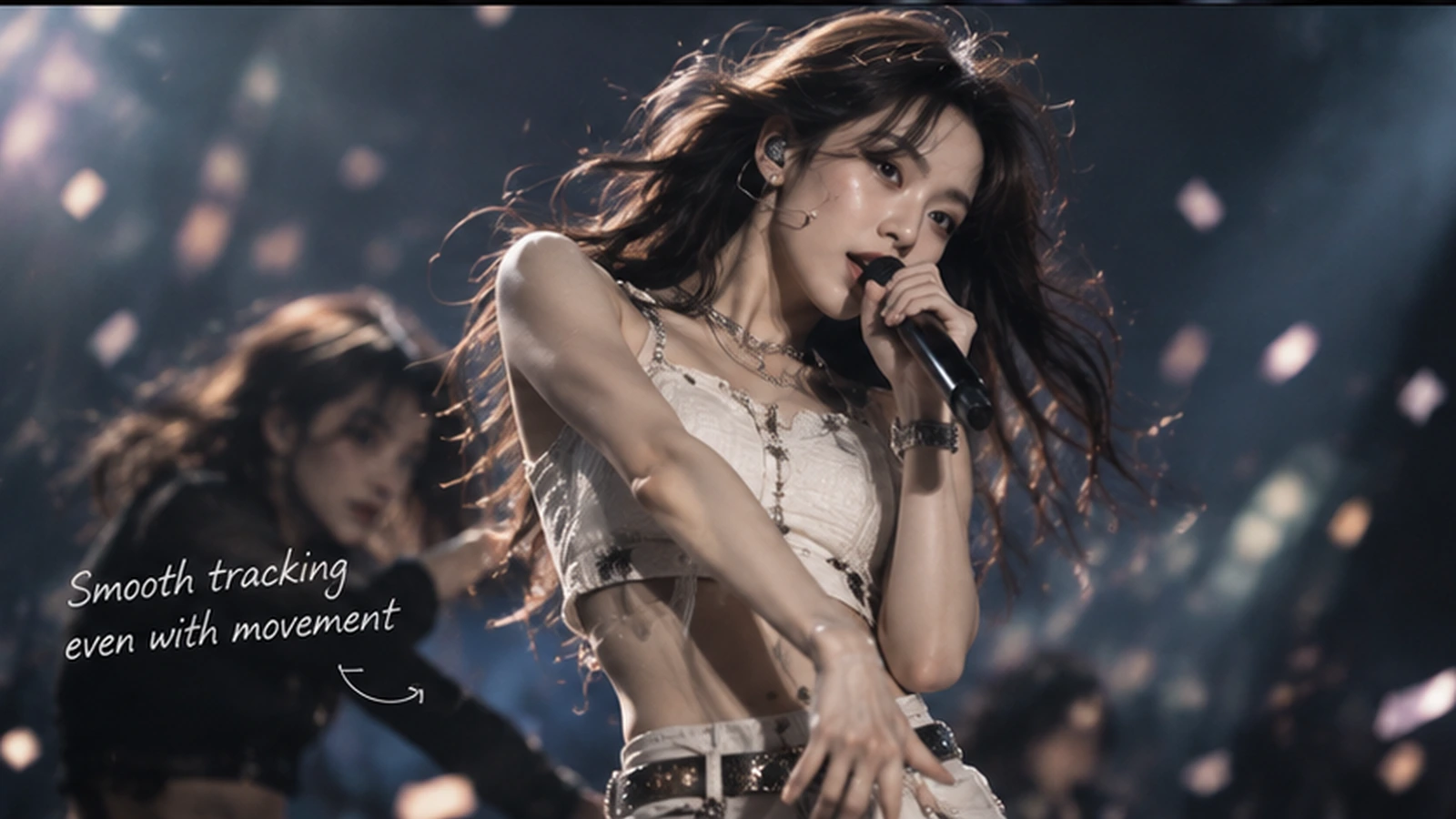
This is especially useful for Shorts, Reels and TikTok-style edits because the original horizontal or wide recording may not keep the most important person inside a tight 9:16 crop.
AI tracking can turn:
wide performance footage
into:
subject-centered vertical footage
without manually keyframing the crop across every movement.
What My FanCam does NOT replace
This is important.
My FanCam solves tracking and reframing.
It does not automatically solve:
- storytelling
- beat-matched cuts
- captions
- color grading
- transitions
- sound design
- intro/outro structure
- multiple creative versions
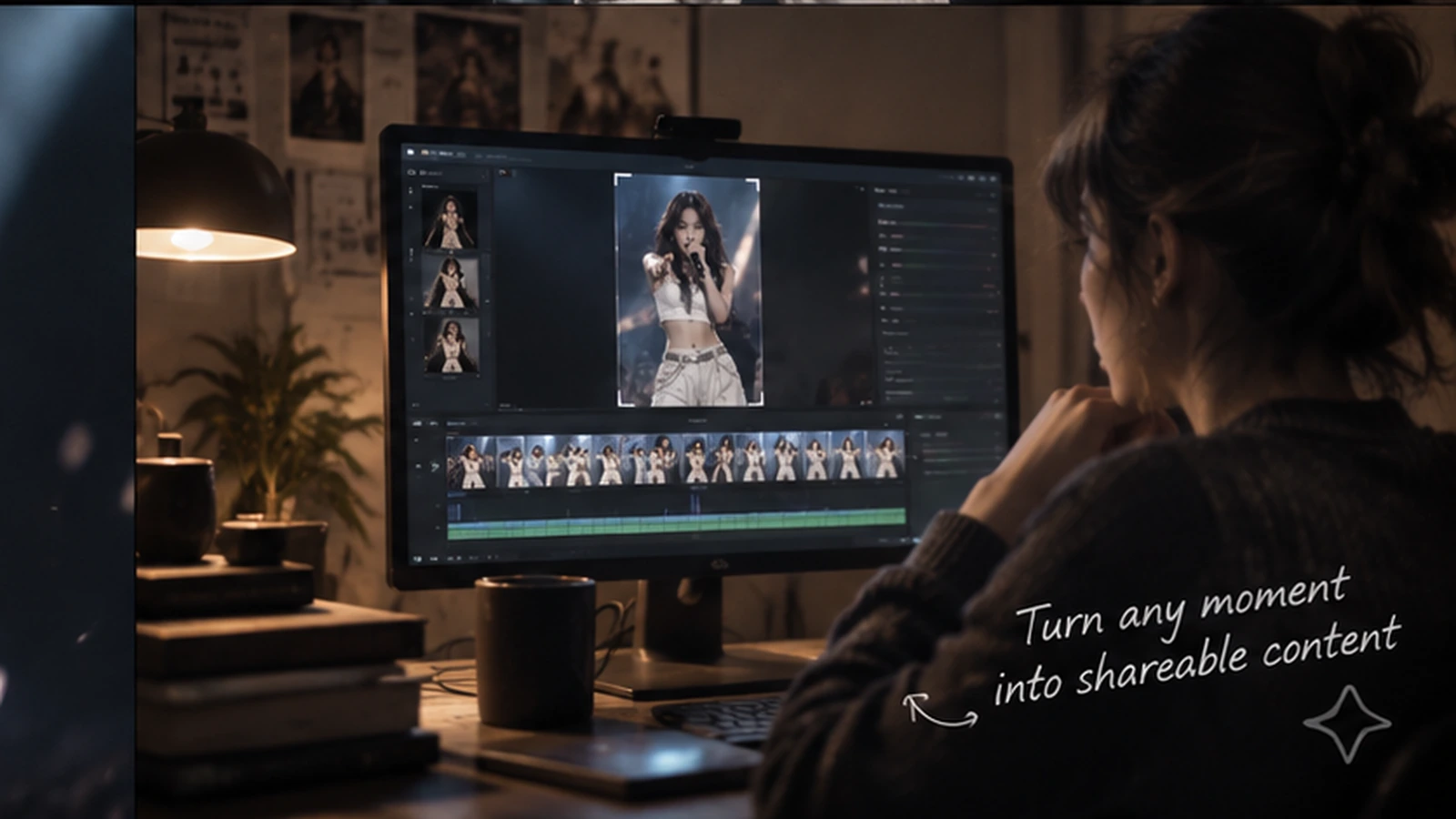
So the more realistic workflow is:
My FanCam → better starting clip → creative edit
not:
My FanCam → finished viral video
The practical workflow
Samsung’s official support page also lists limitations.
Tracking may fail when:
- people wear very similar clothing
- poses are difficult to recognize
- subjects are too small
- there is no trackable subject
Samsung also notes that availability can vary by video and accuracy is not guaranteed.
That means you should still keep the original wide file.
How this changes the way you shoot
If you know reframing is available later, you can shoot differently.
At a concert
Prioritize getting the whole group and stable exposure.
At a sports event
Keep enough frame around the action so the tracked subject has room to move.
At an event or party
Capture the interaction instead of obsessing over perfect subject framing in real time.
The edit becomes more flexible because the capture is less brittle.
Where MagicBoat fits
My FanCam is a post-capture tracking tool. MagicBoat is more useful in the larger creative layer around the clip.
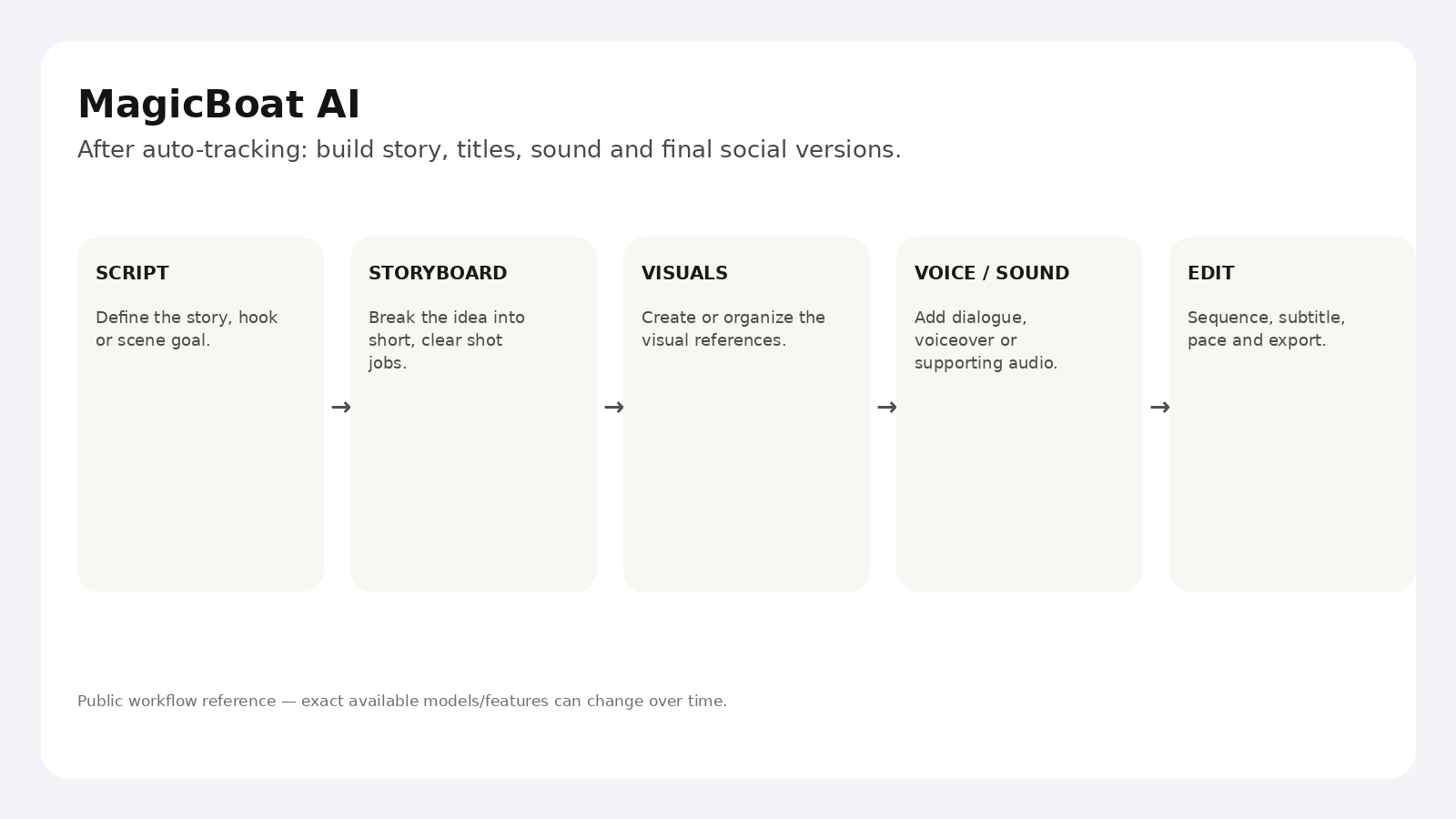
For example:
- use My FanCam to create a clean subject-focused clip
- decide the short-form story or hook
- build supporting visuals or AI shots
- add voiceover / sound / subtitles
- sequence the final edit
- create alternate versions
The tools solve different problems.
That is the useful takeaway: AI editing is becoming modular.
A simple 15-second short structure
0–2s
wide stage → instant cut to subject-centered version
2–6s
tracked performance moment
6–10s
second angle / reaction / detail
10–13s
big performance beat
13–15s
ending caption or reaction
That makes the tracking feature part of the story rather than the whole story.
FAQ
What is Samsung My FanCam?
A Galaxy AI feature that can track a selected person in recorded video and reframe the result around that subject.
Can My FanCam make a vertical video?
Samsung says you can choose an aspect ratio during the My FanCam workflow.
Does it work on every video?
No. Samsung says availability varies by video and tracking can fail in some situations.
Does My FanCam replace CapCut or other editors?
It replaces a specific manual task: subject tracking/reframing. You may still want another editing workflow for titles, pacing, transitions and finishing.
Sources
- Samsung — Galaxy AI / My FanCam: https://www.samsung.com/us/galaxy-ai/
- Samsung Support — How to use My FanCam feature in Galaxy devices: https://www.samsung.com/in/support/mobile-devices/how-to-use-my-fancam-feature-in-galaxy-devices/
- Android Authority — One UI 9 rollout coverage: https://www.androidauthority.com/one-ui-9-galaxy-s26-global-rollout-3712036/
- MagicBoat — https://www.magicboat.net/
Keywords
Samsung My FanCam, One UI 9 My FanCam, AI auto tracking video, AI vertical video editing, subject tracking video, fancam editing, MagicBoat AI