How to Build an AI Ad Campaign From One Product Photo: Script → UGC → Variants → Final Video
One product image can now become a creative brief, a creator-style scene, a product demo, multiple environments, and a finished ad. The hard part is no longer generating assets — it is keeping the whole campaign coherent.
文章目录
Why this workflow matters now
Higgsfield updated a guide on September 21, 2026 describing an increasingly agentic advertising workflow: creative research, scripting, production, versioning, publishing and performance analysis are being connected into one production chain.
You do not need to automate every stage to benefit from the idea.
For most creators, the useful lesson is simpler:
Stop treating every AI generation as a separate task. Build the campaign as a connected system.
Stage 1 — Start with one clean product reference
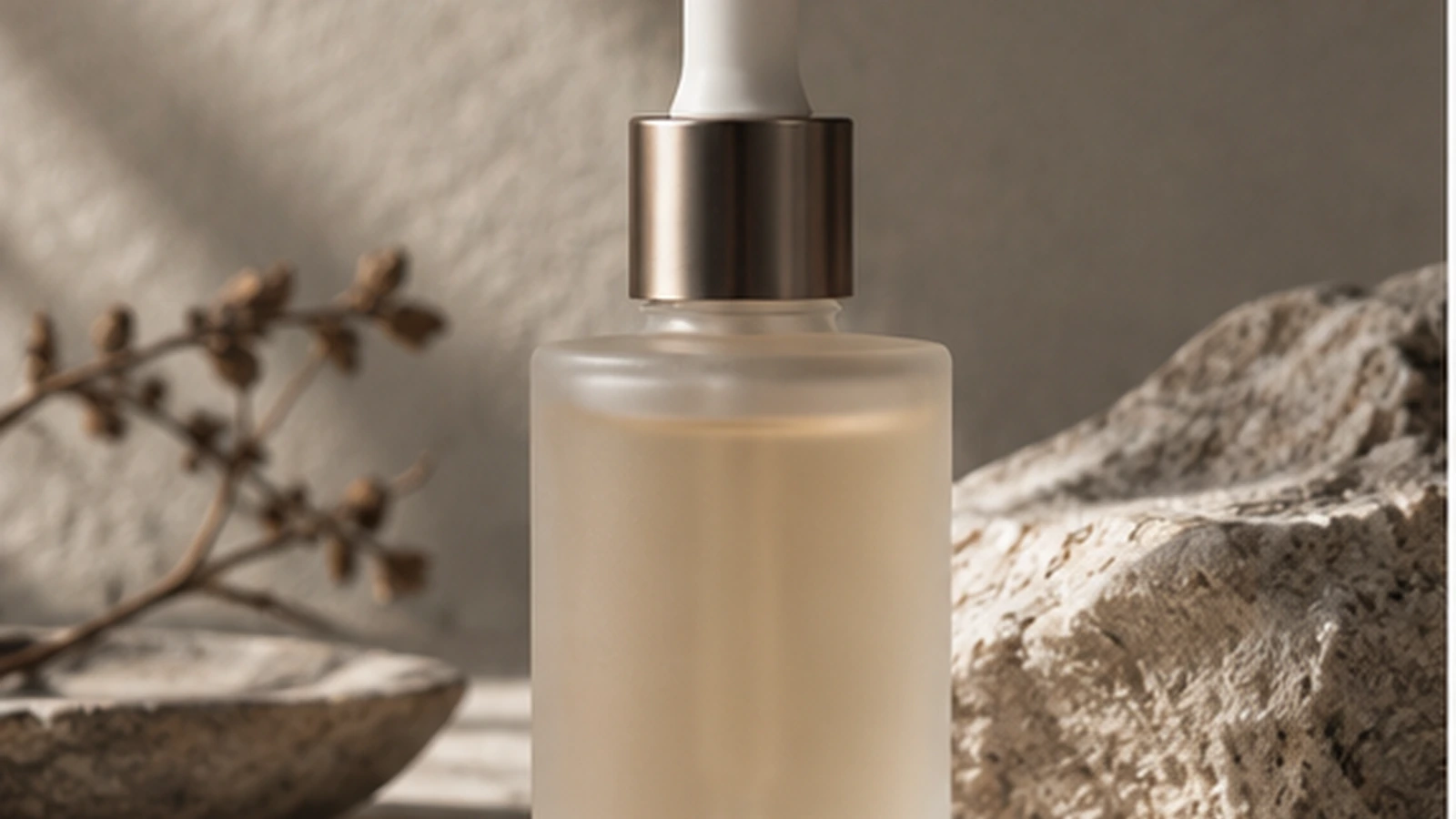
For this tutorial, the fictional product is a minimal frosted serum bottle.
Before you write a script, define the product truth:
- frosted cylindrical bottle
- warm translucent serum
- champagne-metal collar
- white dropper
- minimal no-logo design
Then define the audience problem.
Example:
Dry, tired skin in the morning — but the user does not want a complicated routine.
Now the creative brief has a reason to exist.
Stage 2 — Write the ad around one problem
A simple 15-second UGC script:
Hook
“I stopped doing a five-step morning routine.”
Proof
“This is the one thing I still reach for.”
Demo
Show the dropper and application.
Context
Bathroom or bedside morning routine.
Close
“That’s basically the whole routine now.”
Do not begin with a list of product features.
Begin with a recognizable behavior.
Stage 3 — Generate the creator scene
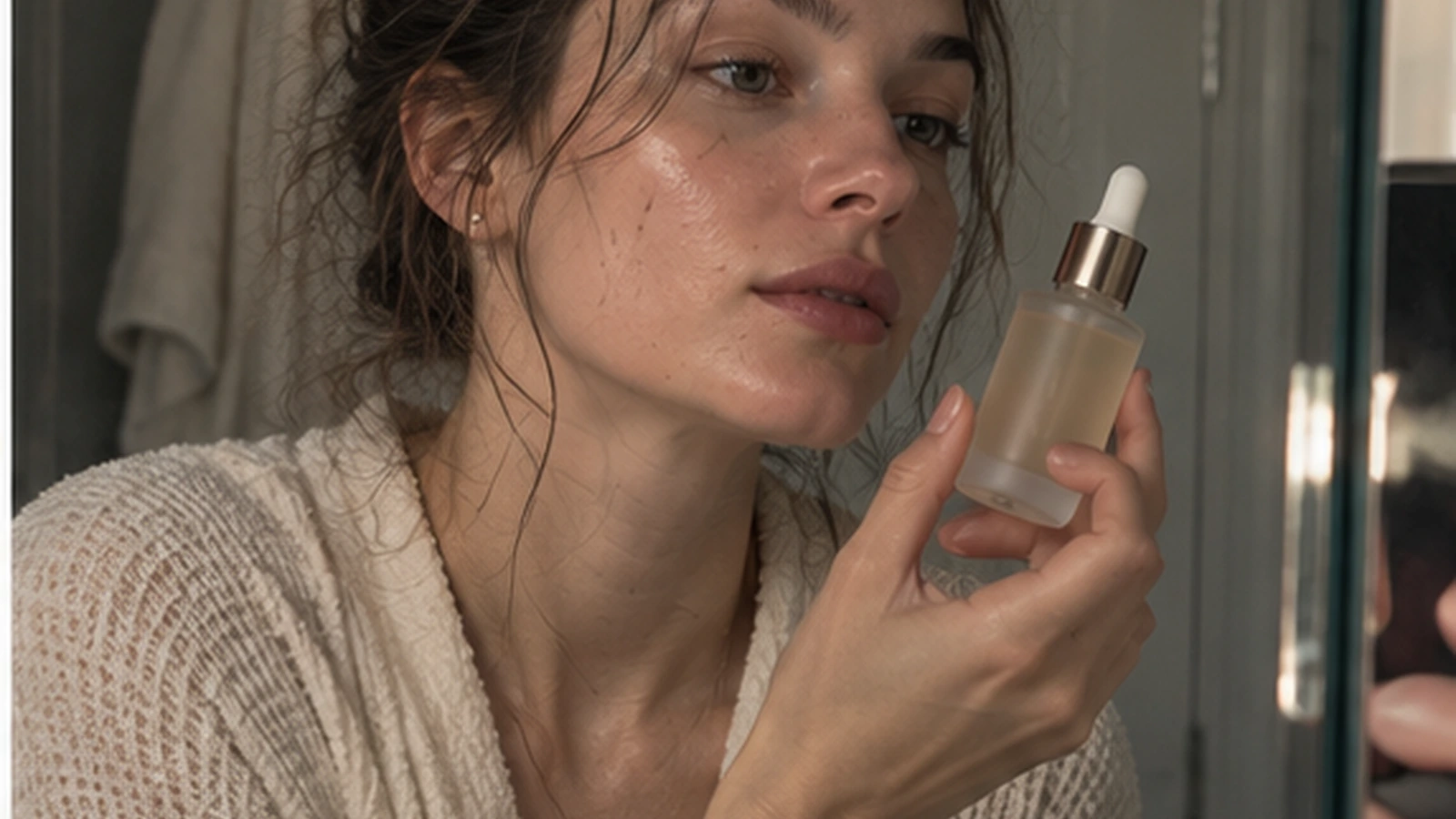
The creator scene should feel like a real moment, not a commercial presenter.
Prompt:
9:16 creator-style skincare video.

Young woman in a textured cream robe standing at a small bathroom mirror in the morning.
Hair loosely tied up. Natural skin texture. She holds the same frosted serum bottle near her face.

Soft window light, neutral stone bathroom, mild lived-in details.
Front phone-camera feeling with slight imperfect crop.

She says:
“I stopped doing a five-step morning routine.”

Relaxed delivery, small pause, natural glance toward the bottle.
No studio beauty light, no glossy skin, no perfect symmetry.
Stage 4 — Generate the physical product proof
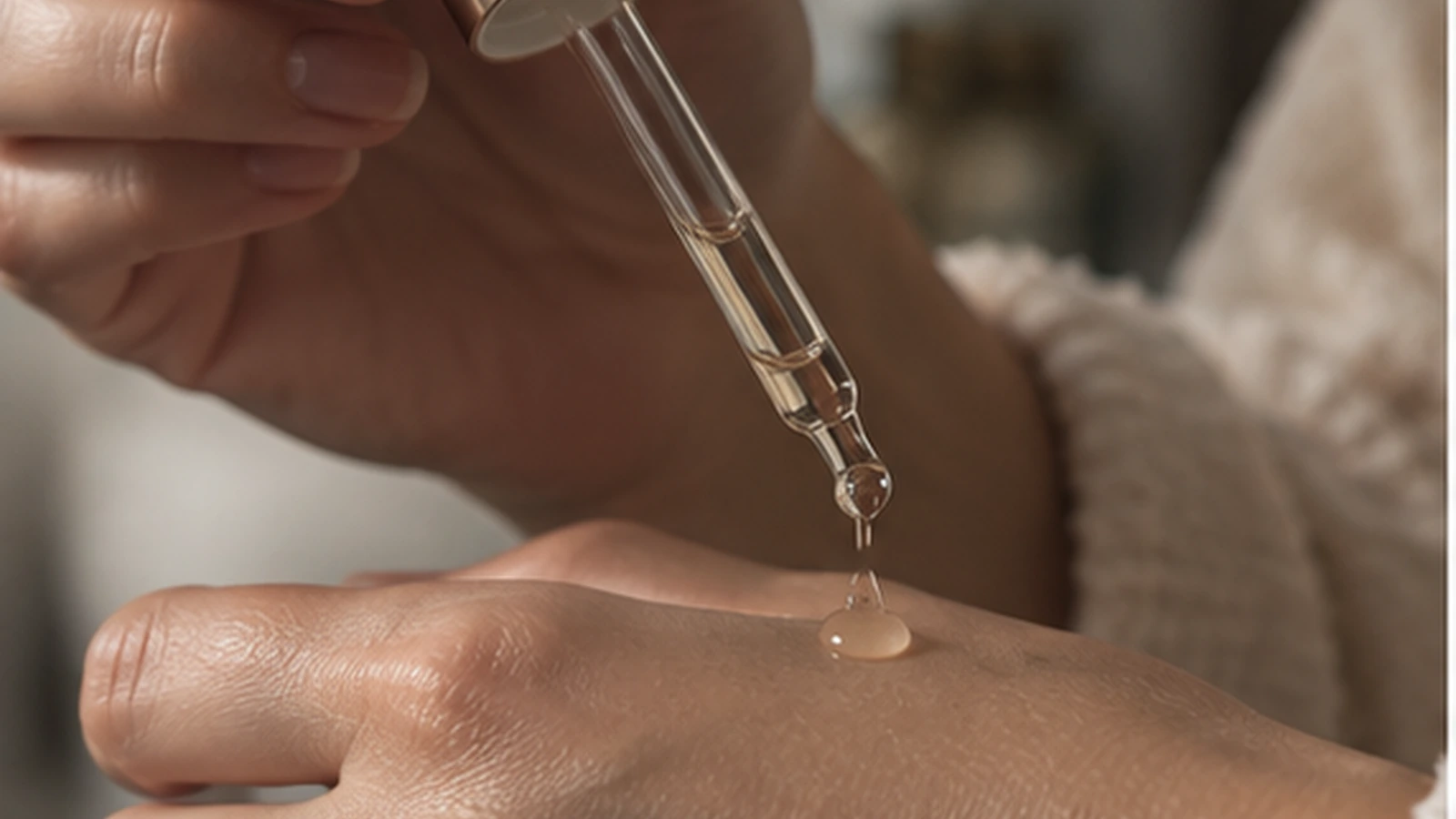
Product ads become more convincing when the object does something.
Generate:
- cap opening
- dropper close-up
- serum texture
- application to skin
- bottle being returned to the table
Example prompt:
Macro handheld skincare insert.
Same frosted serum bottle and champagne dropper.

A natural hand lifts the dropper and lets one small clear drop fall onto the back of the other hand.
Soft morning light, realistic skin texture, shallow depth of field.

No floating product, no perfect CGI reflections, no excessive beauty retouching.
Stage 5 — Add a lifestyle insert
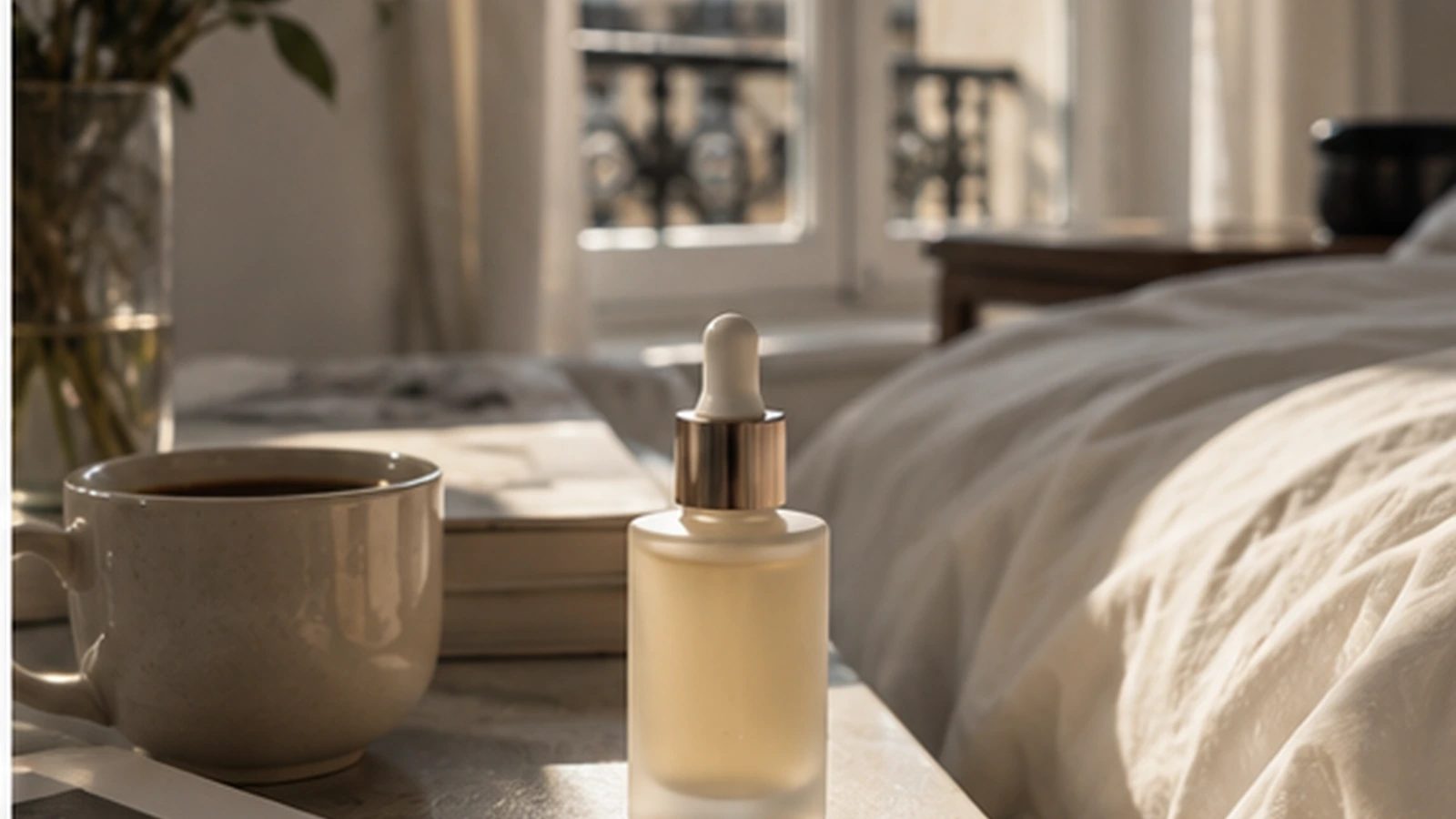
The product needs a world.
A lifestyle insert can communicate:
- morning routine
- calm
- portability
- premium simplicity
- everyday use
without another line of dialogue.
Stage 6 — Create campaign variants without losing the product
Once the master assets work, version the context.
Clean studio
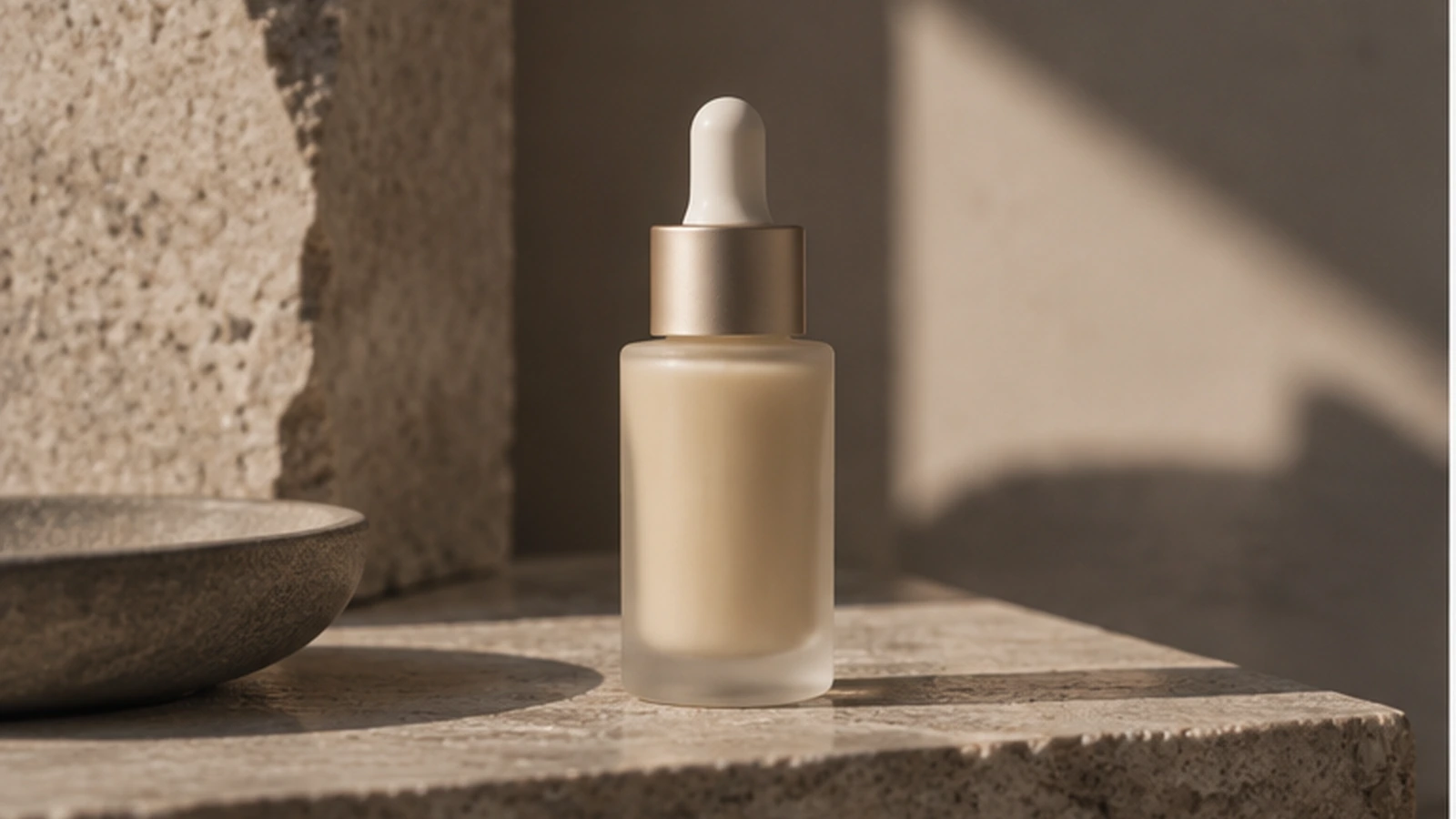
Use for:
- ecommerce
- launch pages
- clean product claims
Bathroom UGC
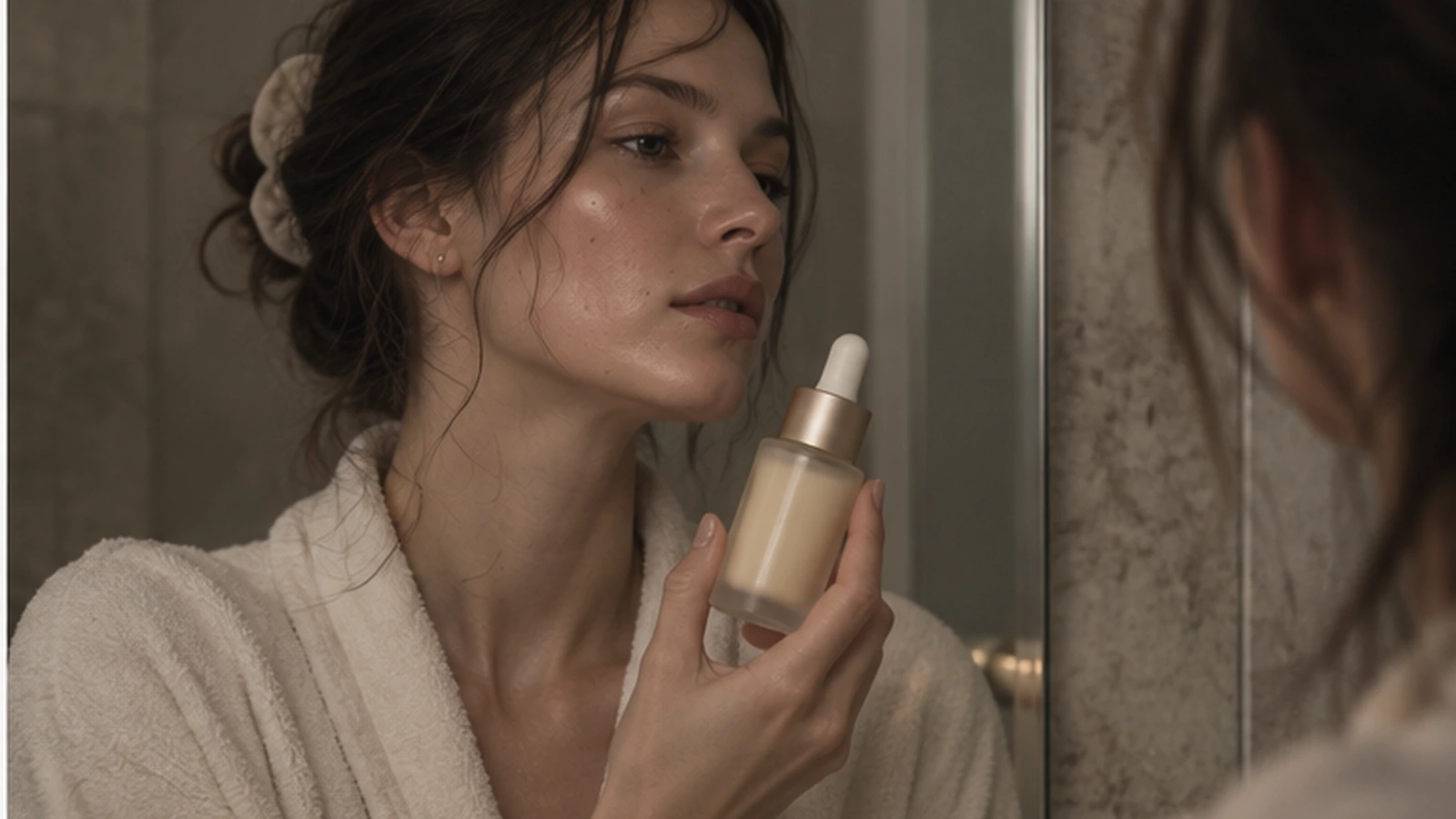
Use for:
- creator review
- routine content
- social proof language
Travel
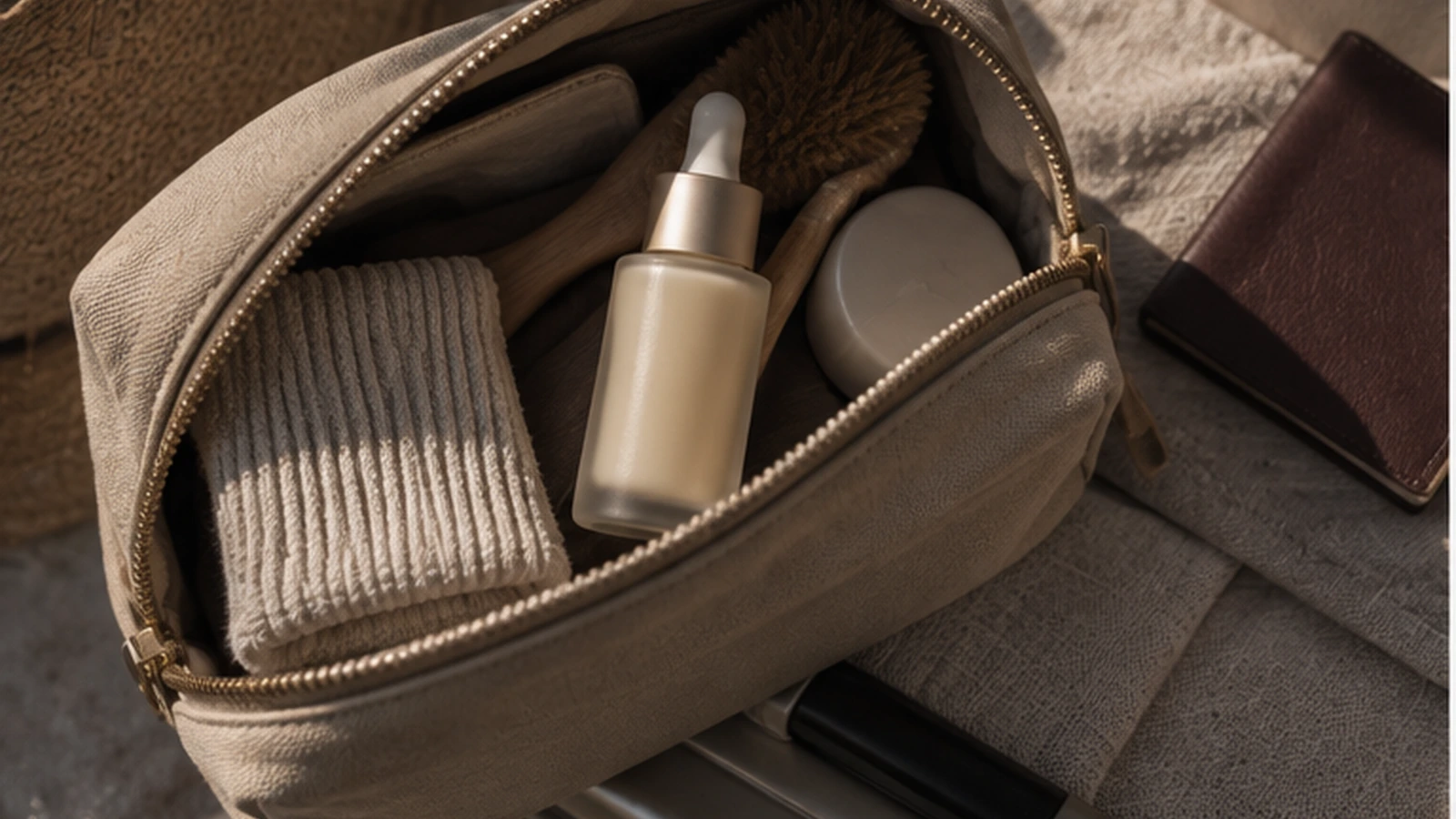
Use for:
- portability
- “one product” messaging
- holiday / travel creative
Night routine
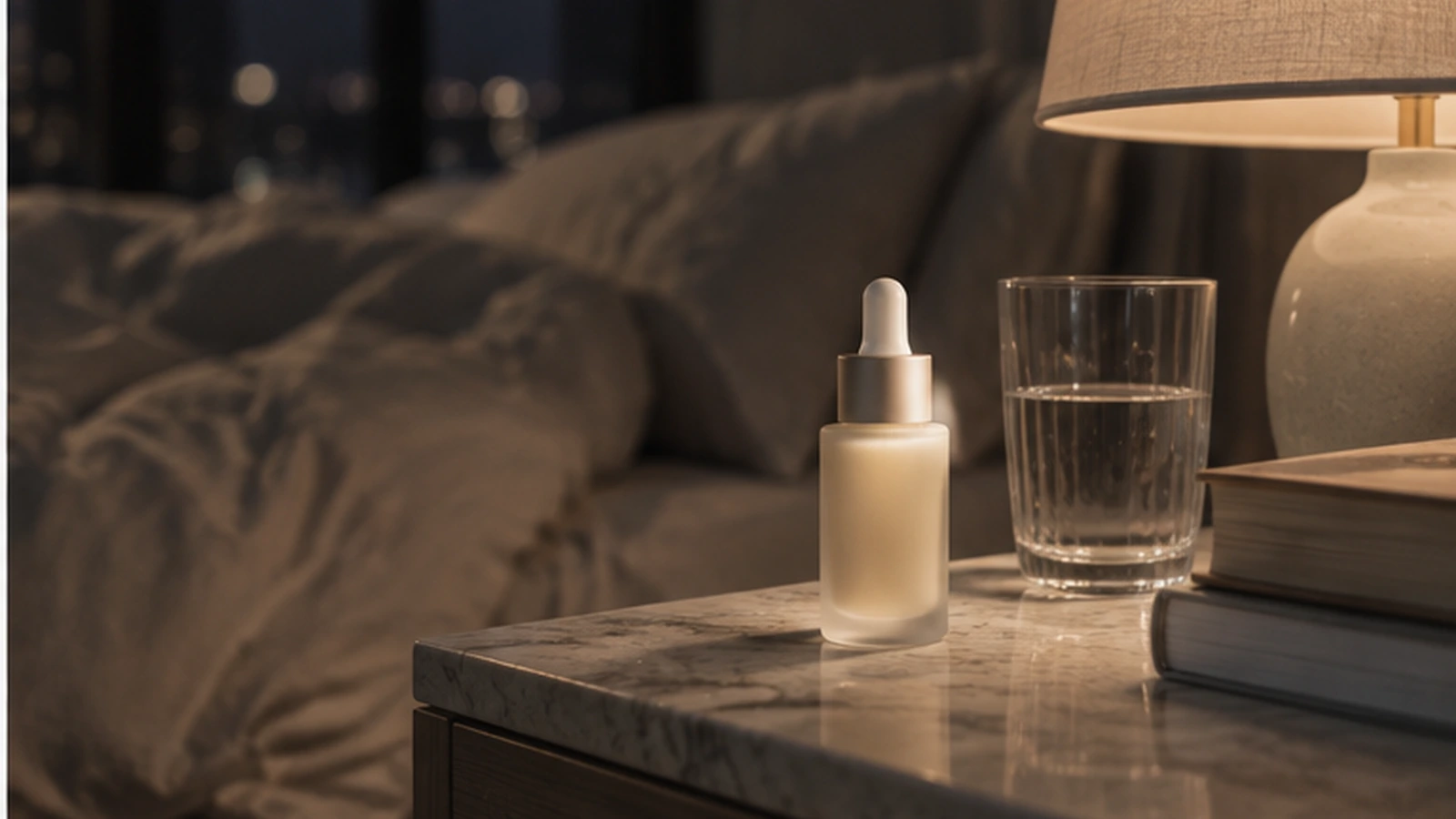
Use for:
- evening self-care
- slower pacing
- premium lifestyle mood
This is a campaign.
It is not one video.
The full production workflow
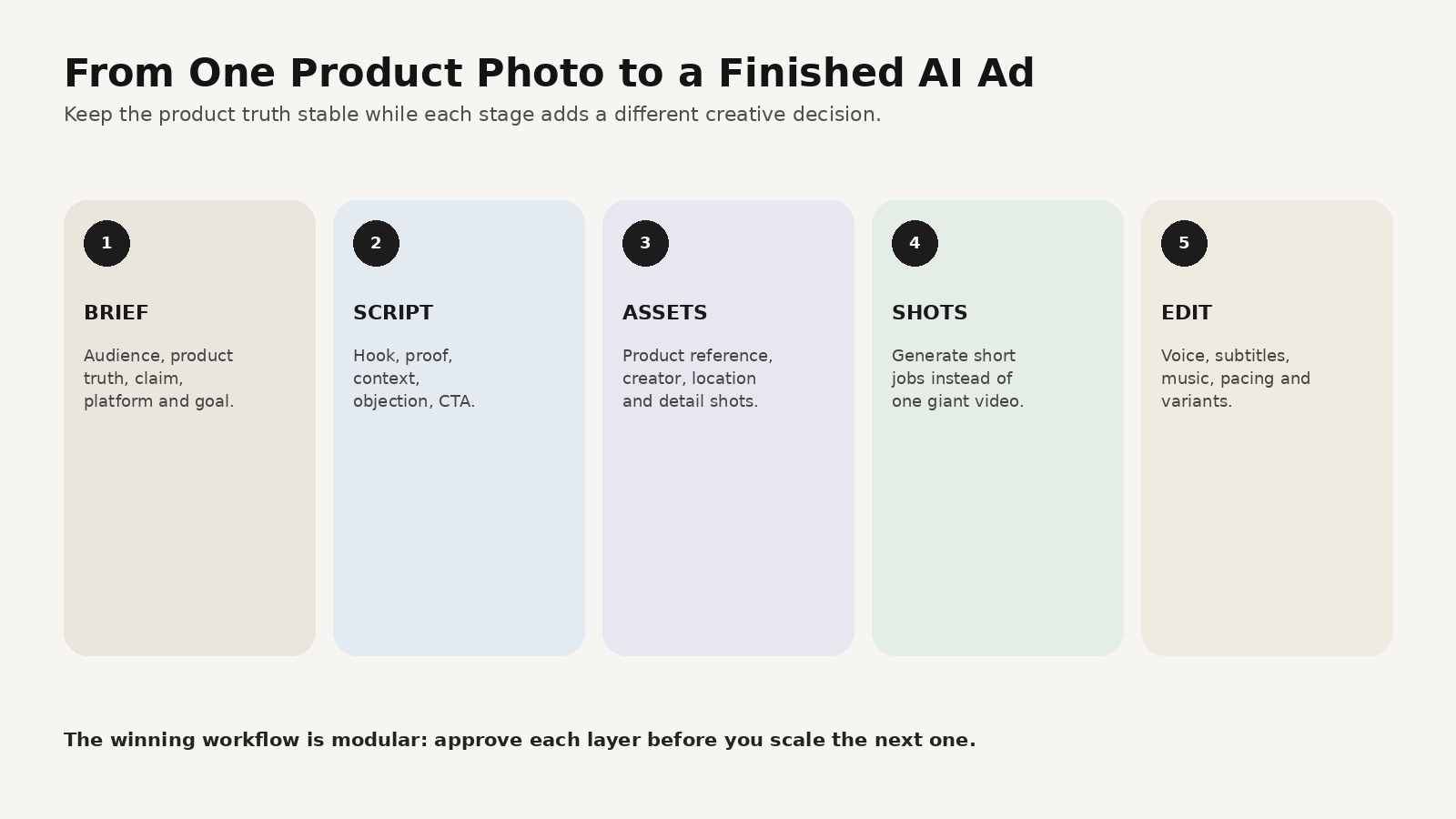
A practical AI ad production chain looks like this:
- brief — audience + problem + proof
- script — hook + demo + close
- assets — product + creator + environments
- shots — generate short, clear jobs
- edit — voice + captions + music + versions
The lesson from current agentic-ad workflows is that these stages work better when they share context.
Where MagicBoat fits
MagicBoat’s current homepage describes a full workflow covering script, storyboard, visuals, voiceover, editing and final video. It also highlights parallel versions, reusable project assets, character consistency and editing across versions.
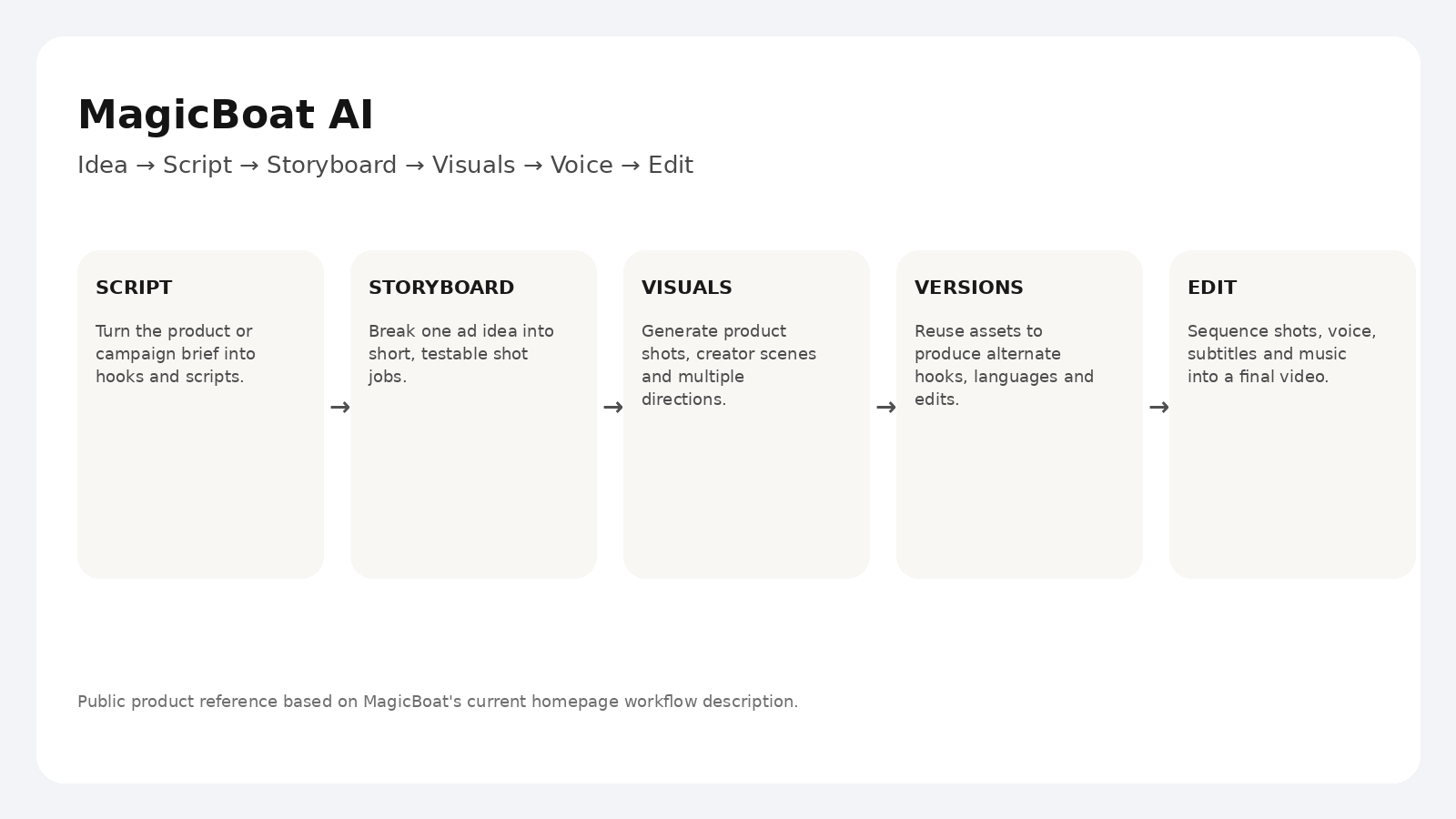
That makes a useful product-ad workflow:
1. Bring in the product idea
Define:
- audience
- selling point
- visual style
2. Generate scripts and shot structure
Create:
- 3 hooks
- one 15-second master
- optional 30-second explainer
3. Build the visual assets
Keep:
- product reference
- creator
- core environment
- product demo shots
organized in the project.
4. Generate short shots
Do not ask one model to solve the entire ad in one take.
5. Edit the master
Add:
- voice
- subtitles
- music
- timing
- final CTA
6. Build variants
Change:
- hook
- background
- language
- proof angle
- duration
while preserving the master campaign assets.
Try it at https://www.magicboat.net/.
A copyable master ad prompt
FORMAT
9:16 vertical skincare creator ad, 15 seconds.

PRODUCT
Use the approved frosted serum bottle as the strict product reference.
Keep the bottle, dropper, proportions and champagne-metal collar stable.

HOOK
“I stopped doing a five-step morning routine.”

SHOT 1
Creator in a real bathroom mirror setup, relaxed delivery.

SHOT 2
Close handheld product demo: cap, dropper, one drop on hand.

SHOT 3
Lifestyle insert beside coffee, books and morning window light.

SHOT 4
Return to creator holding the bottle.

CLOSE
“That’s basically the whole routine now.”

STYLE
Muted warm neutrals, natural skin, restrained highlights, believable home environment.
No glossy beauty-commercial finish.
What stays human
Even as ad workflows become more automated, keep review gates around:
- product accuracy
- claims
- generated hands/text
- voice pronunciation
- legal/commercial rights
- final publishing
Automation should remove repetitive production work.
It should not remove judgment.
FAQ
Can I make a video ad from one product photo?
Yes. One product photo can anchor the product identity while you create surrounding creator, lifestyle and product-demo shots. More reference angles improve accuracy.
Should I generate the whole 15-second ad at once?
Usually no. Short shot-level generations are easier to review and replace.
What is the best first AI product ad?
A simple creator ad with one problem, one product demo and one clear close is a strong starting format.
Can MagicBoat handle the whole creative workflow?
MagicBoat’s current product pages describe script, storyboard, visuals, voice, editing, reusable assets and version iteration in one workflow. Publishing and ad-platform activation can remain separate steps.
Sources
- Higgsfield — How to Run Ad Production End to End With Claude: From Idea to Published Ads, September 21, 2026: https://higgsfield.ai/blog/claude-ad-production-end-to-end
- OpenAI — Higgsfield AI ships new video features in a day with GPT-6 Astra, September 21, 2026: https://openai.com/index/higgsfield-from-prompt-to-production-with-astra/
- MagicBoat — Official product page: https://www.magicboat.net/
Keywords
how to make AI video ads from a product photo, AI product video ad, product photo to video, AI UGC ad workflow, AI ad production workflow, AI video campaign, MagicBoat AI