Blog
Discover the latest from MagicBoat
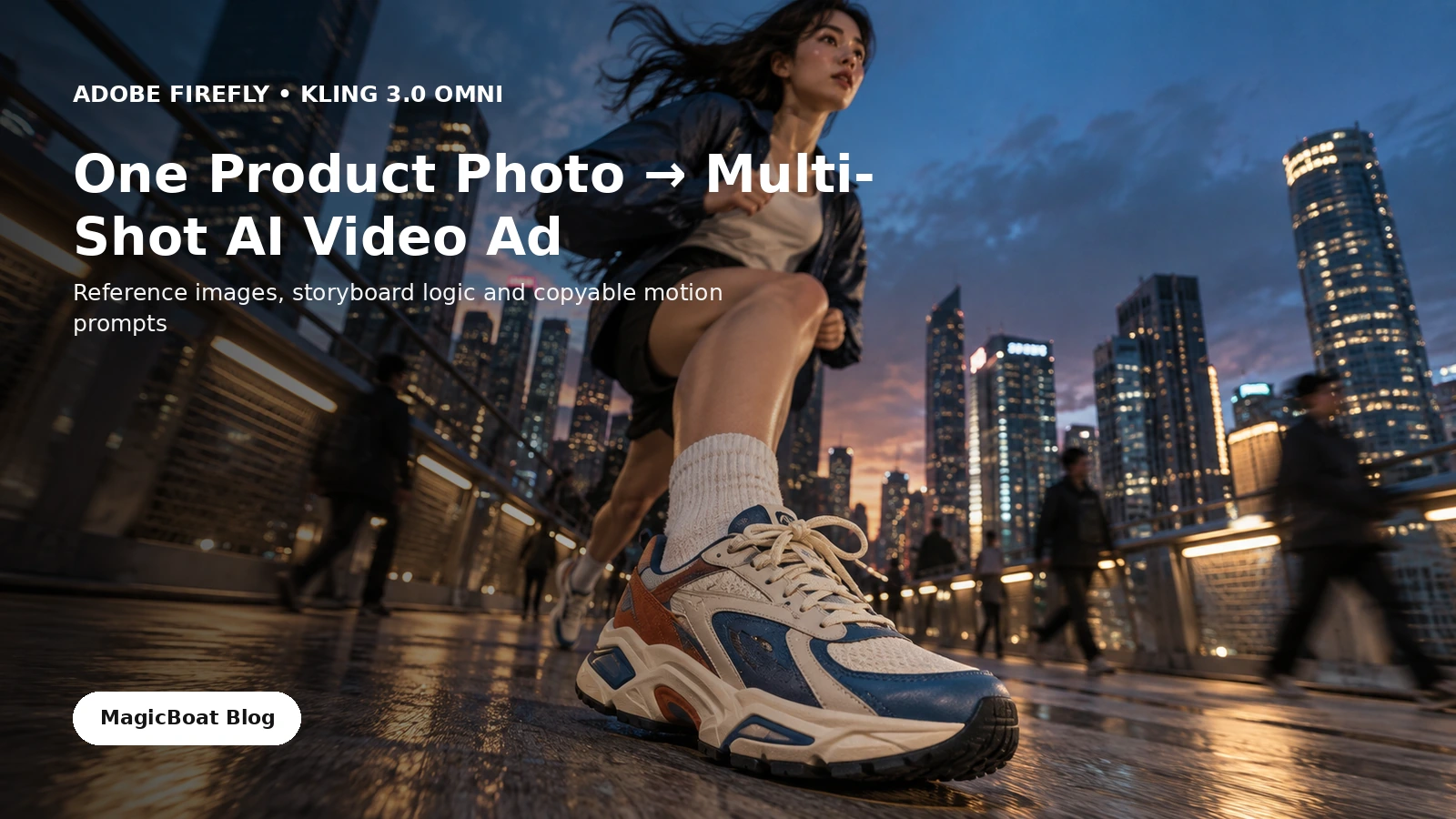
Kling 3.0 Omni Reference Images in Firefly: Turn One Product Photo Into a Multi-Shot AI Video Ad
Adobe added reference-image support for Kling 3.0 Omni in Firefly on September 18. Here is the practical creator question: how do you use one approved product photo without letting every new shot redesign the product?
Best AI Video Generators for Short Films in 2026
MagicBoat AI vs Higgsfield vs LTX Studio vs Runway—compared by the work it takes to get from one idea to a coherent, editable film.

How to Make AI UGC Ads That Look Like Real Phone Videos in 2026
A practical workflow for natural lighting, imperfect framing, believable product handling, creator-style performance, and prompts you can copy.
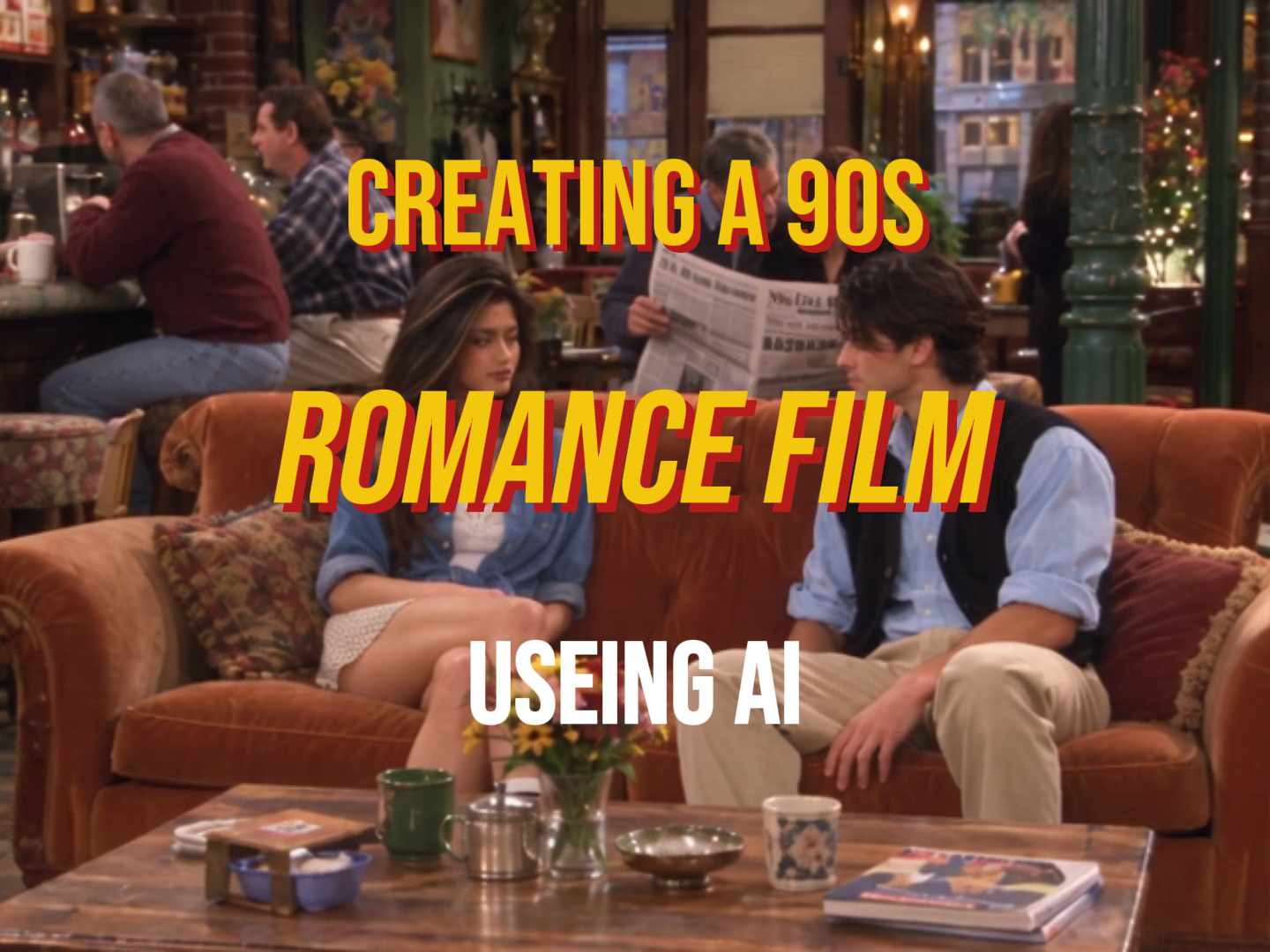
How to Make 90s Sitcom Videos with AI: A Step-by-Step Guide
Want to create AI videos that look like real 1990s American sitcoms? Learn how to build consistent characters, design nostalgic locations, and generate natural dialogue scenes using Midjourney, GPT Image 2.5, and Seedance 2.5 on MagicBoat AI.
Best AI Tools to Turn Script Into Storyboard and Video in 2026
Turning a written script into a polished video no longer needs a full production team. This guide compares the top AI tools that handle the full script-to-storyboard-to-video pipeline, with verified pricing, free credit details, and workflow breakdowns to help you choose.
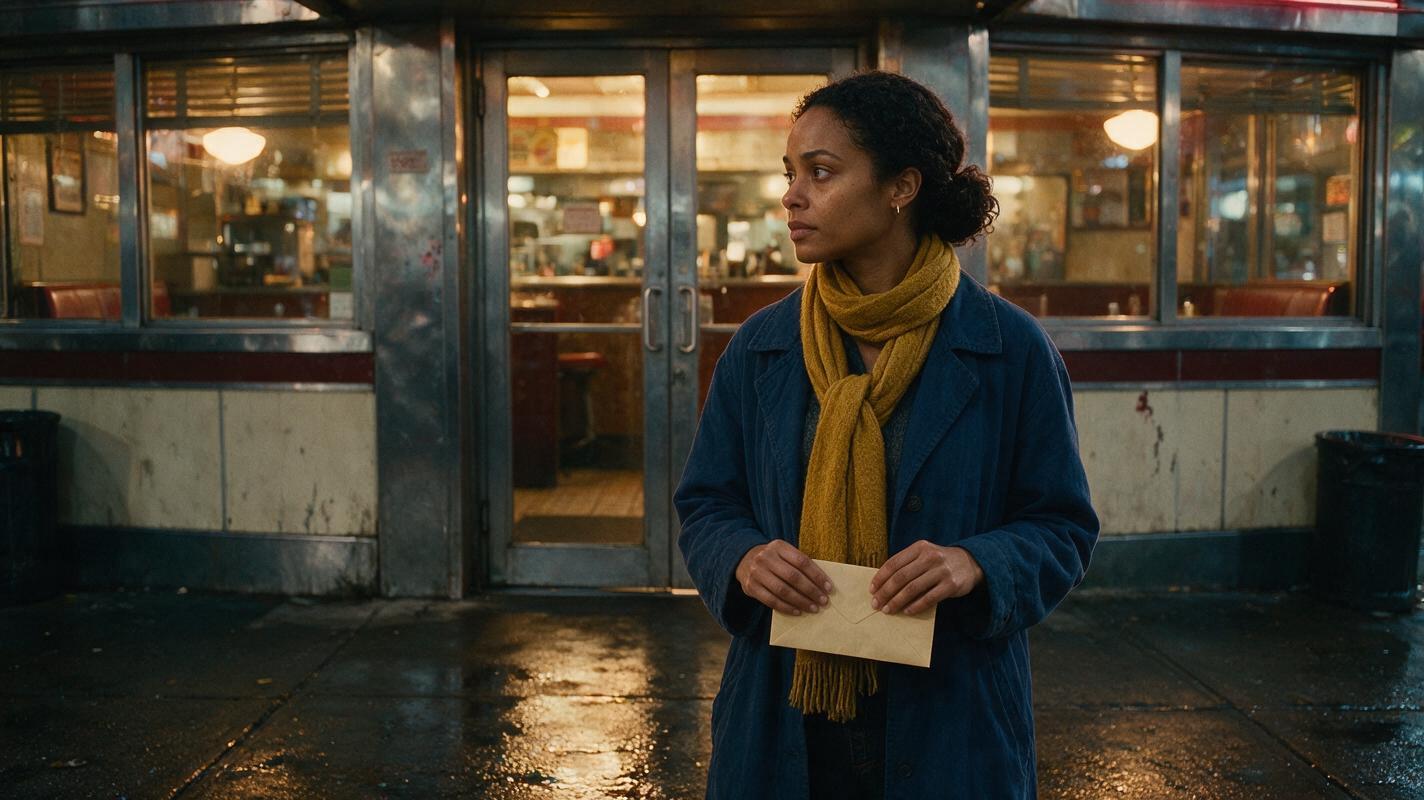
What AI Tools Turn a Script Into a Storyboard and Video?
A script-to-video workflow works best when the storyboard preserves a character’s identity before any shot is animated. Compare planning and video tools, then use a character sheet, scene references, and cut-point checks to keep the same person recognizable throughout the sequence.
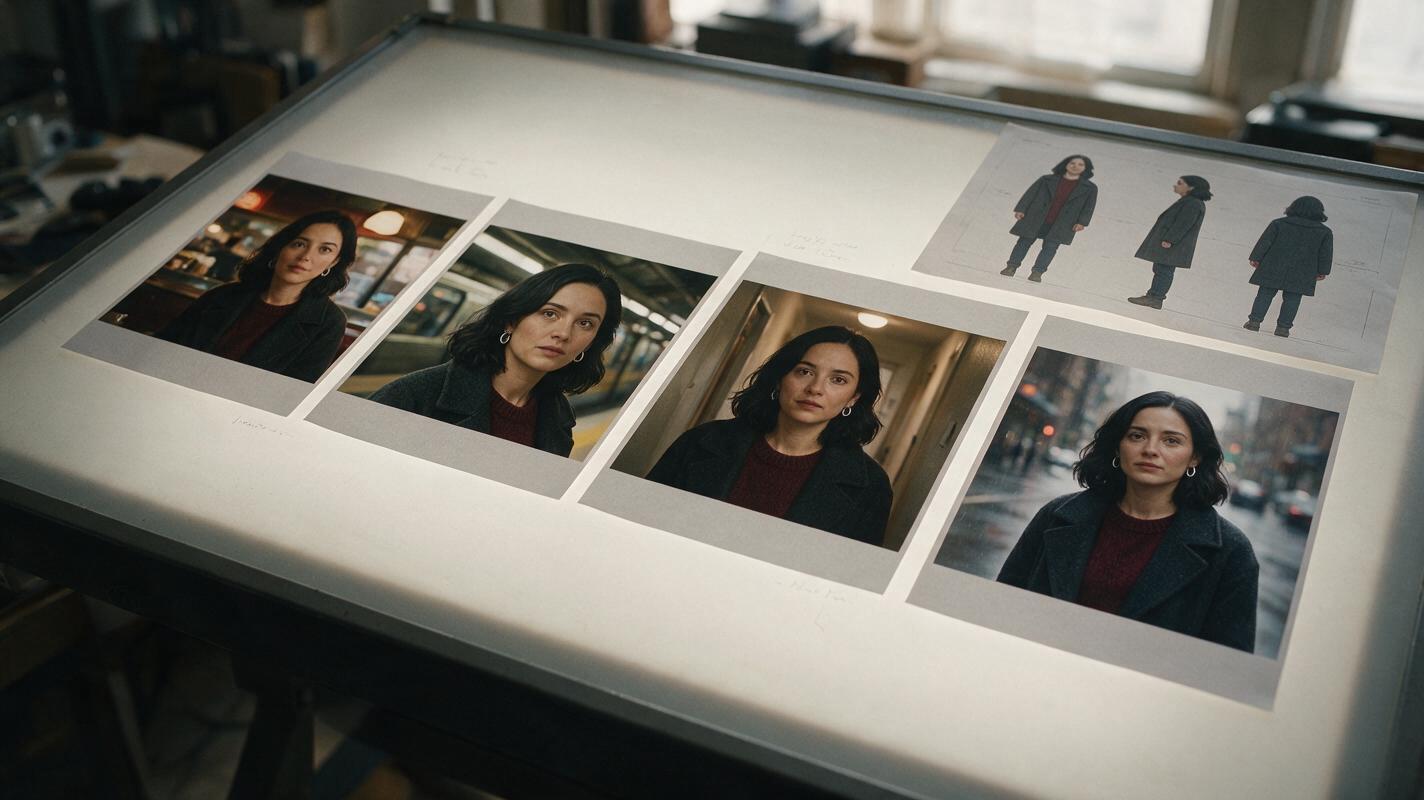
What AI Tools Keep Characters Consistent Across Video Scenes?
The most reliable AI character workflow separates identity design, scene-specific anchor frames, and video animation instead of asking one model to solve everything at once. This guide compares practical reference tools and provides a repeatable test for keeping one character recognizable across an episodic AI short drama.

Motion Transfer AI Video: Elevate Script-to-Video Character Performances
Learn how to integrate motion transfer AI video into your script-to-video workflow to create natural, consistent character performances across every scene. This guide breaks down when to use motion transfer, how to pair it with storyboards and character references, and a step-by-step production pipeline for polished AI films.
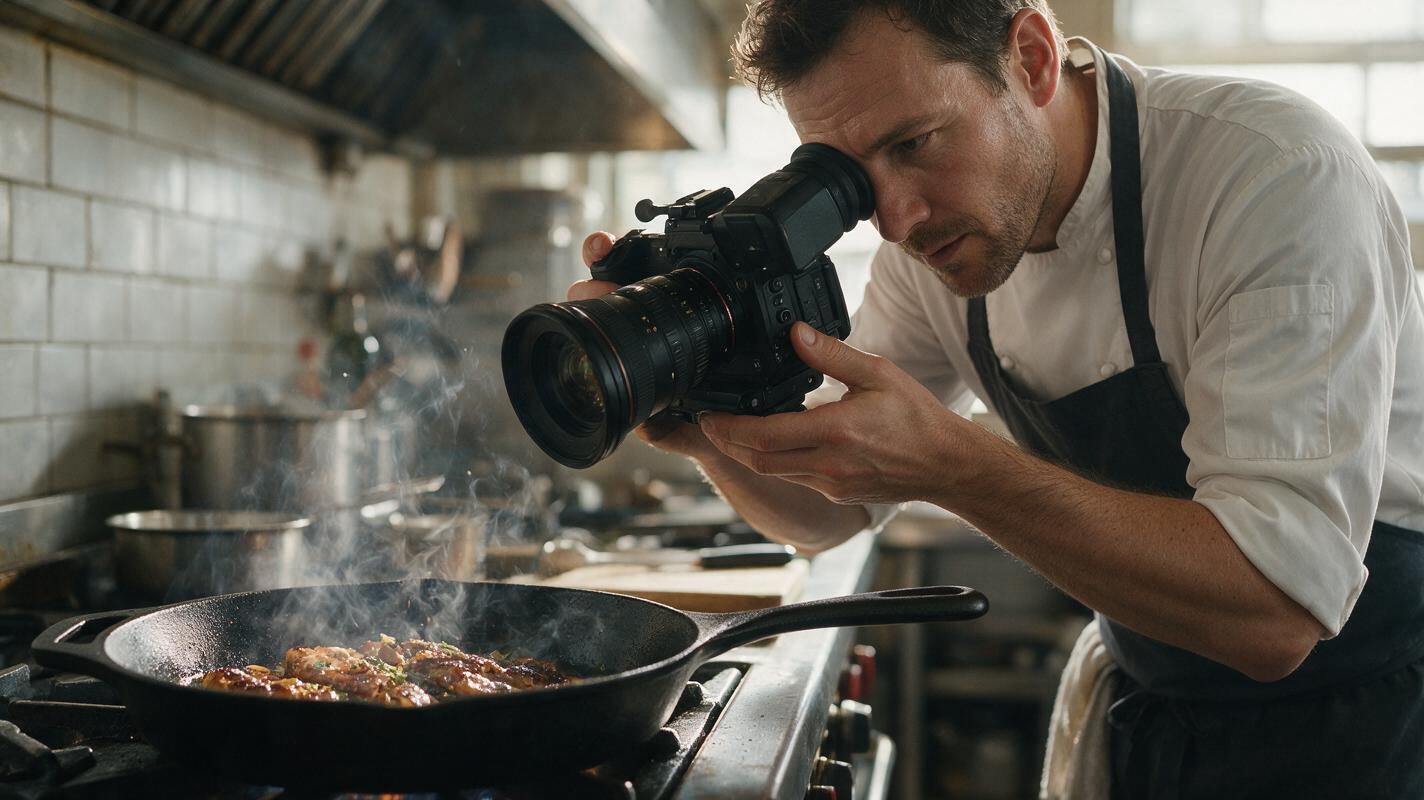
Why AI Food Sizzle Videos Look Fake (And How to Get Realistic Results)
AI-generated food sizzle videos often fail to look appetizing due to fake soap-bubble splatters, warped cookware, and drifting food that undermines marketing effectiveness for restaurants and food brands. This guide breaks down the root causes of these flaws and shares a reference-first image to video workflow using Seedance for stable, realistic sizzle clips. It includes reusable prompt templates, targeted fixes for common rendering issues, and tips for repurposing clips across social media, menu boards, and other marketing channels.

Sora Alternatives: 6 Best Fast-Turnaround AI Video Tools (2026)
OpenAI’s Sora delivers high-quality cinematic AI video but has long generation times and limited priority access, making it a poor fit for creators on tight deadlines. This roundup compares 6 fast-turnaround Sora alternatives, evaluating typical generation speed, pricing, core capabilities, and ideal use cases for speed-focused creators. MagicBoat tops the list as a free one-stop platform for testing multiple fast AI video models side by side without separate accounts.
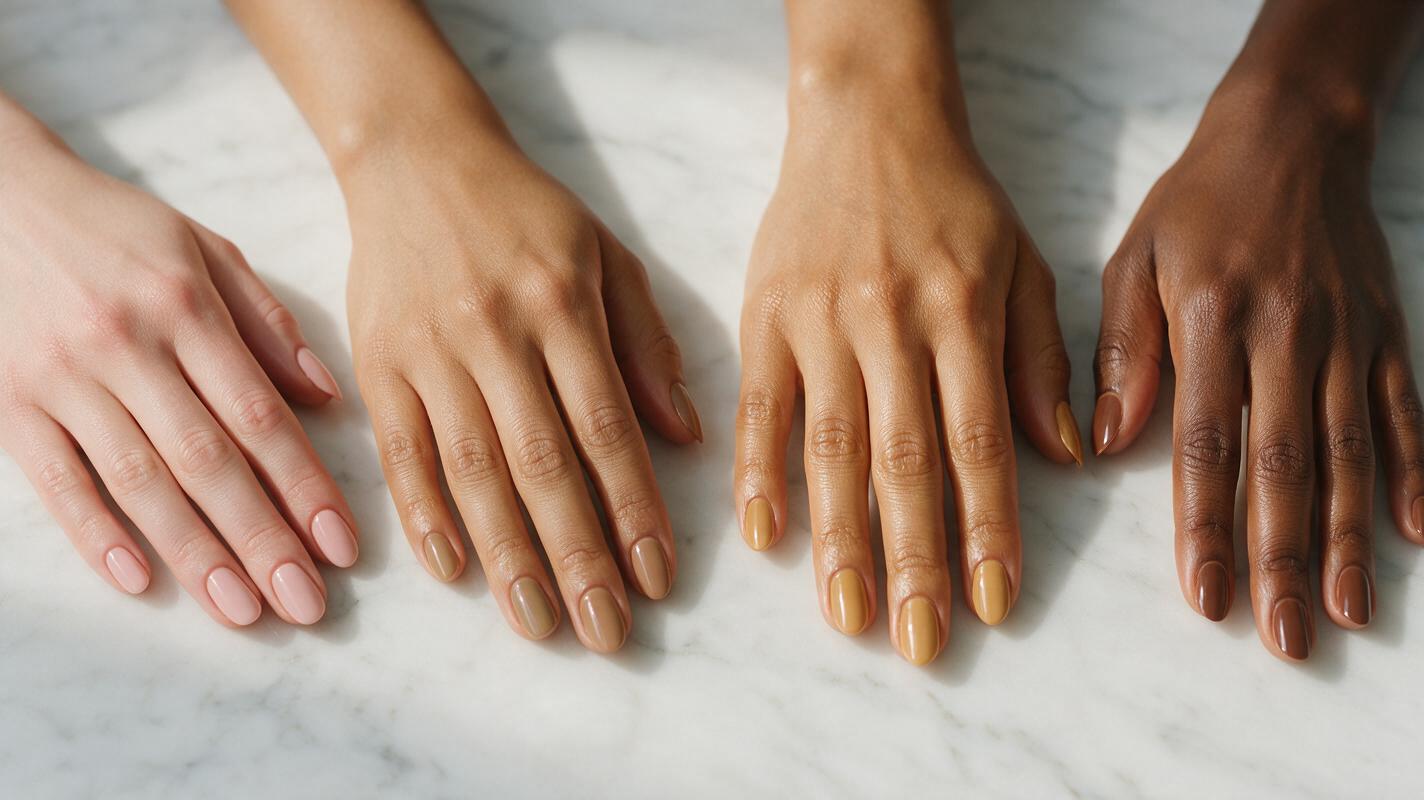
Seedream 4.5 Prompts for Realistic Nail Polish Swatches (No Streaky Application)
This guide shares reusable Seedream 4.5 prompt templates for generating brand-ready nail polish swatches across diverse skin tones and finishes. It breaks down a 4-part core prompt structure, provides finish-specific examples, and fixes common AI rendering issues like streaky application, distorted cuticles, and shade drift.
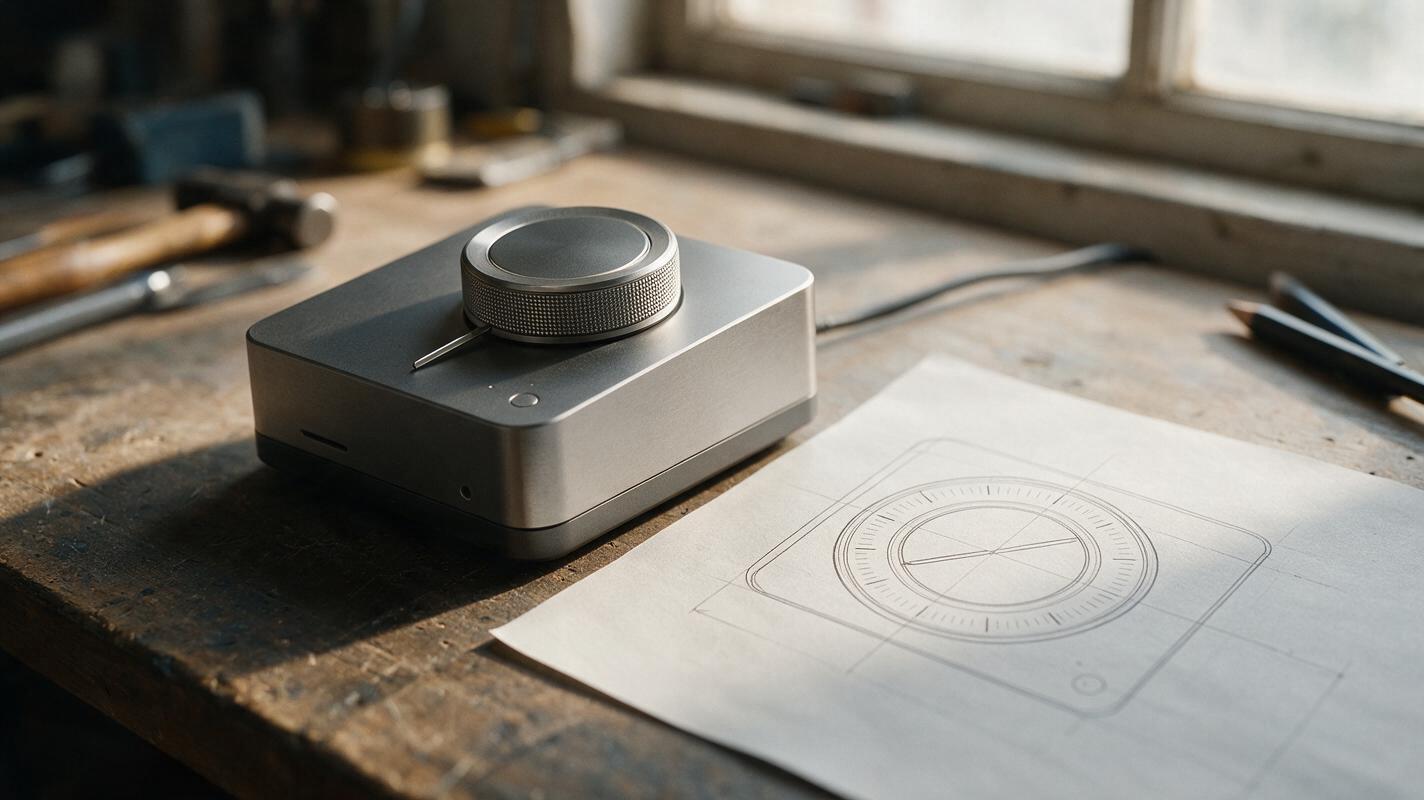
Why AI-Generated Knurling Looks Wrong on Product Dials
AI product renders often turn a controlled dial texture into uneven teeth, a different dial diameter, or an implausible grip surface. This guide shows industrial designers how to use an approved reference, isolate the textured region, and judge the result without mistaking a concept render for a manufacturing specification.