Blog
Discover the latest from MagicBoat
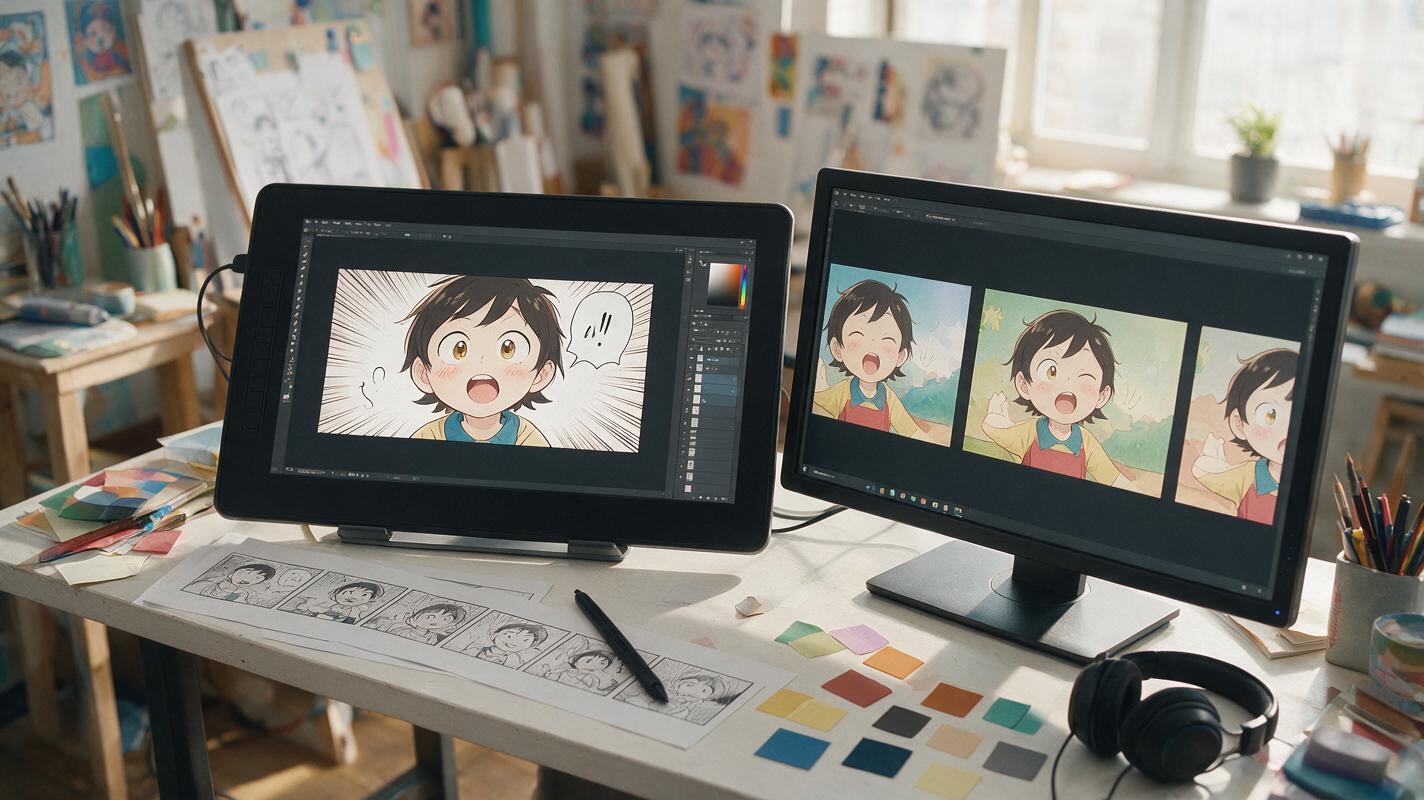
How to Animate a Comic Panel Without Warping the Artwork
Learn how to turn a finished comic or webtoon panel into a short animated shot without distorted faces, drifting line art, or unwanted camera movement. This practical workflow covers panel preparation, motion prompts, model selection, and fixes for common image-to-video failures.
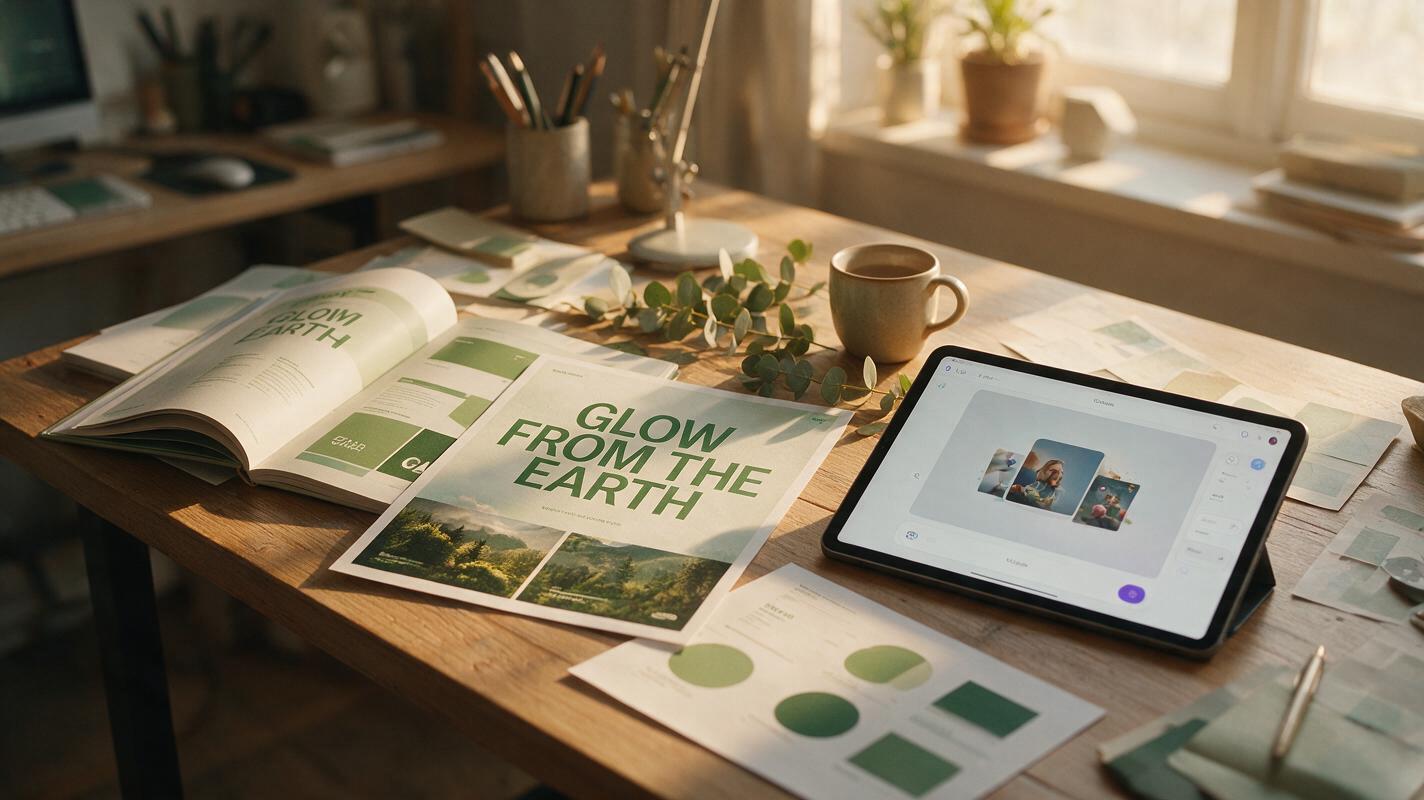
How to Make Typography-Led AI Campaign Key Visuals (Static + Animated)
Typography is often the weakest part of AI-generated campaign key visuals, with garbled text, wrong fonts, and inconsistent kerning wasting brand designers hours. This tutorial walks through a 4-step workflow to create crisp, on-brand static typography-led key visuals with Flux and GPT Image, then animate them for multi-channel use with Seedance. It includes reusable prompts, a tool comparison for typography animation, and troubleshooting for common AI text issues.
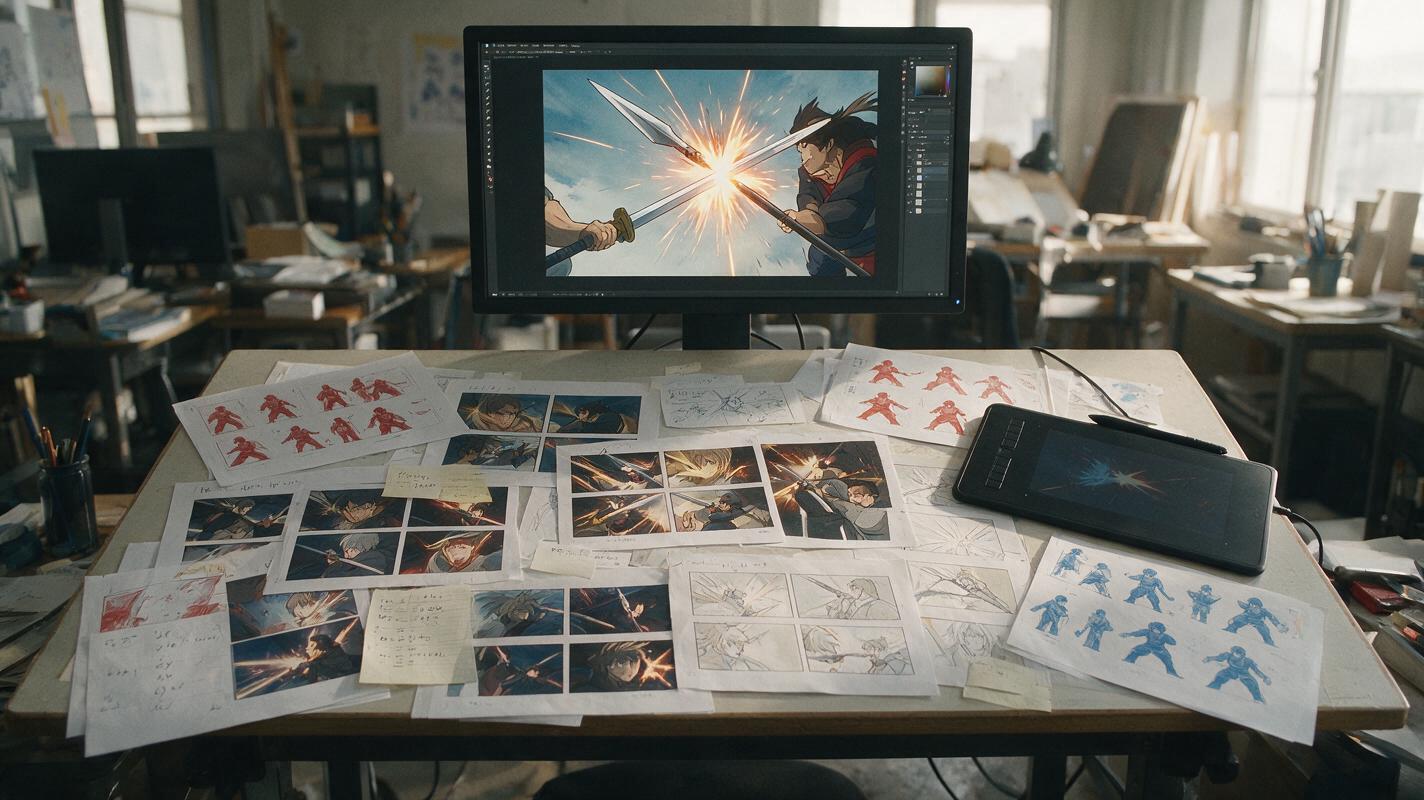
How to Make AI Anime Fight Animation That Feels Fast and Clear
Learn how to create an AI anime fight animation with readable choreography, stable characters, convincing impacts, and clean shot continuity. This practical workflow breaks one fight into short image-to-video clips that can be generated, repaired, and edited independently.
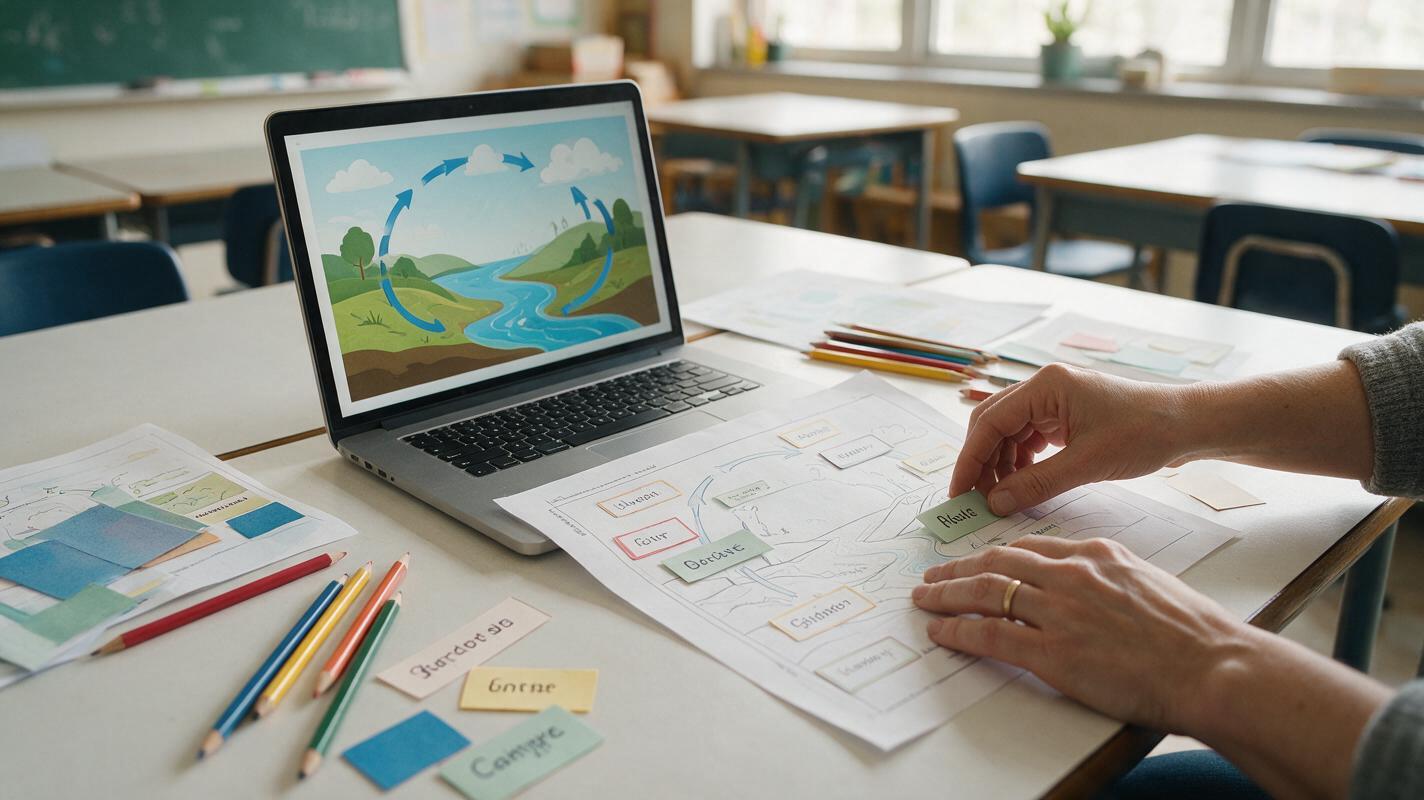
How to Make Editable Classroom Infographics With GPT Image
Learn an image-first workflow for creating classroom infographics with GPT Image while keeping facts, labels, and layout easy to correct. The tutorial shows how to separate visual generation from verified text, build a reusable prompt, troubleshoot common failures, and export accessible lesson visuals.
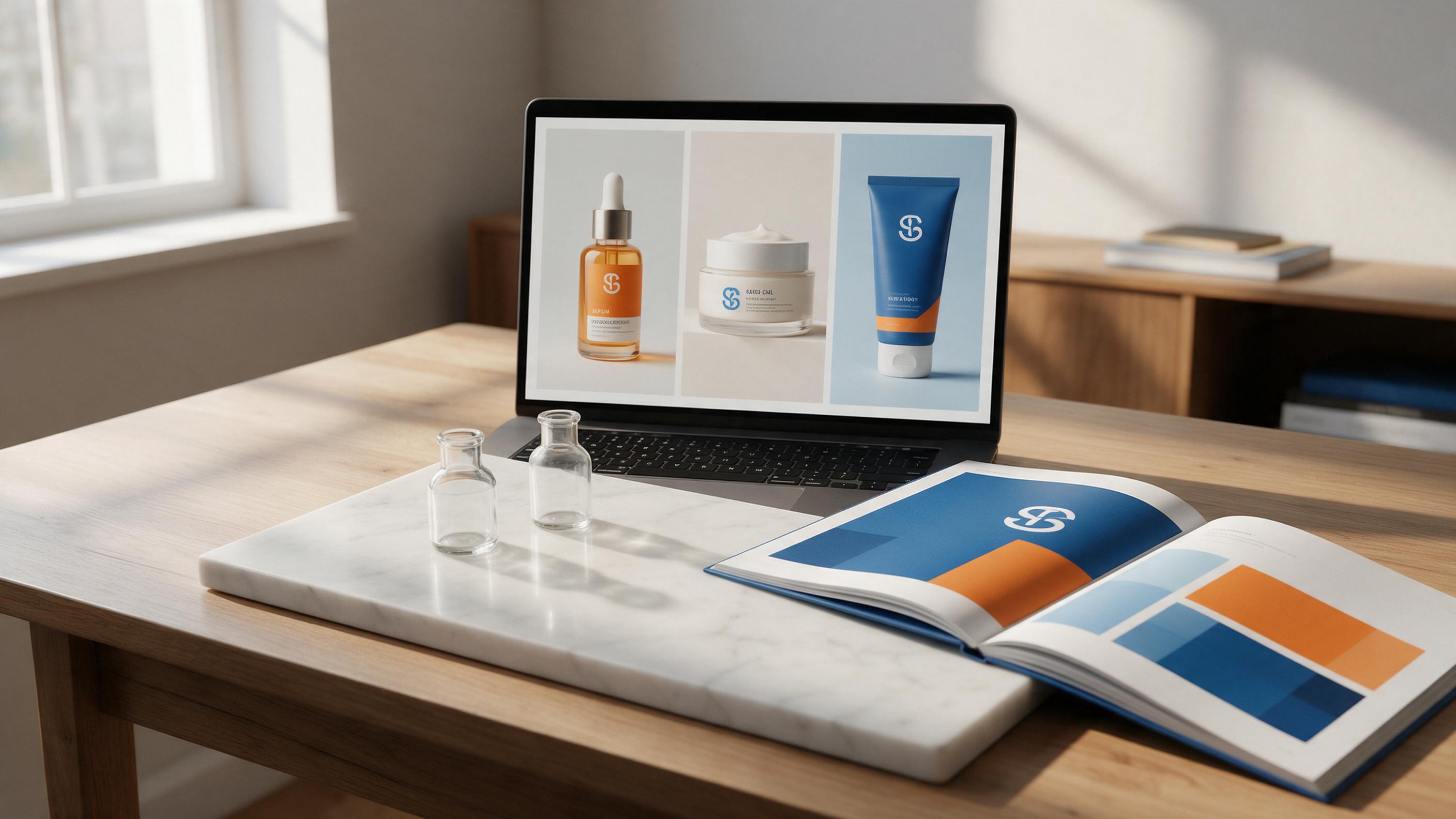
How to Create On-Brand AI Packaging Concepts & Animated Teasers Fast
This step-by-step tutorial teaches brand and graphic designers to generate on-brand AI packaging design concepts for multi-SKU product lines using Flux, with reusable prompts and brand consistency hacks. Then, learn to turn static packaging renders into polished animated product teasers with Runway’s image-to-video tool. Includes troubleshooting for off-brand colors, distorted logos, and warped packaging shapes.
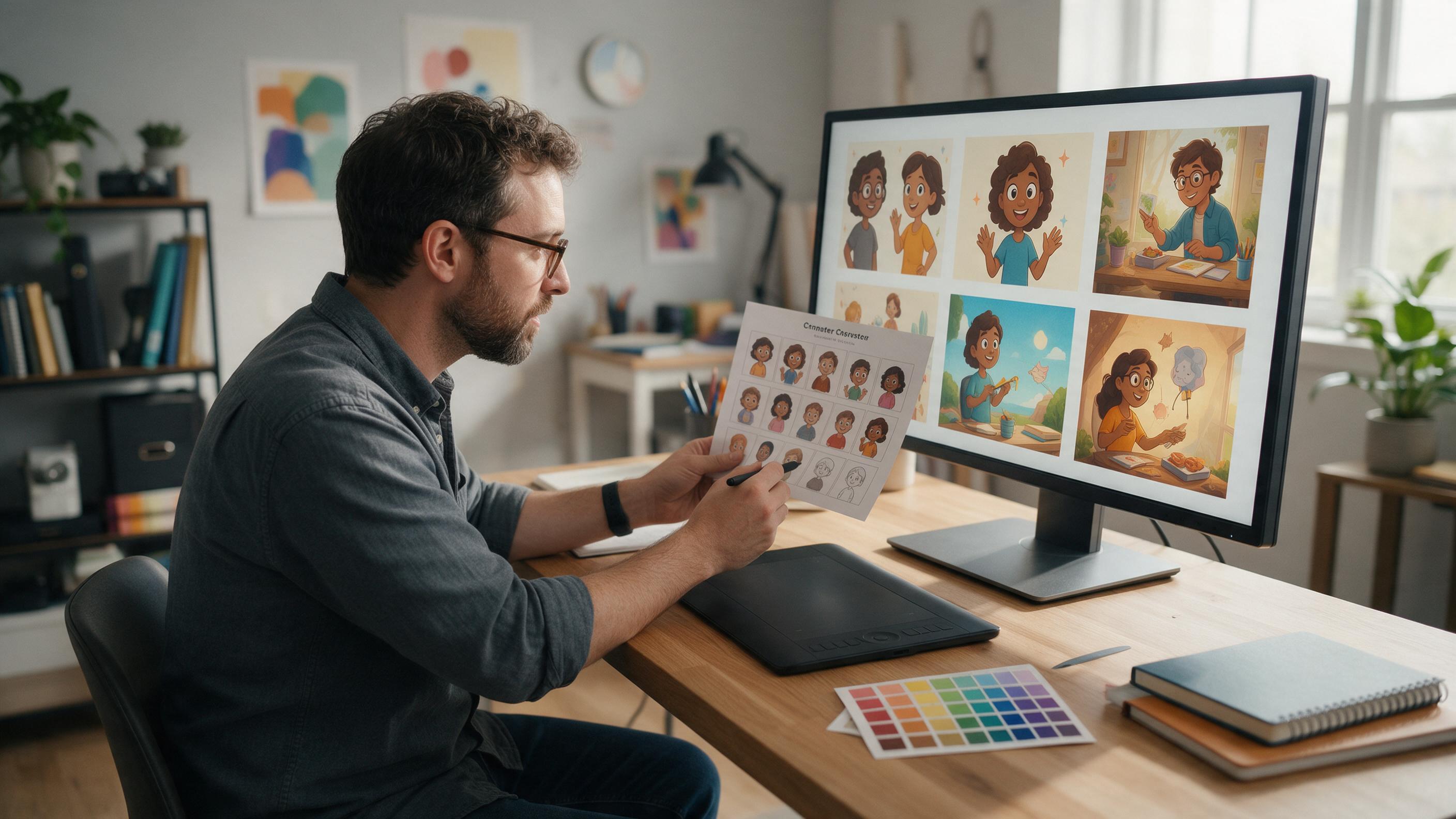
How to Keep One Character Consistent Across Lesson Illustrations
Create a reusable educational character that remains recognizable across slides, worksheets, explainers, and course thumbnails. This tutorial uses a character sheet, reference-based generation, controlled prompts, and targeted editing to reduce unwanted changes in clothing, colors, proportions, and facial features.
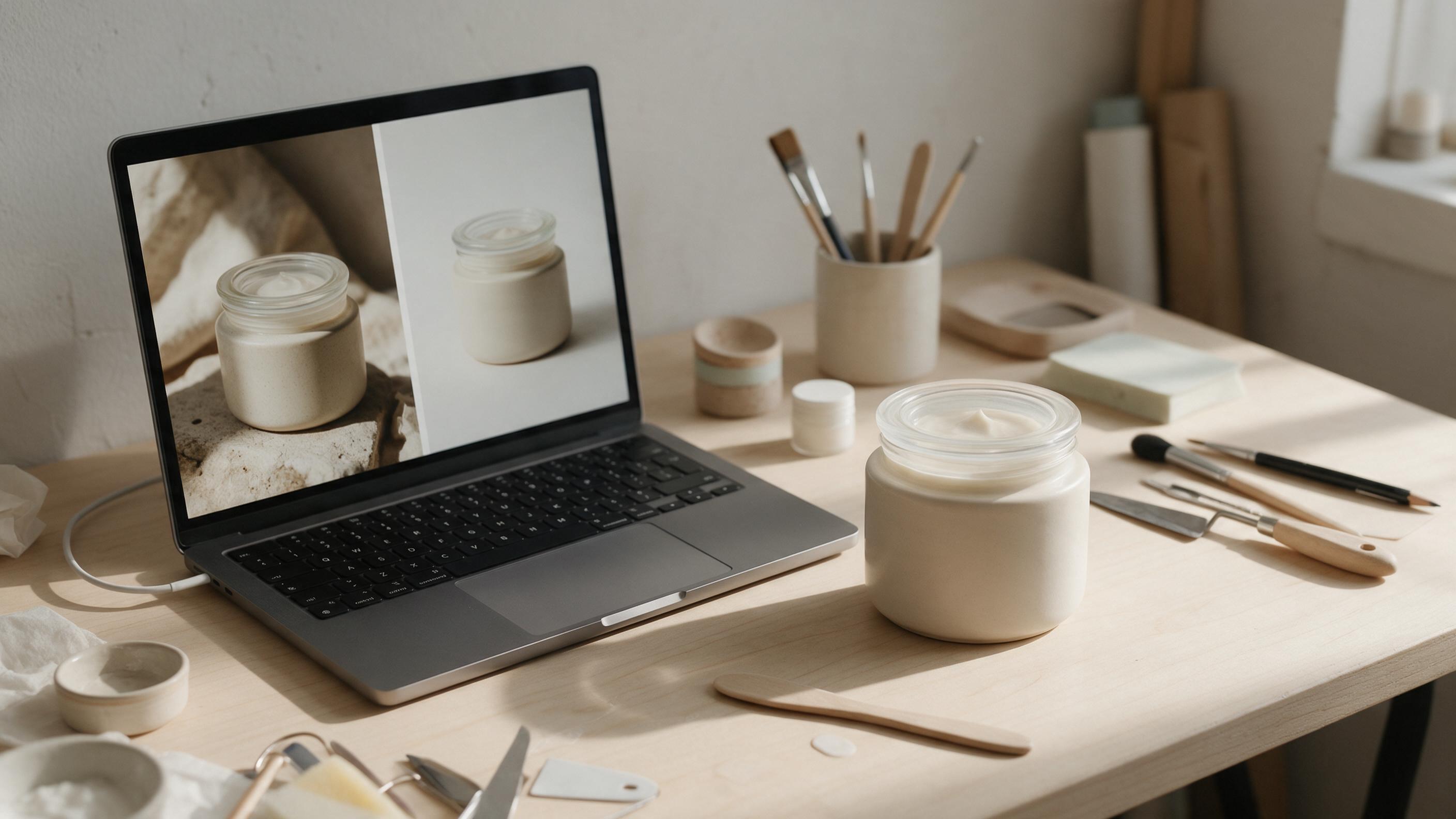
How to Change a Product Photo Background Without Changing the Product
A new background can make a product photo fit your store or campaign, but AI edits often alter labels, colors, or packaging along the way. This guide shows sellers how to protect the product, build a believable scene, and check the result before publishing.
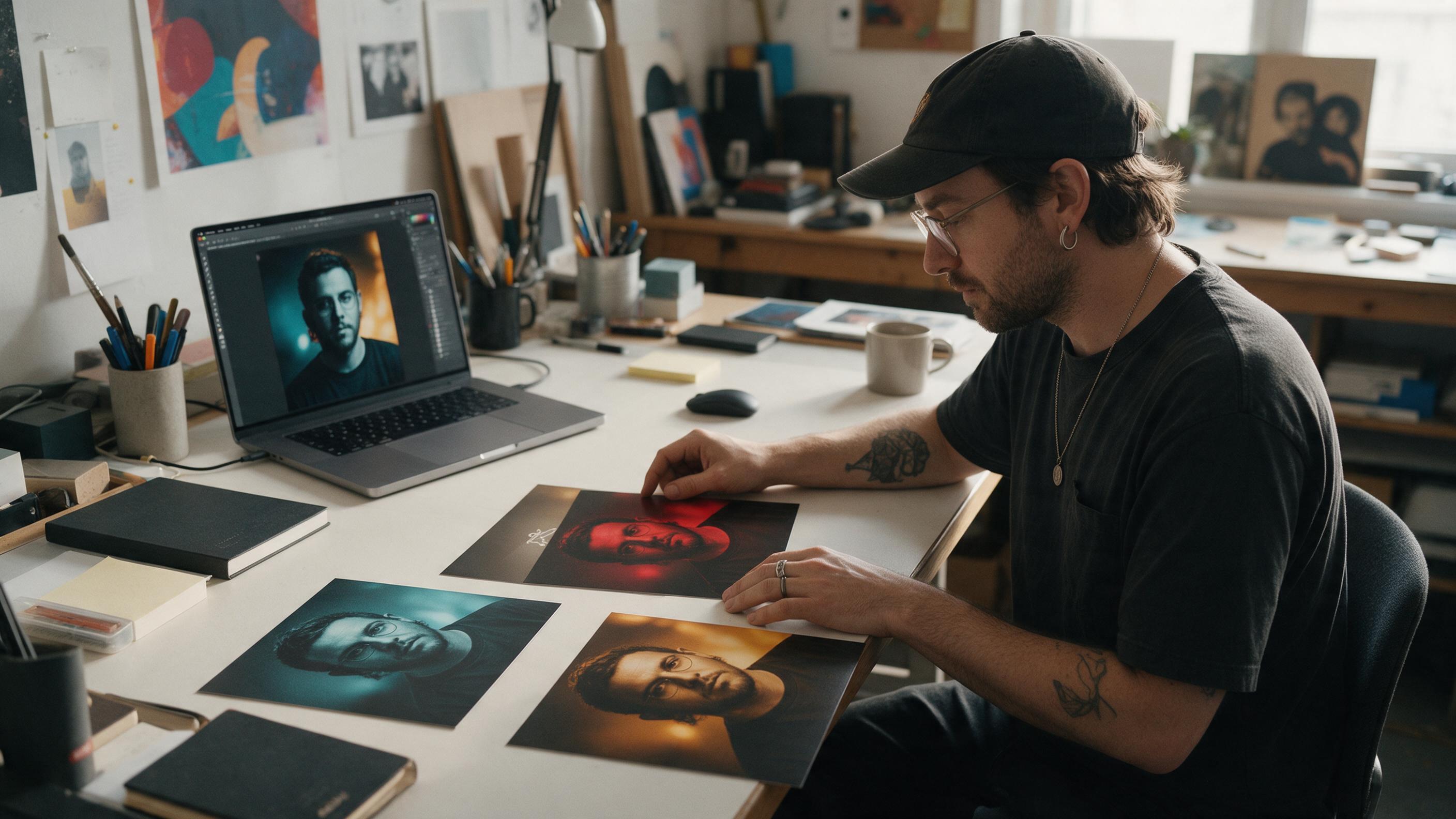
How to Make Matching Single Covers With GPT Image
Build a cohesive series of single covers without making every release look identical. This tutorial shows how to create a visual system, generate a master cover with GPT Image, preserve recurring elements through reference-based editing, and troubleshoot consistency problems.
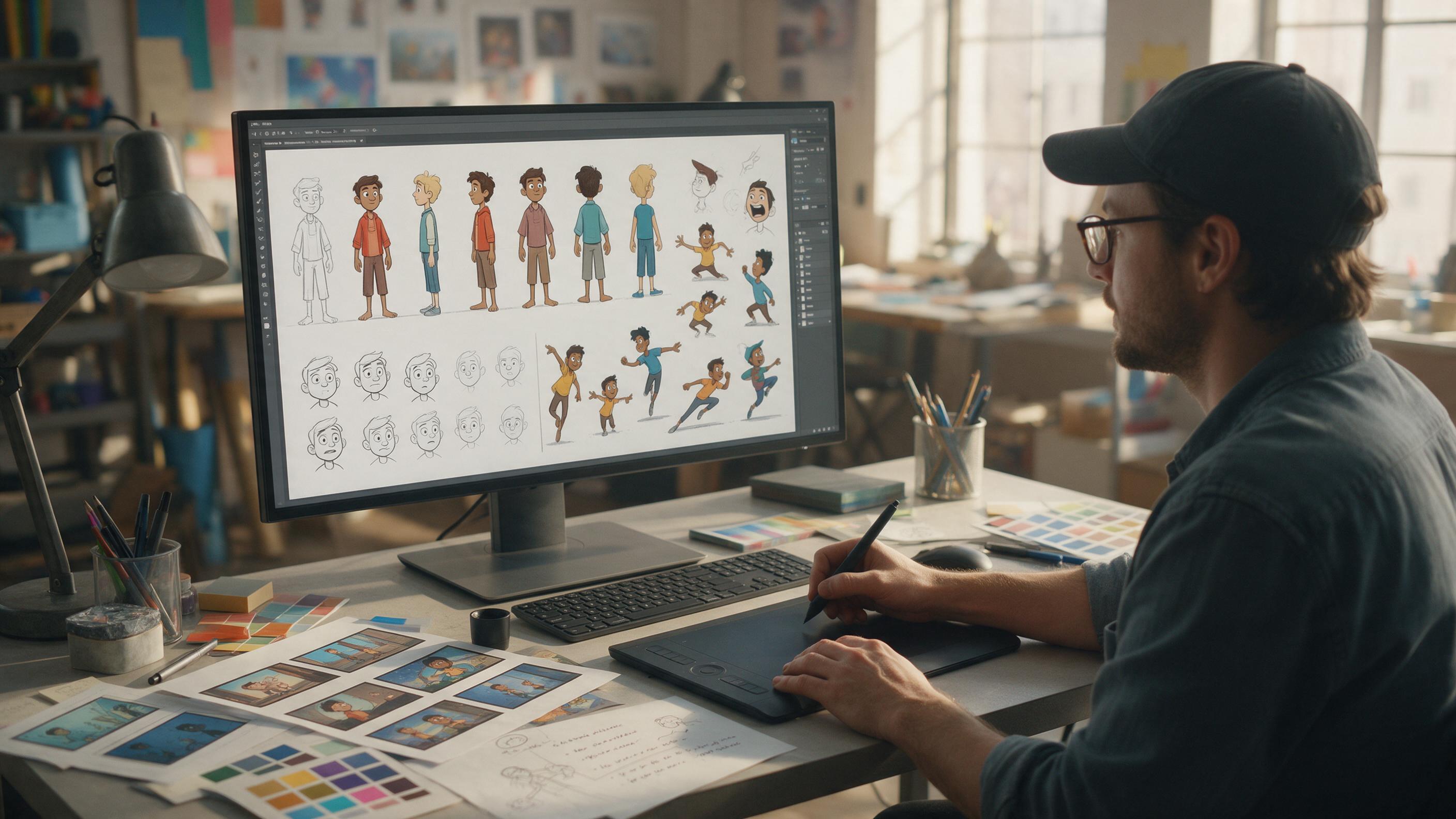
How to Make a Consistent Character Sheet with GPT Image
Learn how to build a production-ready character reference sheet with GPT Image before creating character motion. This step-by-step workflow covers anchor images, turnarounds, expressions, poses, animation tests, and common consistency problems.
How to Animate a 2D Illustration in Runway Without Warping
Learn how to turn a finished illustration into a controlled parallax shot in Runway while preserving faces, silhouettes, typography, and graphic style. This practical workflow covers source preparation, reusable prompts, variation testing, troubleshooting, and final compositing.
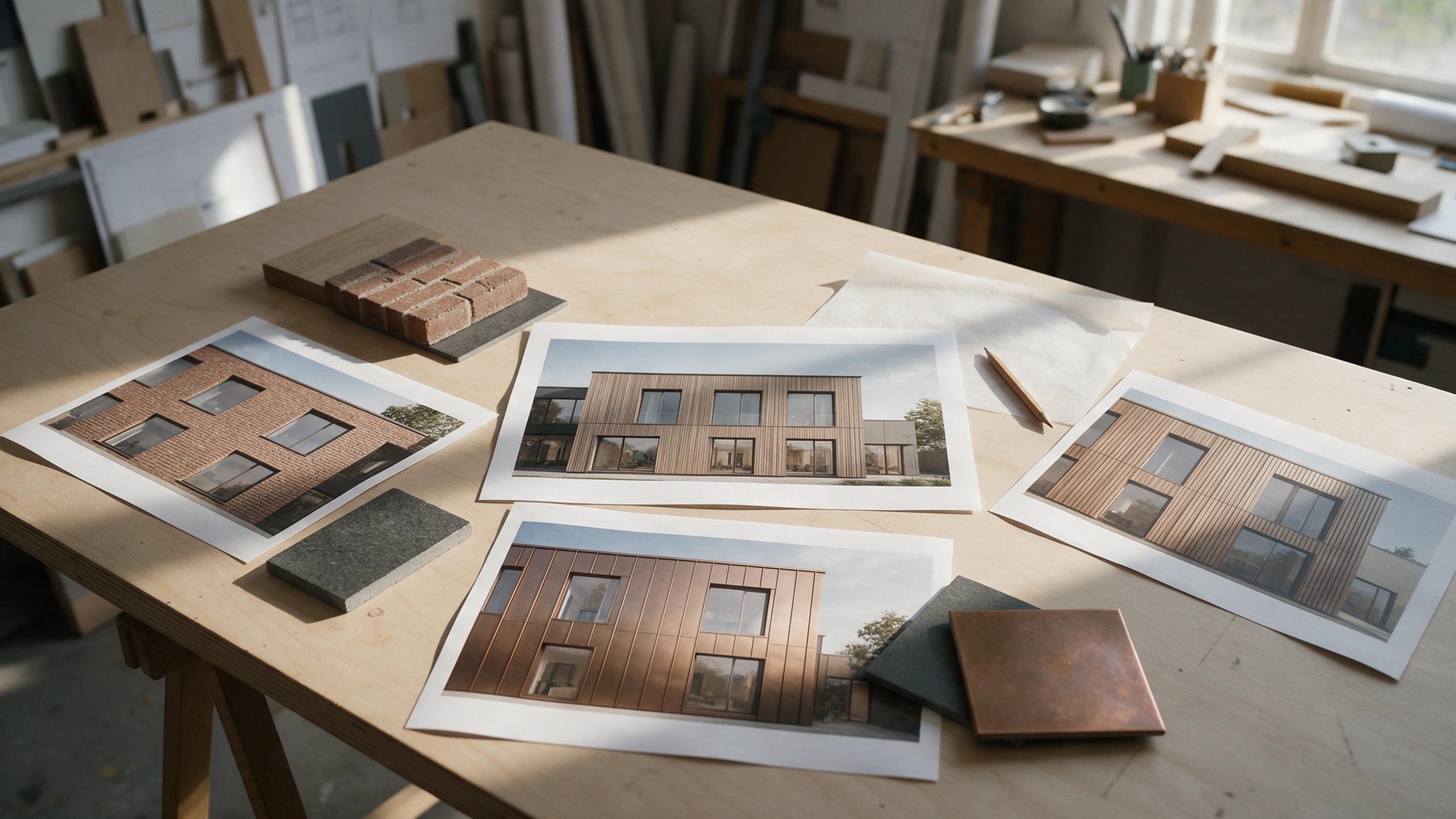
How to Change Facade Materials with GPT Image Without Moving the Windows
Create convincing facade material options from one architectural render while keeping openings, camera position, and building massing consistent. This tutorial covers reference preparation, targeted prompts, comparison, and a practical way to catch geometry drift before presenting options.
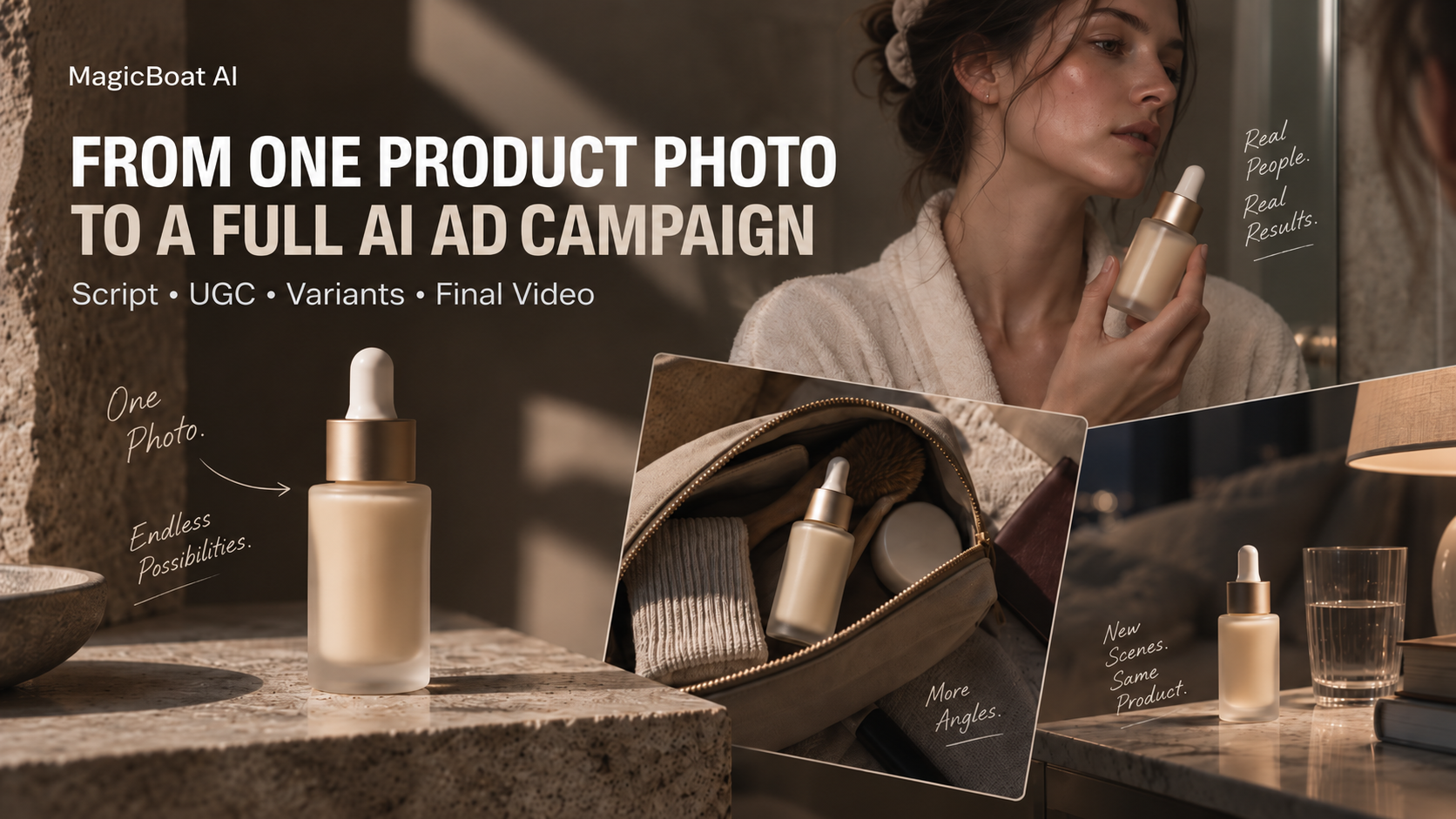
How to Build an AI Ad Campaign From One Product Photo: Script → UGC → Variants → Final Video
One product image can now become a creative brief, a creator-style scene, a product demo, multiple environments, and a finished ad. The hard part is no longer generating assets — it is keeping the whole campaign coherent.