Blog
Discover the latest from MagicBoat
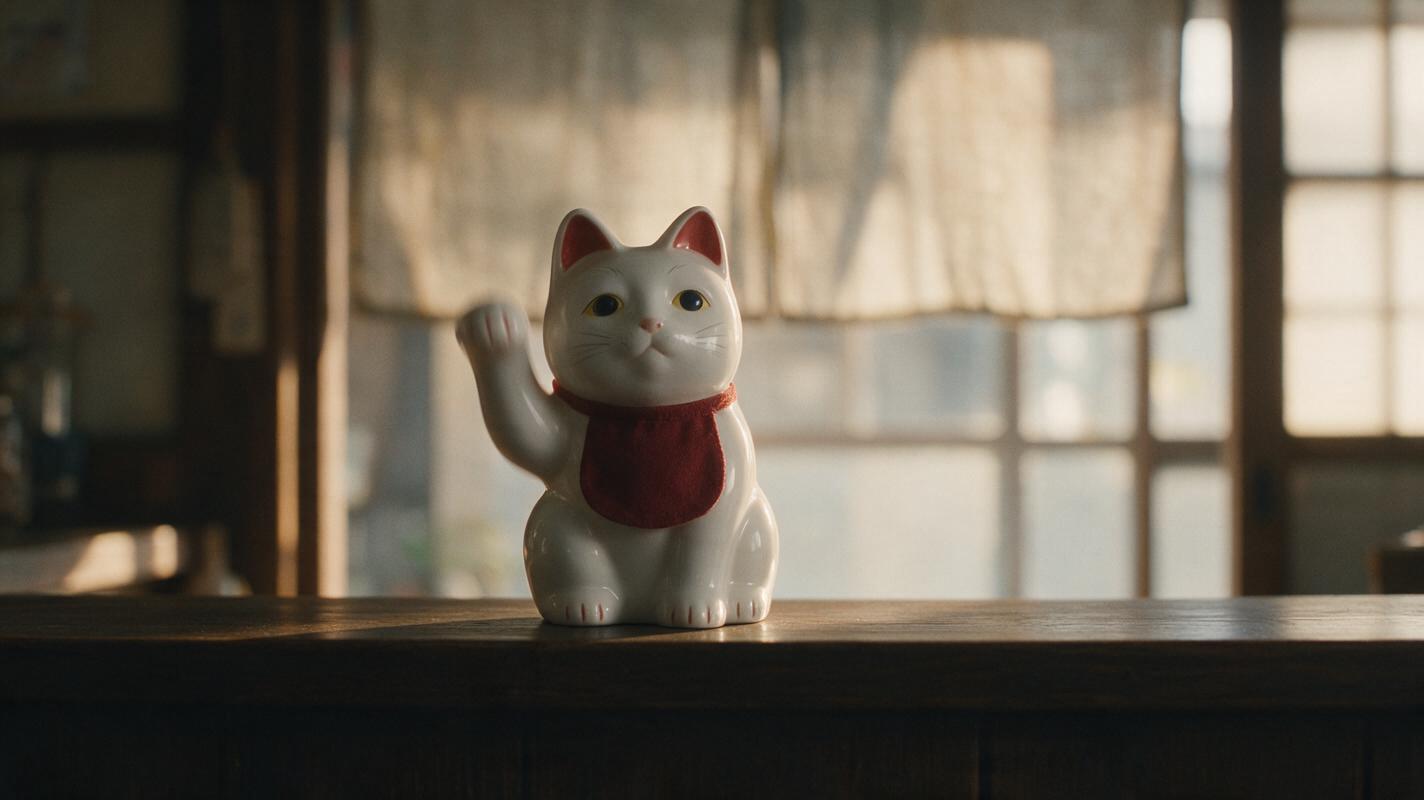
How to Create a Seamless AI Video Loop with Image to Video
Create a seamless AI video loop by starting from a loop-safe anchor image, generating one restrained cyclic action, and trimming the result between two visually compatible frames. This workflow avoids the obvious jump caused by forcing the generated clip’s original first and last frames together.
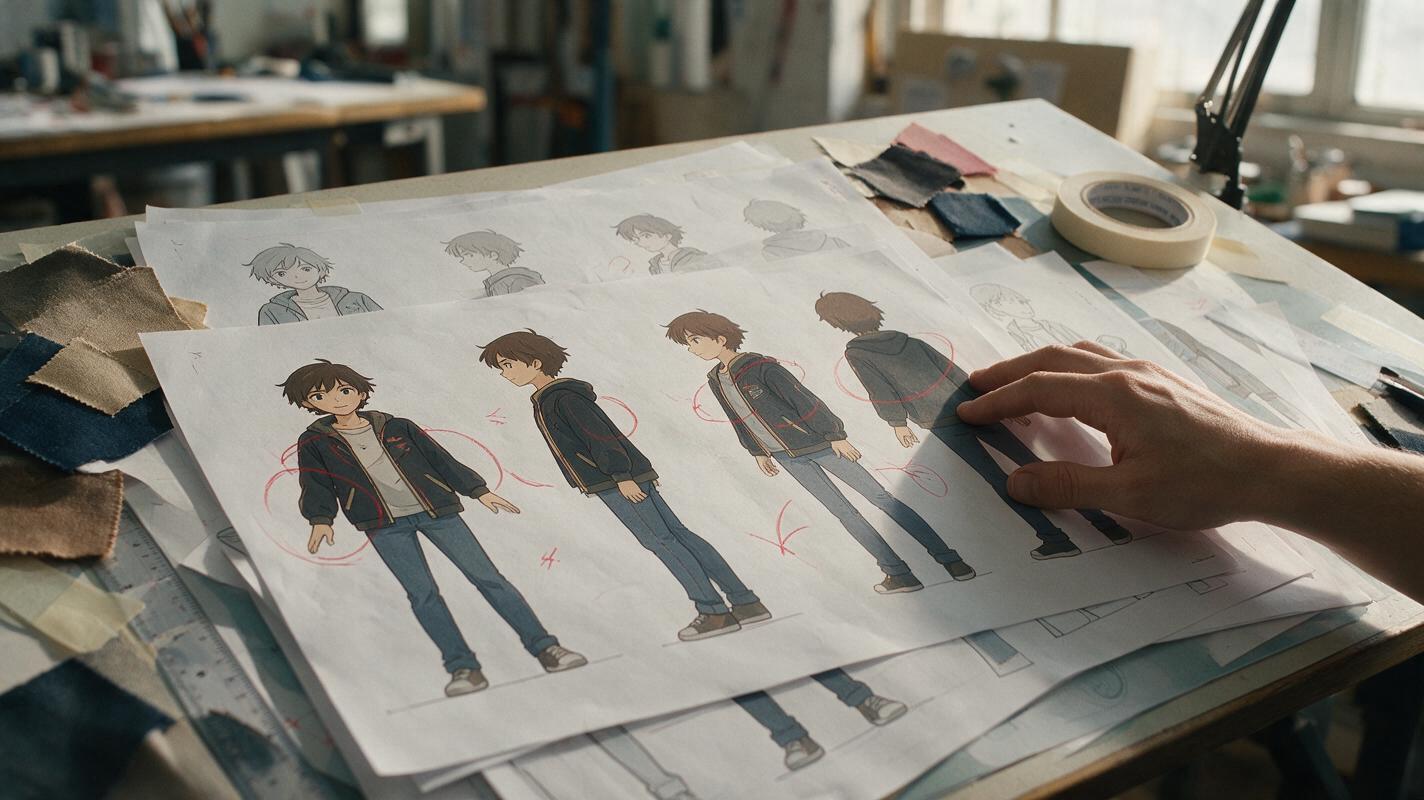
Why AI Anime Turnarounds Redesign Outfits—and How to Fix It
Anime character turnarounds often lose costume details when the model invents unseen side and back views. This guide shows how to use Seedream 4.5 with structure-first references, explicit garment anchors, controlled view changes, and targeted repairs to build a consistent production-ready turnaround.
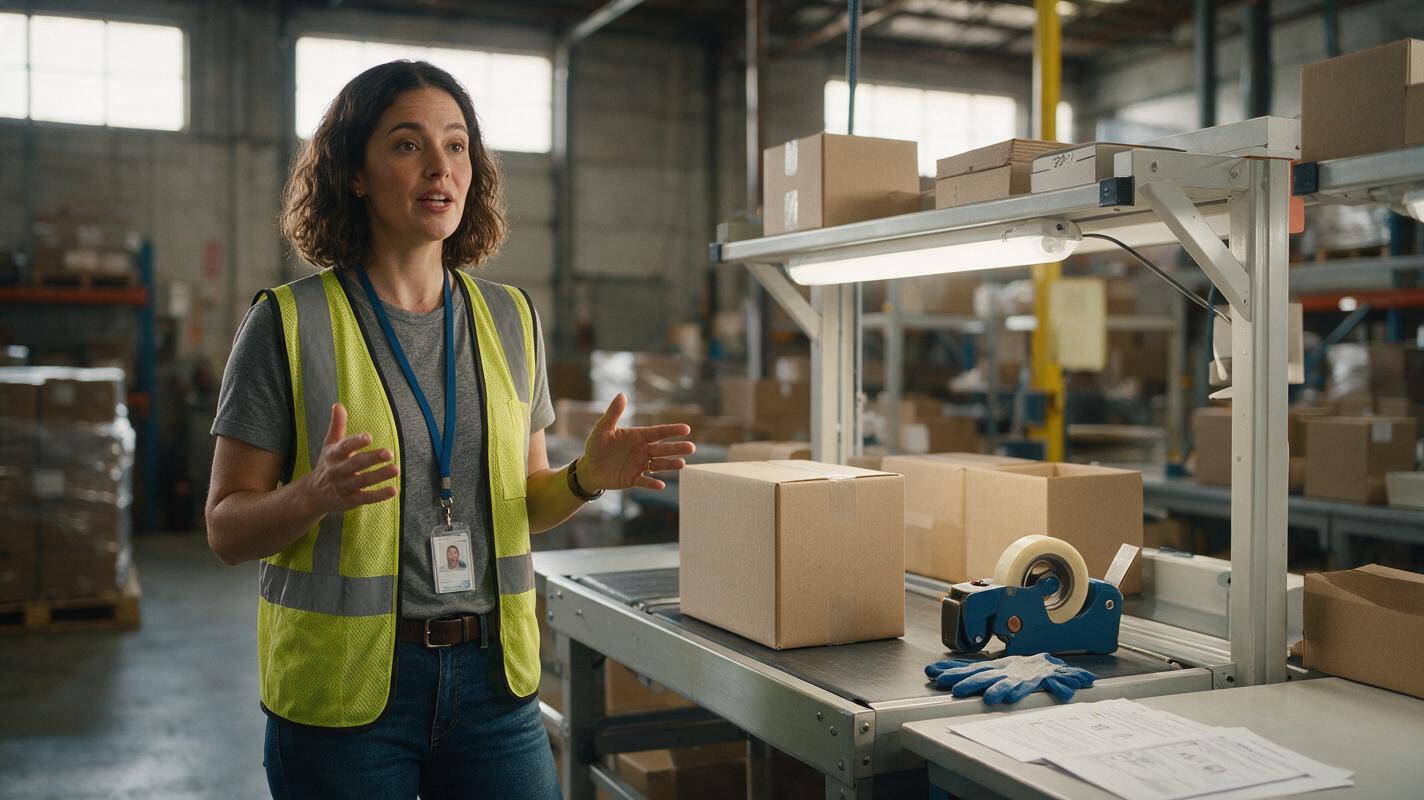
AI Avatar Video Generator: Turn SOPs Into Training Clips
Learn how to convert a written standard operating procedure into a concise AI avatar training video. This practical workflow covers script editing, avatar references, scene generation, lip sync, enhancement, and matched-frame quality checks.
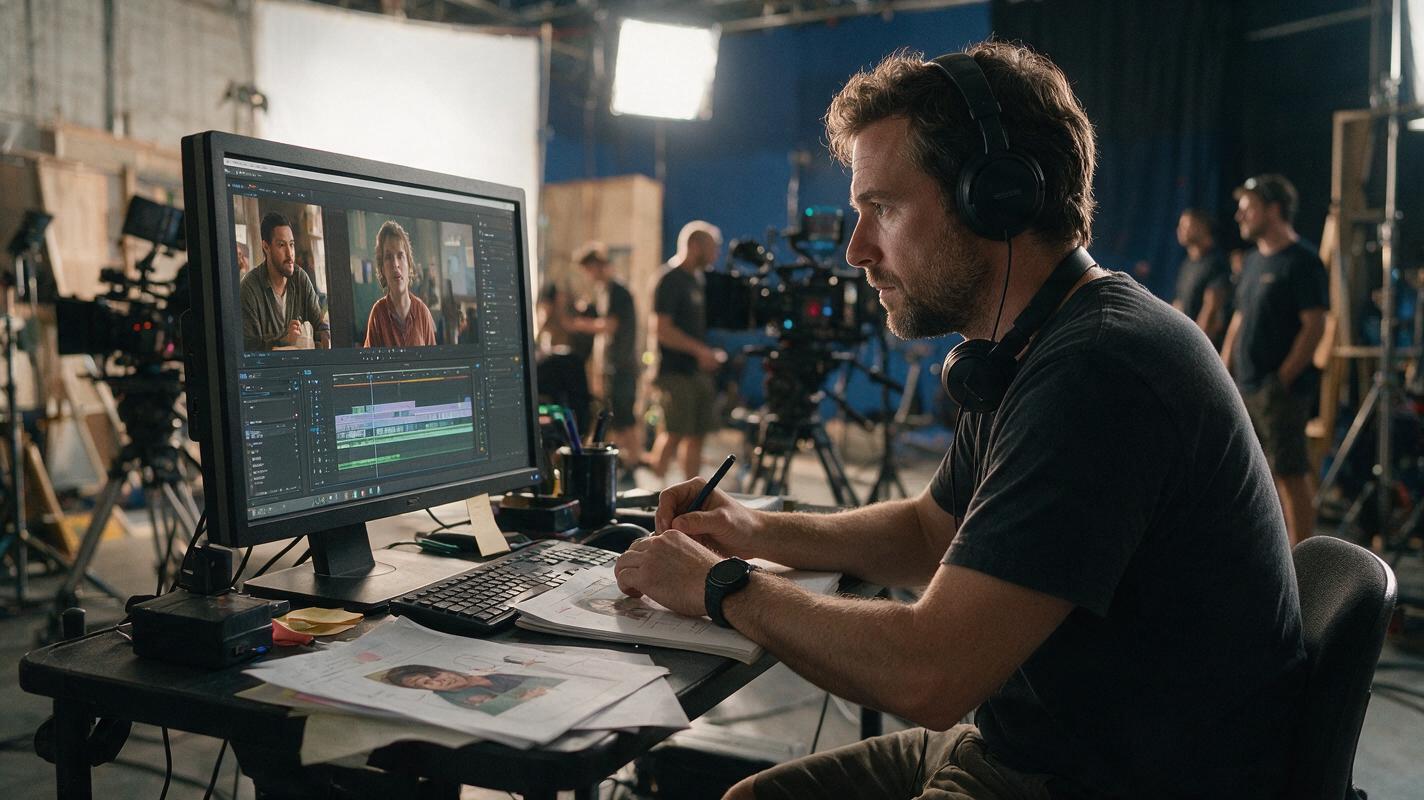
Best AI Tools to Keep Characters Consistent Across Video Scenes
Keeping the same face across multiple AI video scenes is one of production's biggest challenges. This guide compares AI tools and techniques for multi-scene character consistency, including a reusable character sheet template, reference workflow, and fixes for common failure cases like face drift and hair color shifts.
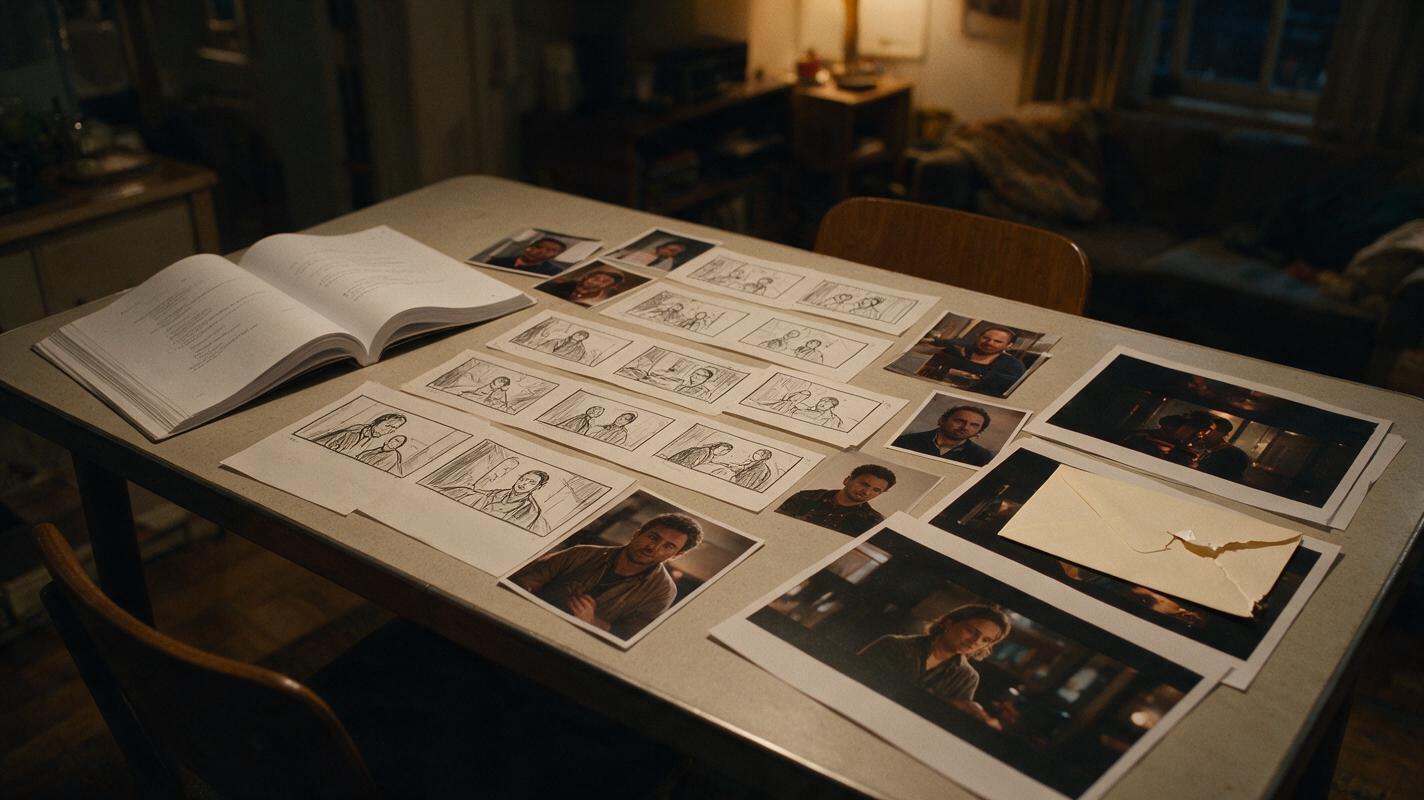
What AI Tools Turn a Script Into a Storyboard and Video?
The strongest script-to-video workflow separates story planning, storyboard approval, anchor-frame generation, and shot animation instead of asking one model to make an entire episode at once. This guide compares practical tool paths and shows how to convert a short-drama script into editable, continuity-safe video.

Novel to Video: Compress Years of Story Into a Cinematic Montage
Learn how to adapt years of novel time into a short cinematic montage without reducing the sequence to random highlights. This ordered workflow uses a transformation ledger, age-controlled character references, visual motifs, storyboard anchors, generated clips, and sound bridges to make every time jump readable.
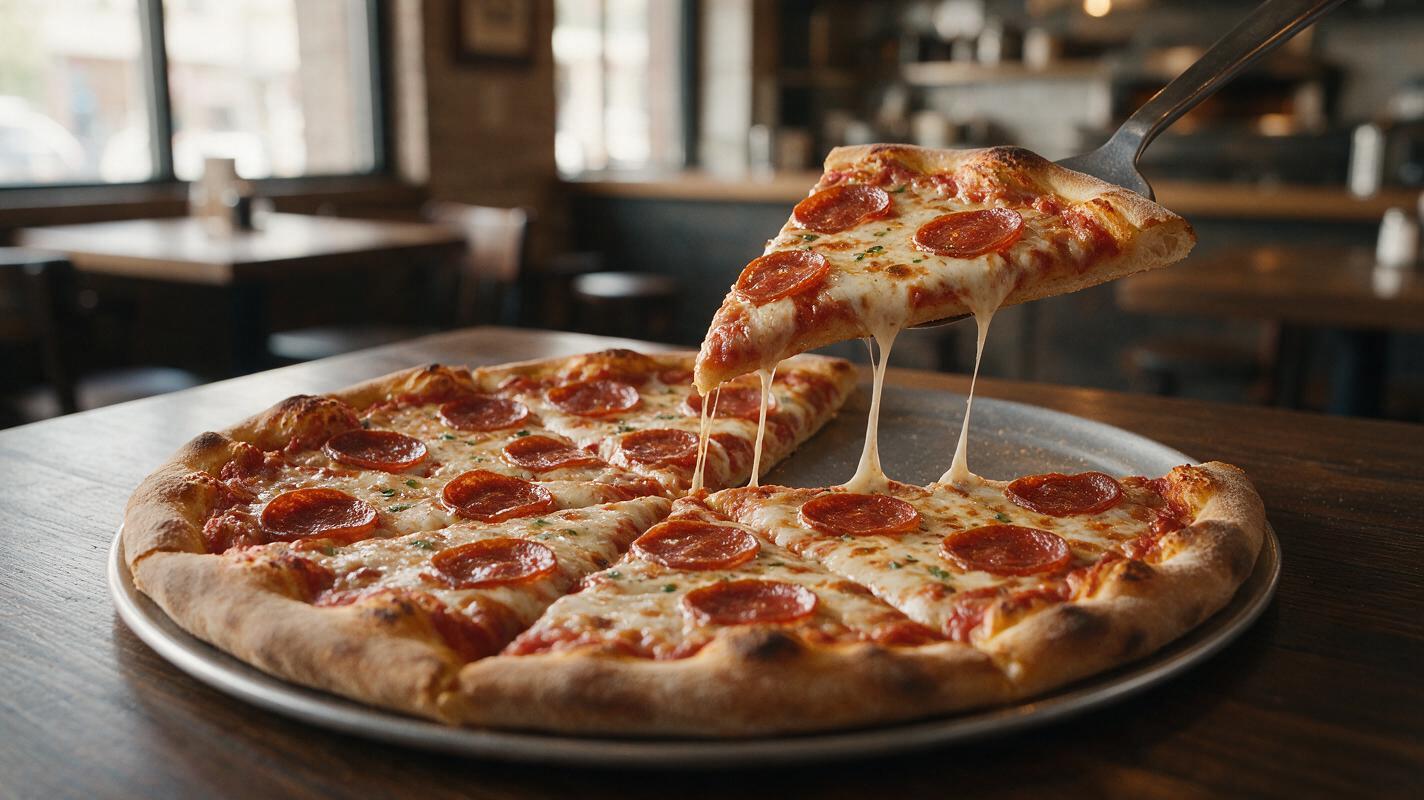
AI Cheese Pull Videos Without Endless Strings or Warped Pizza
AI cheese pulls often turn into endless elastic ribbons while pizza slices bend, toppings drift, and crusts deform. This reference-first Runway workflow keeps the food recognizable by limiting the shot to one short, physically plausible motion.
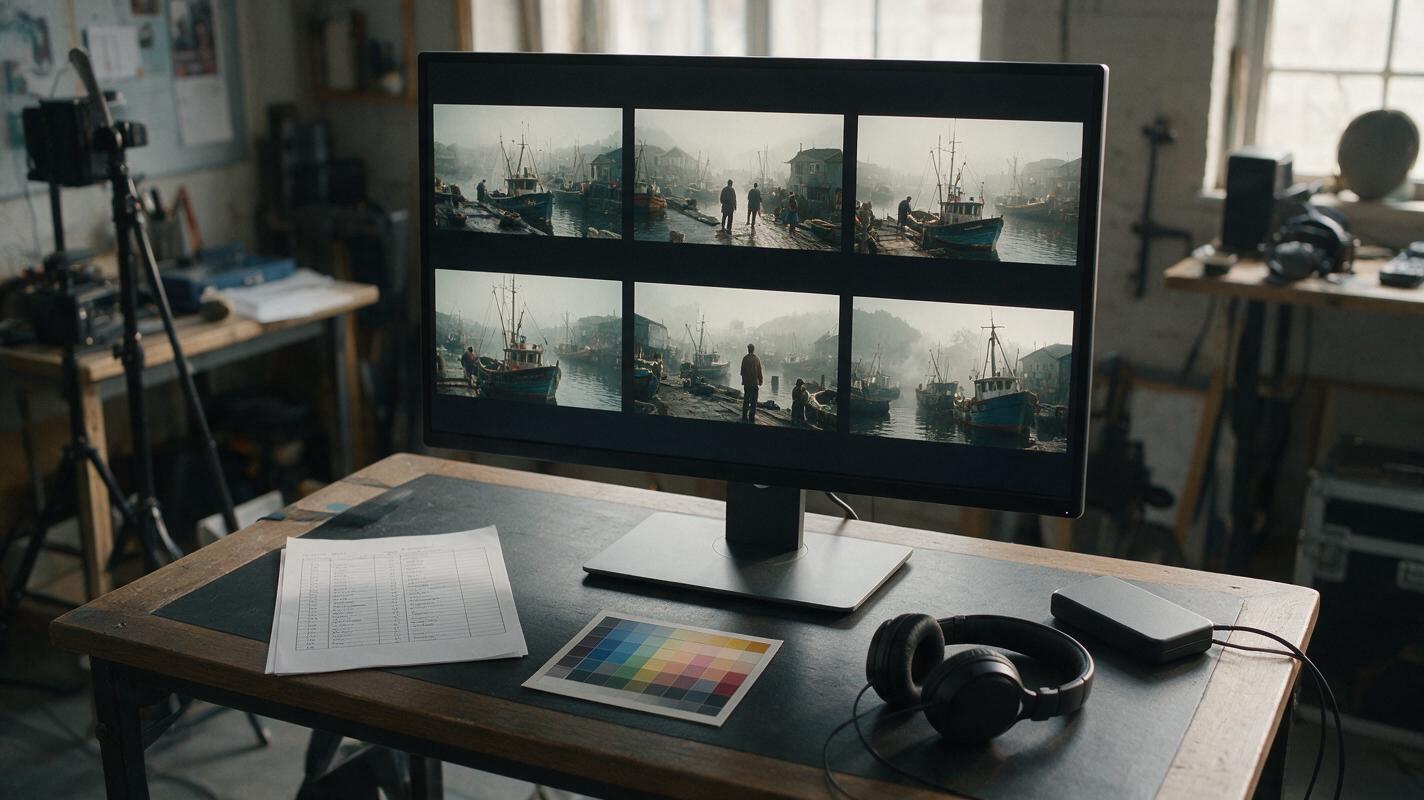
Sora Alternatives for Documentary B-Roll: 6 Tools Compared
This comparison evaluates six Sora alternatives for documentary-style B-roll, including realistic establishing shots, restrained environmental motion, and image-led cutaways. It also provides reusable prompts and a controlled testing method for comparing multiple models without confusing visual quality with factual accuracy.
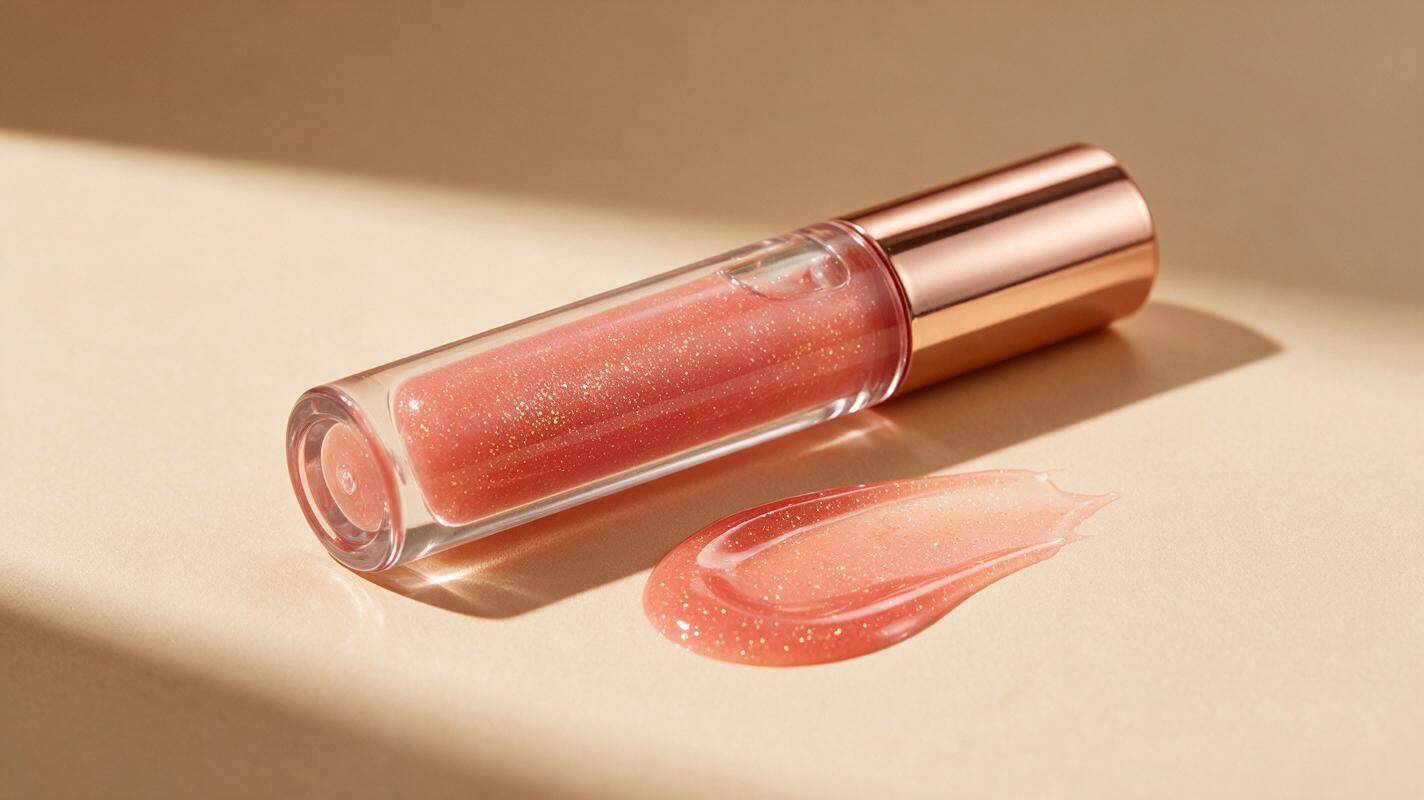
Veo Prompts for High-Shine Lip Gloss Videos (No Oily Slime Texture)
This guide shares reusable Veo prompt templates for high-shine lip gloss campaign videos that avoid the common AI pitfall of overly oily, slime-like texture. It includes four use case-specific prompts, troubleshooting fixes for distorted applicators and shade drift, and tips for maintaining brand consistency across short-form beauty content. Beauty marketers and content creators can use these prompts to generate polished, realistic lip gloss videos at scale.
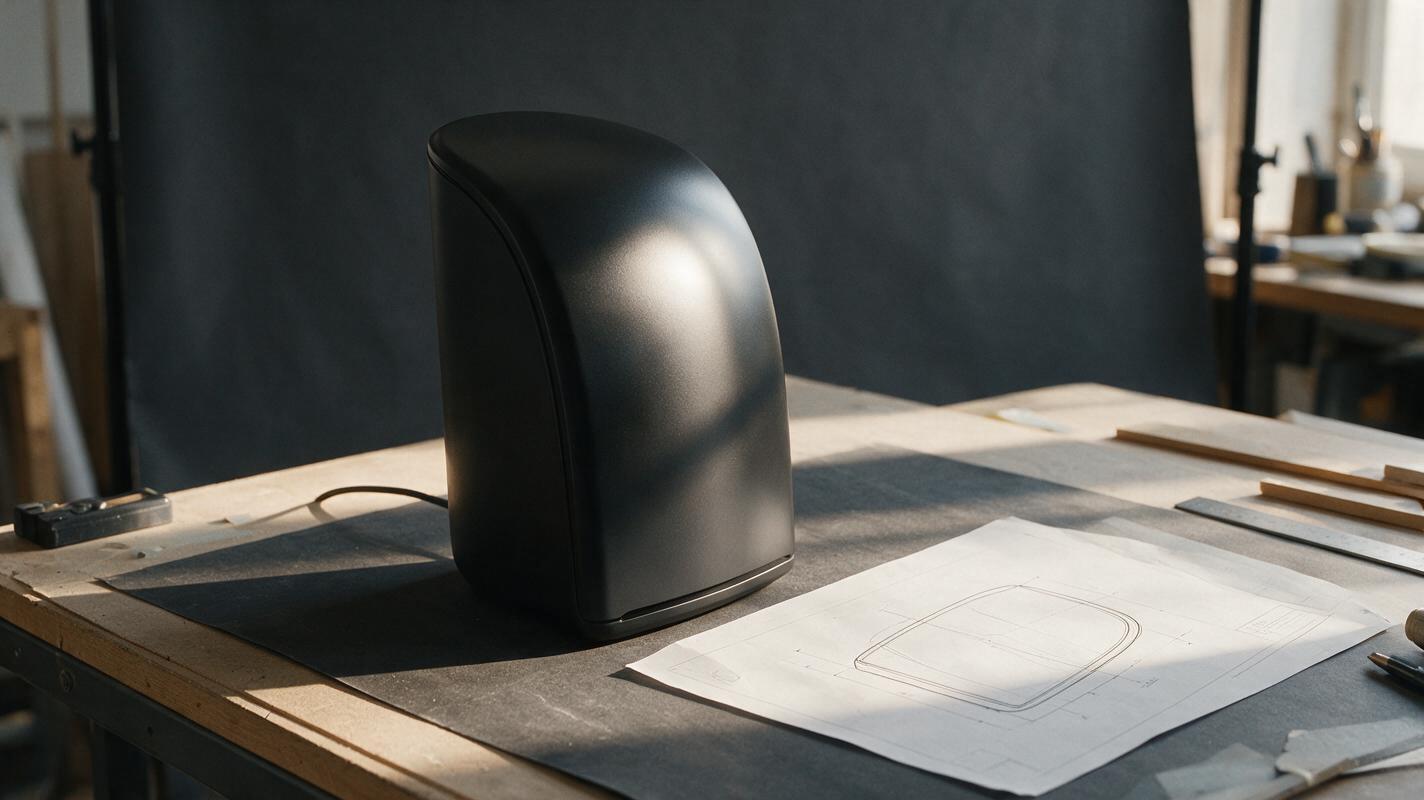
Why Black Product Renders Lose Their Edges—and How to Fix It
Black product concepts can disappear into their backgrounds or acquire bright outlines that misrepresent their shape. This guide shows industrial designers how to preserve a dark finish while making the silhouette, seams, and controls readable in AI-assisted presentation renders.
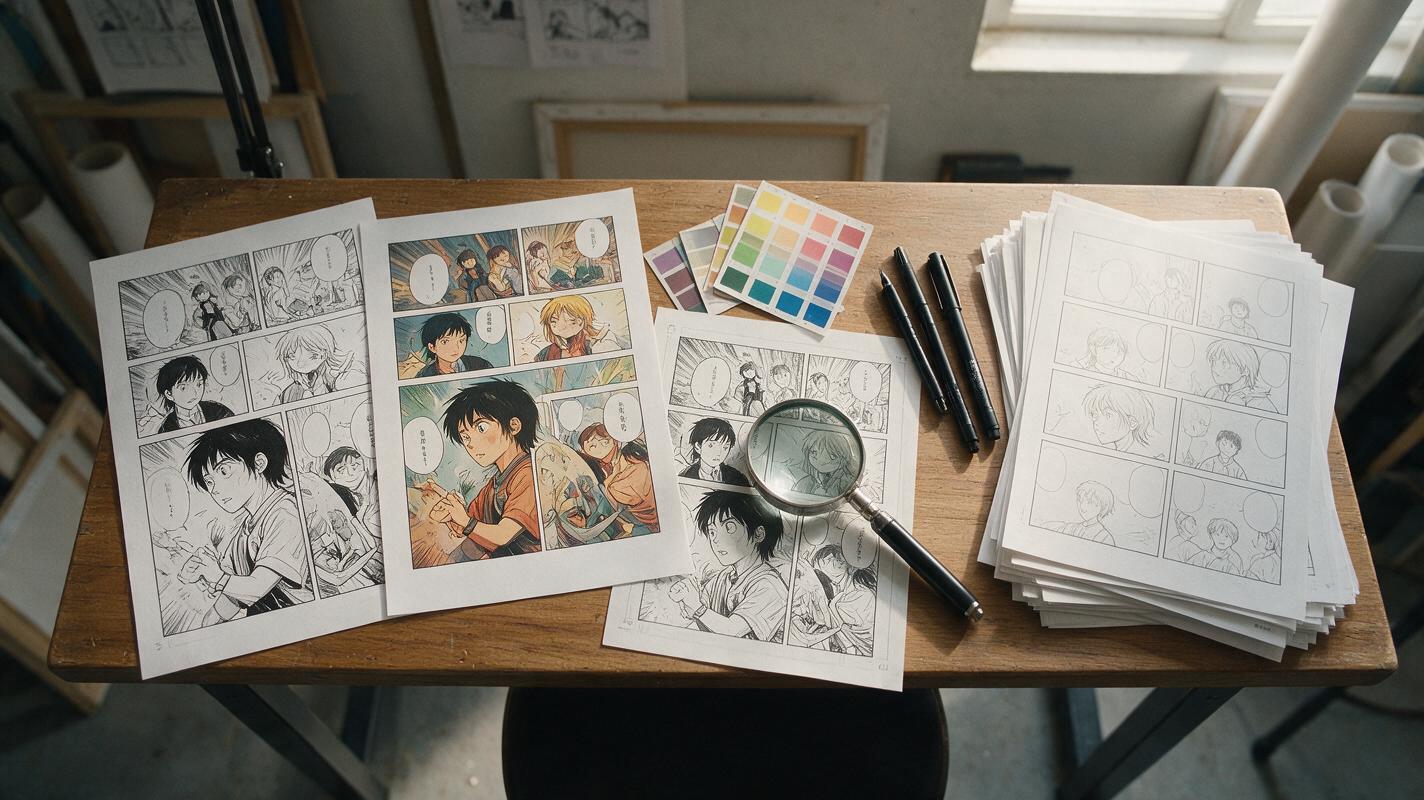
Why AI Colorization Ruins Manga Line Art—and How to Keep Ink Clean
AI colorization often weakens manga ink, fills intentional white space, and turns screentones into muddy textures. This guide shows how to color manga panels with Seedream 4.5 while protecting line weight, shadows, facial details, and page-to-page palette continuity.
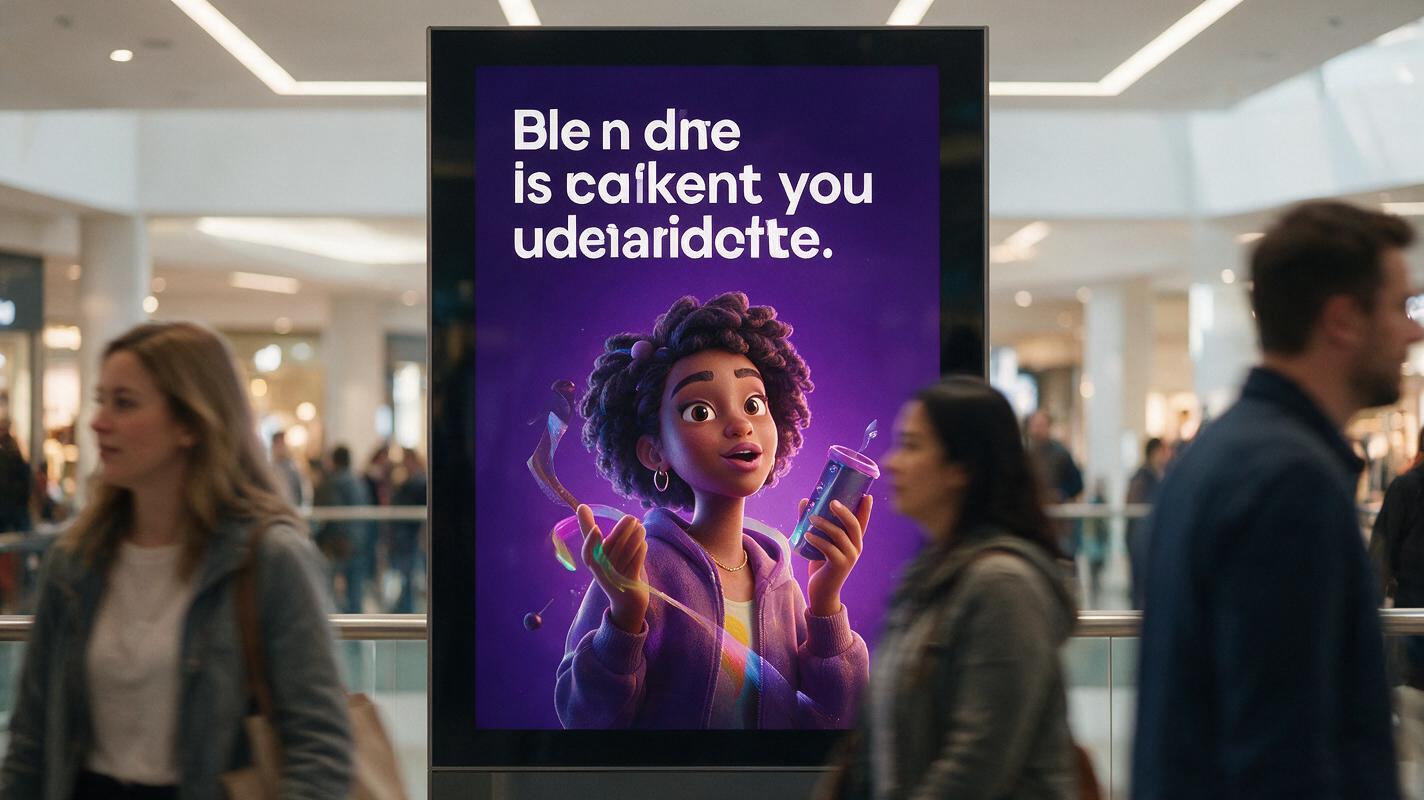
Why AI Animated Poster Loops Blur Text (3 Fixes With Vidu)
AI-animated poster loops for digital out-of-home campaigns often suffer from blurry headline text, warped logos, and generic motion that undermines campaign effectiveness. This article breaks down three root causes of text blur in AI-generated animated posters and shares actionable fixes using Vidu’s image-to-video mode, including motion masking, targeted prompts, and reference-based sharpening. It also includes reusable prompt templates and a quality checklist for brand and graphic designers creating DOOH assets.