Blog
Discover the latest from MagicBoat
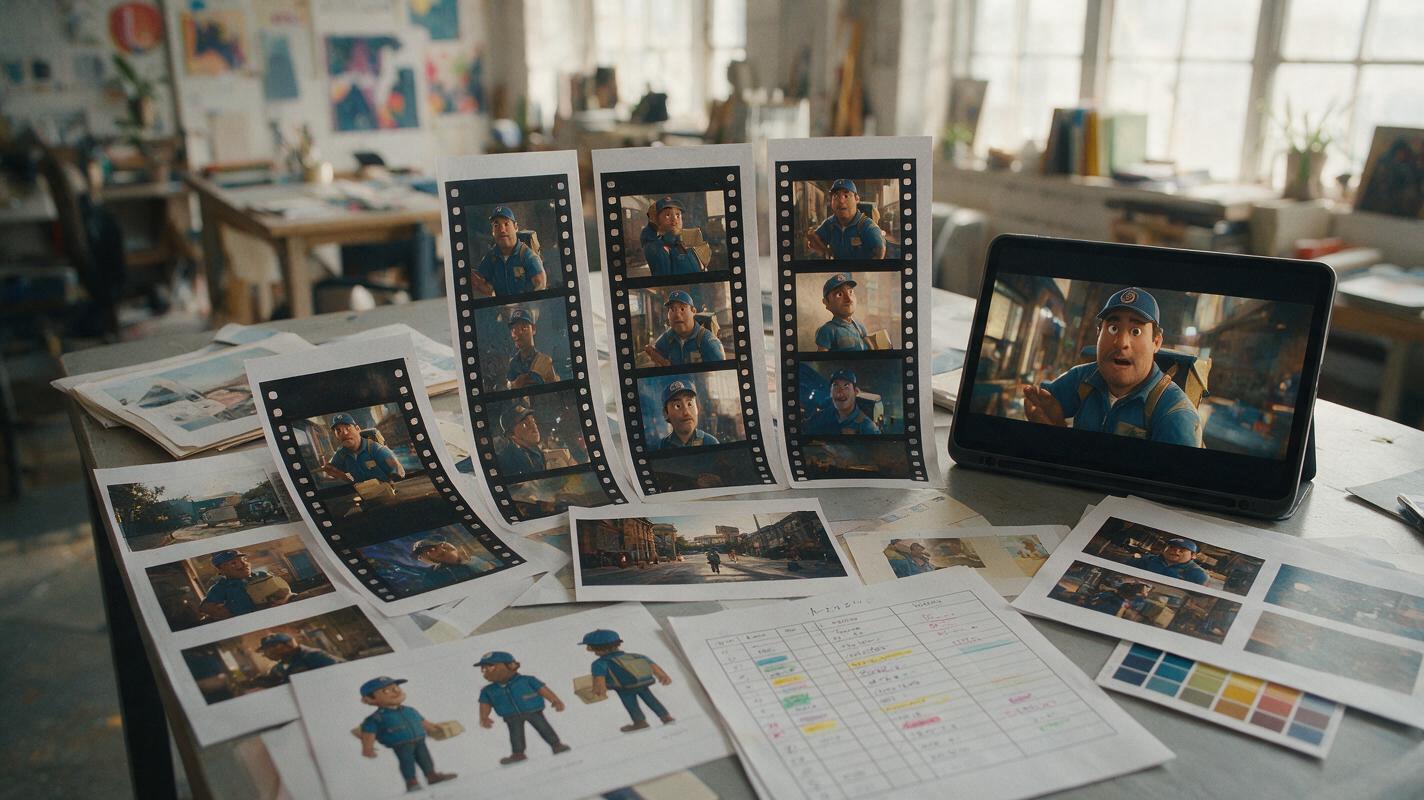
What AI Video Tools Are Suitable for Creative Agencies?
The right agency AI video stack depends on approval controls, licensing, repeatable character assets, revision speed, and batch capacity—not one impressive demo. This buying guide compares suitable tool categories and provides a practical stress test for episodic, vertical, and client-facing short-drama production.

Script to Video AI: Direct Parallel Action Without Timeline Confusion
Learn how to convert parallel action in a screenplay into clear AI-generated scenes without losing time, location, or cause and effect. This tutorial uses synchronized beat maps, paired storyboards, controlled frame generation, and sound bridges to build suspenseful intercut sequences.
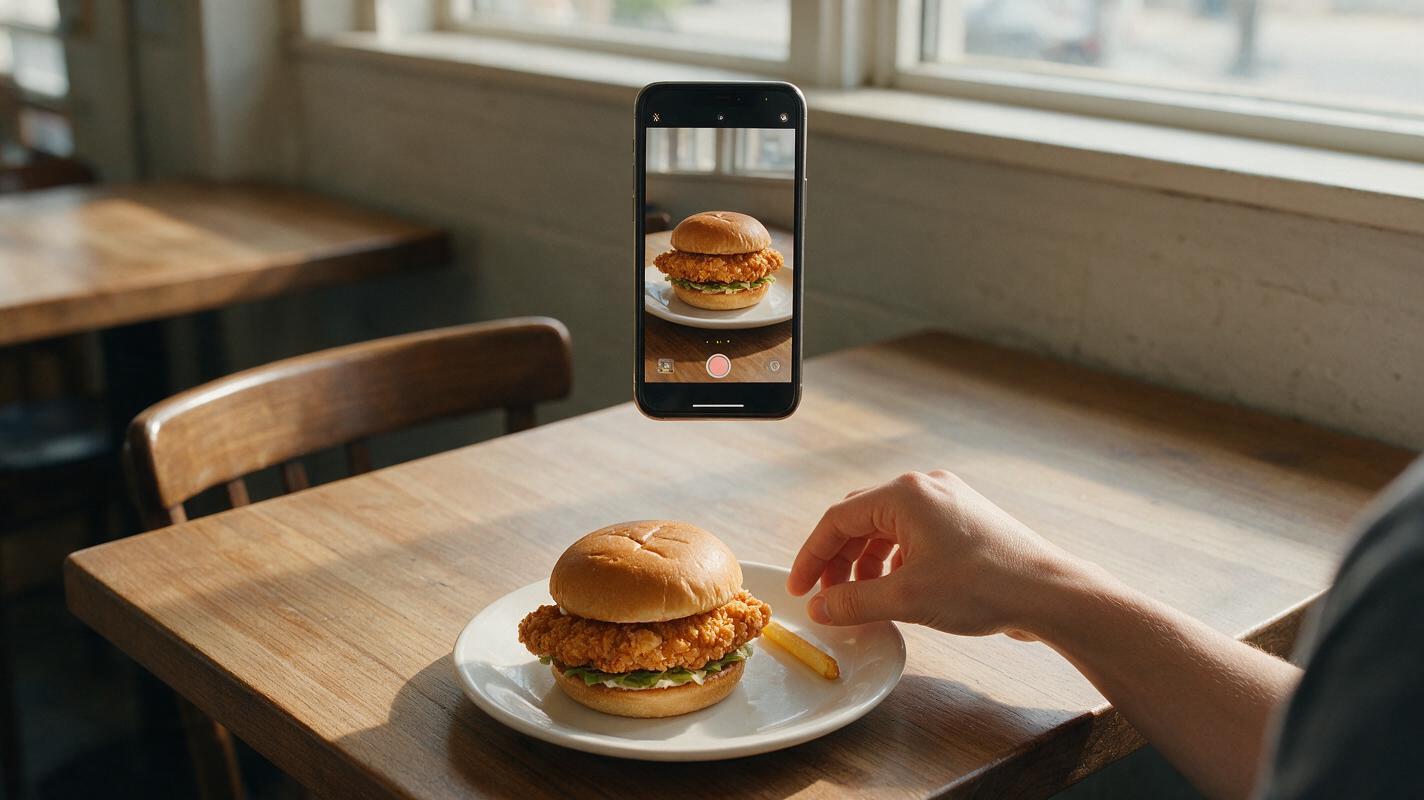
AI Restaurant UGC Videos Without Fake Bites or a Changing Dish
Create restaurant UGC-style videos that feel spontaneous without letting AI deform the featured dish, invent awkward bites or change portion sizes. This reference-first Kling workflow uses short action clips, off-camera reactions and controlled prompts to protect food continuity.
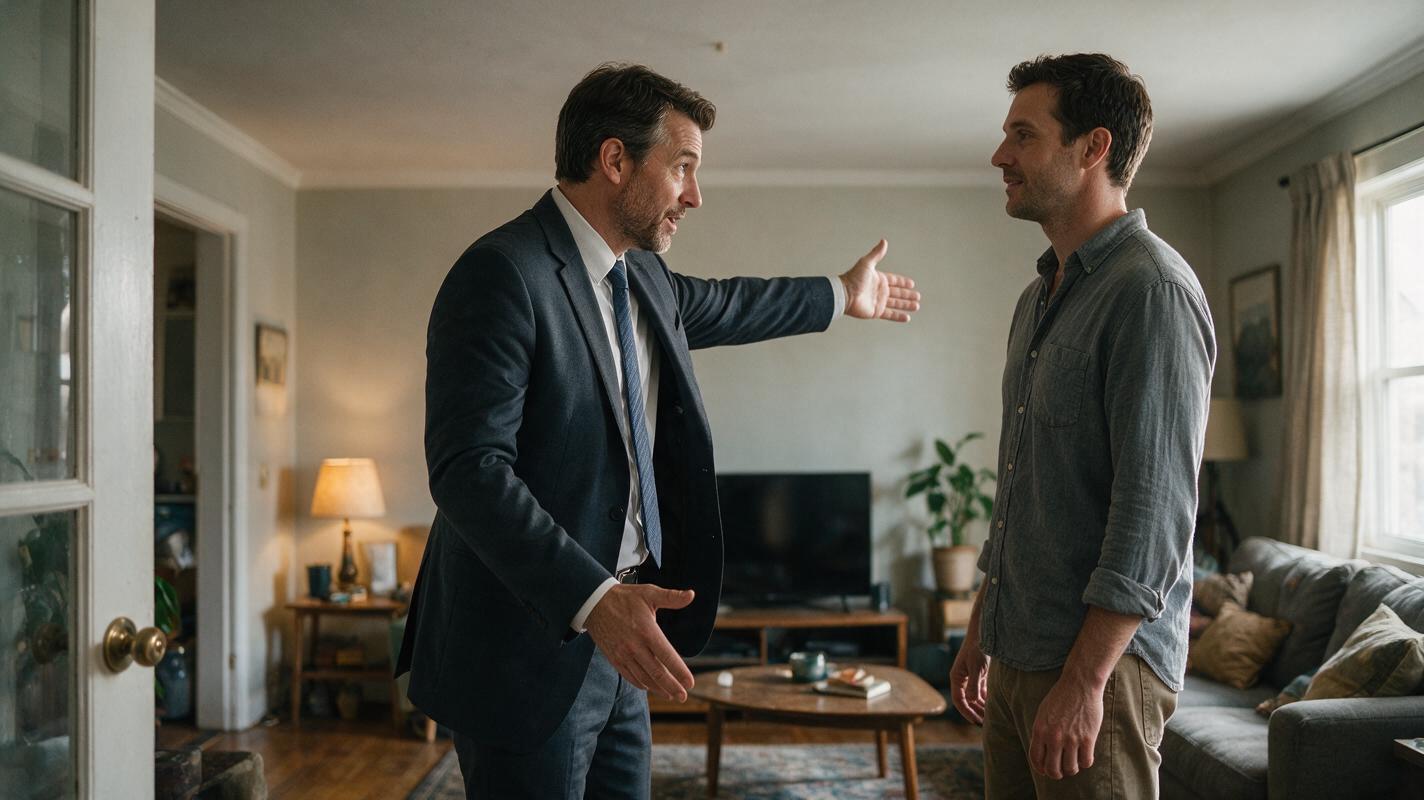
Sora Alternatives: 6 Best AI Video Tools for Real Estate Walkthroughs (2026)
OpenAI’s Sora offers cinematic AI video generation but remains limited in access and lacks the spatial consistency and real estate-specific features needed for reliable property walkthroughs. This guide compares 6 verified Sora alternatives tailored for real estate professionals, evaluating spatial accuracy, camera stability, material realism, and pricing for listing-ready footage. Readers will learn which tools deliver the most accurate property tours and how to test output for listing compliance.
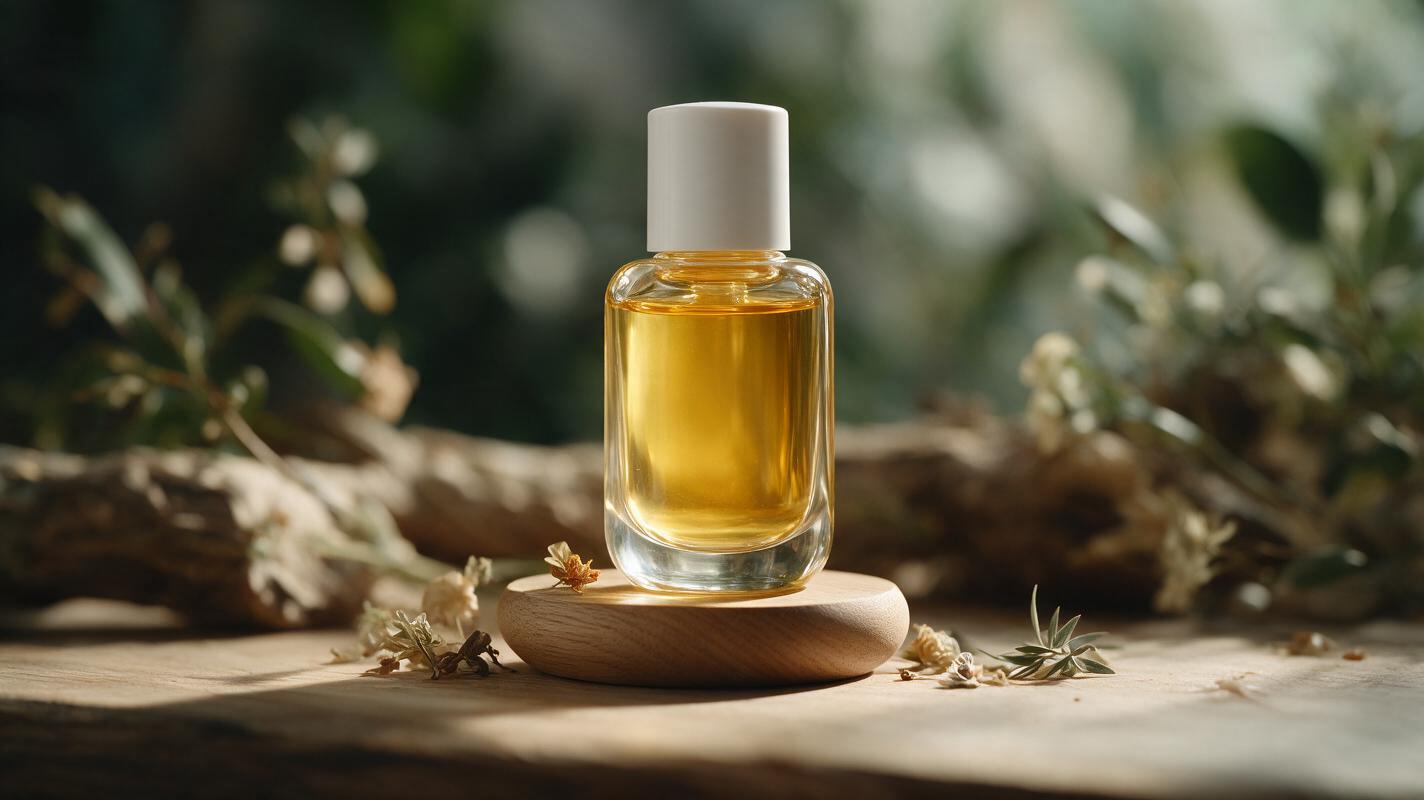
Luma Prompts for 360° Skincare Serum Videos (No Label Drift)
Tired of AI-generated 360° skincare product videos with warped labels, lopsided bottles, and plastic-looking glass? This guide shares reusable Luma prompt templates, a 4-part core framing framework, and troubleshooting fixes for creating e-commerce-ready rotating serum bottle videos that match your brand’s exact packaging. You’ll get use case-specific prompts for clear glass serums, frosted pump bottles, mini travel sets, and boxed product spins.
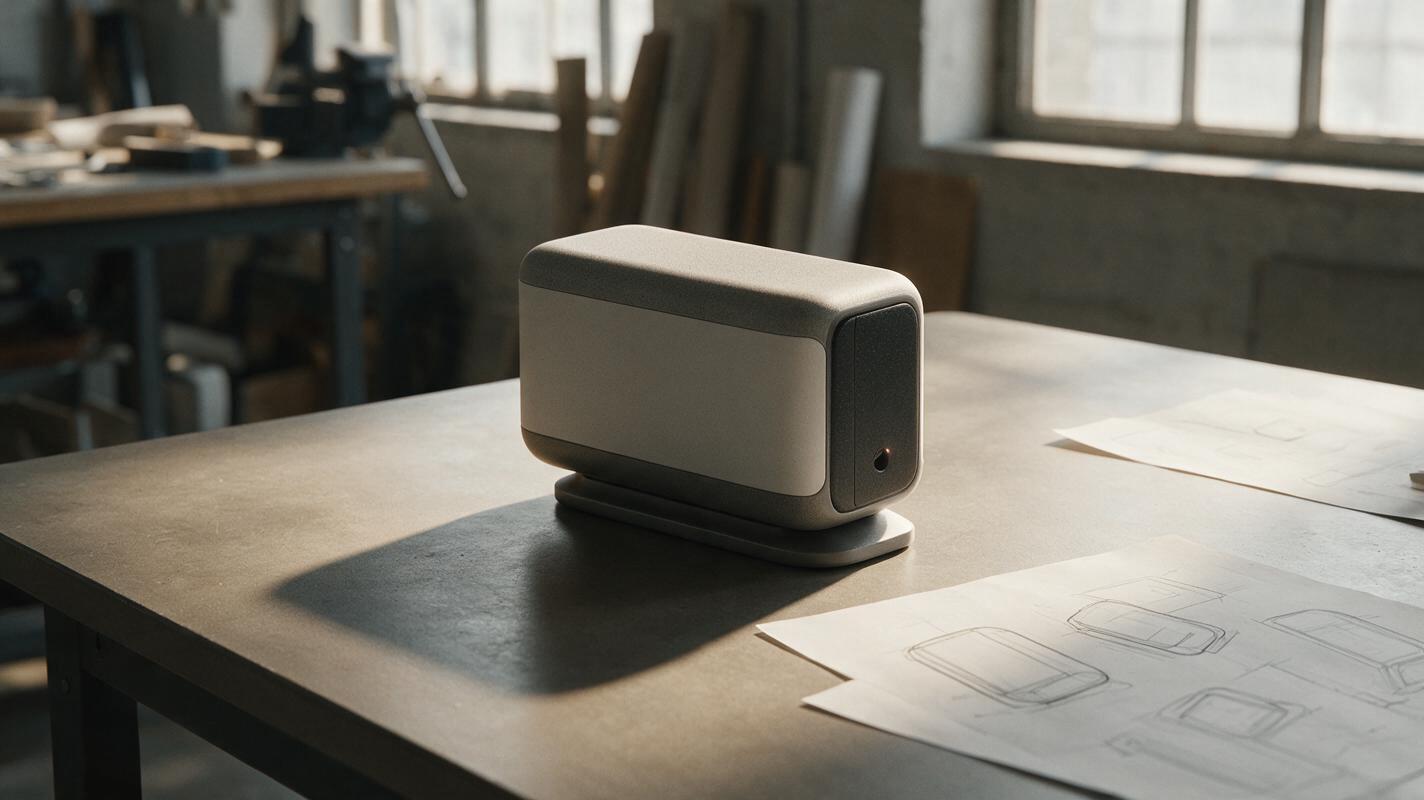
Why AI Product Renders Look Like They’re Floating
A product can have convincing materials and still look pasted onto the table. This guide shows industrial designers how to diagnose and correct contact, perspective, and shadow problems in AI-assisted product renders without changing the approved design.

How to Create Natural Hair and Fabric Motion with Image to Video
Create believable wind-driven hair and clothing by starting from a motion-ready reference image, defining one directional force, and animating separate motion zones instead of asking for generic wind. This workflow includes reusable Seedance and Kling prompts, model comparison criteria, and repair options for facial drift or difficult body movement.
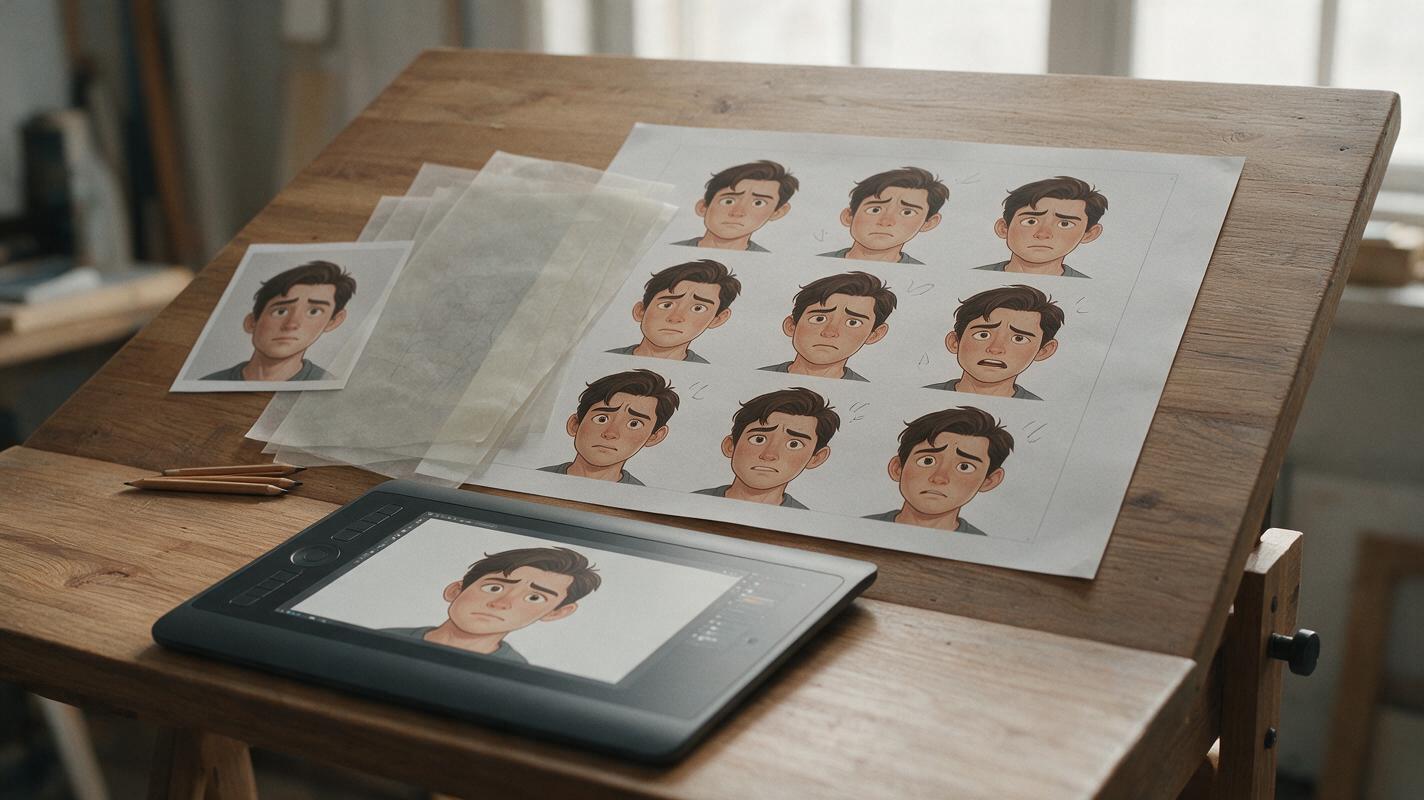
Imagen Prompts for Comic Expression Sheets Without Face Drift
Build a comic expression sheet in Imagen without letting the character’s face, hairstyle, or costume drift between emotions. This guide provides a reference-first workflow, reusable prompts, intensity controls, and practical checks for production-ready webtoon and manga expressions.
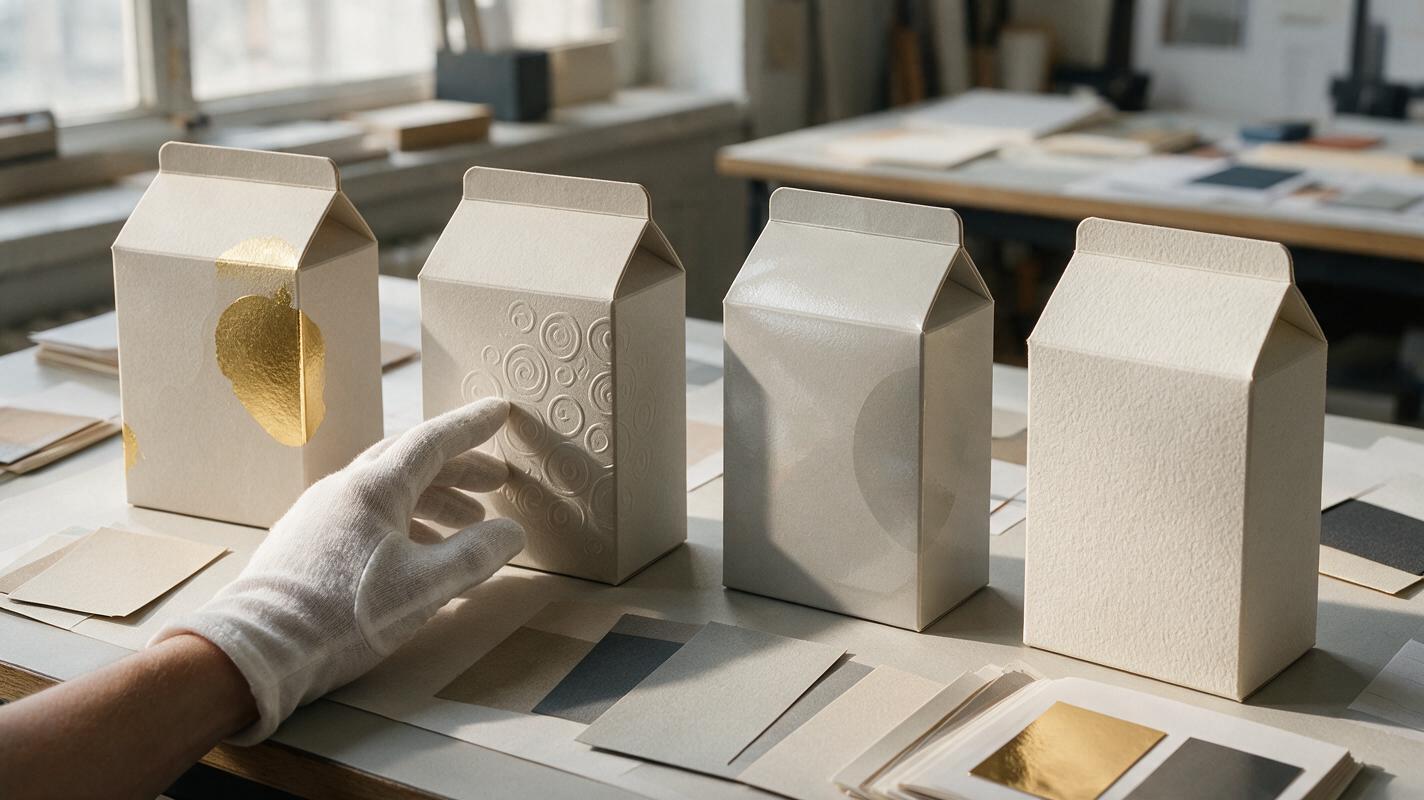
Seedream 4.5 Prompts for Premium Packaging Material Finishes
Use Seedream 4.5 to visualize foil, embossing, spot UV, uncoated paper and translucent packaging without losing control of the underlying brand design. These reusable prompts help designers create material studies that are useful for client presentations while keeping production claims realistic.
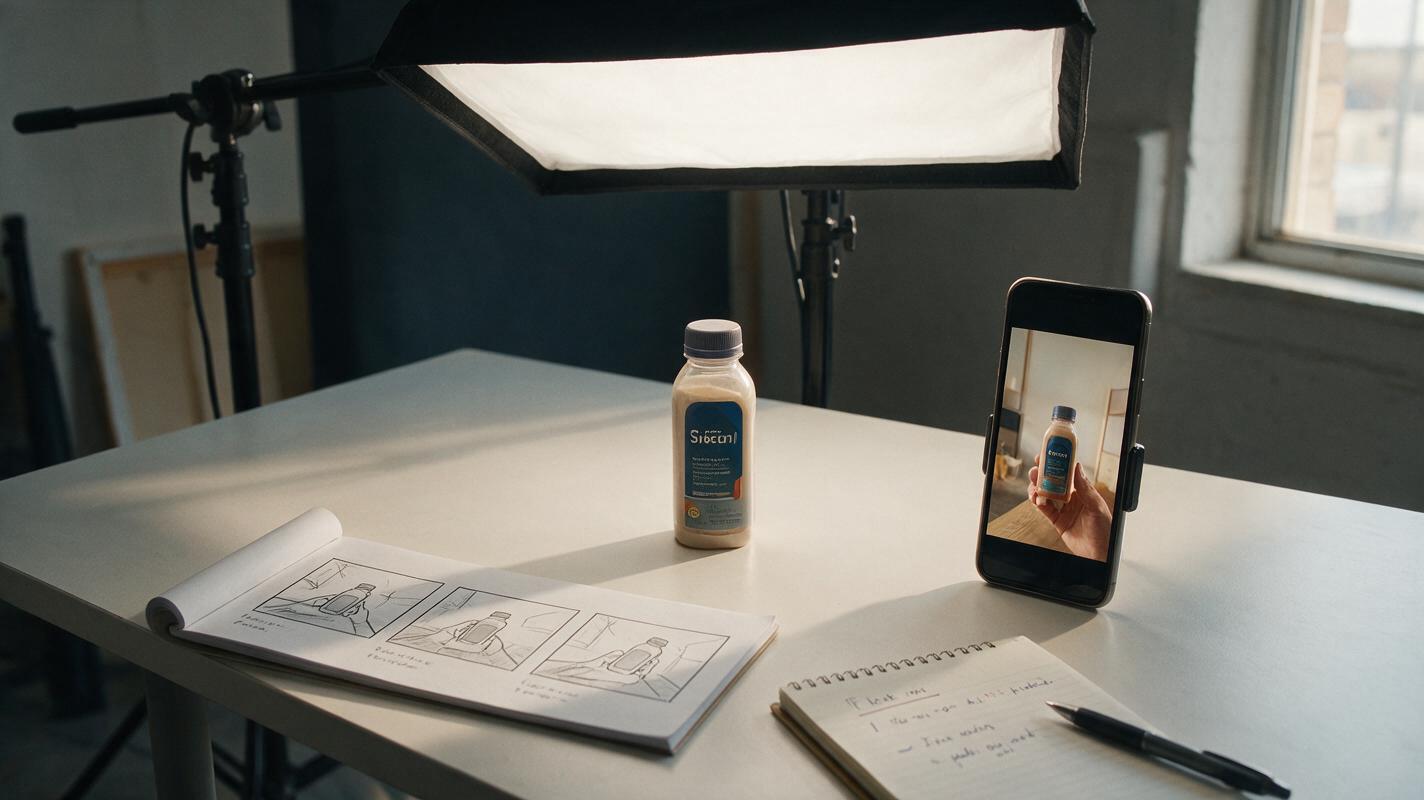
Runway Prompts for 3-Second Product Ad Hooks That Stop the Scroll
Use Runway to create controlled three-second product ad hooks without changing the product, offer or audience. This guide includes reusable prompts, hook concepts and a testing framework for identifying motion that improves attention rather than merely looking cinematic.
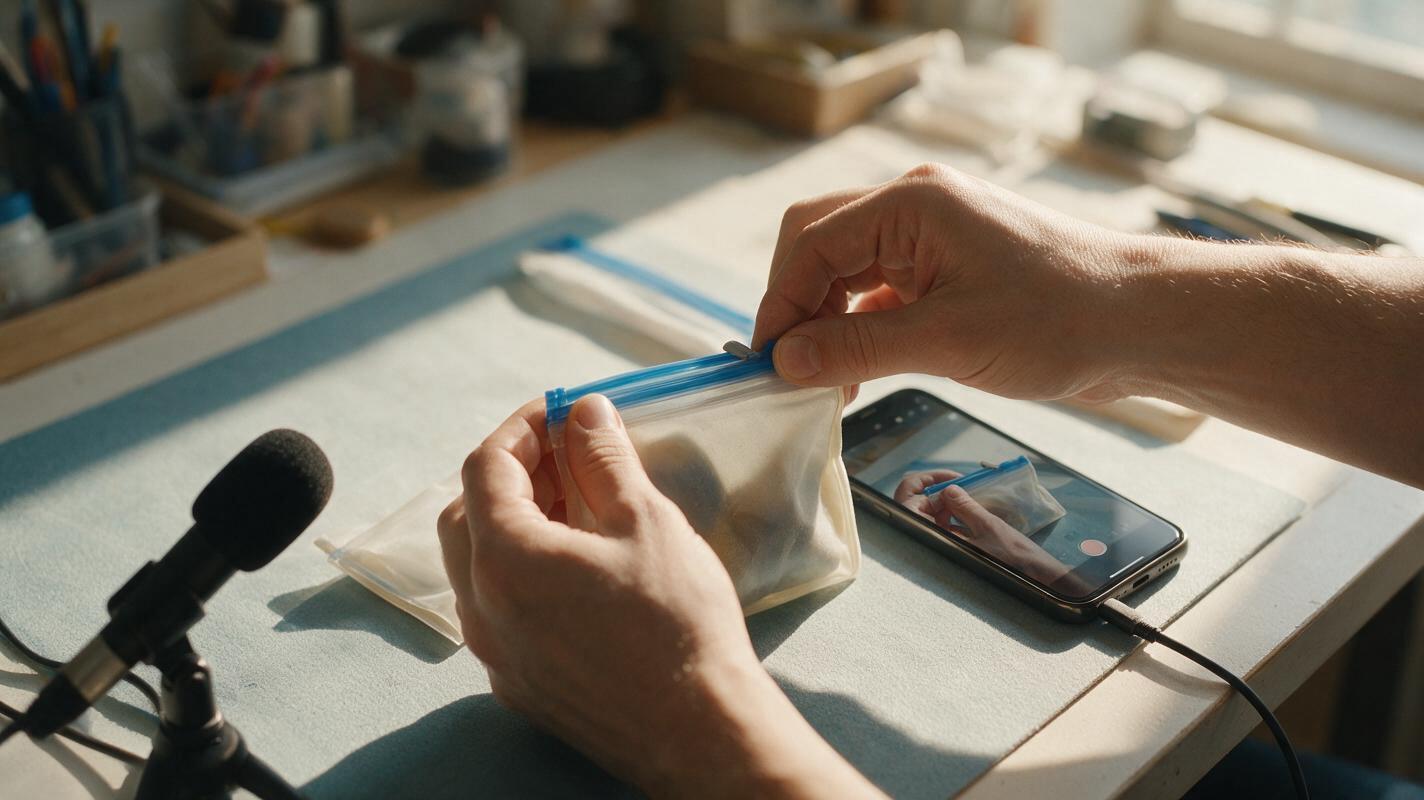
AI Voiceover for Silent Product Demos That Matches the Footage
A silent product demo can become a useful Shopify or TikTok Shop video with AI voiceover, but only if the narration describes actions and features the footage actually supports. This guide shows sellers how to map a short script to visible moments, generate a natural voice track, and catch misleading claims before publishing.
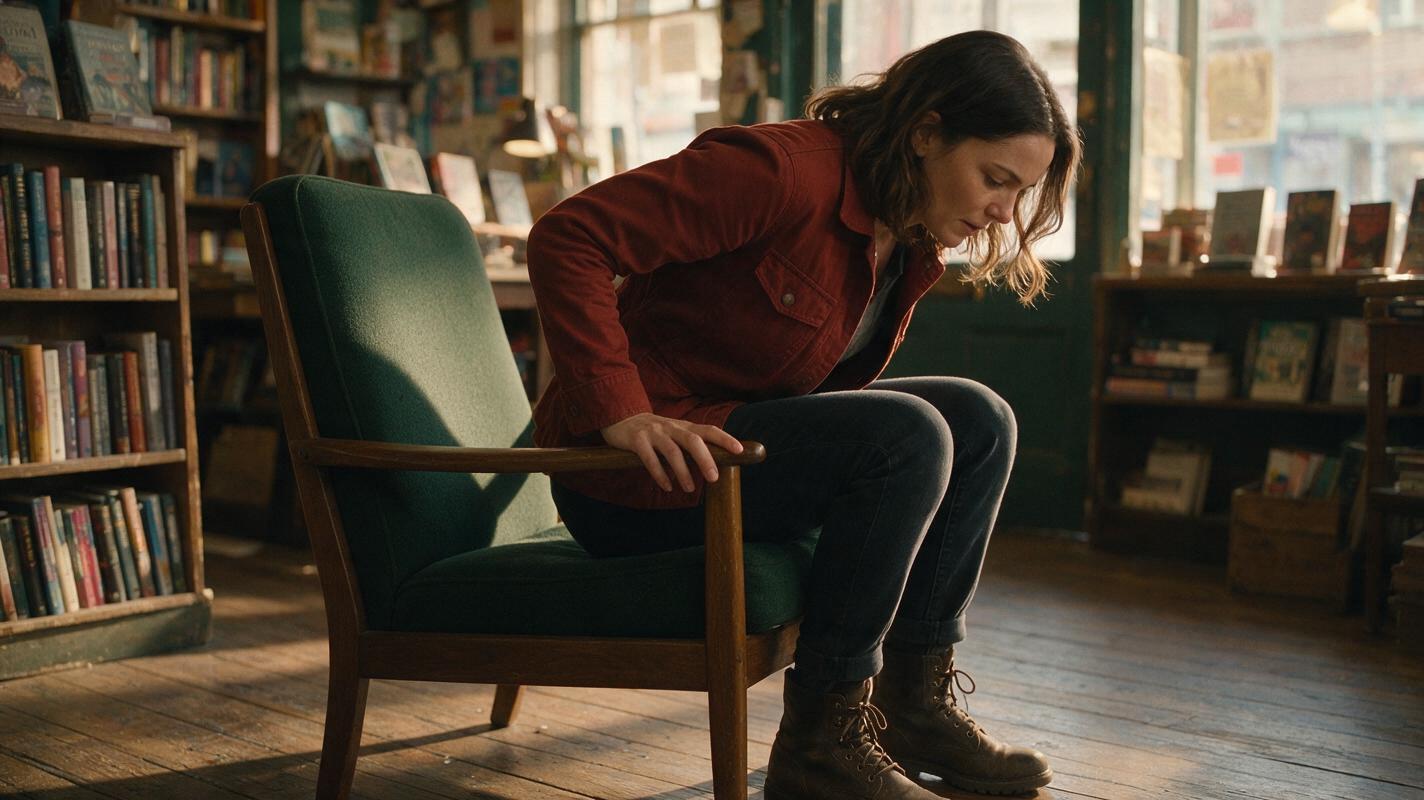
How to Make an AI Character Sit Down Naturally in Image to Video
Create a believable sitting shot by designing a movement-safe reference frame, placing the character beside—not inside—the chair, and prompting the action as a short sequence of physical phases. This image-to-video workflow uses Seedance, Kling, or Veo options in MagicBoat, with motion transfer and face swap reserved for targeted alternatives and repairs.