Blog
Discover the latest from MagicBoat

How to Generate Cinematic Storyboard Sequences From Script Scenes With Flux
Tired of AI-generated storyboard frames that feel random and disconnected from your script? This step-by-step tutorial shows you how to build a cinematically coherent 6-shot storyboard sequence from a single script scene using Flux, with structured shot listing, master prompt templates, and continuity refinement tips. You’ll also get a reusable prompt framework to apply to your own short film and pre-production projects.
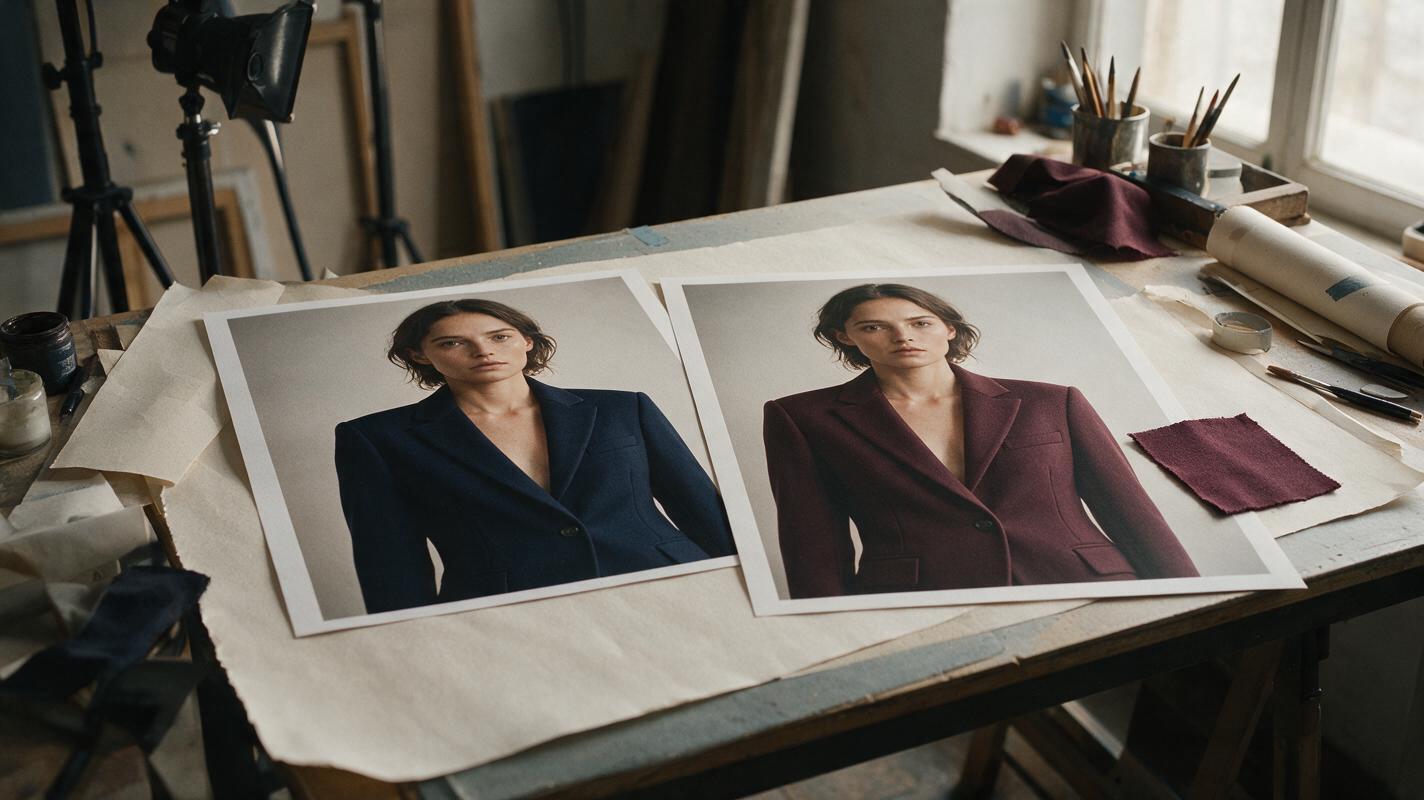
How to Change Clothing Color in a Portrait With GPT Image
Changing an outfit’s color can help an editorial or commercial client compare styling options, but a simple recolor may flatten fabric texture or alter the person wearing it. This tutorial shows how to use GPT Image for controlled portrait variations, then check and composite the result before sharing it.
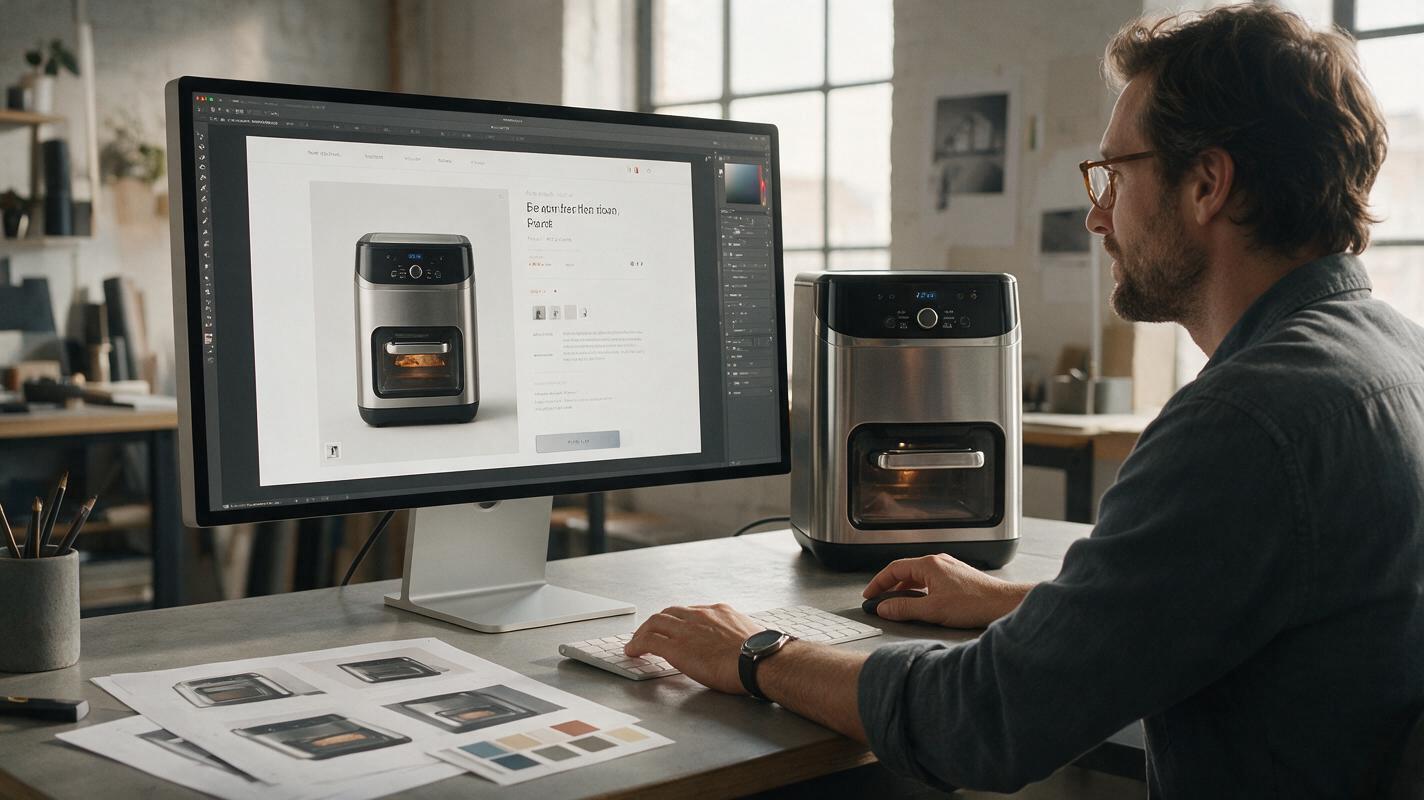
How to Create Consistent Product Page Images With GPT Image
Learn how to turn one clean product reference into a coordinated set of lifestyle images without losing its shape, materials, colors, or branding. This practical GPT Image workflow combines reference-based editing, controlled prompts, selective masking, and visual QA for reliable product-page visuals.
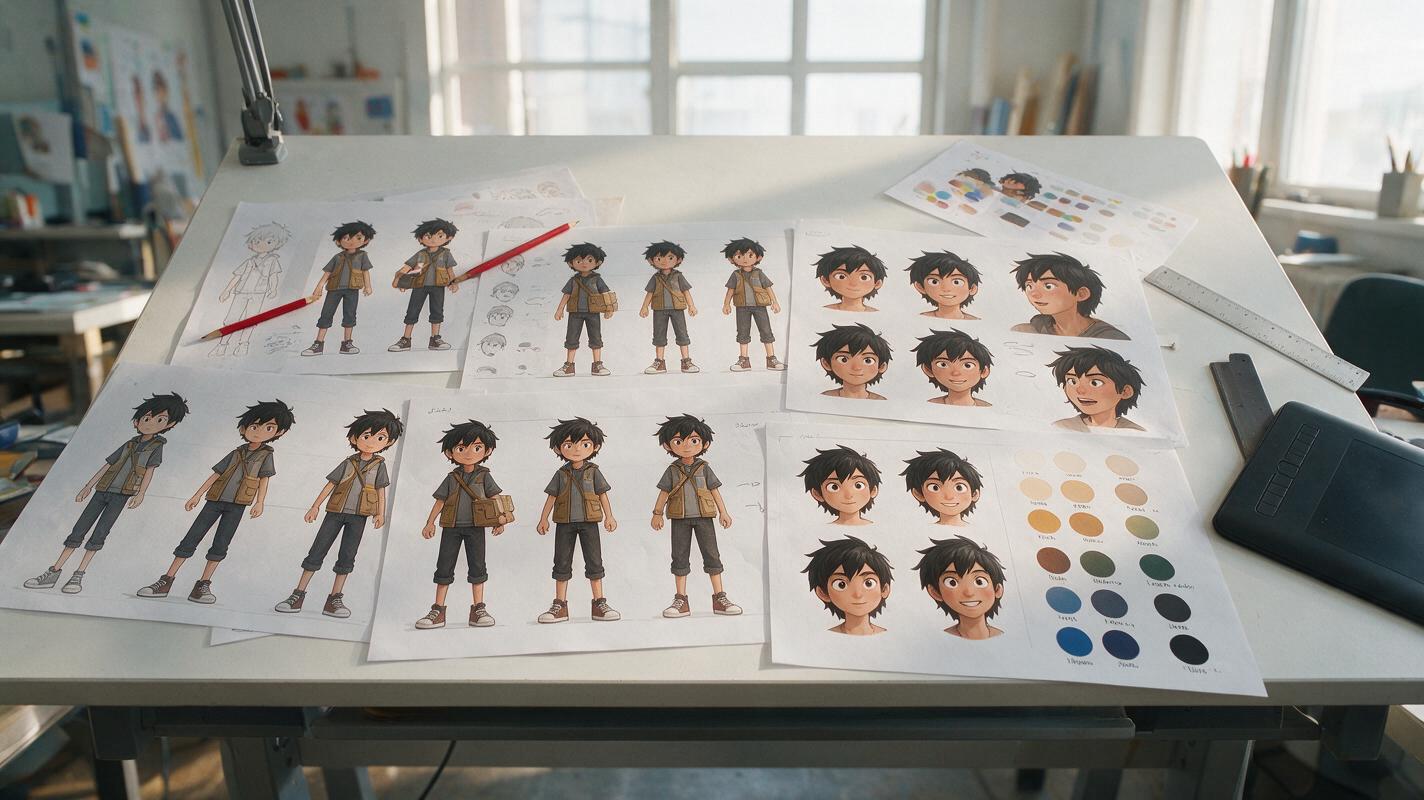
How to Make a Consistent Anime Character Sheet With AI
Build an AI anime character sheet that preserves the same face, hair, costume, colors, and proportions across expressions and poses. This practical workflow uses a locked design specification, controlled prompts, reference-based generation, and targeted corrections instead of relying on a seed alone.
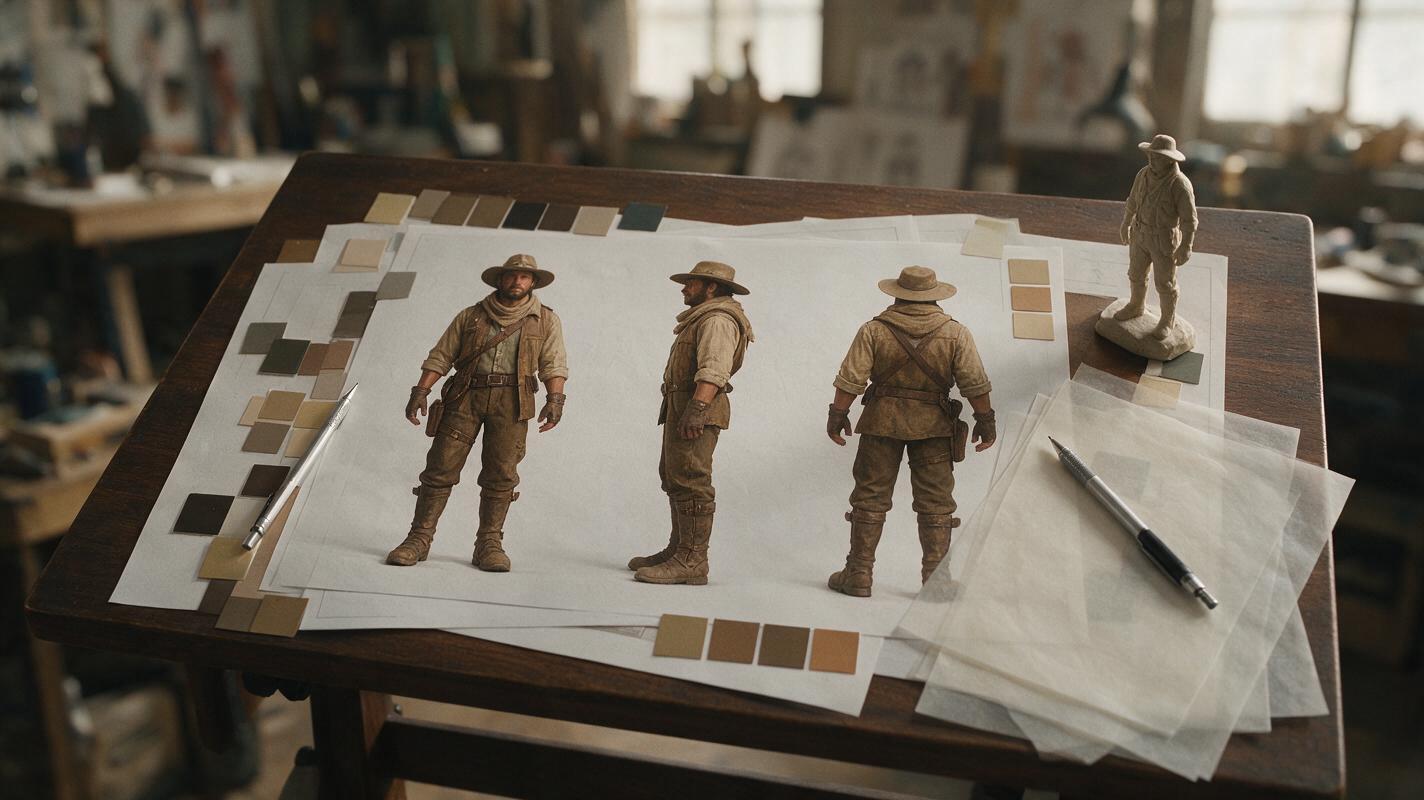
How to Create Consistent Character Turnarounds With GPT Image
Learn how to turn one approved character concept into a consistent front, side, back, and three-quarter model sheet with GPT Image. This practical workflow covers reference preparation, prompt structure, correction passes, and fixes for costume drift, proportion changes, and unusable side views.
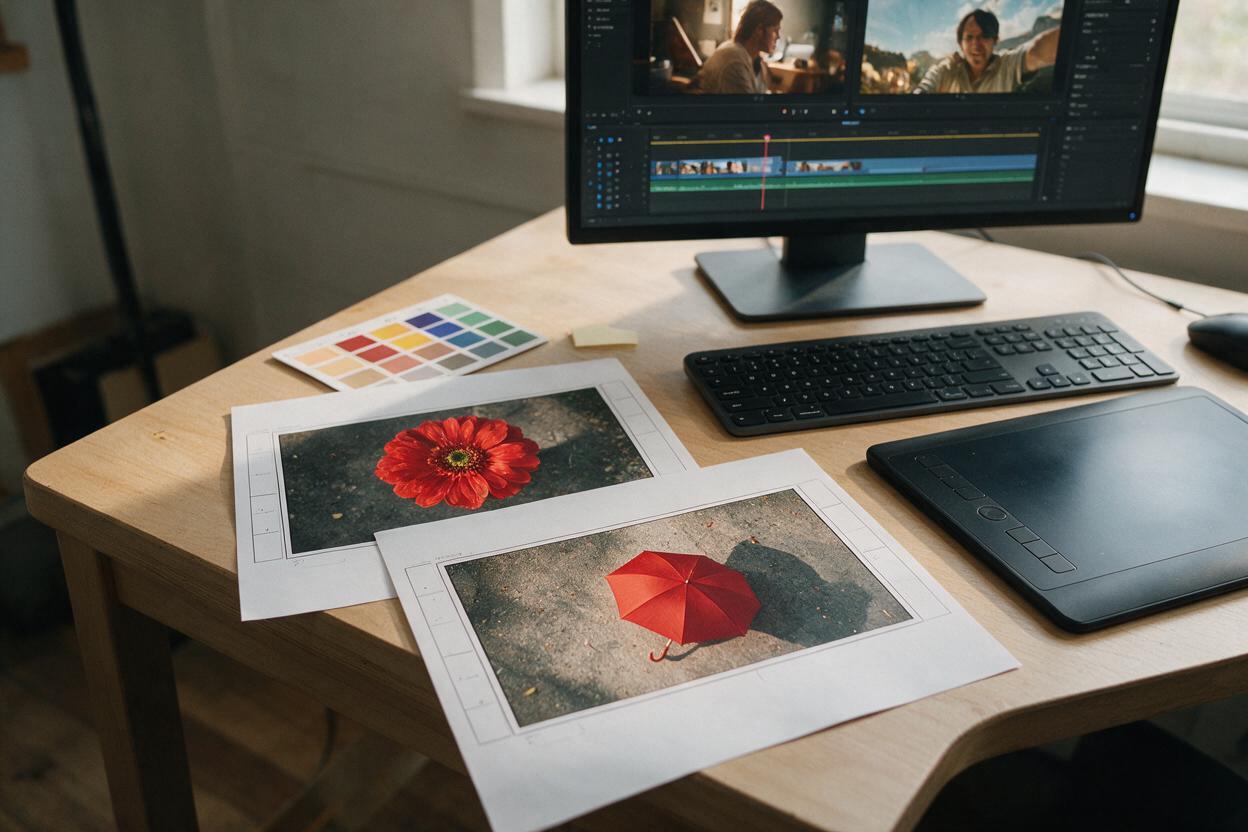
How to Make Stylized Match-Cut Transitions with Seedance
Learn how to build controlled match-cut transitions with Seedance by designing visually related keyframes, animating each shot separately, and hiding the edit inside shared motion. This workflow produces cleaner stylized transitions than asking an AI video model to perform one long transformation.
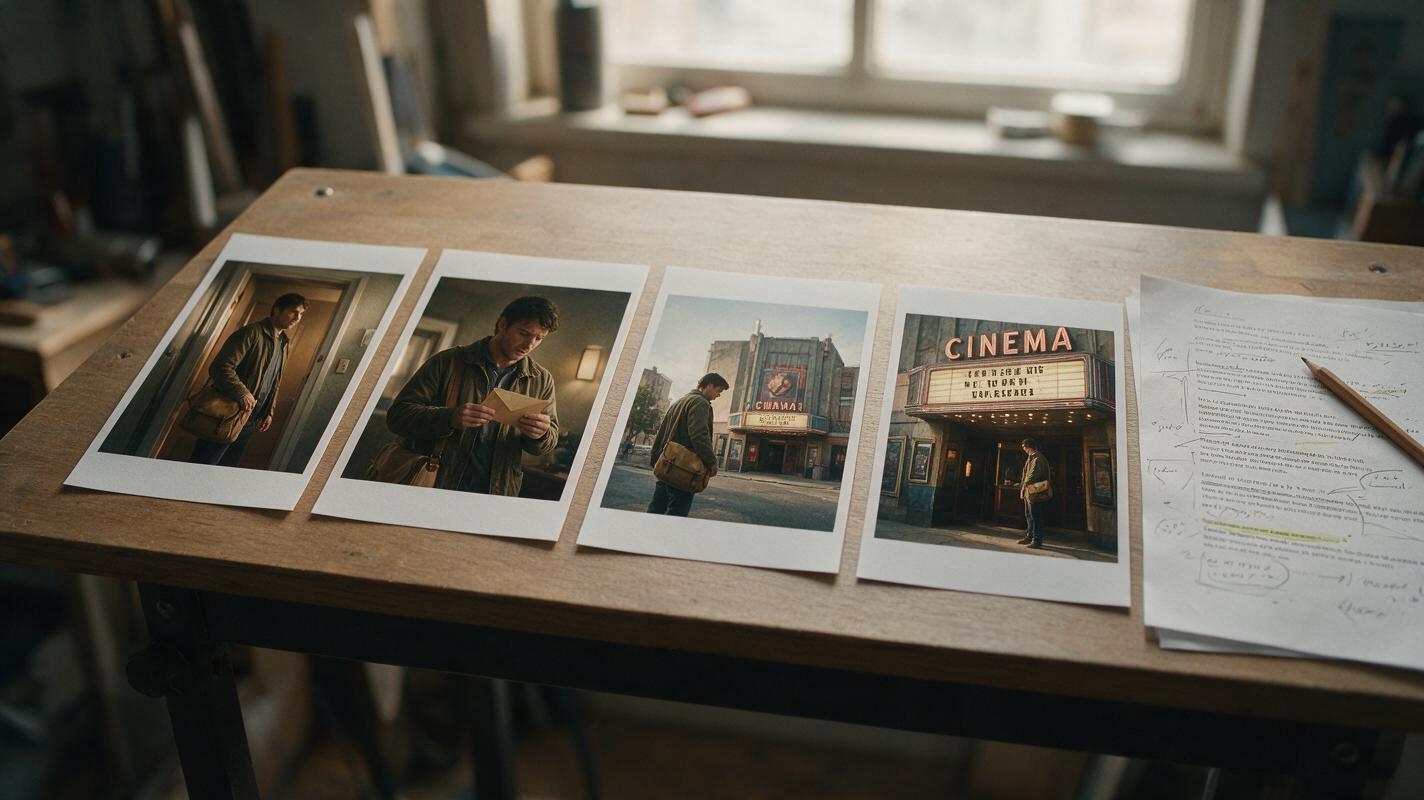
How to Make Consistent Characters for Faceless Story Videos With GPT Image
Keep a recurring character recognizable across the still images in a faceless story video. This tutorial shows how to create a reference image, plan distinct shots, generate scenes with GPT Image, and catch continuity mistakes before editing.
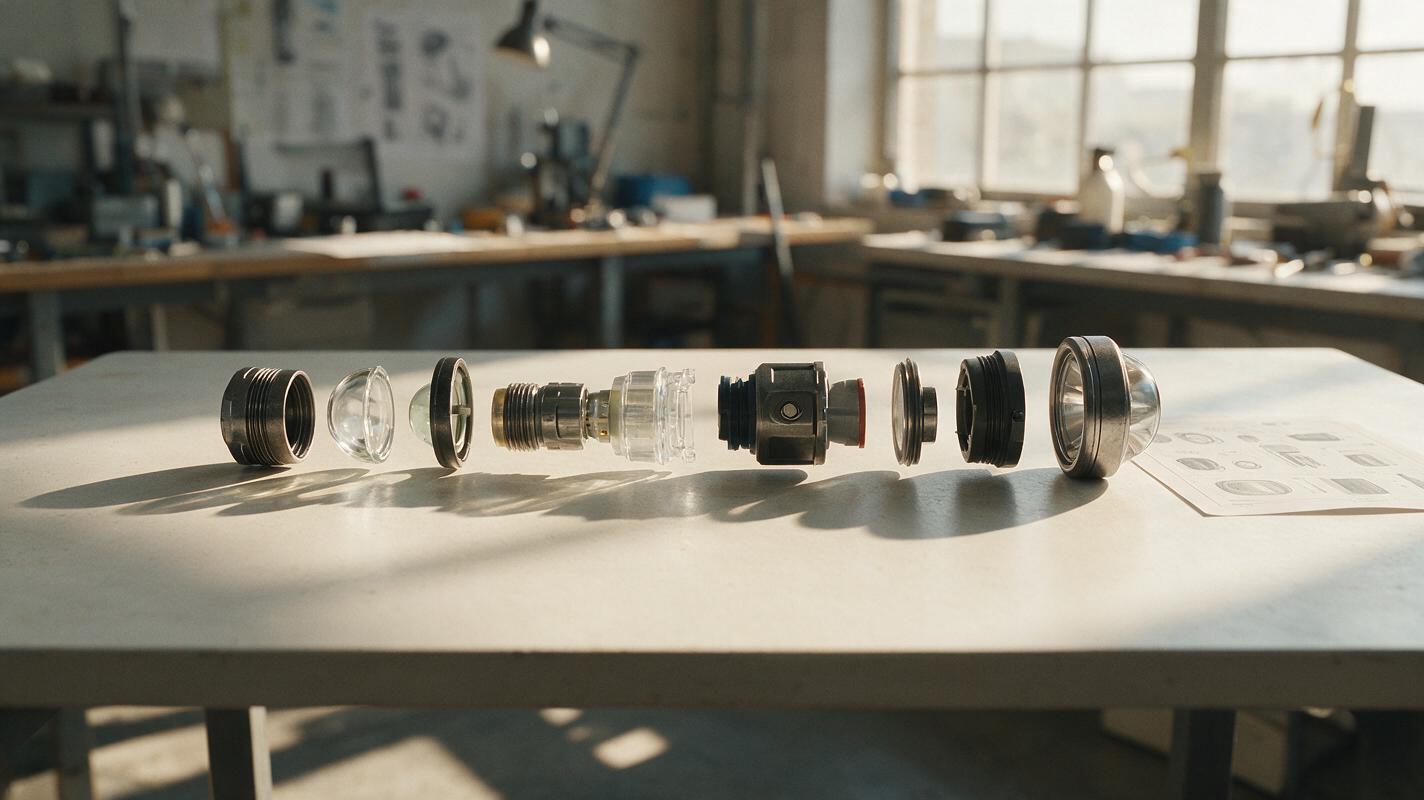
How to Make an AI Exploded View Without Inventing Product Parts
An exploded-view concept can communicate assembly and design intent, but image generation may add convincing parts that do not exist. This guide shows product designers how to build a presentation-ready view from a verified component list, controlled part positions, and AI-assisted finishing.
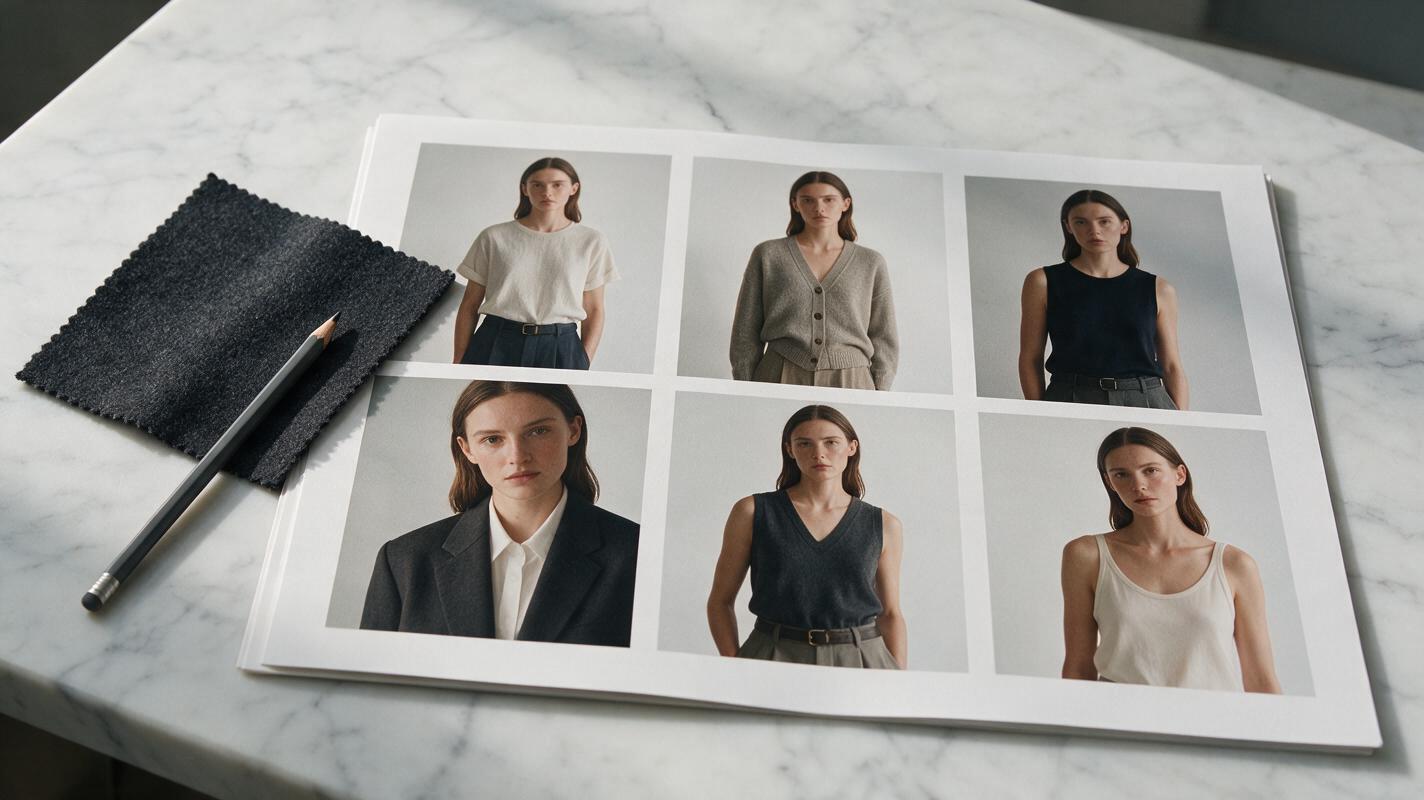
How to Build a Consistent Multi-Outfit Lookbook With Seedream 4.5
Tired of AI lookbook images where the model’s face, body, and vibe shift with every outfit? This guide shows you how to use Seedream 4.5’s character reference features to create a cohesive multi-outfit editorial lookbook with a fully consistent model. You’ll get reusable prompt templates, reference weight settings, and troubleshooting fixes for common drift and distortion issues.