Blog
Discover the latest from MagicBoat
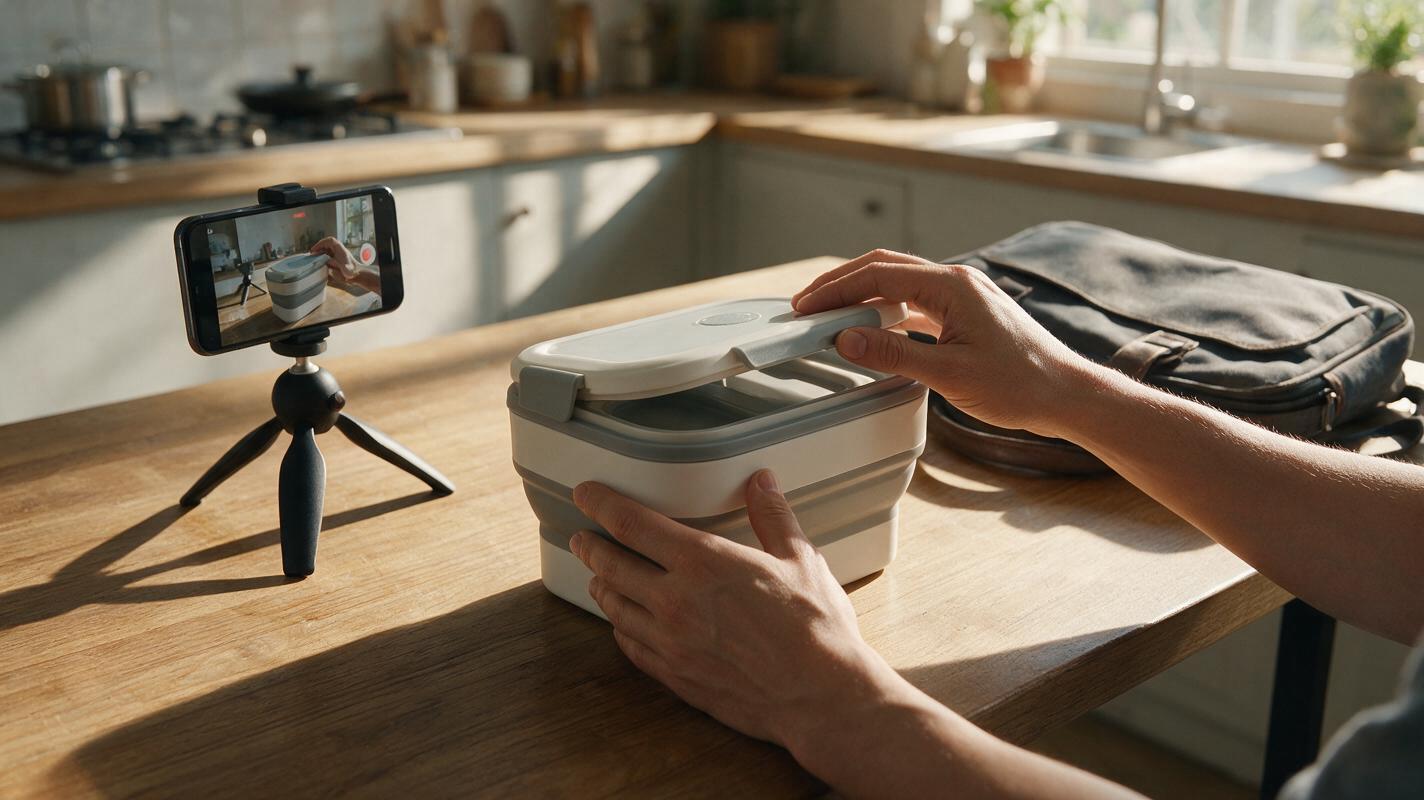
UGC-Style Product Ads Without Fake Testimonials
A UGC-style ad can feel personal without pretending that an AI-generated person bought or endorsed your product. This guide shows marketplace sellers how to build a short ad around real demonstration footage, verified claims, and optional AI-generated transitions.
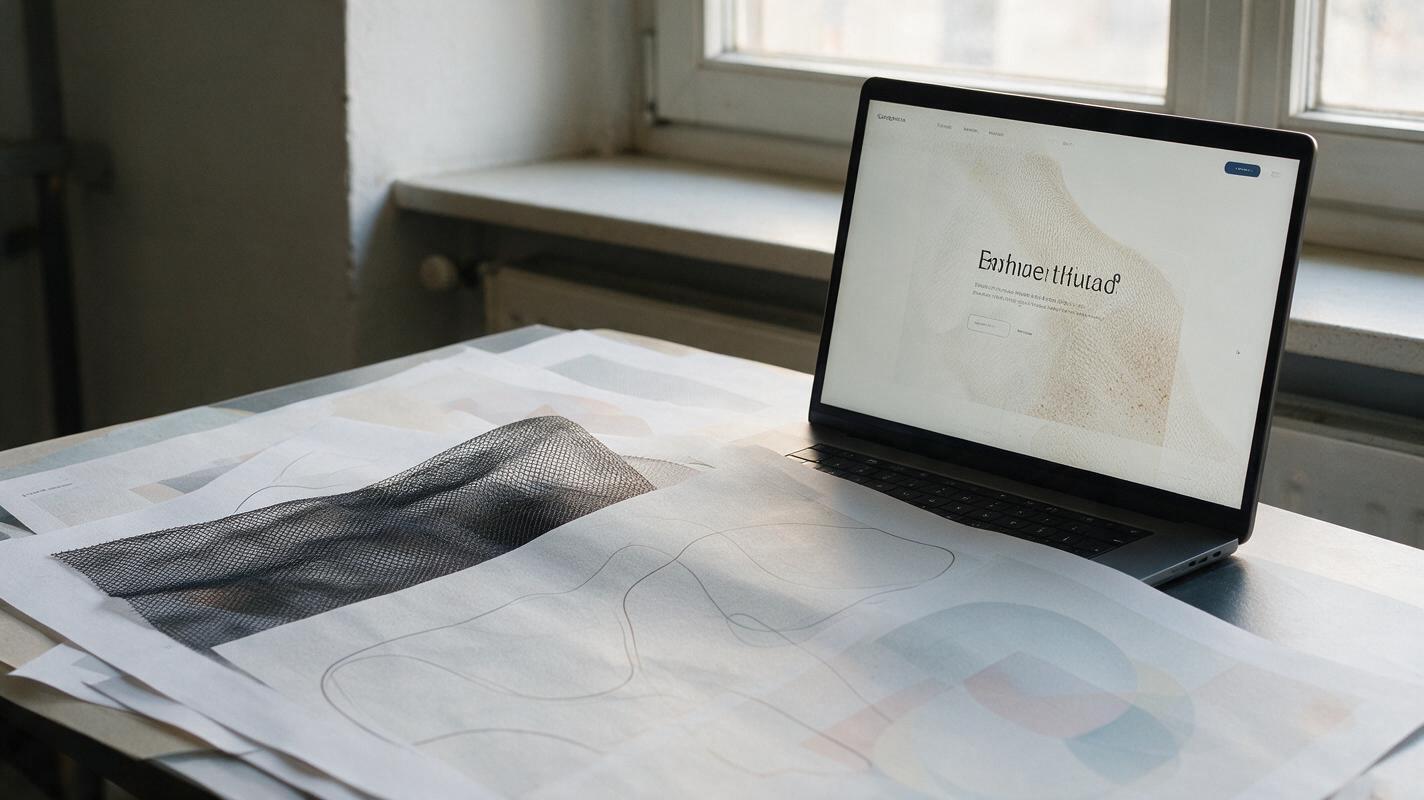
Midjourney Prompts for Seamless Website Background Textures
Create seamless Midjourney textures that can repeat across large website sections without visible borders, distracting motifs, or poor text contrast. This guide includes reusable prompts, layout testing methods, and export recommendations for production-ready landing-page backgrounds.
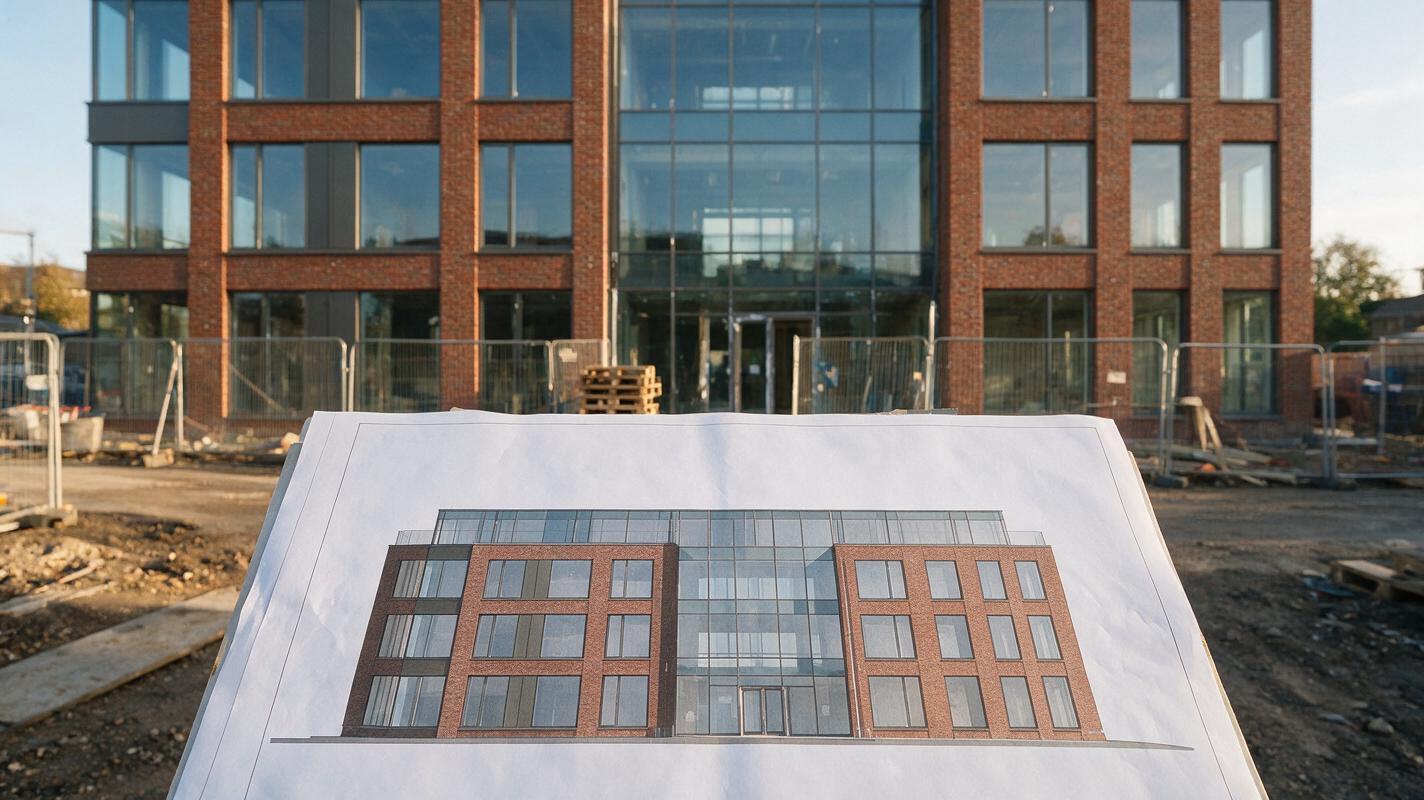
Nano Banana Pro Prompts to Remove Construction Clutter from Facade Photos
Construction fencing, stored materials, and temporary signs can obscure an otherwise useful facade photograph. These Nano Banana Pro prompts help architects create a cleaner presentation visual while preserving visible design details and clearly identifying any reconstructed areas.
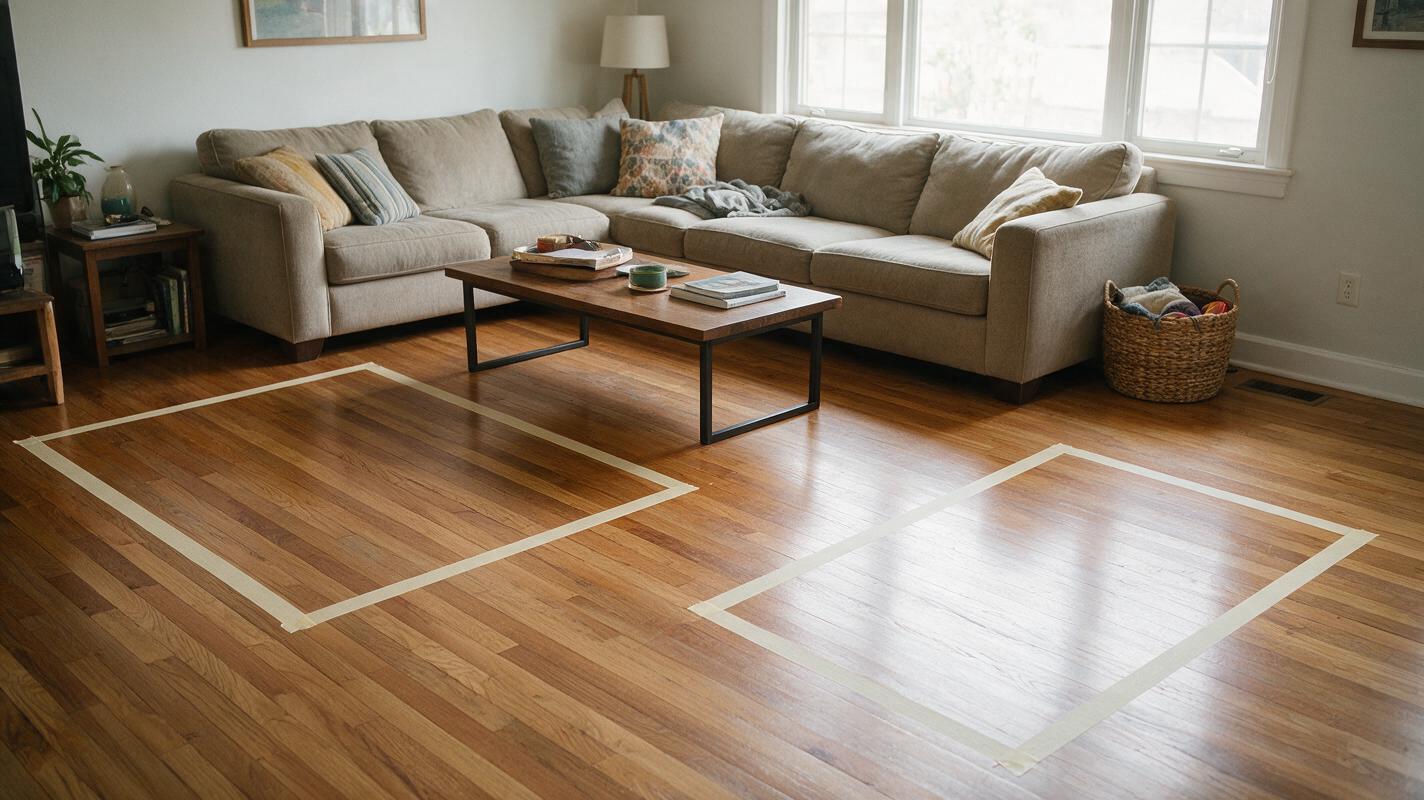
Preview Living Room Rug Sizes With Nano Banana Pro
A rug can look right in a product photo and still be the wrong size for a living room. This guide shows designers how to mark measured rug footprints in a room photo, use Nano Banana Pro to visualize each option, and check the results before recommending a purchase.
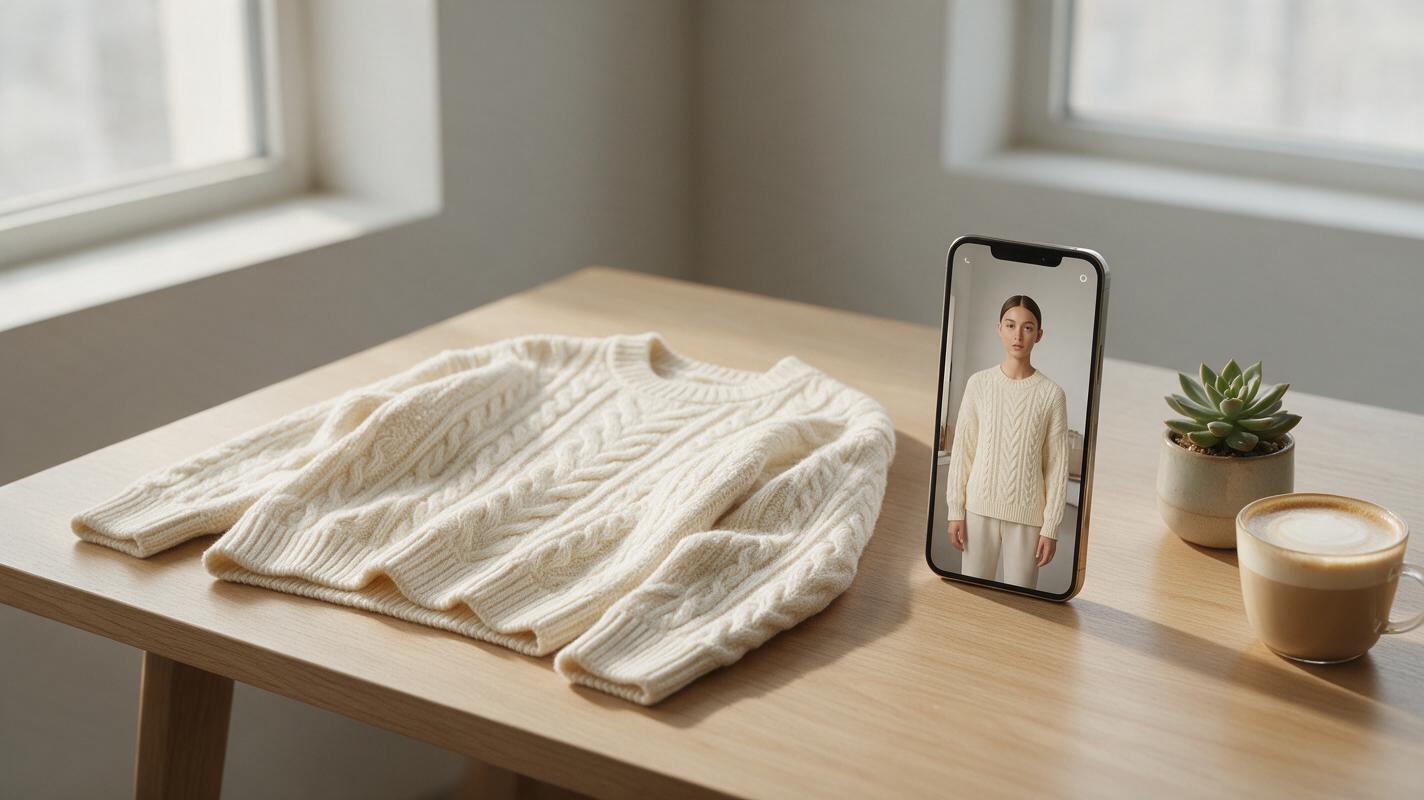
AI Virtual Try-On Video: Create Clothing Try-Ons Without Models
Want to create realistic clothing try-on videos without hiring models or booking studio time? This step-by-step guide teaches small clothing brand owners how to make 15-second vertical AI virtual try-on clips using avatars, motion mimic, and video enhancement tools. You’ll learn asset prep, generation tips, and polishing tricks for shareable, conversion-ready social media content.
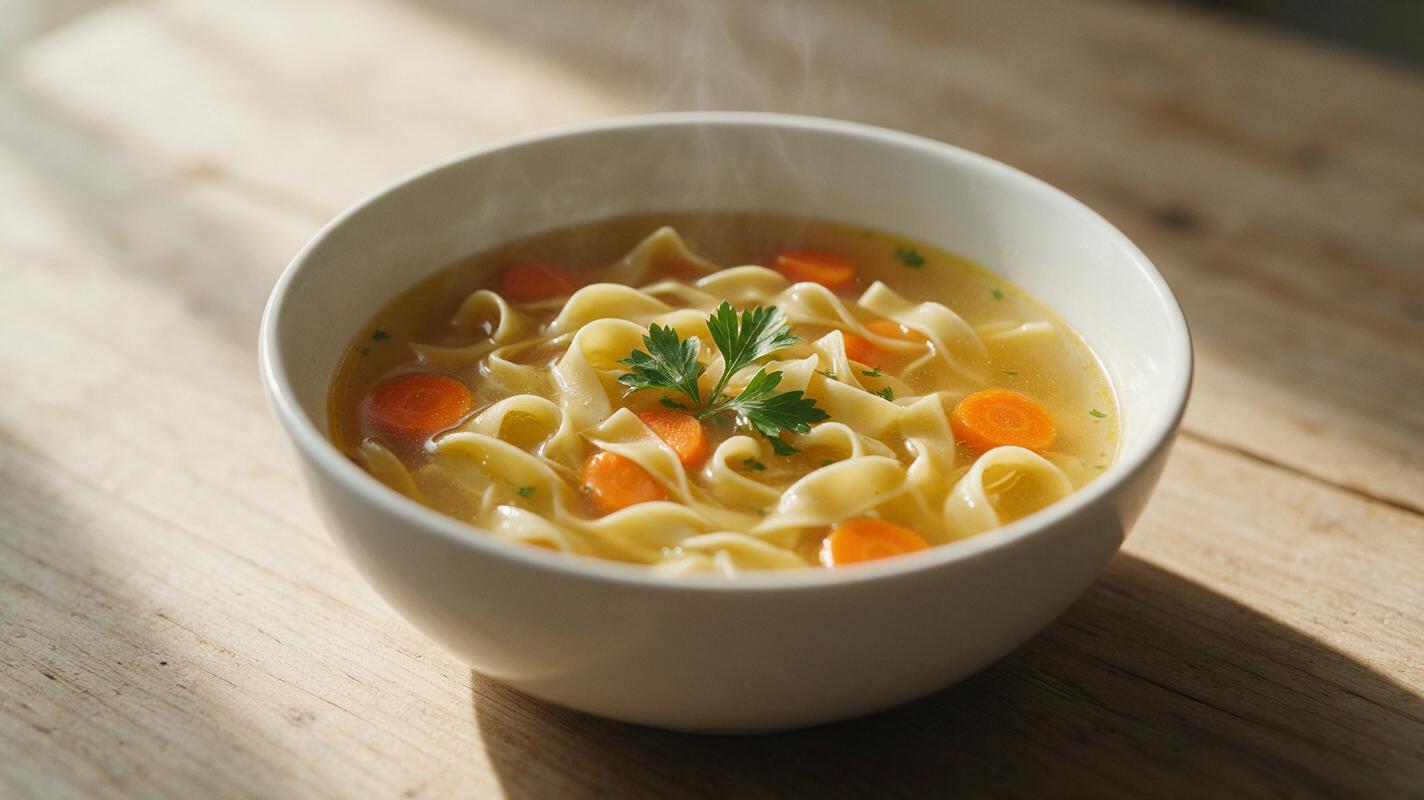
Why AI Soup Photos Look Murky (And How to Get Clear, Hearty Results)
AI-generated soup photos often look murky, watery, or unappetizing due to unclear broth texture, misaligned floating ingredients, and flat garnishes, making them unsuitable for restaurant menus and marketing. This troubleshooting guide breaks down common AI soup generation failures, provides reusable prompt templates, model-specific settings for Luma and Seedream 4.5, and targeted inpainting fixes to create realistic, hearty soup visuals. The guide also includes a quality checklist to ensure final assets are restaurant-ready.
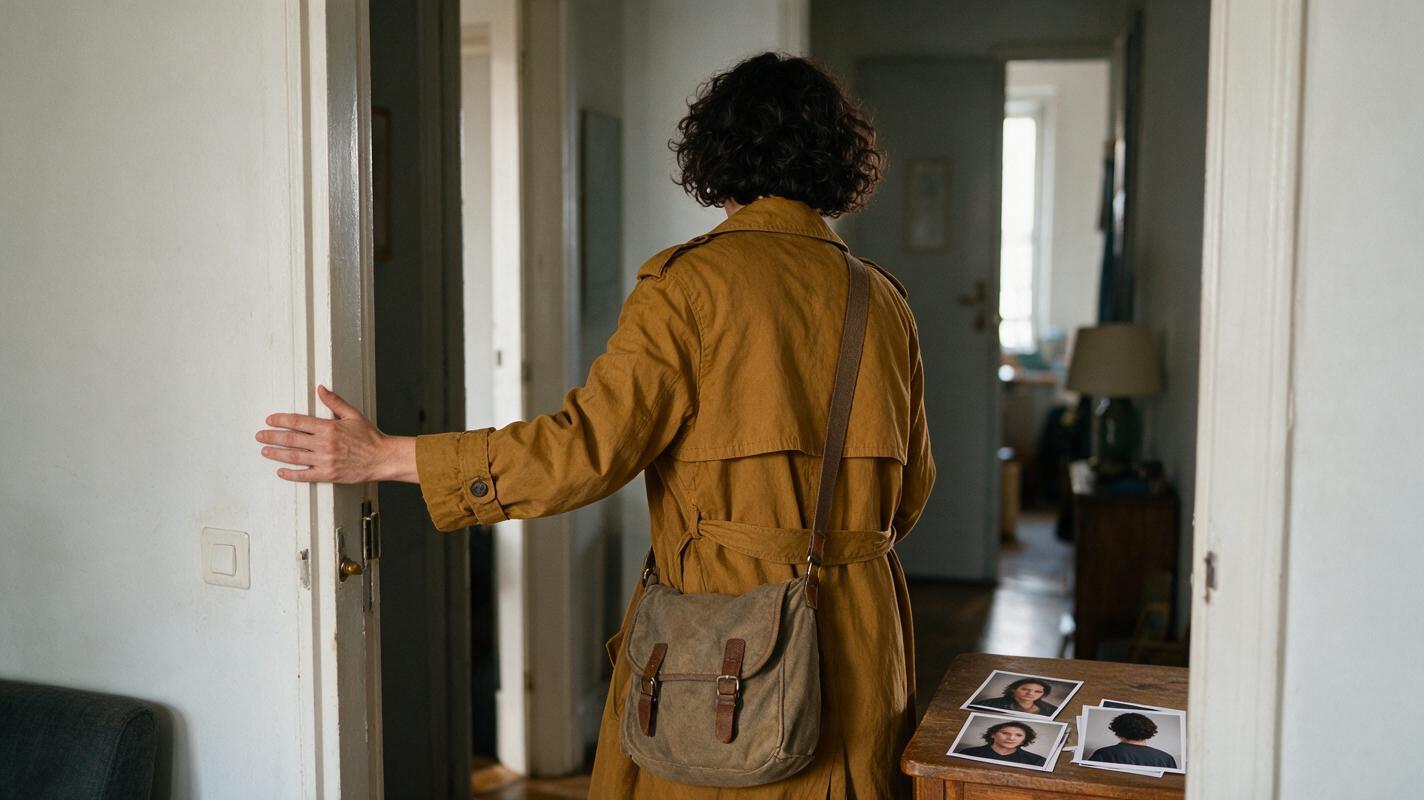
Keep the Same Character Through Back-Facing Shots and Reveals
A character can look convincing from the front yet become unrecognizable after a back-facing shot. This tutorial uses a character sheet, matched reference images, and a reveal-point check to preserve identity when the face disappears and returns.
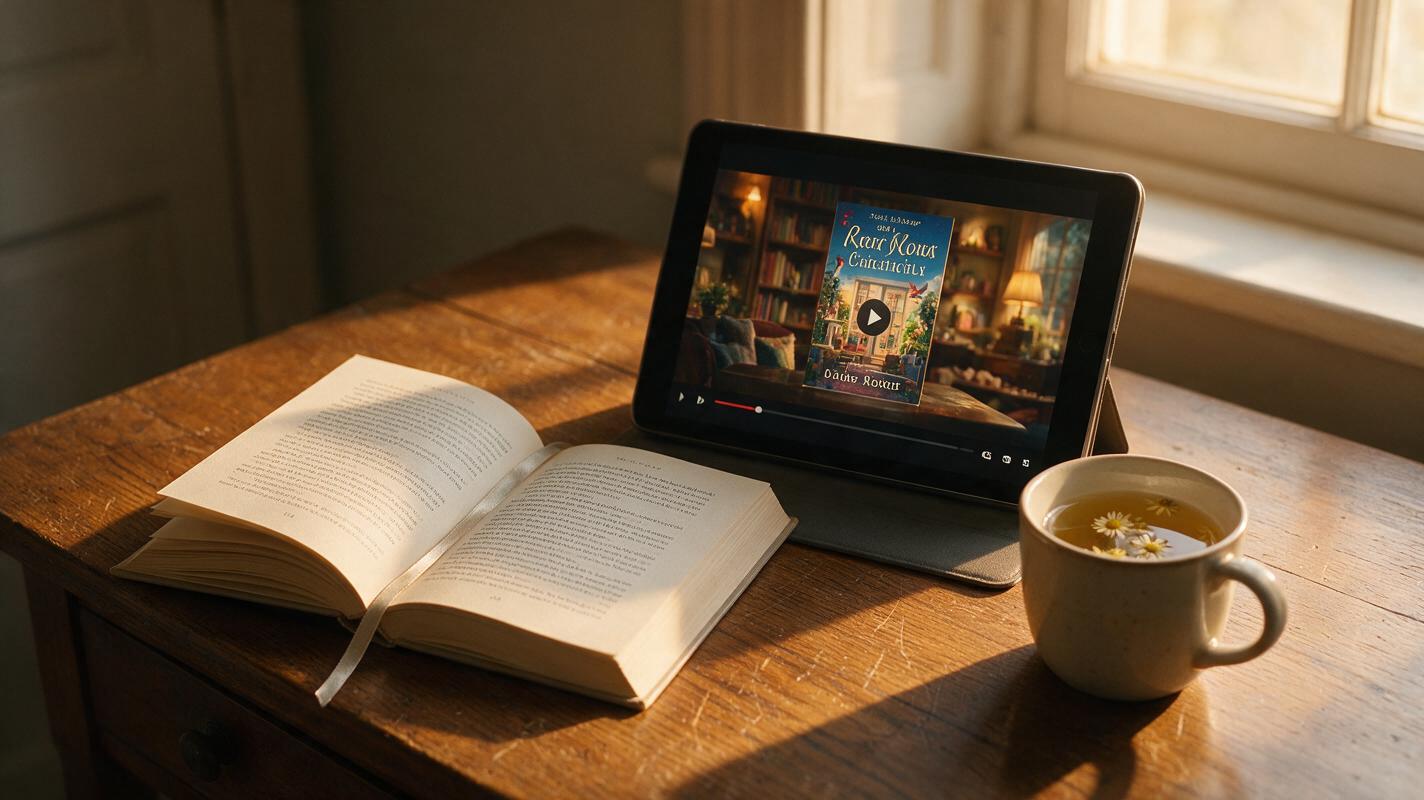
Novel to Video: Create a 30-Second AI Book Trailer From an Excerpt
Turning a novel excerpt into a snappy 30-second book trailer is fast and accessible with novel to video AI tools, no film crew required. This guide walks you through adapting a 100-200 word excerpt into a tight trailer script, generating a consistent AI storyboard, rendering motion clips, and assembling a final polished video with voiceover and text overlays. You’ll get copyable prompts for every stage and pacing tips to hook viewers in the first 3 seconds.
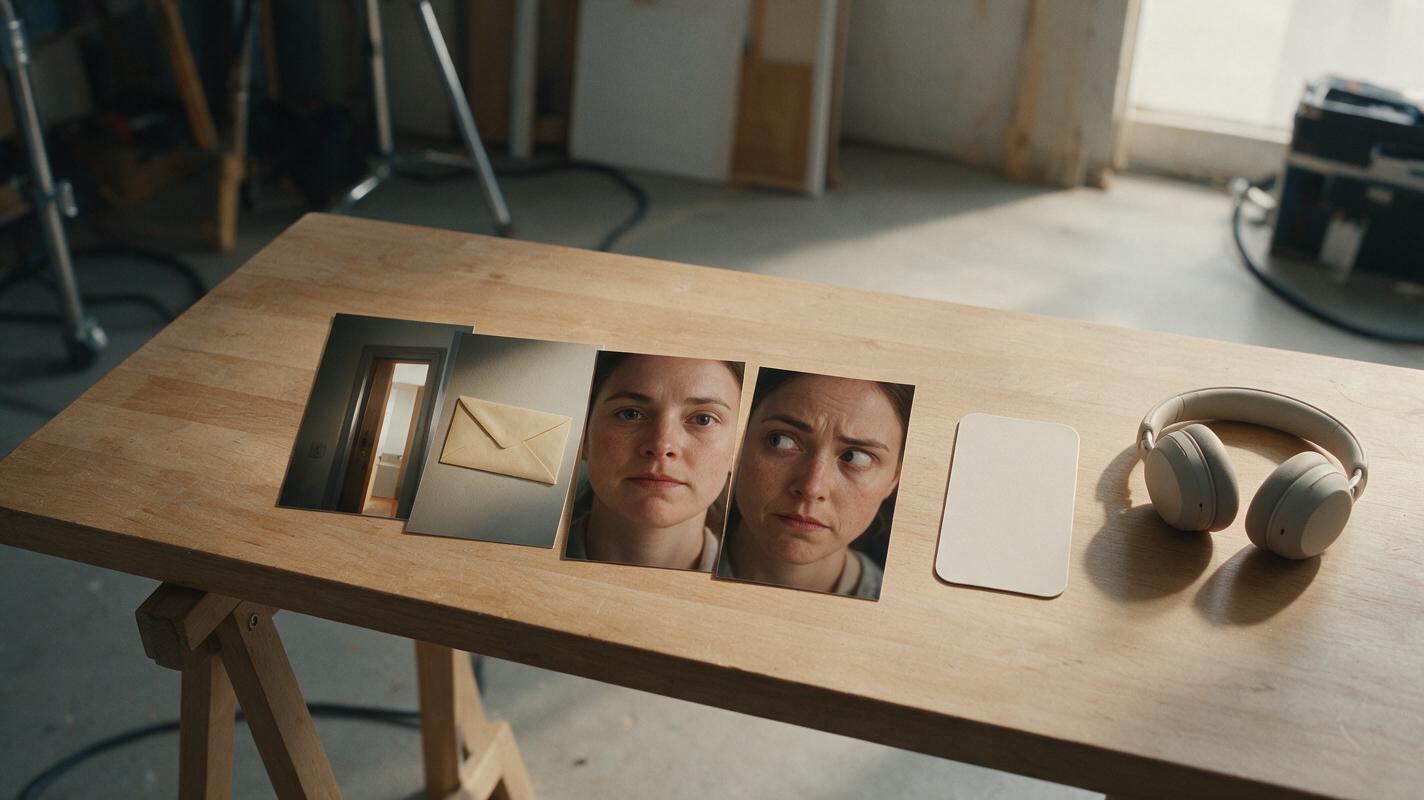
How to Generate Edit-Ready Coverage with an AI Short Film Generator
An AI-generated shot can look polished and still be impossible to edit. This tutorial shows how to create cut-ready coverage, clean edit handles, modular performances, and repair shots for a vertical AI microdrama.
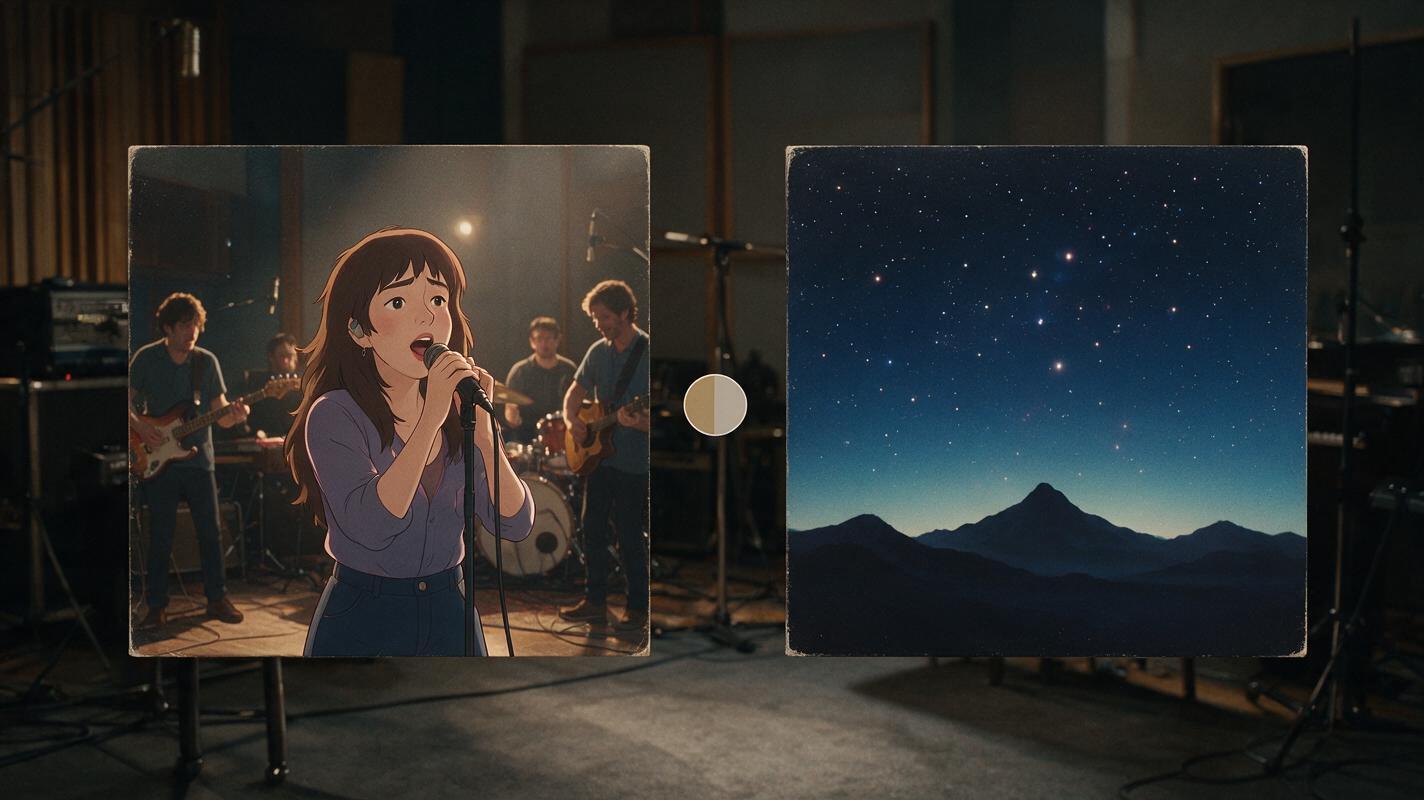
PixVerse vs Luma for Animated Album Cover Promos: Which Is Better?
Animated album cover promos are a high-converting release week asset, but picking the wrong AI tool can lead to warped text, off-brand colors, and wasted time. This side-by-side test compares PixVerse and Luma on style consistency, motion quality, export specs, and pricing for turning static cover art into vertical social media clips. We break down clear tradeoffs and recommendations tailored to independent musicians.

Animate Image to Video: Make Vintage Product Reels Without Filming
Static vintage product photos fail to grab attention on short-form social media, but you don’t need filming equipment to bring them to life. This guide walks through a step-by-step workflow to animate image to video using AI, tailored for small vintage sellers and resellers making vertical Reels and TikTok clips. You’ll get copyable prompts, prep tips, and export settings to create natural-looking animations without uncanny artifacts.
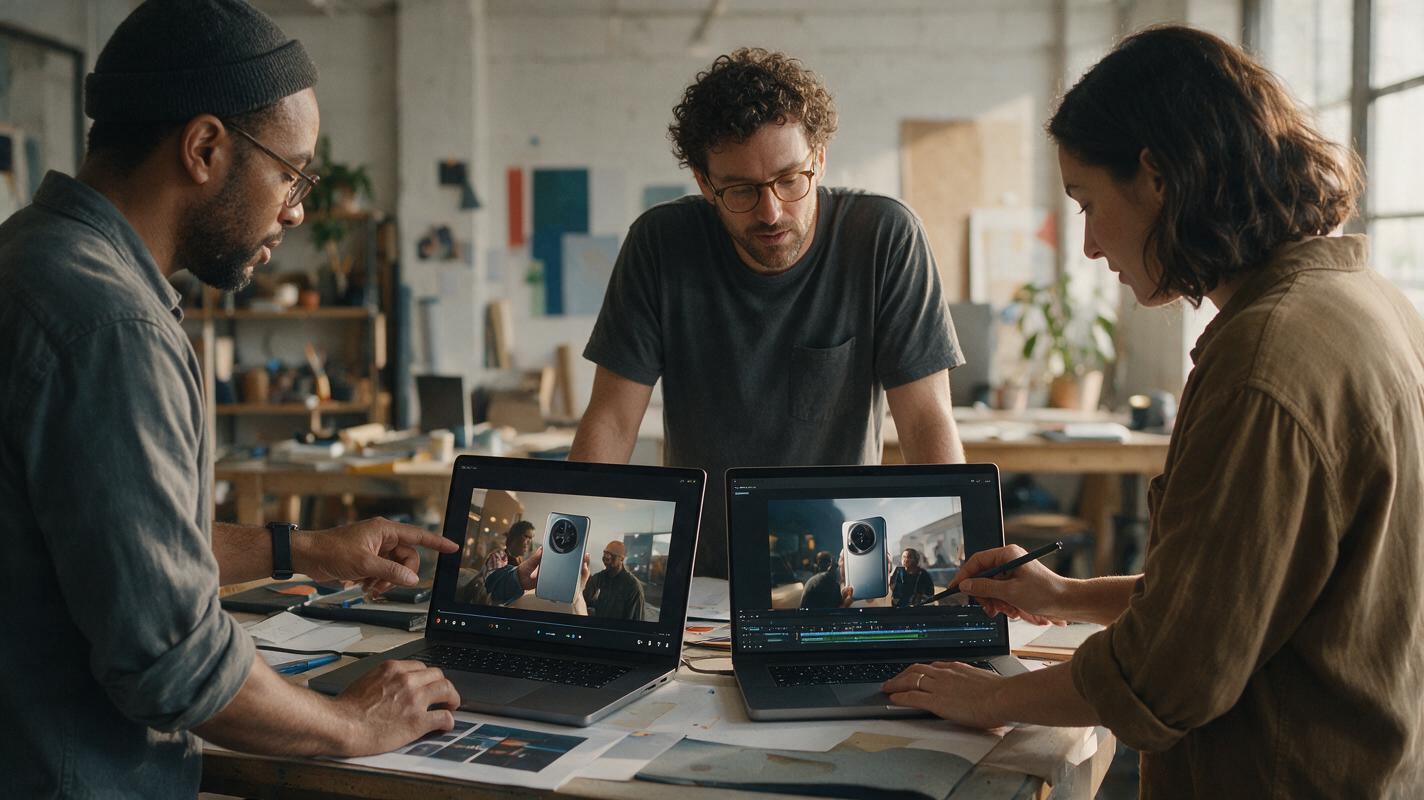
Veo vs Runway for Product Launch Videos: Which Makes Better Social Ads?
This head-to-head comparison evaluates Google Veo and Runway Gen-3 for 15-30 second DTC product launch videos, testing cinematic lifestyle integration, opening hook quality, product accuracy, and ad readiness. It breaks down tradeoffs for different launch goals, from high-end brand campaigns to fast-paced performance social ads. Ecommerce marketers will get a clear, actionable recommendation based on their budget, timeline, and campaign priorities.