Blog
Discover the latest from MagicBoat
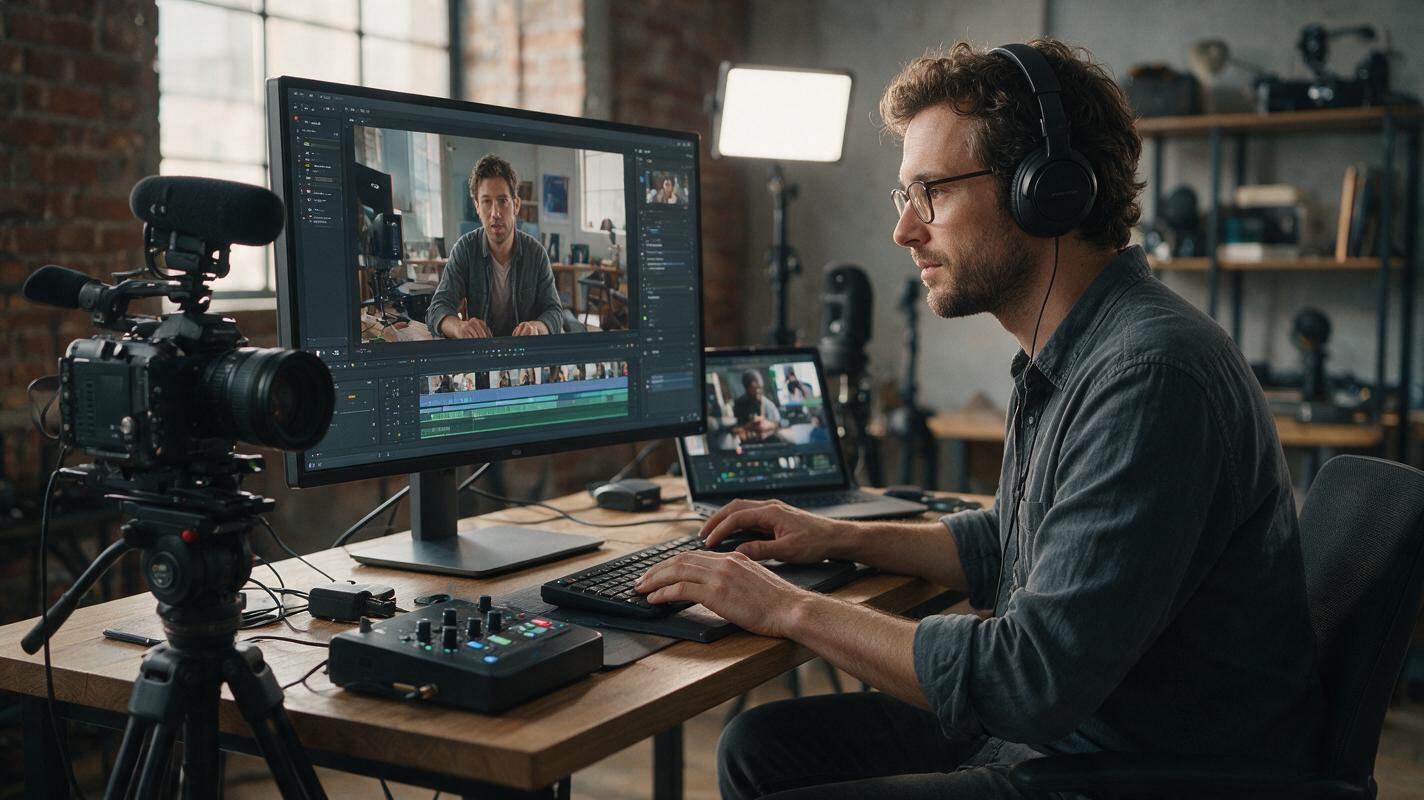
How to Build a Character-Consistent AI Video Workflow From Scratch
This end-to-end guide walks you through building a character-driven short AI video from zero existing assets using MagicBoat's integrated tools. You’ll generate a consistent character identity, build a cinematic scene, animate clips across Seedance and Kling, and fix minor drift to keep your character on-model. The workflow is beginner-friendly with copy-pasteable prompts and settings.
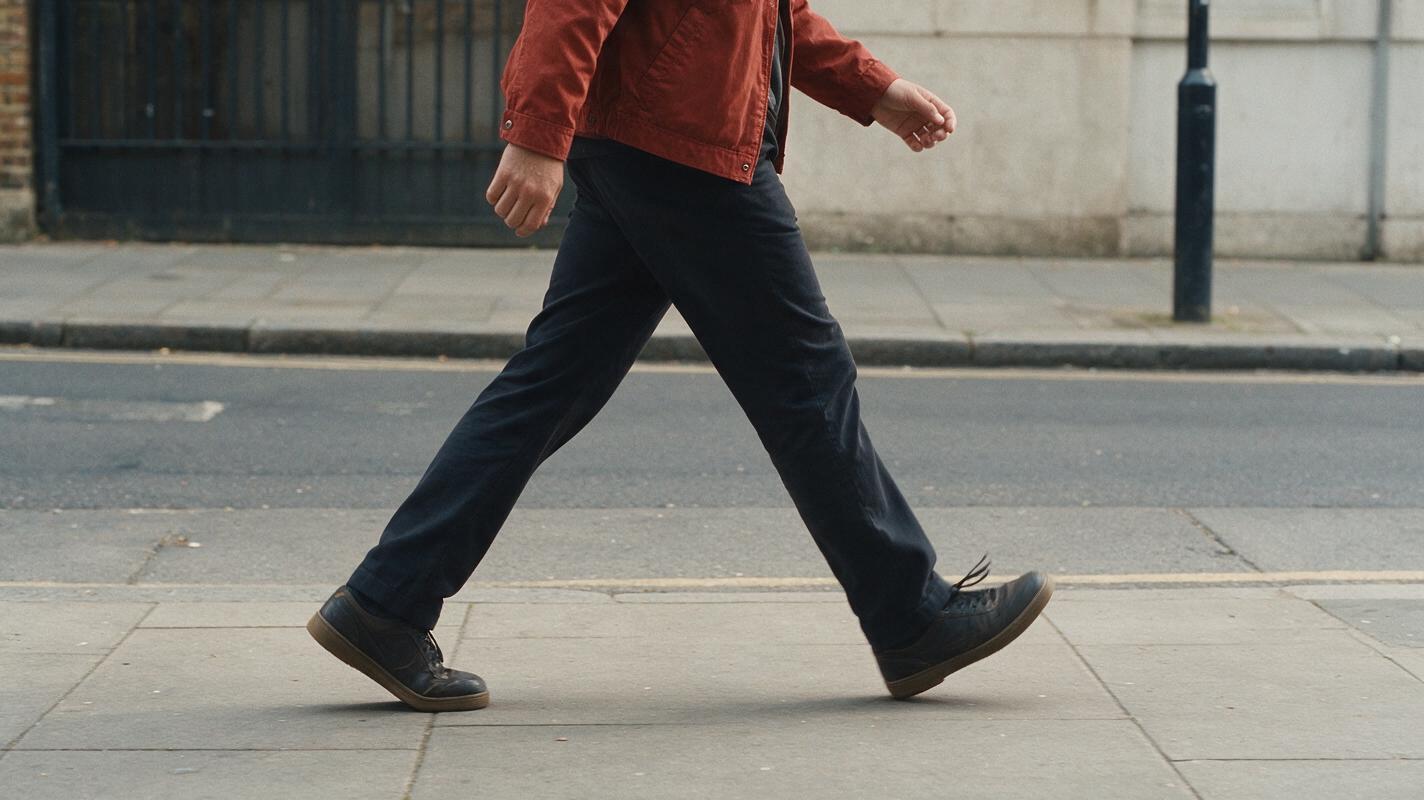
How to Create a Believable AI Walking Video Without Warping
Create a believable AI walking video by starting with a full-body anchor frame, limiting the movement to one clear path, and prompting gait mechanics separately from camera motion. This tutorial compares image-to-video generation with motion transfer and shows how to diagnose sliding feet, rubbery legs, unstable clothing, and changing body proportions.
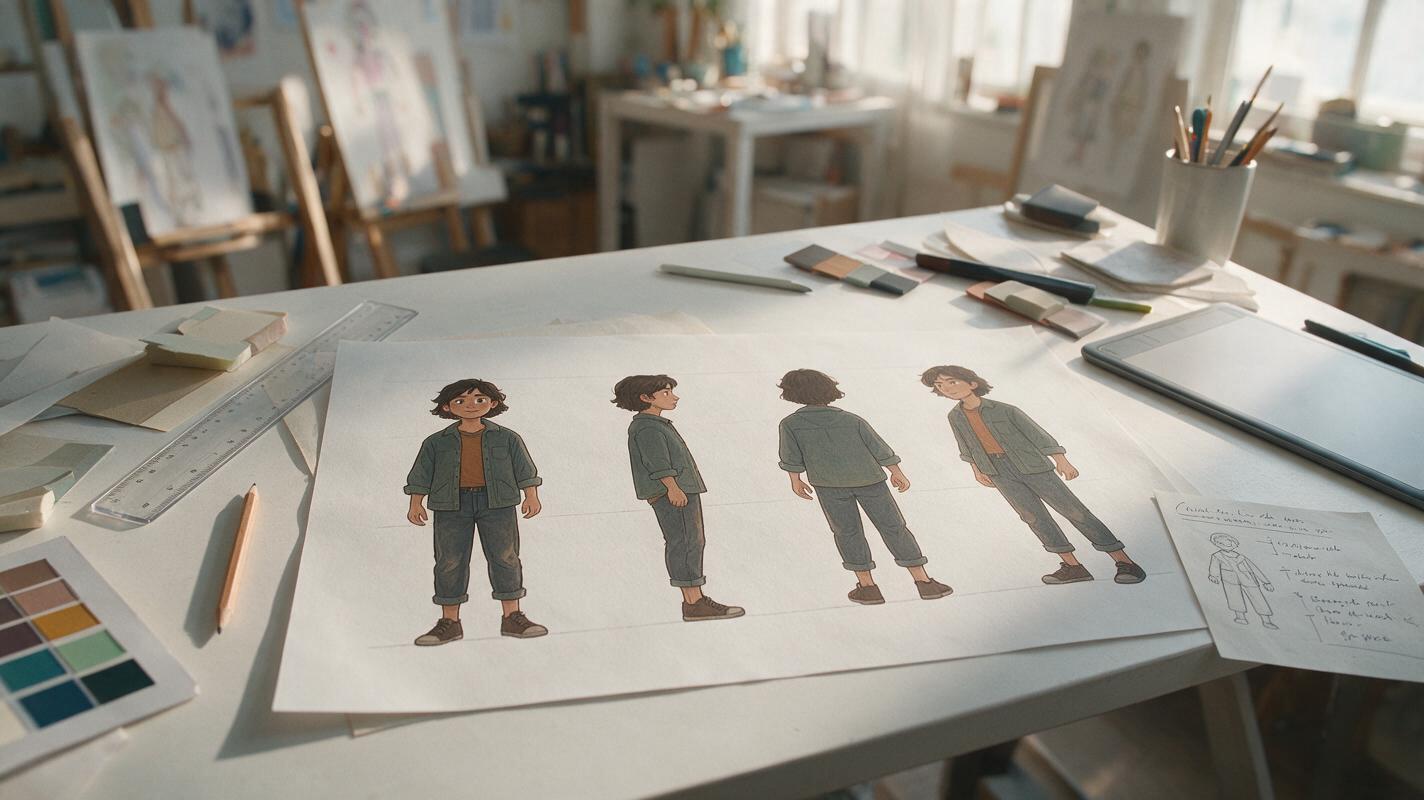
Seedream 4.5 Prompts for Consistent Character Turnarounds
Create front, profile, rear and three-quarter character views without letting the face, costume or proportions drift. This practical Seedream 4.5 workflow shows illustrators how to prepare a strong reference, control camera language, generate difficult angles and repair isolated inconsistencies.
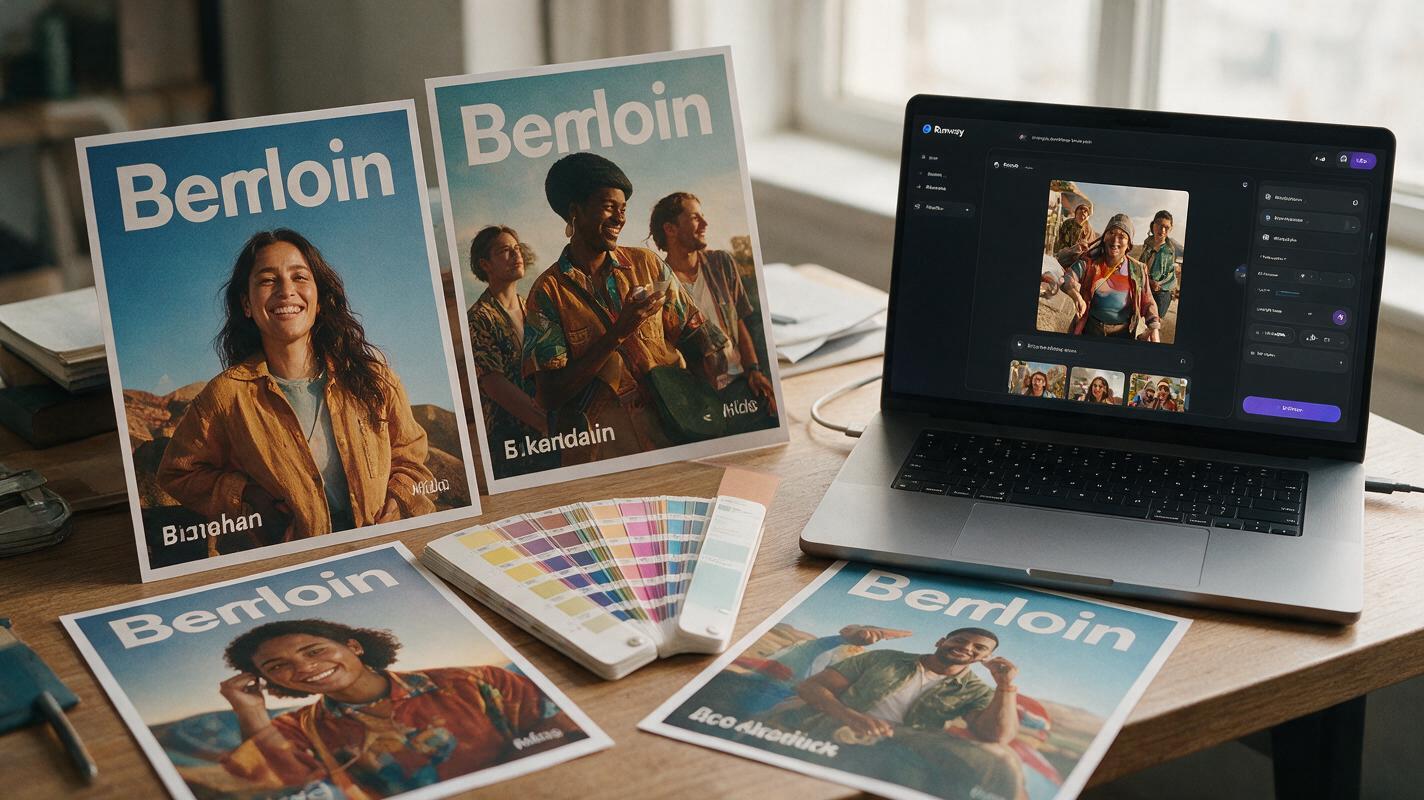
Why AI Localized Campaign Posters Drift (and 3 Fixes With Runway)
AI-generated localized campaign posters often suffer from brand drift, including shifted colors, warped logos, and broken layout structure, when adapted for regional markets. This article breaks down three core causes of this drift and shares actionable fixes using Runway’s image-to-image tools, from reference layer locking to hybrid compositing. It includes a reusable prompt template and quality checklist to help brand designers create consistent, authentic regional poster variants at scale.
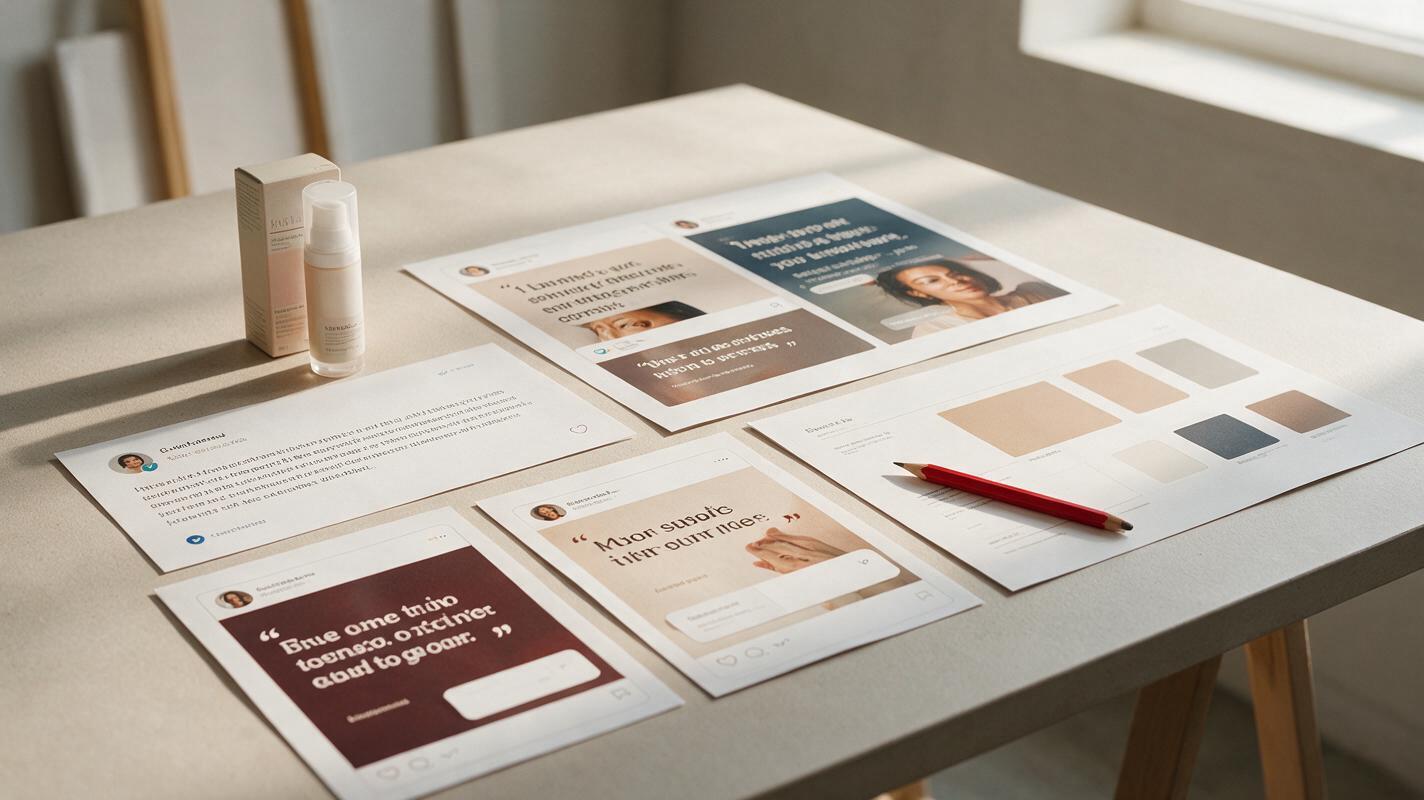
Turn Customer Reviews Into Social Proof Ads With AI
Learn a controlled workflow for turning verified customer reviews into social proof ads without inventing claims, losing message clarity, or invalidating creative tests. The article includes review-selection criteria, reusable Nano Banana Pro prompts, layout guidance, and a testing matrix for performance marketers.
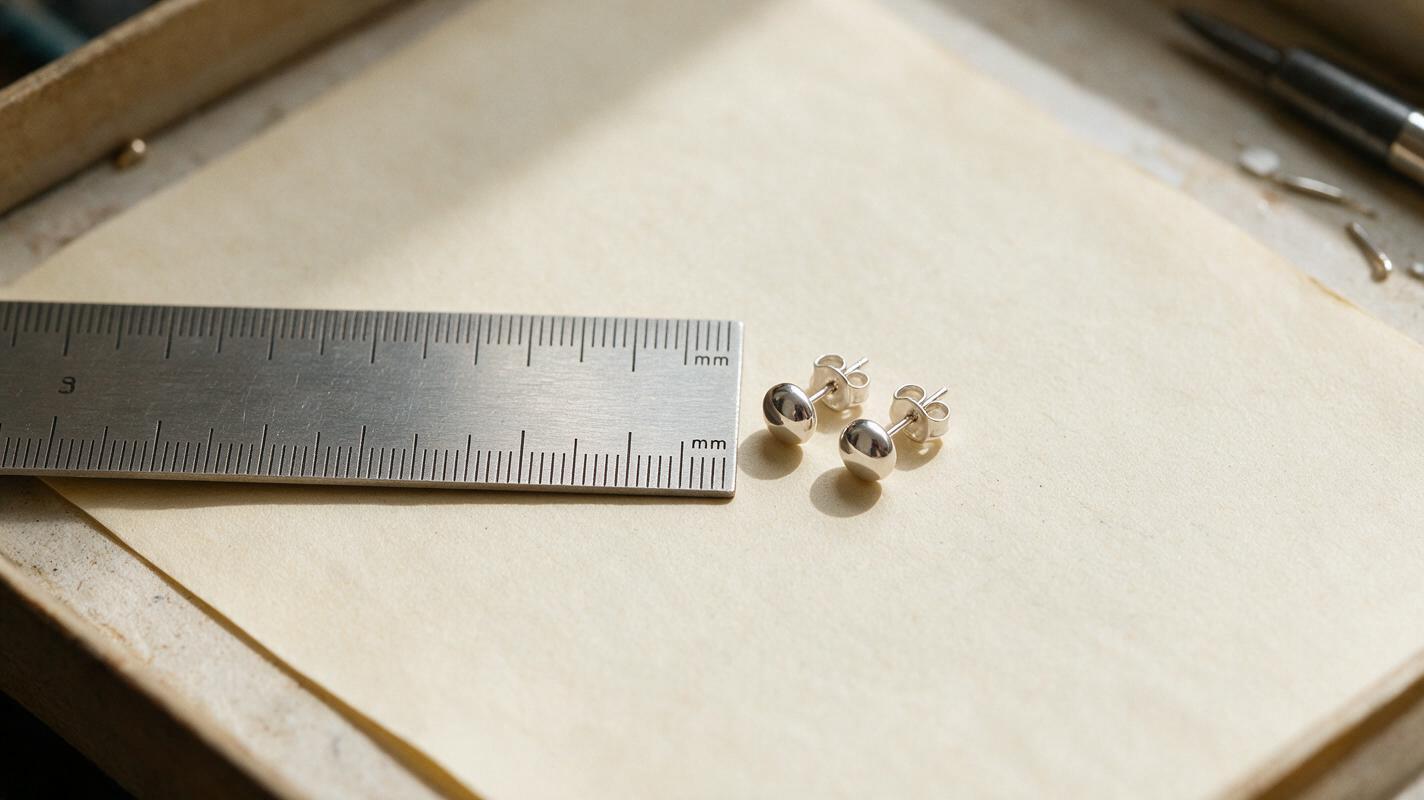
Etsy Earring Size Photos That Show Real Scale—Without AI Try-Ons
Tiny earrings can look much larger in a tightly cropped listing photo, while AI-generated try-ons may change their size or shape. This guide shows Etsy sellers how to photograph verifiable scale cues and use AI only for supporting presentation.
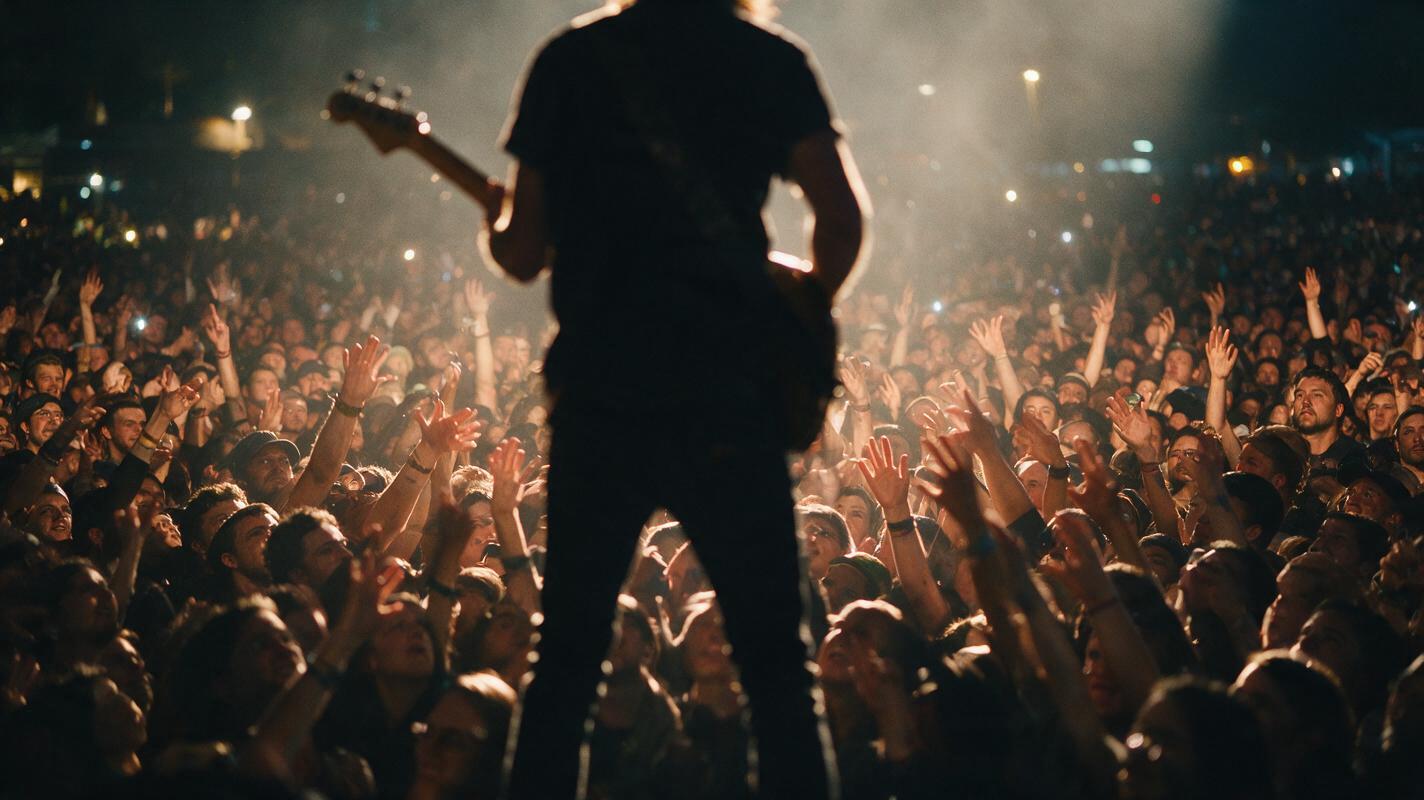
Hailuo Prompts for Believable Concert Crowds in Music Videos
Concert crowd footage can make a music video feel larger, but AI-generated audiences often move like copies of the same person. These Hailuo prompts and directing techniques create more believable crowd reactions, phone-light moments, barrier shots, and energetic wide scenes.
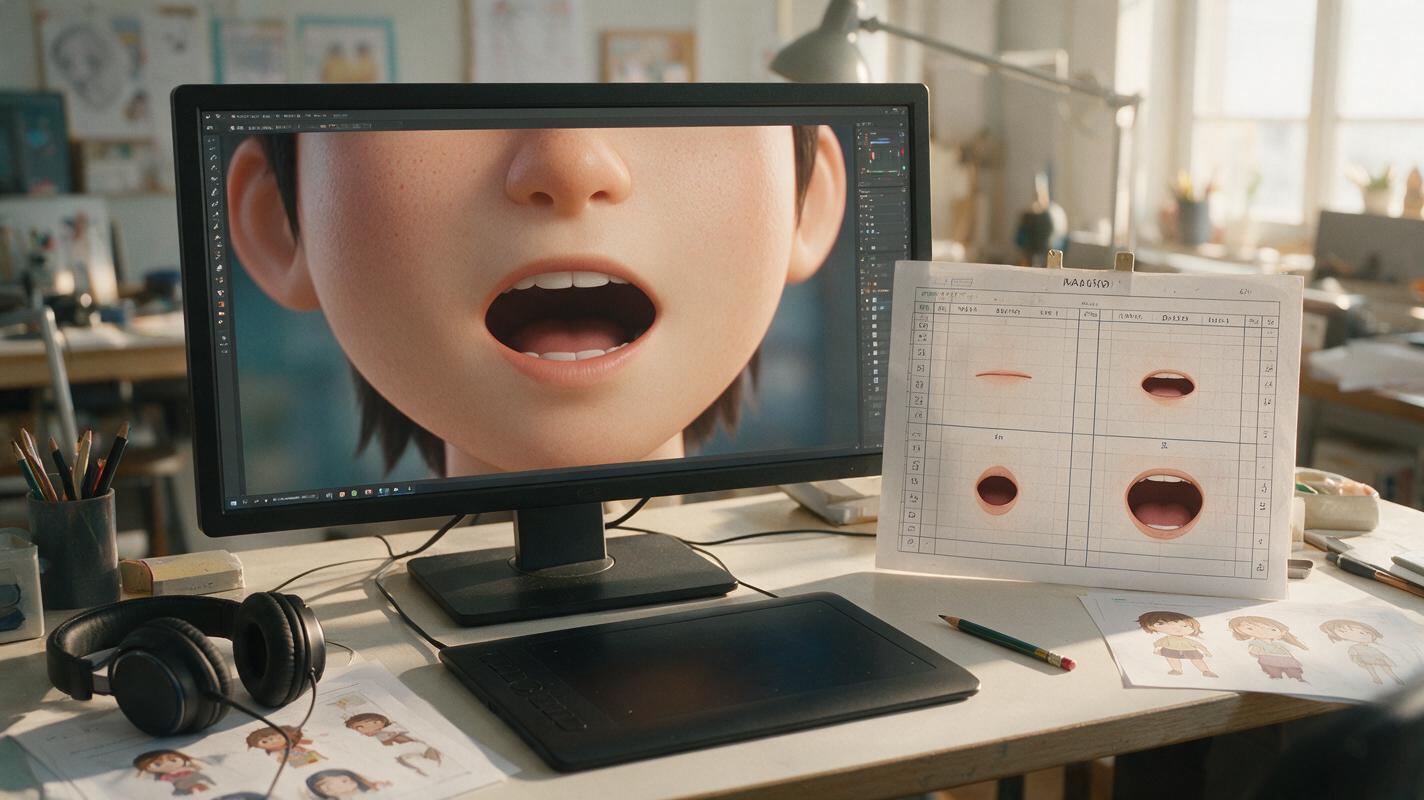
Why AI Anime Lip Sync Looks Mushy—and How to Fix Mouth Shapes
AI anime lip sync often produces rubbery jaws, flickering teeth, and unstable face shapes because it tries to interpret every sound as a new drawing. This guide explains how to prepare animation-safe character art, simplify dialogue into readable mouth groups, prompt restrained facial motion, and repair failed frames with Seedream 4.5.
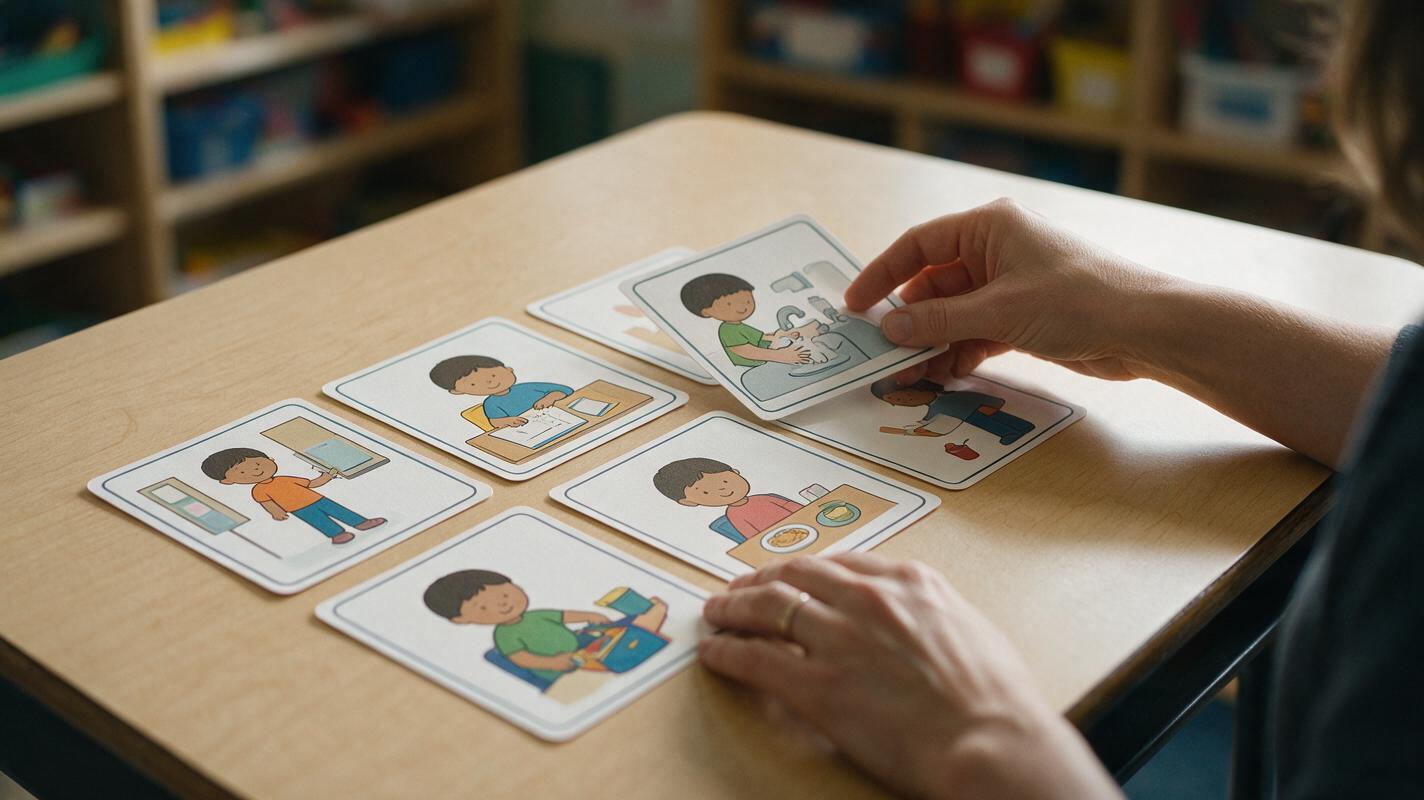
Nano Banana Pro Prompts for Consistent Classroom Visual Schedules
Create classroom visual schedule cards that keep the same child, setting, objects, and illustration style across an entire routine. These Nano Banana Pro prompts help educators reduce character drift, remove distracting details, and produce cards that remain clear at small sizes.
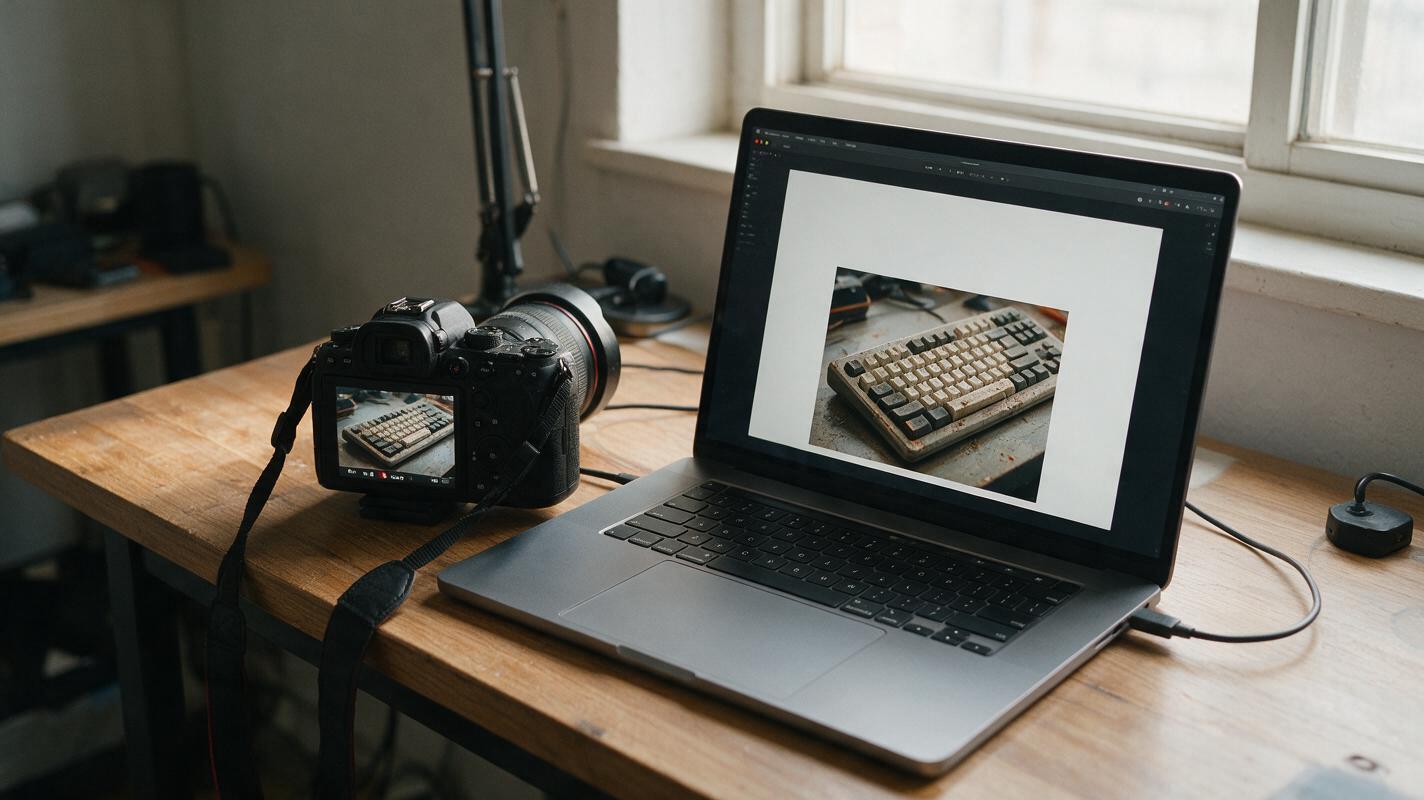
Turn a Video Frame Into a YouTube Thumbnail With Nano Banana Pro
A useful thumbnail frame is often hidden in footage you already shot, but the raw screenshot may be too cluttered or poorly composed to work at small sizes. This guide shows how to use Nano Banana Pro to refine the frame while preserving the real subject, then add readable text and check the result before publishing.
AI Video Reframe: Turn Landscape Footage Into Vertical Social Clips
Learn how to use AI video reframe tools to automatically repurpose landscape footage into vertical formats optimized for TikTok, Instagram Reels, and YouTube Shorts — without cropping out your subject or wasting hours of manual editing.
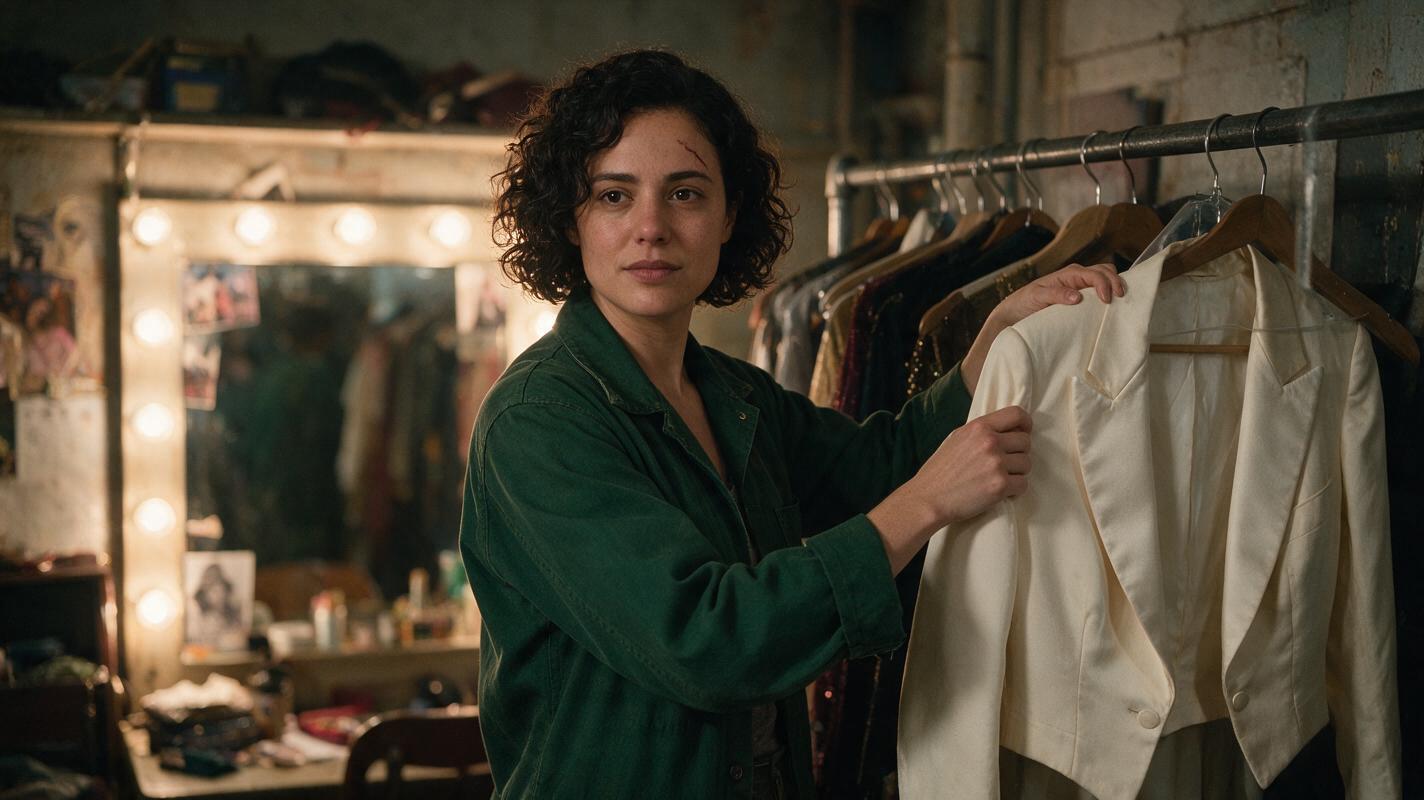
How to Keep the Same AI Video Character Through a Costume Change
A costume change can make an AI-generated character look like a different person, especially when clothing has become the strongest visual cue. This tutorial uses a face-first character reference, paired wardrobe frames, and a cut-point review to preserve identity while the outfit changes.