Blog
Discover the latest from MagicBoat
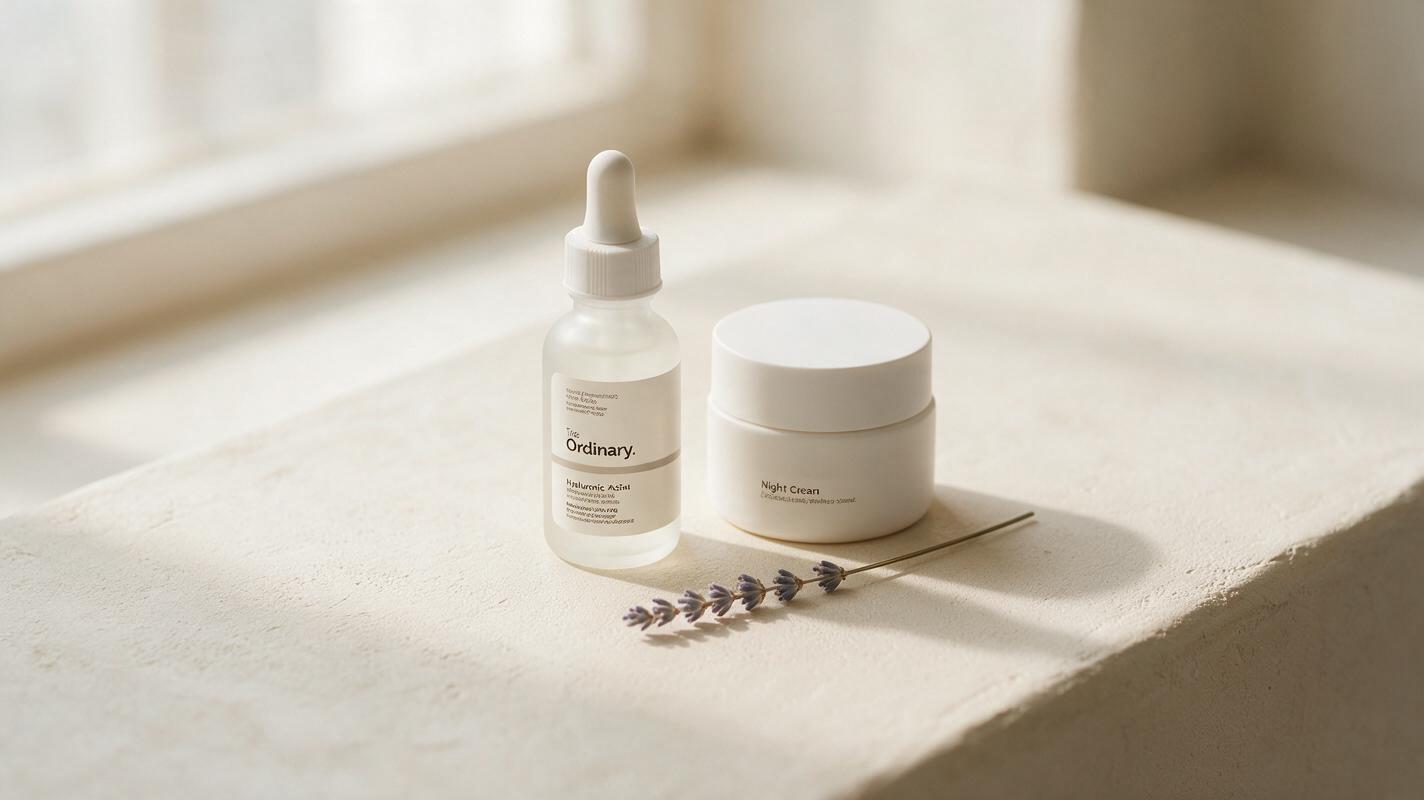
Seedream 4.5 Prompts for Calming Minimalist Skincare Campaigns (No Sterile Look)
This article shares reusable Seedream 4.5 prompt templates for calming, premium minimalist skincare campaign images that avoid the cold, sterile look common in AI-generated clean beauty visuals. It includes four use case-specific prompts, a repeatable prompt framework, and troubleshooting fixes for common rendering issues.
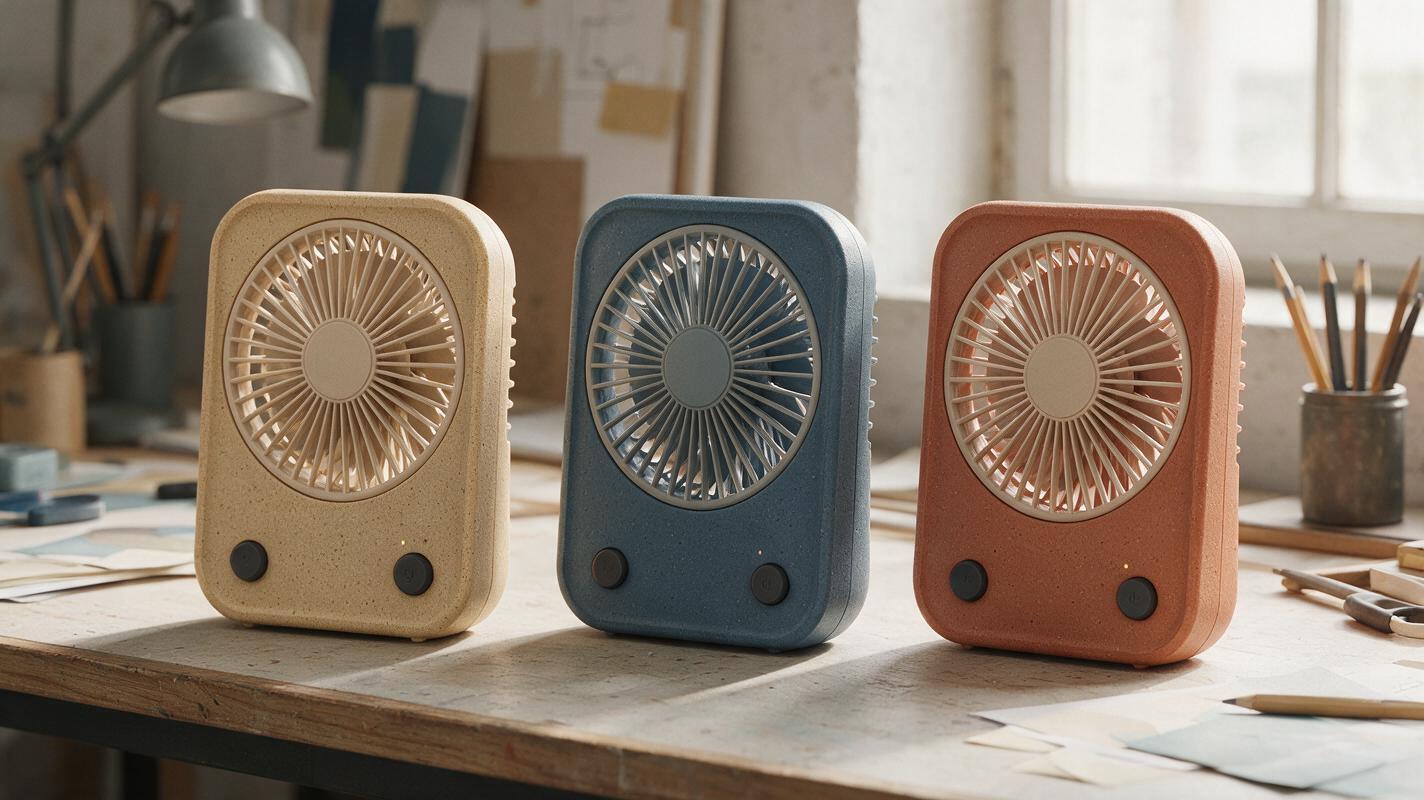
AI Product Colorways That Actually Look Like the Same Design
AI-generated colorway boards often change more than color: seams move, controls shift, and lighting makes finishes impossible to compare. This guide uses a locked product image, a defined housing mask, and reference-guided edits to create more useful CMF concept comparisons.
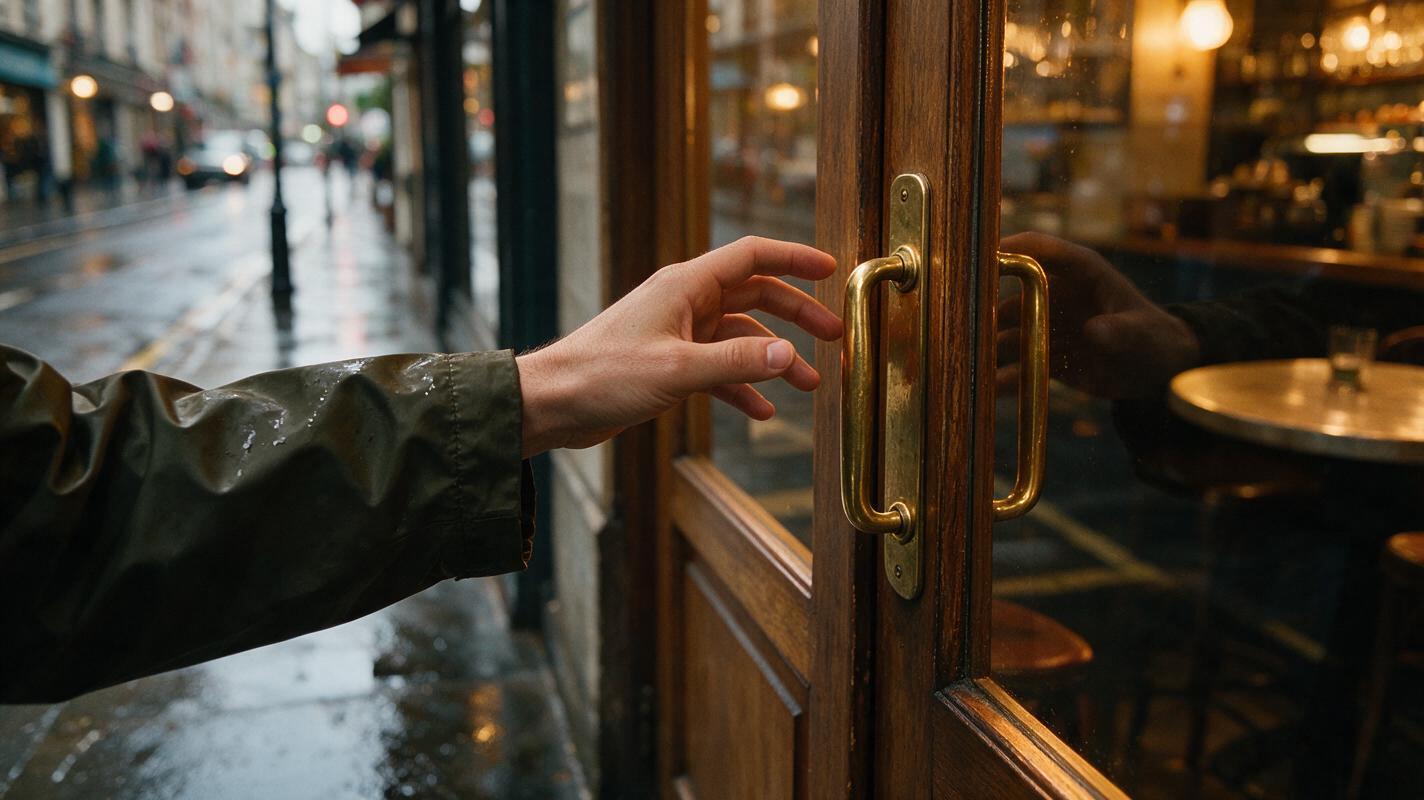
How to Create a First-Person POV AI Video That Feels Believable
Create a believable first-person POV AI video by establishing the viewer’s body position in a clean anchor frame, then animating one controlled action at a time. The most reliable workflow uses image-to-video generation for spatial consistency, while text-led generation and motion transfer work well for specific shots.

How to Create a Seamless AI Video Loop With Image to Video
Create a seamless AI video loop by starting with a loop-friendly still, limiting the scene to cyclical motion, and prompting the final moment to return to the opening composition. This tutorial shows how to generate, compare, trim, and repair looping clips with MagicBoat’s image-to-video models.
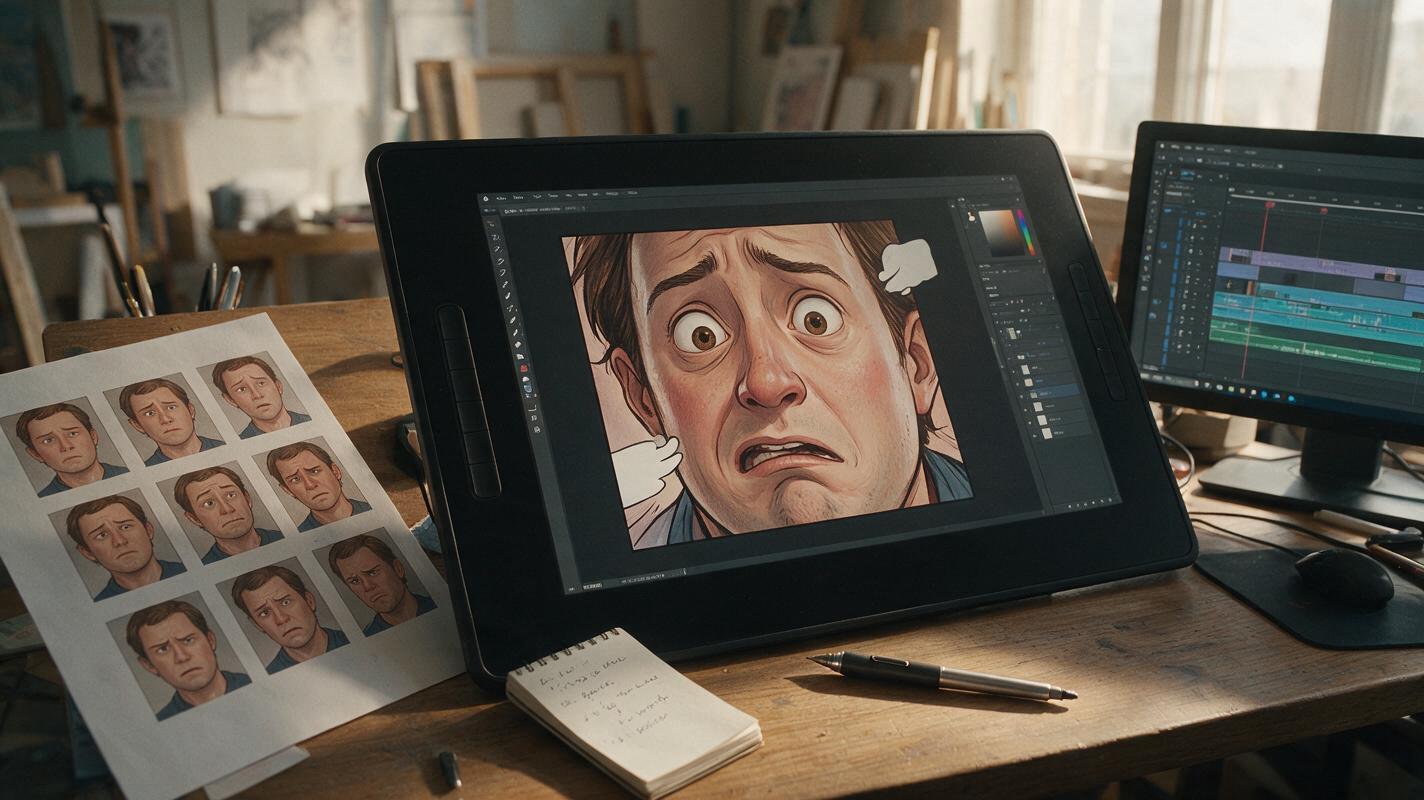
Kling Prompts for Comic Reaction Shots Without Overacting
Animate subtle comic reaction shots with Kling while preserving facial identity, line art, and the original panel composition. These practical prompt patterns separate emotional beats from physical motion so a glance, blink, or held breath does not become an exaggerated performance.
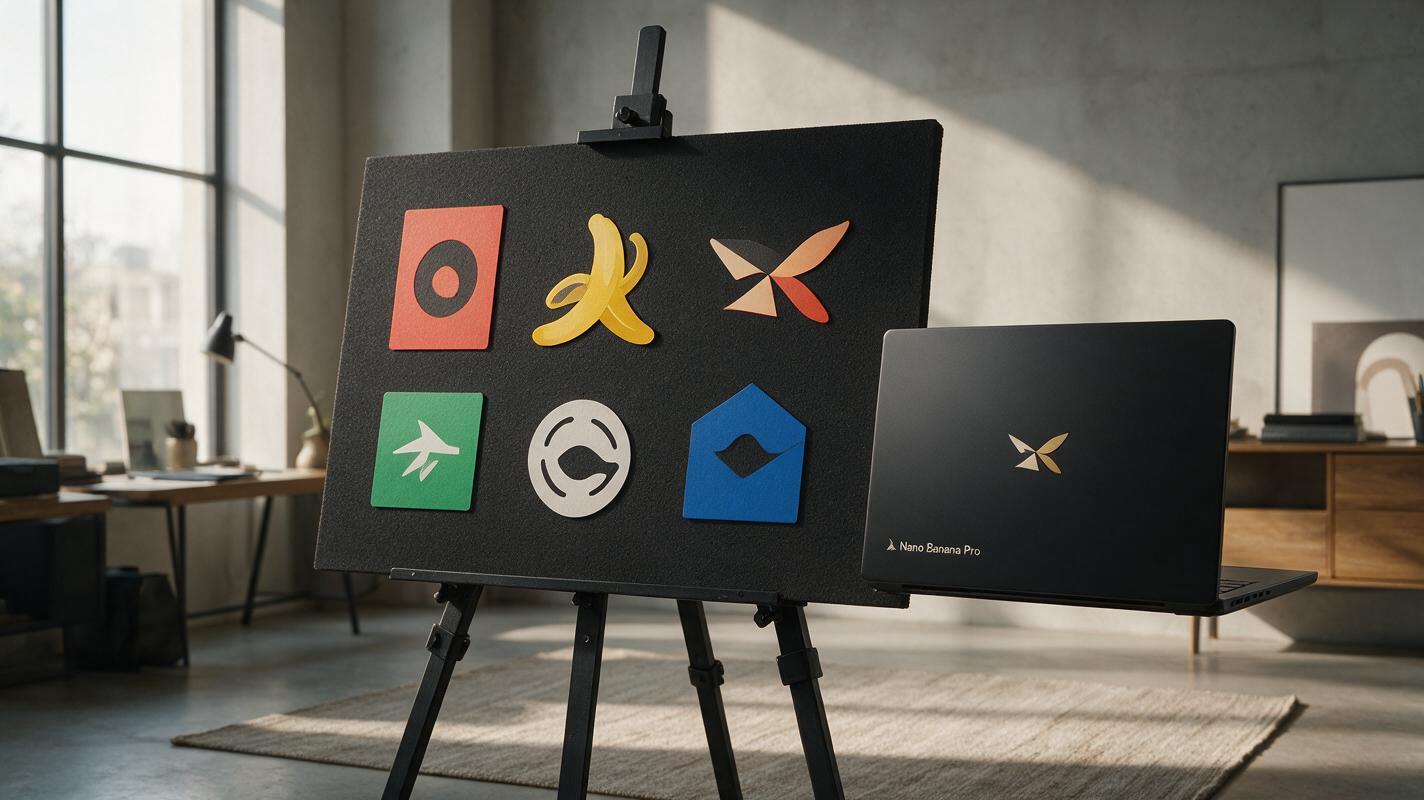
How to Make On-Brand Logo Presentation Boards With Nano Banana Pro
This guide shows brand designers how to build client-ready logo presentation boards in 30 minutes or less using Nano Banana Pro, with targeted prompts for lockup panels, color systems, typography samples, and industry-specific mockups. It includes troubleshooting for common AI issues like distorted logos and off-brand colors, plus a final checklist to ensure every deck feels polished and cohesive. Designers can cut presentation prep time from 4+ hours while maintaining strict brand consistency.
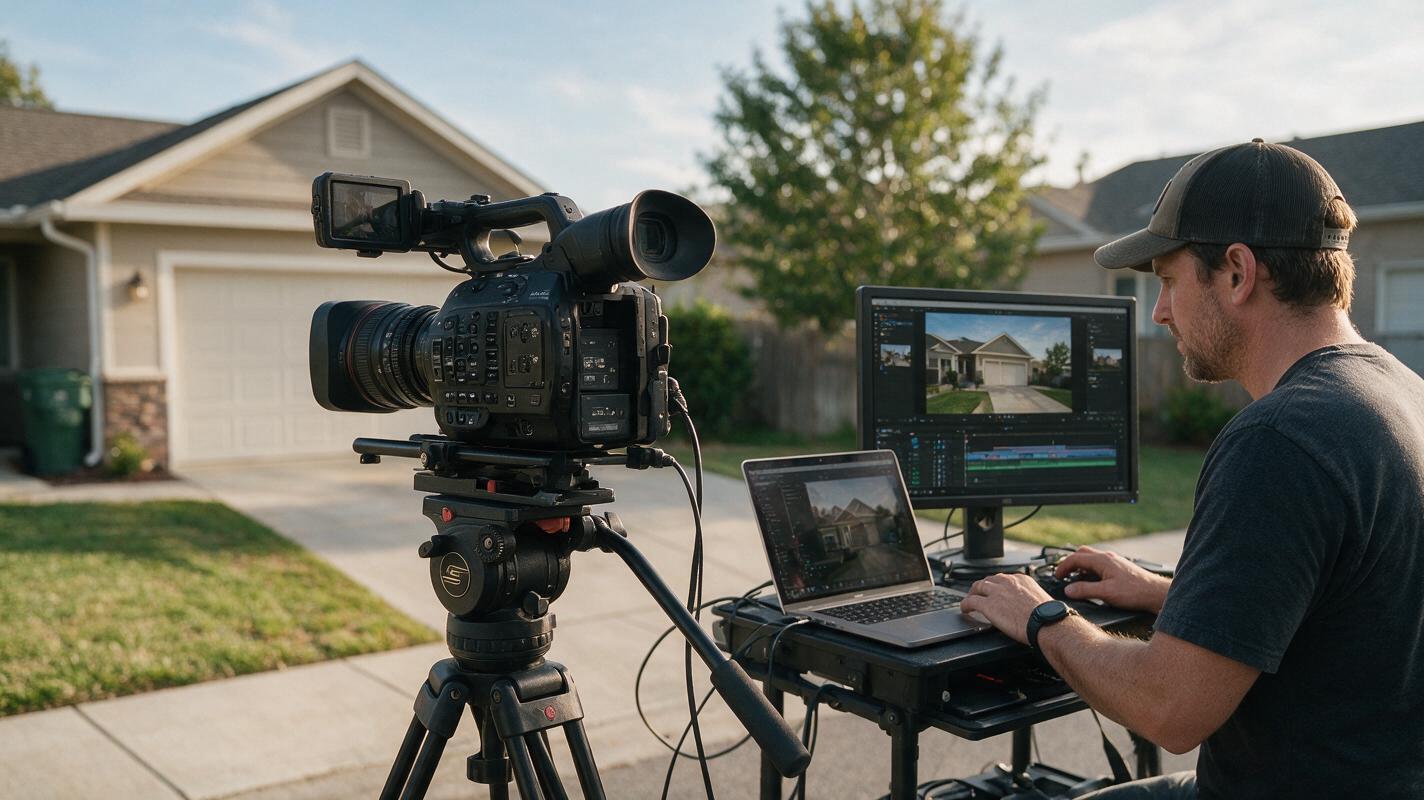
Sora Alternatives: 6 Best AI Video Tools for Real Estate Listings (2026)
OpenAI’s Sora remains in limited private beta as of late 2026, making it inaccessible for most real estate professionals needing quick, listing-ready video content. This roundup compares 6 verified Sora alternatives tailored for property walkthroughs, curb appeal clips, and virtual tours, with pricing, use cases, and a reusable test prompt to evaluate output quality. MagicBoat tops the list as a one-stop platform for testing multiple AI video models side-by-side to find the best fit for each property.
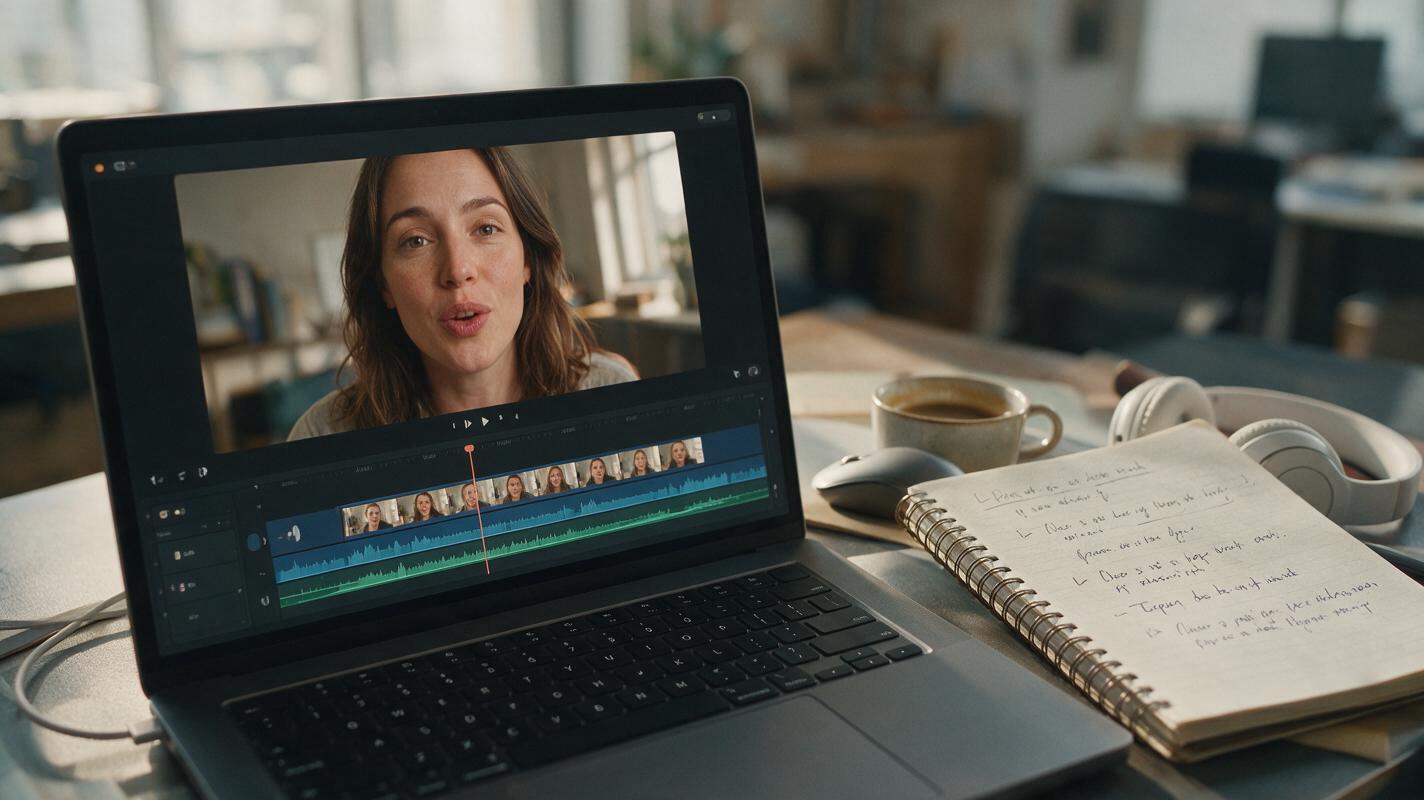
AI Lipsync for Performance Ads: Test Scripts & Localize UGC Without Reshoots
Bad lipsync in UGC and talking-head performance ads erodes viewer trust and kills click-through rates, forcing many marketing teams to reshoot entire clips just to change a script line, fix bad on-location audio, or localize to a new market. This guide breaks down how performance marketers can use ai lipsync tools to sync talent lip movements to custom voiceovers in minutes, with actionable use cases for audio repair, multi-market localization, and controlled script variant testing. It also includes pre-production best practices, ai voice generator prompting tips, and a creative testing framework to validate results without wasting ad spend.

How to Create a Living Photograph With Image-to-Video AI
Turn one cinematic still into a believable living photograph by separating environmental motion, subject micro-movement, and camera behavior. This tutorial uses a restrained image-to-video workflow that works across models such as Seedance and Kling without relying on exaggerated animation.

Why Background Removal Cuts Off Product Edges—and How to Fix It
Background removal can erase tassels, handles, and other fine details that make a product recognizable. This guide shows marketplace sellers how to preserve the original product, repair the cutout, and place it in a new setting without hiding edge defects.
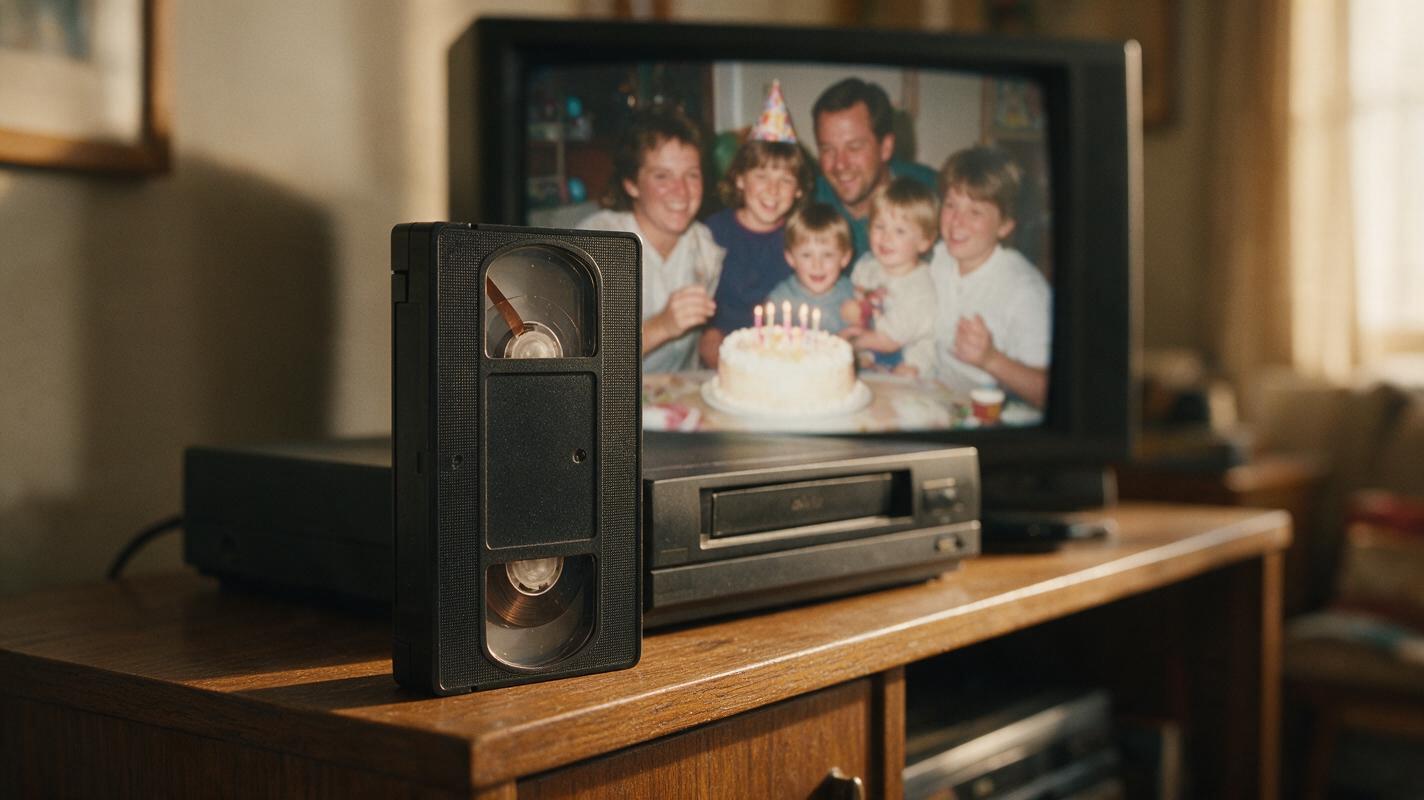
Enhance VHS Videos With AI Without Erasing Their Original Look
Learn how to restore digitized family VHS footage with conservative denoising, deinterlacing, color correction, and AI upscaling. This workflow prioritizes recognizable faces and authentic analog texture over aggressive, artificial-looking detail.

How to Keep Two AI Video Characters Distinct in Dialogue Scenes
Reverse shots can make two AI-generated characters trade faces, clothing, or screen positions. This tutorial shows how to build separate references, stage a two-person conversation, and check each cut without losing either character’s identity.