Blog
Discover the latest from MagicBoat
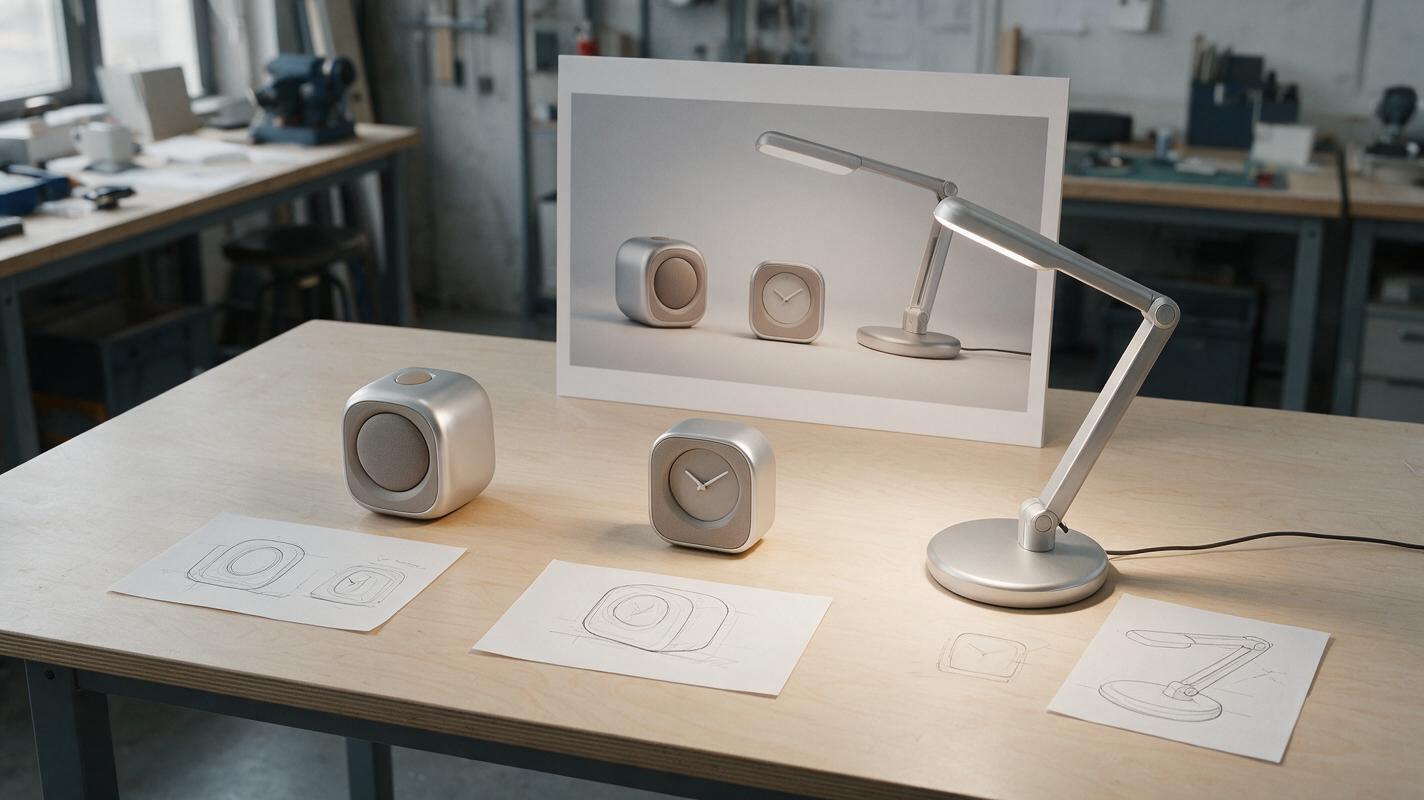
AI Product Family Renders That Look Related Without Looking Identical
A product family needs recognizable design DNA, but an AI-generated lineup can easily turn distinct devices into near-clones. This guide uses a desk speaker, clock, and task lamp to show how to define shared cues, protect each product’s function, and assemble a credible family presentation.
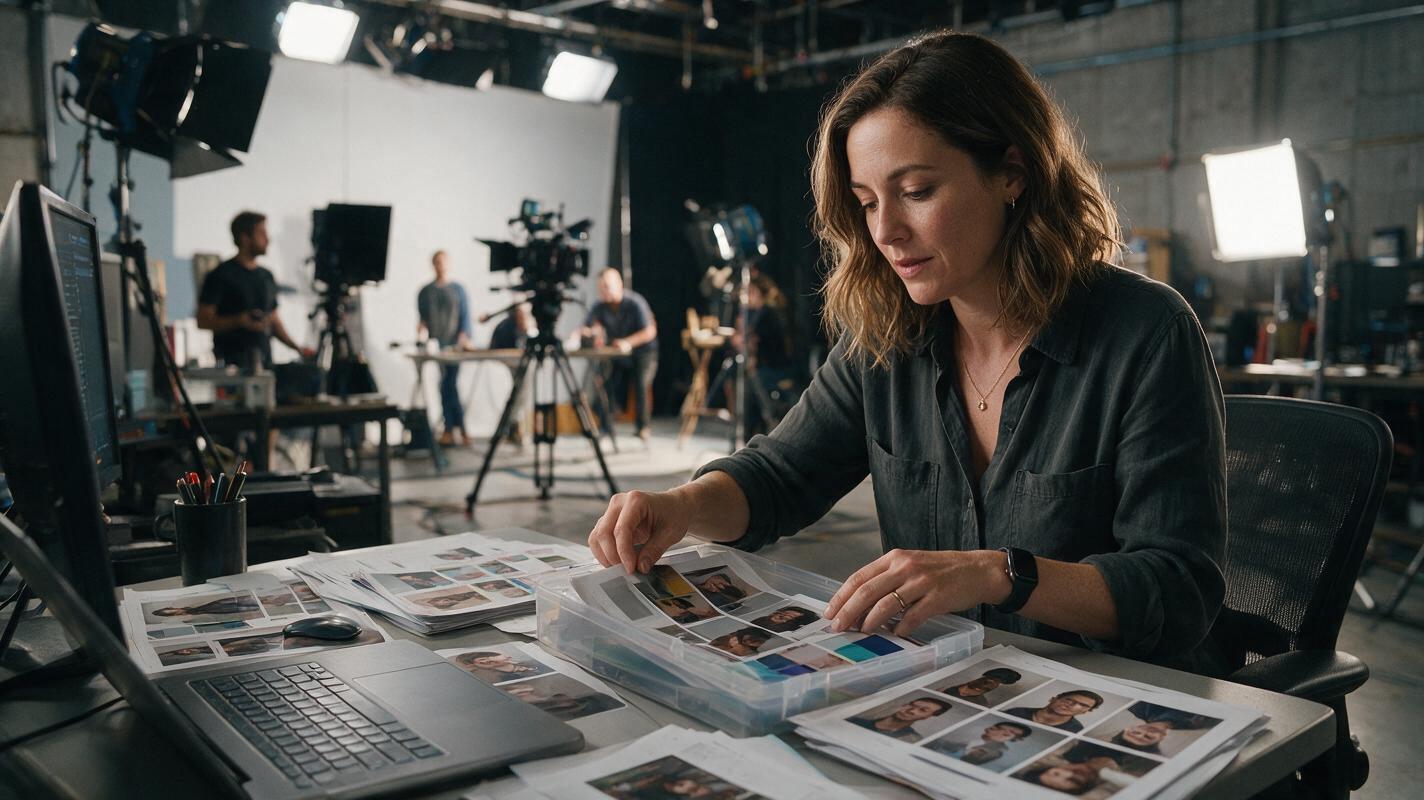
How to Build a Master Reference Pack for AI Video Character Consistency
A master character reference pack locks in facial features, style, and identity across every AI video generation mode, eliminating face drift and style inconsistency without rework. This tutorial walks you through building a 4-asset reference pack and deploying it across text-to-video, image-to-video, and motion-transfer workflows in Seedance and Kling. You’ll get reusable prompt templates, model-specific settings, and a face-swap fallback for any residual drift.
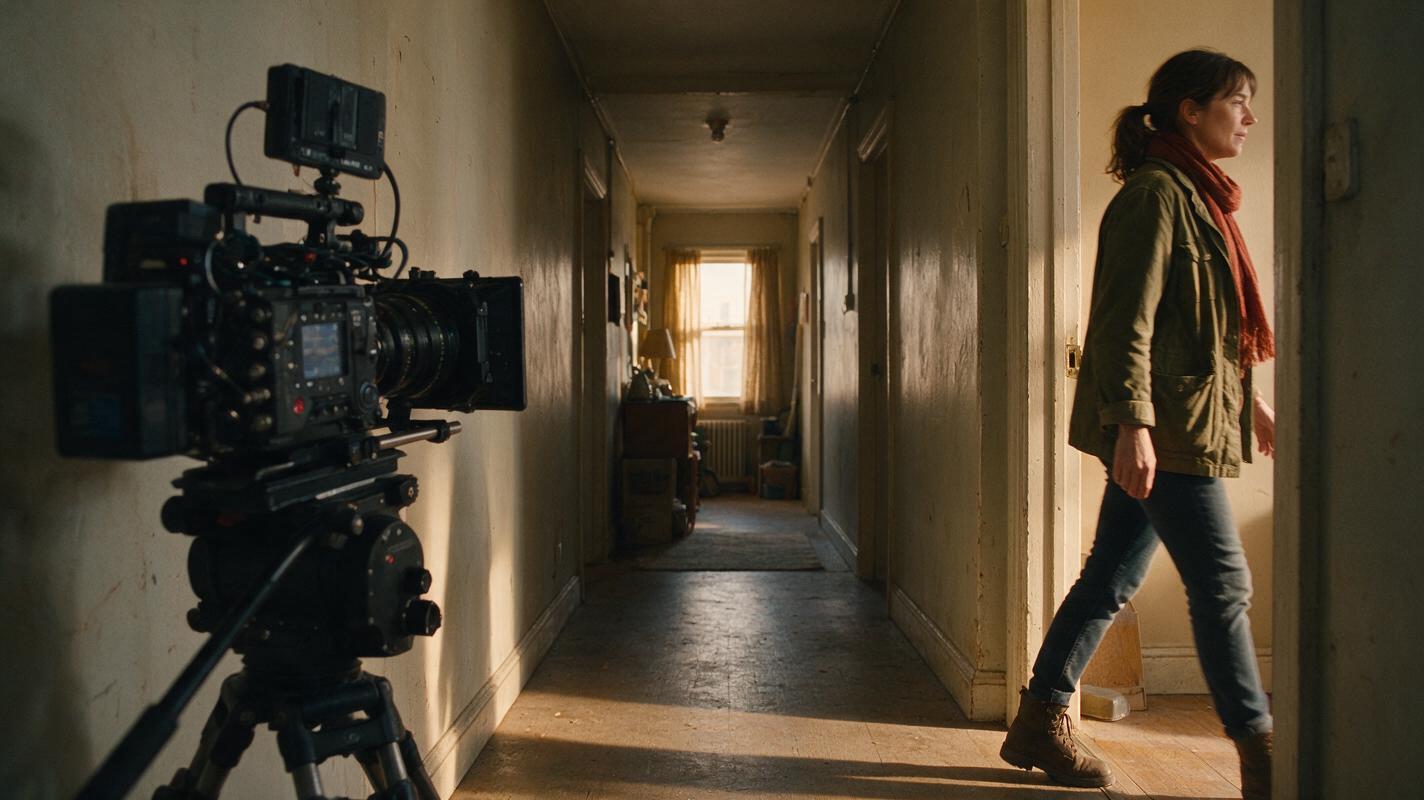
How to Make AI Characters Enter and Exit the Frame Cleanly
Create clean character entrances and exits by treating each crossing as a short, reference-first shot rather than asking one generation to handle an entire scene. Build a profile-safe identity sheet, place the character near the correct frame edge, describe one directional action, and cut only after the body has fully cleared the image.
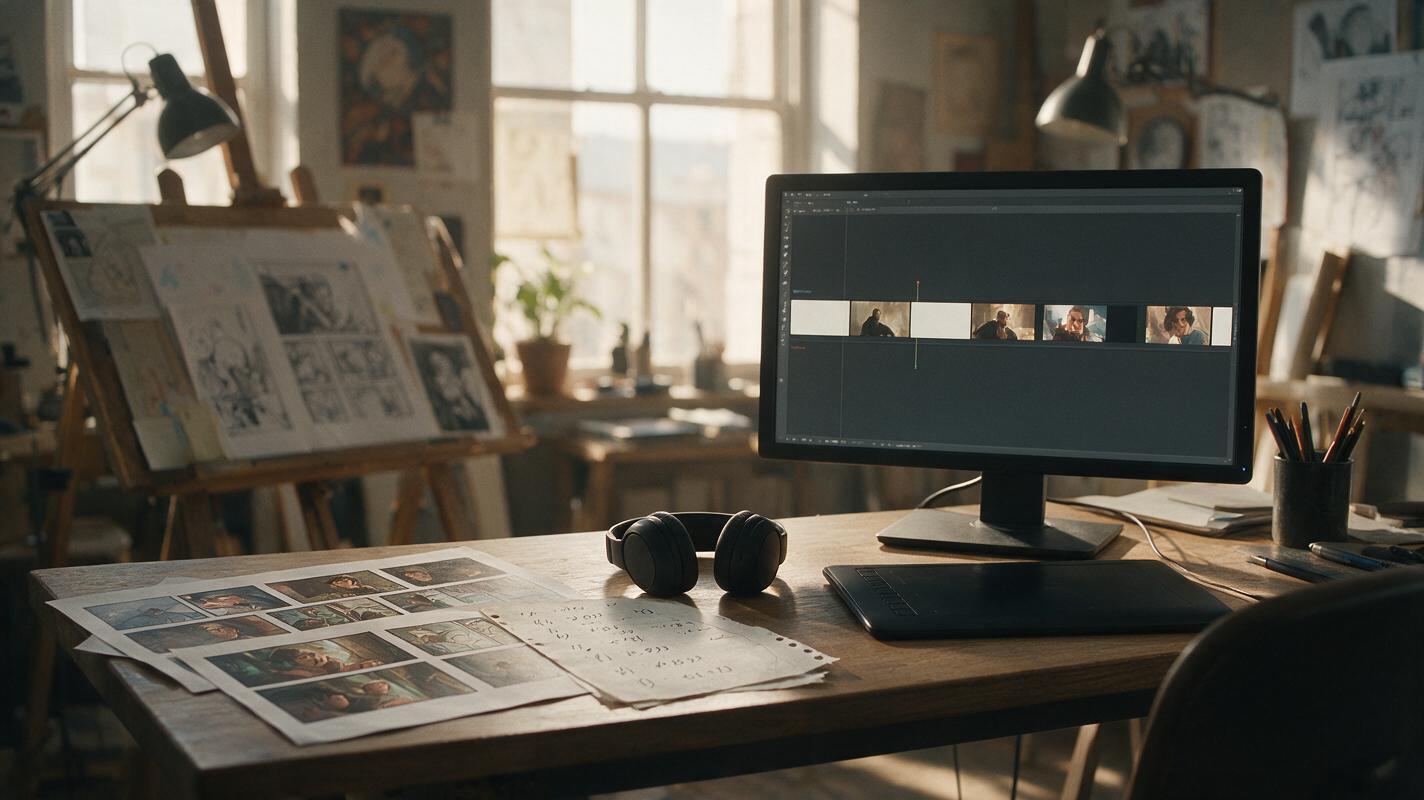
AI Storyboard to Animatic with Seedance: Fix Pacing Before Production
Turn illustrated storyboard panels into a timing-focused animatic without over-animating every shot. This workflow uses editorial holds, selective Seedance motion, clean audio cues, and continuity checks to reveal pacing problems before full production begins.

Flux Prompts for Retargeting Ads That Reduce Cart Abandonment
Generic retargeting ads that repeat the same product shot fail to address the specific reasons visitors abandon their carts, leading to fast ad fatigue and dropping conversion rates. This collection of Flux prompts generates objection-specific retargeting ad creatives tailored to common drop-off triggers like price concerns, shipping doubts, and size uncertainty, while keeping product and branding consistent. Each prompt includes built-in guardrails for ad compliance and creative testing best practices.
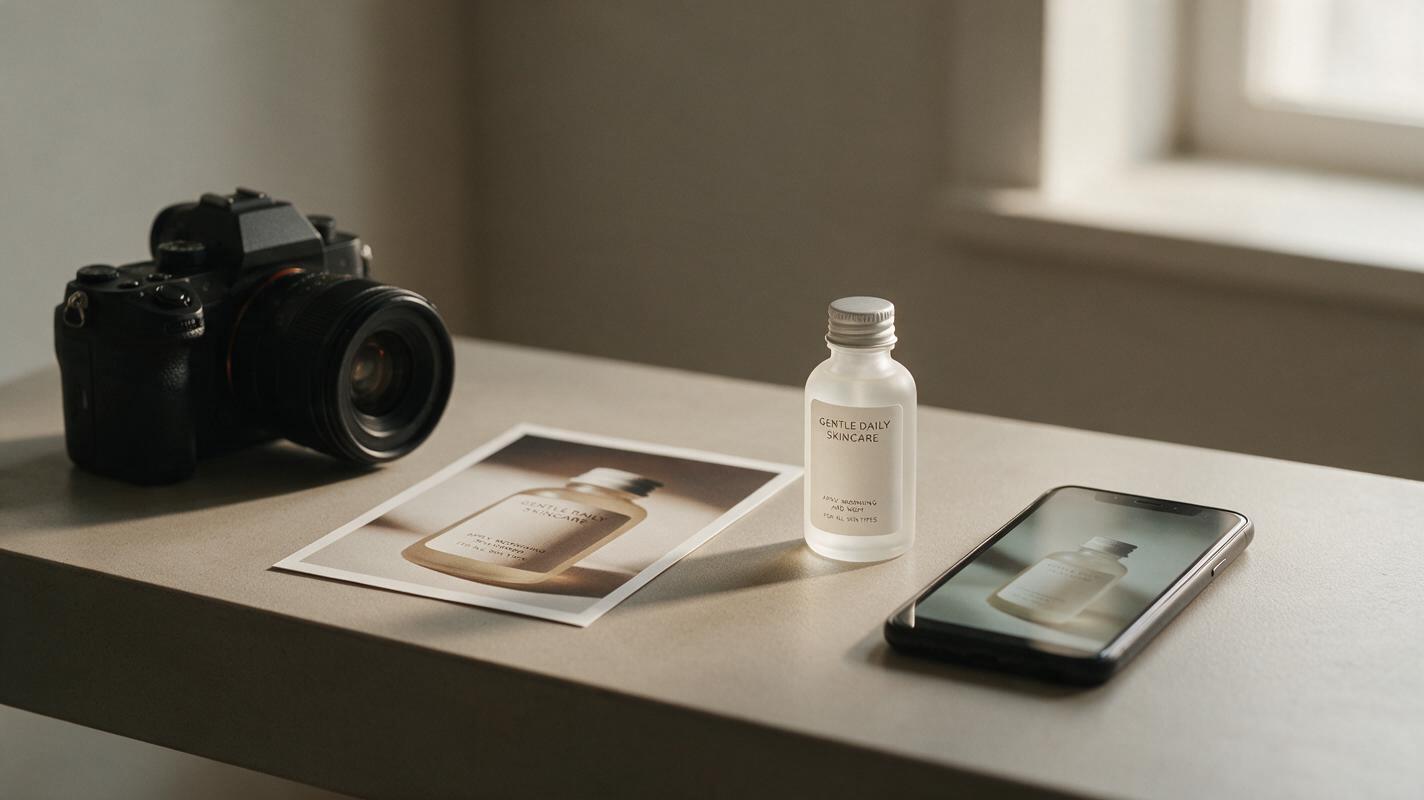
Why AI Upscaling Changes Your Product Label—and What to Do Instead
AI upscaling can make a small product photo look sharper while quietly changing the words, symbols, or design on its packaging. This guide helps marketplace sellers identify that risk, capture a better source image, and use AI for the surrounding scene without treating invented detail as product evidence.
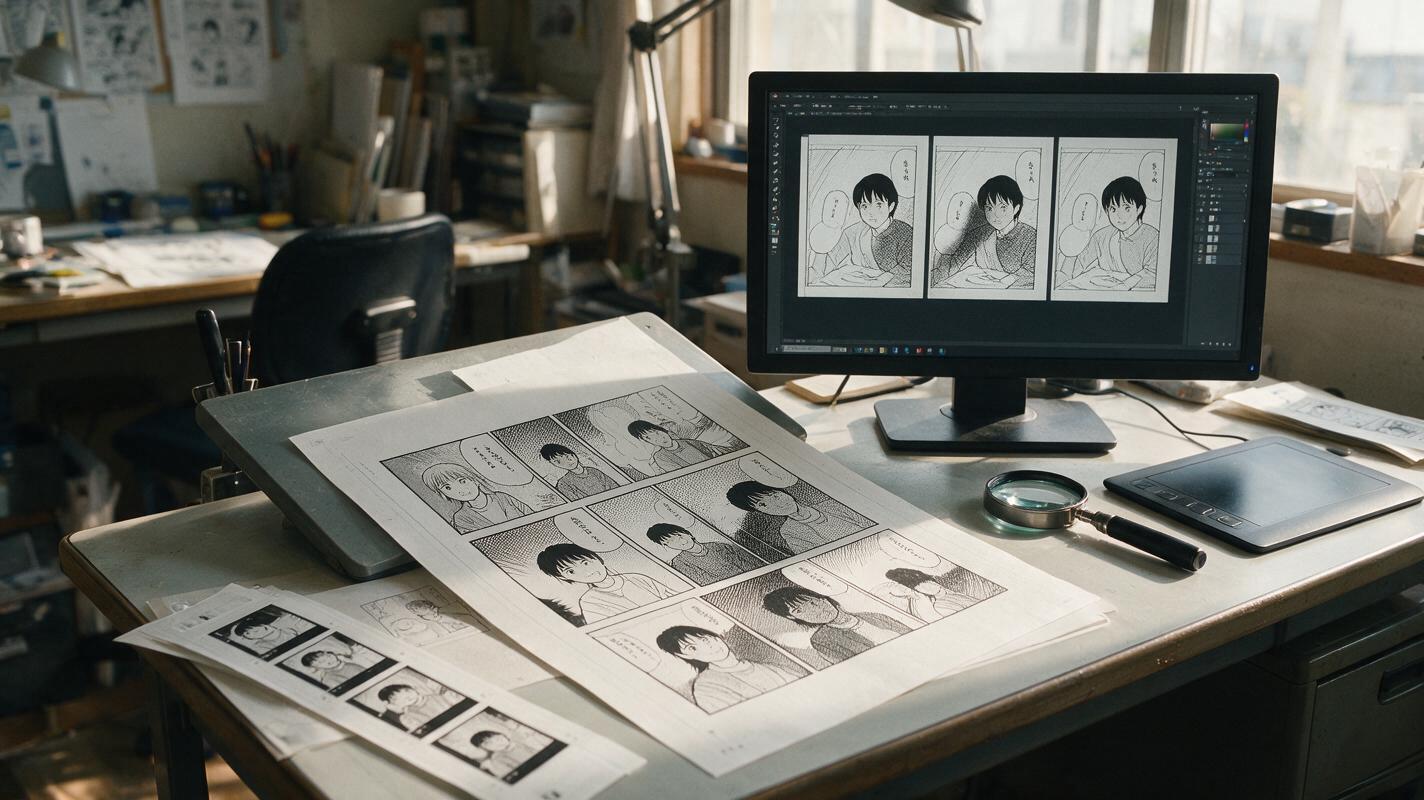
Why Manga Screentones Flicker in AI Animation—and How to Fix It
Manga screentones often shimmer, crawl, or dissolve when a still panel is animated because the video model interprets dense dot patterns as moving texture. This guide shows how to prepare tone layers, constrain Kling motion, and restore stable manga shading without making the shot feel frozen.
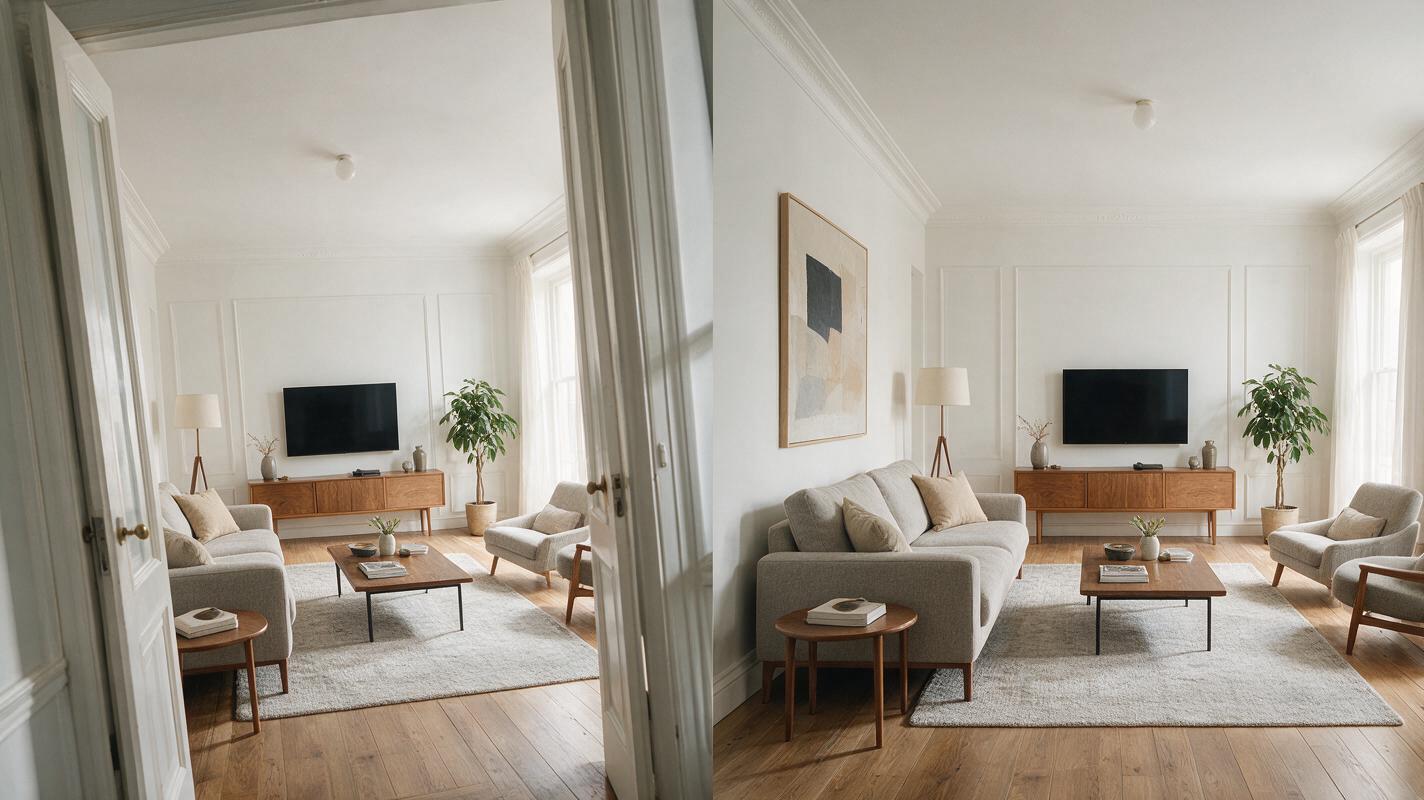
Fix Crooked Walls in Listing Photos With Nano Banana Pro
Learn how to correct converging verticals and wide-angle perspective distortion in real estate photos without making rooms appear larger than they are. This preservation-first Nano Banana Pro workflow includes practical prompts, inspection points, and safeguards for accurate listing images.
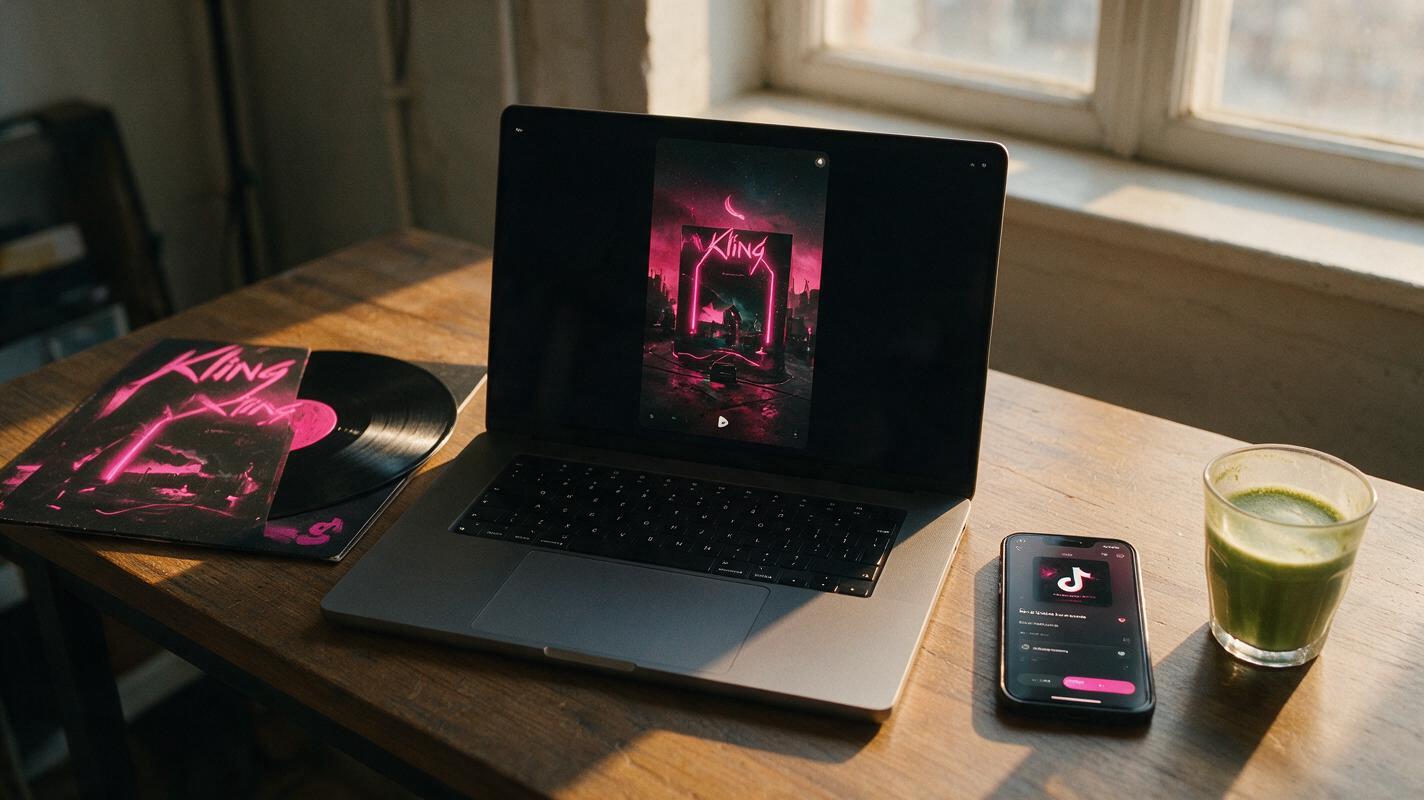
Turn Album Cover Art Into Cinematic Reveal Clips With Kling
Independent music artists and MV creators can use Kling to turn static album cover art into 10-15 second cinematic reveal clips optimized for short-form pre-save campaigns. This guide covers cover prep, a reusable prompt structure, settings tuning, and troubleshooting for common issues like text distortion and jerky camera motion. The resulting clips pull viewers into the cover’s visual world and end with a clear, readable title card to drive engagement.
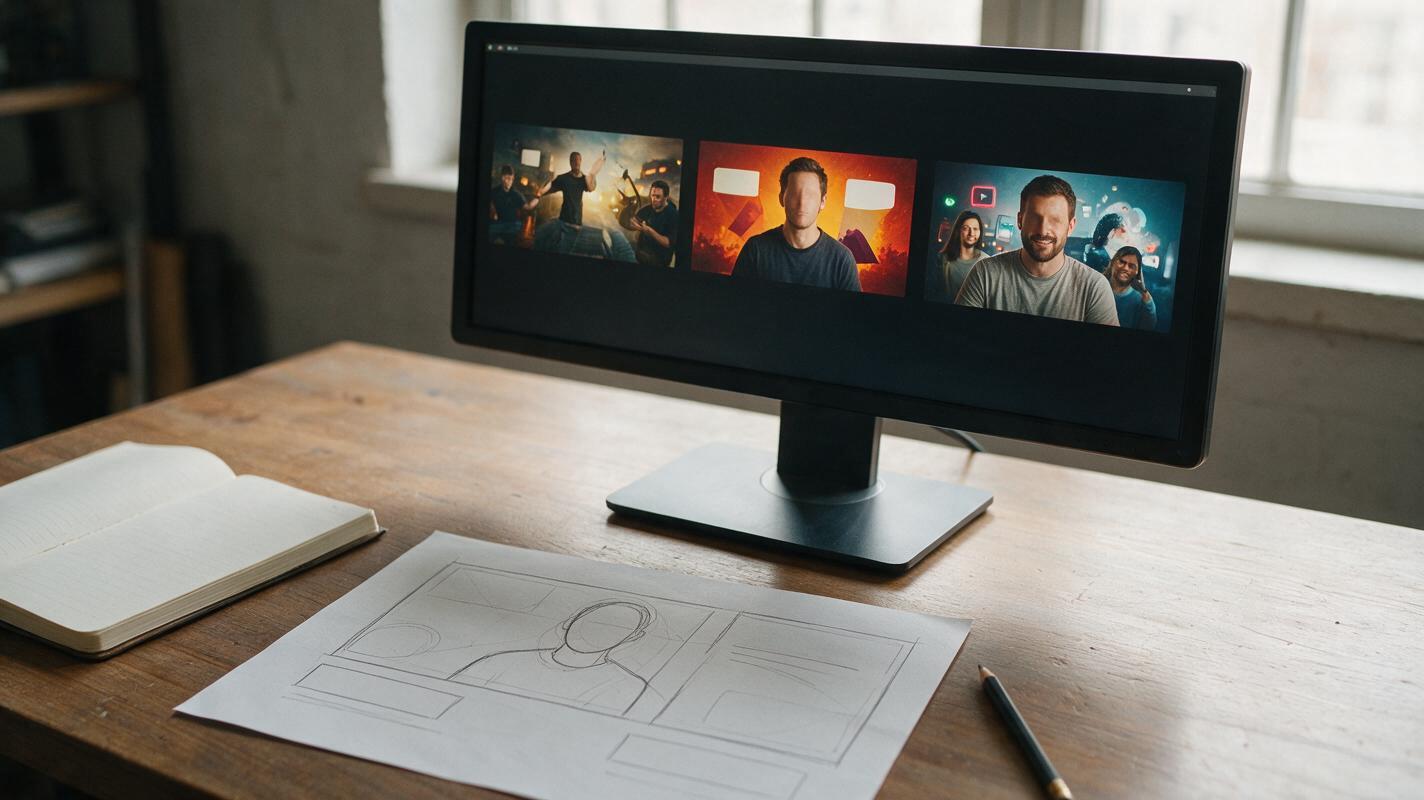
Seedream 4.5 Prompts for Faceless YouTube Thumbnail Backgrounds
Create faceless YouTube thumbnail backgrounds with Seedream 4.5 while keeping a clear subject and room for an editor-added headline. Includes reusable prompts for mystery, explainer, and transformation videos, plus a small-preview test for choosing the strongest result.

Hailuo Prompts for Hazard-Spotting Training Videos
Learn how to animate hazard-spotting scenarios with Hailuo without changing the hazards, revealing answers too early, or introducing distracting motion. This practical workflow covers source-image design, reusable prompts, clip review, accessibility, and troubleshooting for workplace and classroom training.
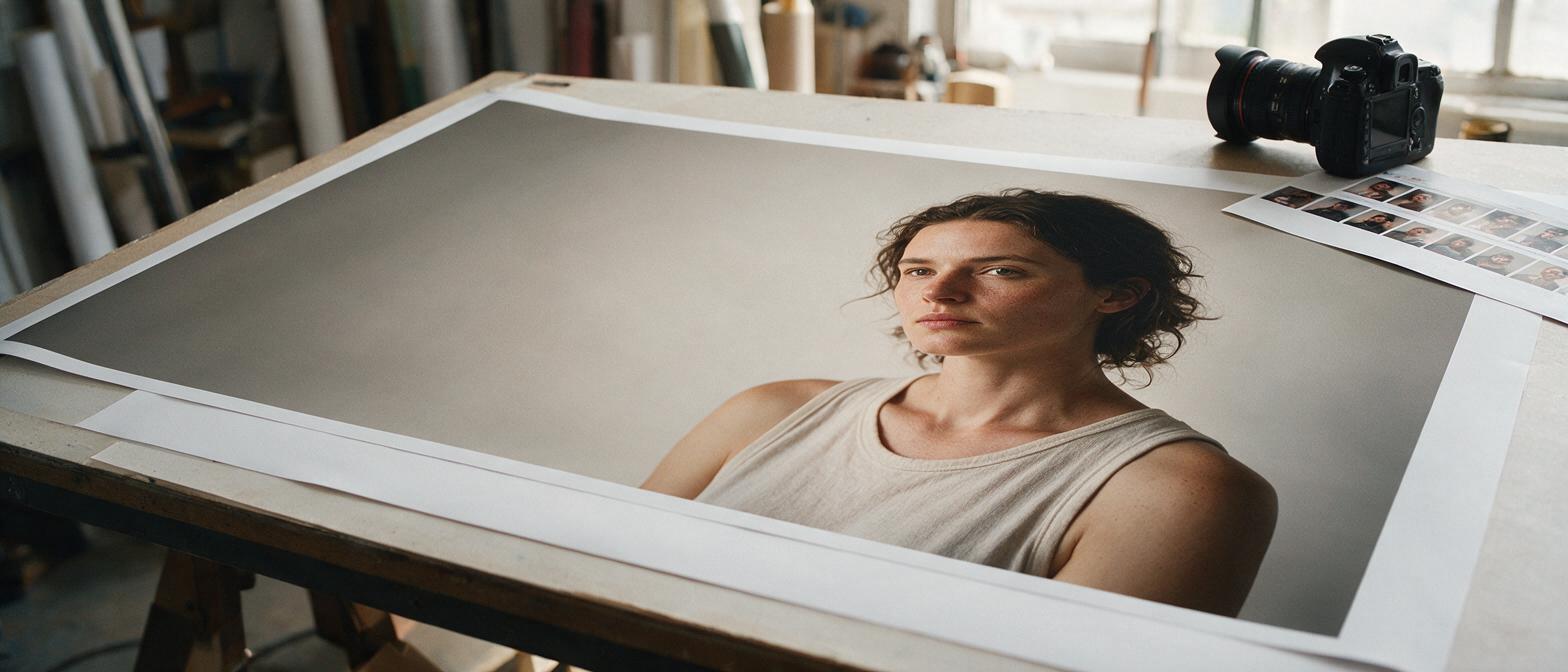
Extend a Vertical Portrait Into a Wide Banner With Seedream 4.5
A vertical portrait can become a wide website banner without stretching the person or sacrificing headline space. This guide shows photographers how to prepare the canvas, generate only the missing surroundings with Seedream 4.5, and reject edits that alter the original photograph.