Blog
Discover the latest from MagicBoat

Why AI 360 Packaging Spins Warp Brand Marks (and 3 Fixes With PixVerse)
AI 360-degree packaging spins are a fast way to bring static renders to life for e-commerce and social media, but most warp logos, text, and box structure. This article explains why these distortions happen and shares three actionable fixes using PixVerse, from source prep to reference-locked prompting and hybrid compositing, for brand and packaging designers.
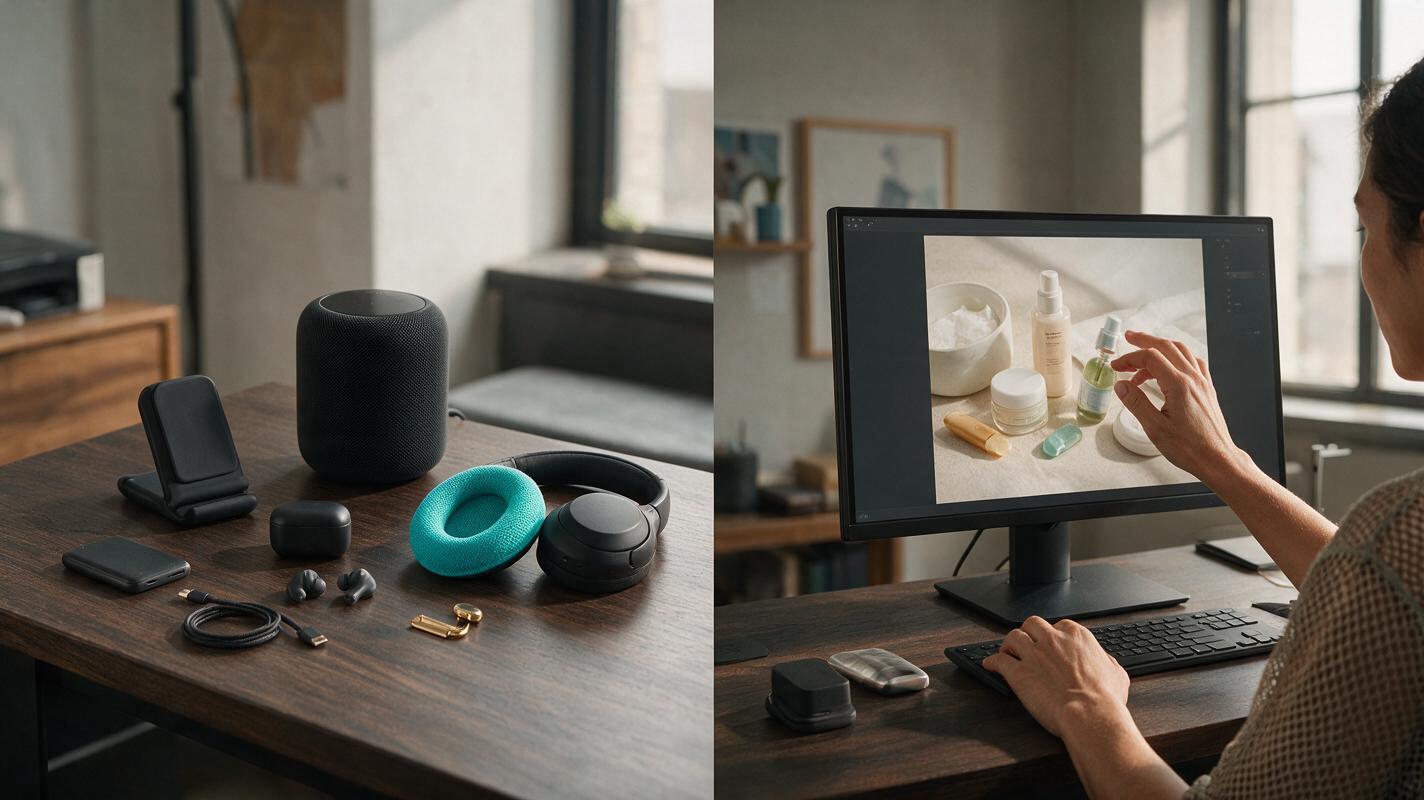
Kling vs Veo: Which Makes Better 15-Second Product Demo Ads?
This head-to-head comparison evaluates Kling and Veo AI video generators specifically for 15-second performance product demo ads, using six marketing-focused criteria tied directly to conversion and ad performance. It includes a side-by-side scorecard, optimized prompt templates for each model, and clear use case recommendations for performance marketers. Teams can use these findings to choose the right tool for their campaign goals, from e-commerce conversion ads to brand-focused lifestyle demos.

Single Product Photo to a Shopify Video Loop Without Product Drift
A single product photo can anchor a short Shopify video loop, but direct animation may change labels, buttons, or other details. This guide uses a stationary product layer and restrained background motion to make a useful product-page visual without presenting generated movement as a real demonstration.
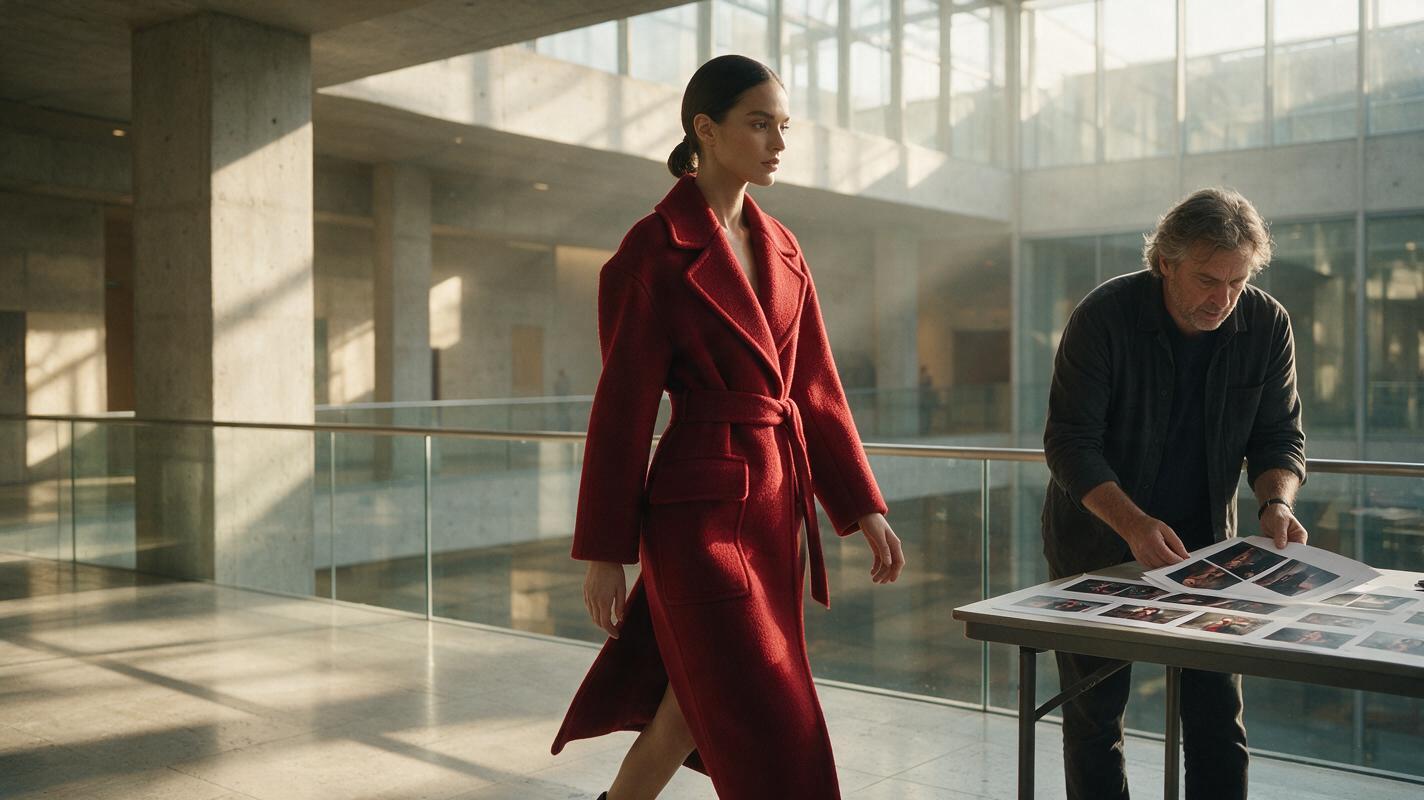
Sora Alternatives for Fashion Films: 6 AI Video Tools Compared
This guide compares six Sora alternatives for fashion films, editorial campaigns, and lookbook motion tests. It focuses on garment movement, reference-image preservation, camera control, workflow flexibility, and practical pricing structures.

How to Generate Matching Interior Listing Views With Luma AI
Sparse listing photo sets reduce tour engagement and force agents to choose between costly reshoots and thin galleries. This tutorial teaches real estate marketers to use Luma AI to generate architecturally consistent alternate interior views from a single base photo, with reusable prompts, calibration tips, and quality checks to ensure finishes and layout match the original property.
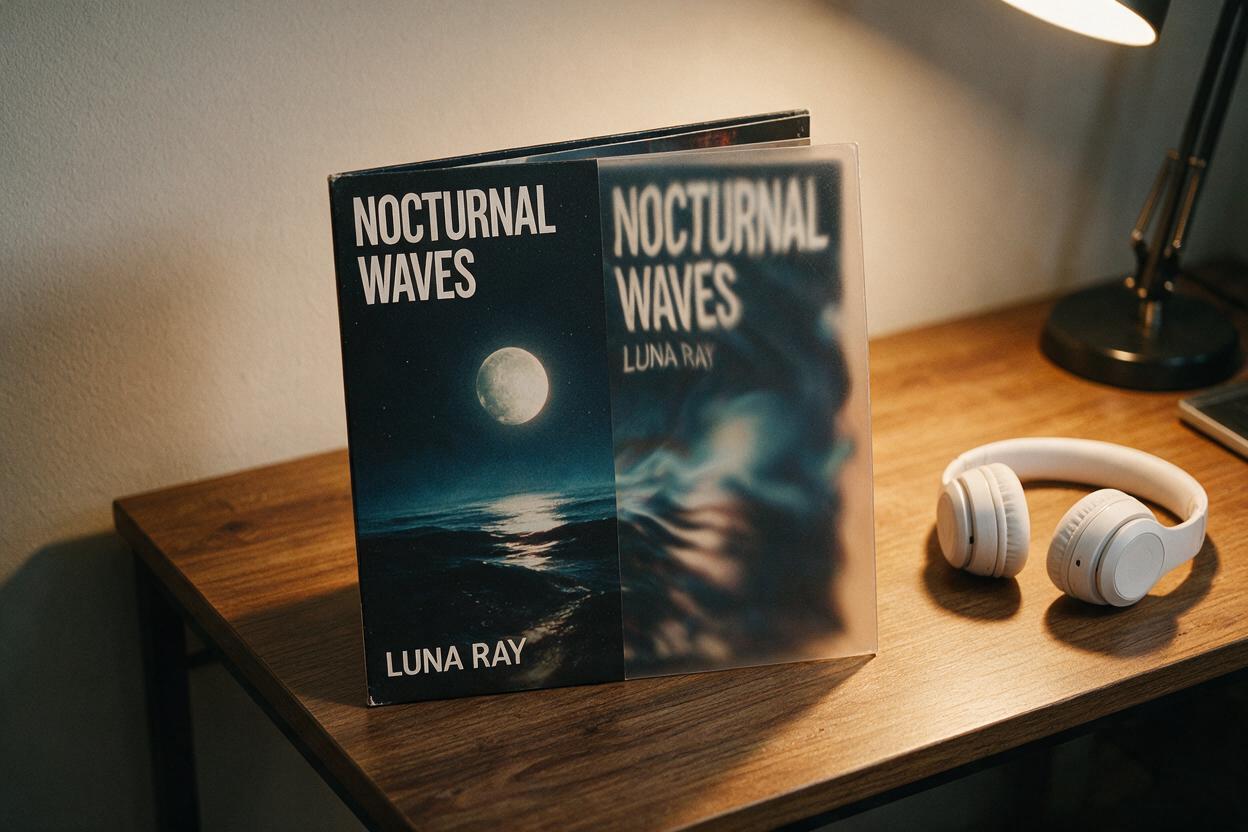
Why AI Album Cover Animations Ruin Text Readability (and 4 Fixes That Work)
AI-powered album cover animations often distort, blur, or erase critical text like artist names and album titles, ruining promo assets for social media and streaming platforms. This troubleshooting guide breaks down why text drift happens in image-to-video animations and shares four actionable fixes using PixVerse to keep your cover’s typography sharp and readable through every frame.
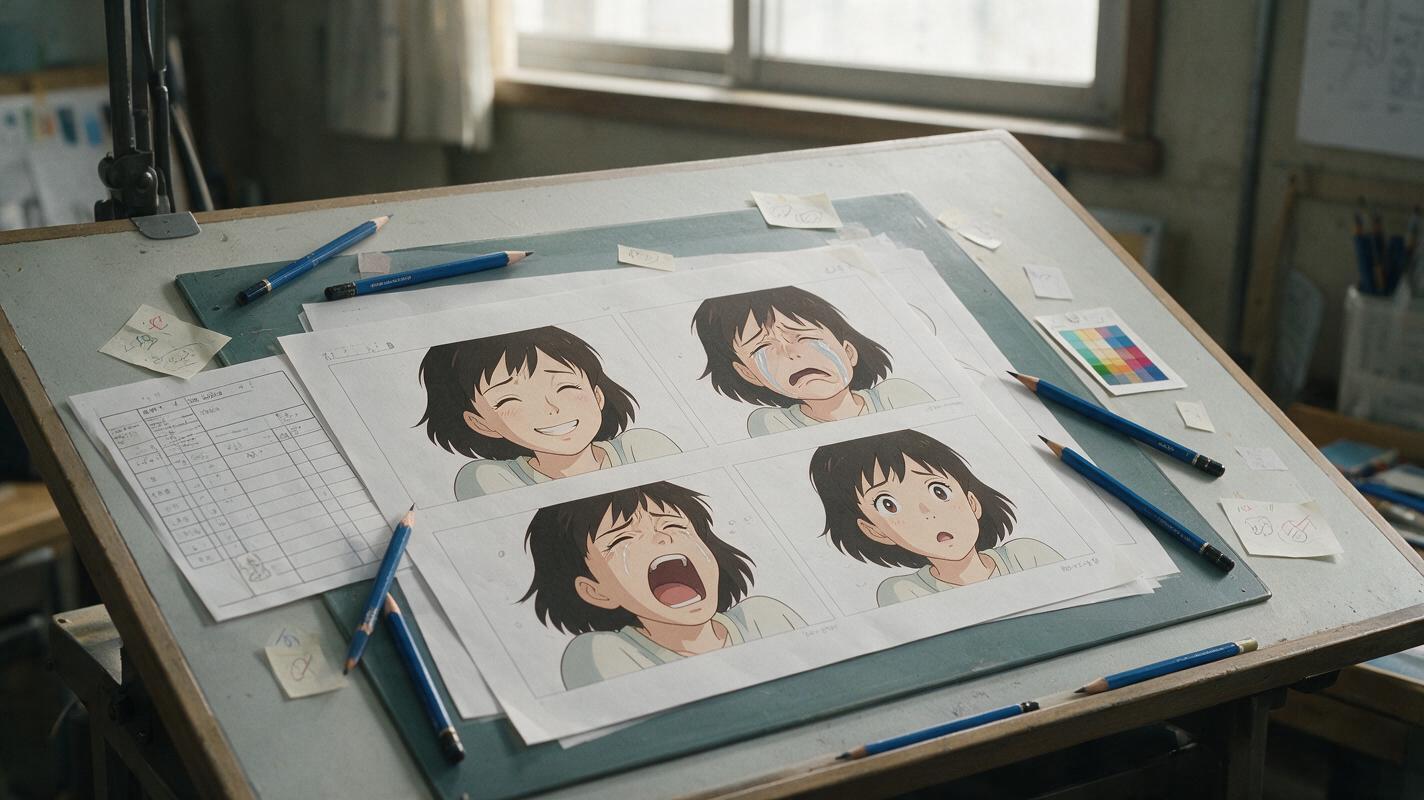
AI Anime Expression Sheet Prompts That Keep Faces Consistent
Create an anime character expression sheet without changing the face, hairstyle, costume, or drawing style between cells. This guide provides a reference-first Nano Banana Pro workflow, reusable prompts, and practical checks for catching identity drift.
AI Music Prompts for Classroom Memory Songs With Clear Lyrics
Create short classroom memory songs that keep essential vocabulary audible instead of hiding it beneath dense music. This practical prompt framework covers lyric structure, arrangement choices, pronunciation checks, instrumental versions, and classroom-ready exports.

Vidu Prompts for Loopable B-Roll in Faceless YouTube Videos
A short background clip can distract viewers when it visibly jumps back to the beginning. These Vidu prompts keep the camera and composition steady, give moving details a path back toward their starting position, and show how to check and hide a stubborn loop seam in the edit.

Seedream 4.5 Prompts for Holiday Portrait Backdrops Without Fake People
Create holiday portrait backdrops without asking AI to recreate a client’s face. These Seedream 4.5 prompts generate empty scenes designed to match a real portrait’s lighting, perspective, and crop.

Make Videos in One Click: AI Shortcuts for Fast Social Content
One-click AI video generation promises fast content creation — but it only works well for specific use cases. This guide breaks down what one-click tools actually deliver, which prompt formulas get reliable results, and when you need a more hands-on workflow.

How to Keep the Same AI Video Character After a Haircut
A haircut changes one of the strongest visual cues in an AI-generated scene, making a character’s face easier to lose at the cut. This tutorial uses paired character sheets, a matched post-haircut reference, and a cut-point check to preserve identity while making the hairstyle change unmistakable.