Blog
Discover the latest from MagicBoat
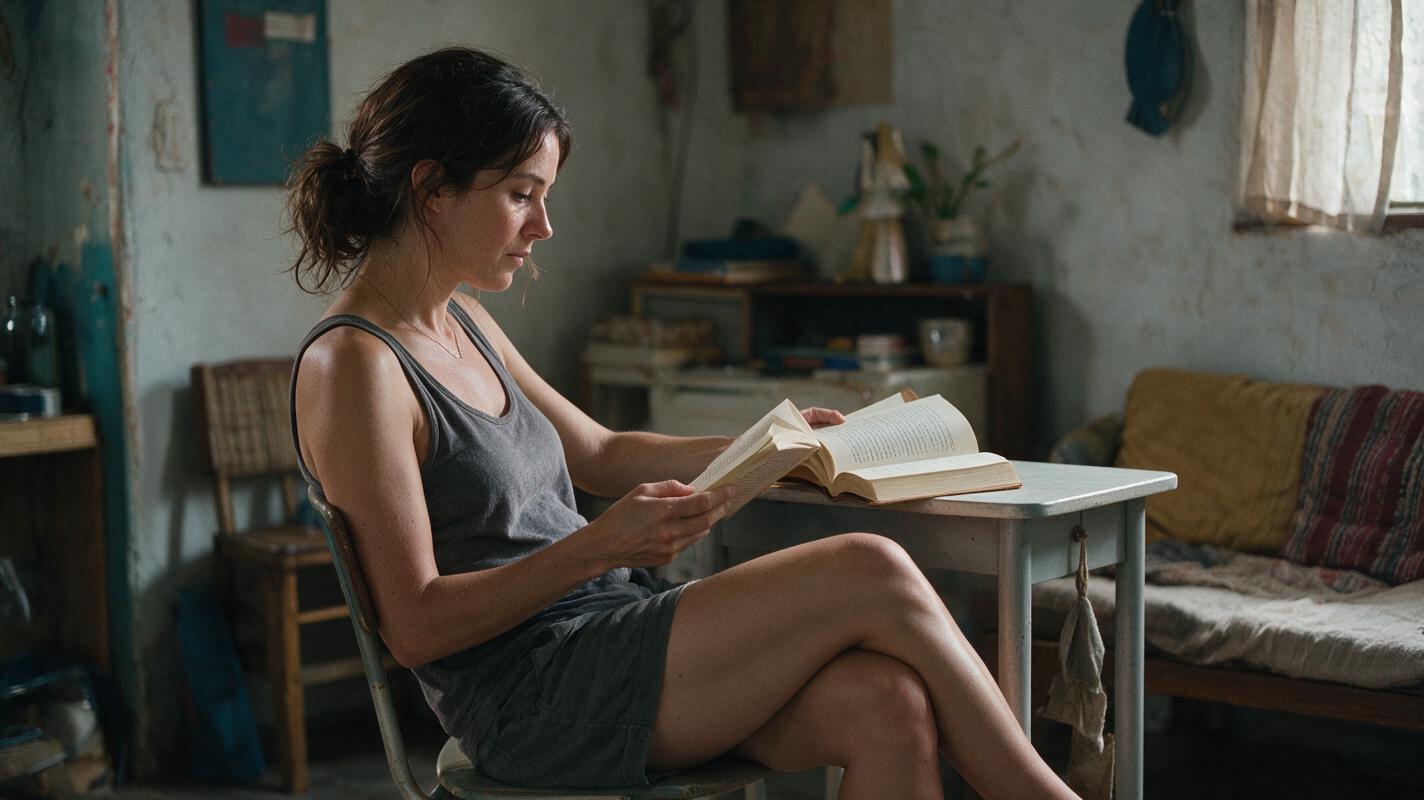
Video to Anime: Turn Live-Action Footage Into Stylized Clips
Learn how to convert live-action video to anime style using AI tools without losing motion or facial consistency. This guide covers a step-by-step workflow, from source footage prep to final polishing, with copyable prompts and practical tips for professional results. We also explain how to combine video-to-video AI with enhancement tools for the best output.
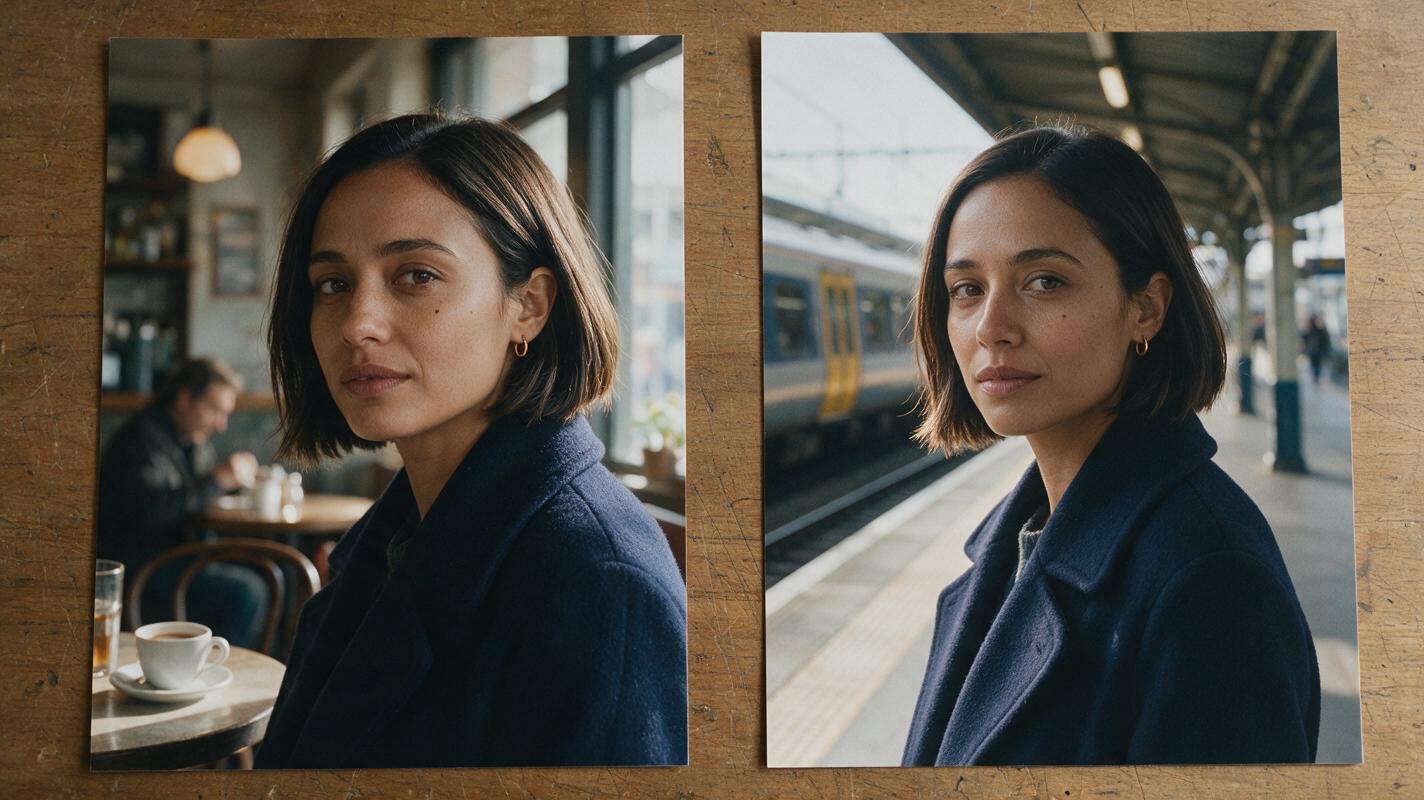
How to Keep One AI Video Character Consistent in Split-Screen Scenes
A split screen can show two moments in one character’s story, but independently generated shots may give that person two different faces. This guide uses a three-view character sheet, separate scene references, and cut-point checks to keep both halves consistent.
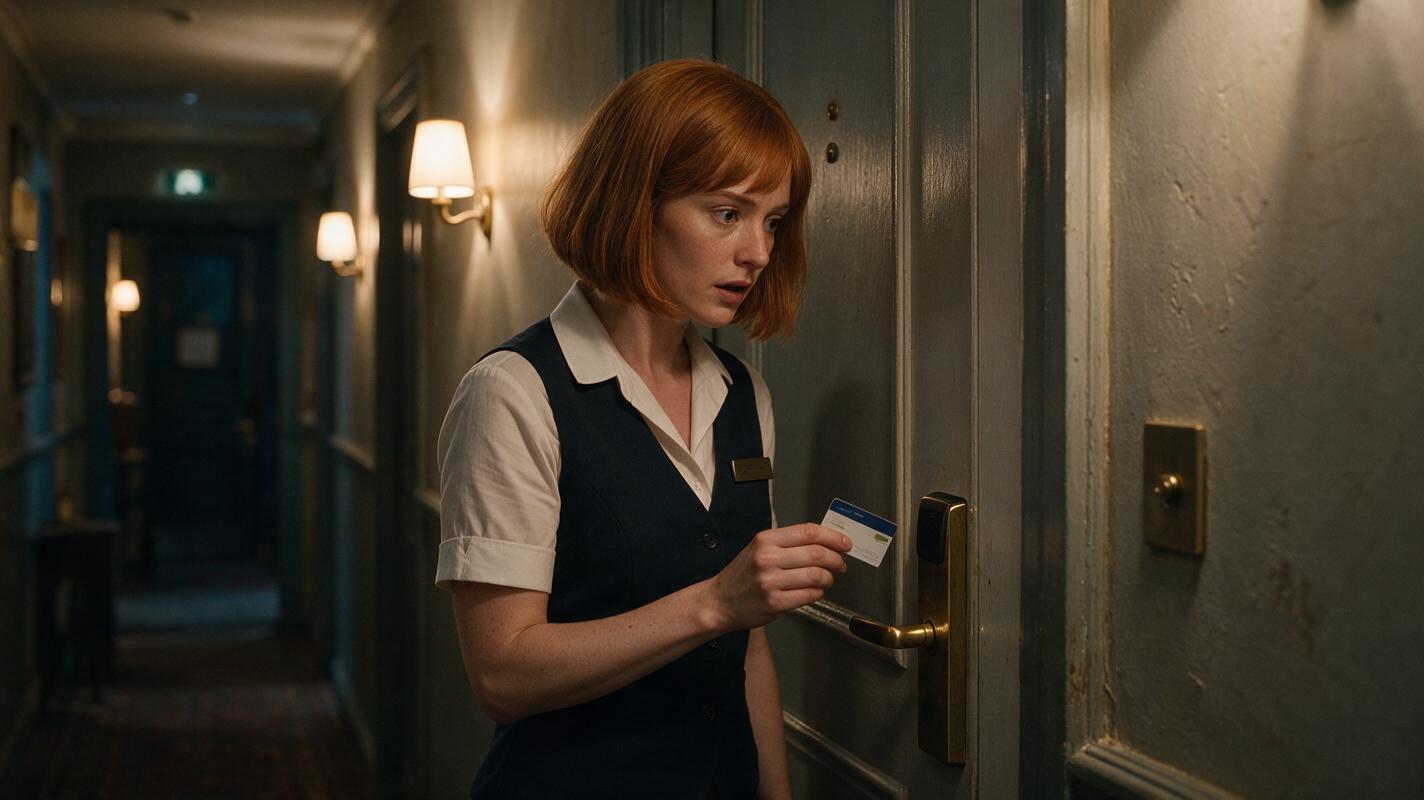
How to Direct Reaction Shots in an AI Short Drama
Reaction shots work when the audience can see a character process new information, not merely display a generic emotion. This tutorial shows how to lock identity, eyeline, setting, emotional progression, and vertical composition while generating editable reaction shots for an AI short drama.
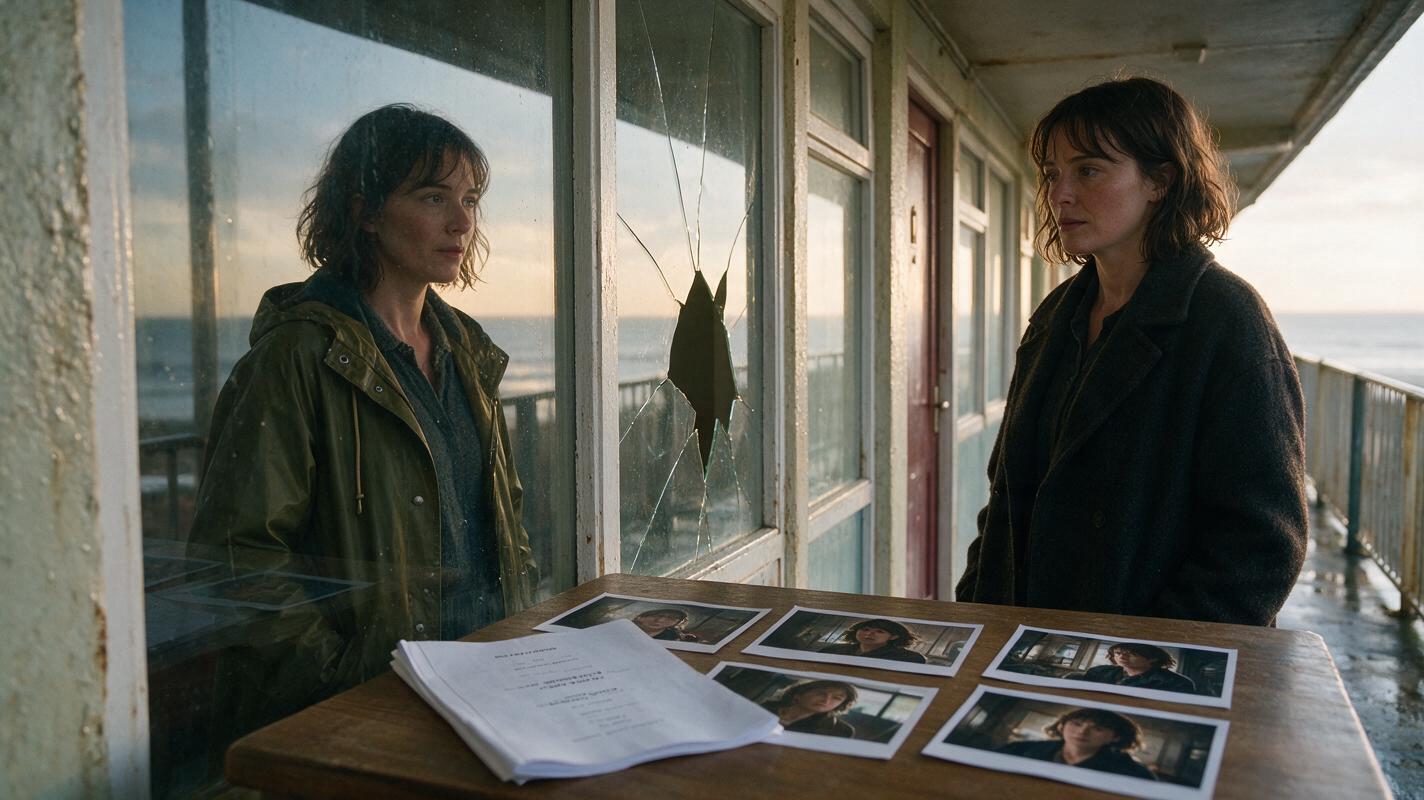
How to Direct a Nonlinear AI Short Film From One Script
A nonlinear AI film becomes manageable when every scene is planned in story time before it is arranged in screen order. This tutorial shows how to build a temporal ledger, design recognizable time states, generate continuity-safe shots, and edit a fragmented narrative without confusing the audience.
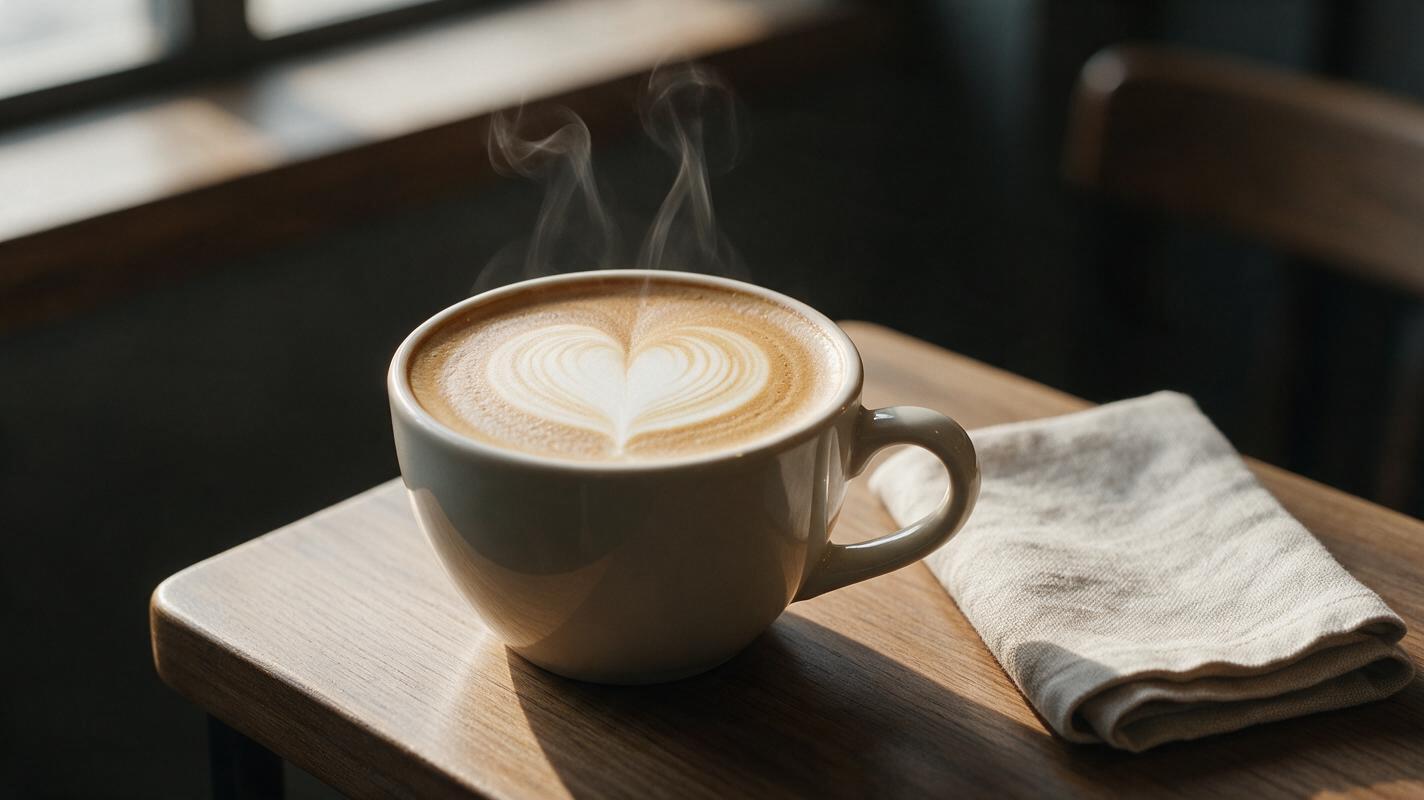
AI Coffee Steam Videos Without Smoke Clouds or Warped Latte Art
Coffee steam can make a static drink image feel freshly served, but uncontrolled AI motion often creates dark smoke, boiling foam, distorted cups or shifting latte art. This guide presents a reference-first Luma workflow for producing subtle, believable steam clips while preserving the approved drink and composition.
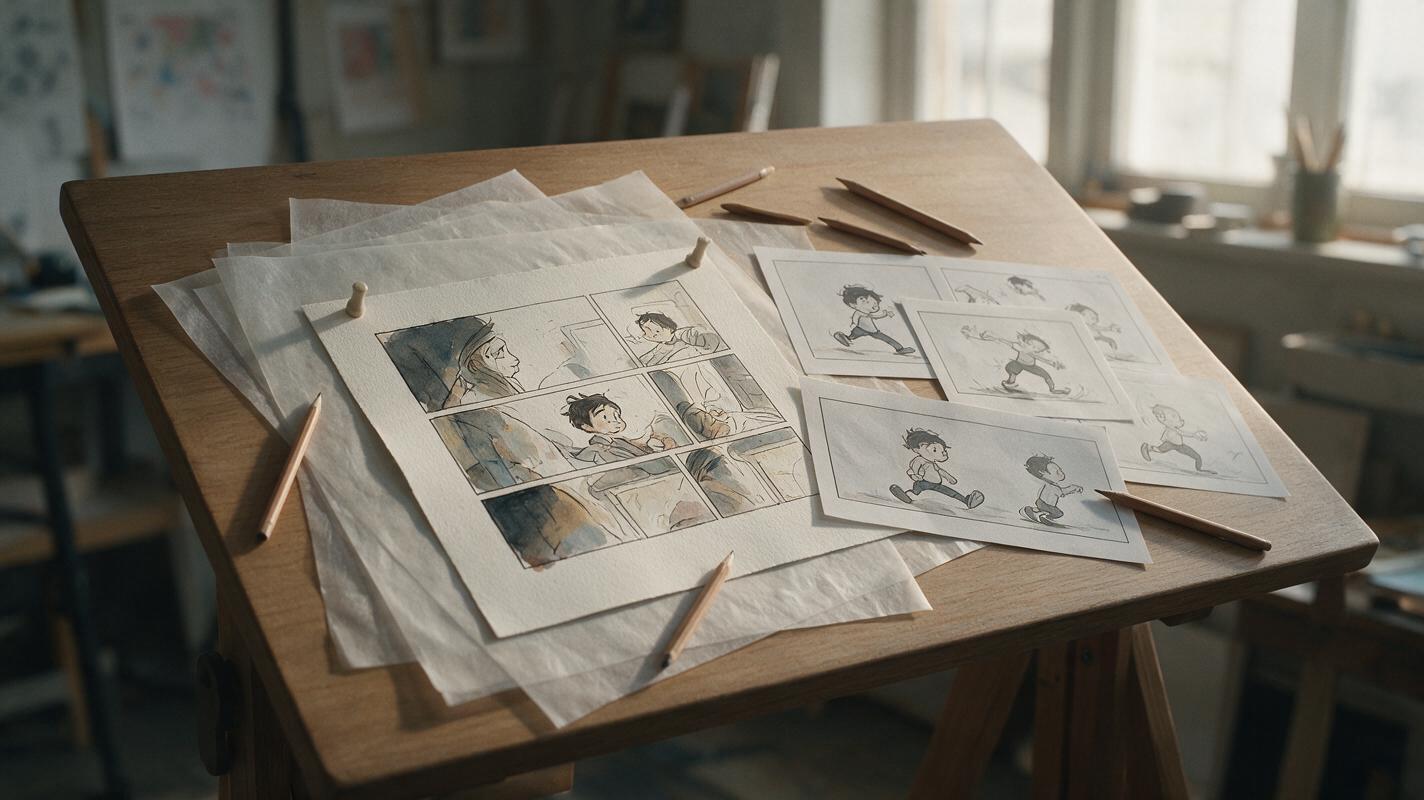
Sora Alternatives for Animating Illustrations: 6 Tools Compared
This comparison examines six Sora alternatives for animating comics, editorial art, concept frames, and other still illustrations. It focuses on line preservation, controlled motion, source-image fidelity, pricing approach, and same-prompt testing across models.
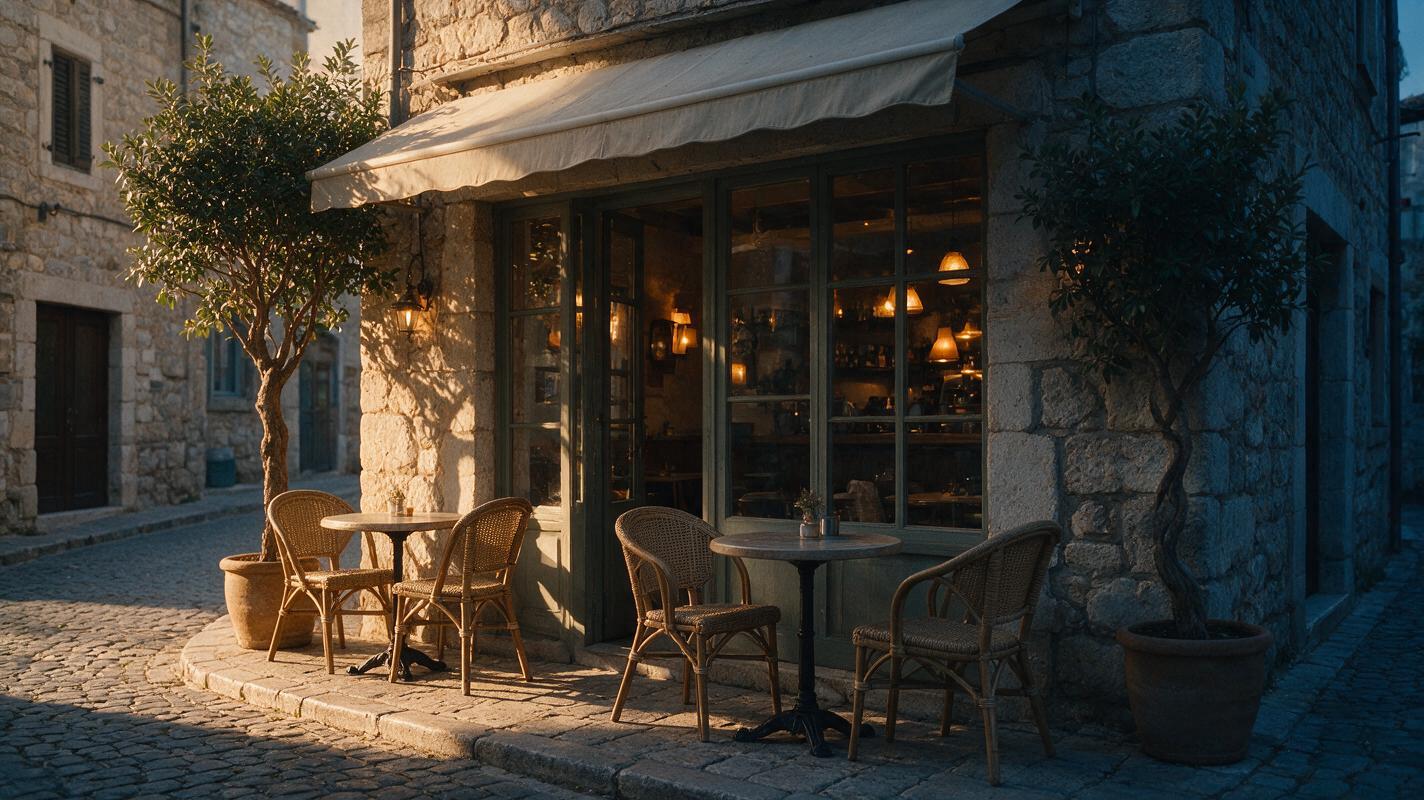
How to Create a Day-to-Night AI Video with Text to Video
Create a convincing day-to-night AI video by keeping the scene composition fixed while prompting light, sky, reflections, and practical lamps as an ordered transformation. The most reliable workflow tests a direct text-to-video prompt first, then uses a generated reference frame and image-to-video pass when structural continuity matters more than variation.
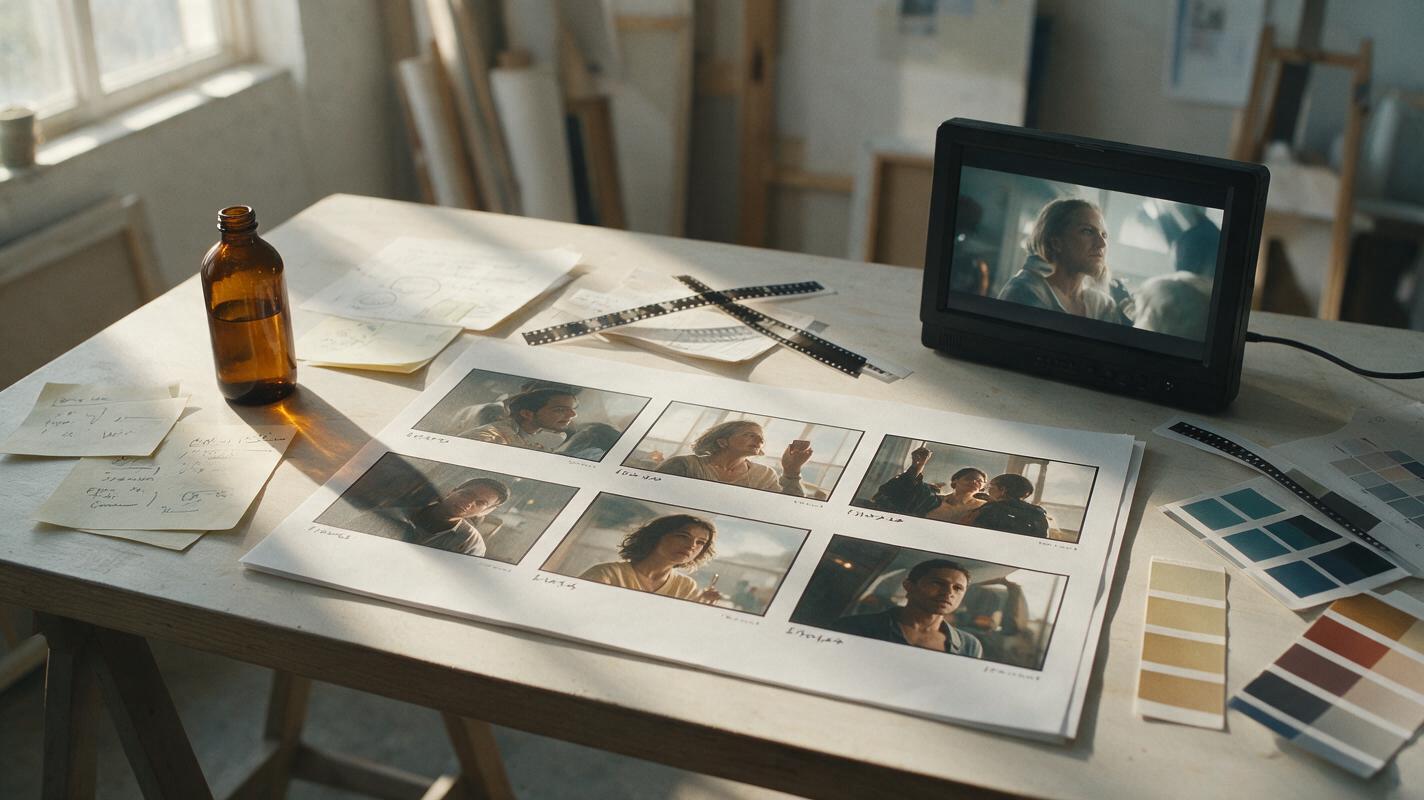
Sora Alternatives for Ad Storyboards: 6 Tools for Pitch Animatics
Sora can generate polished video, but advertising teams often need broader model choice and a faster route from reference frames to pitch-ready animatics. This comparison examines six Sora alternatives for testing shots, presenting concepts, and evaluating visual continuity before production.
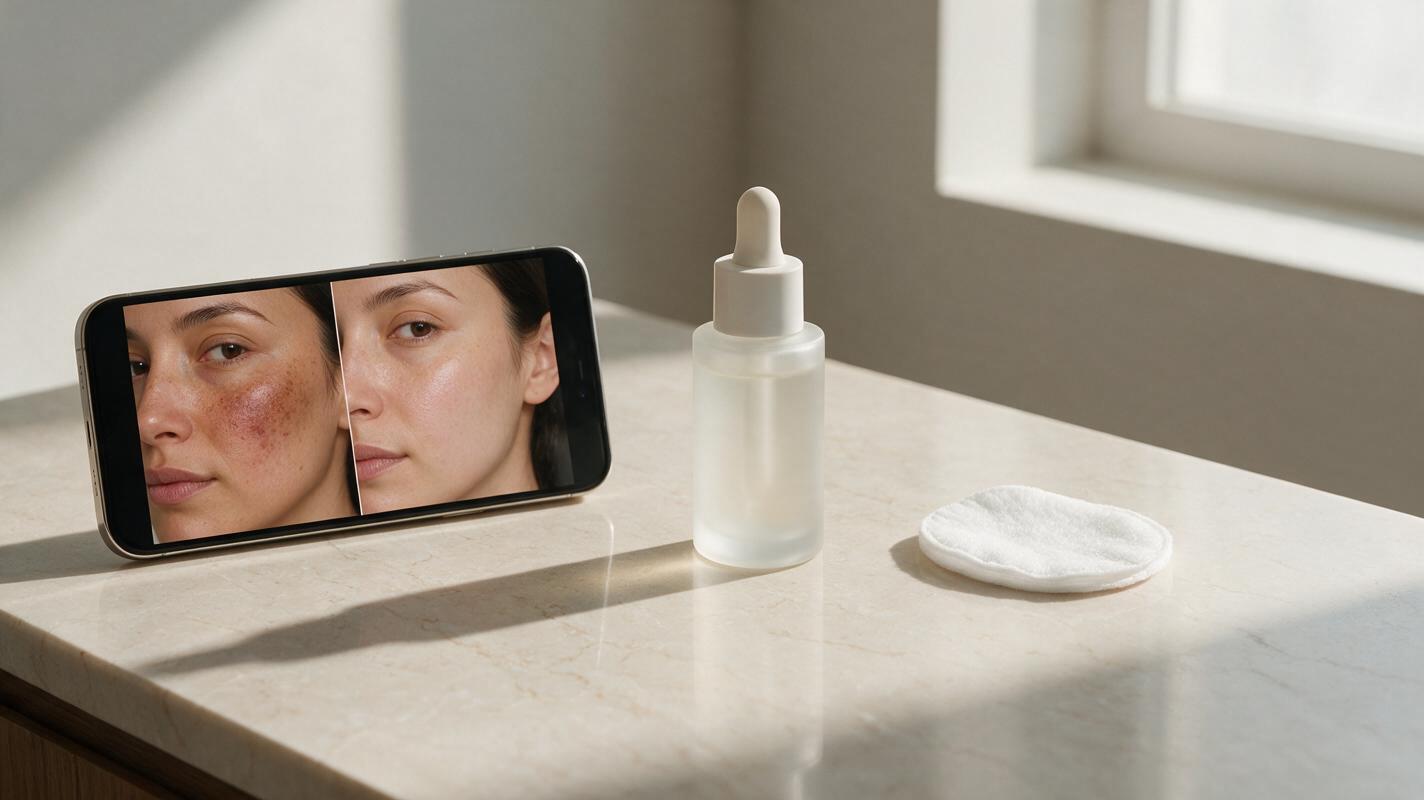
Kling Prompts for Realistic Skincare Before-After Videos (No Fake Airbrushed Skin)
This article shares reusable Kling prompt templates for creating realistic skincare before-after ad videos that preserve face identity, natural skin texture, and believable transformation pacing. It includes a 4-part prompt framework, troubleshooting fixes for common AI rendering issues like over-airbrushed skin and face drift, and reference image prep tips for brand consistency. Beauty marketers and content creators can use these prompts to generate high-converting before-after video assets without costly multi-week photoshoots.
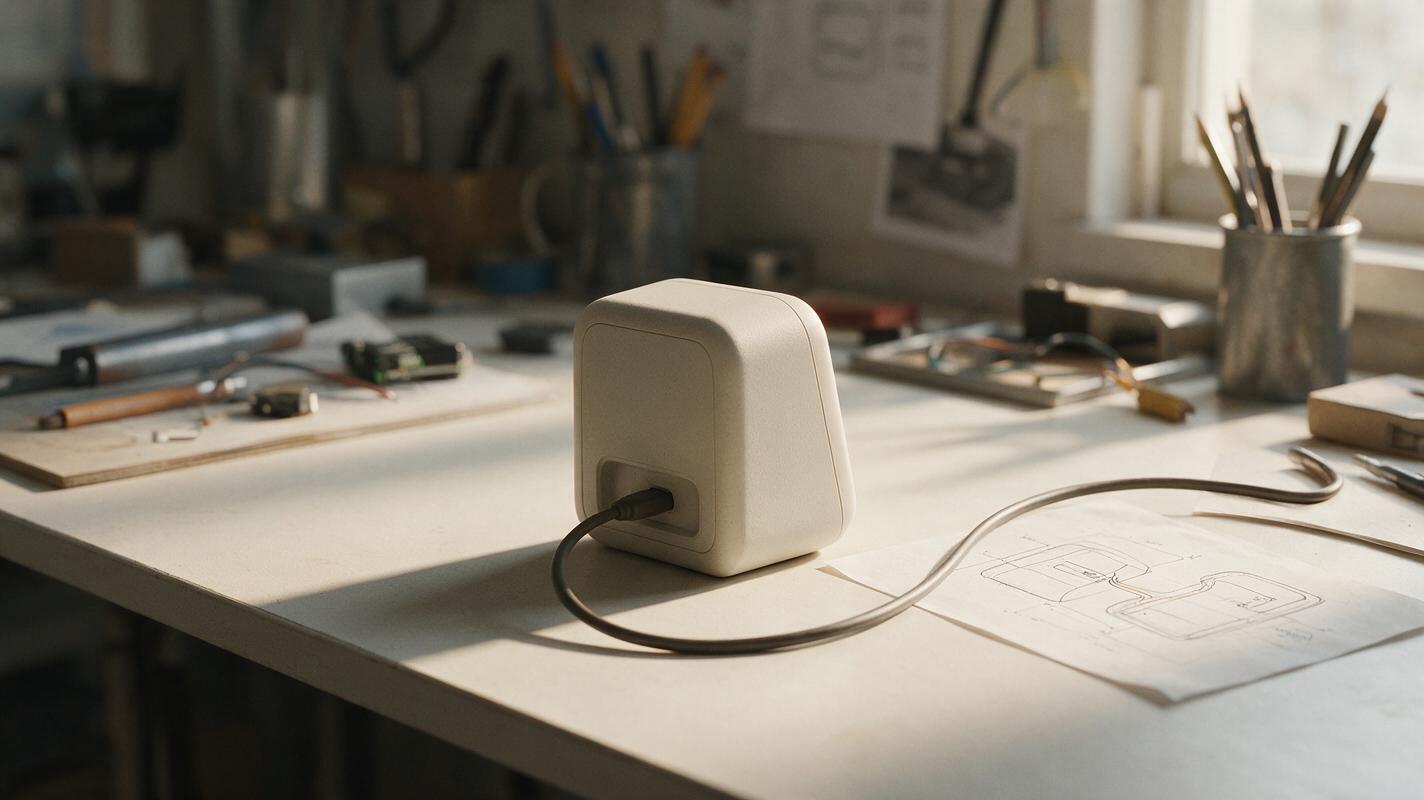
Why AI Product Renders Put Cables in the Wrong Place
A convincing hardware render can still fail if its cable appears to enter the wrong surface, bends unnaturally, or hides an unresolved connector. This guide shows product designers how to define a visible cable path, edit an approved render, and check the result without treating the image as engineering proof.
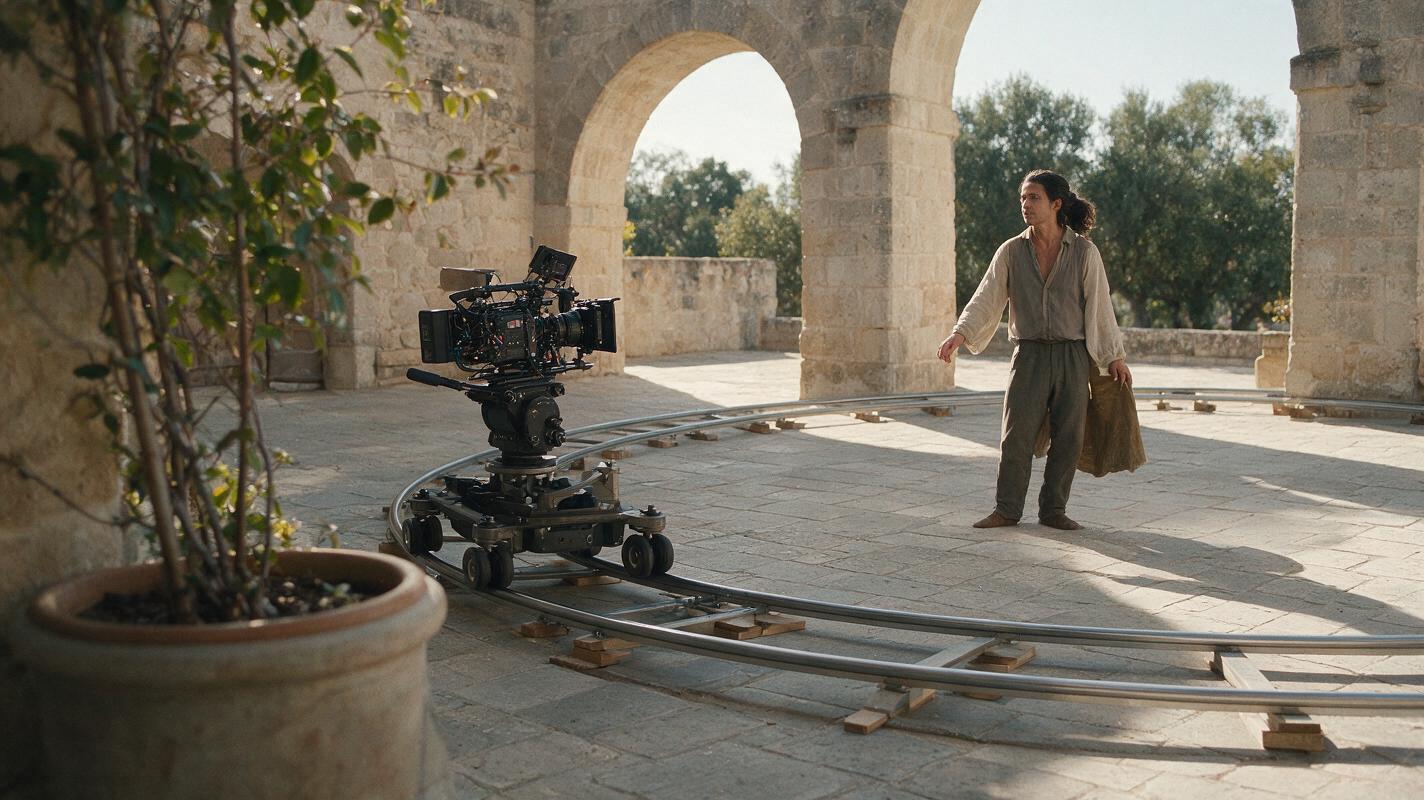
How to Create a Smooth AI Camera Orbit with Image to Video
Create a convincing AI camera orbit by starting from an orbit-ready reference image, limiting how much unseen geometry the model must invent, and testing the same controlled motion prompt in Seedance and Kling. For wider moves, generate several overlapping arcs instead of asking one clip to complete a risky 360-degree rotation.
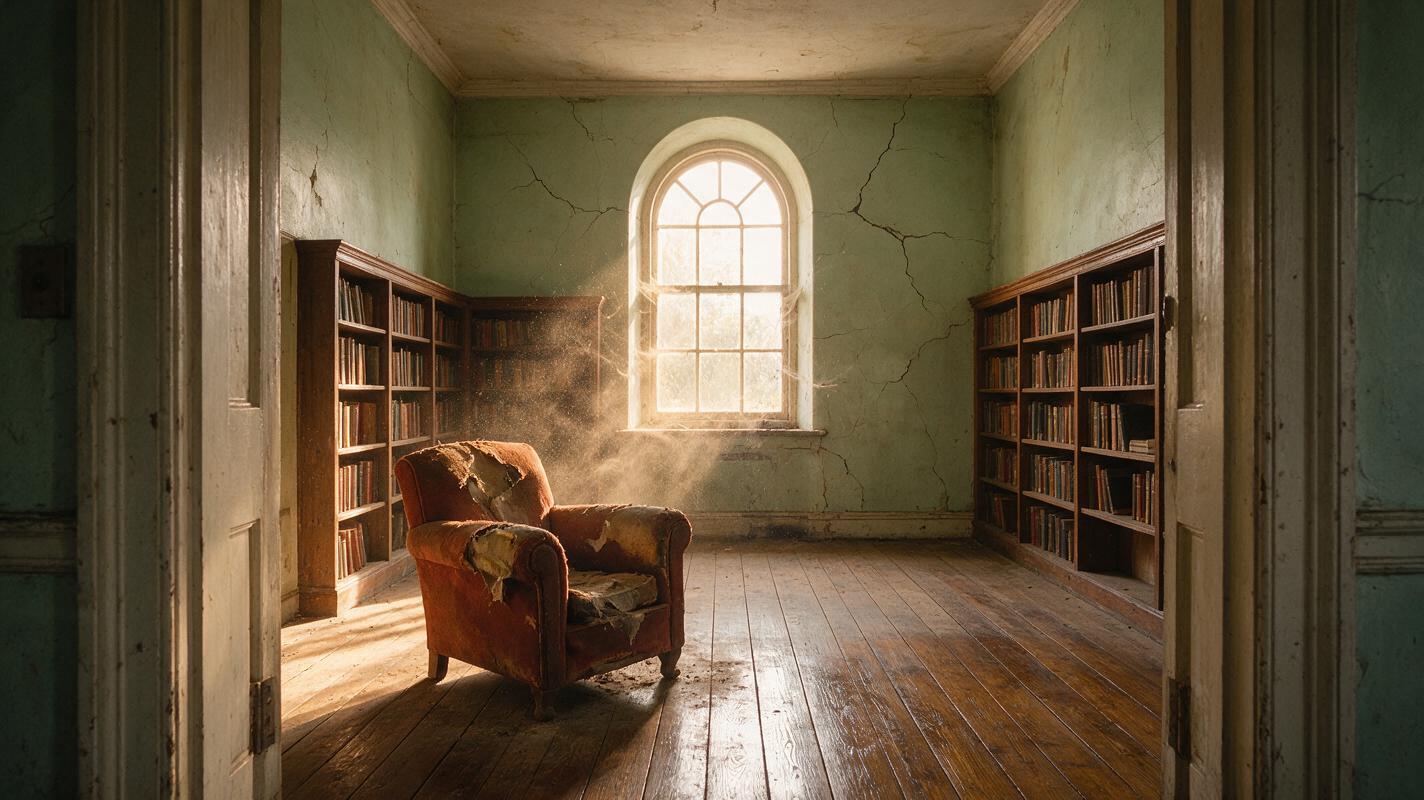
How to Create Controlled Transformation Shots With Text to Video AI
Create a readable AI transformation shot by defining exact start and end states, connecting them with a short causal sequence, and keeping the camera locked. Test the prompt in text to video first, then use reference frames and image to video when structure or composition needs tighter control.